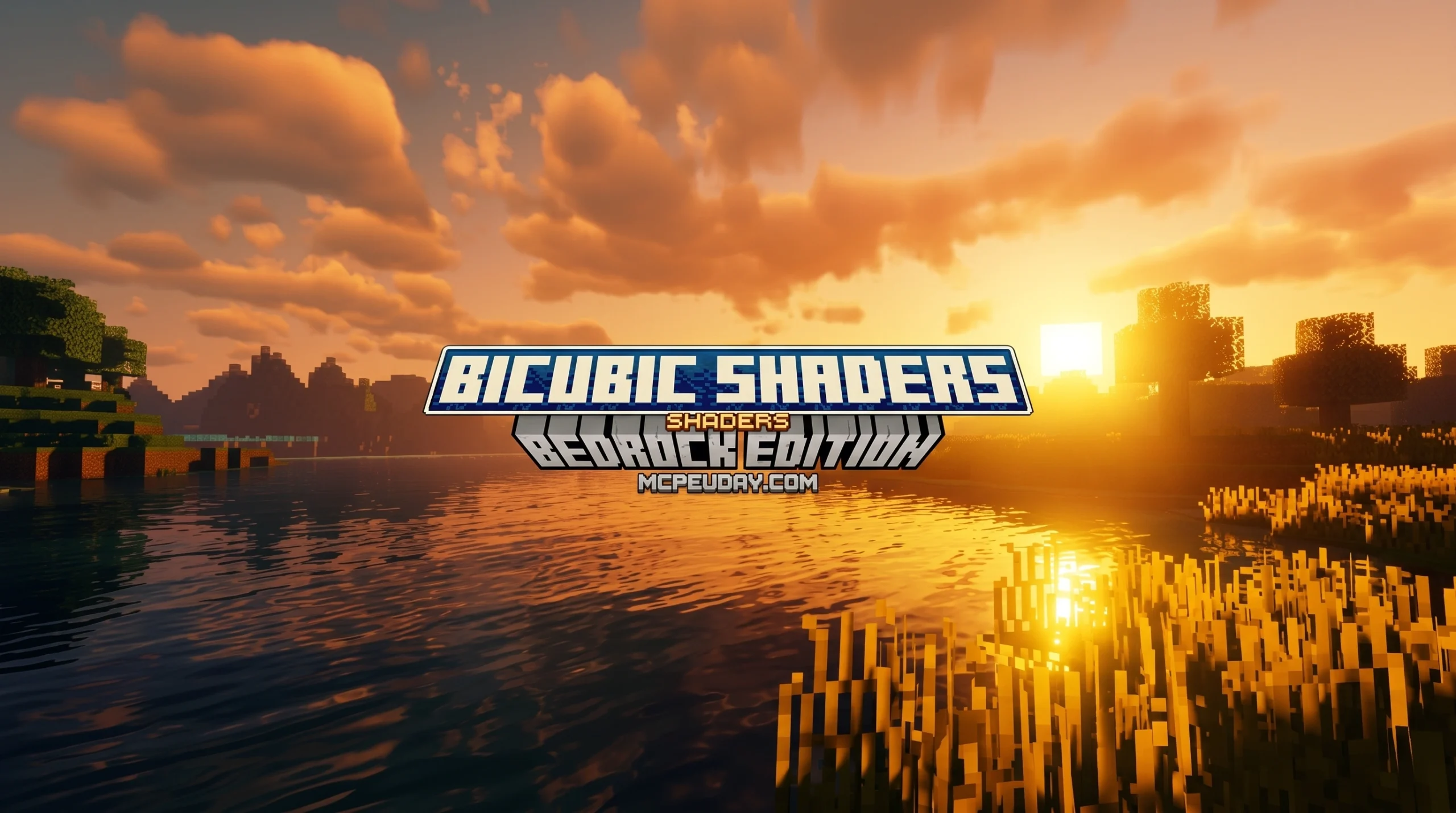
What the Bicubic Shader Does for Minecraft Bedrock Edition
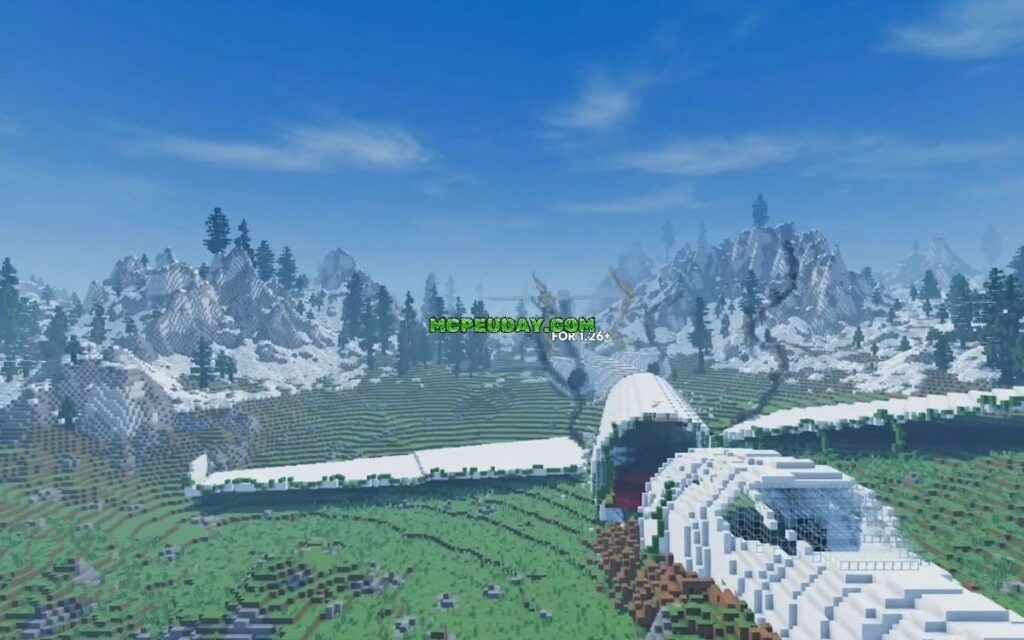
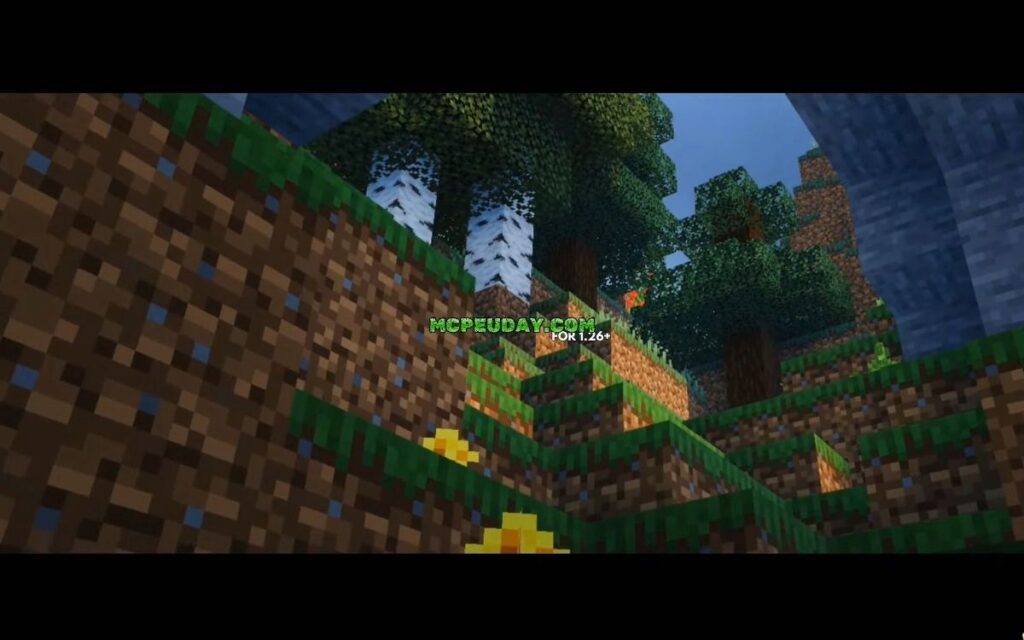
The Bicubic Shader is a lightweight graphics enhancement pack for Minecraft Bedrock Edition that runs on the RenderDragon engine — and it makes your game look dramatically better without killing your FPS.
Quick answer: Here’s what you need to know at a glance:
| Feature | Detail |
|---|---|
| Full name | Bicubic Shader BE (BSBE) |
| Platform | Minecraft Bedrock Edition (Android, iOS, Windows) |
| Engine | RenderDragon compatible |
| Latest version | 3.4 |
| Performance | Lightweight, designed to run with no lag |
| Key visuals | Better sky colors, water reflections, 2D clouds, underwater caustics, colored lighting |
| Download |
Minecraft Bedrock’s default graphics are… fine. But once you’ve seen what a good shader pack can do, there’s no going back.
BSBE adds real visual depth — think shimmering water, colorful skies, and smooth lighting — all while staying light enough to run on mobile devices.
It has earned a 4.1 out of 5 rating from 46 users, with over 3,800 downloads. Those numbers tell a clear story: players like what they see.
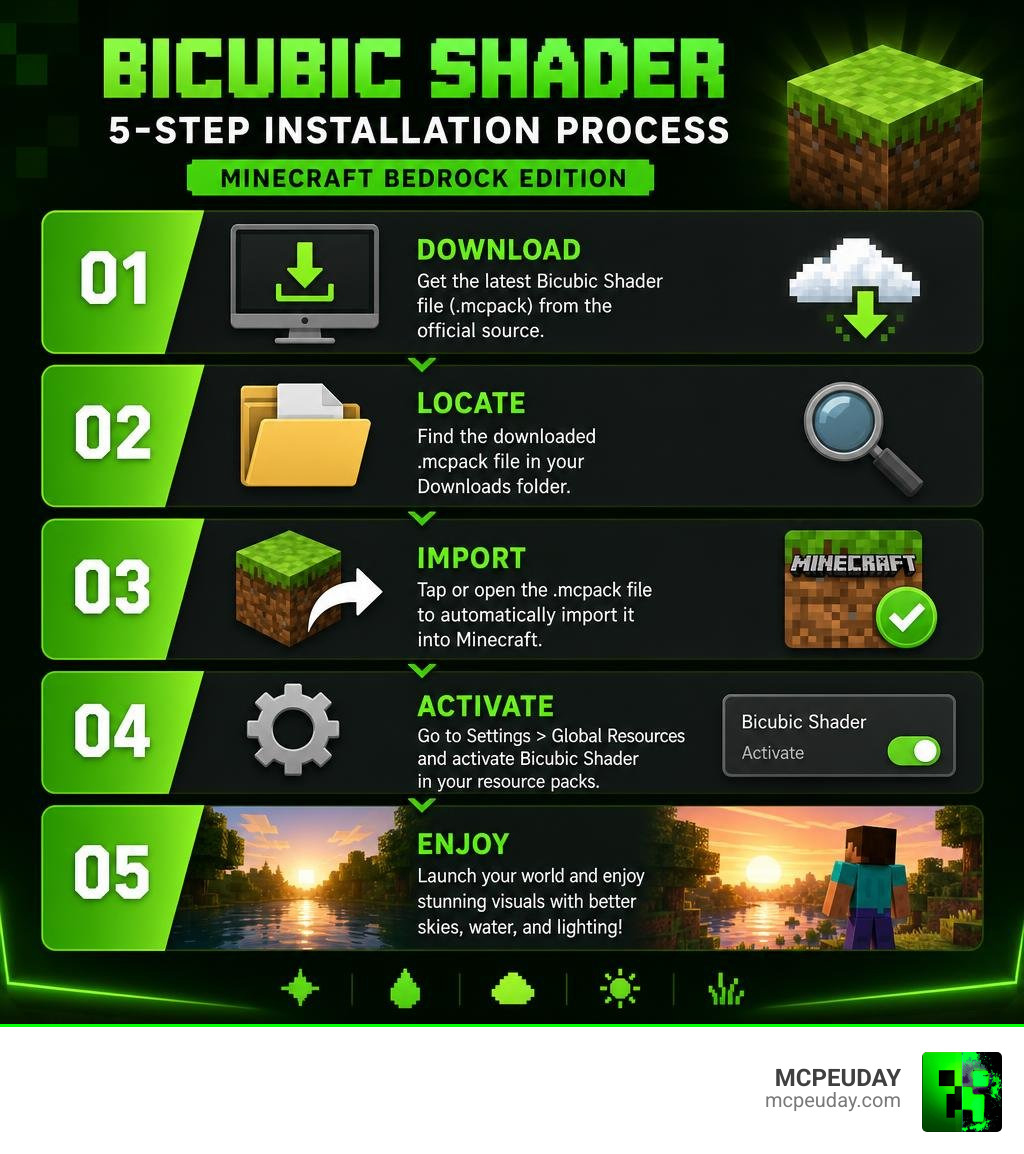
In this guide, we’ll walk you through everything in 5 simple steps — from download to your first jaw-dropping sunrise in-game.
What is the Bicubic Shader?
The Bicubic Shader (often abbreviated as BSBE) is a community-developed graphic enhancement pack specifically designed for Minecraft Bedrock Edition. If you are tired of the flat, sterile look of vanilla Bedrock, this pack is exactly what you need. It completely overhauls the atmosphere of your world, giving you vibrant sky gradients, lush lighting, and realistic environmental animations without demanding a high-end gaming rig.
Unlike heavy ray-tracing packs that require an expensive GPU, BSBE works within the constraints of Bedrock’s modern rendering engine to deliver beautiful visuals. It is part of our curated selection in the Category Shaders library, representing one of the best sweet spots between performance and visual quality.
Originally created by developer Bambosan, the shader focuses on bringing “warm and colorful” tones to your worlds. It is built to feel alive. When you walk through a forest, you will notice the leaves gently swaying in the breeze. When you look at a lake, you will see soft reflections of the sky and clouds dancing on the water’s surface. It is these subtle touches that make BSBE a fan favorite in the Bedrock community.
Technical Foundations of the Bicubic Shader
To understand how the Bicubic Shader achieves its smooth look, we have to peak under the hood at some graphics math. Standard Minecraft texture filtering uses bilinear interpolation. This is a simple math formula that looks at a 2×2 grid of pixels to smooth out textures. While bilinear interpolation is fast, it can look blocky or blurry when stretched over large surfaces.
This shader gets its name from bicubic filtering. Bicubic interpolation is a much more advanced mathematical method that calculates pixel values using a 4×4 grid of 16 surrounding pixels. It produces significantly sharper, smoother, and more natural transitions. If you want to dive deep into the math of how images are scaled using this technique, you can read more about Resizing Images With Bicubic Interpolation.
Historically, running bicubic filtering on older graphics hardware was incredibly demanding because fetching 16 texture samples for every single pixel on screen takes a massive toll on performance. However, modern graphics programmers have found clever workarounds. As detailed in the classic Chapter 20. Fast Third-Order Texture Filtering | NVIDIA Developer guide, developers can trick the GPU’s hardware bilinear interpolation units. By using cubic B-spline basis functions, a shader can achieve mathematically identical bicubic results using only 4 texture fetches instead of 16!
For those who love to look at code, you can see this exact optimization technique in action across various community repositories. Programmers discuss these mathematical implementations in threads like Efficient Bicubic filtering code in GLSL?. You can also inspect GLSL shader files to see how weights are calculated in real-time, such as in the SableRaf Processing Experiments shader code, the DannyRuijters CubicInterpolationCUDA raycast shader, or the emulator-focused Cemu graphic packs bicubic filter.
By implementing these highly optimized mathematical principles, Bambosan ensured that the Bicubic Shader delivers top-tier visual filtering without causing your mobile phone or PC to overheat.
Key Features of BSBE
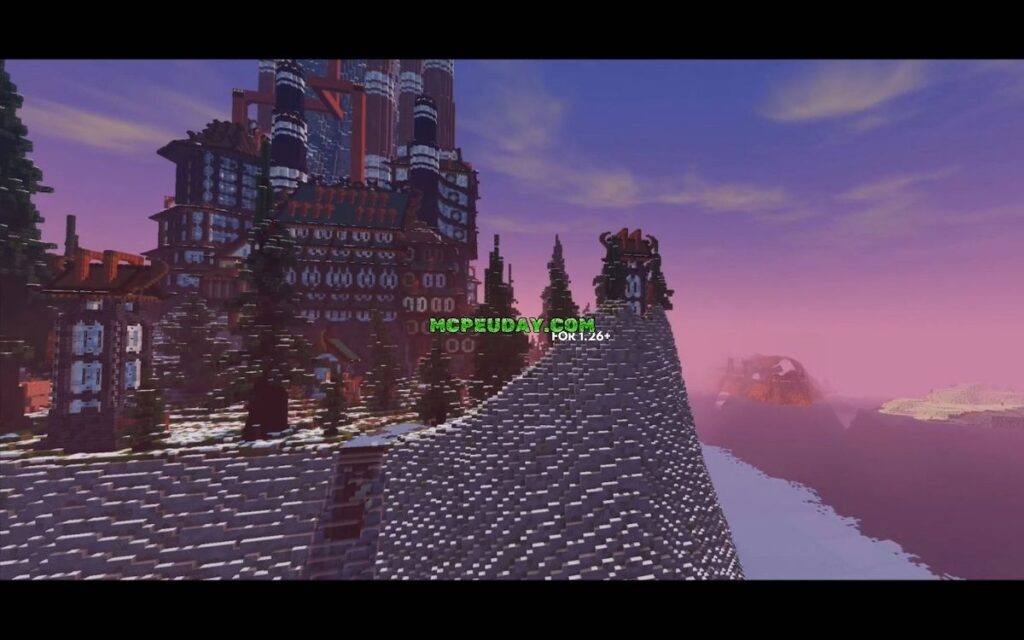
What exactly do you get when you activate this pack? BSBE completely redefines your visual experience through several key features:
- Vibrant Sky Gradients: The sky transitions smoothly from a warm golden-orange during sunrise to a deep, rich blue at midday.
- Fake 3D & 2D Clouds: Instead of the flat, boring vanilla clouds, BSBE features beautiful 2D cloud layers with custom shading that gives them a fluffy, volumetric appearance.
- Dynamic Water & Reflections: The water is no longer a solid blue block. It features realistic water bumps, sky reflections, and gorgeous underwater caustics (the dancing light patterns on the ocean floor).
- Colored Ambient Lighting: The shader utilizes tone mapping to cast warm light from torches and soft, cool moonlight during the night, making caves feel cozy and nights feel mysterious.
- Waving Foliage Animations: Grass, leaves, and flowers sway gently, making the entire biome feel dynamic and alive.
Version History and Performance of BSBE
One of the biggest concerns players have when installing shaders is performance. Nobody wants to play a beautiful game at 15 frames per second. Fortunately, the Bicubic Shader is built from the ground up to be incredibly lightweight.
Because it uses the optimized 4-sample texture lookup method we discussed earlier, it maintains an incredibly small footprint. The resource pack file size is less than 20 KB! This means it loads almost instantly and runs smoothly on low-end mobile devices, tablets, and budget PCs alike.
Evolution of the Bicubic Shader Project
The project has gone through a fascinating development cycle on GitHub. It has amassed 131 stars and 47 forks from other developers in the community, proving its popularity among technical users.
Throughout its lifecycle, the project saw 5 official releases, culminating in version 3.4. In these updates, Bambosan made critical changes to internal files such as RenderChunk.fragment.sc, biomes_client.json, and various GLSL shaders to keep up with Mojang’s frequent engine updates.
It is worth noting that the official GitHub repository was archived by the creator. However, the legacy of version 3.4 lives on, and the files remain fully accessible. You can view the entire development history and download the final stable builds directly from the official Releases · bambosan/Bicubic-Shader-BE page.
How to Install BSBE in 5 Simple Steps
Ready to transform your game? Follow our simple step-by-step tutorial to download, install, and activate the shader on your device.
Step 1: Download the Shader Files
First, head over to the official GitHub release page or our dedicated portal at Bicubic Shaders for Minecraft 2026 to download the .mcpack file.
Step 2: Import the Pack into Minecraft
Once the download is complete, simply tap or double-click the .mcpack file. Your device should automatically open Minecraft and import the resource pack. You will see a notification at the top of your screen saying “Import Started” followed by “Successfully Imported Bicubic Shader”.
Step 3: Download and Install Material Support (Crucial for 1.19+)
Because modern versions of Bedrock use the RenderDragon engine, standard shaders cannot change water and sky files directly without help. To get the beautiful 2D clouds, water reflections, and underwater caustics, you must download a “Material Support” resource pack compatible with your specific version (like BSBE RD Material Support). Import this pack the exact same way you imported the shader.
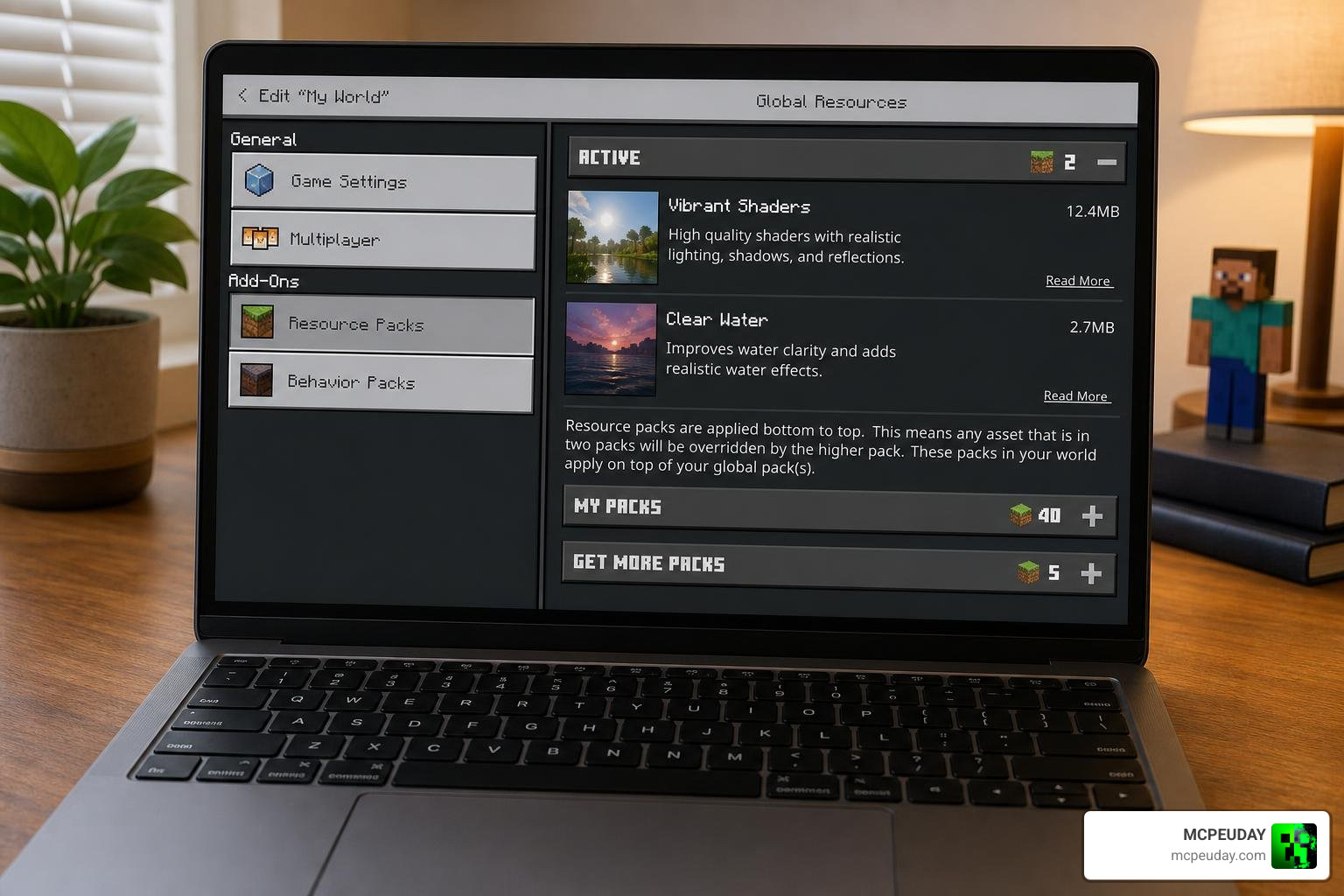
Step 4: Activate the Packs in Global Resources
Open Minecraft and navigate to Settings > Global Resources. Click on My Packs, locate the Bicubic Shader, and click Activate. Next, locate your Material Support pack and activate it as well. Ensure the Material Support pack is placed above the shader pack in your active list.
Step 5: Launch Your World and Enjoy!
Create a new world or load an existing one. Take a moment to stand on a hill during sunset and watch the warm light reflect off the ocean. You are all set!
Compatibility, Limitations, and Comparison
The RenderDragon rendering engine changed how Minecraft Bedrock handles graphics. Because of this, shaders perform differently depending on your platform.
Here is a quick compatibility breakdown for BSBE:
- Android & iOS: Excellent compatibility. This is where BSBE shines the brightest, giving mobile players a gorgeous game without draining the battery.
- Windows (PC): Works perfectly, allowing you to pair the shader with high-resolution texture packs.
To see how BSBE compares to standard vanilla graphics, check out our comparison table below:
| Visual Feature | Standard RenderDragon | Bicubic Shader (BSBE) |
|---|---|---|
| Sky Color | Flat blue gradient | Dynamic, warm tone-mapped colors |
| Clouds | Blocky 3D boxes | Soft, shaded 2D clouds |
| Water Visuals | Static semi-transparent blue | Active wave bumps & sky reflections |
| Foliage | Completely static | Gentle waving grass and leaves |
| Lighting | Uniform white light | Warm torchlight & cool moonlight |
If you want to see how BSBE stacks up against other top-performing options, check out our comprehensive Best Render Dragon Shaders for MCPE 1.21 Tested on Real Devices 2026 Guide to compare performance benchmarks on actual hardware.
Frequently Asked Questions
Is BSBE lag-free on mobile devices?
Yes! Because BSBE uses highly optimized mathematical shortcuts to render its visual effects, it is incredibly lightweight. It does not run heavy ray-tracing calculations, making it one of the most stable, “no-lag” shaders available for budget and mid-range mobile devices.
Does BSBE work on Minecraft Bedrock 1.21?
Yes, it does! However, because of RenderDragon constraints in version 1.21, you must use a compatible material support pack to unlock the water reflections and custom sky elements. For more options on getting smooth, high-FPS graphics on the latest updates, take a look at our guide on the 3 Best Shaders for Minecraft 1.21 Ultra Realistic Smooth FPS Stunning Graphics.
Where can I safely download the pack?
You should always download shader packs from verified, safe sources to protect your device. The official source code and release builds are hosted on the Bambosan GitHub Releases page. You can also get verified, tested downloads directly from our resource library here at MCPEUDAY.
Conclusion
The Bicubic Shader remains an absolute masterpiece of lightweight design. By utilizing optimized graphics mathematics, it proves that you do not need a high-end graphics card to enjoy a breathtakingly beautiful Minecraft world. Whether you are playing on a phone during your commute or building on a Windows PC, BSBE brings a warm, cozy, and dynamic atmosphere to your game.
If you want to explore more incredible ways to upgrade your game’s visuals, be sure to check out our ultimate list of the Best Shaders for MCPE 1.21 2026 Top 3 Realistic Minecraft PE Shaders. Happy building, and enjoy your beautiful new views!
