What the Chromatic Visuals Shader Does for Minecraft Bedrock
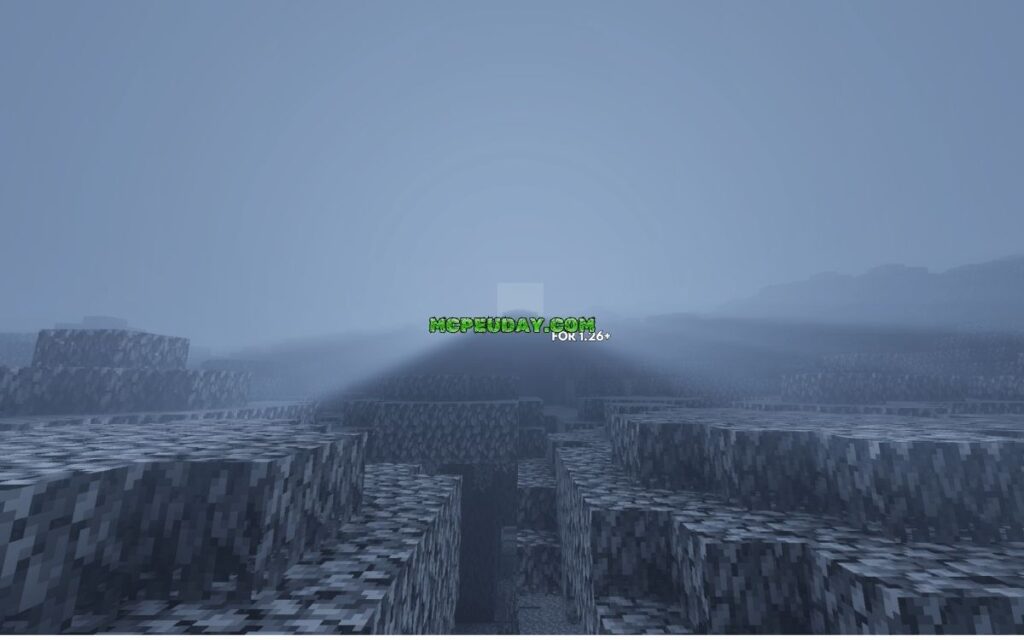
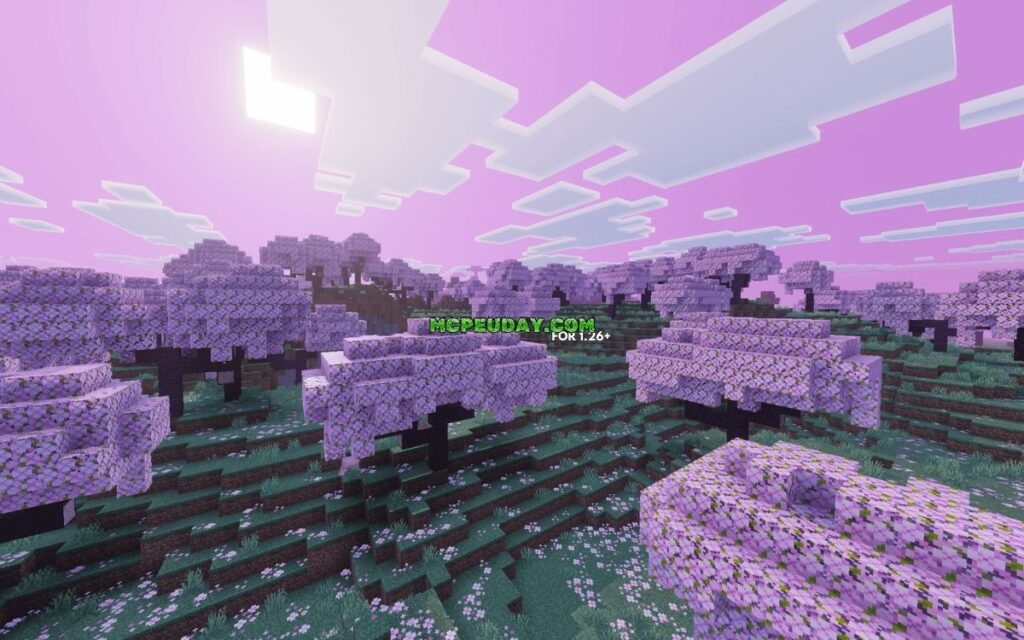
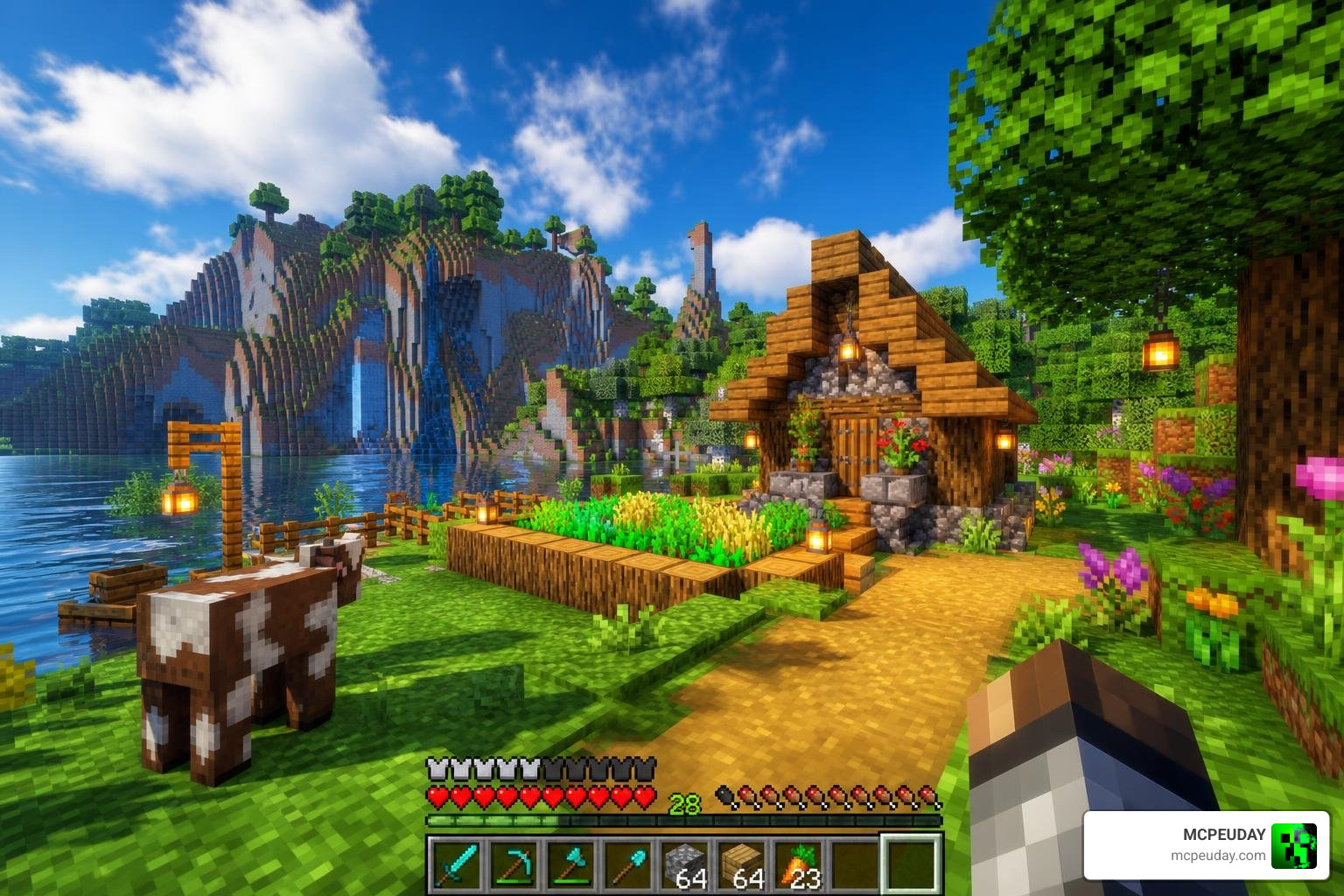
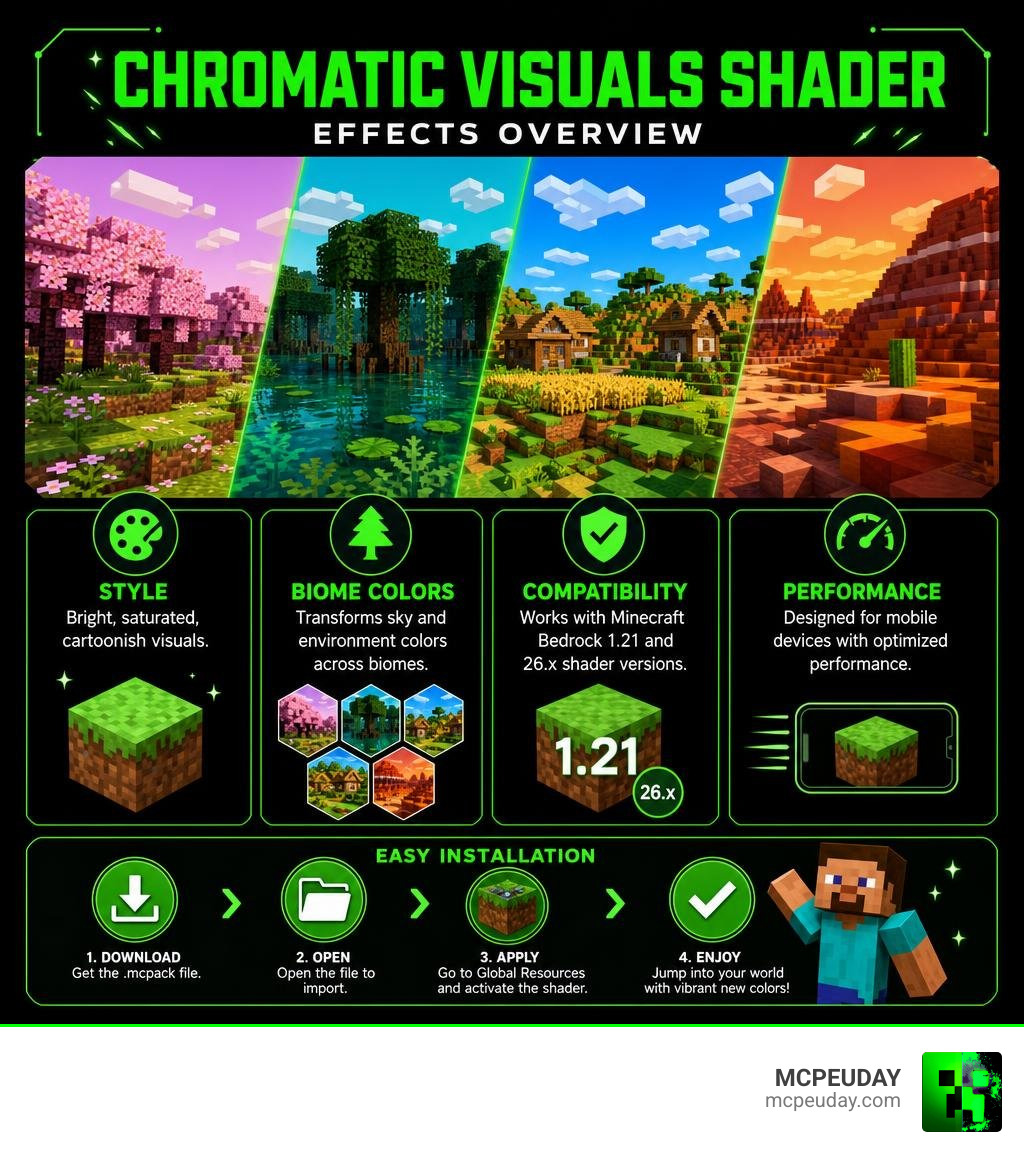
The Chromatic Visuals Shader is a stylized graphics pack for Minecraft PE/Bedrock Edition that transforms your world with vibrant, cartoonish colors instead of realistic lighting. Here’s what you need to know at a glance:
- What it is: A shader for Minecraft Bedrock 1.21 (compatible with 26.x shader versions)
- Visual style: Bright, saturated, cartoonish — not realistic
- Key feature: Changes sky and environment colors in specific biomes like swamps and cherry blossom forests
- How to get it: Download the
.mcpackfile and apply it through Global Resources in MCPE - Performance: Designed to run on mobile devices without heavy system demands
Most Minecraft shaders try to make the game look realistic. This one goes the other way — it cranks up the color and gives every biome a lively, almost animated feel.
If you’ve ever wanted your Minecraft world to look like a bright, stylized cartoon rather than a photorealistic landscape, this shader is worth checking out. It’s lightweight, mobile-friendly, and quick to install.
The Unique Aesthetic of the Chromatic Visuals Shader
When we talk about visual upgrades in Minecraft PE, our minds usually jump to realistic clouds, waving water, and ray-traced shadows. However, the Chromatic Visuals Shader completely flips this script. Instead of chasing real-world simulation, it focuses on stylized, highly saturated, and cartoonish visuals.
If you are tired of the dull, gray tones of the default game but do not want your mobile device to melt under the pressure of realistic rendering, this pack offers a brilliant middle ground. It injects a sense of whimsy and high-energy color into every block. For players who want to explore other styling options, comparing this pack to the Best Shaders for MCPE 1.21 2026 Top 3 Realistic Minecraft PE Shaders highlights just how unique its colorful approach truly is.
Visual Effects of the Chromatic Visuals Shader
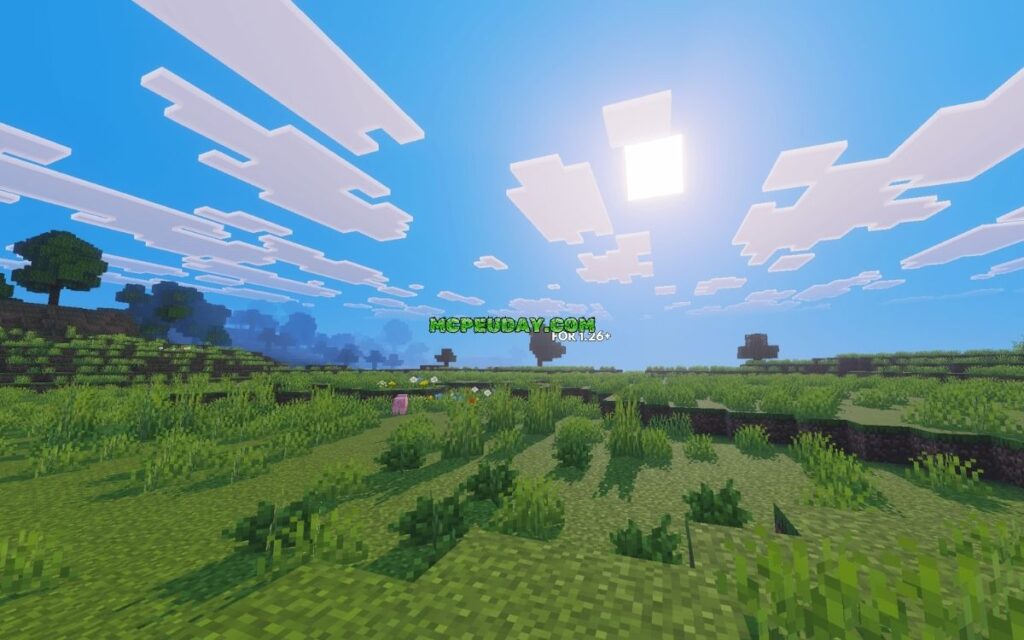
The core philosophy of this shader package revolves around color enhancement. It does not completely rewrite the game’s lighting engine; instead, it optimizes how colors interact with your screen.
- Sky Color Alterations: The sky transitions are much more dramatic. Instead of a simple blue-to-white gradient, you will experience deep, rich backdrops that shift beautifully during sunrise and sunset.
- Enhanced Saturation: Every texture gets a subtle boost in saturation. Grass looks greener, deserts look warmer, and oceans feel incredibly deep.
- Contrast Adjustment: By boosting the contrast, the shader makes block edges pop, creating a subtle cel-shaded or cartoonish outline effect that works wonderfully with Minecraft’s blocky nature.
This approach is highly reminiscent of professional visual design tools. For example, in game development, creators use tools like the What Is Chroma? – Chroma utility to pass custom gradients and curves directly into materials to avoid flat, lifeless colors. The Chromatic Visuals Shader applies a similar artistic logic to Minecraft Bedrock, ensuring that every frame looks like a hand-painted illustration.
How the Chromatic Visuals Shader Handles Biome Colors
One of the most impressive features of this pack is how it customizes the atmosphere depending on where you are standing. Rather than applying a blanket color filter over the entire world, it reads your current biome and adjusts the environmental gradients dynamically.
- Swamps: Instead of looking merely murky and dark, swamps take on a mysterious, emerald-tinted, fantasy-like glow. The water and fog colors blend to create a spooky yet beautiful cartoon atmosphere.
- Cherry Blossom Forests: The pink tones of the cherry petals are amplified, and the ambient sky takes on a warm, soft-violet hue that makes these biomes feel incredibly magical.
By using custom environment mapping, the shader ensures that exploring different regions of your world always feels fresh and visually surprising.
Technical Specifications and Compatibility for Minecraft 1.21
Before downloading any graphics mod, it is essential to understand the technical side. Minecraft Bedrock uses the Render Dragon rendering engine, which historically made shader installation difficult. Fortunately, the Chromatic Visuals Shader is built to support Minecraft PE/Bedrock version 1.21 and is fully compatible with 26.x shader versions.
Because it does not rely on heavy path-tracing or complex physics calculations, it is incredibly friendly to mobile hardware. To help you decide if this style suits your setup, we have put together a comparison table:
| Feature | Chromatic Visuals Shader | Typical Realistic Shaders |
|---|---|---|
| Visual Style | Cartoonish, Vibrant, Stylized | Photorealistic, Soft Shadows, Ray-Traced |
| Performance Impact | Very Low (High FPS on budget devices) | Moderate to High (Can cause thermal throttling) |
| Engine Compatibility | Render Dragon (Bedrock 1.21 / 26.x) | Render Dragon (Requires high-end patched clients) |
| Primary Visual Focus | Biome gradients, sky changes, saturation | Dynamic lighting, water reflections, wind waving |
| Download Size | Extremely Lightweight | Large resource files |
While some players prefer realistic lighting, others prefer smooth performance. If you are looking for a deeper dive into how realistic shaders perform on actual hardware, you can read our comprehensive Best Render Dragon Shaders for MCPE 1.21 Tested on Real Devices 2026 Guide.
For those looking to download the pack, you can find the files hosted on community platforms like Chromatic Visuals Shader (26.x, 1.21) – MCPE/Bedrock. On community forums, the pack currently holds a total rating of 1 with an average score of 2 out of 5. This is largely because players expecting realistic shadows and water reflections sometimes download it without realizing it is purely a stylized color enhancer. For what it is designed to do—brighten your world—it executes its job perfectly.
Chromatic Aberration vs. Stylized Coloration
To understand how the Chromatic Visuals Shader achieves its look, it helps to compare it to other common shader techniques.
A popular effect in modern gaming is chromatic aberration. This effect simulates a real-world camera lens defect where the lens fails to focus all wavelengths of color to the same focal point. This results in “color fringing” or a slight splitting of RGB channels at the edges of the screen, as detailed in the technical documentation on Chromatic Aberration.
In Minecraft, some developers use this to create retro, VHS, or CRT monitor styles. A great example of this is the millennIumAMbiguity/ctrvcr shader project, which brings retro scanlines, static noise, and light distortions to the blocky world.
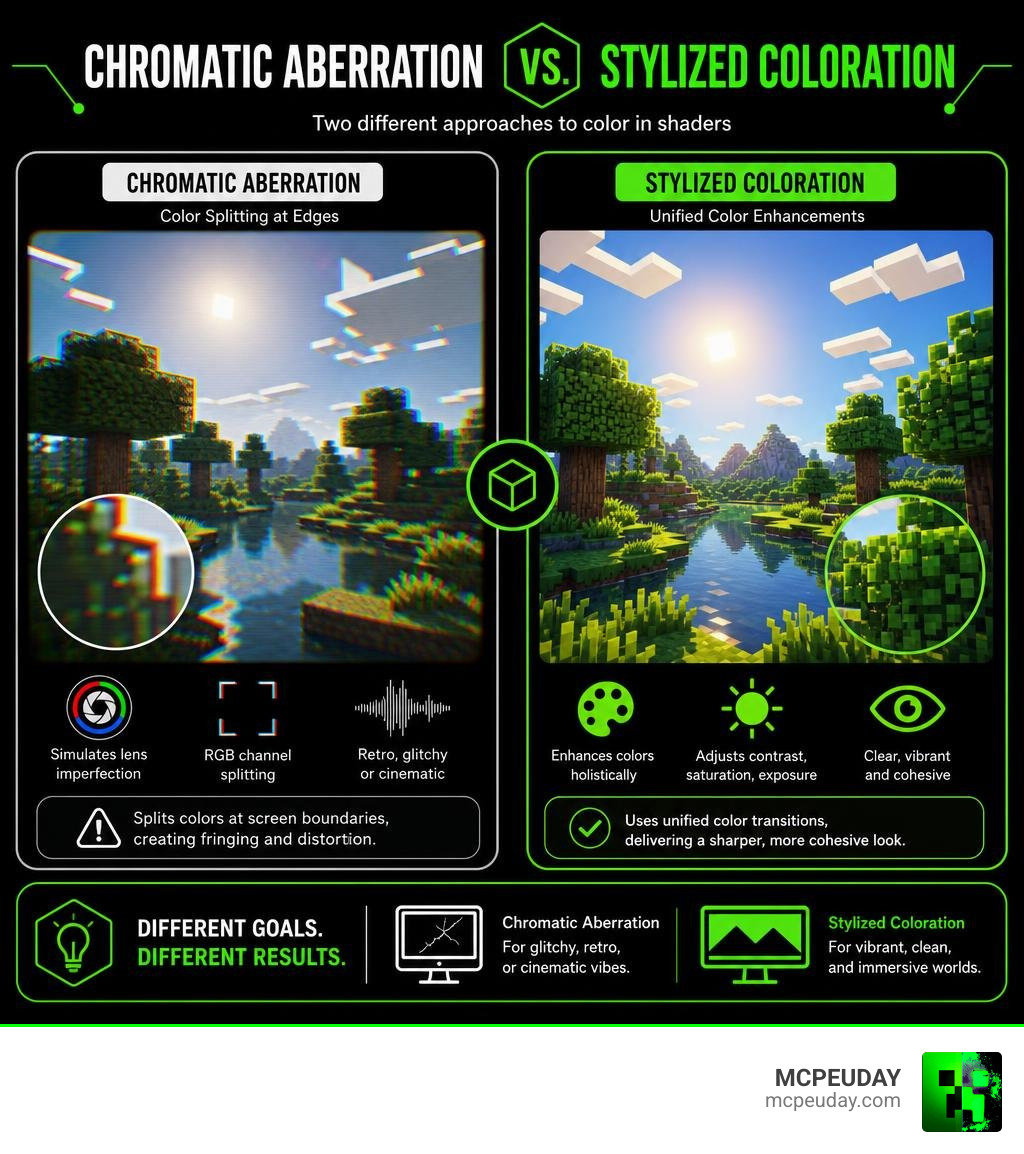
While chromatic aberration splits colors at screen boundaries to create a glitchy or cinematic look, the Chromatic Visuals Shader focuses on stylized coloration. Instead of splitting the RGB channels to blur your screen, it uses unified color transitions to make the entire image look sharper and more cohesive.
This is similar to how the ChromaColorationShader | Foundry Virtual Tabletop – API Documentation – Version 12 API uses specific uniform values like contrast, saturation, and exposure to adjust lighting without distorting the underlying image. It is also conceptually close to how terminal visualizers like yuri-xyz/chroma translate complex data into vibrant, clean colors.
If you prefer a shader that focuses on realistic light scattering over cartoonish color shifts, check out our curated list of the Top 5 Best Realistic Shaders for MCPE.
How to Install the Shader on Mobile Devices
Installing shaders on Minecraft Bedrock is simple once you know the steps. Because this pack is distributed as a standard .mcpack file, you do not need to modify your game directory manually.

Step 1: Download the Shader Pack
First, grab the .mcpack file from a trusted source, such as the official pages on Chromatic Visuals Shader (26.x, 1.21) – MCPE/Bedrock.
Step 2: Open with Minecraft
- On Android: Use a file manager to locate the downloaded file. Tap on it and select “Open with Minecraft.”
- On iOS: Tap the downloaded file in your Files app and share/open it directly with the Minecraft application.
The game will launch automatically and display a message at the top of the screen saying “Import Started,” followed by “Successfully Imported.”
Step 3: Activate the Pack
- Open Minecraft and go to Settings.
- Scroll down to Global Resources.
- Tap on My Packs, locate the Chromatic Visuals Shader, and click Activate.
- Return to the main menu (the game will load the new resource files), load your favorite world, and enjoy the bright new colors!
Frequently Asked Questions
Is the shader compatible with Minecraft PE 1.21?
Yes! The shader is fully compatible with Minecraft PE/Bedrock version 1.21 and works seamlessly with the latest 26.x shader version standards. It is optimized to run smoothly on the Render Dragon engine without requiring external third-party patching tools.
Does this shader cause lag on low-end mobile devices?
Hardly at all! Unlike heavy realistic shaders that calculate dynamic shadows and water reflections, this pack focuses on color mapping, saturation adjustments, and custom biome gradients. This makes it incredibly lightweight and perfect for maintaining a smooth 60 FPS on older phones and tablets.
How does it differ from realistic Render Dragon shaders?
Realistic shaders try to mimic real-world physics by calculating how light bounces off surfaces, which requires significant processing power. The Chromatic Visuals Shader bypasses these calculations to focus purely on a stylized, cartoonish aesthetic. If you want to see the difference firsthand, take a look at our guide on the 3 Best Shaders for Minecraft 1.21 Ultra Realistic Smooth FPS Stunning Graphics.
Conclusion
The Chromatic Visuals Shader is an excellent alternative for Minecraft Bedrock players who want to escape the game’s default color palette without sacrificing performance. By prioritizing vibrant colors, stylized gradients, and cartoonish biome atmospheres over resource-heavy realism, it delivers a beautiful, smooth gameplay experience on almost any mobile device.
Whether you are building a whimsical base in a cherry blossom forest or exploring a glowing swamp, this shader breathes fresh air into your survival world. If you want to explore more graphics packs, texture mods, or performance guides, check out our extensive Category Shaders library here at MCPEUDAY!

4 thoughts on “Chromatic Visuals Shader (26.x, 1.21) – MCPE/Bedrock Shader”