The Best Avatar Addon Options for Minecraft Bedrock in 2026
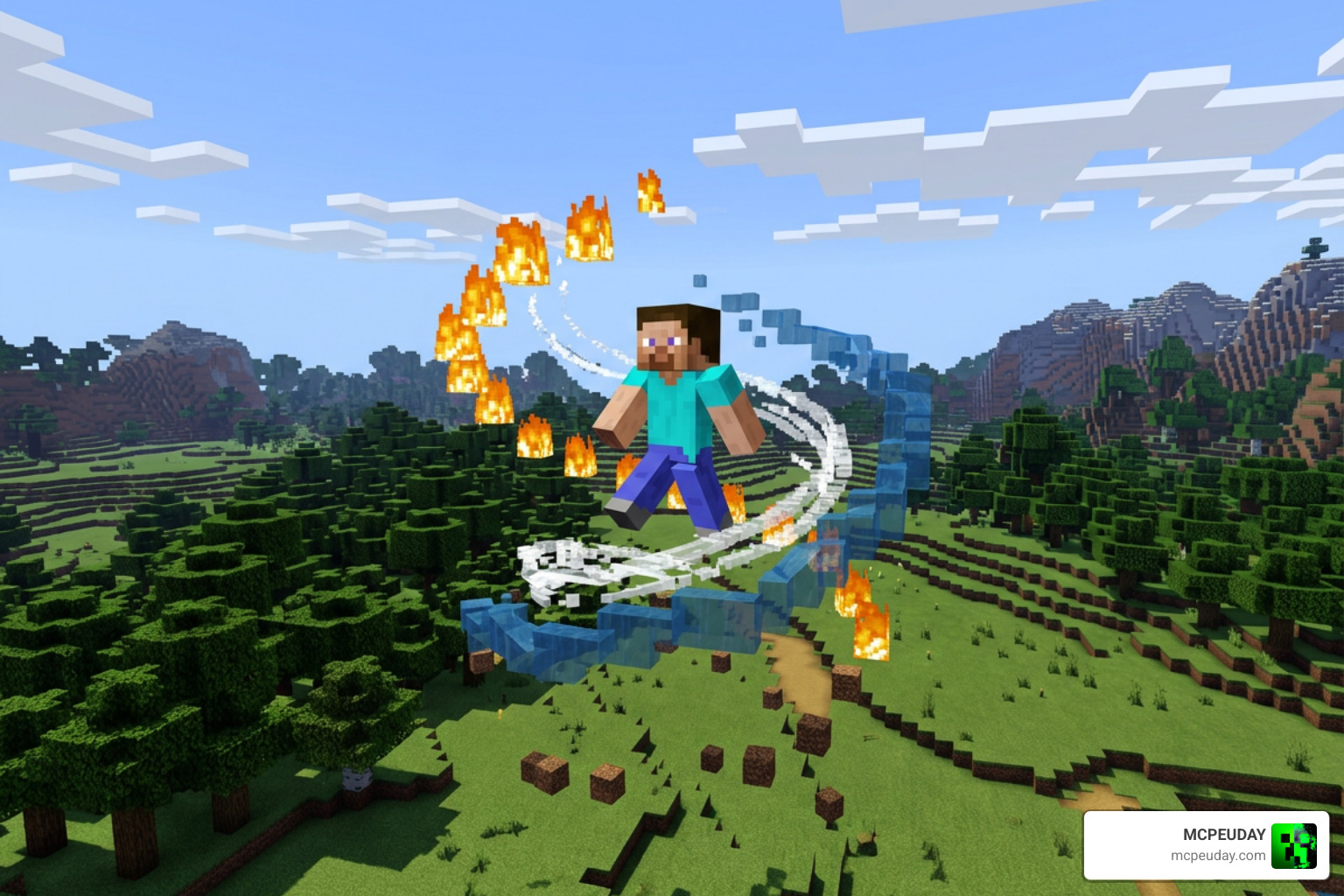
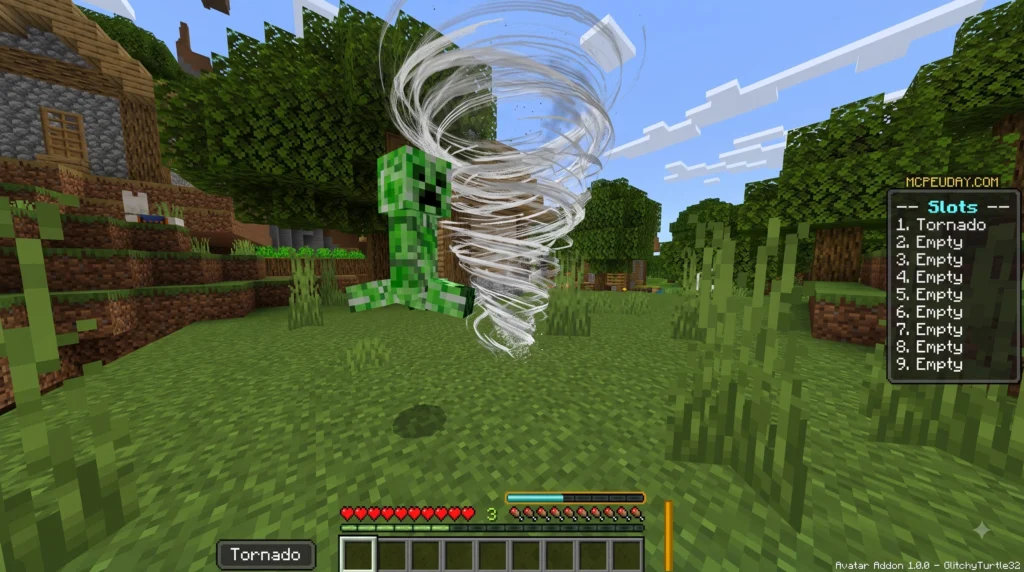
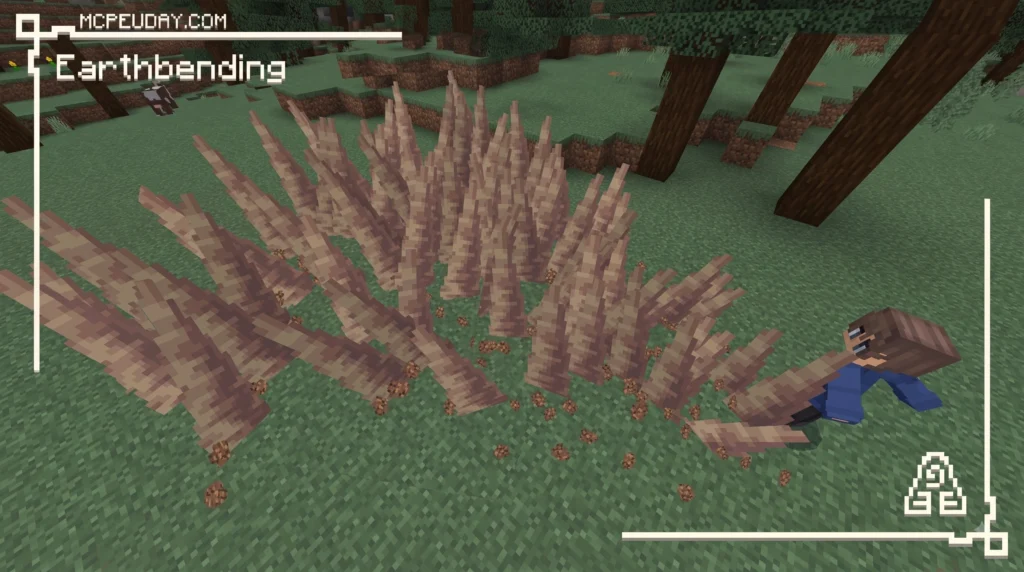
The Avatar Addon for Minecraft Bedrock is a free, open-source mod that lets you bend the four elements — Air, Fire, Water, and Earth — directly inside your Bedrock world. Here is a quick snapshot of what it offers:
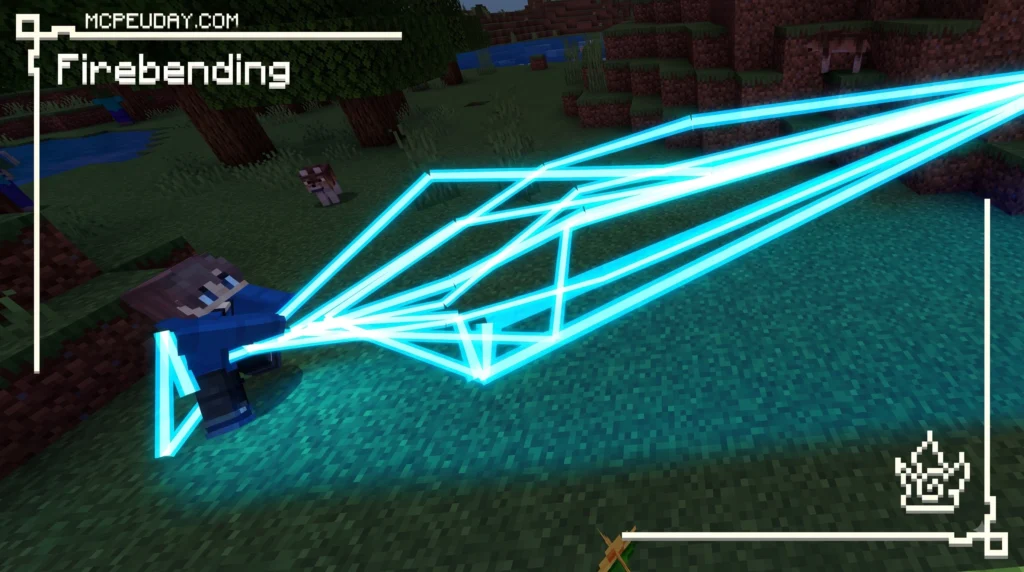
- Creator: GlitchyTurtle (open-source, GNU GPL v3.0)
- Platform: Minecraft Bedrock Edition
- Main feature: RPG-style elemental bending with skill trees and hotbar slot binding
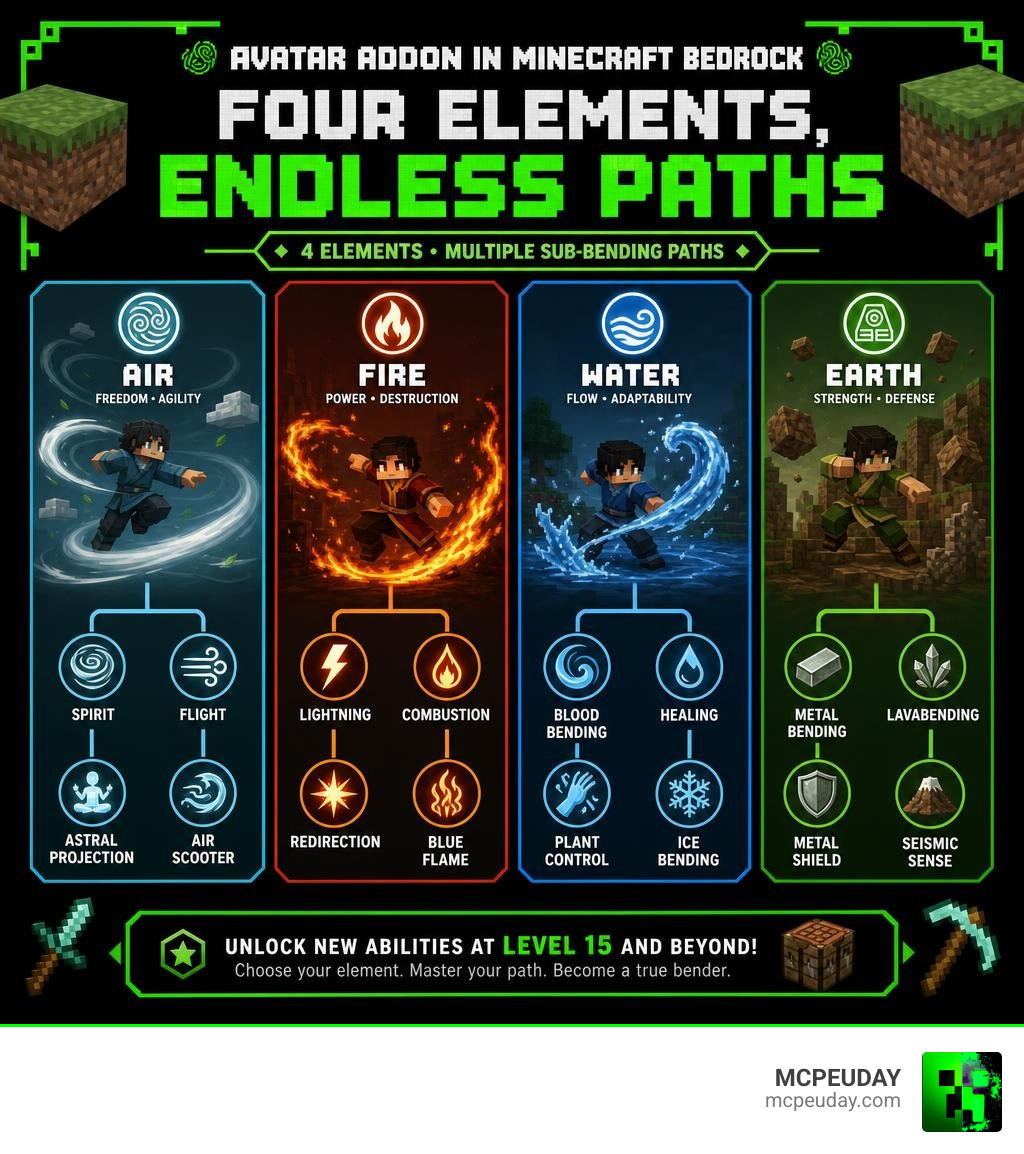
- Sub-bending unlocks: At level 15 (Spirit, Lightning, Blood, Metal, and more)
- No experimental gameplay required: Works on realms, servers, and alongside other mods
- Latest major updates: Versions 1.20.1 and 1.20.60, adding 60+ abilities and 64 unique passives
If you have ever watched Avatar: The Last Airbender and wished you could throw fireballs or glide on air currents inside Minecraft, this addon makes that happen — with a surprisingly deep progression system behind it.
It is not just a simple cosmetic mod. The Avatar Addon includes a full skill tree, sub-bending specializations, a 9-slot hotbar binding system, and even server admin tools. Whether you are playing solo or running a multiplayer realm, there is a lot to explore here.
I am UDAY GAMER, and I have broken down everything you need to know — from installation to advanced sub-bending paths — so you can jump in without the headaches.
What is the Avatar Addon for Minecraft Bedrock?
The Avatar Addon is a highly optimized, community-driven project that brings the rich universe of elemental bending to Minecraft Bedrock Edition. Originally created on April 11, 2022, this project has evolved into one of the most robust RPG addons available for Bedrock players.
The addon is fully open-source and licensed under the GNU General Public License v3.0, allowing creators to collaborate and build upon its foundation. The primary developer, GlitchyTurtle, has contributed over 79 updates to the core code, ensuring the addon remains stable and feature-rich. You can view the official code repository at the GlitchyTurtle GitHub Repository or check out community variations like the Morriganwren Fork.
Unlike many complex Bedrock mods that struggle with multiplayer lag, this addon is meticulously coded to ensure smooth performance. It brings authentic console-style and mobile-friendly elemental combat to Bedrock Edition without bloated scripts.
Core Mechanics of the Avatar Addon
At its heart, the Avatar Addon is built around progression. You do not start as an all-powerful master. Instead, you choose a single bending style (or play as a non-bending human) and gradually level up your abilities by using your moves in combat and survival.
The addon utilizes an interactive skill tree system and a dynamic slot-binding mechanic. As you use your bending moves, you gain experience. Reaching milestones unlocks new abilities, passive buffs, and eventually, highly specialized sub-bending disciplines.
System Requirements and Compatibility
As of our current gameplay tests in July 2026, the Avatar Addon is fully compatible with the latest Minecraft Bedrock versions (including 1.20.1, 1.20.60, and beyond). Because of its clever optimization, it runs flawlessly on mobile devices (iOS and Android), consoles (Xbox, PlayStation, Nintendo Switch), and Windows PCs.
We highly recommend keeping your world performance optimized by maintaining a stable server tick rate. The addon runs best at the standard 20 Ticks Per Second (TPS), which you can easily monitor using the built-in admin tools.
Key Features and Evolution of the Avatar Addon
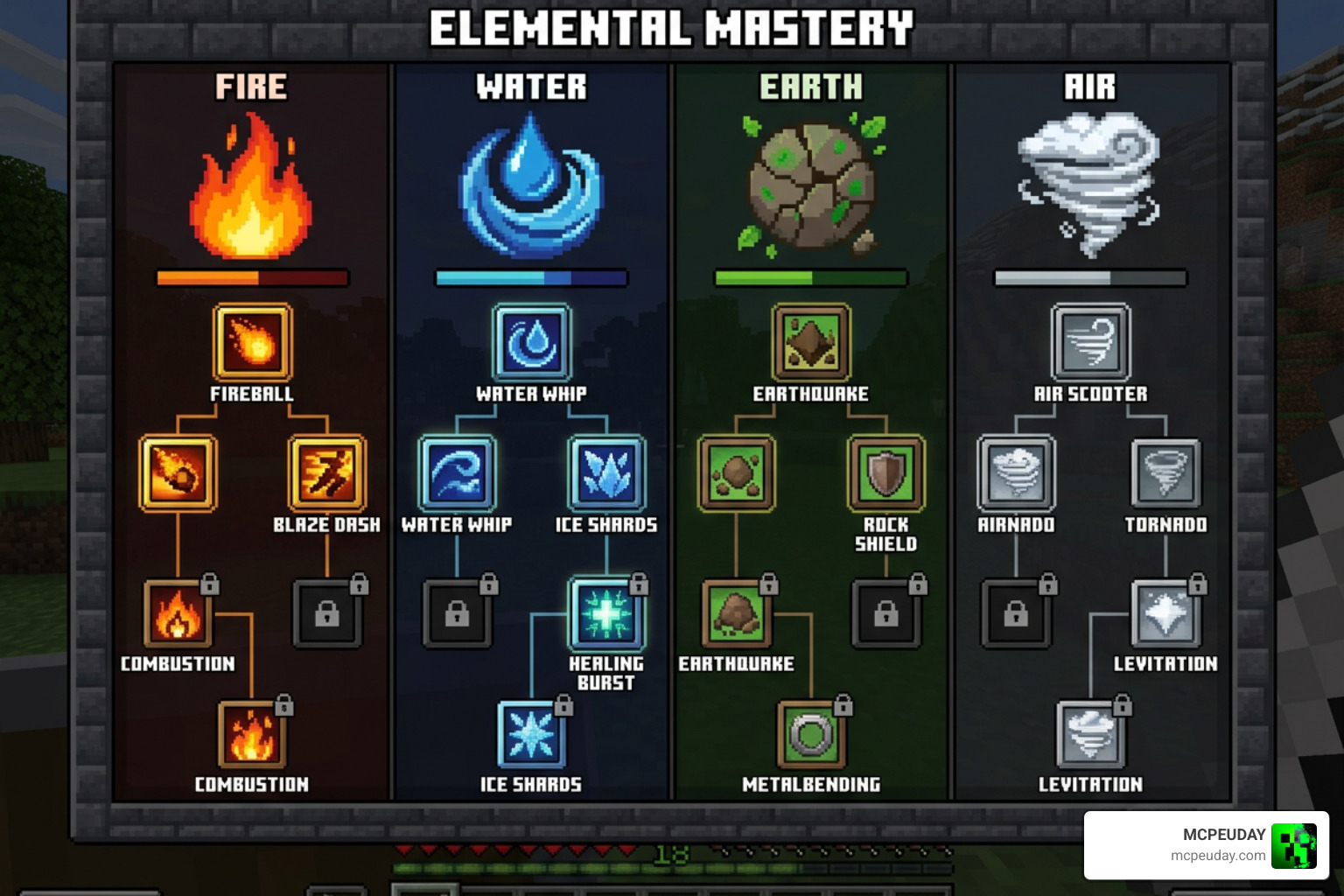
The development journey of the Avatar Addon has introduced massive overhauls to how players interact with the elements. In older versions, players were limited to a basic 4-slot system. However, the release of version 1.20.1 completely revolutionized combat by introducing a 9-slot hotbar-linked binding system, heavily inspired by the famous Project Korra Java plugin.
Further updates in version 1.20.60 added over 60 active abilities and a brand-new skill tree UI. The modern skill tree is divided into four distinct categories to help you customize your playstyle:
- Offense: High-damage attacks, explosive bursts, and direct elemental strikes.
- Defense: Shields, barriers, and redirection moves to keep you safe.
- Utility: Environmental manipulation, light sources, and resource-gathering buffs.
- Mobility: High-speed dashes, leaps, and flight mechanics.
Additionally, version 1.20.1 introduced 64 unique passives and moves to the skill tree, ensuring that no two benders in your world feel exactly the same.
The 9-Slot Hotbar Binding System
The 9-slot binding system allows you to link your bending moves directly to your active hotbar slots (1 through 9). To customize your loadout, you simply open the bending scroll menu using the command “!scroll” or “/function scroll”.
From this menu, you can select a hotbar slot, choose your desired move, and assign an activation method. Activation methods include physical inputs such as:
- Punching (Left-click / screen tap)
- Sneaking
- Sneak & Punch combos
- Double sneaking
This system makes combat incredibly fluid, allowing you to cycle through your hotbar and execute complex elemental combos seamlessly.
Unlocking Sub-Bending Disciplines at Level 15
Once you reach level 15, you unlock the ability to learn legendary sub-bending disciplines. Leveling up past level 15 awards you Skill Essences, which are used to purchase these advanced paths.
Choose carefully! Choosing a specific sub-bending branch in the skill tree permanently locks the alternate path. This forces players to make strategic choices about their roles in multiplayer teams or PvP factions.
Sub-Bending Classes and Elemental Abilities
To give you an idea of how these specializations work, we have put together a quick comparison of the sub-bending paths available to each elemental class:
| Base Element | Sub-Bending Path A | Sub-Bending Path B | Key Mechanics & Unlock Requirements |
|---|---|---|---|
| Air | Spirit | Projectile | Flight through blocks (Spirit); Long-range wind projectiles. Unlocks at Level 15. |
| Fire | Lightning | Combustion | High-voltage piercing damage (Lightning); Long-range explosive blasts (Combustion). Unlocks at Level 15. |
| Water | Blood | Healing | Entity control (Bloodbending requires full moon); Rapid health regeneration (Healing). Unlocks at Level 15. |
| Earth | Metal | Lava | Mining speed buffs and iron armor bonuses (Metal); Area-of-effect melting damage (Lava). Unlocks at Level 15. |
Air and Fire Sub-Bending Paths in the Avatar Addon
Airbenders focus heavily on speed, evasion, and crowd control. At level 10 of the base skill tree, Airbenders unlock a passive double jump that makes traversing mountainous terrain incredibly easy. Upon reaching level 15, they can choose between the Spirit and Projectile paths. The Spirit path grants the incredible ability to phase through solid blocks for scouting or escaping danger, while the Projectile path adds powerful offensive wind blasts.
Firebenders, on the other hand, are highly aggressive with very few defensive options. Choosing the Lightning path allows you to channel pure energy to pierce through enemy armor, while the Combustion path lets you shoot powerful, long-range explosive beams from your forehead.
Water and Earth Sub-Bending Paths
Waterbenders excel at adaptability. The Healing sub-bending path allows you to support your allies by restoring health using nearby water sources. If you choose the darker Blood path, you can control the movements of mobs and players. In keeping with the lore of the show, a famous bug fix successfully restricted Bloodbending so that it can only be used during an active in-game full moon!
Earthbenders are the ultimate defensive tanks. If you specialize in Metalbending, you receive massive defensive boosts when wearing iron armor and passive mining speed buffs. If you select Lavabending, you can melt the ground beneath your enemies, turning solid stone into pools of damaging lava to control the battlefield.
How to Install and Get Started with Bending
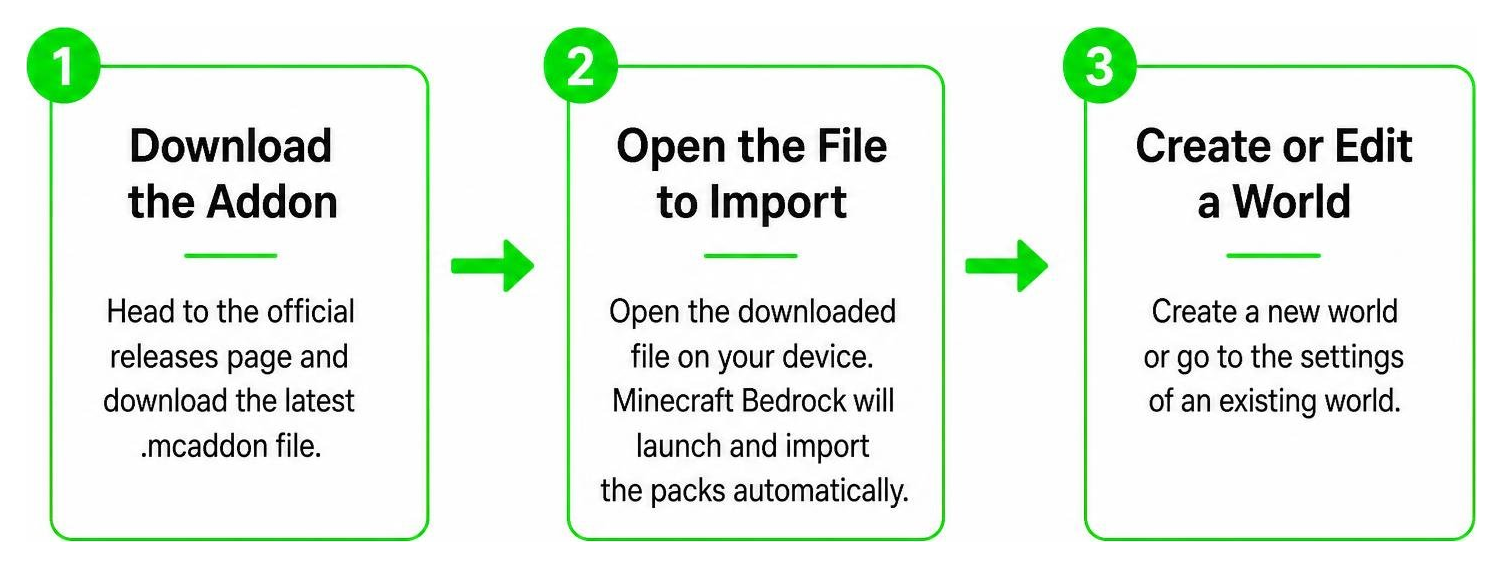
Getting started with the Avatar Addon on your Bedrock device is simple. Follow these steps to ensure everything loads correctly:
- Head to the official Avatar Addon Releases on GitHub and download the latest version of the “.mcaddon” file.
- Open the downloaded file on your device. Minecraft Bedrock will launch automatically and import the packs.
- Create a new world or go to the settings of an existing world.
- Apply both the Avatar Resource Pack and Avatar Behavior Pack in your world settings.
- Crucial Step: Ensure that your world settings have the necessary Experimental Gameplay toggles enabled (such as Beta APIs and Custom Biomes) to allow the custom UI and advanced scripting to load.
- Launch your world and begin your journey!
Essential Commands and Character Selection
Once you spawn into your world, you need to choose your element. Type the command “/function choose” in your chat box.
A custom UI will appear. Punch (left-click) to cycle through the available bending classes: Avatar, Fire, Earth, Water, Air, or Human (which relies on traditional weapons and Chi Blocking). Once you have highlighted your choice, sneak (shift) to confirm it.
If you want to allow non-admin players on your server to choose their element without giving them full operator permissions, you can run the command: “/execute [player name] ~~~ function choose”
To temporarily disable your bending abilities (for example, if you want to farm resources peacefully), simply hold arrows in your off-hand or drop the “toggle bending” item.
Avatar Addon vs. Official Avatar: Rites of Passage DLC
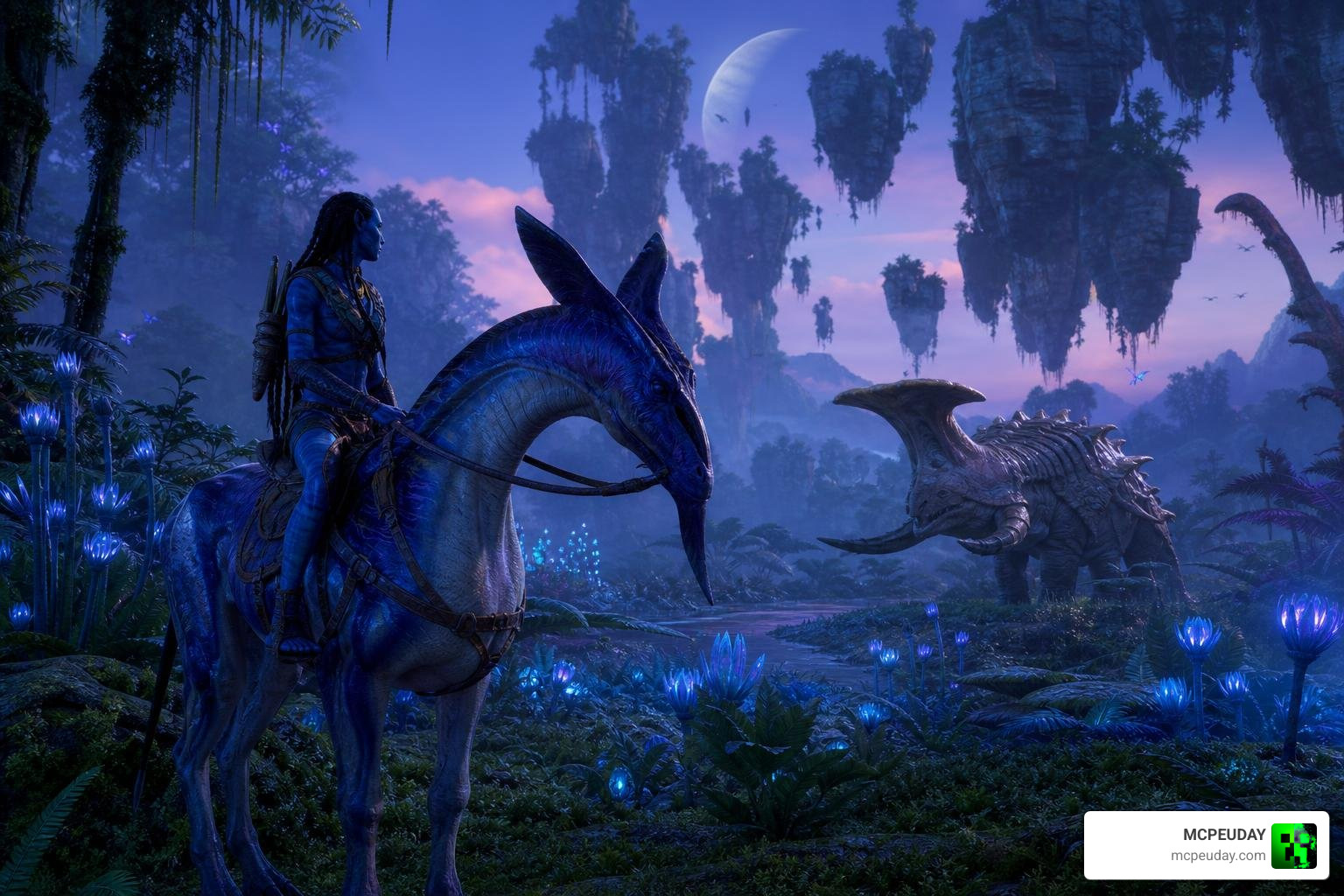
It is important to distinguish the community-made Avatar Addon from the official Avatar: Rites of Passage DLC available on the Minecraft Marketplace.
The official DLC, developed by Gamemode One in collaboration with 20th Century Studios, is a paid, licensed adventure map set in the universe of James Cameron’s Avatar (the Na’vi and Pandora). It features high-quality survival mechanics, custom Pandora flora and fauna (like the Hammerhead Titanothere, Viperwolf, and Direhorse), and a questline where you bond with an Ikran in the Hallelujah Mountains to save your sick father. It even offers a free Na’vi Kuru item in the Dressing Room.
In contrast, the community-created Avatar Addon is a free, RPG-focused mod inspired by Avatar: The Last Airbender. Instead of exploring Pandora as a blue Na’vi, this addon is designed to let you bend the elements in your own survival worlds, realms, and multiplayer servers.
Admin Customization and Server Compatibility
For server and realm owners, the Avatar Addon is incredibly admin-friendly. Introduced in version 1.19.51, the built-in Admin Menu gives operators total control over how bending behaves on their server.
To access these features, simply give yourself the staff tag by typing “/tag @s add staff” in the chat. Through the Admin Menu, you can:
- Monitor server performance (TPS).
- Set up custom protection areas to disable bending around spawn points or player builds.
- Manage the built-in economy shop system using commands like “!shop buy”, “!shop sell”, and “!shop pay”.
- Customize item sell prices (ranging from 10 to 10,000 coins) to establish a thriving server economy.
Frequently Asked Questions about the Avatar Addon
Does the Avatar Addon require experimental gameplay toggles?
While enabling experimental toggles is highly recommended for the best experience with custom UIs and skill trees, the core functions of the addon are designed using optimized “mcfunctions.” This allows basic features to run smoothly on servers and realms with virtually zero lag, even if some experimental features are turned off.
How do you block attacks in the Avatar Addon?
To block an incoming elemental attack, you must sneak (crouch) right before your opponent executes their move. The difficulty and timing of the block scale dynamically depending on the power of the move being used.
What is the maximum number of homes you can set?
The addon includes a built-in teleportation system for convenience. To prevent players from abusing this on survival servers, the maximum number of set homes is strictly capped at 6 per player.
Conclusion
The Avatar Addon is an absolute must-have for any Minecraft Bedrock player looking to add a deep, rewarding RPG magic system to their game. With its custom skill trees, fluid hotbar binding, and exciting sub-bending disciplines, it completely changes how you experience survival and PvP.
Ready to start your journey and master the elements? Explore Minecraft Bedrock Addons on MCPEUDAY to find the latest updates, installation guides, and community resources to elevate your Bedrock gameplay today!