The Luminous Dreams Shader: What It Is and Where to Get It
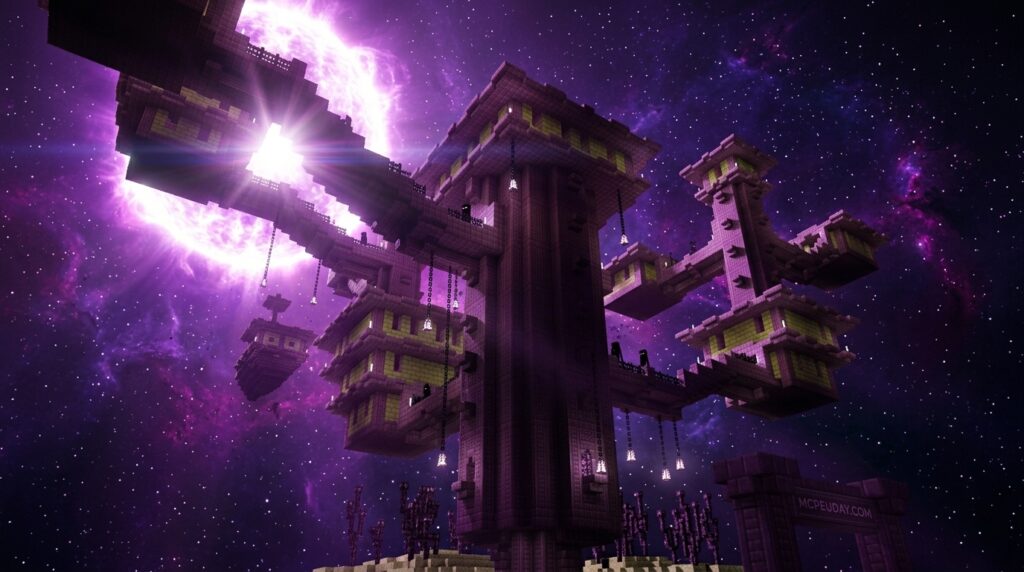
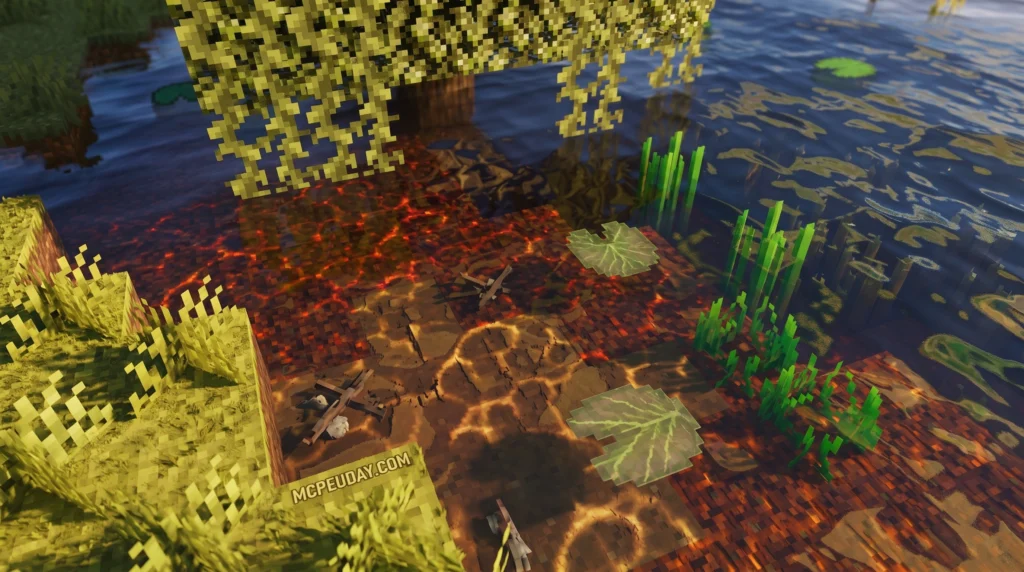
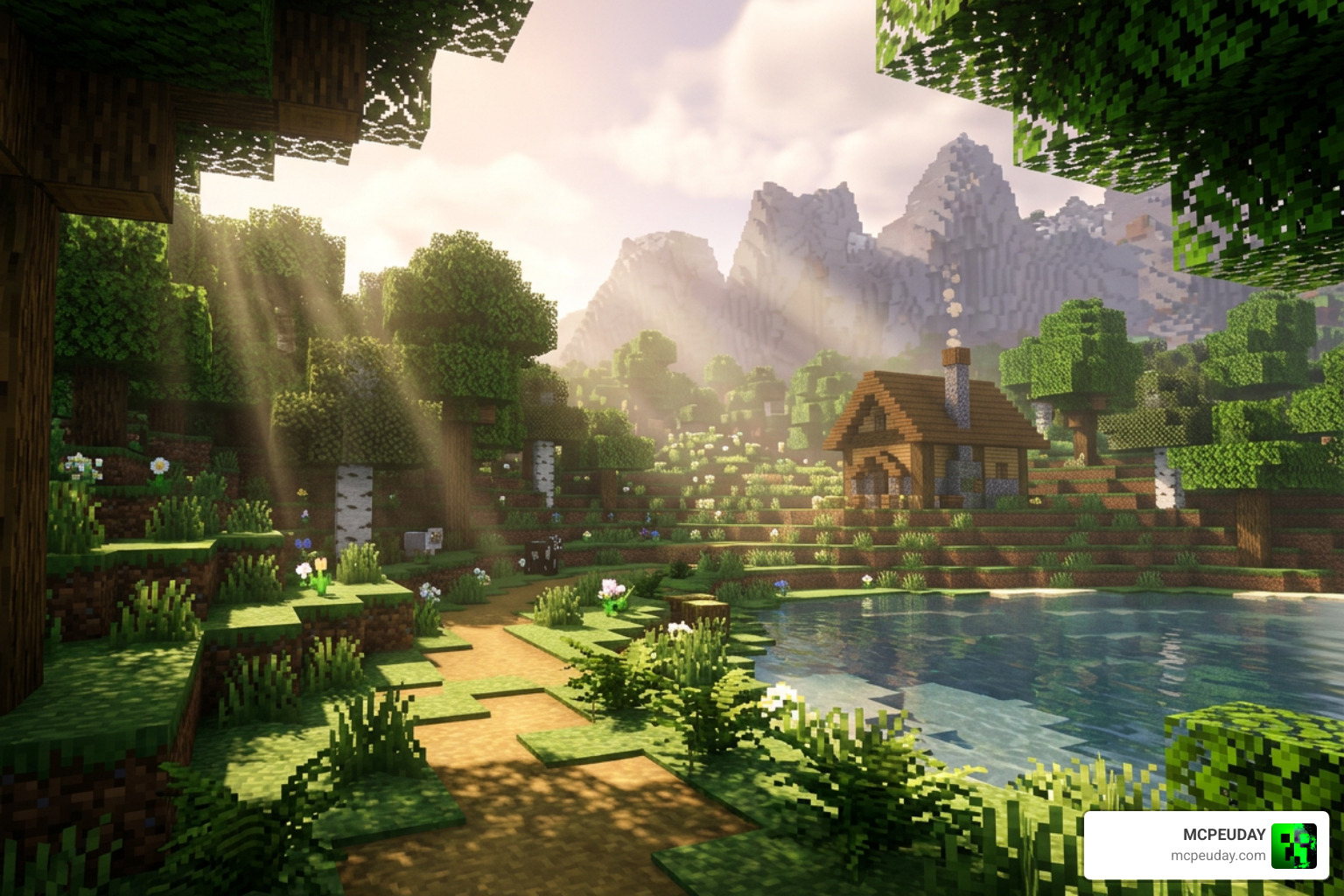
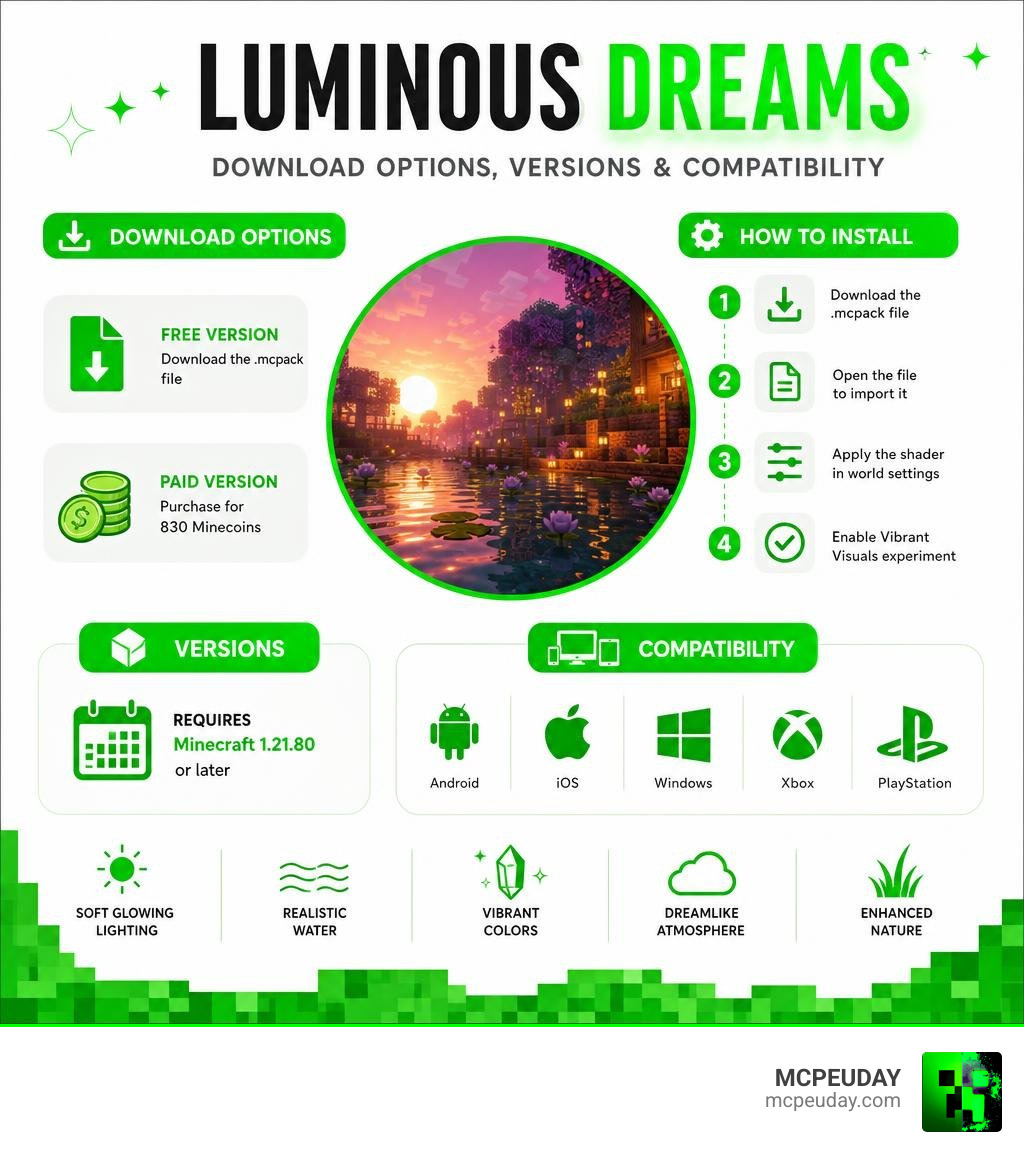
The Luminous Dreams shader is a deferred graphics pack for Minecraft Bedrock Edition that transforms your world with soft, glowing light and fantasy-style visuals — and getting it takes just a few steps.
Quick answer — how to get Luminous Dreams:
- Free version: Download the
.mcpackfile from CurseForge - Paid version: Purchase from the Minecraft Marketplace for 830 Minecoins
- Install: Open the
.mcpackfile to import it, then apply it in your world settings - Requirement: Enable the Vibrant Visuals experiment in Minecraft 1.21.80 or later
If you’ve ever felt like vanilla Minecraft Bedrock looks a little flat, you’re not alone. Millions of players have downloaded Luminous Dreams looking for exactly that fix — richer light, glowing caves, dreamlike sunsets, and water that actually moves.
With over 1.7 million downloads across versions and a full Minecraft Marketplace release, this shader has become one of the most popular visual upgrades for Bedrock players on Android, iOS, Windows, Xbox, and PlayStation.
Below, we’ll walk you through everything: what it does, how to download it, and how to install it on your device.
What is the Luminous Dreams Shader?
Created by the talented developer Poggy, the Luminous Dreams shader is a cutting-edge Deferred Graphics Pack designed specifically for Minecraft Bedrock’s Render Dragon engine.
While many shader developers chase hyper-realistic looks that can make Minecraft feel like an entirely different game, Poggy took a different path. This pack is built to embrace a warm, welcoming, and stylized fantasy aesthetic. It enhances the native blocky charm of Minecraft rather than replacing it, making your worlds feel incredibly cozy, magical, and alive.
By focusing on realistic environmental lighting, Luminous Dreams makes sunsets look like pastel dreamscapes, torches flicker like real fire, and glowstone pulse gently. If you want to take a look at the project’s roots or grab the official free files, you can check out the Luminous Dreams v1.0 Release on CurseForge.
Key Features of the Luminous Dreams Shader
What makes this pack stand out in a sea of Minecraft Bedrock shaders? It is packed with technical features that completely change how light behaves in your game.
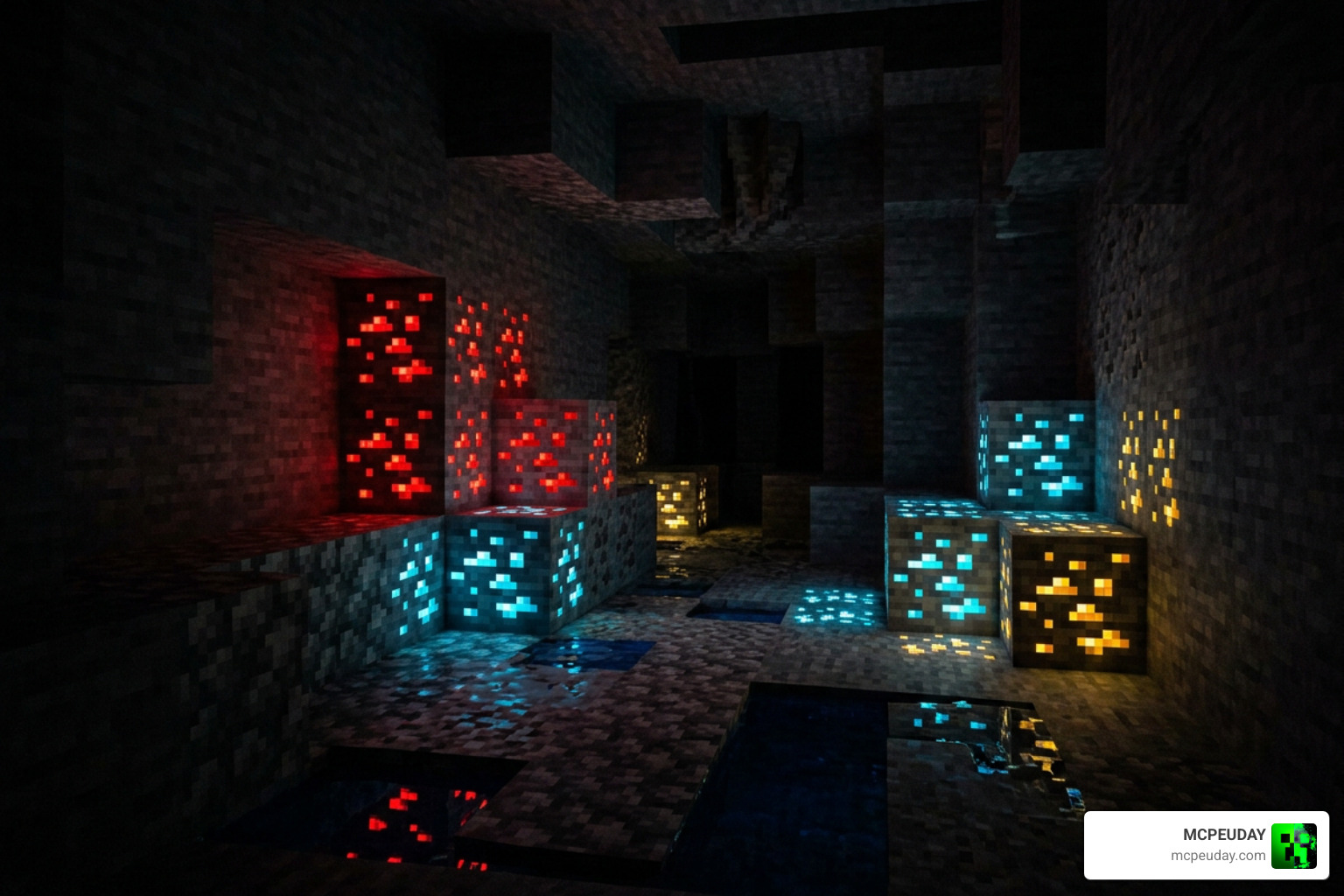
The shader utilizes a lighting technique called “Lumen” to calculate how light bounces off surfaces. One of the most beloved features is the inclusion of glowing ores. When you are deep underground mining, ores like redstone, diamond, and gold emit their own faint, colorful light. This not only looks spectacular, but it also means you will need to place far fewer torches to find your way.
Additionally, the transition from version 1.0 swapped the older ACES tonemapper for a Hable tonemapper. This technical switch results in much more balanced daytime lighting and prevents the sky from looking overly washed out.
Realistic Lighting and Water Effects
The water in Luminous Dreams is a work of art. Instead of the static, flat texture of vanilla Bedrock, water bodies feature dynamic, gentle waves and realistic reflections. Under the sun, you will experience gorgeous atmospheric scattering, where light filters through the air to create realistic haze and sunbeams.
Furthermore, the pack supports colored point lights. Light sources like Soul Lanterns cast a cool blue glow, while Redstone Torches emit a moody crimson light. To see these beautiful lighting systems in action, check out the Luminous Dreams 1.0 Showcase Video.
Biome-Specific Fog and PBR Materials
We love how this shader treats different biomes uniquely. Instead of applying a blanket fog across the entire world, Luminous Dreams uses per-biome configuration files:
- Taiga and Forest Biomes: Feature a dense, moody fog that hangs low between the trees.
- Swamp Biomes: Implement murky swamp water and thick, green-tinted atmospheric fog.
- The Pale Garden: Features custom, desaturated color grading to keep the eerie atmosphere intact.
- The End: Showcases a completely reworked, mystical purple sky.
The pack also features Physically Based Rendering (PBR) materials. Blocks like copper bulbs, wet farmland, obsidian, and quartz have realistic reflections and 3D-like depth.
How to Download and Install the Shader
Getting the Luminous Dreams shader running on your device is quite simple, but you do have a choice to make between two versions.
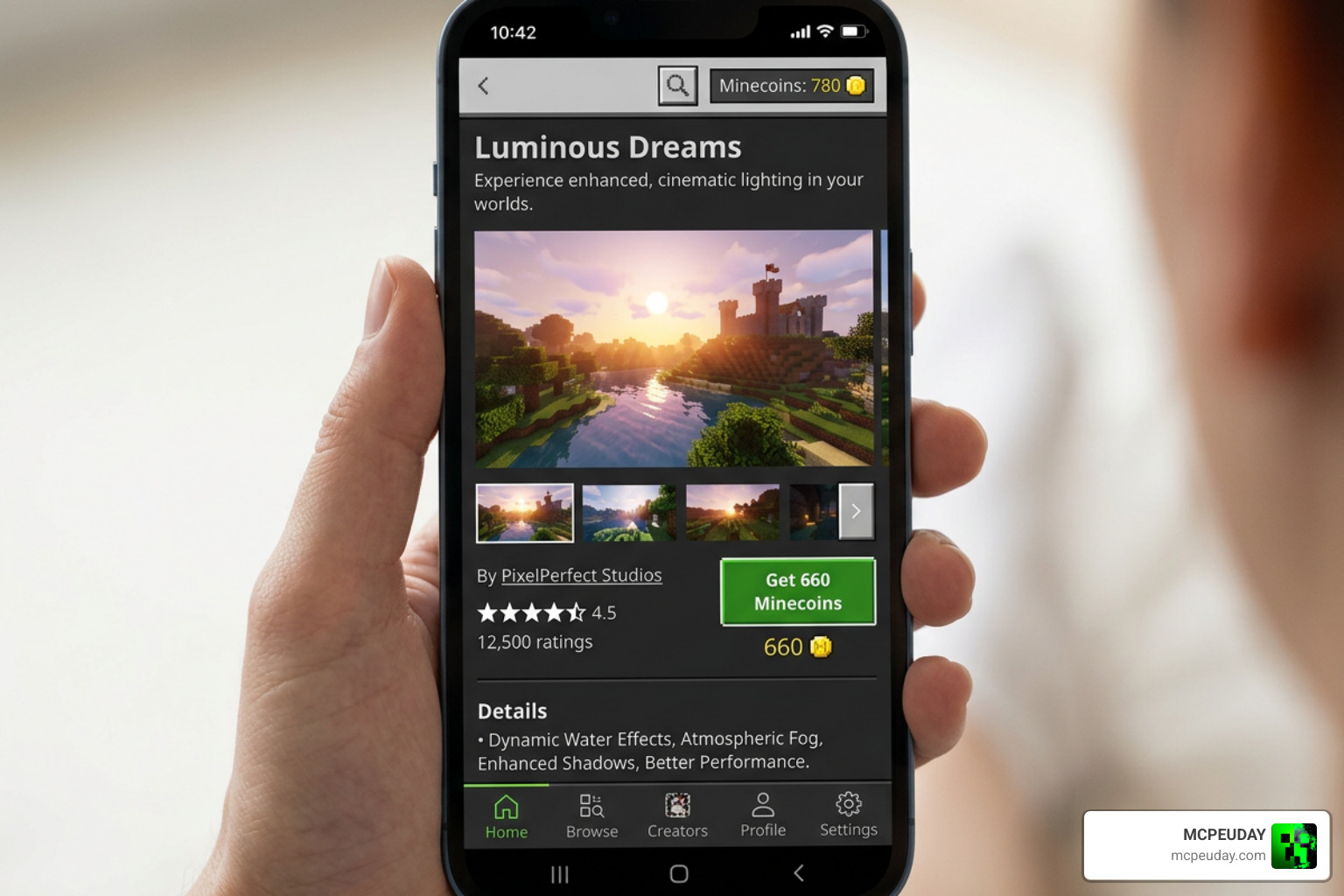
You can choose to purchase the official release directly from the Minecraft Marketplace for 830 Minecoins, or download the free community version.
How to Download the Luminous Dreams Shader
- The Marketplace Version: This is the easiest method. It supports the creator directly, installs with a single click, and receives updates instantly.
- The Free Version: You can download the
.mcpackfile directly from CurseForge. The only catch is that the free version typically receives updates about two weeks later than the paid Marketplace version.
Step-by-Step Installation Guide for Bedrock Platforms
Because Minecraft Bedrock runs on several different devices, the installation process can vary slightly. Here is how to do it:
- For Windows 10 & Windows 11: Download the
.mcpackfile and double-click it. Minecraft will open automatically and import the pack. - For Android & iOS: Download the file, use a file manager app to locate the
.mcpack, and open it with Minecraft. - For Xbox & PlayStation: The easiest and safest way to get the shader on consoles is to purchase it via the Minecraft Marketplace.
Crucial Step: Once the pack is imported, go to your World Settings. Under the Experiments tab, you must toggle on the Vibrant Visuals (or Deferred Technical Preview) experiment. Without this enabled, the shader cannot utilize the Render Dragon engine’s advanced lighting features!
For a deeper look at how to set up shaders on various mobile and console devices, read our Best Render Dragon Shaders for MCPE 1.21 Tested on Real Devices 2026 Guide.
Performance, Compatibility, and Settings
Whenever you run a deferred graphics shader, performance is always a major question. In a community poll with over 869,033 votes regarding shader FPS, players emphasized that optimization is just as important as visual quality.
Fortunately, Luminous Dreams is designed to be relatively lightweight compared to heavy ray-tracing packs.
| Feature | Free Version (CurseForge) | Marketplace Version (830 Minecoins) |
|---|---|---|
| Price | Free | 830 Minecoins |
| Update Cycle | Delayed by ~2 weeks | Instant updates |
| Installation | Manual .mcpack import | One-click install |
| Platform Support | PC, Mobile | PC, Mobile, Xbox, PlayStation |
Recommended Settings for Luminous Dreams Shader
To get the absolute best visual experience without making your game too dark or blindingly bright, we recommend the following settings:
- Brightness/Gamma: Move your in-game brightness slider right to the middle position (50%). Setting it too high washes out the Hable tonemapper, while setting it too low makes caves pitch black.
- In-game Toggle: You can toggle the glowing ores feature on or off directly within the resource pack settings menu depending on your gameplay style.
If you find that your device struggles with deferred rendering, you might want to look into lighter alternatives. A fantastic, highly optimized option is detailed in our guide on the Newb X Ambient Shader for Minecraft PE Realistic Lighting Smooth Shadows FPS Friendly.
FPS Performance and Texture Pack Compatibility
Luminous Dreams keeps vanilla block textures intact. Because it does not force high-definition realistic textures onto your blocks, it is highly compatible with other resource packs!
You can easily layer your favorite texture packs underneath Luminous Dreams. The only rule of thumb is to avoid packs that modify sky boxes, weather, or custom lighting, as these will conflict with the shader’s deferred rendering engine.
Frequently Asked Questions about Luminous Dreams
What is the difference between the free and Marketplace versions of Luminous Dreams?
The main difference is convenience and update speed. The Marketplace version costs 830 Minecoins, works seamlessly on consoles, and gets updates immediately. The free version on CurseForge is identical in features but receives updates roughly two weeks later.
Does Luminous Dreams work on Minecraft Bedrock 1.21?
Yes! Luminous Dreams is fully compatible with Minecraft Bedrock 1.21. Just make sure your game is updated and that you have enabled the “Vibrant Visuals” experiment in your world settings. For more top-tier options, check out our list of the Best Shaders for MCPE 1.21 2026 Top 3 Realistic Minecraft PE Shaders.
Can I use Luminous Dreams with other texture packs?
Yes, absolutely. You can layer block texture packs or animation packs beneath Luminous Dreams. Just make sure the other packs do not alter sky elements, fog, or light maps to prevent visual glitches.
Conclusion
At MCPEUDAY, we believe that the Luminous Dreams shader is one of the absolute best visual upgrades available for Minecraft Bedrock in 2026. It strikes a flawless balance between magical fantasy lighting and smooth performance, proving that you don’t need a high-end NASA computer to enjoy gorgeous graphics.
Whether you choose to support Poggy on the Marketplace or grab the free .mcpack from CurseForge, your Minecraft worlds are about to look ten times cozier.
Ready to see what else the community has to offer? Head over to Explore the Best Shaders for MCPE 1.21 to find more incredible graphics packs tested on real devices!
1 thought on “Luminous Dreams Shader (26.x, 1.21) – MCPE/Bedrock Shader”