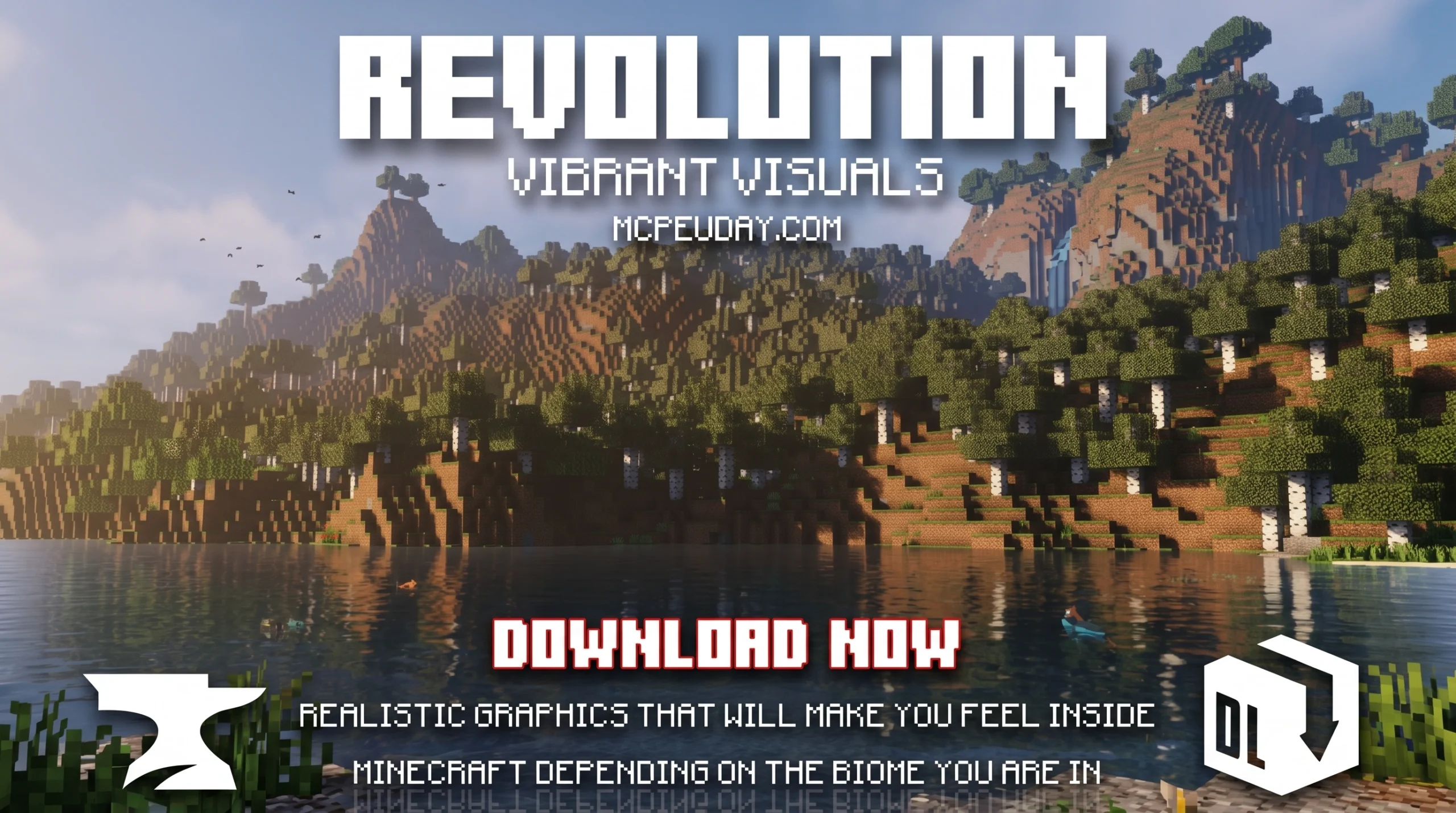
The Revolution Vibrant Visuals Shader Transforms Minecraft Bedrock Graphics
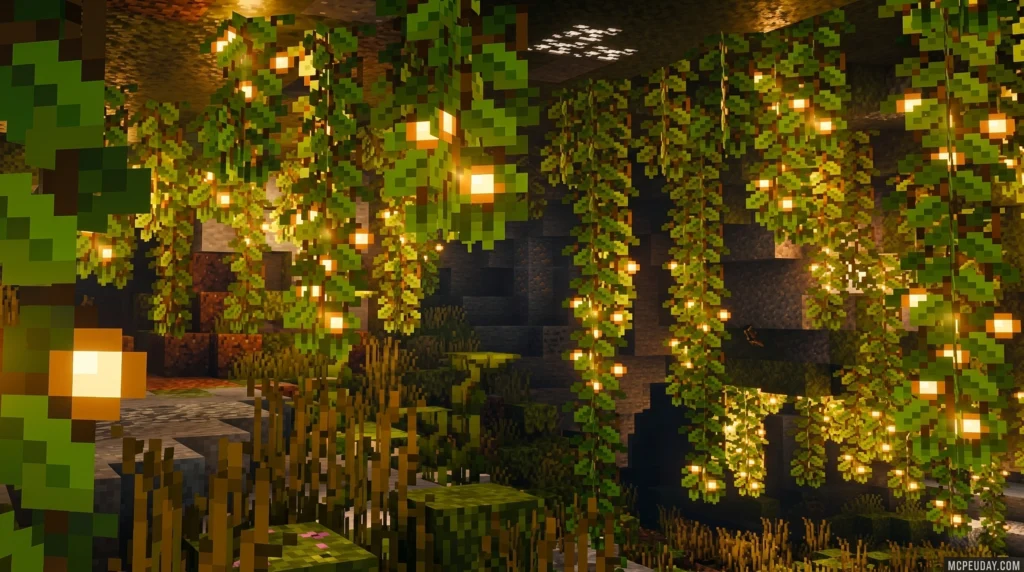
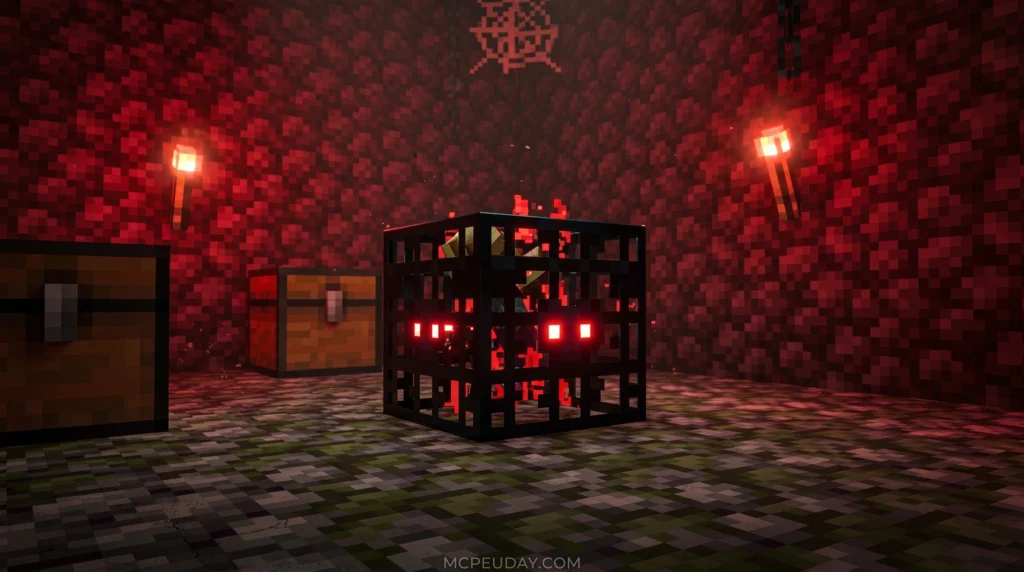
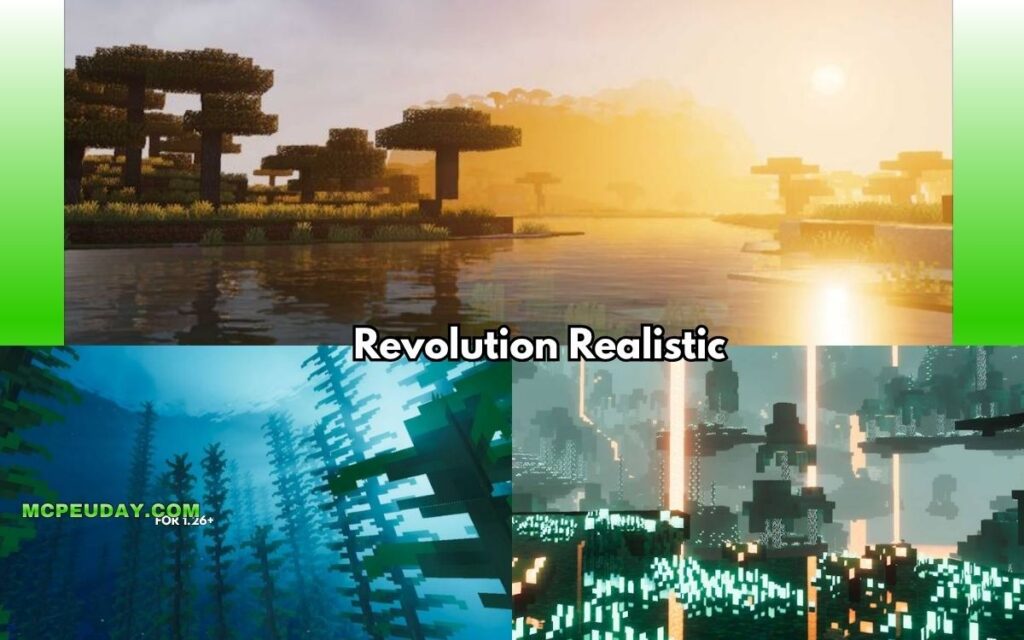
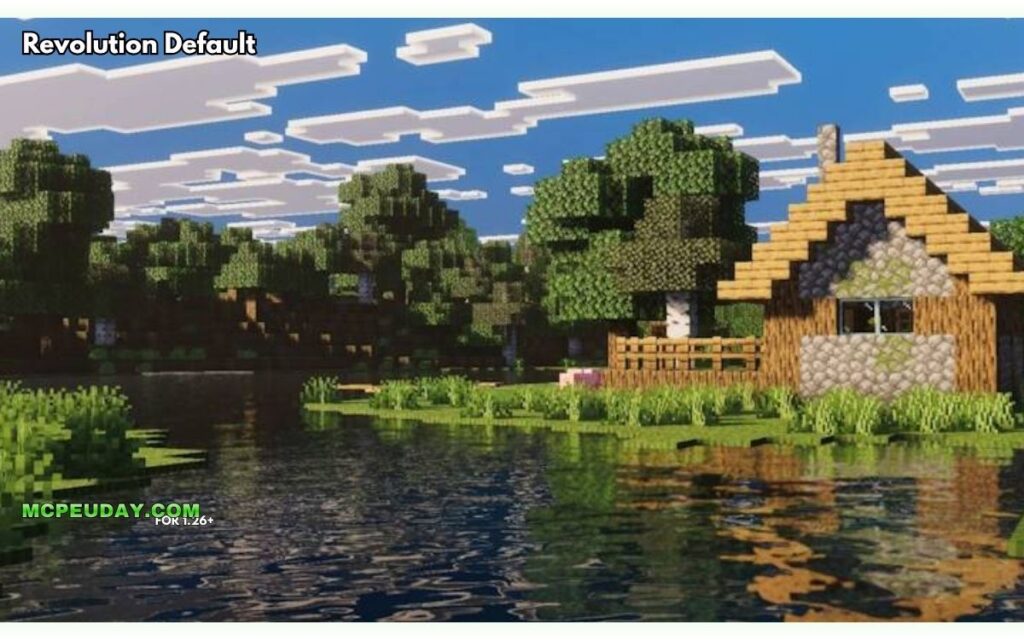
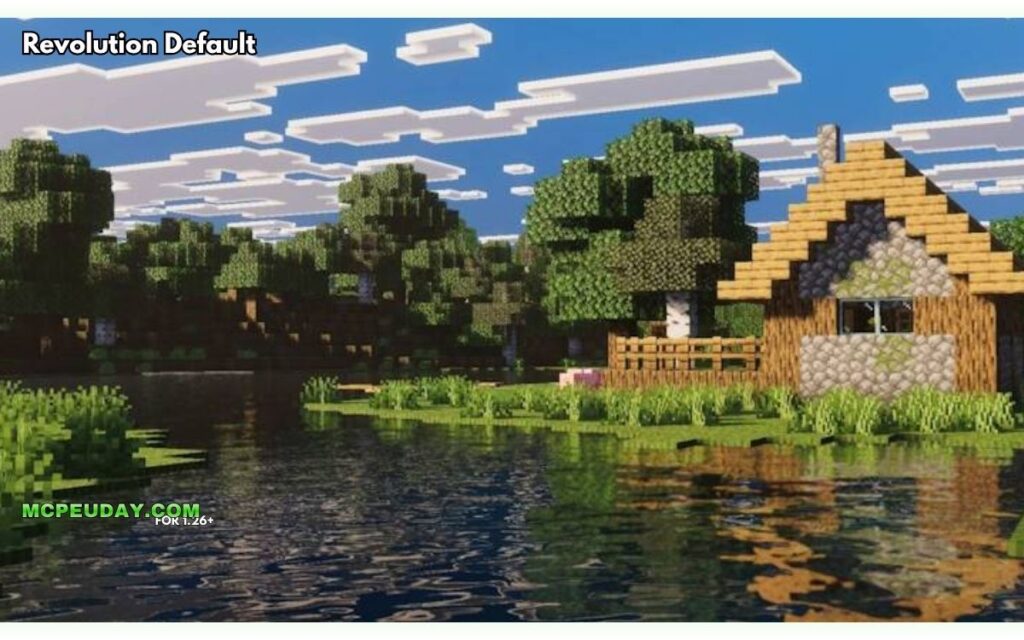
The Revolution Vibrant Visuals shader is a free community-made texture pack for Minecraft Bedrock Edition that uses deferred lighting to make the game look dramatically better — closer to Java Edition shaders — without needing ray tracing hardware.
Quick answer at a glance:
- What it is: A Bedrock shader pack built on Minecraft’s Vibrant Visuals deferred lighting pipeline
- Who made it: Creator Aleeee (6.9M total downloads across all projects)
- Downloads: Over 1.5 million downloads on MCPEDL and 1.3 million on CurseForge
- Versions: Three options — Realistic, Default, and Vanilla Revolution
- Works on: Android (Adreno 640+, Mali-G77+), iOS (A12+), and PC (DirectX 12)
- Key upgrades: Static block lighting, PBR metal reflections, volumetric fog, godrays, and realistic water
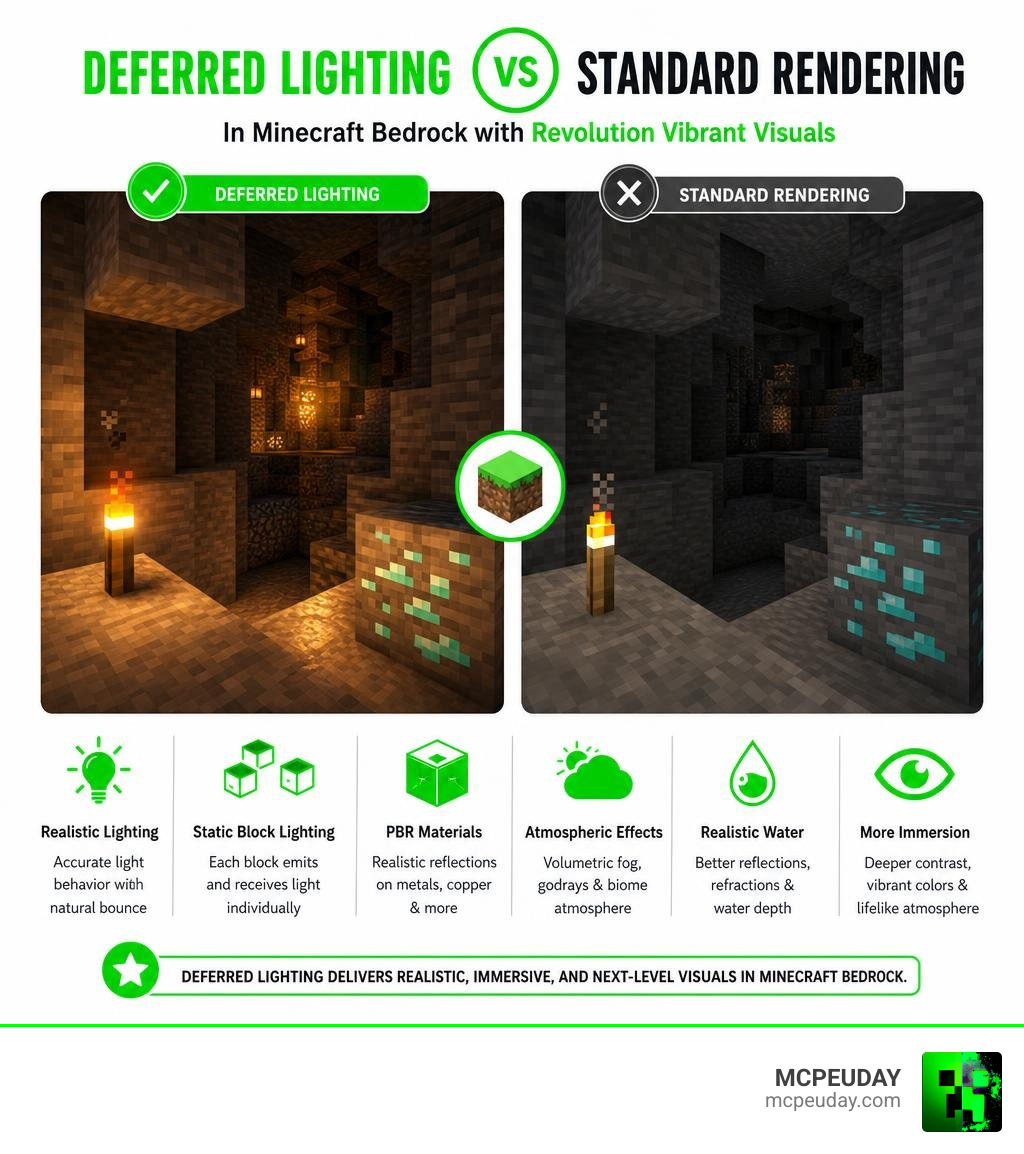
Minecraft’s built-in Vibrant Visuals mode is a great starting point. But Revolution takes it further by adding static lighting on individual blocks, biome-specific atmosphere, and physically based rendering (PBR) on surfaces like copper and metal tools.
It has picked up a massive following fast — and for good reason. The visual difference is immediately noticeable, especially in caves and around light-emitting blocks like torches and lanterns.
What is the Revolution Vibrant Visuals Shader?
The Revolution Vibrant Visuals shader is a groundbreaking graphics enhancement pack designed specifically for Minecraft Bedrock Edition. Created by the talented developer Aleeee, who has amassed over 6.9 million total downloads across all projects on CurseForge, this shader pack has taken the Bedrock community by storm. With over 1.5 million downloads on MCPEDL and more than 1.3 million on CurseForge, it is currently one of the most popular deferred lighting packs available.
We at MCPEUDAY are incredibly excited about this pack because it delivers Java-like shader quality directly to mobile and PC Bedrock players. If you want to experience these stunning visuals yourself, you can grab the files directly from our Revolution Vibrant Visuals Shader Download on MCPEUDAY.
Official Vibrant Visuals vs Revolution Vibrant Visuals shader
It is easy to get confused between Minecraft’s official “Vibrant Visuals” graphics mode and the community-made Revolution Vibrant Visuals shader.
The official Vibrant Visuals is the built-in graphics mode developed by Mojang for the RenderDragon engine. It introduces a modern deferred lighting pipeline, screen-space reflections, and basic volumetric fog. However, the official mode serves as a blank canvas.
This is where the Revolution shader comes in. It acts as a custom deferred resource pack that utilizes the official pipeline to its absolute limits. While the official mode provides the engine, Revolution provides the actual high-quality textures, custom PBR (Physically Based Rendering) maps, and finely-tuned environmental settings. Revolution introduces static point lighting on dozens of blocks, realistic water waves, and custom sky cubemaps that the base game simply does not offer. For a broader look at how this compares to other options, check out our guide on the Top 5 Best Realistic Shaders For Mcpe.
Creator Aleeee and Project History
Developer Aleeee released this project to bridge the visual gap between Bedrock and Java Edition shaders. Since its initial release, the pack has received continuous updates to maintain compatibility with the latest Minecraft versions (including 1.21.100+).
With a solid 3.8 average rating on MCPEDL and active community discussions on CurseForge, Aleeee has used direct player feedback to squash bugs, adjust sky colors, and optimize performance. The creator has even set up a Ko-fi page to receive donations from passionate fans who want to support the ongoing development of this visual revolution. You can follow the official project updates and read community feedback directly on the Revolution Vibrant Visuals | Static Light – CurseForge page.
Key Features and Visual Enhancements
The visual upgrades in this shader pack are nothing short of breathtaking. By utilizing Bedrock’s deferred rendering, the environment dynamically reacts to the world around you.
One of our favorite features is the biome-specific atmospheric scattering. In cold and humid biomes like the Jungle, Mega Taiga, or the eerie Pale Garden, the volumetric fog becomes dense and heavy, catching beautiful godrays as sunlight filters through the trees. In hot biomes like deserts, the lighting shifts to a warmer, dry tone.
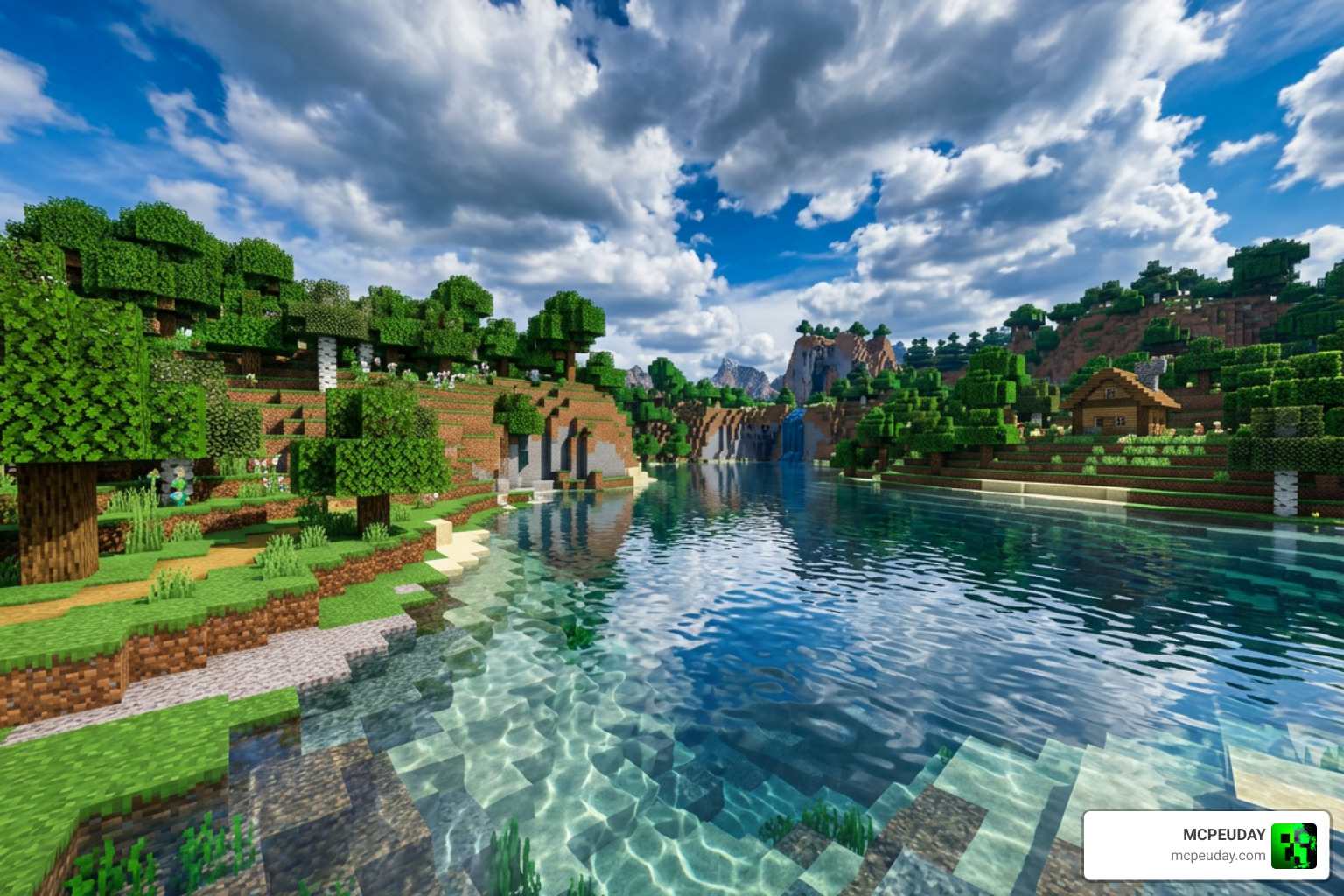
Water is also completely overhauled. Instead of a flat, semi-opaque texture, water is fully transparent with realistic waves, natural refraction light effects, and underwater caustics that project moving light patterns onto nearby solid blocks. If you are looking for more options that offer smooth performance alongside breathtaking views, explore our list of the 3 Best Shaders For Minecraft 1 21 Ultra Realistic Smooth Fps Stunning Graphics.
Static Lighting and PBR Blocks in Revolution Vibrant Visuals shader
What truly sets the Revolution Vibrant Visuals shader apart is its extensive support for static lighting and PBR materials. Over 30 light-emitting blocks have been manually configured to cast realistic, colored point lights onto their surroundings.
These blocks include:
- Torches and Soul Torches
- Lanterns and Soul Lanterns
- Copper Bulbs
- Glowstone and Redstone Lamps
- Magma Blocks and End Rods
- Glow Lichen
- Active Redstone Ore
- Lava and Fire
Additionally, the pack utilizes MERS (Metalness, Emissive, Roughness, Subsurface scattering) texture maps. This means metal blocks like copper, iron, and gold reflect the sun and moon based on their roughness, while emissive textures on blocks like sculk or glowing entities will shine vividly in the dark. Even your armor and tools will show realistic metal reflections depending on the angle of the light!
Realistic, Default, and Vanilla Versions
To cater to different player preferences and device capabilities, the shader is available in three distinct versions:
| Feature | Realistic Revolution | Default Revolution | Vanilla Revolution |
|---|---|---|---|
| Water Waves | Ultra-realistic, high detail | Standard realistic waves | Vanilla-style water ripples |
| Clouds | High-definition custom cubemap | Stereoscopic 3D clouds | Enhanced vanilla clouds |
| Sun & Moon | Detailed, photorealistic | High-quality round celestial bodies | Vanilla square sun/moon |
| Sky Color | Deep, natural gradients | Vibrant, saturated blue | Classic vanilla color palette |
| PBR Textures | Full MERS support | Standard PBR support | Light PBR support |
System Requirements and Device Compatibility
Because deferred lighting is computationally heavy, your device must meet specific hardware requirements to run the Revolution Vibrant Visuals shader smoothly.
- Android Devices: Requires a GPU equivalent to an Adreno 640 (Snapdragon 855) or higher, a Mali-G68 / Mali-G77 (MediaTek Dimensity 1000 series) or higher, or an Xclipse 530.
- iOS Devices: Requires an Apple A12 Bionic chip (iPhone XS/XR) or higher, or any Apple M1/M2 silicon device.
- Windows PC: Requires a dedicated graphics card with DirectX 12 (Feature Level 11) support.
If your device is on the lower end and you are worried about frame drops, we highly recommend checking out our Newb X Ambient Shader For Minecraft Ultra Realistic Lighting Smooth Fps Boost 2026 Guide for an excellent, performance-friendly alternative.
How to Install and Enable the Shader on Bedrock
Ready to upgrade your game? Follow our simple step-by-step installation guide:
- Download the Pack: Download your preferred version (Realistic, Default, or Vanilla) in
.mcpackformat. - Import to Minecraft: Double-click or tap the downloaded
.mcpackfile. Minecraft Bedrock will open automatically and import the resource pack. - Manual Android Path (Alternative): If using a
.zipfile on Android, extract the folder and copy it directly to yourgames\com.mojang\resource_packsdirectory. - Enable Experimental Settings: Before creating or loading your world, go to the world settings, scroll down to the “Experiments” tab, and toggle on Render Dragon Features for Creators.
- Activate the Resource Pack: Go to the “Resource Packs” tab under your world settings and activate Revolution Vibrant Visuals.
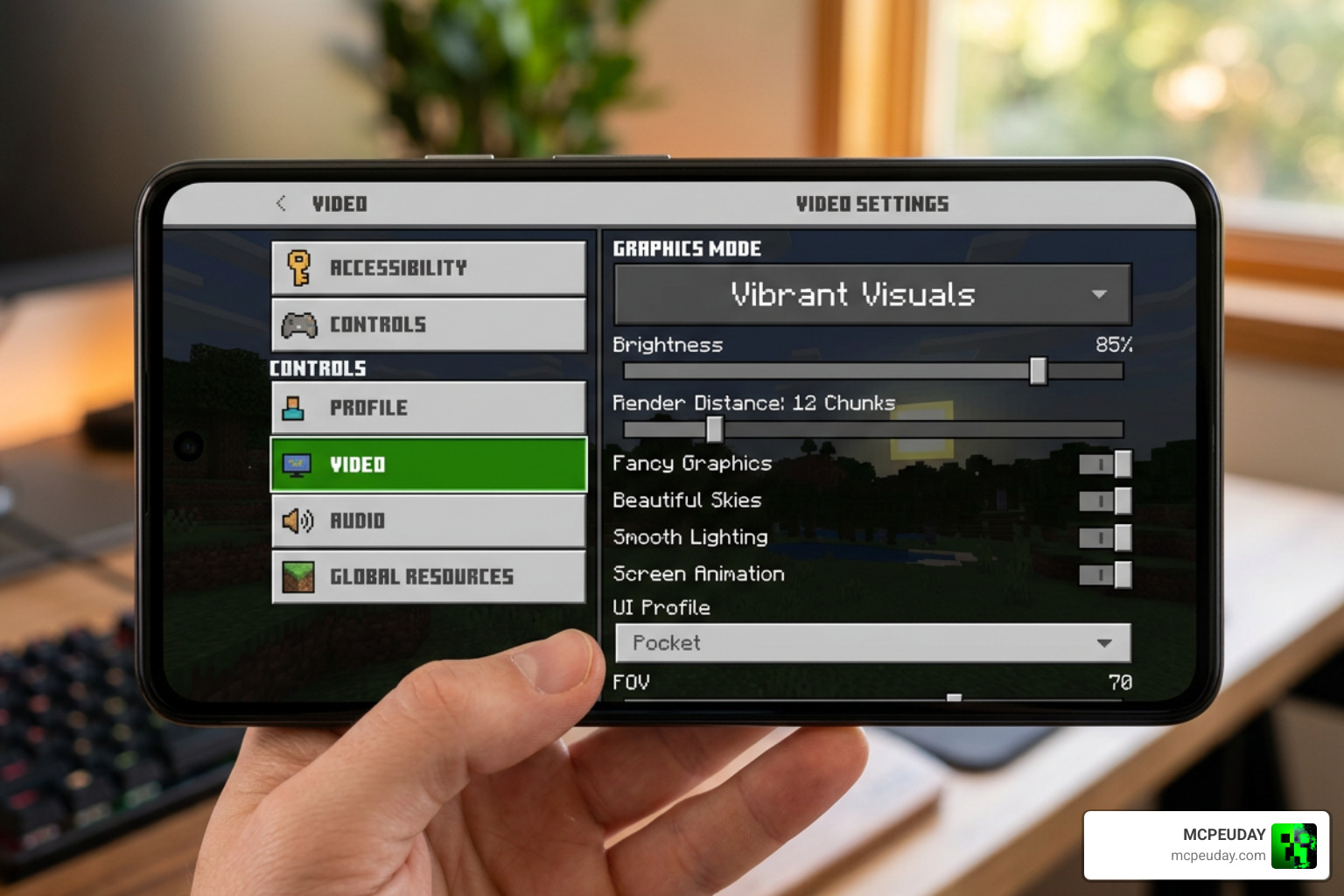
- Turn on Graphics Mode: Once inside the game, open the Settings menu, navigate to the Video tab, and change the Graphics Mode dropdown menu to Vibrant Visuals.
If you find that your mobile device struggles with these settings, you can check out our review of the Newb X Unwind Shader For Minecraft Pe Mcpe Best Realistic Shader For Low End Devices to find a setup that runs perfectly on low-end hardware.
Frequently Asked Questions about Revolution Vibrant Visuals
Is this shader compatible with Minecraft Realms and multiplayer?
Yes! Because this shader is a local client-side resource pack, it only affects your personal graphics. You can play on multiplayer servers, local worlds, and Minecraft Realms without any issues. Your friends do not need to have the shader installed to play with you, though they will see the standard vanilla graphics on their own screens. Local splitscreen play is not supported while Vibrant Visuals is active.
What are the best graphics settings for optimal FPS?
If you experience lag, we recommend opening your Video Settings and expanding the Vibrant Visuals Options. Set your quality preset to Favor Performance. You should also lower your Deferred Render Distance slider (we recommend keeping it between 8 and 12 chunks for mobile devices). Disabling volumetric fog or lowering reflection quality can also give you a massive FPS boost without ruining the overall aesthetic.
Where can I download the official files safely?
To avoid malware or outdated files, we highly recommend downloading the pack directly from our dedicated page at Revolution Vibrant Visuals Shader Download on MCPEUDAY. Alternatively, you can support the creator directly by downloading the pack from the official Revolution Vibrant Visuals | Static Light – CurseForge project page.
Conclusion
The Revolution Vibrant Visuals shader is a true game-changer for Bedrock players in June 2026. By turning Minecraft’s official deferred rendering pipeline into a living, breathing masterpiece of light and shadow, creator Aleeee has given us a way to experience Java-level graphics right on our mobile devices and PCs.
We hope this guide helps you get the pack up and running smoothly. For more incredible graphics upgrades and community favorites, be sure to check out our hand-picked list of the Best Shaders For Mcpe 1 21 2026 Top 3 Realistic Minecraft Pe Shaders. Happy mining, and enjoy the gorgeous new views!
1 thought on “Revolution Vibrant Visuals Shader (26.x, 1.21) – MCPE/Bedrock Shader”