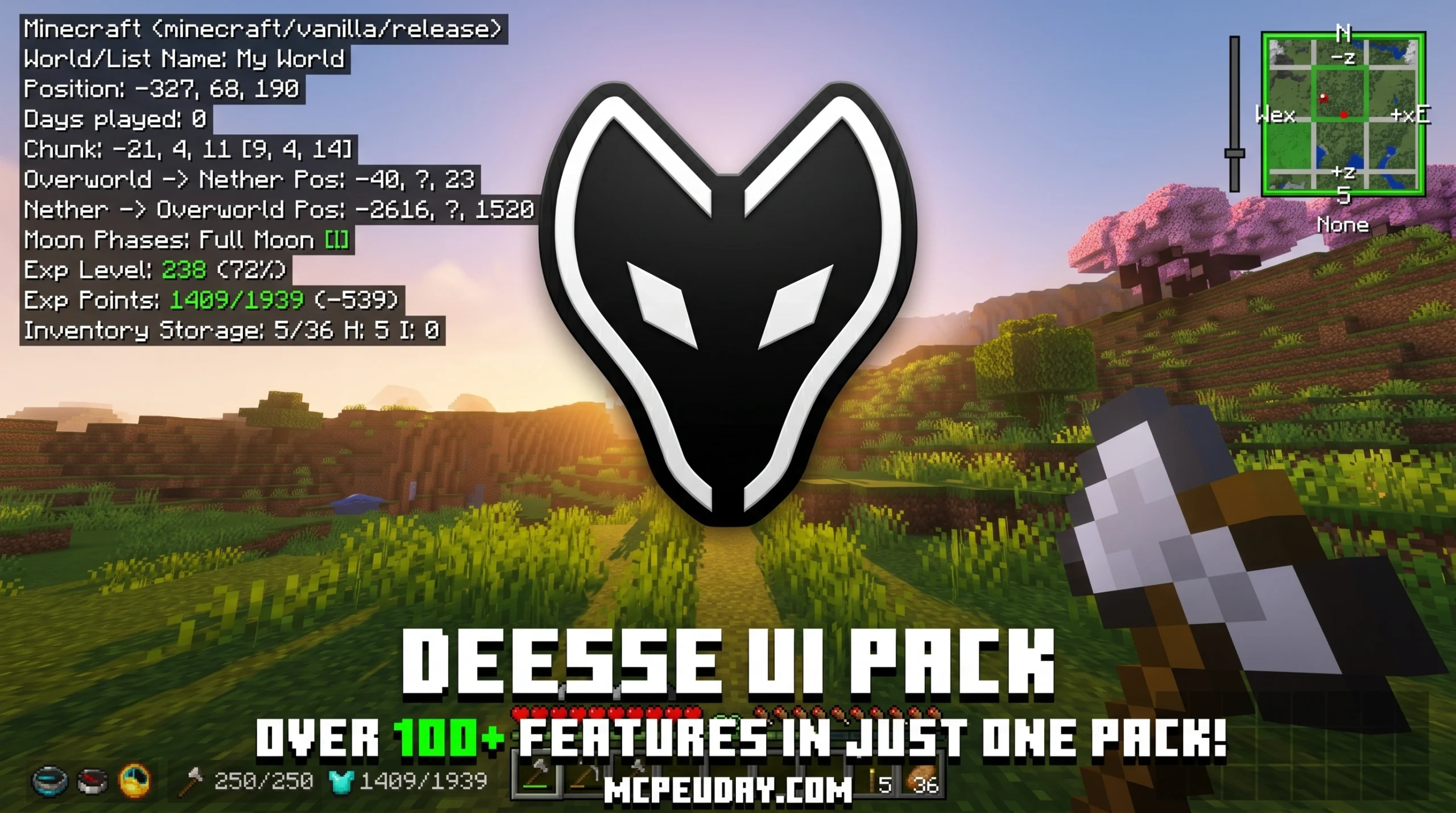
Why the Déesse UI Pack Is a Game-Changer for Minecraft Bedrock
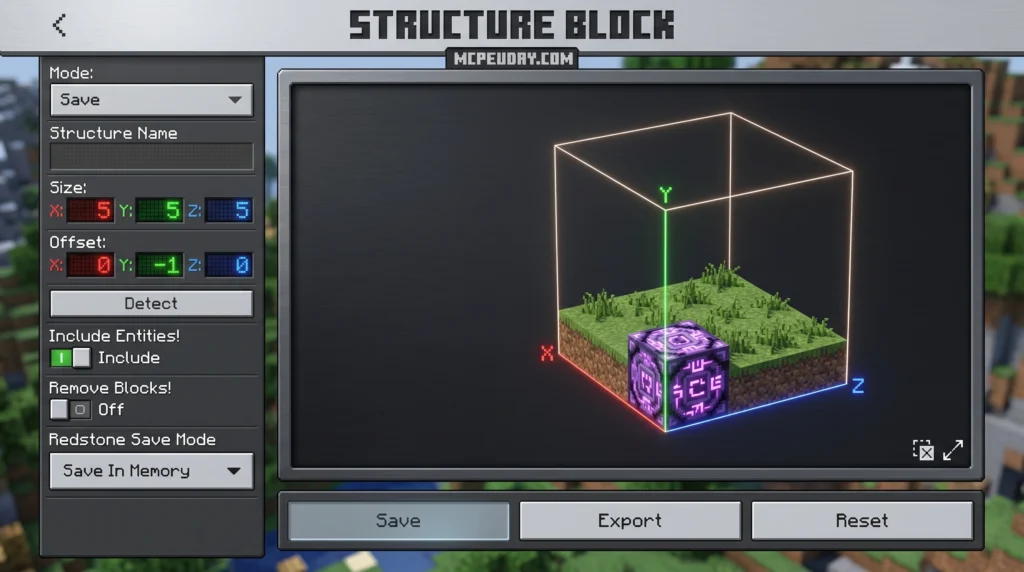
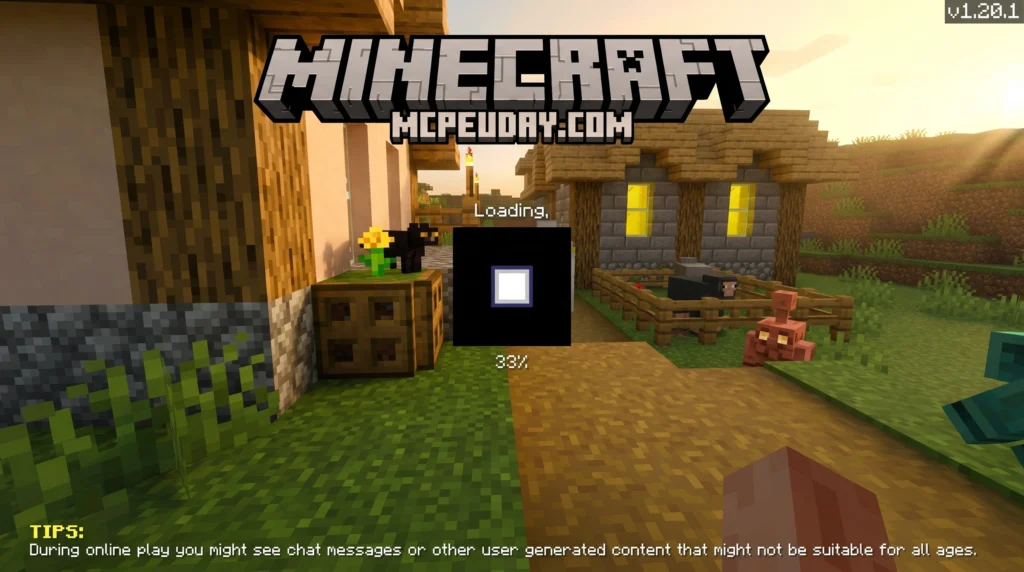
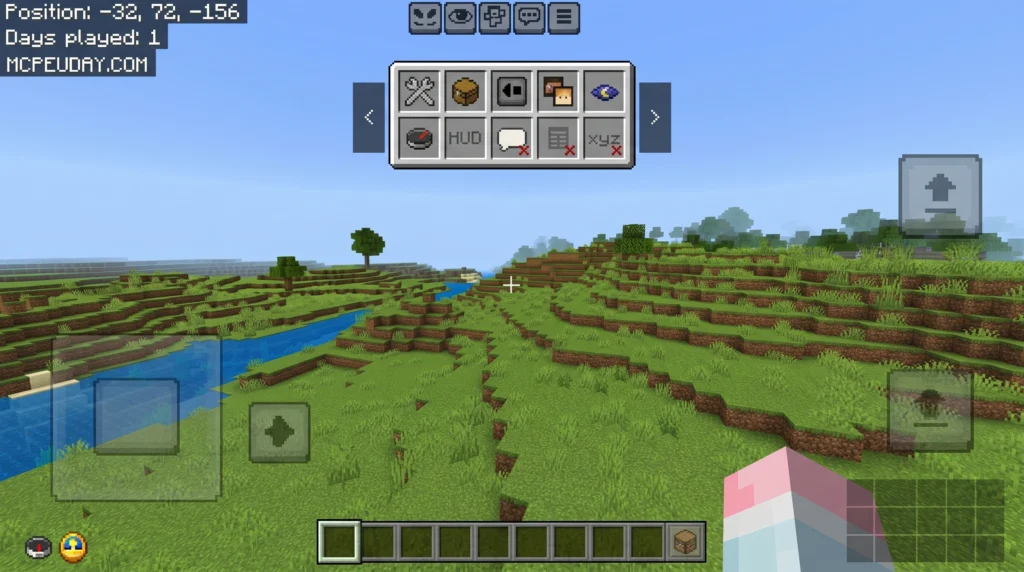
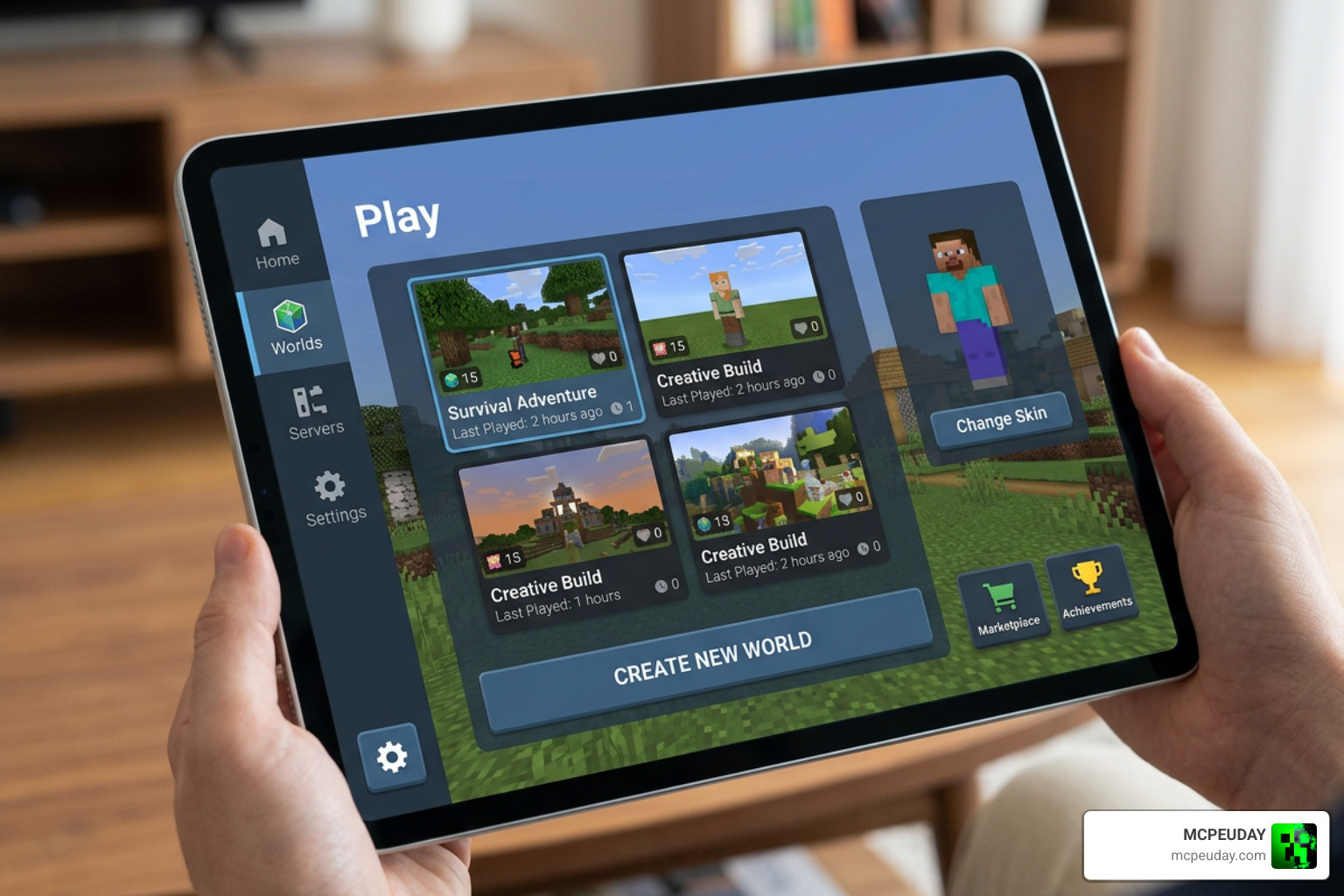
The Déesse UI Pack is a resource pack for Minecraft Bedrock Edition that replaces the default interface with a cleaner, more modern design — and adds over 55 extra features on top.
Quick answer for what it is and does:
- What it is: A UI-focused resource pack for Minecraft Bedrock (MCPE)
- Who made it: ItzRiyo157, with help from several contributors
- Download count: Over 1.25 million downloads
- Latest version: v1.3.4 build 144 (compatible with MC 26.10+)
- File size: 2.37 MB
- Key features: Smithing Armor Viewer, Banner Pattern Editor, Chunk Map, Toggle Night Vision, Performance Mode, and more
- Requires: Classic interface setting enabled in Minecraft Bedrock
- Language: English only
If you’ve ever felt the default Minecraft Bedrock UI was too plain or too limited, this pack is built for you. It bundles tools that used to be spread across many separate packs — all in one clean download.
Whether you’re on mobile, Windows, or a controller, this guide covers everything: features, installation steps, version compatibility, and known issues.
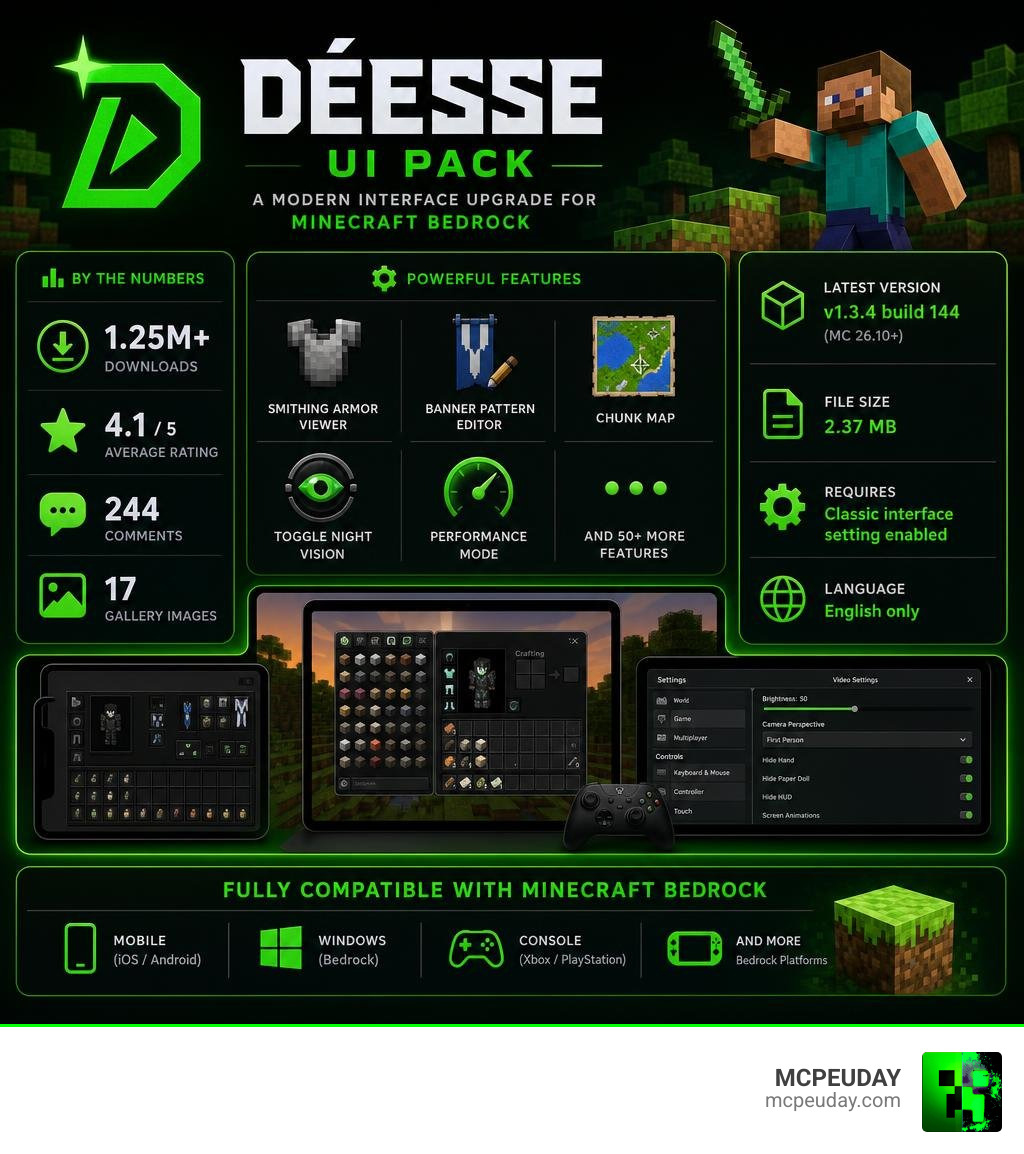
What is the Déesse UI Pack?
When we look at the default user interface of Minecraft Bedrock Edition, it often feels functional but a bit dated. That is where the Déesse UI Pack comes in. This resource pack completely redesigns the game’s interface, giving it a sleek, modern, and highly aesthetic style.
Instead of just changing the background colors, the pack reworks how you interact with your inventory, settings, and in-game utilities. It has quickly become one of the most popular UI resources in the community. As of June 2026, it boasts an impressive 1,252,255 downloads and an average player rating of 4.1 stars. With 244 comments on the project page and 17 gallery images showcasing its stunning layout, it is clear that players love the visual and functional upgrade.
Note: If you happen to search for this name on console stores, you might come across the Pack Déesse on PlayStation, which is an in-game bundle for a completely different game (Paladins). For our block-building adventures, we are focusing strictly on the Minecraft Bedrock resource pack available on Déesse UI Pack – Minecraft Bedrock Texture Packs .
Core Objectives of the Déesse UI Pack
The main goal of the Déesse UI Pack is to make your Minecraft gameplay smoother and more intuitive without altering vanilla mechanics. It achieves this by focusing on:
- Enhanced Navigation: Cleaning up cluttered menus so you can find settings faster.
- Smart Gameplay Tweaks: Over 55 handy features are integrated directly into the UI to save you time.
- Improved User Experience: Redesigning inventory screens, container menus, and chat boxes for quick access.
- Classic UI Loyalty: The pack is specially designed to work with the Classic interface profile, keeping the familiar PC-like layout but making it look ten times better.
Meet the Creators and Contributors
A massive project like this requires a lot of talent and dedication. The pack was created by the talented developer ItzRiyo157. To make this the ultimate UI bundle, they collaborated with and drew inspiration from several prominent community creators.
Key contributors and credits include:
- tlgm2308
- Dimzcraft
- T1M0THY
- The Andromedarius
- drav0011
By combining elements from their previous individual utility packs, the team managed to build a single, cohesive resource pack.
Key Features and UI Enhancements
The visual overhaul starts the moment you open your game. The pack utilizes a gorgeous Ore UI styling that makes the settings screens look clean and organized. Animations are smoother, buttons are more responsive, and everything feels premium.
To give you an idea of how much changes, here is a quick comparison:
| Feature | Default Bedrock UI | Déesse UI Pack |
|---|---|---|
| Visual Theme | Basic gray boxes | Sleek, modern Ore UI styling |
| Settings Navigation | Long, scrolling menus | Sectioned, tabbed layout with quick toggles |
| Armor Trims | Must craft or use Creative to preview | Built-in Smithing Armor Viewer |
| Banner Editing | Limited preview in loom | Interactive Banner Pattern Editor |
| Inventory Alerts | None | Full inventory slot notifications |
Integrated Utilities in Déesse UI Pack
Instead of cluttering your active global resources with ten different small mods, this pack integrates several top-tier utilities directly into its code. These include:
- Quick Container: Lets you move items in and out of chests with lightning speed.
- Force Spectator: Easily toggle spectator mode options when allowed.
- Player List HUD: A cleaner, more informative player list screen.
- Item Rarity Highlighter: Color-codes items based on rarity so you can spot your best gear instantly.
- Temporary Notes: Write down coordinates or quick reminders directly on your screen.
- Bundle Item Counter: Shows exactly how many items are stuffed inside your bundles.
- Trade Utils: Simplifies trading menus with villagers.
- Hover Text Fixer: Cleans up overlapping or messy hover tooltips.
Advanced Tools and Performance Mode
For the survival enthusiasts and power users, we get access to some incredible advanced tools:
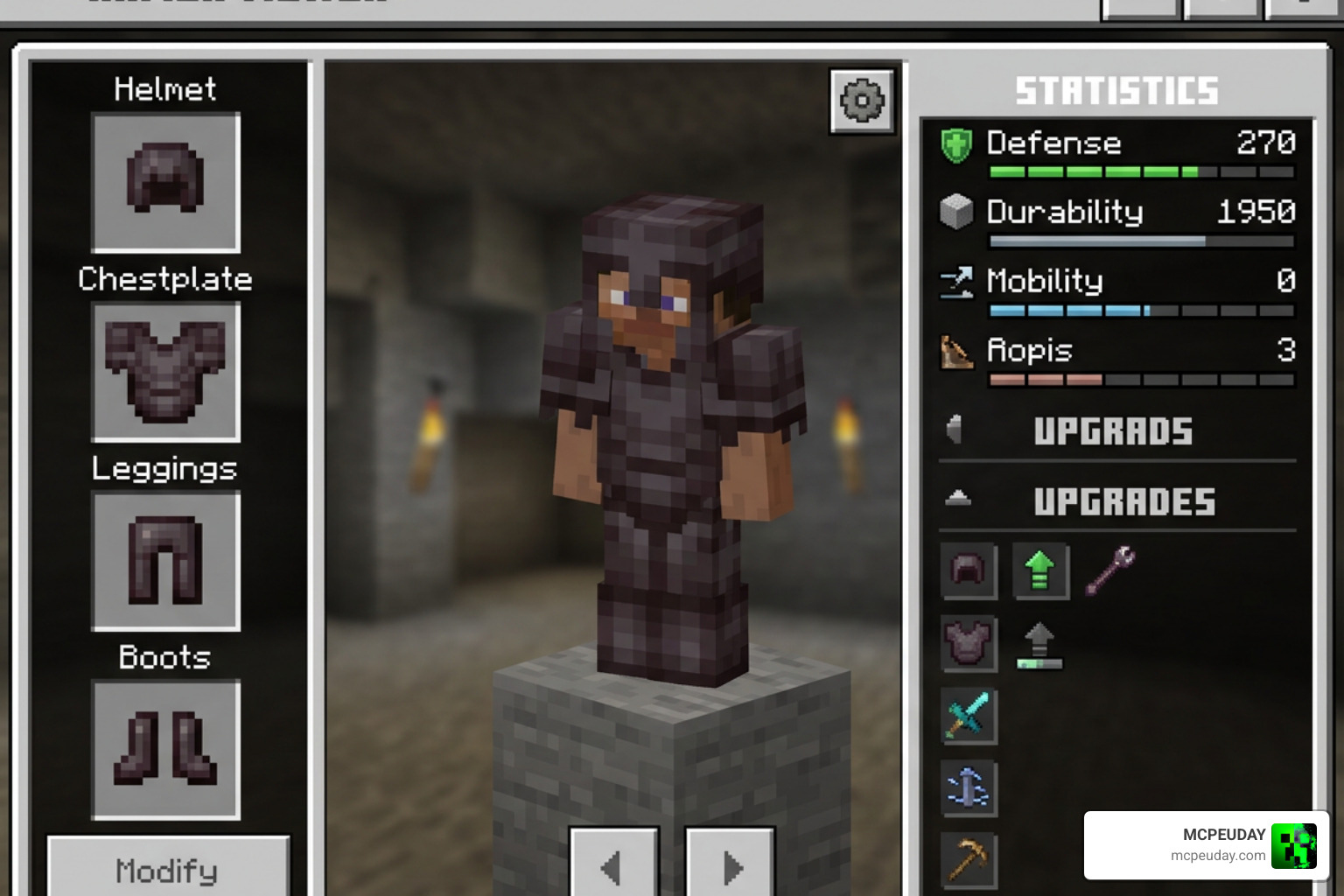
- Smithing Armor Viewer: Want to see what a Silence Armor Trim looks like on netherite gear before spending your precious materials? This tool lets you preview armor trims on the fly without needing creative mode.
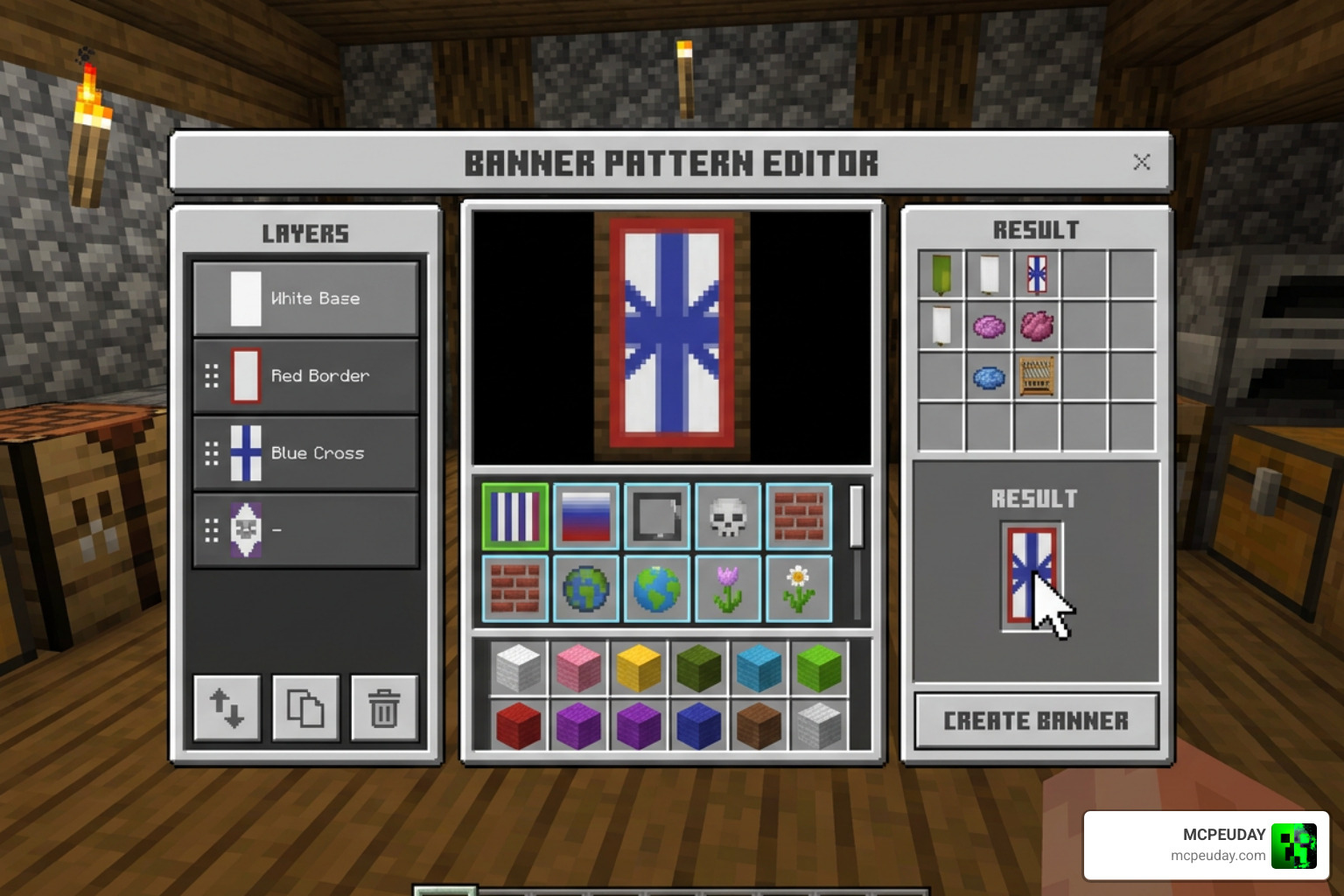
- Banner Pattern Editor: Edit and preview banner designs directly in-game from the loom or tools menu.
- Chunk Map & Clock Compass: Keep track of your local chunk boundaries, game time, and directions without filling up your hotbar.
- Toggle Night Vision: Brightens up dark caves with a quick visual overlay (though note that this brightness overlay may have minor issues on some Windows systems).
- Dynamic Day Counter: Tracks how many days you have survived in your world.
- Performance Mode Subpack: If you are playing on a lower-end mobile device or an older console, you can activate this subpack. It optimizes loading times and reduces UI lag by simplifying heavy background animations.
Version History and Technical Updates
The development team keeps the pack highly polished with regular updates and build tracking. The file size is kept incredibly lightweight at just 2.37 MB, ensuring quick load times even on mobile devices.
Latest Fixes in v1.3.4 and v1.2.5
The transition to newer versions of Minecraft Bedrock often breaks custom interfaces. The creators have worked hard to fix these issues in recent updates:
- v1.3.4 (Build 144): This was a crucial hotfix targeting compatibility with Bedrock’s new Ore UI settings screen. It fixed a major bug where players got stuck on a loading screen when selecting a section. It also resolved layer display issues in both the Banner Pattern Editor and the Smithing Armor Preview, and added a toggle to show sections in the legacy settings screen.
- v1.2.5 (Build 72): This update introduced a handy notification that pops up when your inventory slots are completely full. It also optimized “Quick Items” using a factory method, which makes moving items in container and inventory screens incredibly smooth and lag-free.
Installation Guide and Compatibility Checklist
Ready to install the pack? Follow this checklist to get it running perfectly:
- Download the Pack: Grab the latest
.mcpackfile from the official Déesse UI Pack – Minecraft Bedrock Texture Packs page. - Import to Minecraft: Double-click or tap the downloaded file to automatically import it into Minecraft Bedrock.
- Change UI Profile: Go to Settings > Video and ensure your UI Profile is set to Classic. The pack will not display correctly under the “Pocket” layout.
- Activate the Pack: Go to Settings > Global Resources, select the pack, and click Activate.
- Configure Subpacks (Optional): Click the gear icon on the activated pack to toggle Performance Mode if you are on a low-end device.
Compatibility Notes:
- Language: The pack currently supports the English language only.
- Add-on Compatibility: It is fully compatible with popular packs like Better Days Played.
- Night Vision: The Night Vision toggle overlay might experience visual bugs on certain Windows platforms.
Frequently Asked Questions
Which Minecraft Bedrock versions are supported?
The pack is designed to support Minecraft Bedrock 1.21.x and newer, including the latest 1.26 updates (specifically tested for MC 26.10+).
Why does the UI look broken after installation?
This usually happens for two reasons:
- Your in-game UI Profile is set to “Pocket” instead of Classic. Switch to Classic in your video settings.
- You might have extra conflicting image files in your resource folder. Some community forums suggest deleting extra cached images or reinstalling the pack if visual glitches persist.
Is the pack compatible with other resource packs?
Because the Déesse UI Pack integrates so many standalone utilities, it is strictly incompatible with individual versions of those exact same packs (like standalone Quick Container or Item Rarity Highlighter). Avoid running them at the same time to prevent UI conflicts!
Conclusion
The Déesse UI Pack is an absolute must-have for any Bedrock player looking to elevate their gameplay. By combining over 55 features — from armor previews to performance optimizations — into a single, lightweight 2.37 MB package, it proves that you do not need to sacrifice device performance for a beautiful game.
We love sharing the best tools to make your Minecraft experience spectacular. Explore more Bedrock resources on MCPEUDAY to find the perfect shaders, addons, and texture packs to pair with your brand-new user interface!
I always spent my half an hour to read this website’s
content everyday along with a mug of coffee.