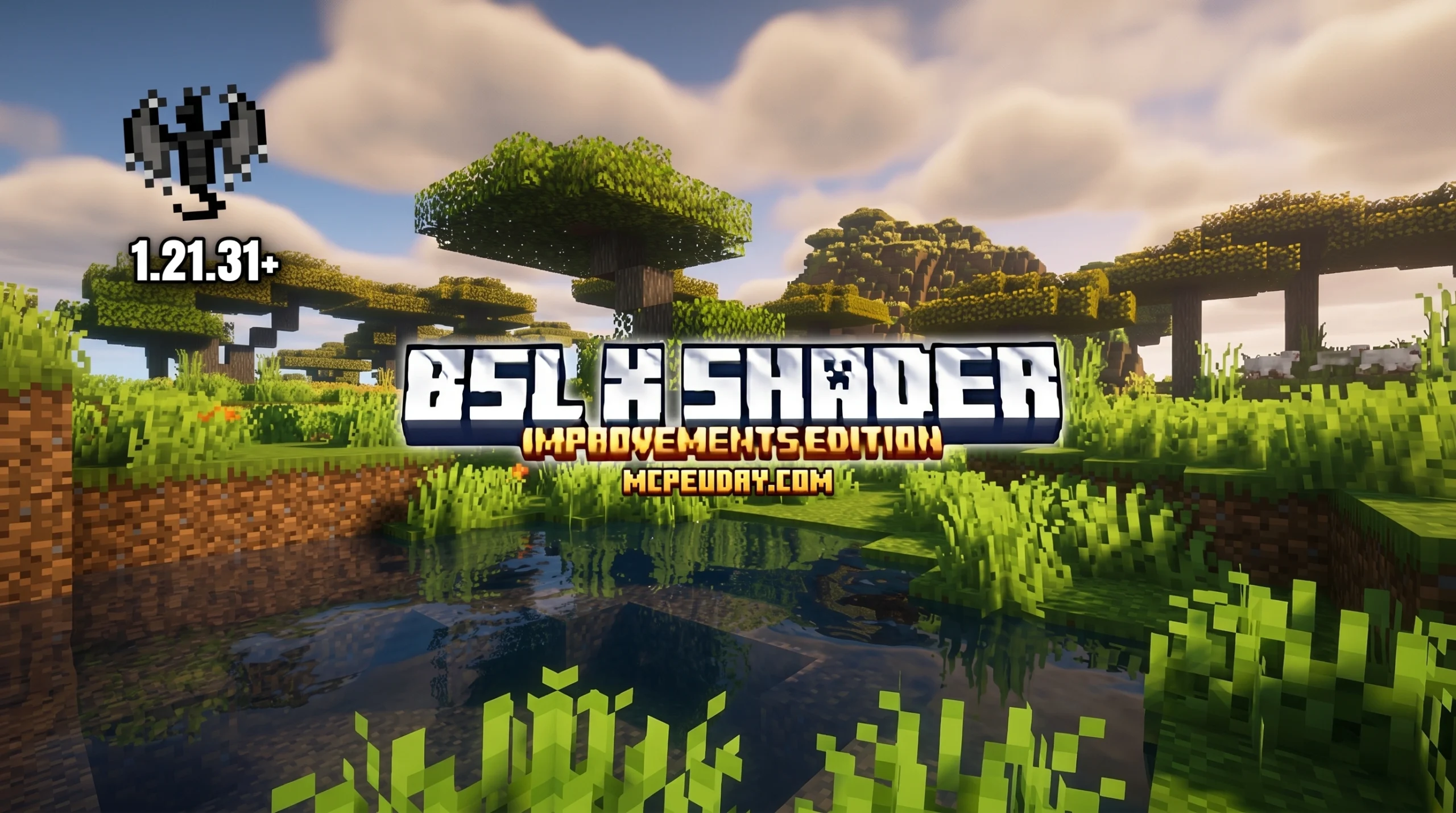
What You Need to Know About BSL X Improvement Shader
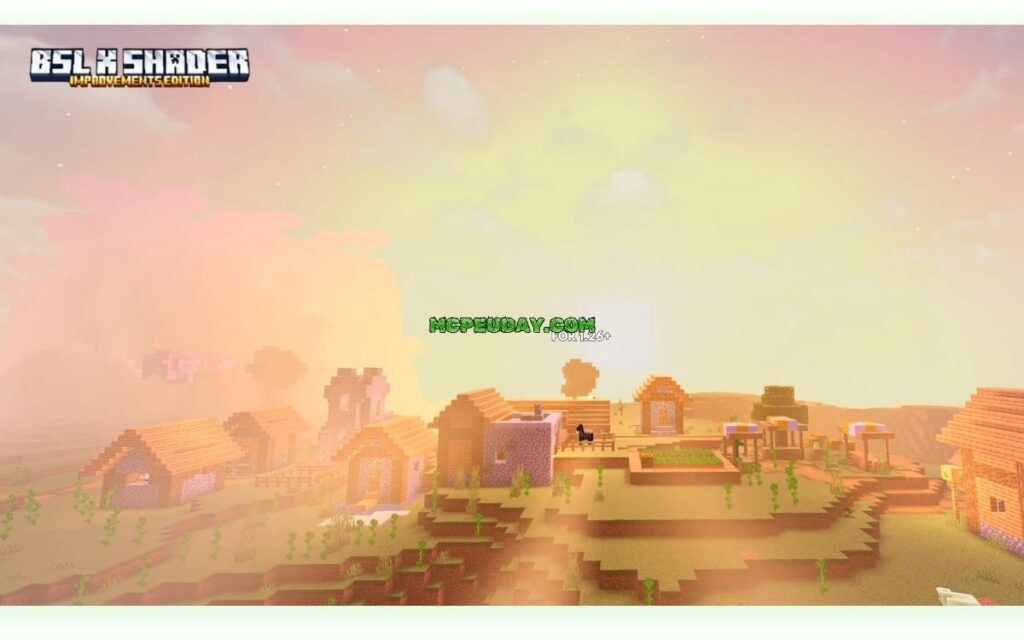
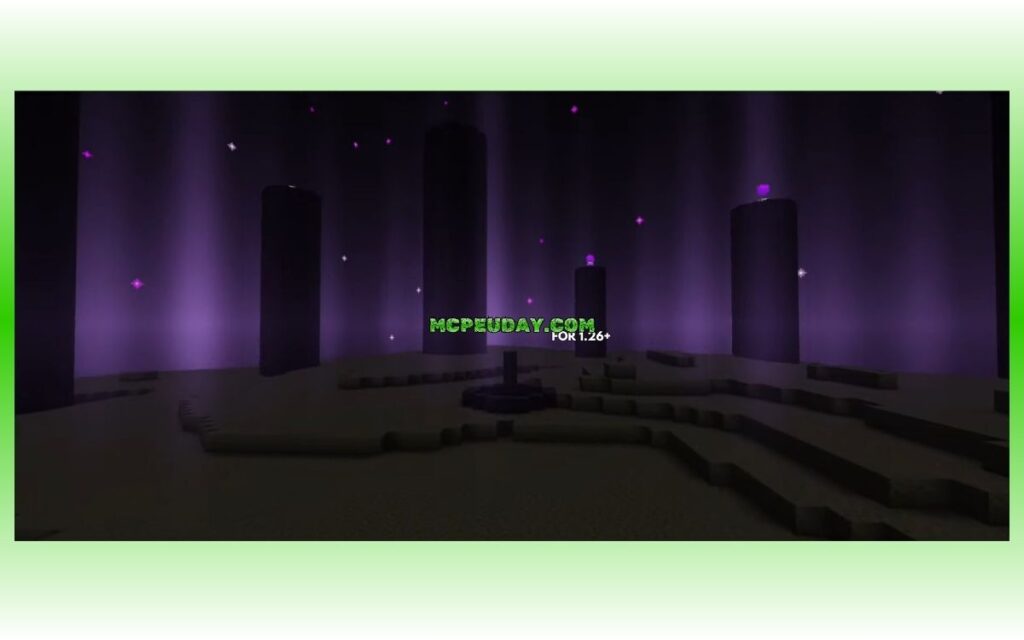
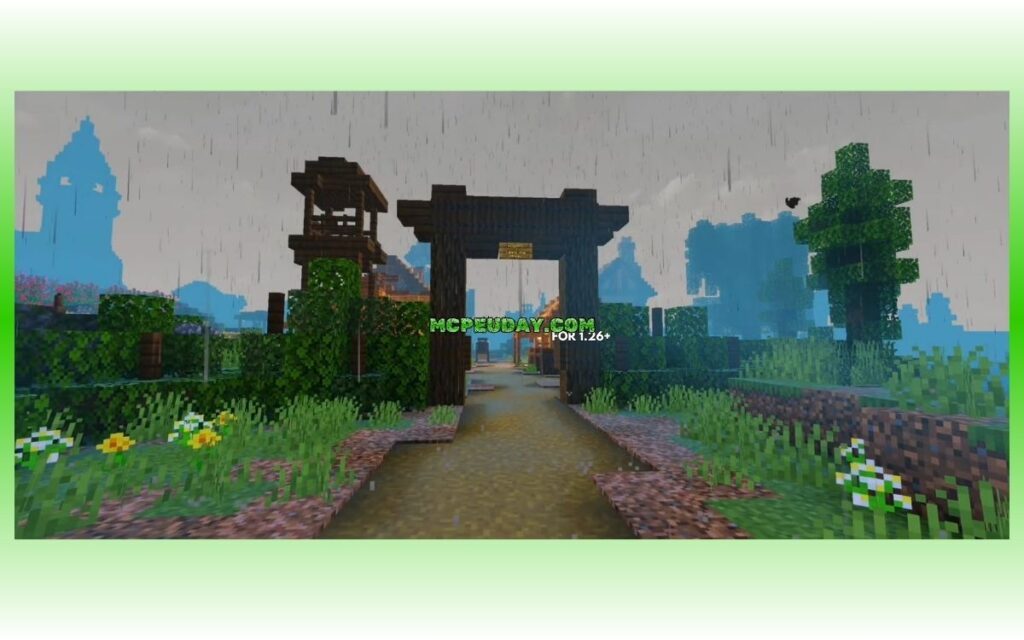
The BSL X Improvement Shader is a graphics enhancement pack for Minecraft Bedrock Edition (MCPE) that brings cinematic, realistic visuals to your game — no RTX hardware needed.
Here’s a quick overview:
- What it is: A Bedrock-exclusive shader built on the Newb code base, inspired by the iconic BSL Shaders from Java Edition
- Best for: Android devices running Minecraft PE 1.21+
- Key effects: Volumetric lighting, bloom, ambient occlusion, realistic water, glowing ores, and cinematic skies
- Status: Discontinued as of October 2025 — the Overhaul update is the final release
- Performance: 45–60 FPS on mid-range Android phones like the Samsung Galaxy A52 and IQOO Z9
- How to get it: Download the
.mcpackfile from a trusted source, import it, and activate it in Global Resources
It earned a 4.1 out of 5 rating from over 300 users — a solid score for a free Bedrock shader.
If you want RTX-level visuals on a regular Android phone, this shader gets you surprisingly close. The three steps to find and use it are simpler than most players expect.
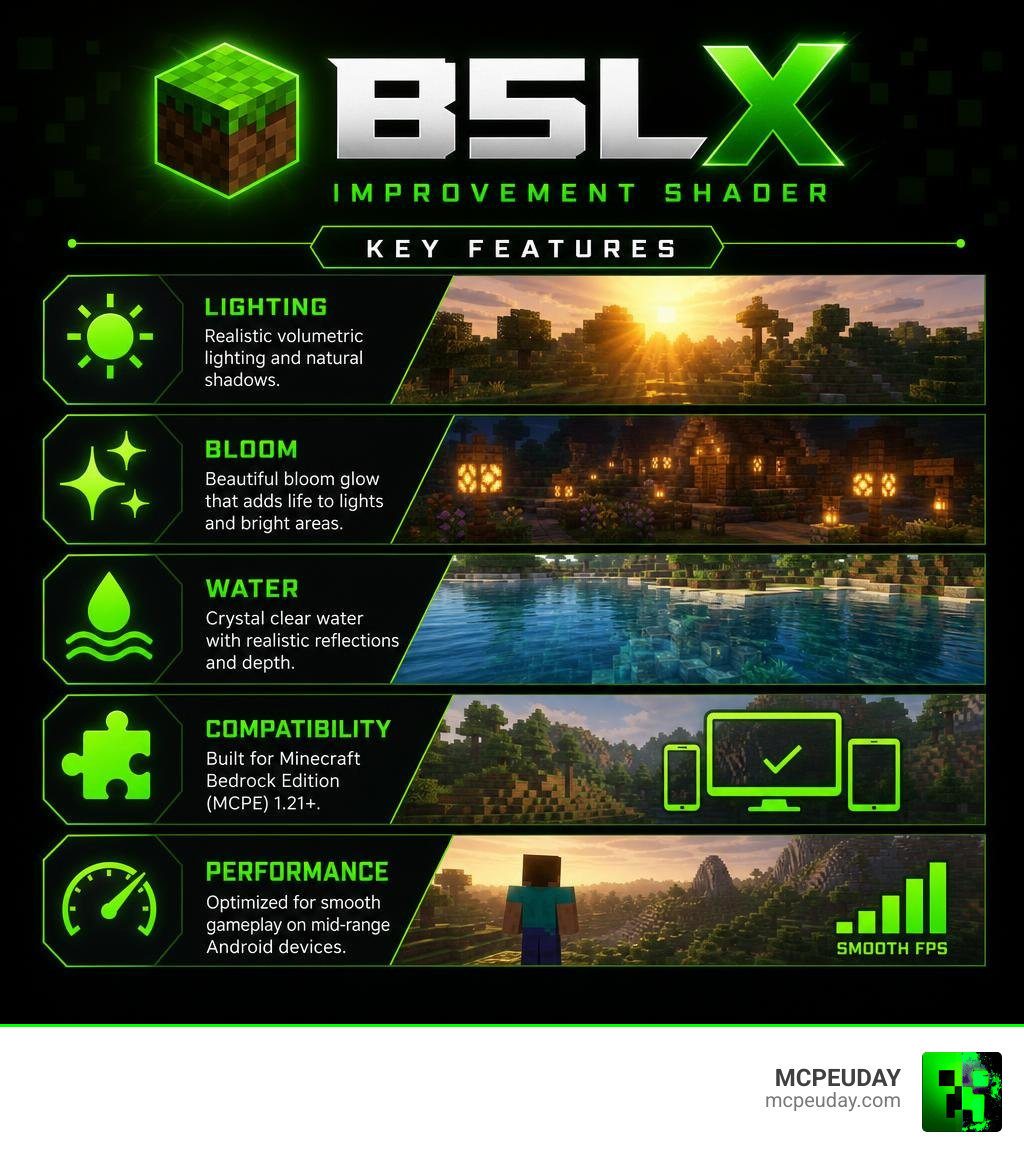
What is the BSL X Improvement Shader?
If you have ever scrolled through Minecraft videos on YouTube or TikTok, you have probably gasped at how gorgeous the game can look. Most of those breathtaking clips feature Java Edition running heavyweight shader packs. Chief among these legendary packs is BSL Shaders, which boasts over 75 million downloads on CurseForge and upwards of 22 million downloads on Modrinth.
But what about those of us playing on mobile devices or Bedrock Edition? Historically, Bedrock players were left out in the cold, especially after Mojang introduced the RenderDragon rendering engine, which broke older shader methods.
This is where the BSL X Improvement Shader steps in. Developed as a love letter to the original Java masterpiece, this pack was engineered from the ground up using the highly flexible Newb shader code base. It translates the bright, colorful, and distinct aesthetic of Java’s BSL into a format that Bedrock can actually understand. To learn more about how this compares to other options, check out our Bsl X Shader Improvement Shader The Best Realistic Smooth Shader For Minecraft Pe or read about its predecessor in our guide on the Bsl Legacy Shader Mcpe.
However, there is an important bit of news you should know. As of June 2026, development on the BSL X Improvement Shader has been discontinued. The creator officially paused updates in late 2025 due to an increasingly demanding real-world work schedule. The final release, known as the Overhaul Update, is the absolute peak of this pack’s evolution. It requires specific Minecraft versions (from 1.21.93 up to 1.21.101) and utilizes specialized third-party loaders to run smoothly on Android.
Key Visual Features of the BSL X Improvement Shader
What makes this shader so special that tens of thousands of players still hunt down the file? It completely overhauls Minecraft’s default, flat lighting system. Here are the core visual features that turn your blocky world into a cinematic experience:
- Volumetric Lighting & Soft Shadows: Sunlight filters through leaves and structures in realistic, dusty columns (often called “god rays”). Shadows are no longer harsh black circles; they fade softly at the edges depending on the light source.
- Stunning Bloom and Moon Glow: Torches, lanterns, glowing ores, and even the moon emit a realistic haze. When you walk out of a dark cave into the daylight, the screen adjusts dynamically, mimicking how real human eyes adapt to bright light.
- Ambient Occlusion: This feature adds subtle, dark gradients where blocks meet. It gives depth to your builds, making corners and crevices look natural rather than artificially bright.
- Upgraded Water Visuals: Water is transformed from a static blue texture into a semi-transparent, reflective liquid that ripples gently. It looks beautifully mysterious under moonlight and brilliantly clear during the day.
- Glowing Armor Trims & Mob Eyes: Armor trims glow in the dark, and certain hostile mobs feature glowing eyes, adding an extra layer of tension to your survival nights.
- Dynamic Skyboxes: Watch cinematic sunsets with smooth, warm color transitions that blend effortlessly into starry nights.
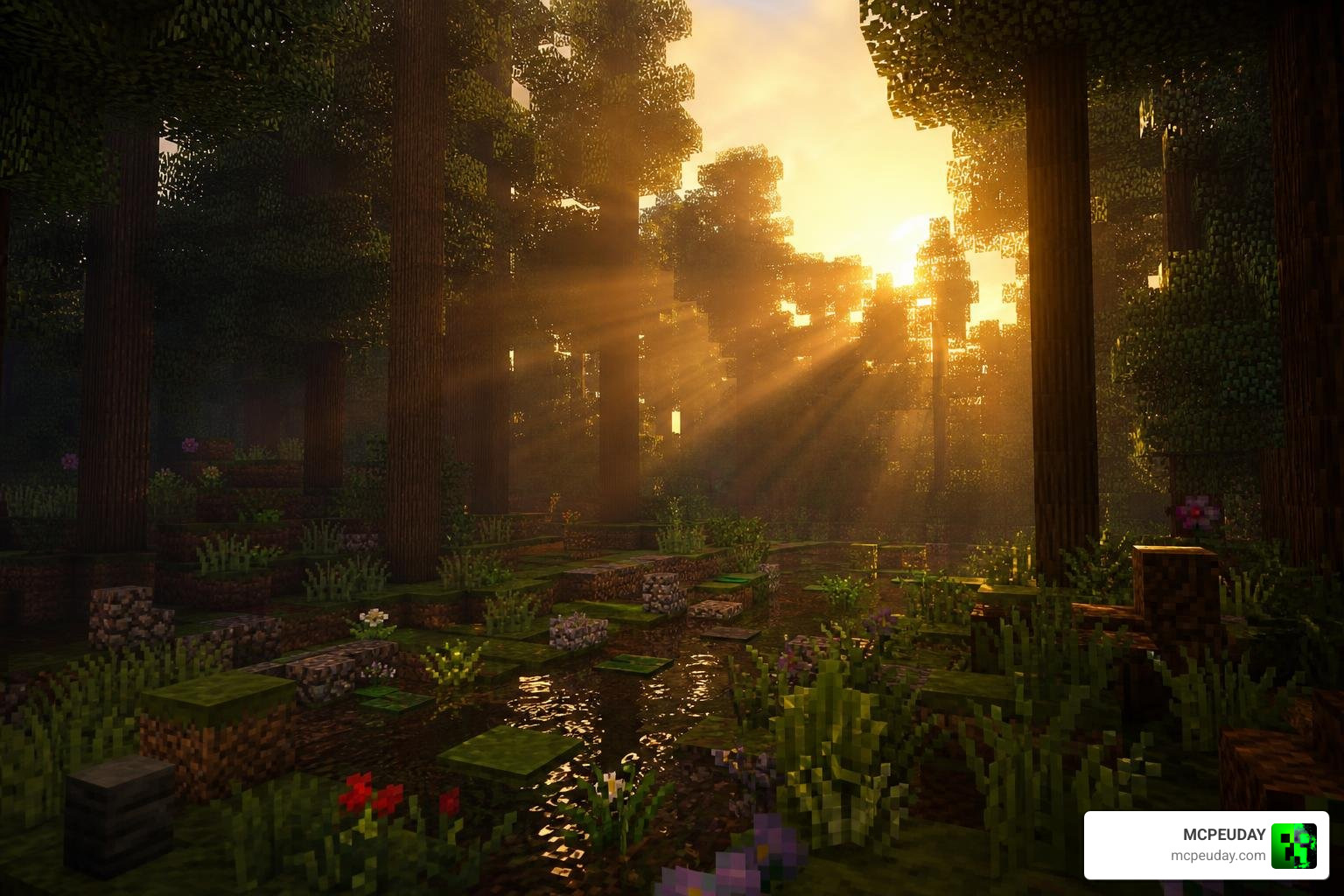
Supported Versions and Platform Compatibility
Because Bedrock’s graphics engine is notoriously difficult to modify, the BSL X Improvement Shader has some very specific compatibility rules:
- Supported Minecraft Versions: It is fully optimized for Minecraft PE 1.21.x. The final Overhaul update runs best on versions 1.21.93 through 1.21.101.
- Platform Limitations: This shader is designed primarily for Android devices. Because iOS and Windows Bedrock handle the RenderDragon engine differently, running this specific pack on those platforms is either highly unstable or requires advanced workarounds.
- The Patch Requirement: To bypass RenderDragon’s restrictions on Android, you will need to run a patched version of Minecraft PE or utilize tools like the MB Loader. The developer highly recommends using the YSS Patch rather than the Draco Patch to prevent major visual glitches.
Performance and Optimization on Mobile Devices
We know what you are thinking: “This looks incredible, but is my phone going to explode?”
Fortunately, the BSL X Improvement Shader is surprisingly well-optimized. Because it is built on the lightweight Newb code base, it delivers high-end visuals without requiring actual ray-tracing (RTX) hardware.
To give you an idea of how it runs, we compiled performance data from several mid-range and high-end mobile devices:
| Device | Specifications | OS Version | Average FPS | Performance Notes |
|---|---|---|---|---|
| IQOO Z9 | 8GB RAM | Android 13 | 55–60 FPS | Extremely smooth; negligible drops during clear weather. |
| Samsung Galaxy A52 | 6GB RAM | Android 12 | 45–55 FPS | Highly playable; minor stuttering when loading new chunks. |
| iPhone XR | 3GB RAM | iOS 15 | 40–50 FPS | Decent performance, but experiences noticeable frame drops during storms. |
If you want to see how this pack stacks up against other top-tier graphics mods, take a look at our roundup of the Best Shaders For Mcpe 1 21 2026 Top 3 Realistic Minecraft Pe Shaders.
Recommended Settings for BSL X Improvement Shader
To squeeze every single frame out of your hardware while keeping the game looking drop-dead gorgeous, we recommend adjusting your in-game settings to match this list:
- In-Game Brightness: Set this to 0%. Yes, really! The shader is designed to calculate light starting from absolute darkness. Setting it to 0% ensures the shadows look deep and the light sources truly pop.
- Fancy Graphics: Keep this enabled if your device has at least 6GB of RAM. If you experience lag, turn it off.
- Beautiful Skies: Keep this ON to ensure the custom clouds and skybox transitions render correctly.
- Render Distance: Set this between 8 and 12 chunks. Going any higher on a mobile device will unnecessarily drain your battery and tank your FPS.
- Simulation Distance: Keep this at 4 chunks to free up CPU resources.
- Background Apps: Always close memory-heavy apps (like social media or web browsers) before launching Minecraft.
How to Find and Install BSL X Improvement Shader in 3 Steps
Ready to elevate your game? Follow our simple, three-step guide to find, download, and activate the shader safely.
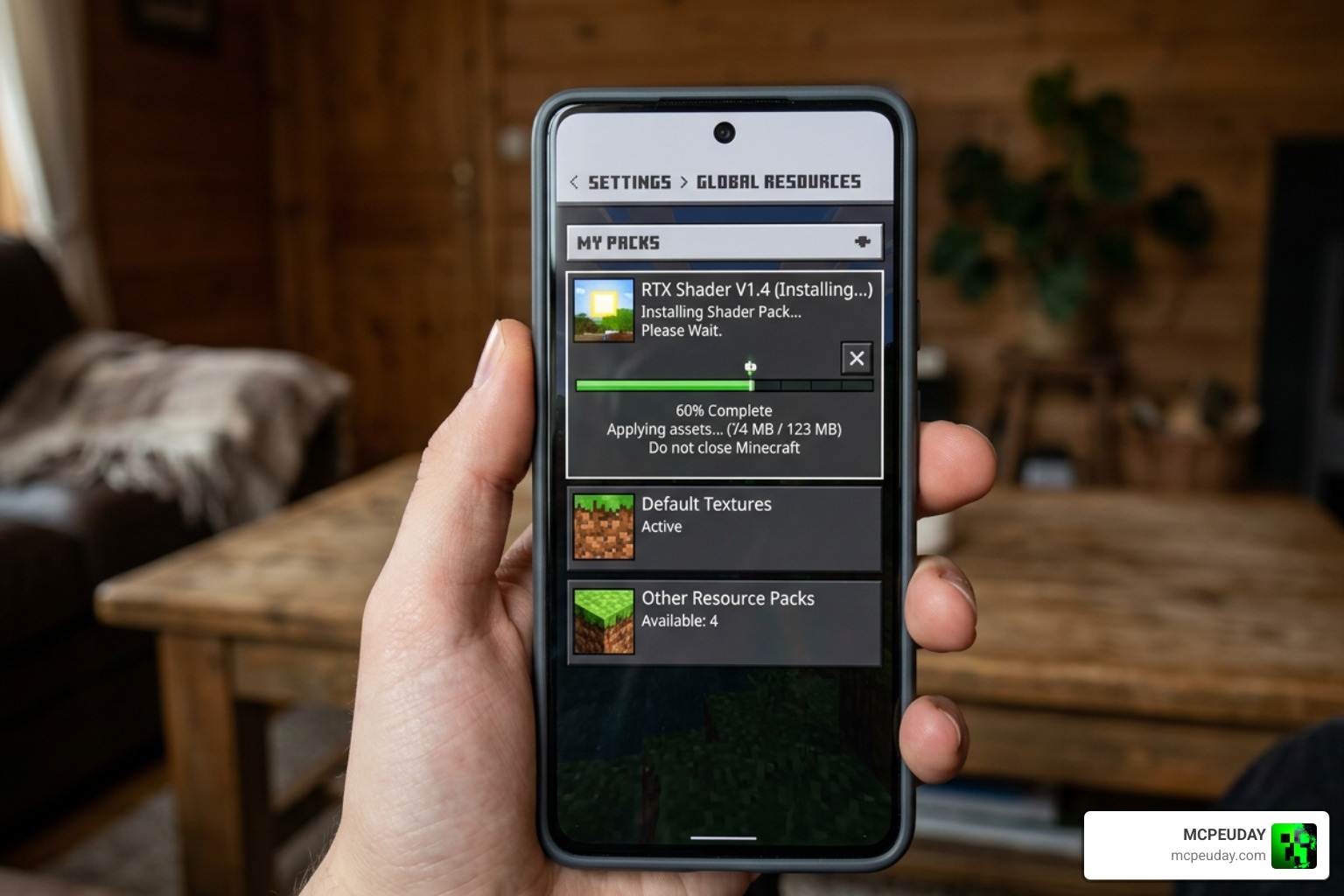
Before you begin, make sure you are running a compatible version of Minecraft PE on your Android device. If you are looking for alternative options for Java Edition or other Bedrock setups, you can also read our guide on the 3 Best Shaders For Minecraft 1 21 Ultra Realistic Smooth Fps Stunning Graphics.
Step 1: Locate a Safe Download Source
The internet is full of shady websites offering “free Minecraft mods” that are actually disguised malware. To stay safe, always download your files from trusted community platforms or directly from our resources here at MCPEUDAY.
If you also play on PC and want the original Java files, you can check out the official BSL Shaders – Minecraft Shaders – CurseForge or find them on the BSL Shaders – Minecraft Shader page. For the Bedrock-specific BSL X Improvement Shader, stick to verified mobile community links or the creator’s official channels.
Step 2: Download the Correct MCPack File
Once you have located a safe source, look for the download link for the BSL X Improvement Shader (1.21).
- Download the
.mcpackfile. This is the native format for Minecraft Bedrock resources and makes installation incredibly easy. - If you are running the final Overhaul update, ensure you also download the necessary MB Loader or YSS Patch files required to let RenderDragon read custom shader code on Android.
Step 3: Import and Activate in Minecraft Bedrock
Once the file is downloaded to your Android device, importing it takes just a few taps:
- Open your file manager app and locate the downloaded
.mcpackfile. - Tap on the file. Your device should ask which app you want to use to open it. Select Minecraft.
- Minecraft will launch automatically, and you will see a message at the top of the screen saying “Import Started” followed by “Successfully Imported BSL X Improvement Shader.”
- Go to Settings > Global Resources > My Packs.
- Select the shader pack and tap Activate.
- Pro Tip: If you use other visual mods like “Actions & Stuff,” make sure you place the BSL X shader at the very top of your active resource packs list to avoid compatibility conflicts!
Frequently Asked Questions
Why was the development of BSL X Improvement Shader discontinued?
The original author’s real-life work commitments became too demanding, leaving them with no free time to maintain and update the project. The final release is the Overhaul Update, which stands as a complete, stable, and highly polished product for Minecraft 1.21.
Is BSL X Improvement Shader compatible with iOS or PC?
This specific “Improvement” mobile port is designed almost exclusively for Android due to the way third-party patches (like the YSS patch) interact with the mobile RenderDragon engine. If you are on PC (Java Edition), you should download the original Java shader pack from the official BSL Shaders – Minecraft Shaders – CurseForge page.
How do I fix the glitchy end sky or black screen bugs?
These bugs are almost always caused by using an incompatible patch. The developer strongly advises using the YSS Patch instead of the Draco Patch. Additionally, make sure your in-game brightness is set to 0% and that you have restarted the game after activating the pack.
Conclusion
The BSL X Improvement Shader is one of the most impressive visual feats available for Minecraft Bedrock Edition. It proves that you do not need a high-end gaming PC or an expensive RTX graphics card to experience realistic water, volumetric sun rays, and cinematic atmospheres on your phone.
While official development has wrapped up, the final Overhaul update remains a must-have for any pocket-sized builder or explorer. If you are ready to discover even more ways to transform your game, go ahead and Explore more realistic MCPE shaders in our dedicated graphics library.
