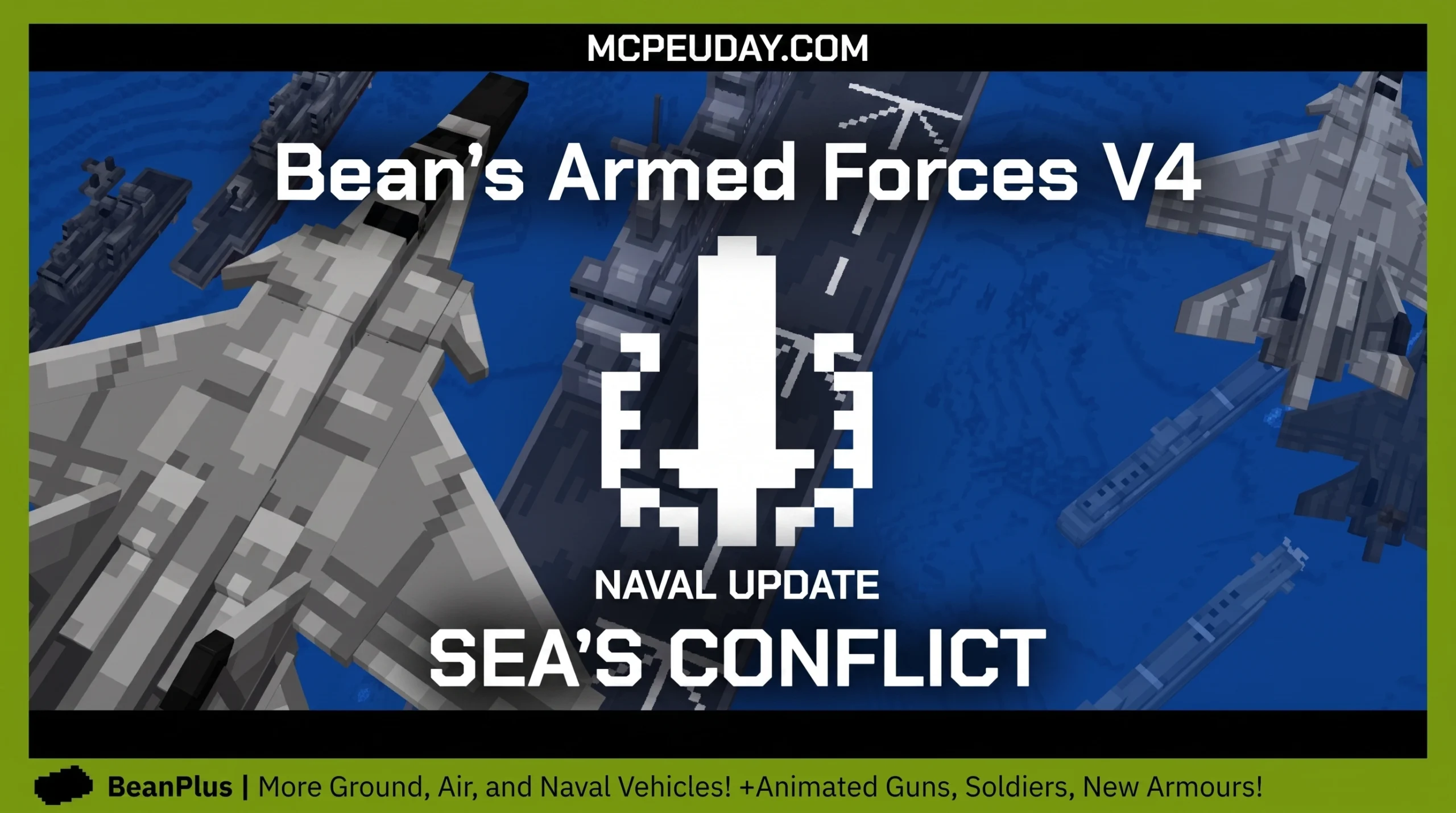
Why Bean’s Armed Forces Addon Is the Ultimate Military Upgrade for Minecraft Bedrock
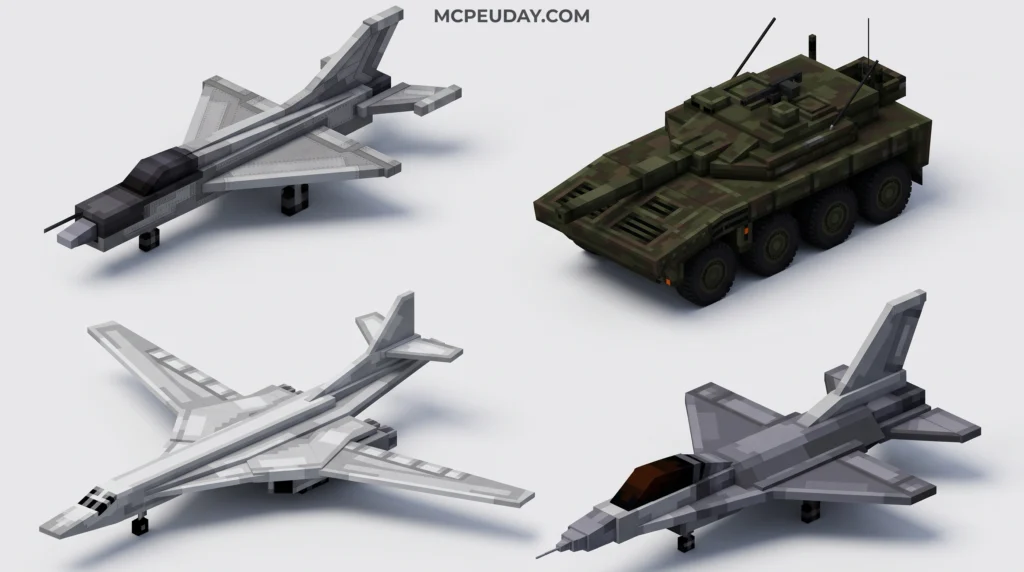
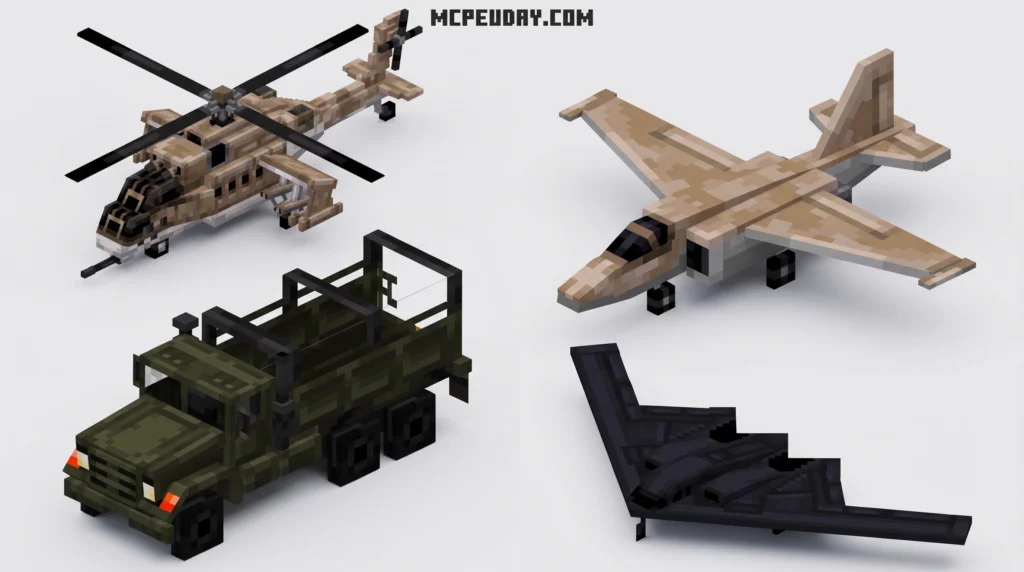
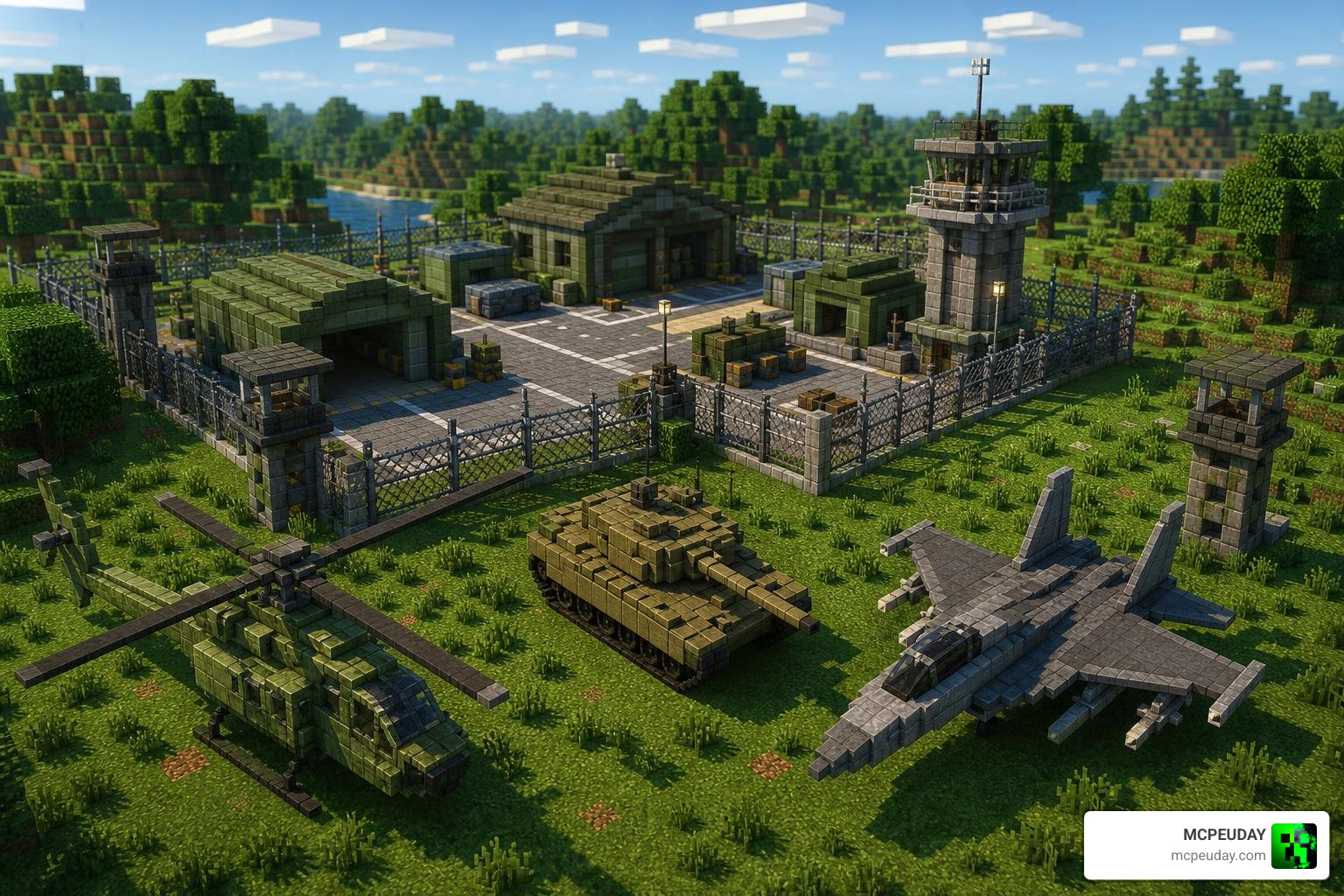
Bean’s Armed Forces Addon brings fully functional modern military vehicles — tanks, helicopters, fighter jets, and anti-aircraft guns — to Minecraft Bedrock Edition 1.21+.
Here’s a quick summary of what you need to know:
- Supported versions: Minecraft Bedrock Edition 1.21.x and 1.21.50+
- Vehicles included: Tanks, helicopters, fighter jets, anti-aircraft guns
- Languages: Simplified Chinese and English
- Multiplayer: Supported
- Download extraction code: 4721
- Authorized for reposting: Yes
If you’ve ever wanted to swap your iron sword for a fighter jet, this addon makes it happen. It’s one of the most complete military vehicle addons available for Bedrock, and it has racked up over 78,000 forum views and 126 community replies — proof that players are genuinely loving it.
Installing it correctly matters though. A wrong step — like skipping the experimental gameplay toggles — and your tanks simply won’t show up. That’s exactly what this guide covers.
I’m UDAY GAMER from MCPEUDAY, and I’ll walk you through everything you need to get this addon running without any headaches.
What is Bean’s Armed Forces Addon?
We have come a long way from the days when Minecraft vehicle mods were just reskinned pigs with minecarts on top. Today, Minecraft Bedrock Edition’s JSON-based component system has advanced to a level where creators can build incredibly complex vehicle physics, custom animations, and fully functional weapon systems directly into the game.
Bean’s Armed Forces Addon is a prime example of this technical evolution. It is a highly detailed, mechanized modern military addon specifically built for Minecraft Bedrock 1.21.x and version 1.21.50+. It introduces a variety of heavy military hardware designed to help you dominate your survival world or set up massive PvP battlefields with your friends.
The addon is fully localized with both English and Simplified Chinese language support. This cross-cultural accessibility has made it incredibly popular globally, bridging the gap between Western and Eastern Minecraft Bedrock communities. If you are looking to combine high-octane vehicle warfare with infantry-style gunplay, we highly recommend checking out our list of the 5 Best Minecraft Bedrock Gun Mods for Survival PVP 2026 to find the perfect firearms to match these heavy war machines.
Key Features of the Mechanized Military Vehicles
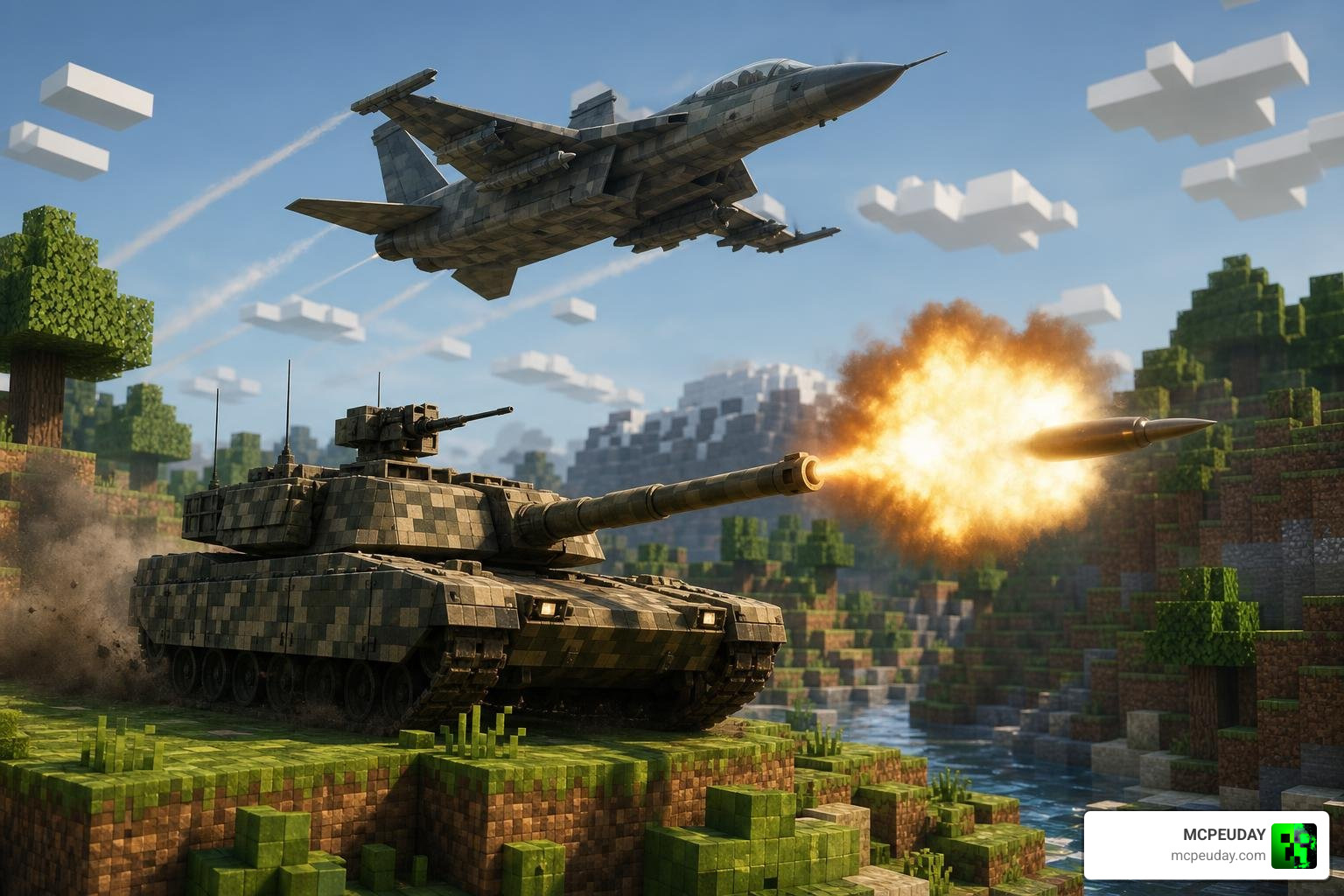
This addon does not just add static models; it brings fully interactive, drivable, and combat-ready machines to your Minecraft world. Let’s look at the primary vehicle classes included in Bean’s Armed Forces Addon:
- Main Battle Tanks: Heavy armor, slow movement, but devastating firepower. Perfect for leveling enemy bases or taking out large groups of mobs in survival mode.
- Attack Helicopters: Excellent for aerial reconnaissance and vertical combat. They feature smooth flight animations and can hover in place to rain down fire.
- Fighter Jets: The ultimate speed machines. These jets allow you to cross thousands of blocks in seconds, making them perfect for mapping out massive multiplayer Bedrock servers.
- Anti-Aircraft Guns: Stationary or mobile defensive units designed to lock onto and shoot down airborne threats like jets, phantoms, or helicopters.
To give you a better idea of how these vehicles behave, we have put together a quick comparison table of their general attributes:
| Vehicle Type | Speed Category | Primary Weapon | Best Use Case |
|---|---|---|---|
| Main Battle Tank | Slow | Explosive Cannon | Heavy ground assault & base destruction |
| Attack Helicopter | Medium | Rapid-fire Machine Gun / Rockets | Tactical air support & hovering combat |
| Fighter Jet | Extremely Fast | Air-to-Ground Missiles | Rapid map exploration & dogfights |
| Anti-Aircraft Gun | Stationary | High-Velocity Flak | Base defense against aerial threats |
Each vehicle features custom animations, realistic engine sounds, and functional weapon systems. Operating these vehicles feels incredibly satisfying, and it completely changes how you interact with the Minecraft environment. If you want to complement your armored division with realistic hand-held weaponry, we recommend checking out the Actual Guns 2 Addon 1.21 Realistic 3D Guns Mod for MCPE for an unparalleled military experience.
Step-by-Step Guide to Download and Install Bean’s Armed Forces Addon
Because this addon utilizes advanced JSON components to manage custom entity behaviors and physics, the installation process requires a bit of attention. Skipping a step can result in invisible vehicles, broken textures, or non-functional weapons.
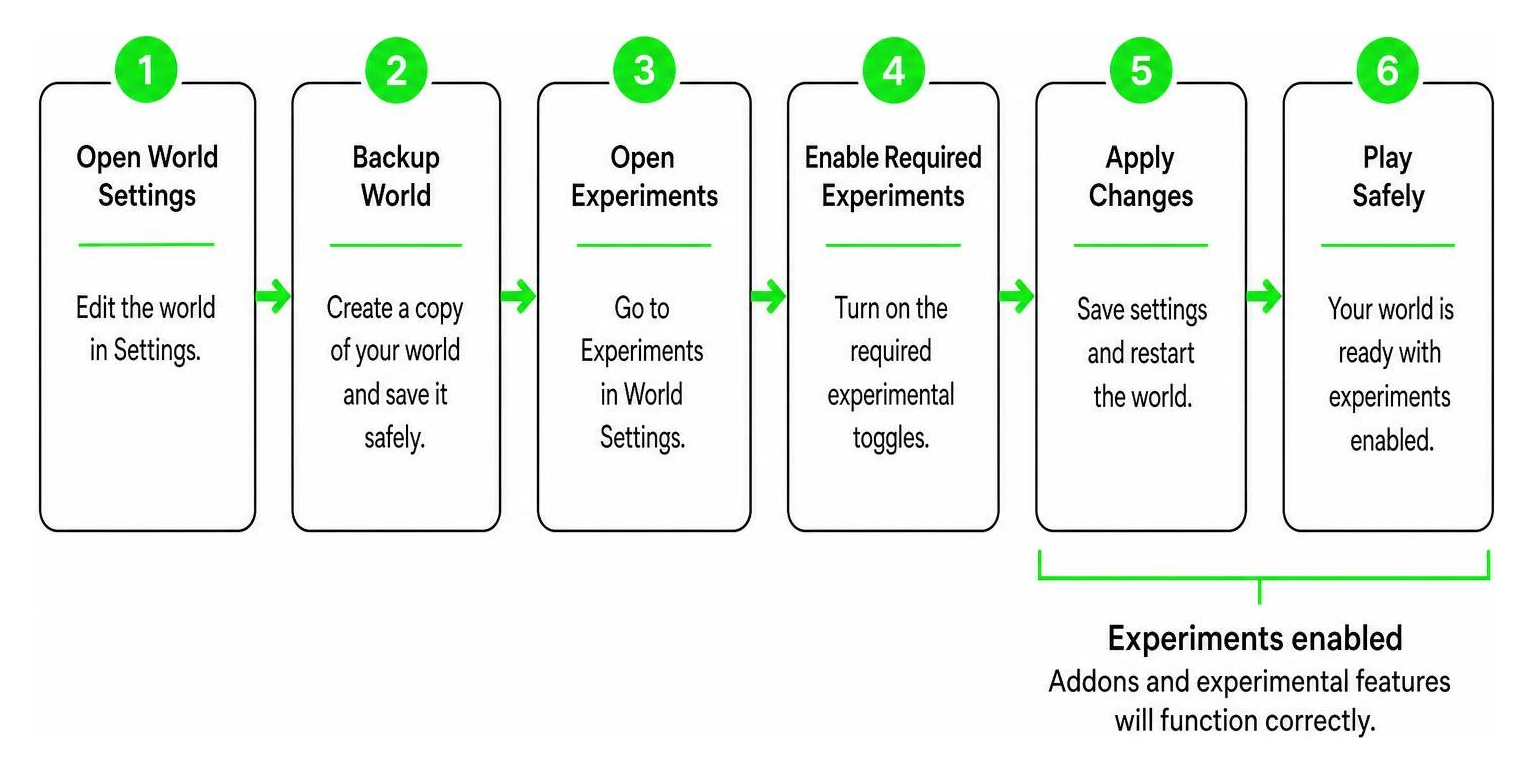
Before we begin, we highly recommend making a world backup. This is a best practice whenever you install heavy vehicle addons that modify entity behaviors.
If you love adding realism to your world, you might also want to look at the New 3D Guns Addon 26 x 1.21 Realistic 3D Guns to upgrade your personal armory alongside these vehicles.
Downloading Bean’s Armed Forces Addon Safely
To ensure you are downloading a safe, verified, and officially authorized version of the addon, you should only use trusted community sources. The localized Chinese version of this addon, which includes the English-to-Chinese translation and authorized reposting rights, can be found on the official苦力怕论坛 thread:
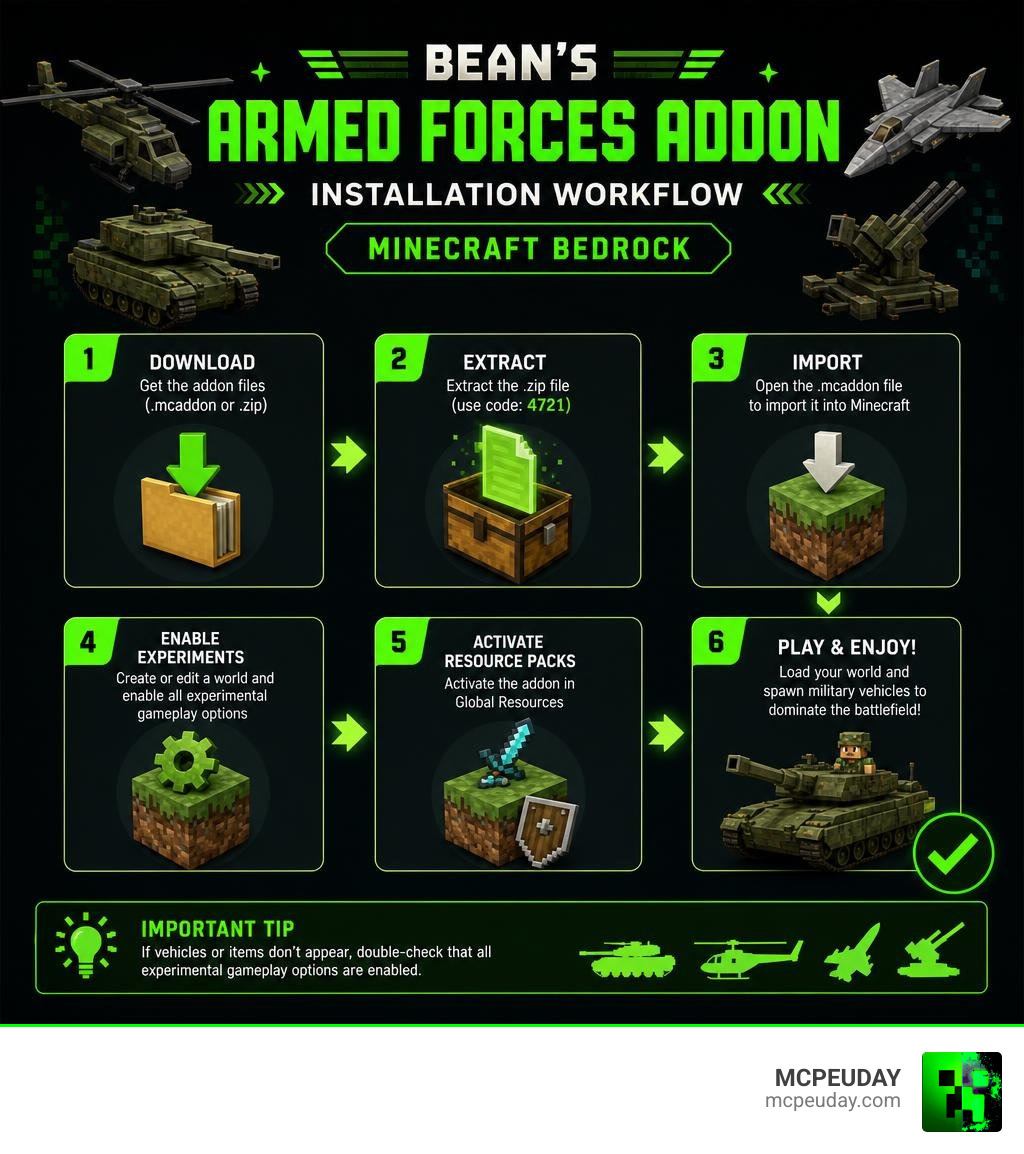
When downloading the file from the forum’s local mirror link, you will need to enter the specific extraction code.
- Extraction Code: 4721
Make sure you download both the Behavior Pack (.mcpack) and the Resource Pack (.mcpack). Both are required for the addon to run correctly.
Activating Bean’s Armed Forces Addon in Minecraft Bedrock
Once you have downloaded the files, follow these steps to install and activate them on your device:
- Import the Packs: Double-click or tap on both downloaded
.mcpackfiles. Minecraft Bedrock will open automatically and import them as global or world-specific packs. - Create or Edit a World: Go to your world settings menu.
- Enable Experimental Toggles: This is the most crucial step! Scroll down to the “Experiments” section in your world settings and enable the following toggles:
- Holiday Creator Features (if available)
- Custom Biomes (optional, but recommended)
- Beta APIs
- Upcoming Creator Features
- Activate the Resource Pack: Click on “Resource Packs”, find Bean’s Armed Forces Addon, and click “Activate”.
- Activate the Behavior Pack: Click on “Behavior Packs” and activate the addon there as well. (Activating one usually activates the other automatically, but double-check to be sure!).
- Launch Your World: Enter your world and check your creative inventory (or use spawn eggs/crafting recipes) to find your new military vehicles!
Frequently Asked Questions about Bean’s Armed Forces Addon
Does this addon support multiplayer servers?
Yes! Bean’s Armed Forces Addon is fully compatible with multiplayer environments. You can install it on local multiplayer worlds, Realms, or dedicated Bedrock servers. It is incredibly fun to set up military-themed PvP battlefields where teams fight using tanks and anti-aircraft guns. Just keep in mind that hosting many active vehicles simultaneously can impact server performance on lower-end devices, so we recommend managing active entities if you experience lag.
What should I do if the vehicles do not render or shoot?
If your vehicles are invisible, look like blocks with “update” textures, or refuse to shoot, the issue is almost always related to Experimental Toggles.
- Go back to your world settings and ensure that all experimental features (especially Beta APIs and Upcoming Creator Features) are turned on.
- Make sure your Minecraft Bedrock client is updated to at least version 1.21.x or 1.21.50+. Older versions do not support the advanced JSON components used by this addon.
Are there any recommended weapon mods to pair with this addon?
To get the absolute most out of your military gameplay, we highly recommend pairing this vehicle addon with top-tier gun mods. Having a powerful tank is great, but you also need proper infantry gear when you step out of the cockpit.
Here are some excellent, compatible options you can find on MCPEUDAY:
- 10 Best Guns Addons for Minecraft Bedrock PE 2026 Top 10 Gun Mods
- Actual Guns 3D Addon
- Arsenal 3D Guns Addon
- Golden Zero Addon 1.21 Realistic Gun Mod for MCPE
- Guns 3D Addons
- Shadow Company Addon
- Aplok Guns Addon
Conclusion
Bean’s Armed Forces Addon is a must-have for any Minecraft Bedrock player looking to inject some serious modern military power into their game. Whether you are flying fighter jets across infinite horizons or defending your base with heavy anti-aircraft weaponry, this addon delivers a polished, high-quality experience.
We at MCPEUDAY are dedicated to bringing you the absolute best and safest resources for Minecraft Bedrock. Be sure to explore our curated lists of addons to build the ultimate combat experience. Check out our selection of the 5 Best Minecraft Bedrock Gun Mods for Survival PVP 2026 and prepare for total battlefield domination! Let us know in the comments which vehicle is your favorite to pilot! Have fun, and happy hunting!_
