The Best GUNS 3D Addons for Minecraft Bedrock in 2026
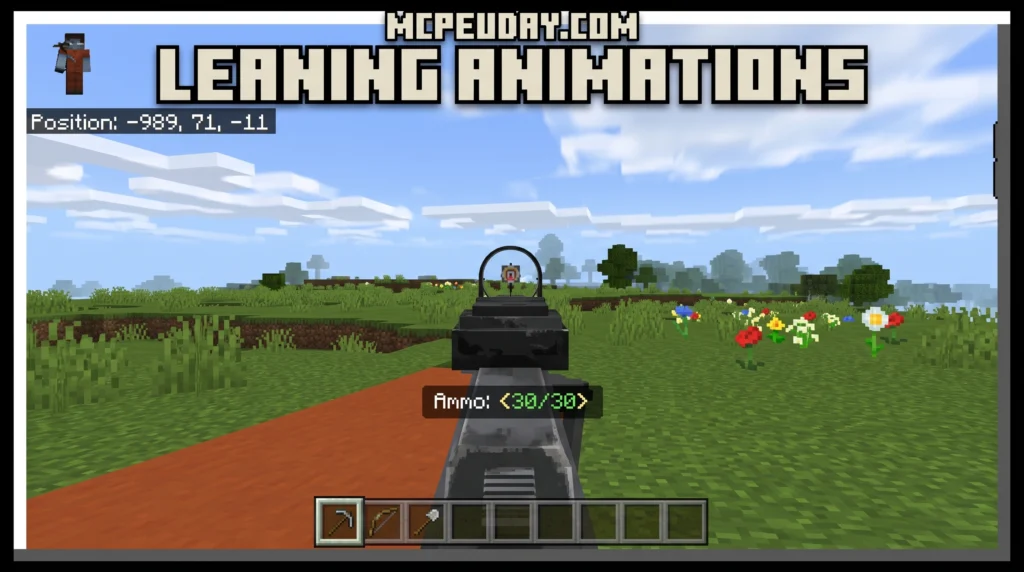
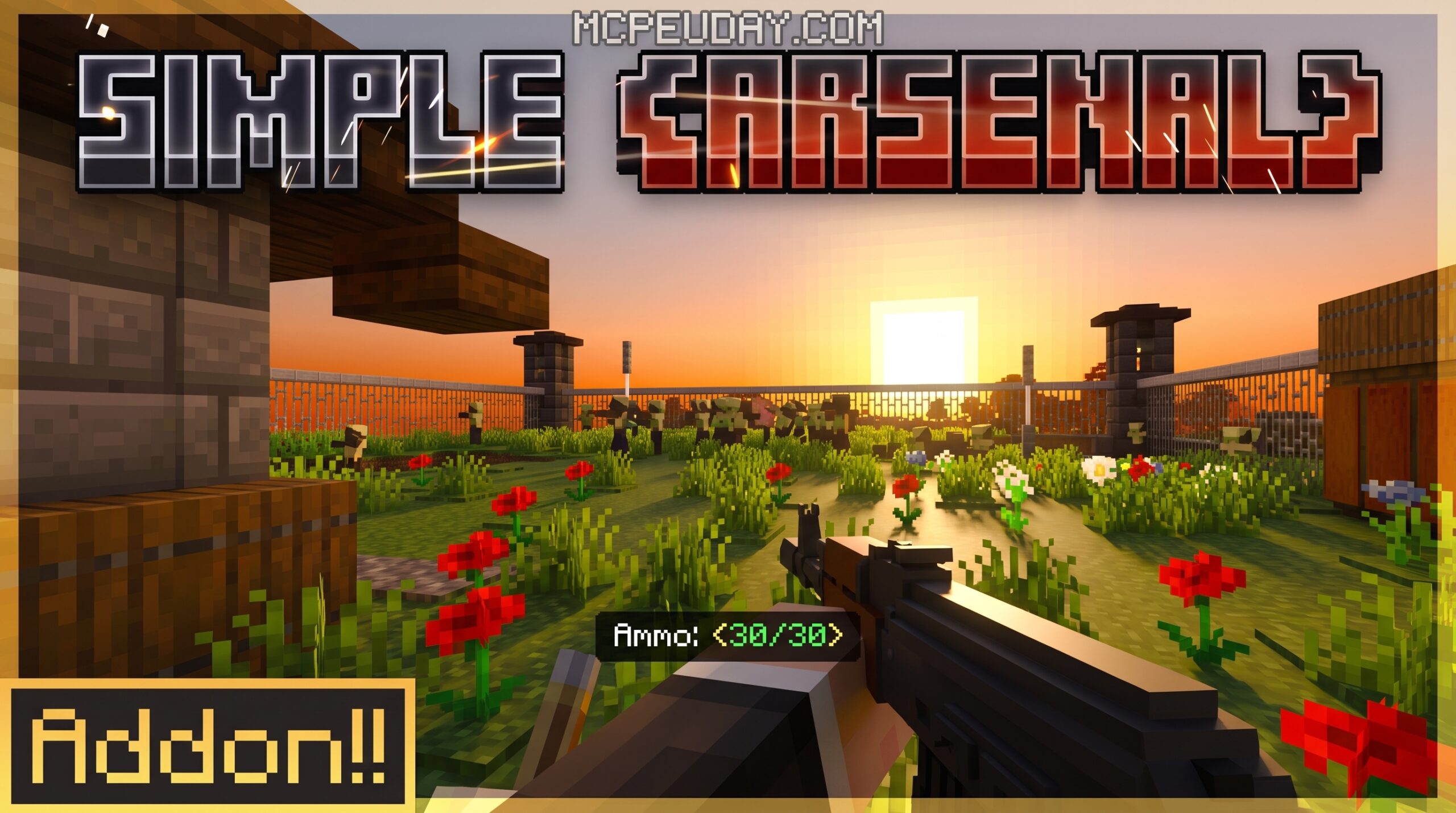
If you want to add realistic firearms to Minecraft, a GUNS 3D Addon is exactly what you need. These addons replace basic combat with fully modeled weapons, real reload animations, and modern FPS mechanics — all inside Minecraft Bedrock Edition.
Quick answer — the top 3D gun addons for Minecraft Bedrock right now:
- GUNS 3D / Simple Arsenal — 11 weapons including AK-47, M4A1, and AWP; crafting system; headshots; directional audio; multiplayer support
- ActualGuns 3D — the original 3D gun addon since 2020; 9 firearms; progressive overhaul system; survival-friendly via villager trading
- Absolute Guns 3D — lightweight option built for compatibility with other addons; works on realms and dedicated servers
These aren’t just texture swaps. You get working reload animations, bullet spread, recoil, and even scope zoom — things you’d normally only see in a dedicated shooter game.
One player described spending three hours with friends running around with the mod, using crouch to scope in and taking down enemies with headshots. That’s the kind of experience these addons are built for.
Whether you’re playing survival, setting up a PvP server, or just testing weapons in creative mode, there’s a 3D gun addon that fits your playstyle.
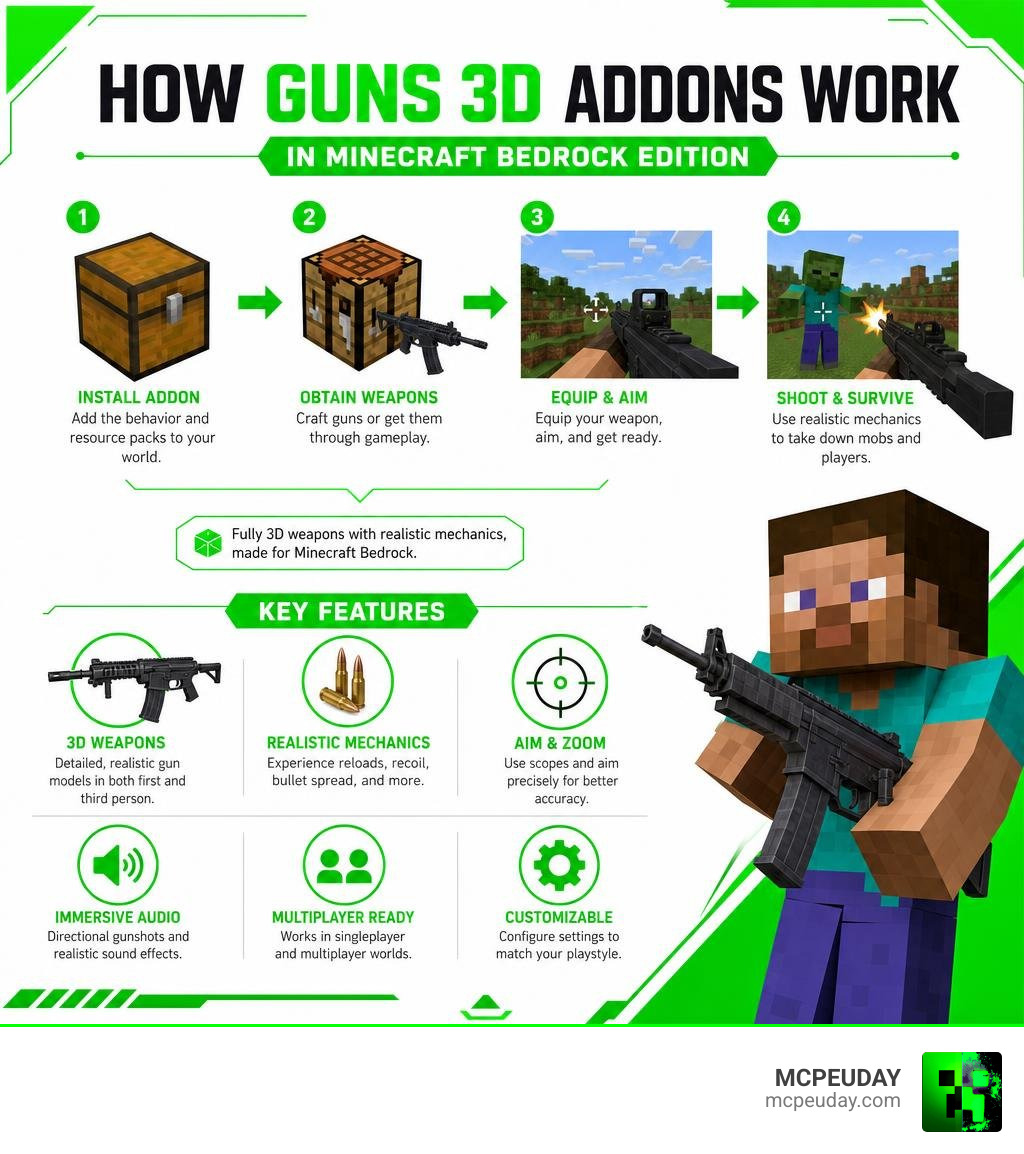
What is the GUNS 3D Addon for Minecraft Bedrock?
The GUNS 3D Addon is a game-changing modification designed specifically for Bedrock 1.21 and beyond. It brings ultra-realistic firearms into your blocky world, completely overhauling how you fight mobs and other players. Instead of the standard flat 2D sprites used by older mods, this pack features custom models that look incredibly detailed from both first-person and third-person perspectives.
When we look at the evolution of weapon mods, the New 3D Guns Addon 26 X 1 21 Realistic 3D Guns shows how far the Bedrock community has come. These creations do not replace any existing vanilla items. Instead, they introduce entirely new item IDs, allowing you to keep your traditional swords, bows, and tridents while expanding your personal armory with modern military hardware.
Key Features and Weapon Arsenal
These addons stand out because of their massive, highly detailed selection of real-world firearms. Whether you prefer running and gunning with a high-capacity submachine gun or holding down a vantage point with a bolt-action sniper rifle, there is a tool for every scenario.
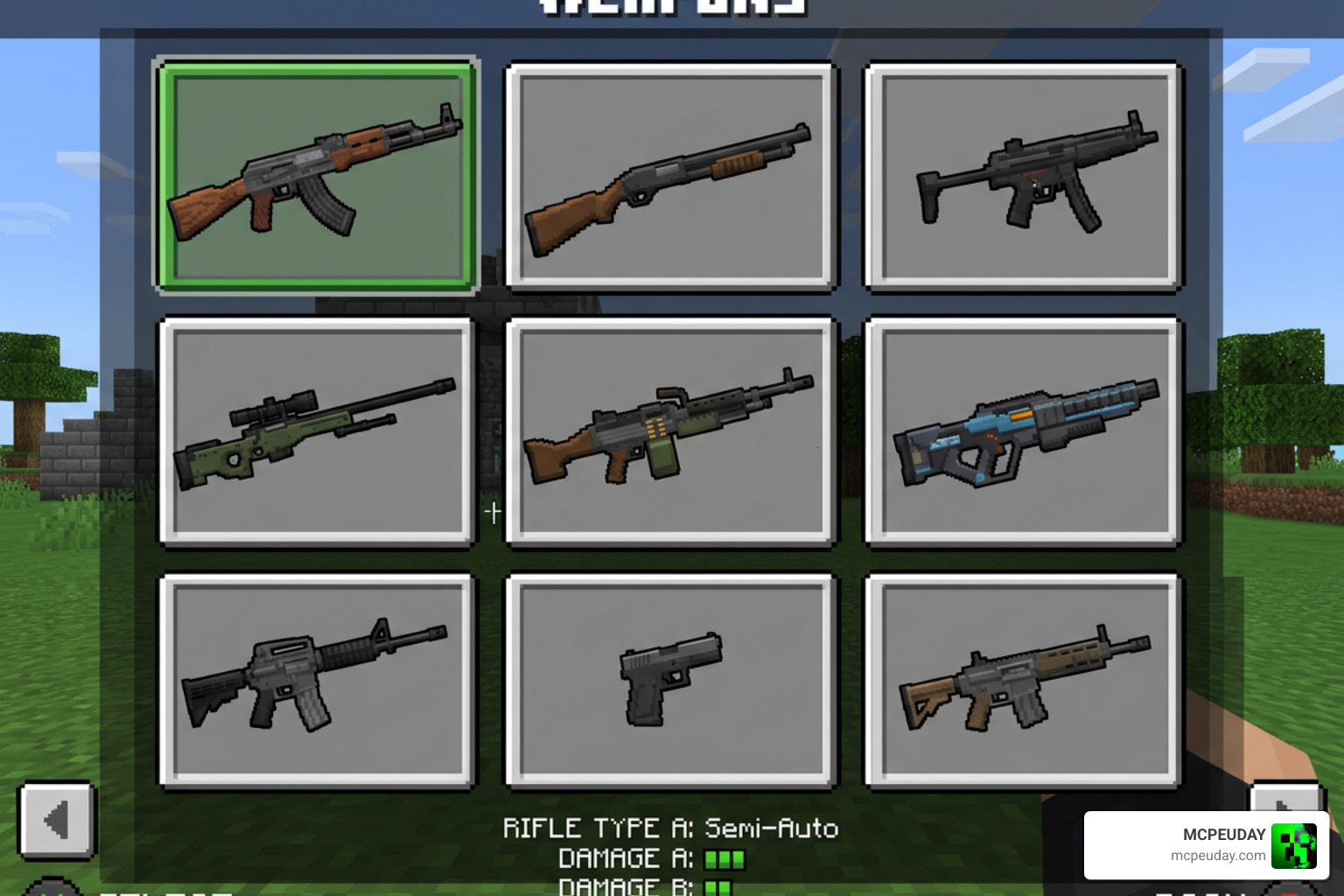
The arsenal typically includes:
- Assault Rifles: The classic AK-47, AKM, and M4A1 offer balanced, fully automatic fire rates for mid-range skirmishes.
- Sniper Rifles: The legendary AWP Sniper and heavy-hitting Barrett deliver devastating damage from extreme distances. Sneaking while holding these weapons activates a high-magnification scope.
- Shotguns: The Remington 870 and Benelli M3 dominate close-quarters combat, clearing out tight underground caves with a single blast.
- Submachine Guns: The P90 and UMP45 boast incredible fire rates of up to 1200 rounds per minute, making quick work of close-range targets.
- Pistols: Compact sidearms like the Desert Eagle and Taurus act as reliable backups when your primary weapon runs dry.
For an even deeper dive into these weapon pools, you can explore the Actual Guns 2 Addon 1 21 Realistic 3D Guns Mod For Mcpe. If you are playing on mobile, you can easily download and install these options using helper tools like the Actual Guns Mod for MCPE – Apps on Google Play or the Gun Addon for Minecraft – App Store – Apple .
Advanced Mechanics of the GUNS 3D Addon
What makes these weapons feel so satisfying is the underlying physics and feedback systems. Developers have integrated advanced shooter mechanics directly into the Bedrock engine:
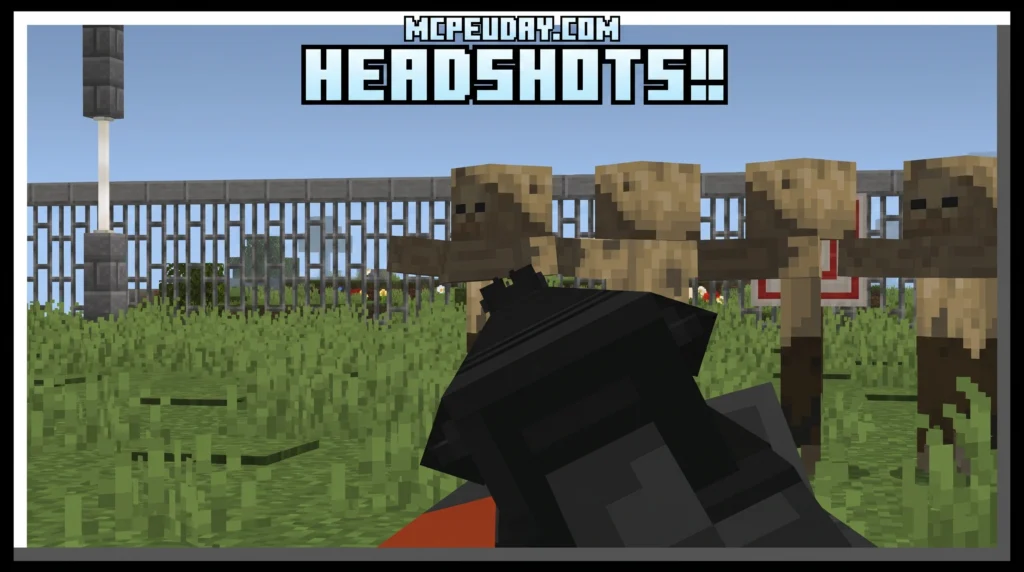
- Headshot Multipliers: Landing a shot directly on an enemy’s head deals significantly more damage, rewarding precision and saving valuable ammunition.
- Recoil and Bullet Spread: Holding down the trigger on fully automatic weapons causes your camera to kick upward and your bullets to scatter. You can toggle recoil settings using commands like
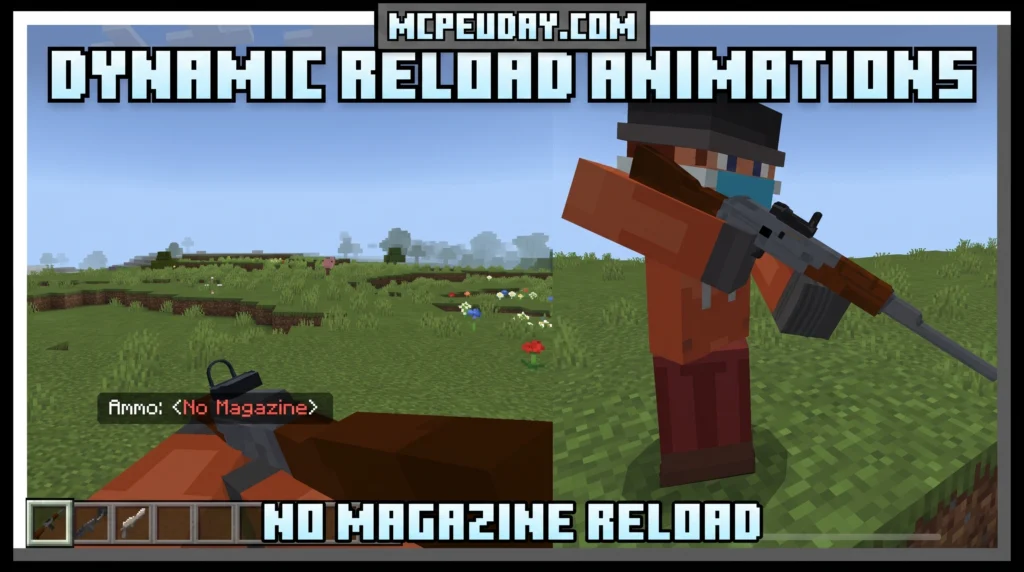
/function recoil/enable. - Tactical and Automatic Reloads: Every weapon features unique, hand-crafted reload animations. Depending on whether you have a bullet left in the chamber, your reload speed and animation will adapt.
- Directional Sound: In multiplayer, gunfire and reloading sounds are fully spatial. You can hear exactly which direction a shot came from and estimate how far away your opponents are.
- Item Weight: Carrying heavier weapons like light machine guns or sniper rifles slightly reduces your movement speed, adding a layer of tactical decision-making to your loadout.
If you want to experience these mechanics with a futuristic twist, check out the Golden Zero Addon 1 21 Realistic Gun Mod For Mcpe.
Crafting and Survival Integration
Unlike creative-only mods, a true GUNS 3D Addon integrates seamlessly into survival mode. To begin manufacturing your own firearms, you must gather new resources:
- Mine New Ores: Explore your world to find aluminum ore and titanium ore.
- Smelt Materials: Melt these raw resources down in a furnace to create industrial metal sheets and alloys.
- Assemble the Firearms Workbench: Use your smelted metals to craft a specialized workbench dedicated to weapon production.
- Craft Weapon Parts: Fabricate barrels, receivers, stocks, and magazines, then combine them to build your chosen firearm.
If you are using the Simple Arsenal pack, the Firearms Workbench is your gateway to crafting high-tier firearms and bulk ammunition.
For other packs, like some versions of ActualGuns 3D, you obtain firearms in survival by trading with weapon smith villagers or looting pillager outposts, making exploration highly rewarding.
Comparing Top Minecraft Bedrock Gun Addons
To help you decide which pack is perfect for your world, we have compiled a quick comparison of the leading options available in 2026:
| Addon Name | Weapons Included | Primary Survival Acquisition | Key Highlight |
|---|---|---|---|
| Simple Arsenal (GUNS 3D) | 11+ Weapons | Mining & Crafting (Workbench) | Advanced physics, custom ores, and high fire rates |
| ActualGuns 3D | 9+ Weapons | Villager Trading & Outpost Looting | Progressive overhaul system with top-tier animations |
| Absolute Guns 3D | Lightweight Selection | Commands & Creative Inventory | Maximum compatibility for multiplayer and Realms |
| Orbital Railgun | Sci-Fi Specialty | Advanced Crafting / Tech | Devastating space-age energy beams |
For those looking to download the original, long-standing favorite, you can grab the ActualGuns 3D addon or check out the older build notes for the Actual Guns addon.
If you prefer sci-fi weaponry over modern ballistic firearms, we highly recommend reading our guides on the Orbital Railgun Addon 26 X 1 21 Mcpe Bedrock Mod and the Orbital Railgun Mod 26 X 1 21 For Mcpe Space Weapon Addon.
How to Install and Configure the Addon
Installing a GUNS 3D Addon is straightforward, but you must enable specific settings to ensure the custom animations and scripts load correctly.
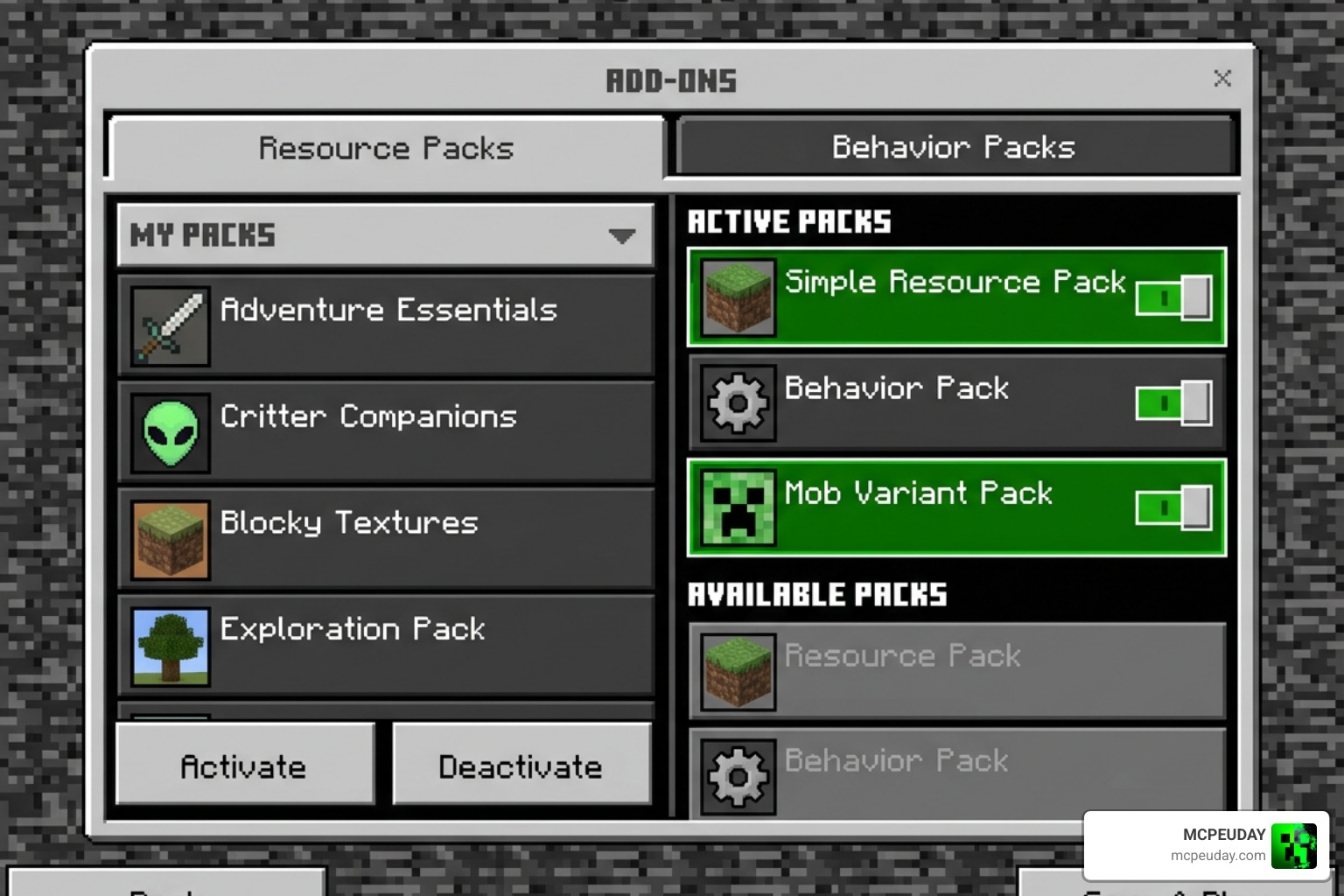
Follow these steps for a flawless setup:
- Download the Files: Download both the Behavior Pack (.mcaddon or .zip) and the Resource Pack for your chosen addon.
- Import to Minecraft: Open the downloaded files to automatically launch Minecraft and import the packs.
- Create a New World: Go to the world creation screen.
- Enable Experiments: Scroll down to the “Experiments” section and toggle on Holiday Creator Features and any other experimental gameplay toggles required by the addon.
- Activate the Packs: Navigate to the Active Resource Packs and Active Behavior Packs sections, select the gun addon, and click “Activate” on both.
- Launch and Play: Load into your world and start crafting!
Troubleshooting the GUNS 3D Addon in Multiplayer
If you want to host a multiplayer server or play on a Realm with friends, keep these best practices in mind:
- Server-Side Sounds: Ensure that the resource pack is forced on all players joining your world so they can hear the spatial, server-side gunshots and reload sounds.
- Realm Compatibility: If you are hosting on a Realm, lightweight options like Keyyard/absolute-guns-3d are highly recommended because they are optimized for dedicated server environments.
- Conflict Resolution: Avoid running multiple heavy weapon addons at the same time, as conflicting animation controllers can cause your guns to turn invisible or fail to shoot.
Frequently Asked Questions about Minecraft 3D Gun Addons
How do you reload weapons in the GUNS 3D Addon?
For modern, overhauled weapons, you reload by performing a punch action (left-clicking or pressing the attack button) while holding the gun, or by trying to fire when the magazine is empty. You must have the correct ammunition type in your inventory. For legacy or non-overhauled weapons, you reload by holding down the use button (similar to eating food) while holding the corresponding magazine.
Can you use these 3D gun addons in survival mode?
Yes! Most premium 3D gun addons are fully survival-friendly. You can either mine custom ores (like aluminum and titanium) to craft them at a specialized workbench, trade emeralds with weapon smith villagers, or raid pillager outposts to loot rare firearms and ammunition.
Are these gun addons compatible with Minecraft Bedrock 1.21?
Yes, the latest versions of these addons are fully updated to support Bedrock 1.21. Always make sure you have enabled “Holiday Creator Features” and experimental toggles in your world settings, as these packs rely on custom scripts to run their advanced 3D animations and shooting mechanics.
Conclusion
Bringing a GUNS 3D Addon into your Minecraft Bedrock world completely changes how you experience survival and PvP. With high-fidelity models, satisfying reload animations, and tactical mechanics like headshot multipliers and recoil, these packs offer a console-quality shooter experience right inside your favorite sandbox game.
For more details on the absolute best ways to upgrade your combat experience this year, make sure to read our comprehensive guide on the 5 Best Minecraft Bedrock Gun Mods For Survival Pvp 2026. Happy hunting, and may your aim always be true!