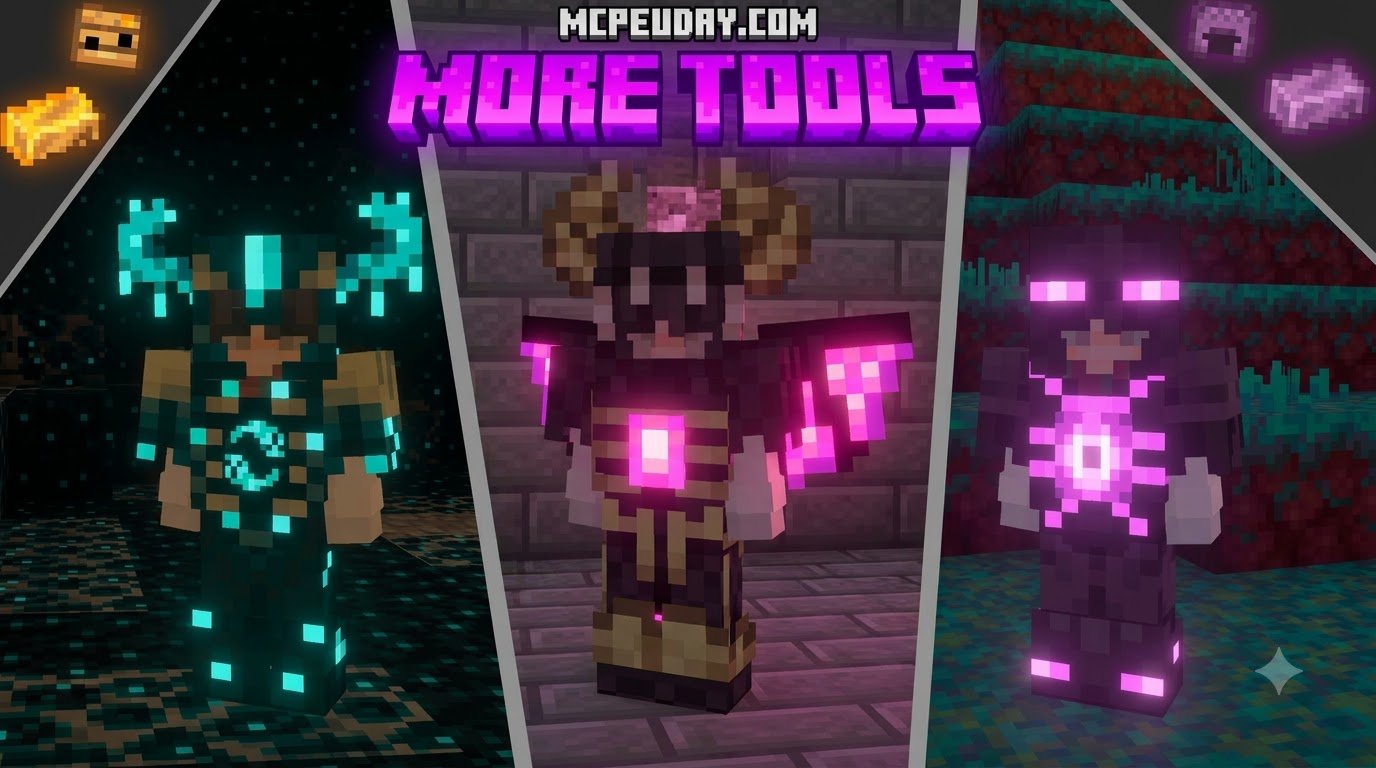
Scroll down to D0vvnl0ad
Download More Vanilla Tools Addon for Minecraft PE/Bedrock in 3 StepsScroll down to D0vvnl0ad
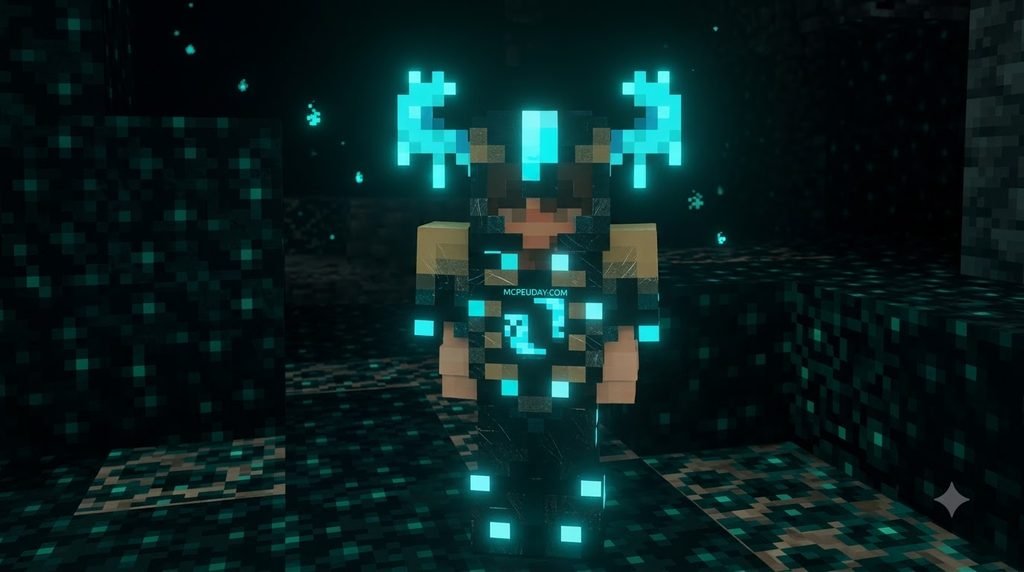
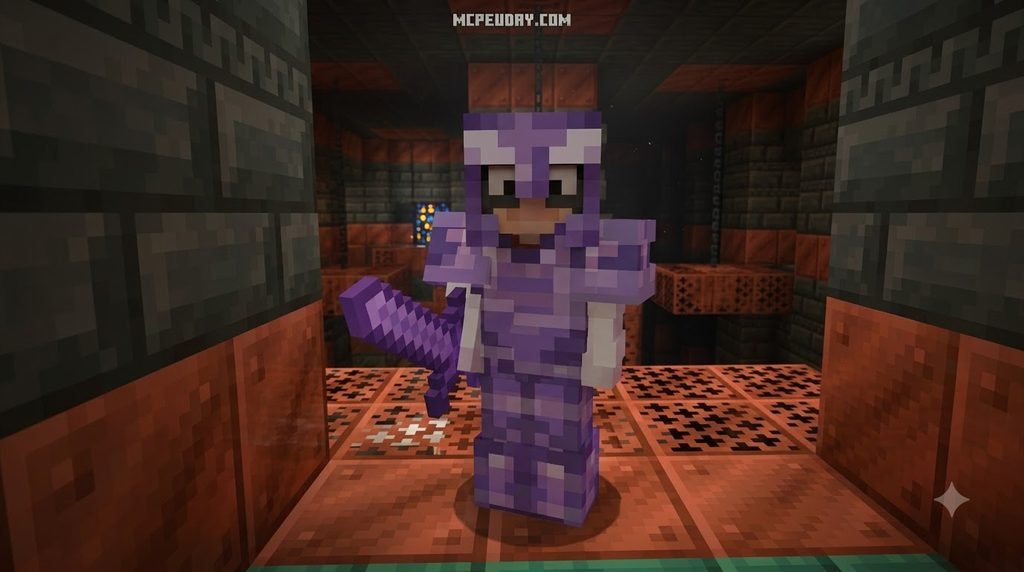
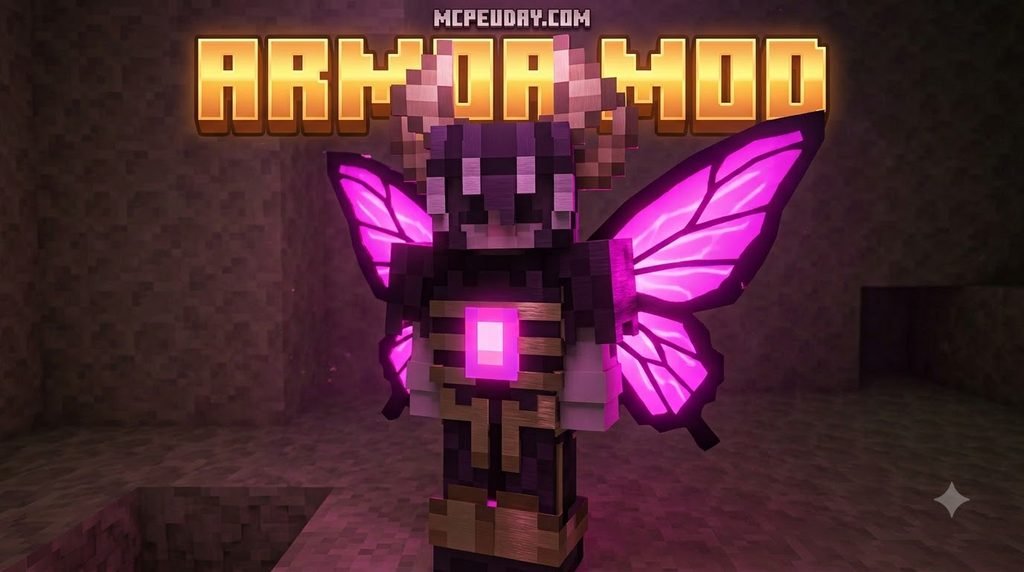
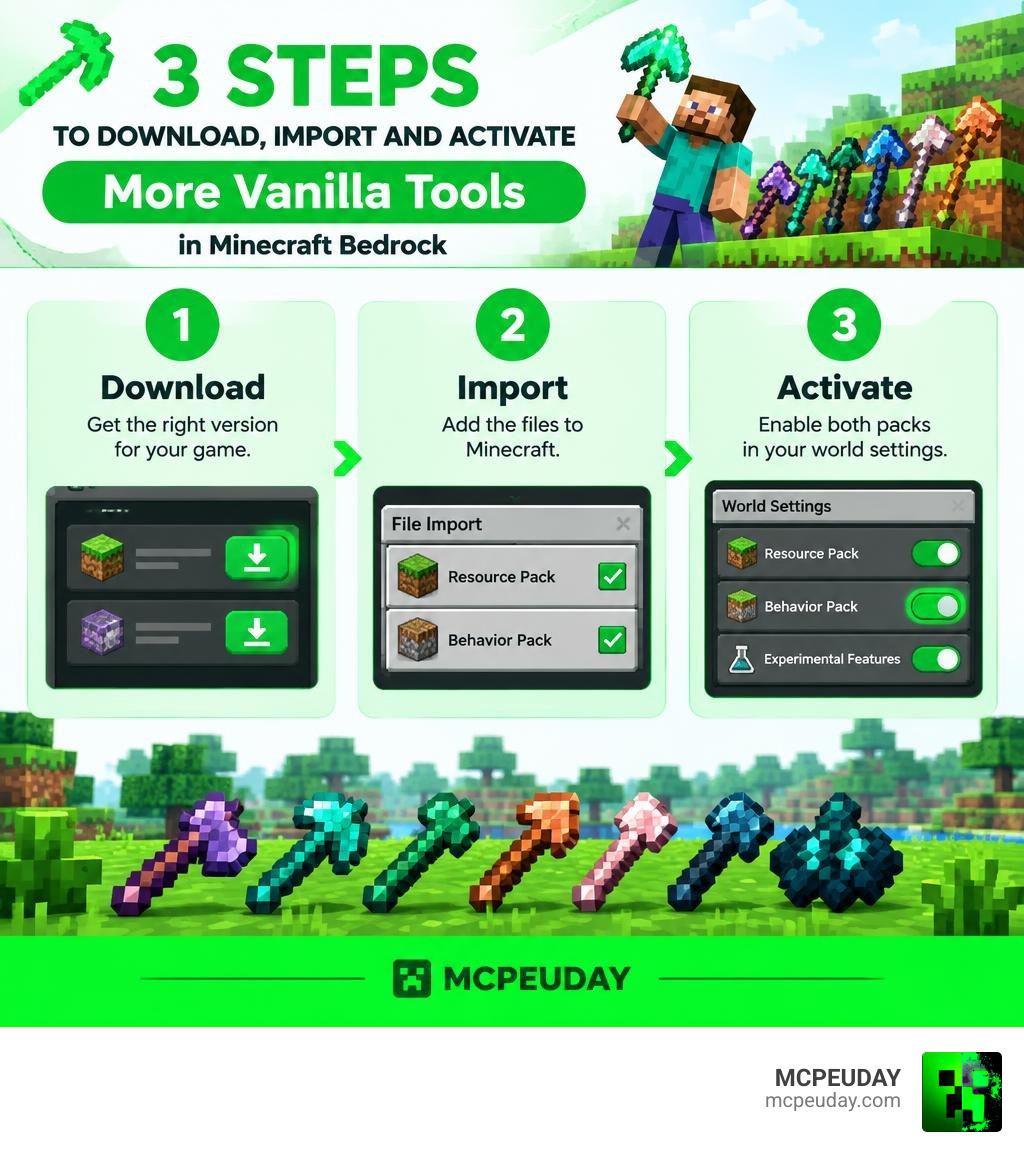
To install the More Vanilla Tools Addon for Minecraft PE/Bedrock, download the version that matches your game, import its files into Minecraft, then activate both the Resource Pack and Behavior Pack in your world settings. Many versions also need experimental features turned on before you launch the world.
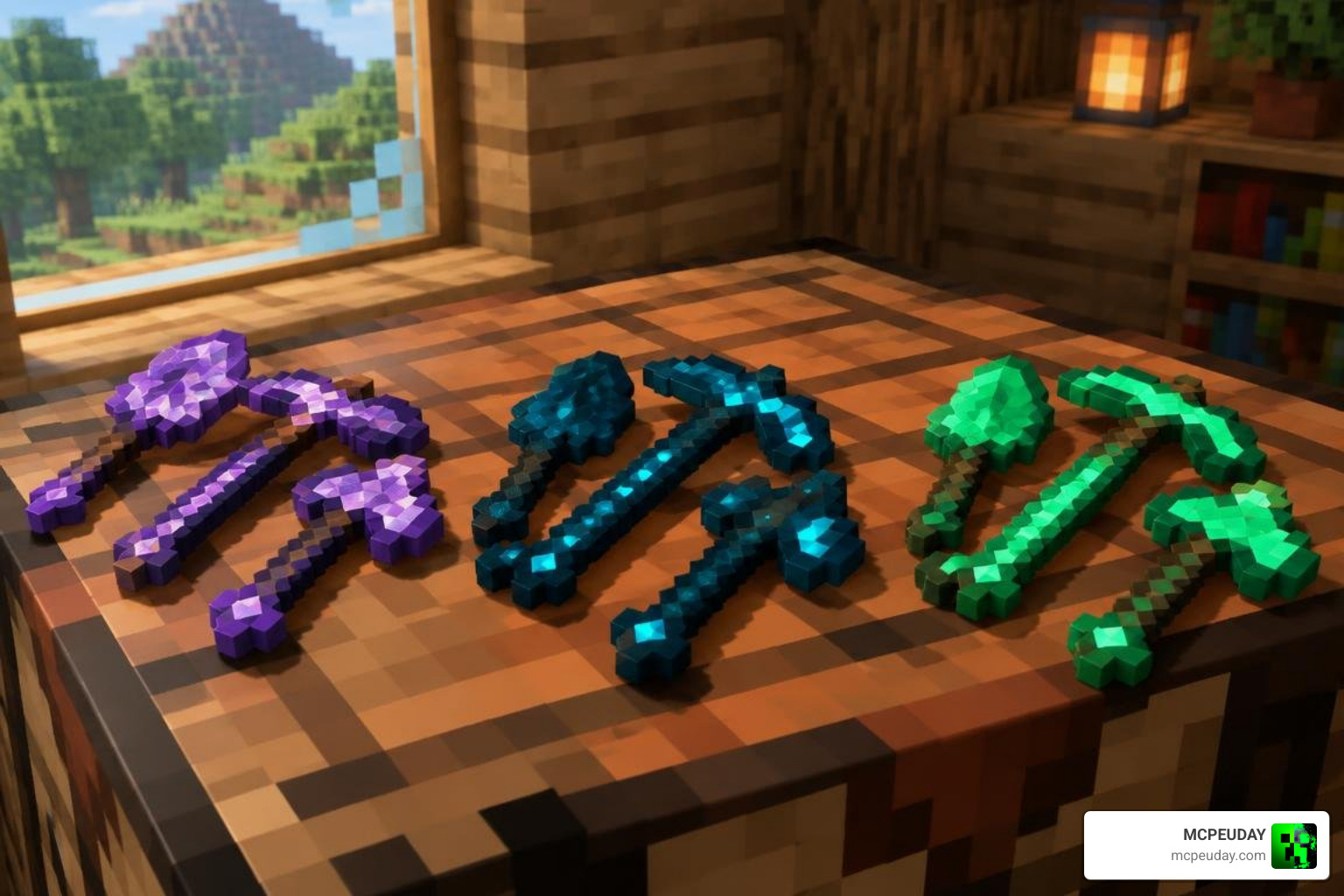
This addon expands survival with 80+ custom tools and items inspired by vanilla materials. Depending on the edition, you can craft gear from amethyst, cherry wood, sculk, slime, and more. These tools add useful effects such as night vision, faster tree cutting, area mining, or better movement without making ordinary diamond and netherite gear feel pointless.
Before installing, back up an important world and use matching pack versions. Activating only one pack is a common reason for missing tool textures or broken features.
I am UDAY GAMER, and next I will show you exactly which addon files to choose and how to set them up safely.
What is the More Vanilla Tools Addon for Minecraft PE/Bedrock?
If you have ever stared at a chest filled with stacks of copper, glowing amethyst shards, or sculk blocks and wondered why you cannot forge them into practical equipment, this pack is made for you. The addon introduces over 80 custom tools and items designed to blend seamlessly into base gameplay.
Instead of replacing the classic progression path from wood to netherite, it builds sideways. You get utility-driven alternatives that fit vanilla design principles. Many players pair these tools with complementary combat expansions like the More Vanilla Weapons Addon to create a fully customized survival arsenal.
| Addon Variant | Community Downloads | User Rating | Primary Focus |
|---|---|---|---|
| More Tools Addon (Updated!) | 1.9 Million | 4.4 / 5.0 | Massive material variety & utility |
| More Vanilla Tools (Achievements) | 102.9k | 3.9 / 5.0 | Vanilla parity without disabling achievements |
| More Vanilla Tools Complete | 94.3k | 3.7 / 5.0 | 12 language localizations & broad version support |
| Raiyon’s More Vanilla Tools | 58.3k | 4.0 / 5.0 | Tactical abilities & advanced combat tools |
Popular Variants and Community Editions
The modding community has developed several distinct editions to cater to different playstyles:
- More Tools Addon (v6.9 Updated!): The heavyweight champion of tool mods with 1.9 million downloads, offering extensive gear sets and smooth performance.
- More Vanilla Tools Complete: Perfect for global players, this edition includes localized translations for 12 languages, including Chinese, Korean, Polish, Russian, and Turkish, with updates supporting up to Minecraft version 26.11.
- More Vanilla Tools (Achievements): Tailored for Minecraft versions 1.21.80, 1.21.81, and 1.21.90, this edition focuses on lightweight integration so survivalists can expand their inventory without sacrificing base game milestones.
- Raiyon’s Edition: Emphasizes specialized combat mechanics and unique tool interactions.
Unique Materials in the More Vanilla Tools Addon for Minecraft PE/Bedrock
Each new material set provides distinct utility rather than raw, overpowered numbers:
- Amethyst Tools: Harness crystalline energy to grant cave-exploring miners temporary Night Vision effects while breaking blocks deep underground.
- Cherry Wood Tools: Lightweight axes equipped with integrated felling capabilities to chop down wide cherry blossom trees in a fraction of the time.
- Sculk Sensors & Echo Gear: Imbued with deep dark properties, allowing sneaking players to emit targeted sonic attacks and navigate pitch-black caves with innate darkness immunity.
- Slime Equipment: Bouncy, flexible gear that increases jump height and draws dropped items directly toward your inventory.
- Heavy Core Tools: Dense implements capable of 3×3 area mining for rapid clearing of mining tunnels.
If you enjoy alternative tool functionalities, exploring the Reimagined Tools Addon also provides great inspiration for custom tool designs.
How to Download and Install the Addon in 3 Easy Steps
Installing addons on Minecraft Pocket Edition and Bedrock platforms is straightforward across Android, iOS, and Windows. Follow our step-by-step breakdown below.

Step 1: Download More Vanilla Tools Addon for Minecraft PE/Bedrock Files
Get your files from verified sources. Addons are distributed either as combined .mcaddon packages or separate .mcpack files for the Resource Pack (RP) and Behavior Pack (BP).
- Always download matching versions of both the RP and BP. Mixing versions can cause broken recipes or missing textures.
- Check file sizes before importing. Standard resource packs are typically around 24 KB to 550 KB, while behavior packs average 87 KB to 320 KB depending on localization assets.
- If you prefer an established standalone version, you can grab the More Vanilla Tools Addon directly from our collection.
Step 2: Import Packs and Enable Experimental Gameplay
Open the downloaded files on your device. Minecraft will launch automatically and display an Import Started notification at the top of your screen, followed by Successfully Imported.
Before creating a new world or loading an existing one:
- Always make a quick world backup in case you want to revert changes later.
- Open your world settings, navigate to the Experiments tab, and toggle the following switches:
- Holiday Creator Features
- Beta APIs
- Upcoming Creator Features
Enabling these settings ensures custom JSON recipes and scripts register properly. If you also enjoy mechanical combat overhauls, running Raiyons Java Combat Addon alongside your tools creates a deep, satisfying survival balance.
Step 3: Activate in World Settings and Launch
Navigate to the Resource Packs tab in your world settings, locate your newly imported tools pack under “Available”, and click Activate. Next, switch to the Behavior Packs tab and activate the matching pack.
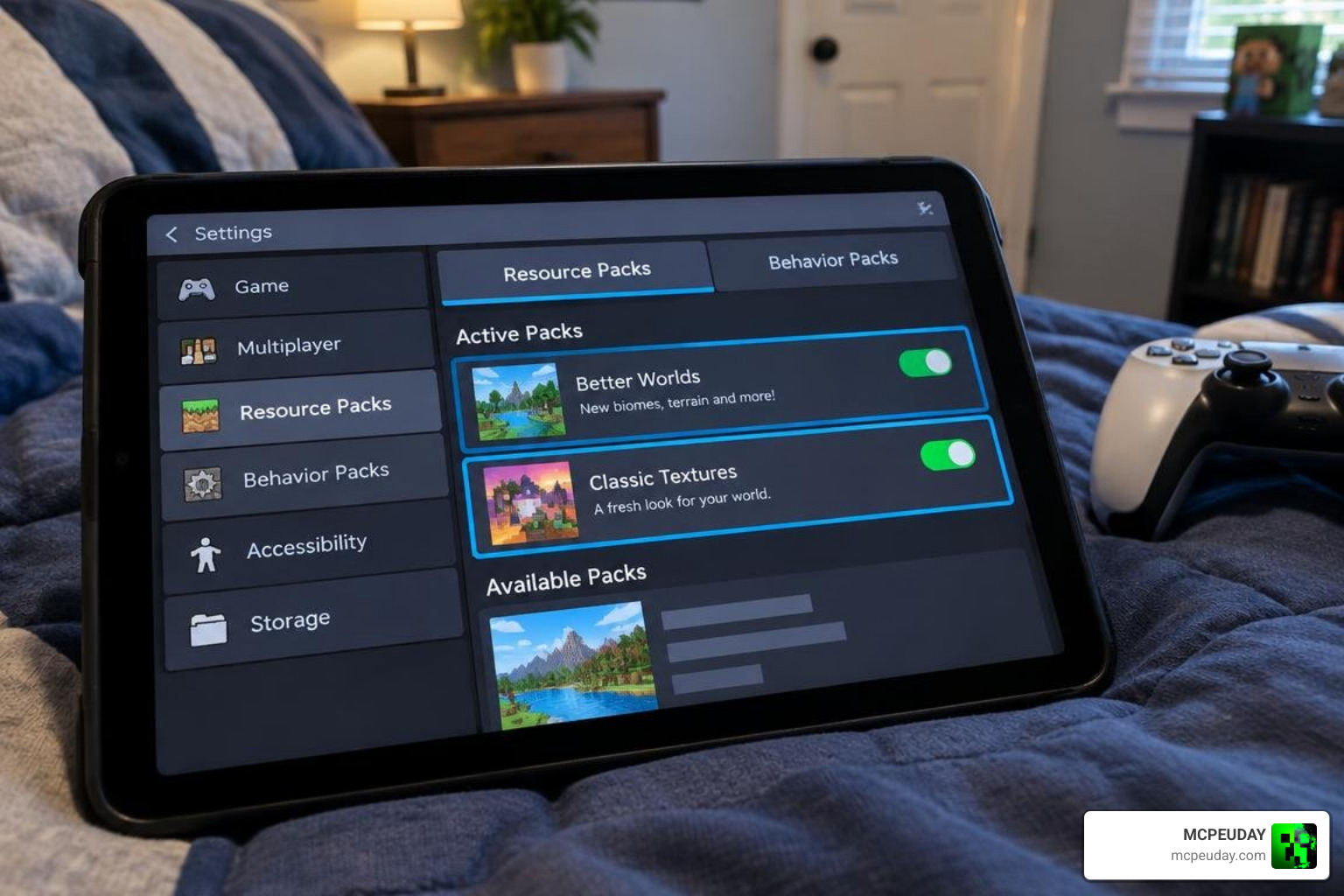
Minecraft will automatically prompt you to enable dependencies if they are linked. Once both packs show as active in your world menu, click Play. To manage all your gathered resources smoothly, consider equipping the Better Backpacks Addon for portable storage during long mining expeditions.
Compatibility, Multiplayer, and Gameplay Balance
One of the best aspects of modern Bedrock addons is their stability in multiplayer environments. These tool packs work seamlessly across local LAN worlds, dedicated servers, and Bedrock Realms in Minecraft. When the host player configures the experimental toggles and activates the packs, connected players automatically download the necessary resource files upon joining.
Because modern editions rely on standard Bedrock scripting APIs, you can easily combine this mod with comprehensive survival overhauls like the Better On Bedrock Addon 1.21 or defensive gear packs like the More Armour Addon for Minecraft PE Bedrock. The horizontal stat distribution ensures that vanilla diamond and netherite gear remain the pinnacle of raw durability, while your new custom tools provide unique situational advantages.
Troubleshooting Common Issues and Known Bugs
If you run into issues while playing, these quick troubleshooting tips address the most common Bedrock quirks:
- Missing Item Textures (Purple/Black Textures): This happens when the Behavior Pack is active but the Resource Pack is disabled. Ensure both packs are toggled on in world settings.
- Anvil and Repair Glitches: Certain custom items cannot be repaired with vanilla materials on an anvil. Keep an eye out for updated pack patches or use crafting grid restoration.
- Durability Only Decreasing in Combat: Some custom pickaxes are scripted to reduce durability primarily during entity attacks to preserve mining longevity.
- Failed to Import Pack: If you see an import failure message, rename the file extension from
.zipto.mcaddonor.mcpackand reopen it. - Missing Tooltip Descriptions: To see exact mining speeds, durability counters, and status effects in your hotbar, install Java Tooltips with a Texture Pack.
Frequently Asked Questions about More Vanilla Tools
Do I need to activate both the Resource Pack and Behavior Pack?
Yes. The Behavior Pack defines the custom block-breaking speeds, recipes, and special abilities, while the Resource Pack provides textures, models, and localized names. Activating only one results in missing items or invisible textures.
Can the new tools be enchanted in Bedrock Edition?
Basic anvil merging and enchantment table integration depend on the specific addon variant. While standard vanilla enchantment tables do not accept all custom JSON items automatically, many editions support enchanted book application on anvils, with developers actively working on expanded lapis-enchanting systems.
Will installing the addon disable achievements in my survival world?
Standard versions that require experimental toggles (such as Beta APIs or Holiday Creator Features) will turn off Xbox achievements. However, lightweight editions labeled specifically as “Achievements Friendly” allow you to enjoy custom visual variants without disabling world achievements.
Conclusion
Expanding your Minecraft survival world does not require altering the core identity of the game. With the right tool expansions, every mineral and drop in your storage chests gains practical survival utility. Download your preferred pack, activate both behavior and resource files, and enjoy a revitalized mining experience.
For more curated downloads, shaders, and world enhancements, browse our complete library inside Category Mod Addons at MCPEUDAY.