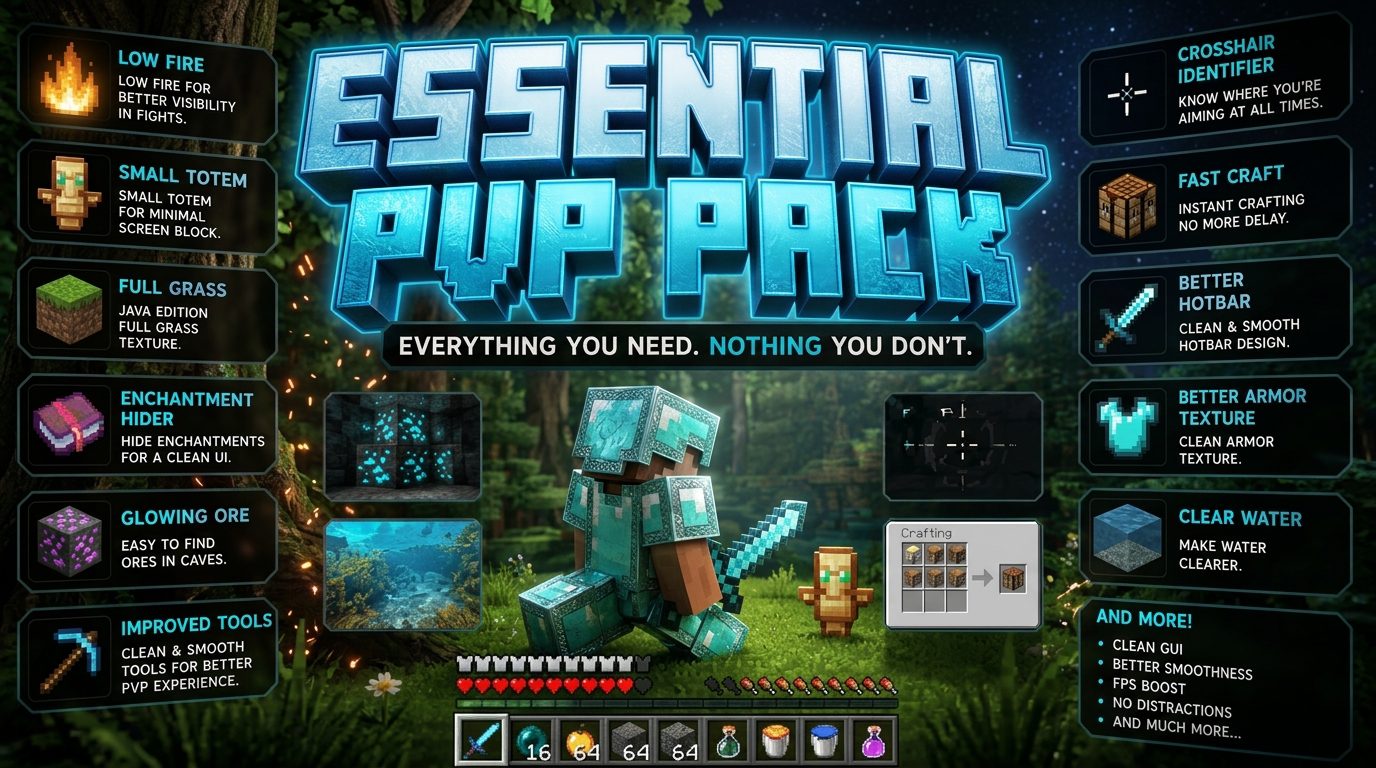
Why the Ultimate PvP Texture Pack Gives You a Real Competitive Edge
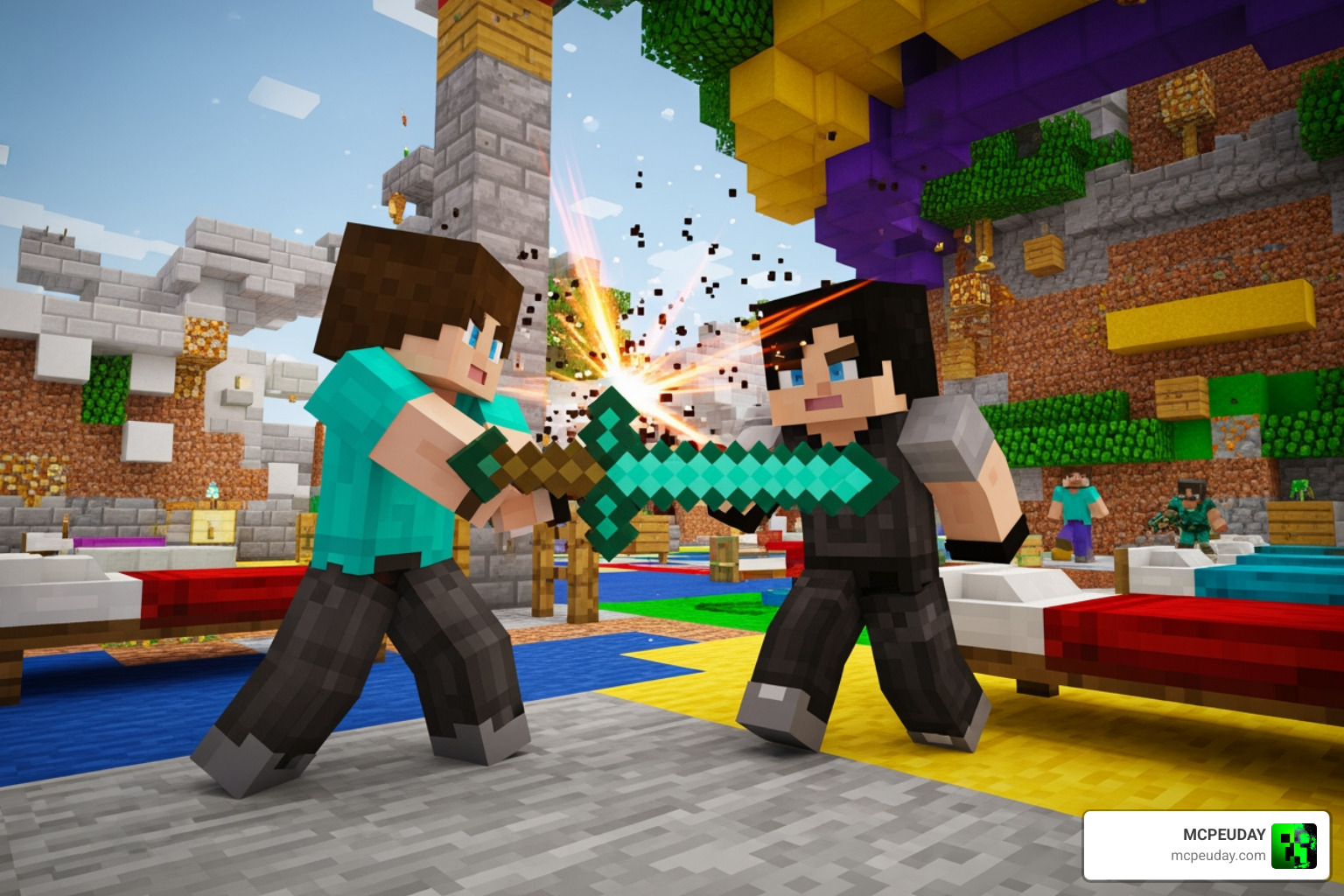
The Ultimate PvP Texture Pack is one of the most searched-for visual upgrades in competitive Minecraft — and for good reason.
Quick answer: The Ultimate PvP Texture Pack is a resource pack designed to improve your visibility, boost FPS, and sharpen your combat performance in Minecraft PvP modes like Bedwars, Skywars, and Crystal PvP. Here’s what it typically includes:
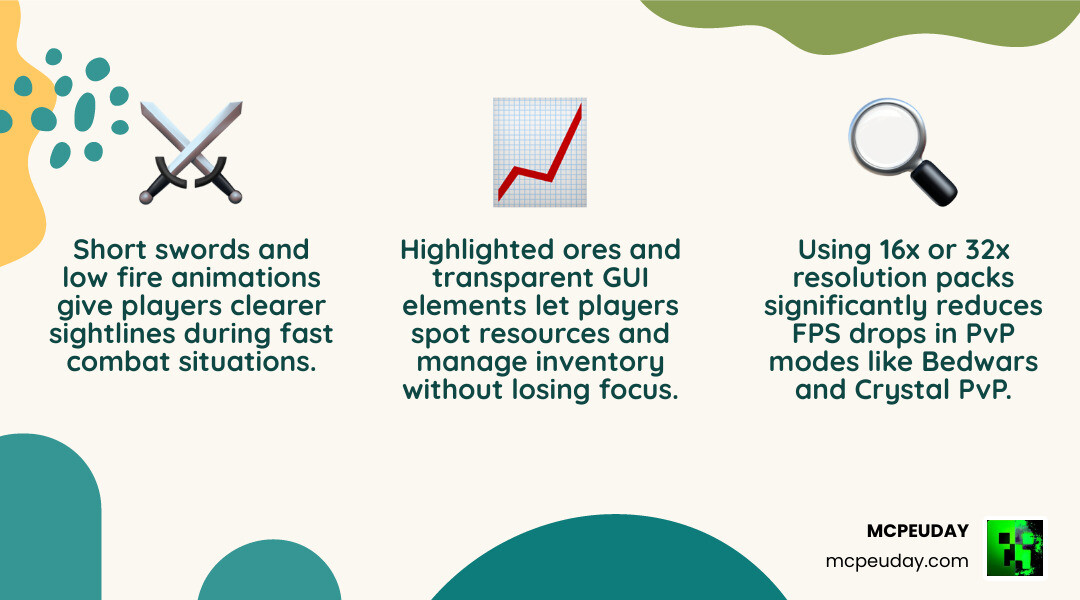
- Short swords — smaller weapon models that don’t block your view
- Low fire — reduced fire animations so you can see during fights
- Custom particles — cleaner effects with less screen clutter
- Transparent GUI — clearer inventory and HUD overlays
- Highlighted ores — easier to spot resources at a glance
- FPS-friendly resolution — usually 16x or 32x for smooth gameplay
In Minecraft PvP, a single frame drop or a fire animation blocking your screen can be the difference between winning and losing. That’s exactly the problem these packs solve.
Whether you’re playing on Bedrock, Java, or mobile, the right PvP texture pack can make your game look cleaner and run faster — without changing how Minecraft actually feels.
What is the Ultimate PvP Texture Pack?
When players search for the Ultimate PvP Texture Pack, they are usually looking for one of two things: a specific high-quality release on the official Minecraft Bedrock Marketplace, or a top-tier community-made resource pack designed for competitive Java and Bedrock gameplay.
In the Minecraft Bedrock Marketplace, there are two highly popular premium options that carry this name:
- The Ultimate PvP Texture Pack by Honeyfrost: Released on July 25, 2023, and continually updated, this pack has earned a stellar 4.1 out of 5 stars average rating from hundreds of users. Priced at 990 Minecoins (approximately $5.19 USD), it includes a massive 32x resolution visual overhaul alongside 17 custom skins.
- Ultimate PvP Pack by Shapescape: Priced at 830 Minecoins (around $4.35 USD), this mobile-friendly pack includes 7 custom skins and focuses on minimalist, epic visual changes to give Bedrock players a cleaner combat experience.
Outside of the official Marketplace, the term also refers to a philosophy of resource pack design. Community-developed packs—such as Ultra PvP – Minecraft Resource Pack on Java or custom Bedrock .mcpack files—provide similar combat-focused modifications entirely for free.
At MCPEUDAY, we love how these packs balance utility and style. If you want a pack that keeps the classic Minecraft feel but highlights block boundaries for precise building and landing hits, pairing your setup with the Outline Texture Pack is an excellent way to level up your game.
Key Features of the Ultimate PvP Texture Pack
What makes an Ultimate PvP Texture Pack actually “ultimate”? It is all about the competitive features. These packs strip away the visual noise of vanilla Minecraft and replace it with clean, functional designs:
- Short Swords: Standard Minecraft swords are bulky and block a significant portion of the lower-right quadrant of your screen. Short swords shrink the blade length, keeping your crosshair area completely clear.
- Low Fire & Low Shields: When you get hit with a Fire Aspect sword or step into lava, vanilla fire animations consume almost your entire screen. Low fire reduces this animation to a small strip at the bottom of the display. Similarly, shields are lowered so they do not block your view when blocking.
- Custom and Minimal Particles: Heavy particle clouds from critical hits, potions, and explosions can drop your frame rate and blind you mid-fight. These packs optimize particle textures, making them sharper, smaller, and less distracting.
- Transparent GUI: Opening your inventory, chest, or crafting table shouldn’t leave you completely vulnerable. A transparent graphical user interface (GUI) lets you see if an enemy is sneaking up on you while you manage your inventory.
- 3D Armor with Trims & Small Food Items: Armor sets are redesigned to look sleek and clean without bulky geometry, while food items are scaled down so eating animations don’t obstruct your view.
- Highlighted and Animated Ores: Finding resources quickly in UHC (Ultra Hardcore) or survival-based PvP modes is crucial. Outlined or animated ore blocks ensure you never run past precious diamonds or gold.
- Color Blind Versions: Creators like Honeyfrost have gone the extra mile by including color-blind friendly options, ensuring all players can distinguish between team colors and vital UI elements.
Compatibility and Minecraft Versions
One of the best things about the Ultimate PvP Texture Pack ecosystem is its wide compatibility.
On Bedrock Edition (which covers Android, iOS, Windows 10/11, Xbox, PlayStation, and Nintendo Switch), these packs are fully optimized to run smoothly on both high-end PCs and low-end mobile devices. Official Marketplace versions, like The Ultimate PvP Texture Pack by Honeyfrost | CHUNK – Minecraft Bedrock Marketplace Explorer and the Ultimate PvP Pack by Shapescape | CHUNK – Minecraft Bedrock Marketplace Explorer , require Bedrock version 1.16.0 or newer, meaning they work flawlessly on the latest Minecraft 1.21 updates.
For Java Edition players, community alternatives like Ultra PvP – Minecraft Resource Pack support the latest releases (including Java 1.21.x). These packs integrate seamlessly with optimization mods like Sodium, Lithium, and Iris Shaders, allowing you to maintain massive frame rates during intense multiplayer sessions.
How PvP Resource Packs Improve Competitive Gameplay
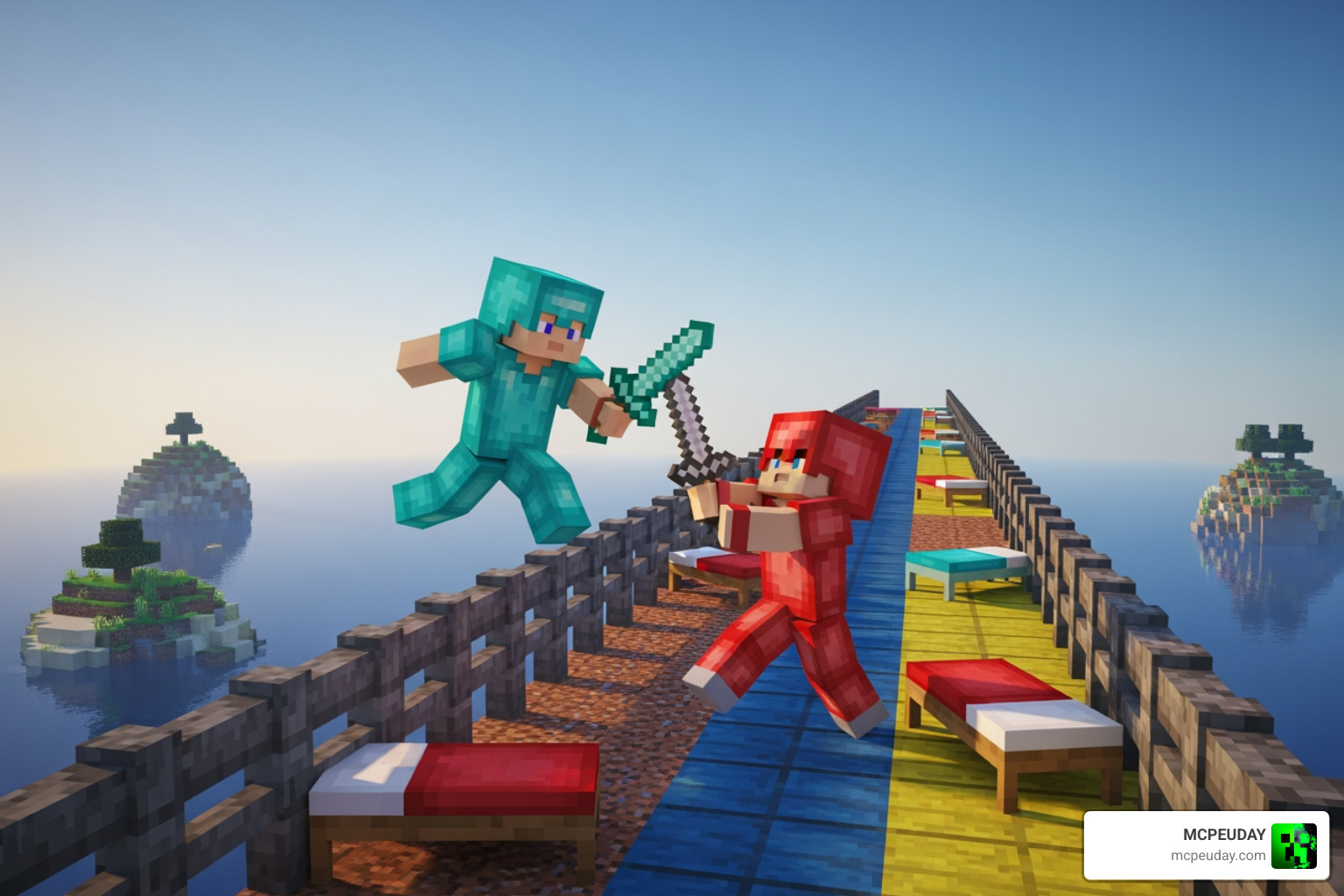
Success in Minecraft PvP is decided in milliseconds. Whether you are aiming a bow in Skywars, timing your critical hits in Bedwars, or placing anchors and crystals in Crystal PvP, visual clarity is everything.
Vanilla Minecraft is designed for survival and exploration, not competitive esports. The default textures are full of visual clutter: thick block outlines, massive explosion particles, and dense fog.
By installing an Ultimate PvP Texture Pack, you instantly gain several functional advantages:
- Faster Reaction Times: With short swords and low fire, you can spot an opponent’s movement sooner. You can see exactly which direction they are strafing, even if you are currently on fire.
- Consistent Frame Rates (FPS Boost): Frame drops during a fight are lethal. By simplifying block textures, reducing resolution sizes, and removing heavy explosion animations, these packs reduce the rendering load on your graphics card or mobile processor.
- Better Spatial Awareness: Clear glass textures and transparent menus allow you to keep an eye on your surroundings at all times.
If you want a pack that offers a beautiful, vibrant aesthetic while maintaining high-performance competitive standards, we highly recommend checking out the Lumina 32x Texture Pack, which strikes a perfect balance between gorgeous visuals and PvP-ready clarity.
Choosing the Right Resolution for Your Ultimate PvP Texture Pack
Texture packs come in various resolutions, measured by the pixel size of each block face. Choosing the right one depends heavily on your gaming rig or mobile device:
- 16x Resolution: This is the default Minecraft resolution. Packs styled in 16x (like many free community PvP packs) are highly optimized for maximum performance. They run flawlessly on any device, including older mobile phones and budget consoles, providing a massive FPS boost without sacrificing the classic Minecraft charm. If you love this clean, simplified aesthetic, the Bare Bones Texture Pack is a fantastic option to check out.
- 32x Resolution: This resolution offers double the detail of vanilla Minecraft. Premium packs like Honeyfrost’s Ultimate PvP Pack use 32x textures to deliver beautiful, crisp weapon designs, detailed 3D armors, and smooth animations. While slightly heavier than 16x, 32x packs run beautifully on modern consoles, mid-range mobile devices, and gaming PCs.
- 8x Resolution & Lower: Designed strictly for maximum performance, 8x packs simplify textures down to their bare essentials. These are ideal for competitive players who want to squeeze every single frame possible out of their device.
Free Community Packs vs. Paid Marketplace Packs
When looking to download the Ultimate PvP Texture Pack, you have two main routes: free community platforms or the official Minecraft Marketplace.
| Feature | Free Community Packs (MCPEUDAY, CurseForge, PVPRP) | Paid Marketplace Packs (Honeyfrost, Shapescape) |
|---|---|---|
| Cost | 100% Free | 830 to 990 Minecoins ($4.35 – $5.19 USD) |
| Skins Included | None (must download separately) | Includes 7 to 17 custom PvP skins |
| Installation | Manual download and import (.mcpack or .zip) | One-click install directly inside Minecraft |
| Customization | High (can mix, match, and edit files) | Locked (cannot easily edit files on console) |
| Platform Support | PC, Mobile, and Android (Xbox/PS requires workarounds) | Works instantly on all Bedrock platforms (Consoles, Mobile, PC) |
If you are playing on a console (Xbox, PlayStation, or Nintendo Switch), official Marketplace packs are highly convenient because they bypass console file restrictions. However, for PC and mobile players, downloading free community packs from trusted sites like CurseForge or PVPRP is often the preferred route due to the endless variety and zero-cost entry.
How to Install and Activate PvP Texture Packs
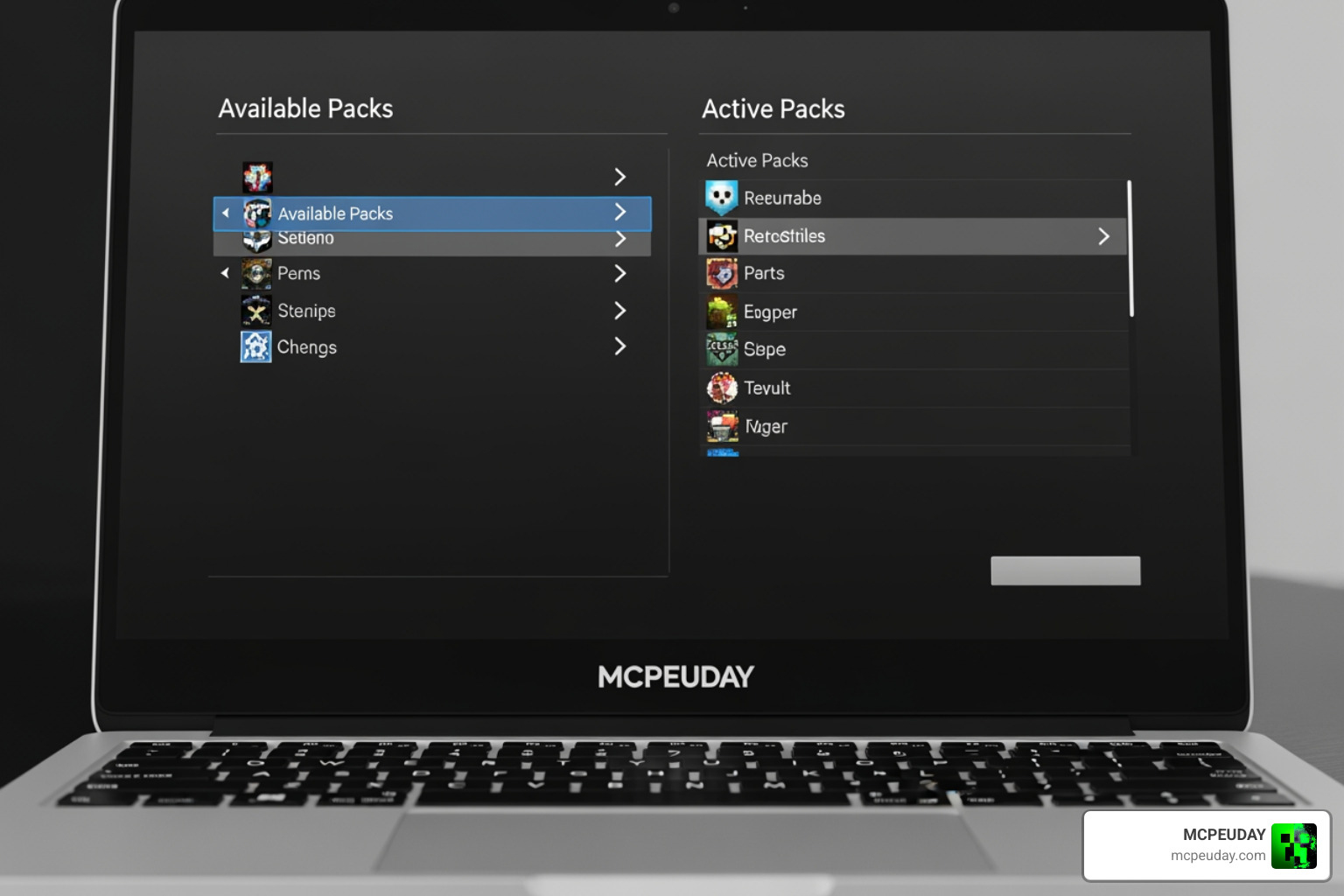
Ready to boost your FPS and dominate your next match? Here is how to install your new texture pack on both Bedrock and Java editions.
Installation Steps Comparison
| Step | Minecraft Bedrock Edition (iOS, Android, Windows) | Minecraft Java Edition (PC) |
|---|---|---|
| 1 | Download the .mcpack file from MCPEUDAY. | Download the .zip file from a trusted source. |
| 2 | Double-click or tap the downloaded .mcpack file. | Open Minecraft and go to Options > Resource Packs. |
| 3 | Minecraft will open automatically and import the pack. | Click Open Pack Folder and drag the .zip file inside. |
| 4 | Go to Settings > Global Resources and click Activate. | Hover over the pack in the menu and click the Arrow to activate. |
Whether you are playing on a phone, tablet, or PC, these quick steps will have your game looking clean and running fast in less than two minutes!
Frequently Asked Questions
What is the best resolution for a PvP texture pack?
For pure competitive performance, 16x is widely considered the best resolution. It matches Minecraft’s default pixel density, meaning it requires zero extra processing power and delivers the highest, most stable frame rates. If you have a decent gaming PC or a modern mobile device and prefer cleaner, sharper visuals, a 32x pack is a fantastic alternative that balances beauty and performance.
Does the Ultimate PvP Texture Pack work on mobile devices?
Yes! Both the official Marketplace versions and the free community .mcpack files available on MCPEUDAY are fully optimized for mobile devices (iOS and Android). They feature mobile-friendly UI layouts and lightweight textures that prevent overheating and battery drain during long play sessions.
How do I get the Ultimate PvP Texture Pack?
You can purchase the premium versions directly inside the Minecraft game client via the Marketplace using Minecoins. Alternatively, you can browse and download hundreds of incredible, free community-made PvP packs directly from our site or community hubs like PVPRP.
Conclusion
In competitive Minecraft, your visual settings are just as important as your combat skills. The Ultimate PvP Texture Pack provides the perfect toolkit to eliminate distractions, clean up your screen, and maximize your device’s frame rate. From short swords and low fire to transparent menus and custom particles, every change is designed to help you win more fights.
At MCPEUDAY, we are dedicated to bringing you the absolute best and safest resources to upgrade your Minecraft experience. If you are ready to explore even more game-changing visual upgrades—including vibrant shaders, clean designs, and specialized utility packs—be sure to Explore more options in our Category Texture Packs today!
2 thoughts on “Ultimate Pvp Texture Pack (26.x, 1.21) – MCPE/Bedrock Texture Pack”