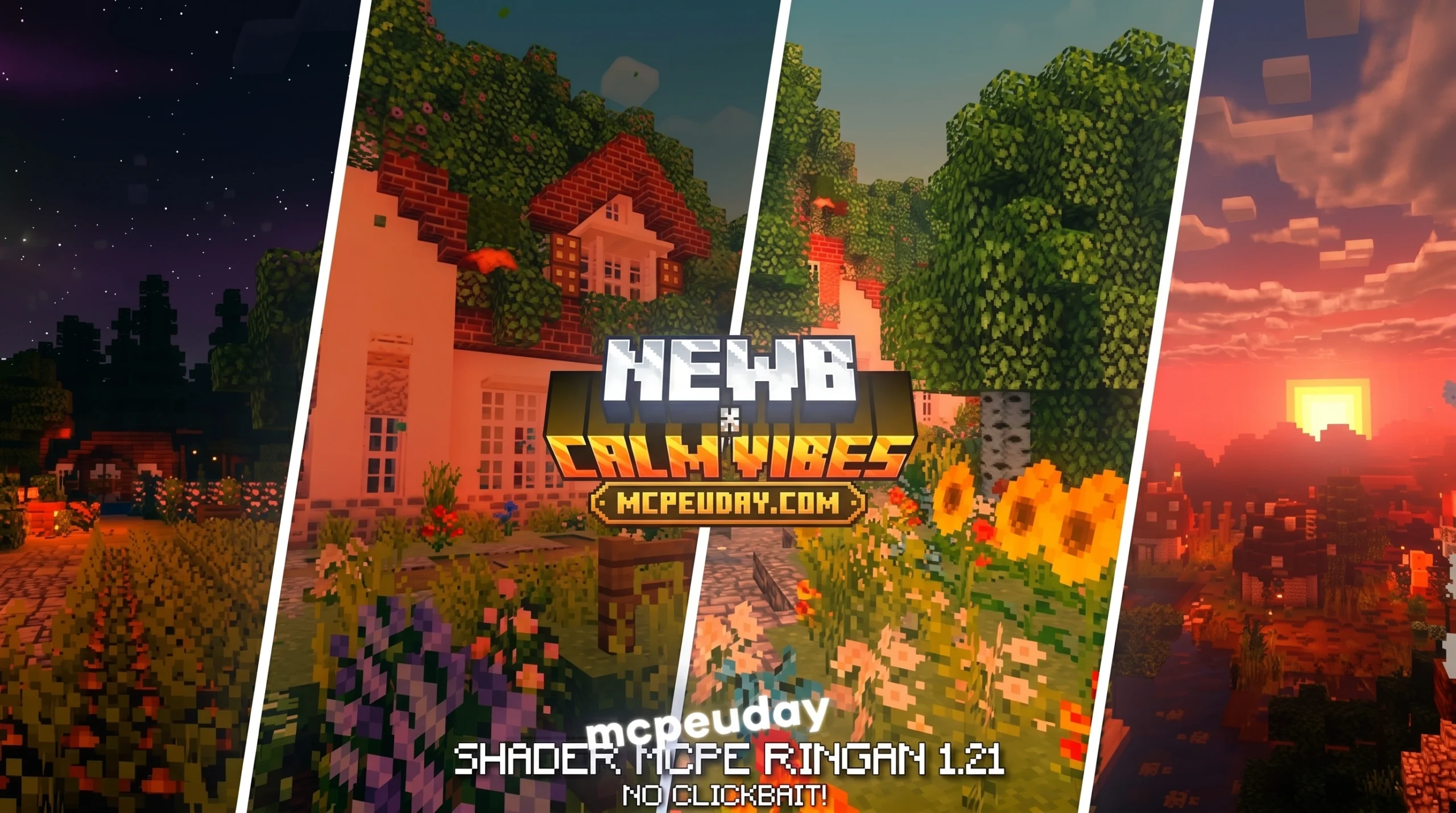
Get the Newb X Calm Vibes Shader Free Download (MCPE/Bedrock)
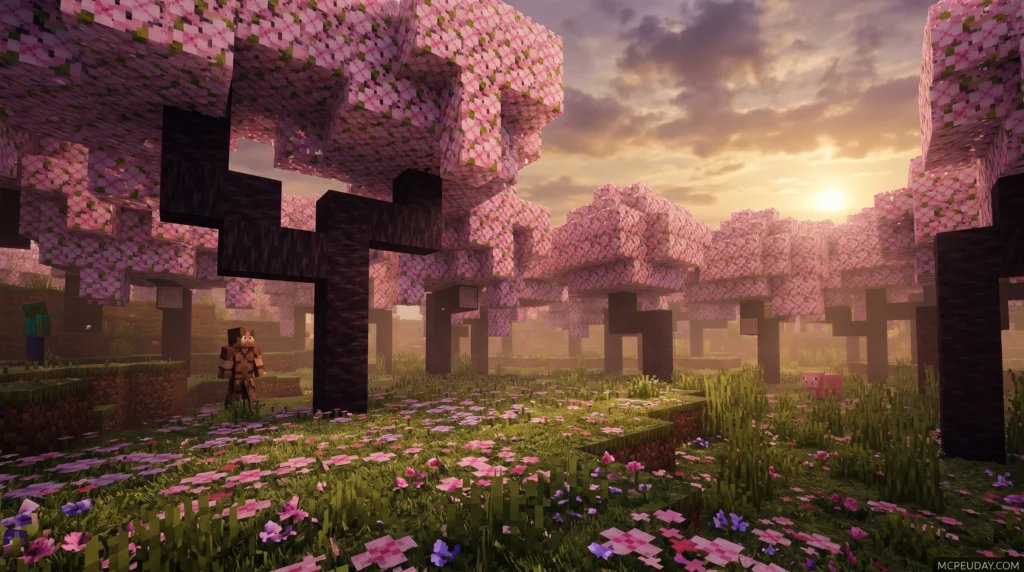
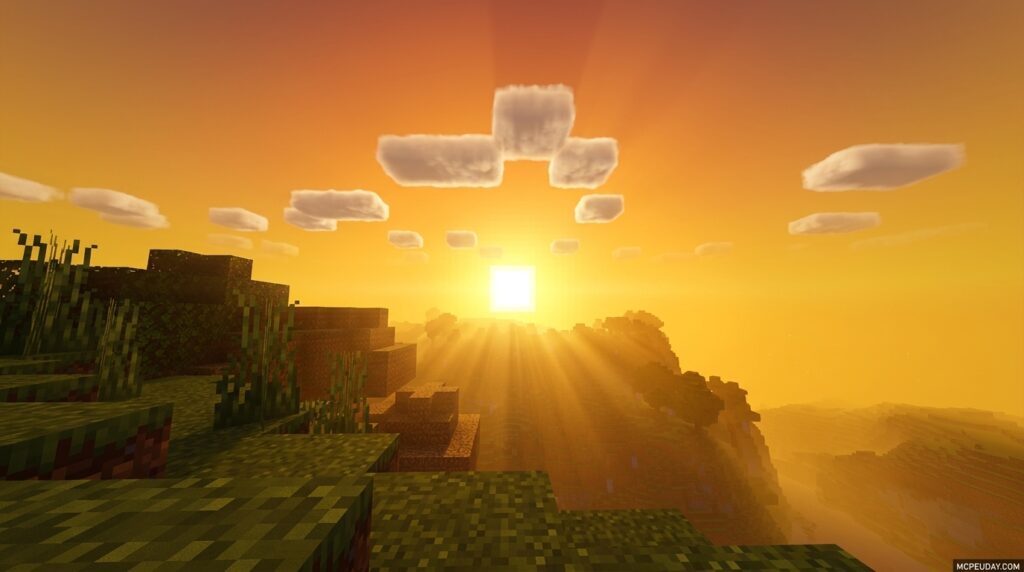
The Newb X Calm Vibes Shader is a lightweight Minecraft Bedrock shader designed for relaxing visuals, warm orange-red tones, beautiful nights, and brilliant glowing ores – all optimized to run smoothly on mid-to-low-end Android, iOS, and Windows devices.
If you are new to MCPE/Bedrock, you can learn more about the base game on the official Minecraft website.
Quick answer – here’s what you need to know:
- What it is: A Newb Shader variant focused on calm, warm aesthetics and soft lighting
- Supported versions: Minecraft Bedrock/MCPE 1.21.20 and above
- Platforms: Android, Windows 10/11, iOS
- Tools required: MB Loader (Android), BetterRenderDragon or Matject (Windows)
- Best for: Players who want a performance-friendly visual upgrade without heavy FPS drops
One thing worth knowing upfront: Minecraft Bedrock does not officially support custom shaders. You’ll need a small third-party tool to make this shader load. Don’t worry – the process is straightforward, and this guide walks you through every step on every platform.
Whether you’re building a cozy survival home, exploring at night, or just want your worlds to look better without killing your frame rate, Calm Vibes delivers.
What is the Newb X Calm Vibes Shader?
If you have ever searched for Bedrock shaders, you have likely run across the legendary Newb Shader. While the original creator stopped updating the legacy line after version 16, the passionate community has kept the fire alive by creating incredible spin-offs.
The Newb X Calm Vibes Shader is one of the most popular modern variants. Instead of aiming for blinding, ultra-realistic sun rays that melt your phone, this pack focuses on soft aesthetics, cozy environments, and lightweight performance. It takes the solid foundation of the classic Newb Shader and infuses it with a peaceful, relaxing atmosphere.
When you load into a world with this pack active, you will immediately notice the difference. The harsh blue tint of vanilla Minecraft is replaced by a soothing, warm glow. It is designed to make your long survival sessions feel peaceful and comforting. For a deep dive into how these visuals transform your game, check out our detailed guide on the Newb X Calm Vibes Shader Atmosphere.
Key Features of Newb X Calm Vibes Shader
- Warm Orange-Red Tone: Sunsets and sunrises paint the sky in spectacular, warm hues that make your world feel incredibly cozy.
- Brilliant Glowing Ores: No more getting lost in dark caves. Ores emit a subtle, beautiful glow, helping you spot valuable resources easily.
- Beautiful Nights: The night sky features soft, dynamic auroras that slowly shift colors over time, paired with a gorgeous 3D moon.
- Cinematic Water: Water animations are smooth, featuring realistic reflections and transparency that look stunning near coastal cliffs and swamp biomes.
- Dynamic Clouds & Sky: Clouds drift naturally across a beautifully gradient sky, giving the game a cinematic feel.
Visual Enhancements in the Nether and End Dimensions
The visual upgrade does not stop in the Overworld. When you step through a Nether portal, the atmospheric fog and dimensional lighting are adjusted to feel far more immersive and dangerous, yet soft on the eyes.
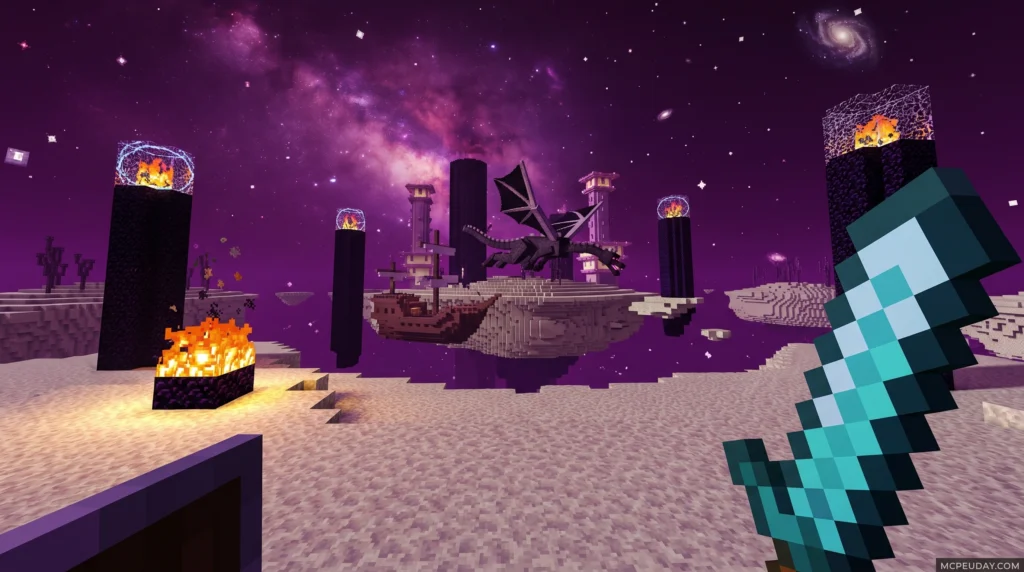
In the End dimension, the shader introduces custom end colors and a breathtaking skybox. The Ender Dragon fight feels like a true cinematic boss battle, complete with glowing eyes on endermen and enhanced purple magic particles that swirl around the obsidian pillars.
How to Install and Optimize the Shader on Bedrock
Because Minecraft uses the RenderDragon rendering engine, getting custom shaders to run requires a few extra steps. We cannot simply import a pack and call it a day anymore. Depending on your device, you will need specific tools to bypass these engine limitations.

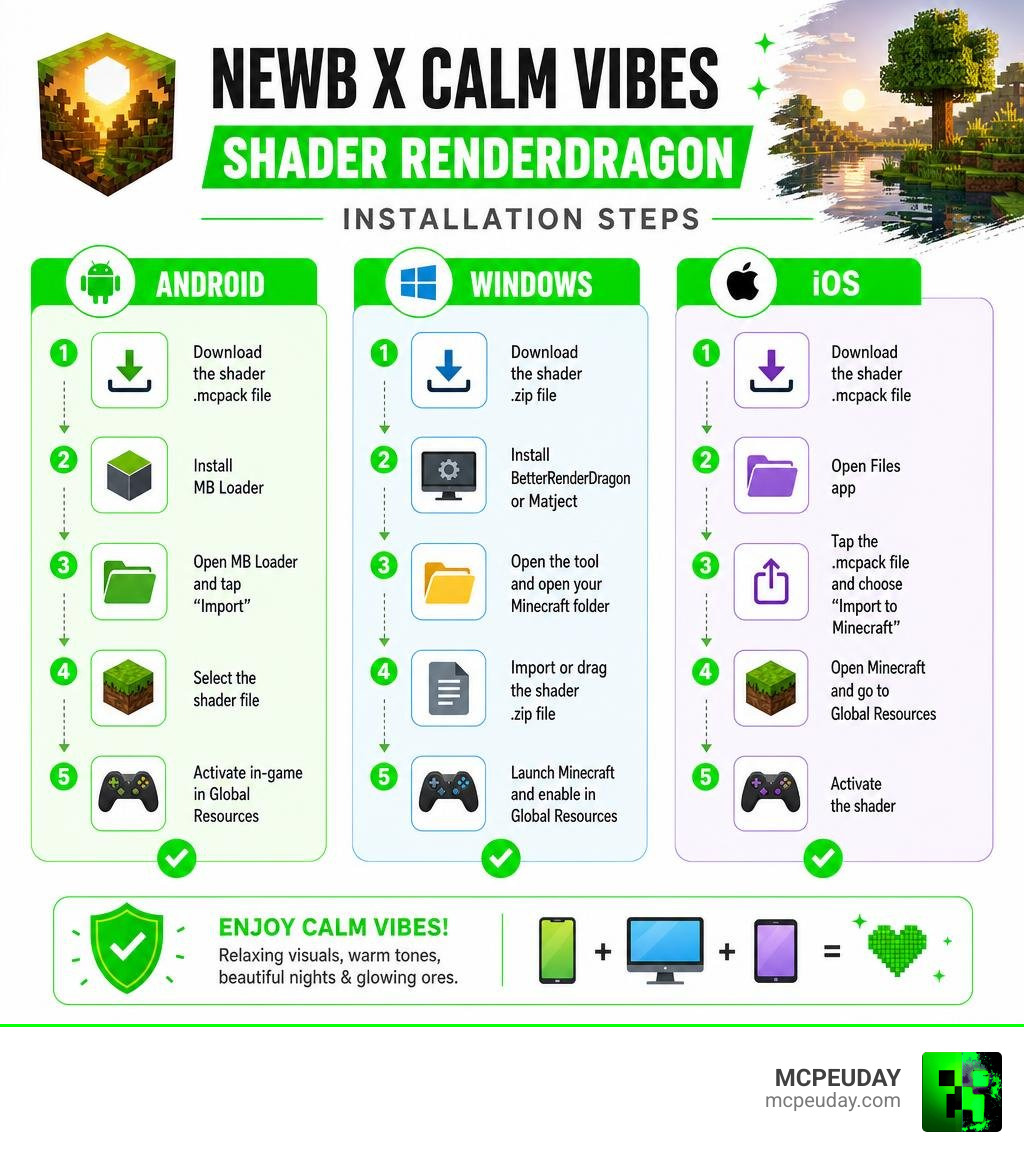
Step-by-Step Android and iOS Installation Guide
Since Minecraft discontinued patched APKs for version 1.21.60 and above, Android players must use MB Loader (available on the Google Play Store) to load custom materials.
- Download MB Loader: Install the official MB Loader app on your Android device.
- Download the Shader: Grab the official
.mcpackfile for the shader. - Import via MB Loader: Open MB Loader, select your downloaded shader file, and import it.
- Launch Minecraft: Use MB Loader to launch Minecraft.
- Activate the Pack: In Minecraft, go to Settings > Global Resources, find the shader, and activate it. Make sure it is placed at the top of your active resource packs list!
Note for iOS users: Running custom shaders on iOS is quite difficult as it requires a jailbroken device or installing an untrusted IPA file. If you are on iOS, we highly recommend checking out our comprehensive Newb X Unwind Shader Guide for alternative installation workarounds.
Step-by-Step Windows 10/11 Installation Guide
To enjoy these calm visuals on PC, you will need to use BetterRenderDragon or Matject to enable MaterialBinLoader.
- Set Up BetterRenderDragon: Download and install BetterRenderDragon to patch your Windows Minecraft installation.
- Download the Shader: Get the Windows-compatible version of the shader.
- Import the Pack: Double-click the
.mcpackfile to automatically import it into Minecraft. - Activate and Play: Enable the shader in your Global Resources settings and restart your game.
Recommended Graphics Settings for Peak Performance
To get the absolute best visual-to-performance ratio, we recommend adjusting your in-game video settings. Use this quick reference table to optimize your setup:
| Setting | Recommended Value | Why It Matters |
|---|---|---|
| Beautiful Sky | ON | Enables the custom skyboxes and auroras |
| Smooth Shading | ON | Blends the soft lighting and warm tones perfectly |
| Fancy Graphics | ON | Keeps water reflections and foliage looking top-tier |
| In-Game Brightness | 30% – 70% | Prevents the glowing ores from looking washed out |
| Render Distance | 8 – 12 Chunks | Keeps your FPS high on mid-to-low-end devices |
If you are playing on a very weak device and experience lag, look into the shader’s subpack options and select the “No Wave, No Fog” preset to boost your frame rate.
Comparing Calm Vibes with Other Newb Variants
The Newb family has expanded significantly over the years. Depending on your personal taste, you might prefer different color palettes or performance profiles.
Why Choose Newb X Calm Vibes Shader Over Other Packs?
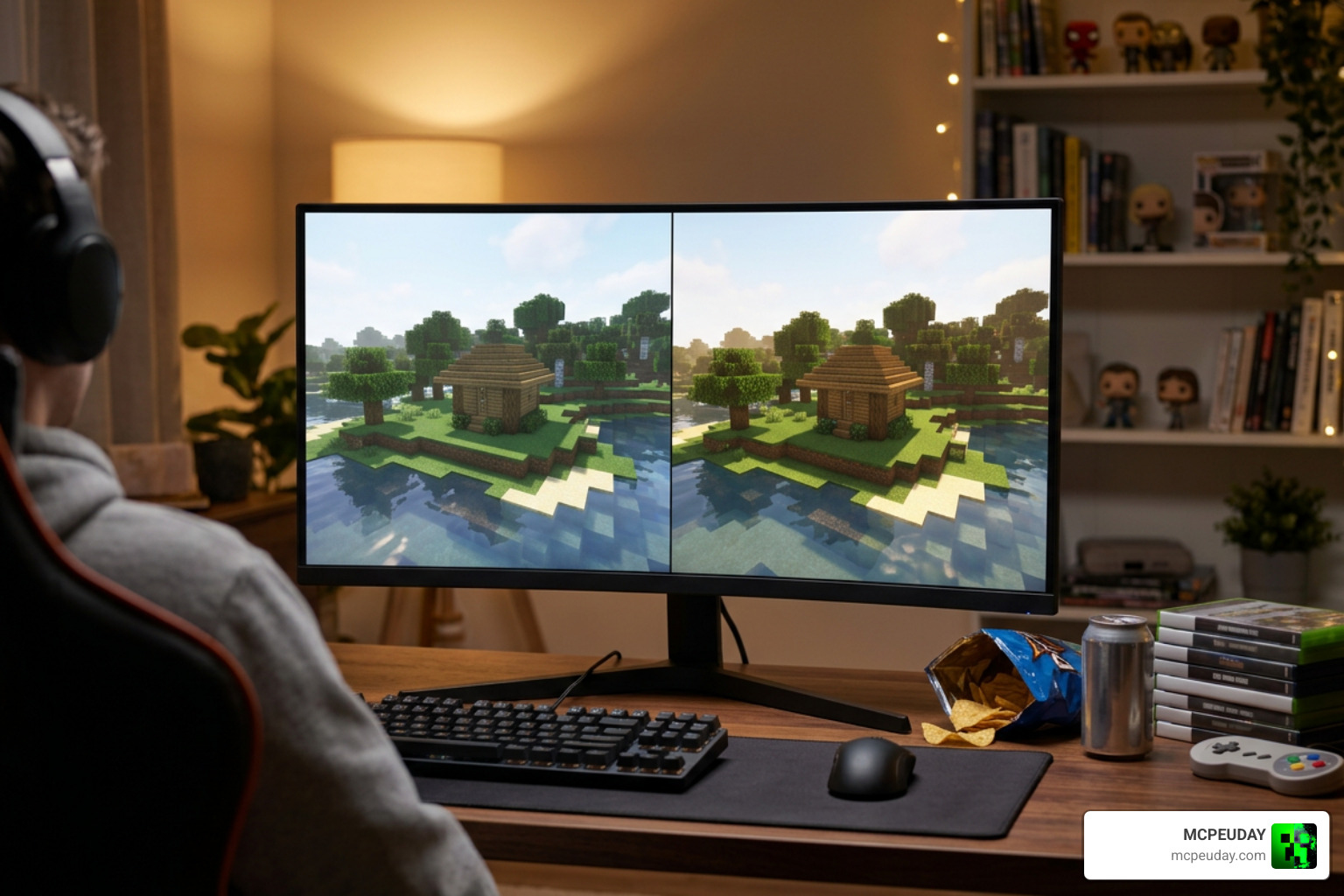
While other shader packs try to push your hardware to its absolute limit with heavy shadows and realistic water, Newb X Calm Vibes Shader is built for comfort. It is the perfect “set-and-forget” pack for players who enjoy long, relaxing building sessions or casual survival gameplay. The warm color palette reduces eye strain during late-night gaming sessions, making it an incredibly healthy choice for your eyes and your device’s battery life.
Calm Vibes vs. Newb X Unwind and Memories
If you want to compare your options, here is how Calm Vibes stacks up against other popular community variants:
- Newb X Unwind: This variant is highly focused on cozy night vibes and better weather particles. If you want to compare the two, read our review of the Newb X Unwind Shader Comparison.
- Newb X Memories: Memories uses an ACES tonemap instead of the classic Reinhard tonemap, giving it a slightly punchier, high-contrast look. It also features unique 3D moon phases and custom mob animations.
- Newb X Dawn (formerly Newb X RTX): This pack brings high-end lighting to non-RTX devices, though it demands slightly more processing power than the lightweight Calm Vibes.
Frequently Asked Questions about Newb X Calm Vibes Shader
Does this shader require RTX hardware?
No! Even though the lighting looks incredibly realistic, this shader is built to run on the standard RenderDragon engine. You do not need an expensive graphics card or an RTX-enabled mobile device to enjoy these beautiful visuals.
Why is my shader not loading on Minecraft 1.21+?
If you just import the .mcpack file directly into a vanilla, unpatched version of Minecraft 1.21+, the game will ignore the custom shader materials. You must use a tool like MB Loader on Android or BetterRenderDragon on Windows to allow the game to load the custom material.bin files.
Is the shader safe to download?
Yes, as long as you use trusted community sources. You can safely download the pack through our curated Minecraft Shaders Category where we verify files for safety and compatibility.
Conclusion
At MCPEUDAY, we believe that you shouldn’t need a high-end gaming rig just to make your Minecraft worlds look beautiful. The Newb X Calm Vibes Shader is the perfect proof that soft, warm, and cinematic graphics can run flawlessly on almost any device.
If you are ready to transform your game into a peaceful paradise, download the shader today, follow our installation steps, and start exploring! Want to see how this pack stacks up against other top-tier options? Check out our ultimate list of the Best Shaders for MCPE 1.21 to find your perfect visual match. Happy building!
1 thought on “Newb X Calm Vibes Shader (26.x, 1.21) – MCPE/Bedrock Shader”