What the Newb X Iterationt Shader Does for Your Minecraft World
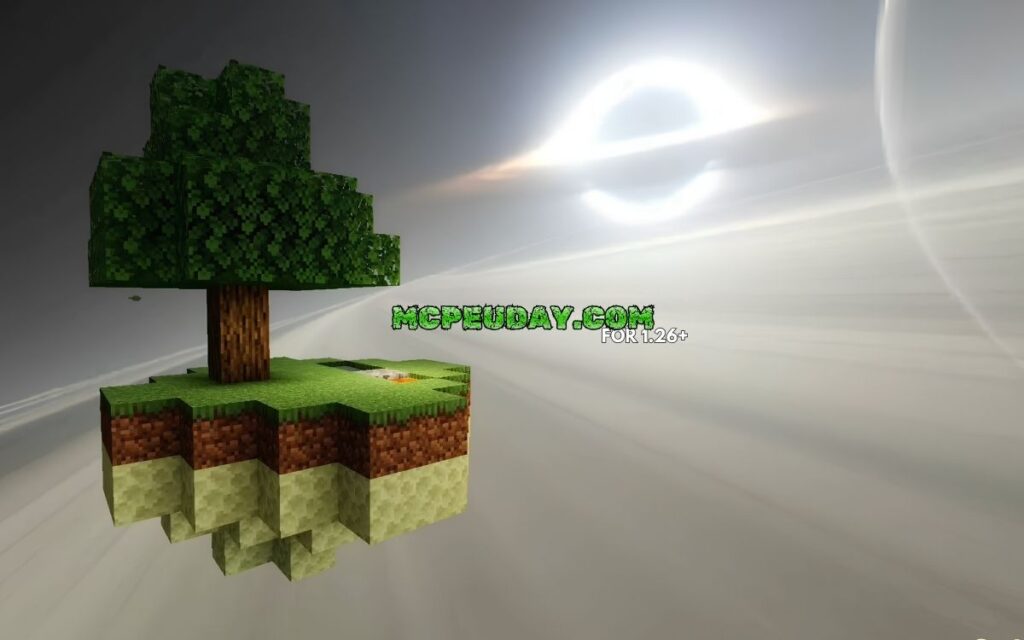
The Newb X Iterationt Shader is a lightweight visual upgrade for Minecraft Bedrock Edition (MCPE) that combines the soft aesthetics of the popular Newb Shader with the atmospheric style of the IterationT shader — all in a 2 MB package designed to run smoothly on most devices.
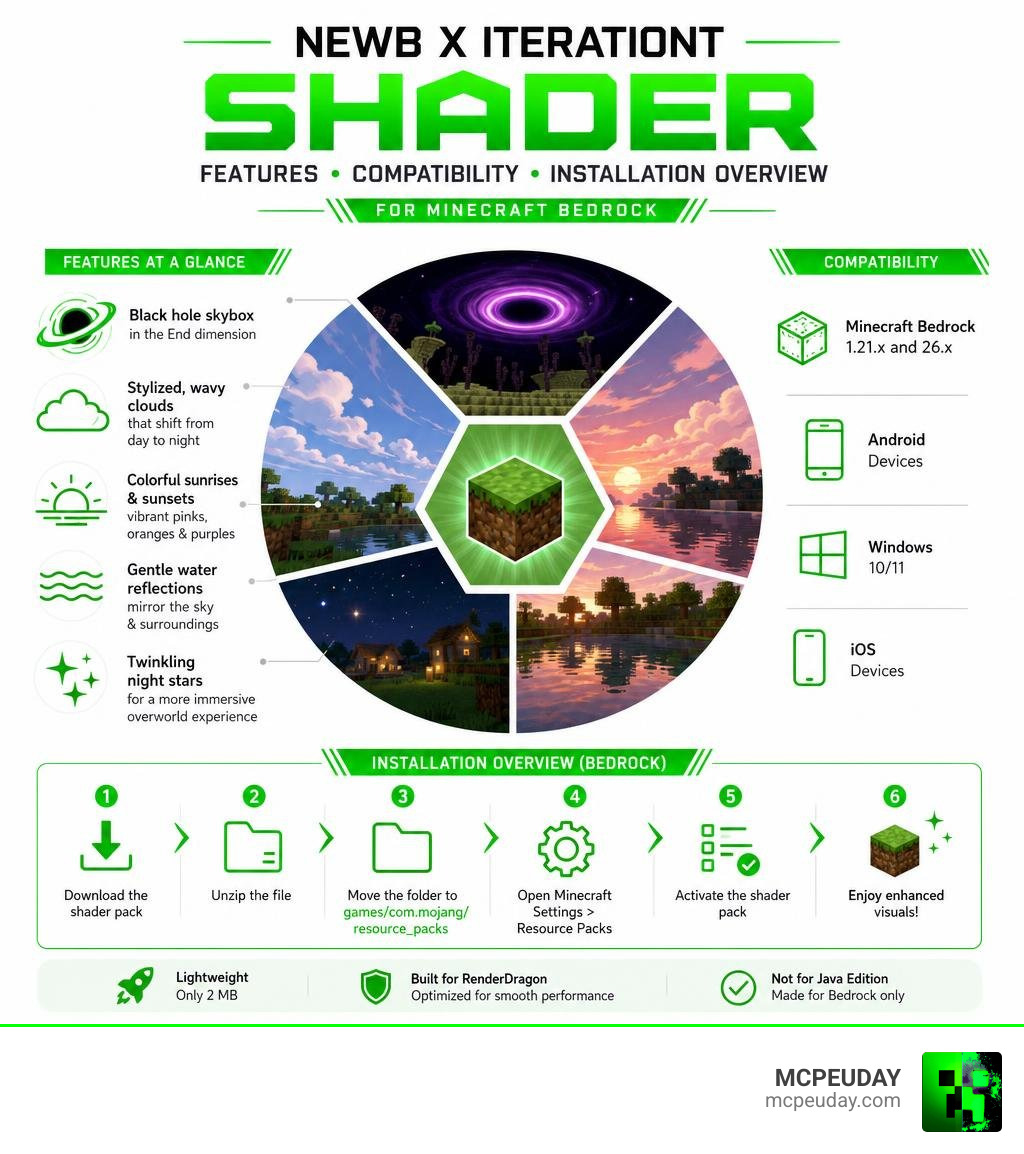
Here’s what it adds at a glance:
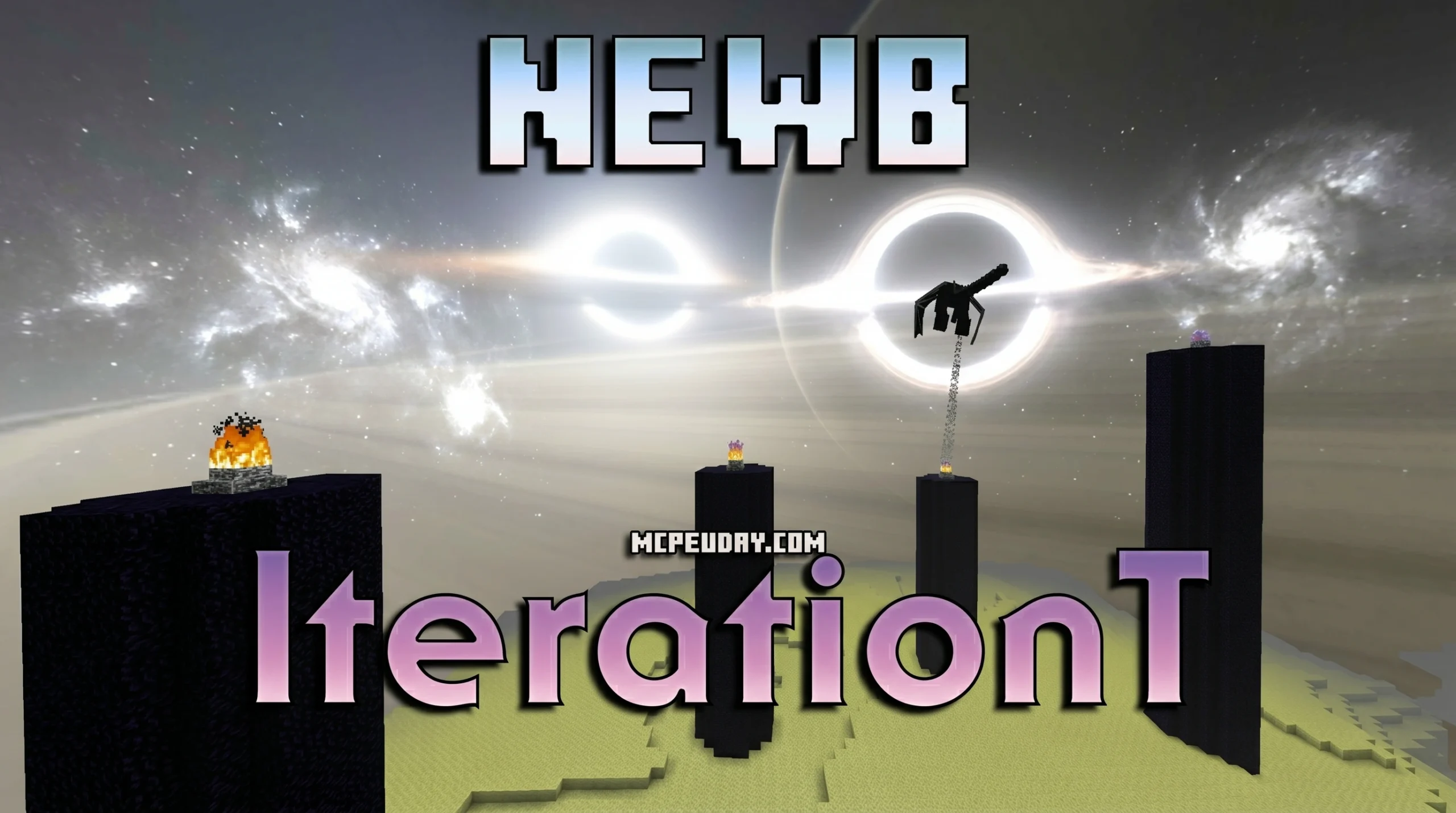
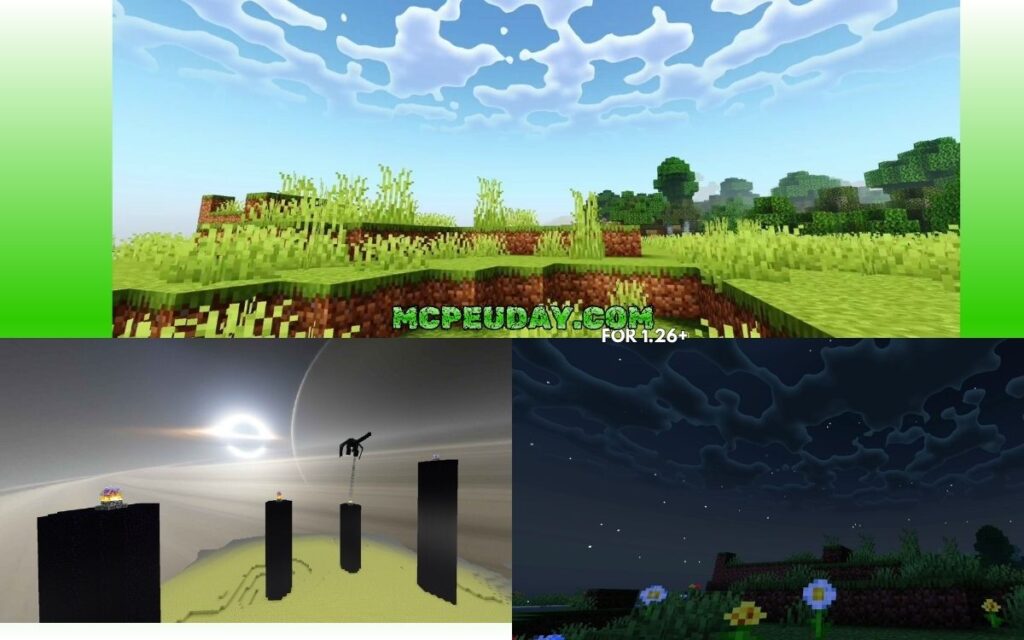
- Black hole skybox in the End dimension, replacing the plain dark sky with glowing rings
- Stylized, wavy clouds that look painted, changing appearance from day to night
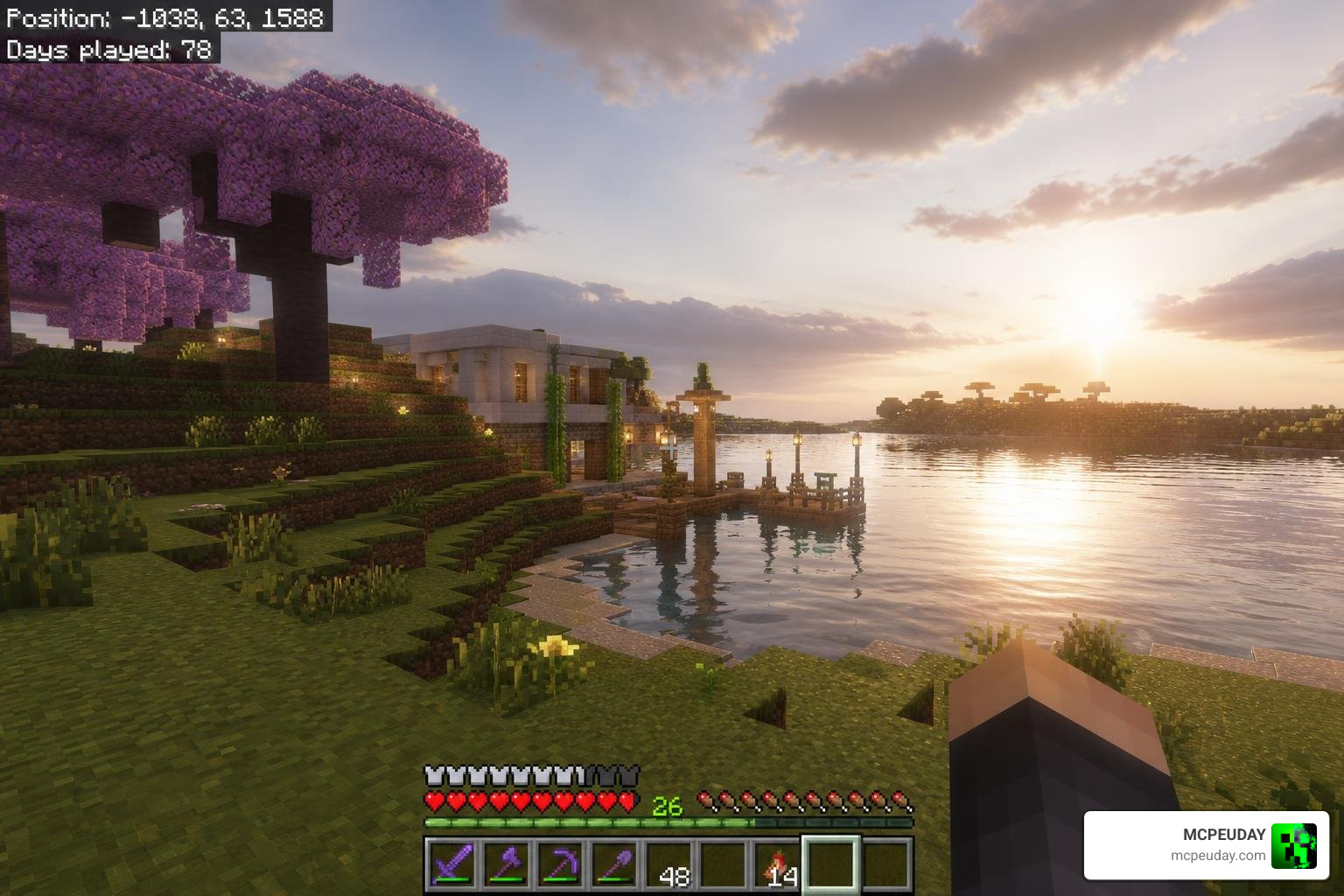
- Colorful sunrises and sunsets with pink, orange, and purple tones
- Gentle water reflections that mirror the sky and surrounding blocks
- Twinkling night stars for a more immersive overworld experience
- Compatible with Minecraft Bedrock 1.21.x and 26.x on Android, Windows, and iOS
It is not for Java Edition. It runs on the RenderDragon engine and requires a small workaround to install — but it’s beginner-friendly once you know the steps.
This guide covers everything: what the shader is, how it looks, how it performs, and exactly how to install it.
What is the Newb X Iterationt Shader?
The Newb X Iterationt Shader is a unique, community-driven hybrid project built specifically for Minecraft Bedrock Edition. To truly understand what makes this shader so special, we have to look at the current state of Bedrock graphics.
For years, Bedrock players enjoyed simple GLSL-based shaders. However, Mojang introduced the RenderDragon rendering engine, which officially removed traditional shader support. This left the community in a tough spot. Fortunately, talented developers stepped up to create custom vanilla shaders that work within the limitations of RenderDragon.
This shader is a mashup of two legendary projects: Newb Shader and IterationT Shaders. By combining the lightweight performance and soft vanilla aesthetics of the Newb codebase with the hyper-realistic, atmospheric art style of IterationT, the creators have delivered a stunning visual package that doesn’t melt your device.
Unlike heavy ray-tracing packs that require an expensive graphics card, this hybrid shader uses clever optimization tricks to achieve high-end visual effects. It focuses on color correction, atmospheric fog, hand-painted clouds, and custom skyboxes, keeping the file size to a mere 2 MB.
The Origins of Newb X Iterationt Shader
The foundation of this shader lies in the open-source Newb X Legacy project developed by creator devendrn. Newb Shader has always been celebrated for keeping Minecraft’s core identity intact while smoothing out rough edges with soft lighting and wavy foliage. You can read more about its base design in our guide on the Newb Renewed Shader for Minecraft.
On the other side of the family tree is IterationT. Developed originally by Tahnass from the Asian gaming community, the original IterationT Shaders are a Java-only masterpiece built on the foundations of SEUS (Sonic Ether’s Unbelievable Shaders). IterationT is famous for its planetary atmosphere simulations, gravitational lensing, and moody weather.
The Newb X Iterationt Shader is a community fork that ports the most iconic visual themes of Tahnass’s Java shader into devendrn’s Bedrock-compatible RenderDragon framework. It is the ultimate compromise: Java-tier artistic design running smoothly on a mobile phone.
Key Differences from Original IterationT Shaders
While they share a visual style, the original Java shader and this Bedrock hybrid are vastly different under the hood:
- Platform Compatibility: The original IterationT is built for Minecraft Java Edition and requires heavy mod loaders like OptiFine or Iris + Sodium. The Newb X Iterationt Shader is built exclusively for Bedrock Edition (MCPE, Windows, iOS).
- Performance Impact: The Java version of IterationT is a resource hog. Even on a high-end setup featuring an RTX 3070 and a Ryzen 7, players often see their frame rates hover around 70-80 FPS while standing still, dropping to 45 FPS in dense jungles. On mid-to-low-end PCs, it can turn Minecraft into a slideshow. Conversely, the Bedrock variant is incredibly lightweight, running at a stable 60 FPS on mid-range mobile devices.
- File Size: The Java version includes massive high-resolution textures, complex parallax mapping, and screen-space reflections, making it a heavy download. The Bedrock hybrid packs its key visual features into a highly compressed 2 MB
.mcpackfile. - Artistic Direction: While the original Java pack aims for photorealism (dynamic wet surfaces, heavy depth of field, and volumetric lighting), the Bedrock hybrid leans slightly more towards a stylized, fantasy-painted aesthetic. It mimics the “mood” of the original without requiring ray-tracing hardware. For another take on realistic Bedrock graphics, check out the Newb Reforged Shader for Minecraft PE Bedrock – Ultra Realistic Graphics 2026.
Core Visual Features and Aesthetics
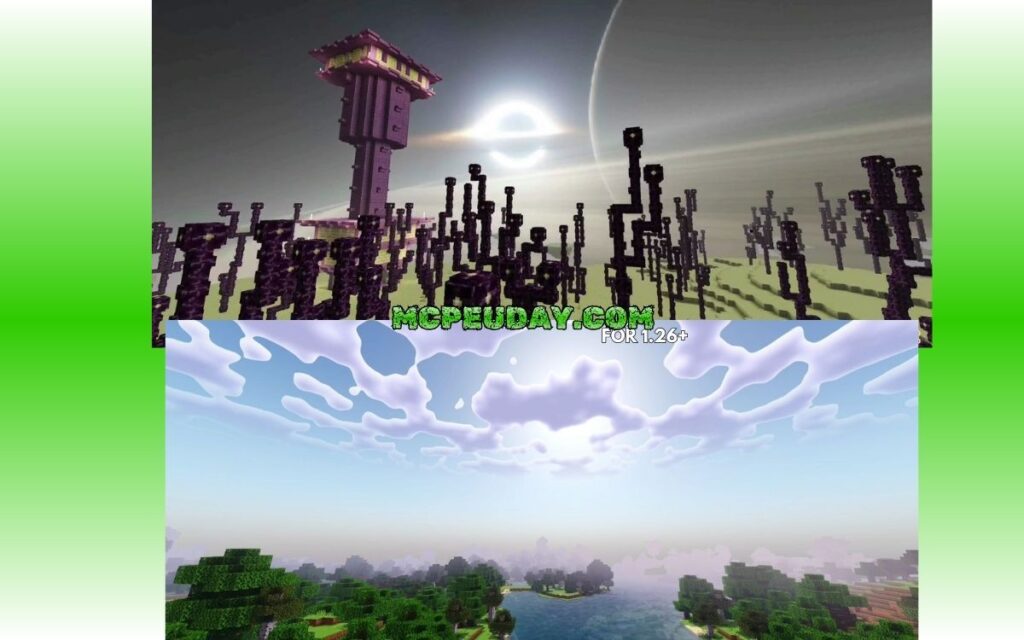
When you load into a world with this shader active, the first thing you will notice is the color palette. The overworld lighting feels warm and vibrant without being oversaturated. Sunrises and sunsets are breathtaking, painting the horizon in smooth gradients of pink, orange, purple, and deep blue.
During the day, the sunlight casts soft shadows, and water surfaces feature gentle, realistic reflections that mirror the sky and nearby blocks. At night, the sky turns a deep, clear blue filled with custom twinkling stars, creating a cozy and peaceful atmosphere for your survival base.
The Iconic Black Hole Skybox in the End
The absolute crown jewel of the Newb X Iterationt Shader is its custom skybox for the End dimension.
In vanilla Minecraft, the End is a dark, static void. This shader completely replaces that boring background with a massive, glowing black hole surrounded by swirling accretion disks and cosmic dust rings.
This effect is inspired directly by the gravitational lensing featured in the Java version of IterationT. As you fly through the End with your Elytra, the glowing rings of the black hole project a star-ring pattern across the void. It transforms the final boss fight against the Ender Dragon into an epic, cinematic experience. If you love stunning night skies and cosmic details, you should also take a look at the Newb X Stars Shader for Minecraft PE (MCPE) – Ultra Realistic Graphics, FPS Friendly & Stunning Night Sky.
Stylized Clouds and Atmospheric Fog
Another standout feature is the cloud system. Instead of blocky, rigid vanilla clouds, this shader introduces soft, wavy, stylized clouds that look like they were painted onto the sky with a brush.
These clouds are dynamic:
- They drift gently across the sky, with customizable speeds if you choose to tweak the configuration files.
- They change color based on the time of day, catching the warm orange light of sunset and turning a cool, misty white at night.
- They blend seamlessly with the shader’s atmospheric fog.
The fog in this pack isn’t just a flat wall that limits your render distance. It is a soft, volumetric-style mist that settles in valleys and dense forests, catching light rays from the sun to create realistic god rays. This adds an incredible sense of depth to your world, which you can learn more about in our review of the Newb X Ambient Shader for Minecraft PE – Realistic Lighting, Smooth Shadows & FPS Friendly.
Compatibility, Performance, and Recommended Settings
Because the Newb X Iterationt Shader is so well-optimized, it runs beautifully across a wide range of hardware. Whether you are playing on a budget Android phone, an iPad, or a Windows 10/11 PC, you can expect a smooth, lag-free experience.
| Device Profile | Expected FPS | Visual Quality | Recommended Subpack |
|---|---|---|---|
| Low-End Mobile (3-4GB RAM) | 45 – 60 FPS | Medium | No Wave, No Fog |
| Mid-Range Mobile / Tablet | 60 FPS (Stable) | High | Default |
| High-End Mobile / iOS | 60 – 90 FPS | Ultra | Default / High-Res |
| Windows PC (Integrated Graphics) | 60 FPS (Stable) | Ultra | Default |
| Windows PC (Dedicated GPU) | 120+ FPS | Cinematic | Ultra / Maximum |
The shader is fully compatible with Minecraft Bedrock versions 1.21.x and the latest 26.x releases. Thanks to its lightweight 2 MB size, it won’t clog your device’s storage or cause memory crashes during long multiplayer sessions.
Optimizing Your Graphics Settings for Newb X Iterationt Shader
To get the absolute best visual quality and performance out of this shader, we recommend configuring your in-game video settings as follows:
- Beautiful Sky: ON (This is mandatory! If turned off, you will lose the custom clouds and the black hole skybox).
- Smooth Shading: ON (Helps render the warm light gradients smoothly across blocks).
- Fancy Graphics: ON (Enables better water rendering and foliage transparency).
- Render Clouds: ON (Enables the custom hand-painted cloud models).
- In-game Brightness: 50% – 70% (Keeping this moderate ensures the night skies look dark and atmospheric, while caves remain readable).
If you are playing on an older device and experience minor frame drops, you can tap the gear icon next to the active shader in your global resources menu. This allows you to switch between different subpacks. Selecting the “No Wave, No Fog” subpack disables the waving animations on leaves and grass, giving your device a massive performance boost while keeping the beautiful skybox intact. For a deeper dive into optimizing Bedrock shaders, check out our Newb X Supplementary Shader for Minecraft – Ultra Realistic Lighting, Water & FPS Friendly Graphics 2026 Guide.
How to Install the Shader on Android, Windows, and iOS
Because Minecraft Bedrock’s RenderDragon engine does not officially support custom shaders, installing them requires a small workaround. Don’t worry—it is a straightforward process once you know which tools to use.
Installation Steps for Android and iOS
To run the Newb X Iterationt Shader on mobile devices, you will need to load it using a tool that enables third-party materials.
For Android (Method 1: MB Loader)
- Download the shader pack directly from the Newb X Iterationt Shader Download on MCPEUDAY.
- Download and install the MB Loader APK (MaterialBinLoader) on your device.
- Open MB Loader, and use it to launch Minecraft.
- Import the downloaded
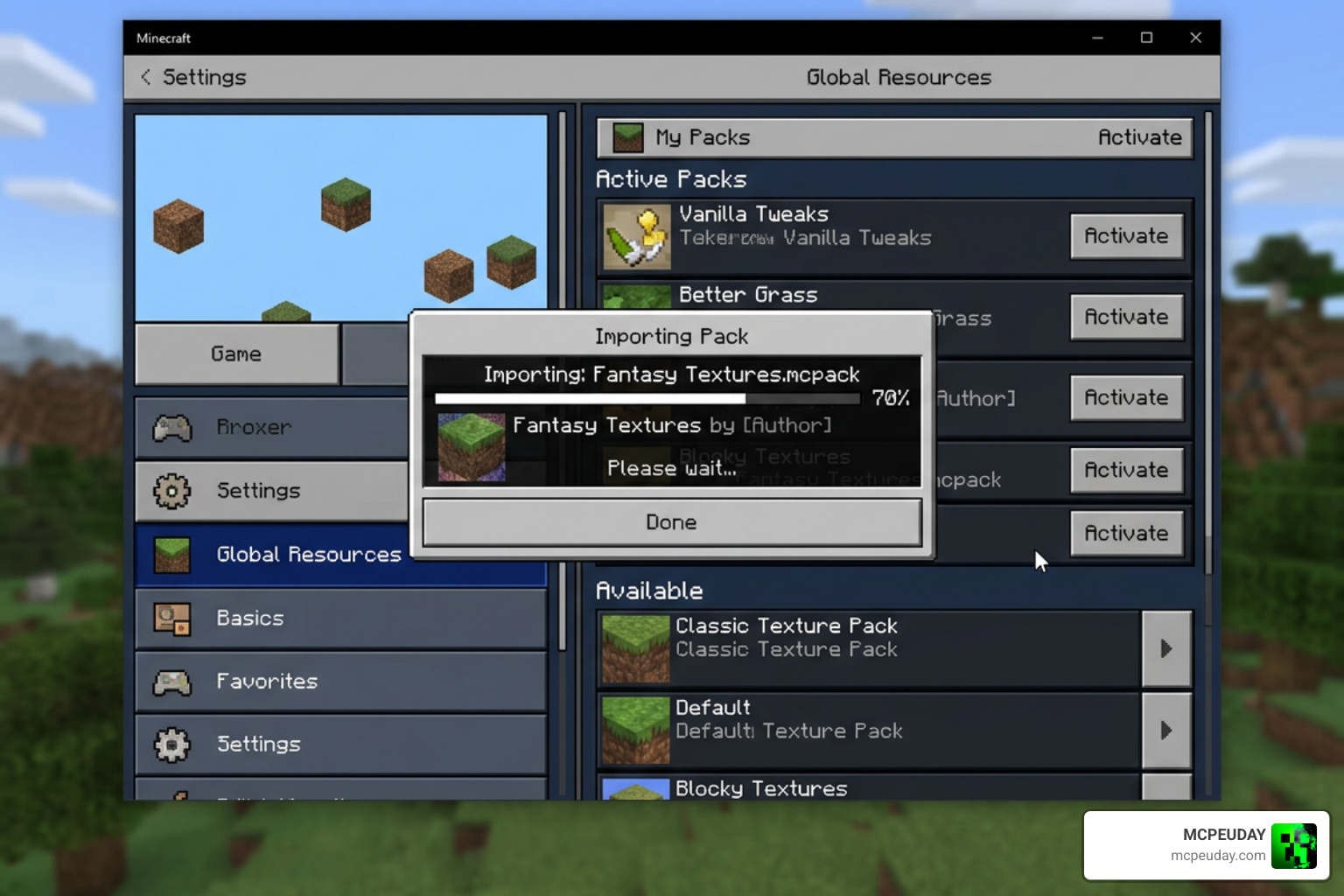
.mcpackfile by tapping on it in your file manager and selecting Minecraft. - In Minecraft, go to Settings > Global Resources > My Packs, select the shader, and click Activate.
- Ensure the shader resource pack is moved to the very top of your active list.
For Android (Method 2: Patched Minecraft)
- Install a pre-patched Minecraft APK that has MaterialBinLoader injected.
- Import the
.mcpackfile. - Activate it in your Global Resources.
For iOS
- You will need a modified Minecraft IPA file loaded via sideloading tools (like AltStore or Scarlet) that has MaterialBinLoader injected.
- Once the patched game is installed on your iPhone or iPad, download the
.mcpackfrom our site. - Open the file with Minecraft, activate it in your Global Resources, and enjoy the updated graphics!
Installation Steps for Windows (PC)
Windows players have the easiest setup thanks to community-developed injection tools.
- Download the shader pack from our page.
- Download and install BetterRenderDragon (or Matject), which enables the MaterialBinLoader mod on Windows.
- Run the BetterRenderDragon helper app to launch Minecraft with material loading enabled.
- Double-click the downloaded
.mcpackfile to automatically import it into Minecraft. - Go to Settings > Global Resources, activate the shader, and make sure it sits at the top of your active packs.
Frequently Asked Questions About Newb X Iterationt
We have gathered some of the most common questions from the community to help you troubleshoot any issues you might face.
Is this shader compatible with Minecraft Java Edition?
No. The Newb X Iterationt Shader is built exclusively for the Bedrock Edition (RenderDragon engine). If you are playing on Java Edition, you should download the original IterationT Shaders or SEUS, which run via Iris or OptiFine.
Does this shader cause significant FPS drops on mobile devices?
Not at all! Unlike heavy ray-tracing packs, this shader is incredibly friendly to mobile hardware. Because it is only 2 MB and relies on clever color grading and custom skyboxes rather than real-time ray calculations, it runs at a smooth 60 FPS on almost all mid-range devices. If you do experience lag, simply switch to the “No Wave” subpack in the resource settings.
Is it safe to use a patched APK to load RenderDragon shaders?
Yes, using a patched APK injected with MaterialBinLoader is safe for your device. It does not modify your device’s security settings; it simply allows Minecraft to read custom shader files. However, keep in mind that using modified clients is technically against Mojang’s Terms of Service, so always back up your worlds before installing any patches.
Conclusion
The Newb X Iterationt Shader is a phenomenal achievement for the Minecraft Bedrock community. By blending the lightweight, rock-solid performance of the Newb Shader framework with the gorgeous, cosmic art style of IterationT, it gives mobile and Windows players access to jaw-dropping visuals without requiring an expensive gaming rig. From the stunning, hand-painted clouds in the Overworld to the mind-bending cosmic black hole skybox in the End, this pack completely transforms how Minecraft feels.
If you are ready to give your game a massive visual upgrade, head over to our download page and grab the pack today. To see how this shader stacks up against other top-tier options, don’t miss our curated list of the Best Shaders for MCPE 1.21 (2026). Happy building!
