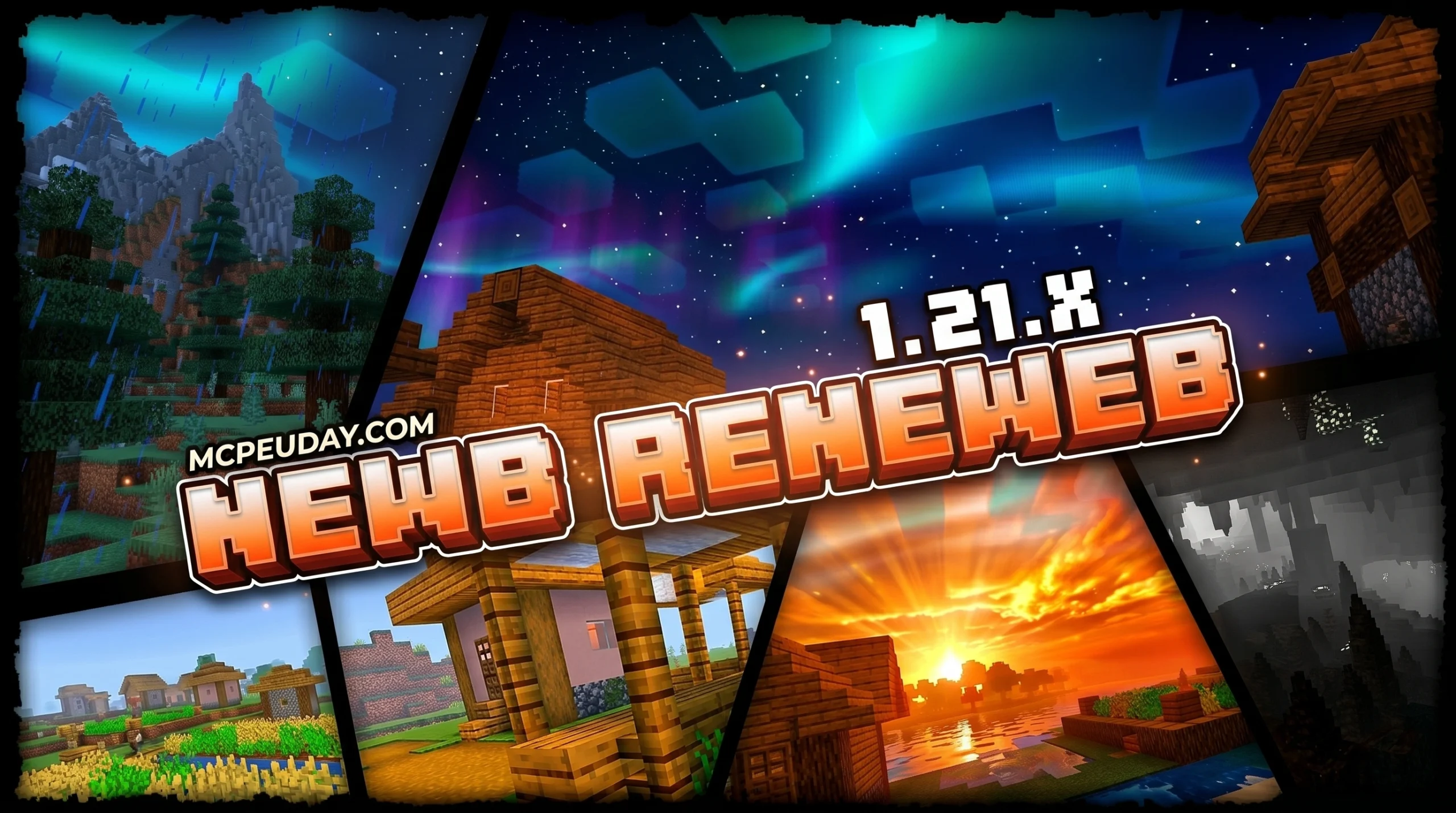
What You Need to Know About Newb Renewed Shader
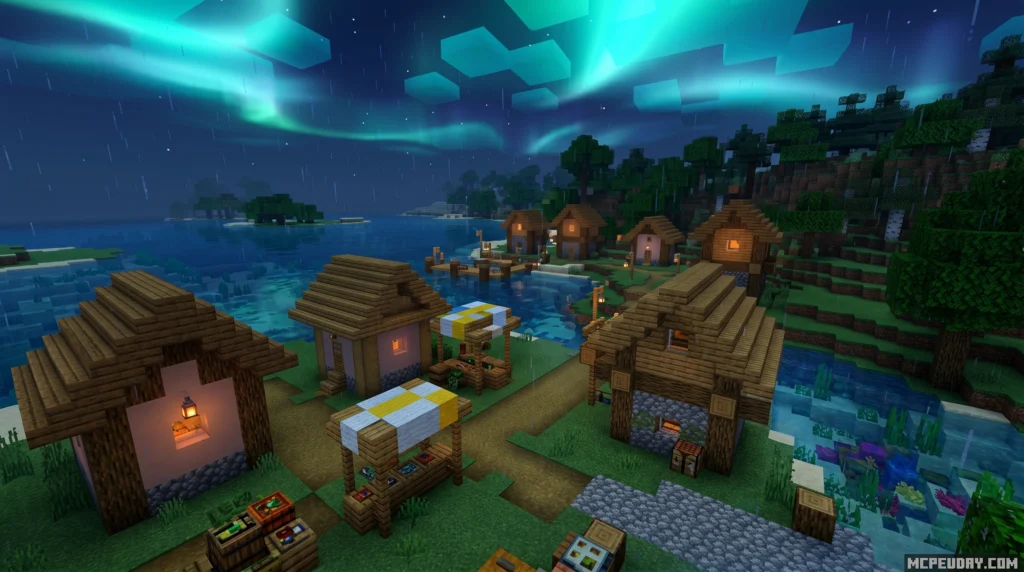
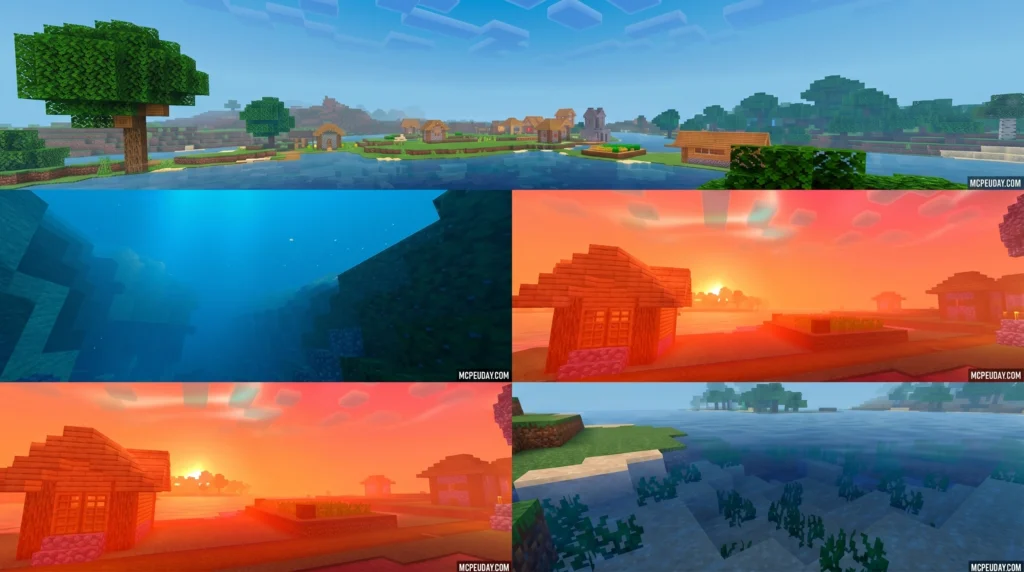
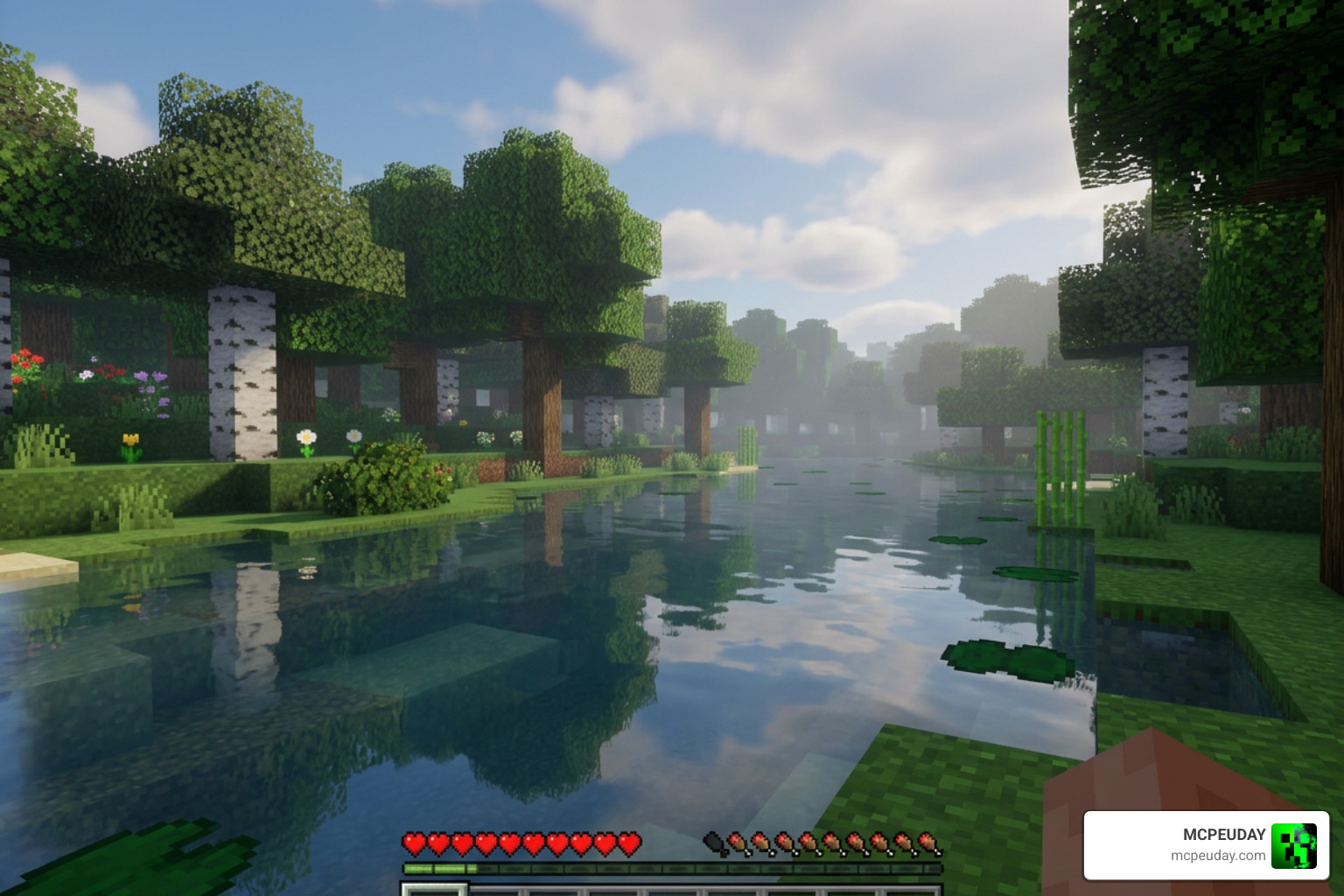
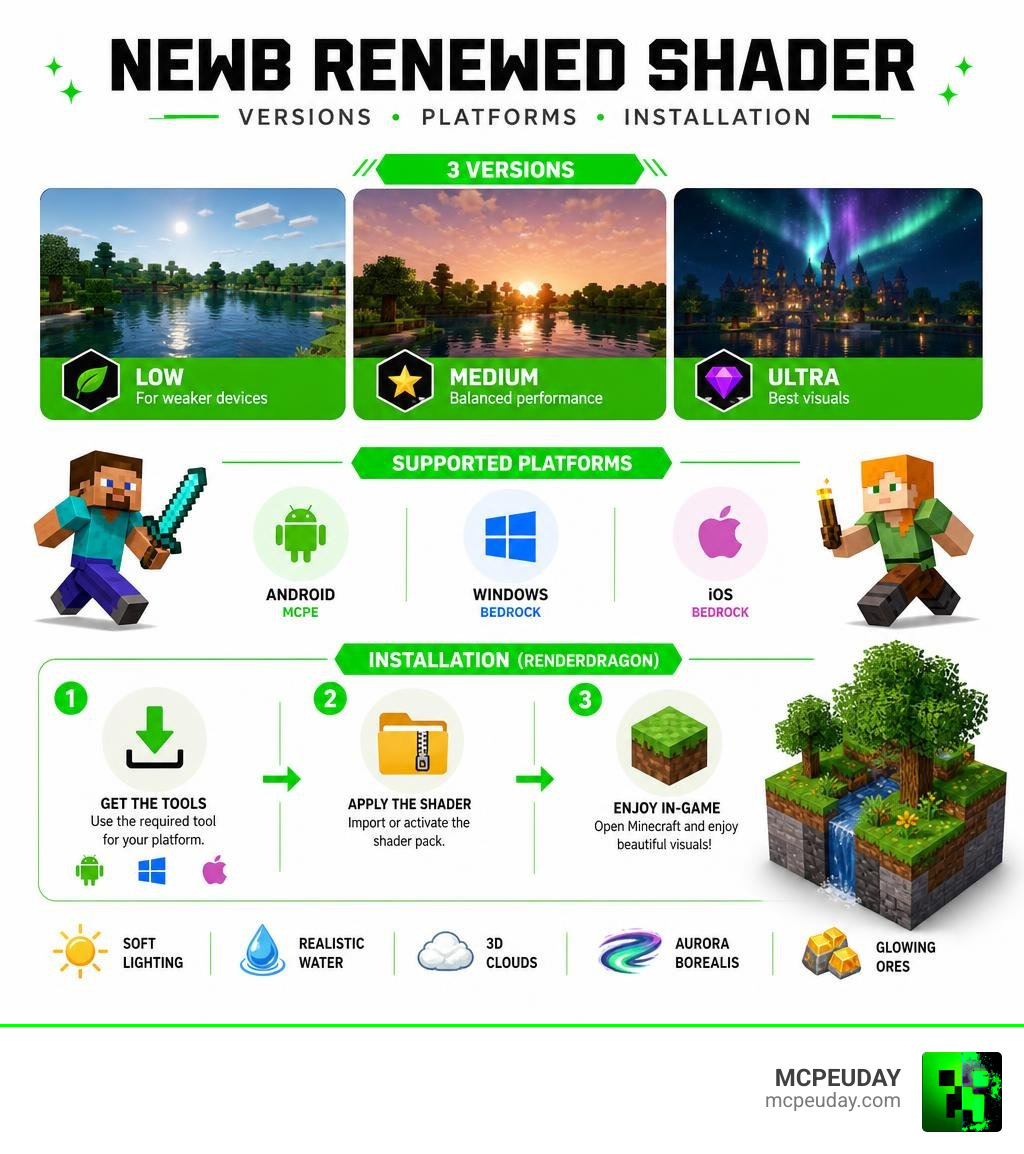
The Newb Renewed Shader is a legacy port of the original Newb Shader, rebuilt to work with Minecraft Bedrock’s RenderDragon rendering engine — giving you soft lighting, realistic water, and better fog without needing a high-end device.
Quick answer for what it is and how to get it:
- What it is: A RenderDragon-compatible shader for Minecraft Bedrock (MCPE) based on the original Newb Shader by devendrn
- Who it’s for: Players on Android, Windows, and iOS running Minecraft 1.21+
- Three versions available: Low, Medium, and Ultra — pick based on your device’s power
- What you need to install it: A patched APK (Android), BetterRenderDragon (Windows), or MB Loader app
- Key visuals: Soft lighting, realistic water reflections, 3D clouds, aurora borealis, and glowing ores
If you’ve ever wanted your Minecraft world to look genuinely beautiful without destroying your frame rate, this shader is worth your attention. It’s one of the most downloaded community shaders in the Newb family, and it runs on low-end phones — not just gaming rigs.
The catch? Minecraft Bedrock doesn’t officially support custom shaders. That means you’ll need a small workaround before it works. Don’t worry — it’s easier than it sounds, and this guide walks you through every step.
What is the Newb Renewed Shader?
In the Minecraft Bedrock community, finding a shader that strikes the perfect balance between beautiful aesthetics and smooth performance is a challenge. The Newb Renewed Shader is our answer to that challenge. Built specifically to run on the RenderDragon rendering engine, this shader acts as a legacy port of the incredibly popular classic Newb Shader.
Originally, Minecraft Bedrock used the old OpenGL/GLSL rendering system, which allowed shaders to run natively. When Mojang introduced RenderDragon, older shaders stopped working entirely. Newb Renewed is a modern, community-sourced recreation of those classic aesthetics, utilizing highly optimized shader files to bypass RenderDragon’s limitations.
This pack is heavily inspired by other nostalgic community projects. If you want to experience a classic console aesthetic with a modern twist, you might also want to look at the Newb Nostalgia Edition Shader MCPack for a trip down memory lane.
How Newb Renewed Shader Differs from the Original
The original Newb Shader, developed by devendrn, was designed for the older GLSL rendering pipeline. It was legendary, racking up over 907,307 total downloads for Newb Shader on CurseForge. However, as Minecraft evolved, the original project reached its final legacy release at version 16, with no further official updates planned by the creator.
To keep the magic alive, the community stepped in. The RenderDragon successor was born under the official open-source repository devendrn/newb-x-mcbe: A custom vanilla RenderDragon shader for … , which currently boasts 193 GitHub stars and 108 forks.
Unlike the old GLSL version, Newb Renewed relies on compiled material binaries (.bin files) to interact directly with RenderDragon. This transition has birthed several fantastic community-made variants, including Newb Reimagined, Newb X Future, and the popular Newb X Ale Renewed variant. These versions combine the core code with design influences from legendary Java shaders to provide a hybrid visual experience.
Key Visual Features and Enhancements
What makes the Newb Renewed Shader so beloved is its commitment to an “enhanced vanilla” style. It doesn’t try to turn Minecraft into a completely different game; instead, it polishes what is already there.
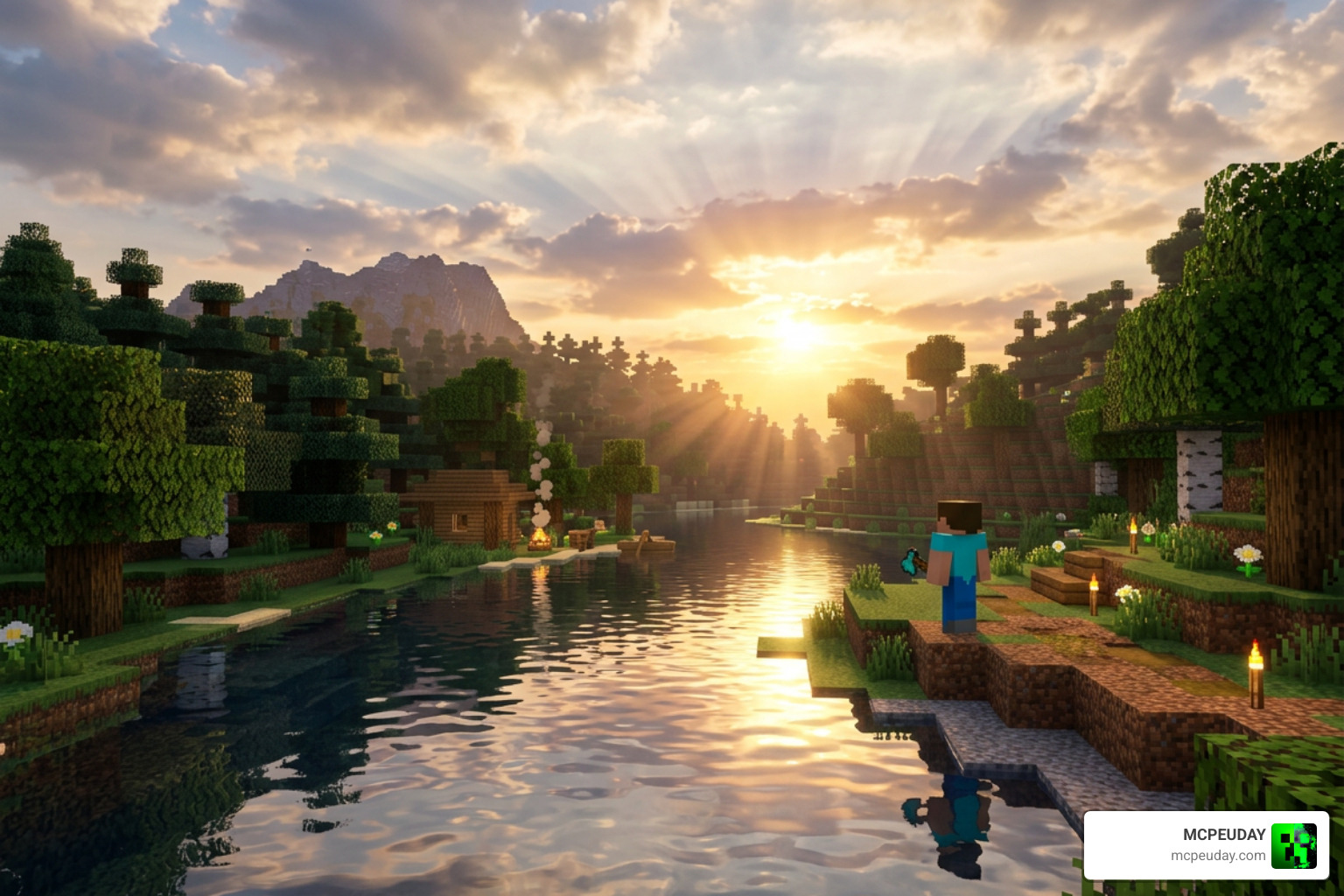
Here are the main visual features you will enjoy:
- Soft Lighting & Color Correction: The Overworld, Nether, and End dimensions each receive custom-tuned lighting configurations. You will notice a warm glow during the day, a realistic three-color gradient sky, and deep, atmospheric darkness at night.
- Realistic Water Reflections: Water is no longer a flat, opaque texture. It features smooth waves, subtle sky reflections, and gorgeous underwater acoustics with dynamic sun rays.
- Dynamic Weather Effects: When it rains, the ground takes on a wet, reflective appearance. You will see mist blow across the landscape and clouds transition smoothly into storm clouds.
- Time-Changing Auroras: During clear nights, you can look up to see a stunning, color-shifting Aurora Borealis cutting through the starry sky.
- Waving Foliage & Swinging Lanterns: Trees, grass, and crops sway gently in the wind. Even hung lanterns feature a realistic swinging animation!
- Glowy Ores: Finding resources in dark caves is much easier thanks to the subtle emissive glow added to mineral blocks.
If you are looking for even more dramatic, high-fidelity changes that push your graphics to the absolute limit, check out our review of the Newb Complementary Unbound Shader.
Visual Presets of the Newb Renewed Shader
To ensure that players on all devices can enjoy these features, Newb Renewed comes with three distinct subpack presets. You can easily switch between these presets in your global resource settings.
| Preset | Visual Features | Performance Impact | Recommended Devices |
|---|---|---|---|
| Low | Default clouds, minimal plant movement, no heavy fog effects. | Extremely Low (Max FPS) | Budget Android phones, older tablets |
| Medium | Balanced waving plants, realistic water, soft lighting, and standard fog. | Moderate | Mid-range phones, average laptops |
| Ultra | Double-layer 3D clouds, flash lighting, chunk-loading animations, wet rain effects. | High | High-end gaming phones, modern PCs |
Platform Compatibility and Performance
As of June 2026, the Newb Renewed Shader is fully compatible with Minecraft Bedrock Edition (including MCPE) versions 1.21.20 through 1.21.100+.
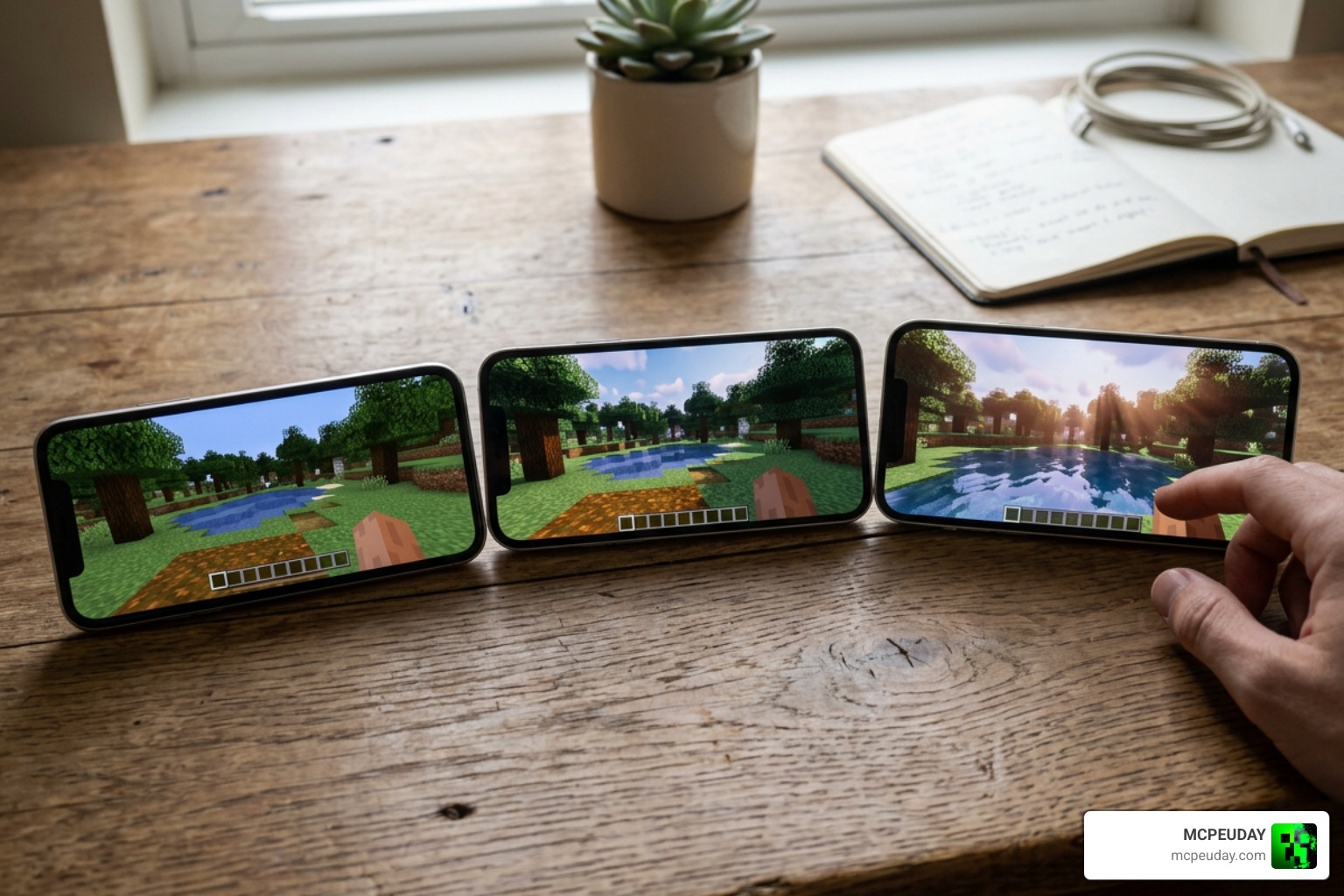
Because it is so well-optimized, performance is highly scalable:
- Low-End Devices: Running the “Low” preset on older Android or iOS devices maintains a rock-solid 60 FPS while still offering beautiful, soft vanilla lighting.
- Mid-Range Devices: Medium-tier phones and tablets run the “Medium” preset with ease, making it perfect for everyday survival play and content creators who need balanced performance while recording.
- High-End Devices & Windows PC: Ultra mode runs flawlessly on modern PCs and flagship mobile devices, adding stunning depth-of-field and heavy atmospheric fog.
For a broader look at how this shader stacks up against other modern options, check out our guide on the Best Render Dragon Shaders for MCPE 1.21.
How to Install the Shader on Bedrock Edition
Because Minecraft Bedrock does not officially support custom shaders, you cannot simply import this pack and expect it to work out of the box. You must use third-party tools to load the custom shader materials. For a comprehensive walkthrough of this process, see our How to Turn On Shaders in Minecraft: 2026 Guide.
Here is a quick breakdown of the installation requirements for each platform:
For Android Users (Two Methods):
- MB Loader App (Recommended): Download the MB Loader app from the Google Play Store. Import the shader pack into the app, and launch Minecraft directly from MB Loader to bypass RenderDragon restrictions.
- Patched APK: Install a pre-patched Minecraft APK that has MaterialBinLoader built-in, then import and activate the resource pack in your global resources.
For Windows PC Users:
- You must use BetterRenderDragon (v1.6.2 or later) or Matject to inject the custom
material.binfiles into your game directory. Once the injector is running, import the.mcpackfile and activate it.
For iOS Users:
- iOS installation is more restricted but can be achieved using custom IPA signing tools like Hynis to sideload a patched version of the game.
If you want to download the latest community-fixed variants of this shader, you can grab them directly from Newb X Ale Renewed Shader for Minecraft – ModBay , which has over 14,056 total views, or visit the official Newb Shader – Minecraft Bedrock Texture Packs – CurseForge page.
Recommended Graphics Settings for Optimal Performance
To get the absolute best visual quality and performance out of Newb Renewed, make sure your in-game video settings are configured as follows:
- Beautiful Sky: ON (Crucial for the custom sky gradients and auroras)
- Smooth Shading: ON
- Fancy Graphics: ON
- Render Clouds: ON
- In-Game Brightness: Set between 10% and 90% (Avoid 100% brightness, as it can wash out the soft, realistic contrast of the shader)
If you find that your device is still struggling, you can switch to the “No Wave, No Fog” subpack variant. For another highly optimized alternative, take a look at the Newb Reforged Shader for Minecraft PE.
Frequently Asked Questions about Newb Renewed
Is Newb Renewed compatible with the latest Minecraft 1.21+ updates?
Yes! The community actively maintains the shader code. The latest releases are fully compatible with Minecraft Bedrock 1.21.20, 1.21.100, and beyond.
Why does the shader require a patched APK or BetterRenderDragon?
Mojang’s RenderDragon engine locks down the game’s rendering materials. Third-party tools like MB Loader and BetterRenderDragon are required to load custom material.bin files, which tell the engine how to render the new lighting, water, and shadow effects.
What should I do if my game crashes or the shader doesn’t load?
First, ensure you have deleted any older versions of the shader pack to prevent file conflicts. Make sure the resource pack is placed at the very top of your Active Resource Packs list. If the game crashes, double-check that your patching tool (like BetterRenderDragon or MB Loader) is fully updated to match your current Minecraft version.
Conclusion
The Newb Renewed Shader is an absolute must-have for any Minecraft Bedrock player who wants to elevate their game’s visuals without sacrificing performance. By bringing the soft, nostalgic aesthetic of classic shaders into the modern RenderDragon era, the community has kept one of the best graphics packs alive and well in June 2026.
Whether you are playing on a budget Android phone or a high-end Windows PC, there is a preset tailored perfectly for your device. Ready to explore more incredible graphics options? Check out our ultimate list of the best shaders for MCPE 1.21 and transform your world today!
7 thoughts on “Newb Renewed Shader (26.x, 1.21) – MCPE/Bedrock Shader”