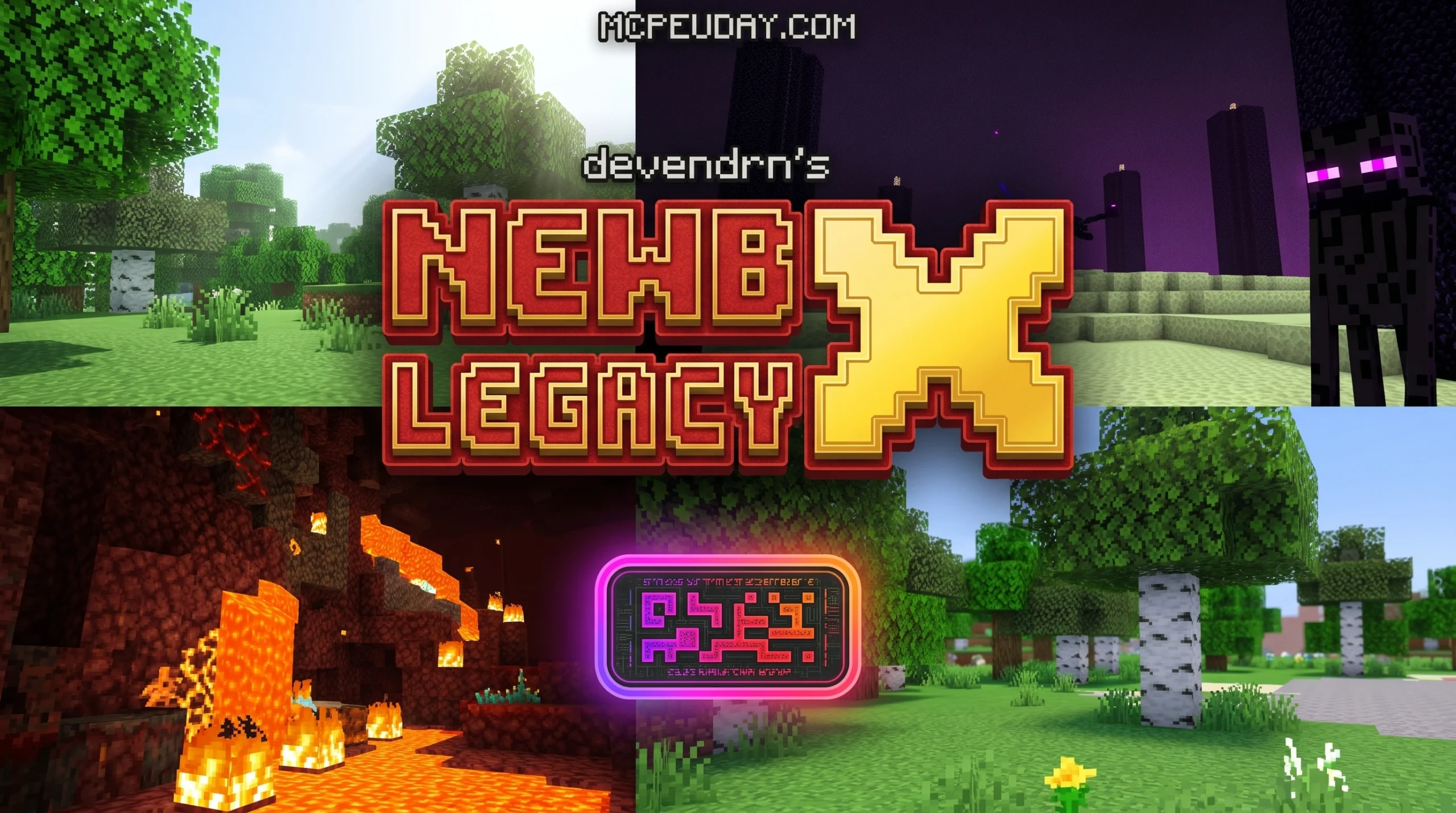
What Is Newb Shader? A Quick Answer for Bedrock Players
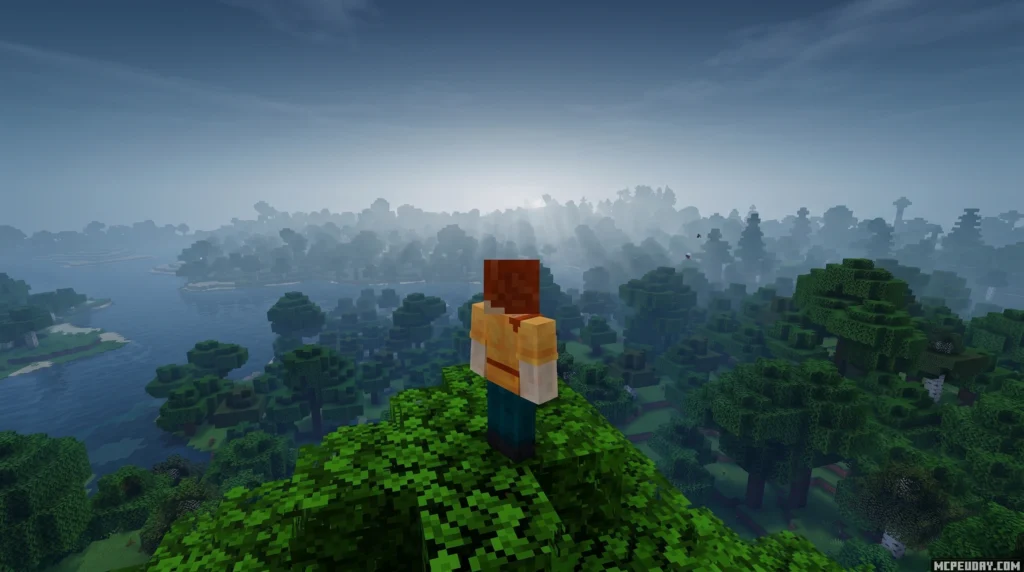
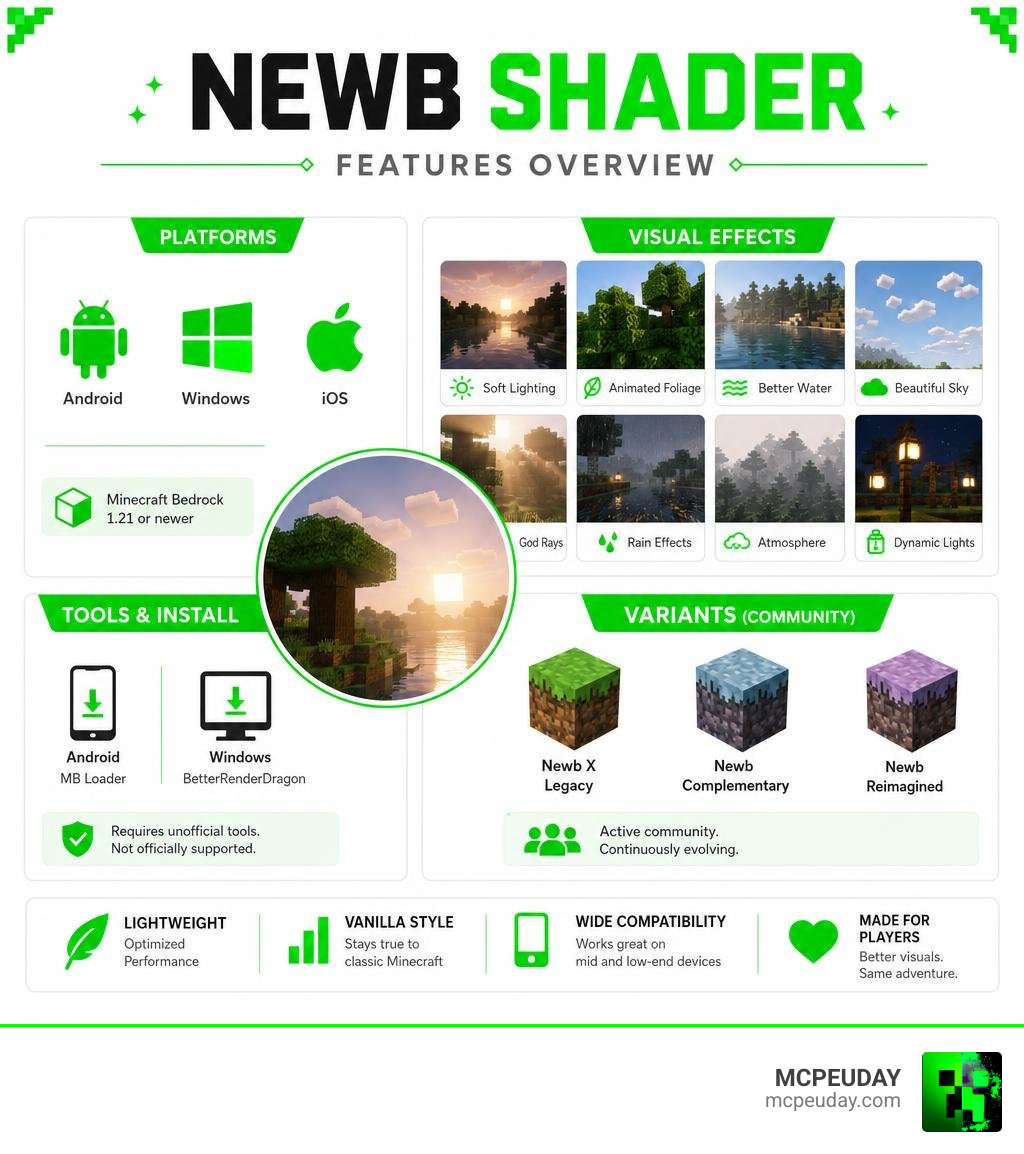
Newb Shader is a lightweight, vanilla-styled shader pack for Minecraft Bedrock Edition that enhances the game’s default look with soft lighting, animated foliage, better water, and atmospheric effects — without completely changing the feel of the game.
Here’s what you need to know at a glance:
- What it does: Improves lighting, water, sky, clouds, rain, and more on top of vanilla Bedrock graphics
- Who it’s for: Players on Android, Windows, and iOS running Minecraft 1.21 or newer
- How to get it: Requires unofficial tools like MB Loader (Android) or BetterRenderDragon (Windows) — it is not officially supported by Mojang
- Performance: Designed to be lightweight, making it suitable for mid-range and even some low-end devices
- Current status: The original developer’s final version is out, but active community variants like Newb X Legacy, Newb Complementary, and Newb Reimagined continue to evolve
If you just want better-looking Minecraft Bedrock without going full cinematic, Newb Shader is one of the most popular starting points — with over 900,000 downloads and a Discord community of more than 126,000 members.
This guide covers everything: what it is, how it works, how to install it, and which variant fits your device and style best.
What is the Newb Shader and How Does It Transform Bedrock Graphics?
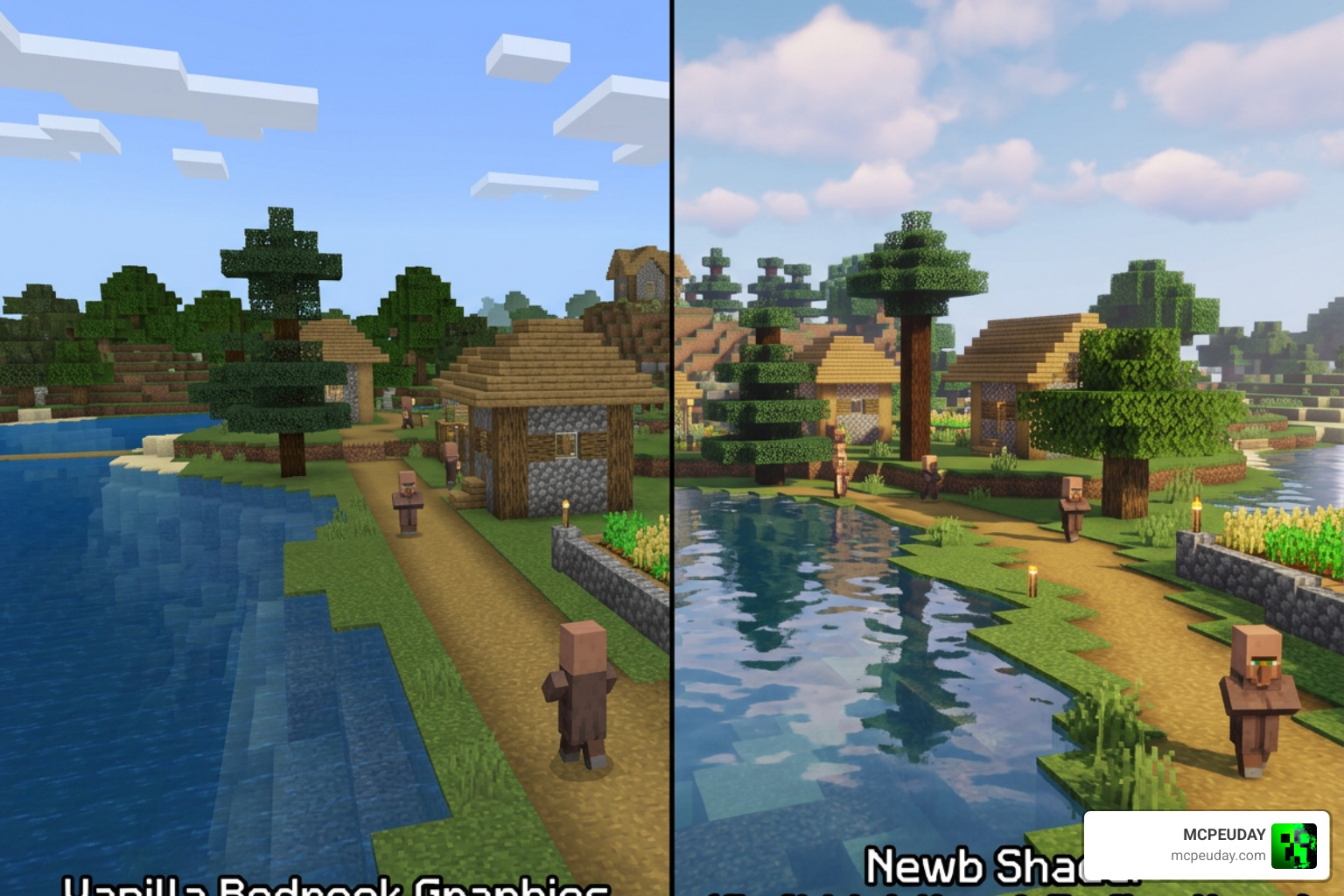
If you have ever played Minecraft Bedrock Edition on your phone or PC, you know the vanilla graphics can feel a bit flat. The lighting is blocky, the water looks like a blue sheet, and the sky lacks that cozy, immersive feeling. That is where Newb Shader steps in to save the day.
Unlike heavy, resource-hungry shaders that turn your device into a hand warmer, Newb Shader focuses on keeping things lightweight. It preserves the classic blocky charm of Minecraft while wrapping it in a soft, dreamlike aesthetic. It achieves this by rewriting how the game renders light, shadows, and natural elements.
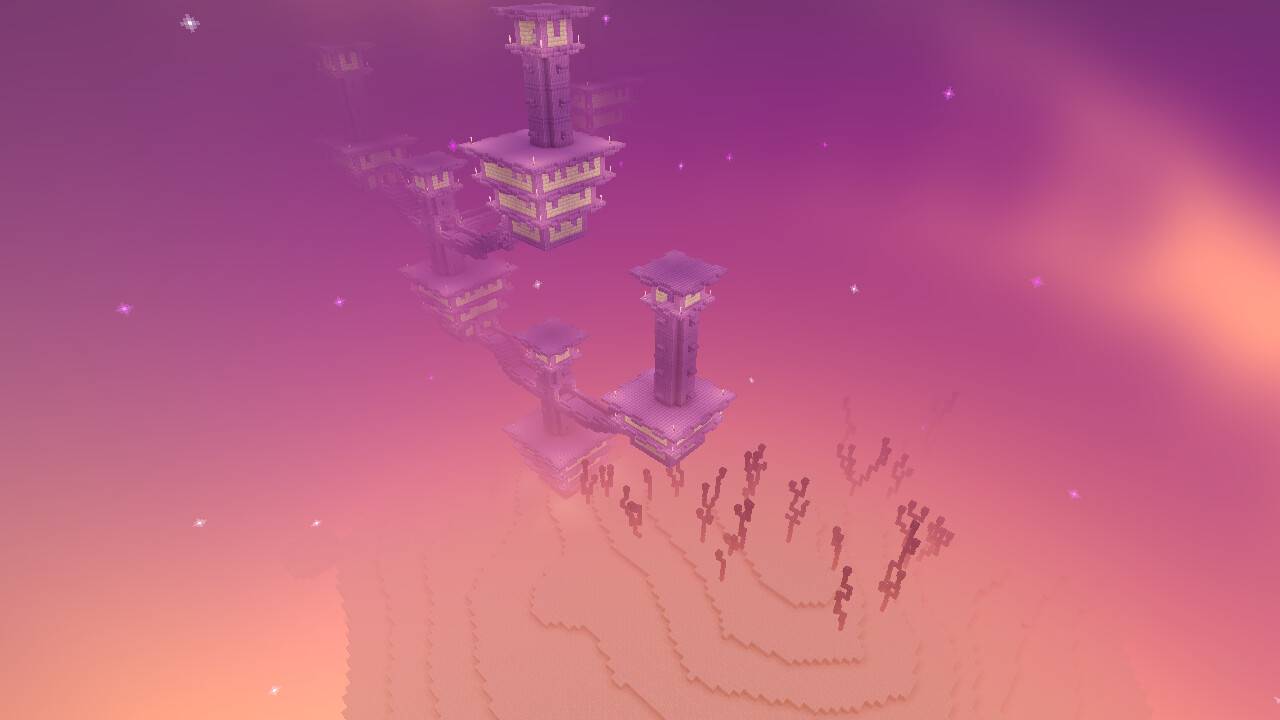
For players who miss the classic look, the Newb Nostalgia Edition Shader brings back the iconic vibe of older pocket edition graphics. If you want a fresh, modern coat of paint that still honors the original vision, the Newb Renewed Shader offers a gorgeous, updated alternative.
Key Visual Features of the Newb Shader
What actually changes when you activate the pack? Here are the visual upgrades you will notice immediately:
- Dynamic Water: Say goodbye to static blue blocks. Water now features realistic depth, soft waves, and clean reflections.
- Waving Foliage: Leaves, grass, and crops gently sway in the breeze, making forests feel alive.
- Lantern Swing: Hanging lanterns realistically swing back and forth, adding an extra layer of cozy atmosphere to your builds.
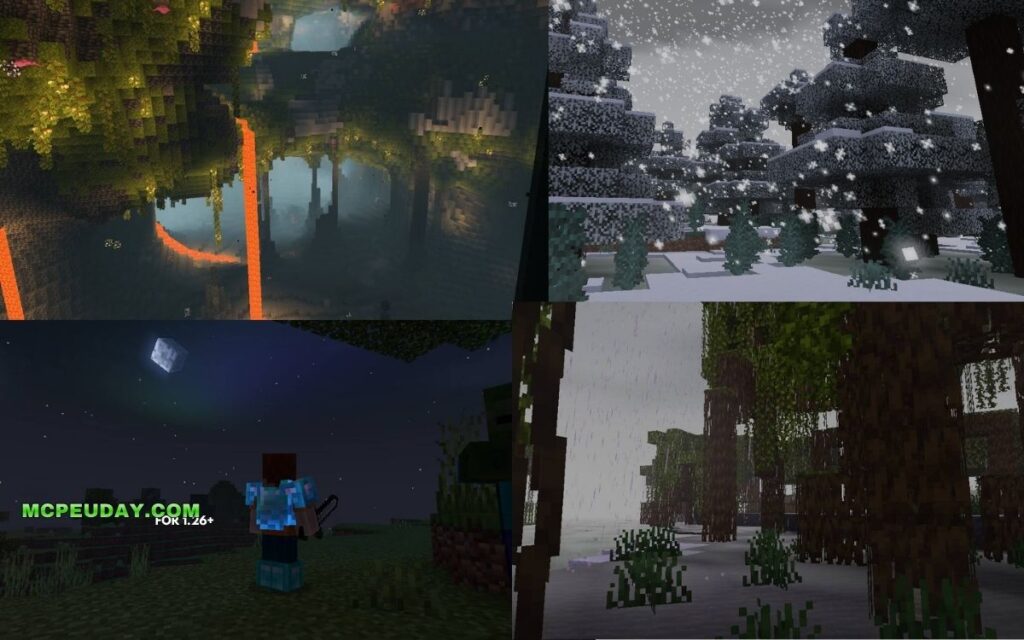
- Glowy Ores: Minerals and ores emit a subtle, beautiful glow in dark caves, helping you spot valuable resources easily.
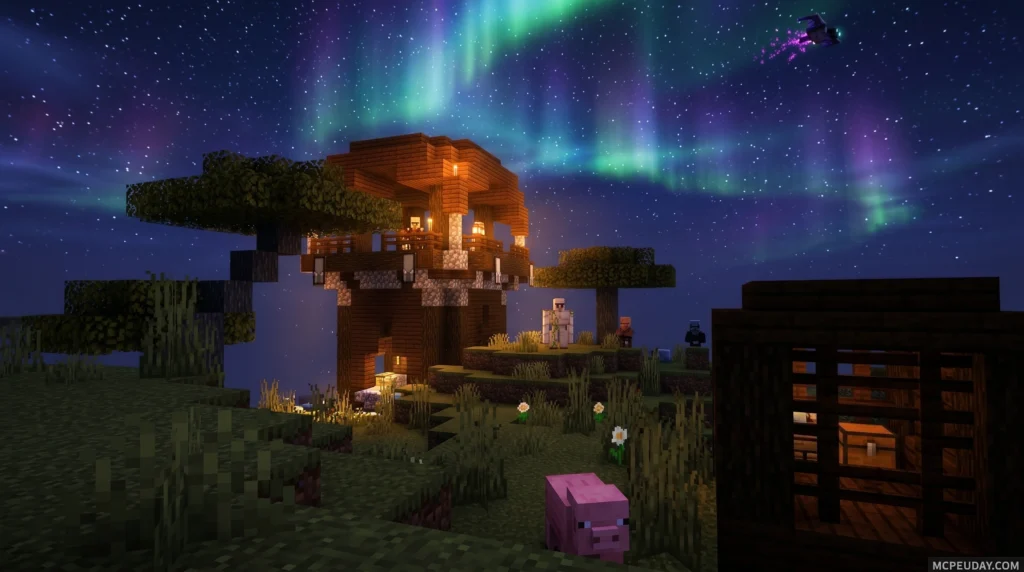
- Stunning Skies and Auroras: The sky features realistic sun and moon transitions. At night, you might even spot breathtaking auroras dancing across the stars. To make your night sky truly legendary, we highly recommend trying the Newb X Stars Shader.
- Atmospheric Weather: Rain is no longer just annoying white lines. It features adaptive fog, wet surface reflections, and realistic cloud cover.
- Soft Shadows: If you want realistic shadows that bend around blocks without tanking your frame rate, the Newb X Shadow Shader is the perfect add-on to pair with your setup.
The Evolution of Newb: From GLSL to RenderDragon
The story of Newb Shader is a fascinating journey of community resilience. Originally created by the talented developer Deven (known as devendrn on GitHub), the shader was first written in GLSL (OpenGL Shading Language) and was compatible with older Minecraft PE versions (1.18.12 and below).
However, Mojang shook up the Bedrock community by introducing the RenderDragon rendering engine. This update completely blocked traditional GLSL shaders, leaving millions of players with flat vanilla graphics.
Instead of giving up, Deven and other contributors pivoted. They created Newb X Legacy, a successor built specifically to work with the RenderDragon engine. While Deven eventually stepped back from active development due to a lack of time, they generously released the source code under the open-source MIT License. This allowed the community to keep the project alive. Meanwhile, the compiled resource packs are licensed under CC BY-ND 4.0, which means you can share them freely with proper credit, but you cannot distribute modified versions as your own.
Today, passionate developers continue to build on this foundation. Packs like the Newb Reforged Shader and the Newb Experimental Edition Shader push the boundaries of what RenderDragon can do, ensuring that Bedrock players always have access to state-of-the-art visuals.
Installation and Configuration Guide for Bedrock Platforms
Because custom shaders are not officially supported on Minecraft Bedrock, getting them to work requires a few extra steps. You cannot simply double-click the pack and expect it to work without the proper setup.
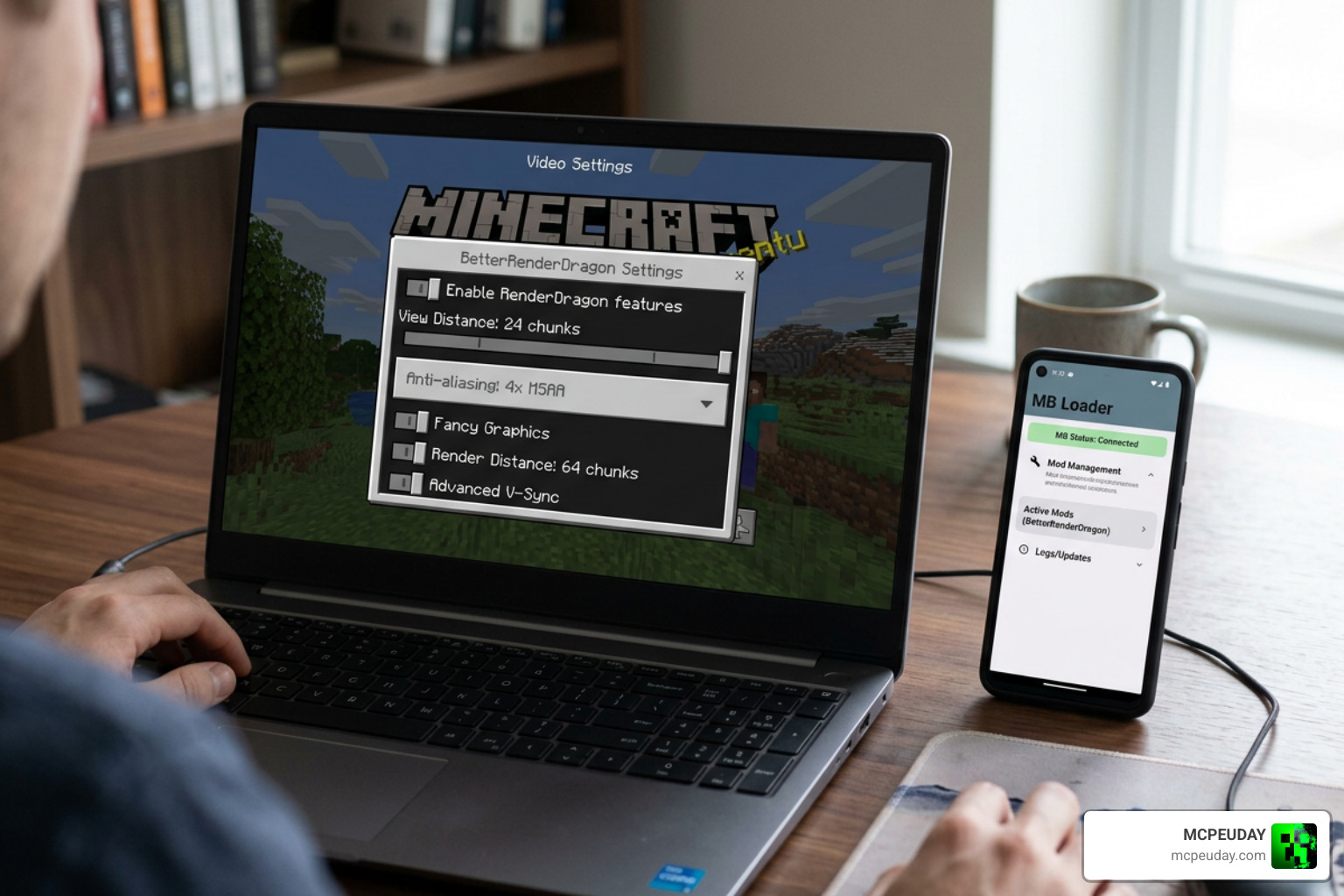
To load the custom materials required for the shader, you will need a helper tool:
- Android: Use the MB Loader app.
- Windows: Use the BetterRenderDragon (BRD) mod or Matject to enable MaterialBinLoader.
- Linux/Mac: Use the mcpelauncher-materialbinloader-mod.
Once you have your loader ready, you can configure the shader in-game using subpacks. If you are playing on a lower-end device, we recommend choosing a performance-friendly option like the Newb X Lowres Shaders to keep your frame rate buttery smooth.
How to Install Newb Shader on Android, Windows, and iOS
Android Installation (Recommended Method)
- Download the shader pack from a trusted source like Newb Shader – Minecraft Bedrock Texture Packs – CurseForge .
- Install the MB Loader app on your Android device.
- Launch Minecraft through the MB Loader app.
- Import the downloaded
.mcpackfile. - Go to your Global Resources, activate the shader, and make sure it is placed at the very top of your active packs list.
Windows Installation
- Install BetterRenderDragon to enable MaterialBinLoader support on your system.
- Download the Windows-specific version of the shader.
- Open the
.mcpackfile to automatically import it into Minecraft. - Activate the pack in your Global Resources.
iOS Limitations
Because iOS is a highly closed ecosystem, installing RenderDragon shaders can be very difficult. While some players use specialized file managers or sideloading tools, it is generally much harder to run custom shaders on iOS than on Android or Windows.
For those who manage to set it up, pairing it with the Newb X Ambient Shader provides an incredibly warm, cozy atmosphere that makes the effort completely worth it.
Comparing Popular Newb Shader Variants and Community Editions
Since the original codebase is open-source, the community has created several incredible variants. Each one has its own unique artistic style and performance footprint.
| Shader Variant | Key Visual Focus | Performance Impact | Best Suited For |
|---|---|---|---|
| Newb X Legacy | Classic vanilla-plus look, soft lighting | Very Low | Low-end to mid-range devices |
| Newb Reimagined | Less saturated, cozy aesthetic, fantasy-themed | Medium | Players who love Java’s Reimagined look |
| Newb Complementary | Highly realistic, beautiful water reflections | Medium-High | Mid-range to high-end devices |
| Newb Complementary Unbound | Maximum realism, stunning atmospheric effects | High | High-end devices seeking peak visuals |
If you want the absolute peak of realism with jaw-dropping lighting, look no further than the Newb Complementary Unbound Shader. If you need something optimized for survival gameplay that still looks beautiful, the Newb X Unwind Shader is an outstanding, FPS-friendly option.
For players who love warm, golden sunrises, the Newb X Dawn Shader is a must-have, while the Newb X Supplementary Shader strikes a perfect balance between realistic water and smooth performance.
Frequently Asked Questions about Newb Shader
Is Newb Shader officially supported by Mojang?
No. Mojang does not officially support custom shaders on Bedrock Edition. To run them, you must use unofficial patches and tools like MB Loader or BetterRenderDragon. We always keep our guides and downloads up to date here at MCPEUDAY to ensure you can install them safely.
What are the best graphics settings for Newb Shader?
To get the best visual experience, make sure the following settings are enabled in your Minecraft video options:
- Beautiful Skies: On
- Smooth Shading: On
- Fancy Graphics: On
- In-game Brightness: Set between 10% and 90% (depending on your screen’s contrast)
Can I run Newb Shader on low-end mobile devices?
Yes! The base Newb Shader is exceptionally lightweight. If you still experience lag, you can click the gear icon on the resource pack to select a performance subpack (like “No Wave, No Fog”). Alternatively, you can download the ultra-optimized Newb X Ale Shader, which is specifically tailored for budget mobile devices.
Conclusion
The Newb Shader is a triumph of community-driven game modification. It takes the blocky, beloved world of Minecraft Bedrock and turns it into a visually stunning masterpiece without sacrificing the game’s core performance or vanilla charm. Whether you are playing on a phone in Jaipur or a gaming PC in the US, there is a Newb variant perfectly suited for your device.
Ready to completely transform your world? Explore the Best Shaders for MCPE to find the perfect graphics pack for your next Minecraft adventure!
3 thoughts on “Newb Shader (26.x, 1.21) – MCPE/Bedrock Shader”