What the Dark Fantasy Visuals Shader Actually Is (And Why Players Love It)
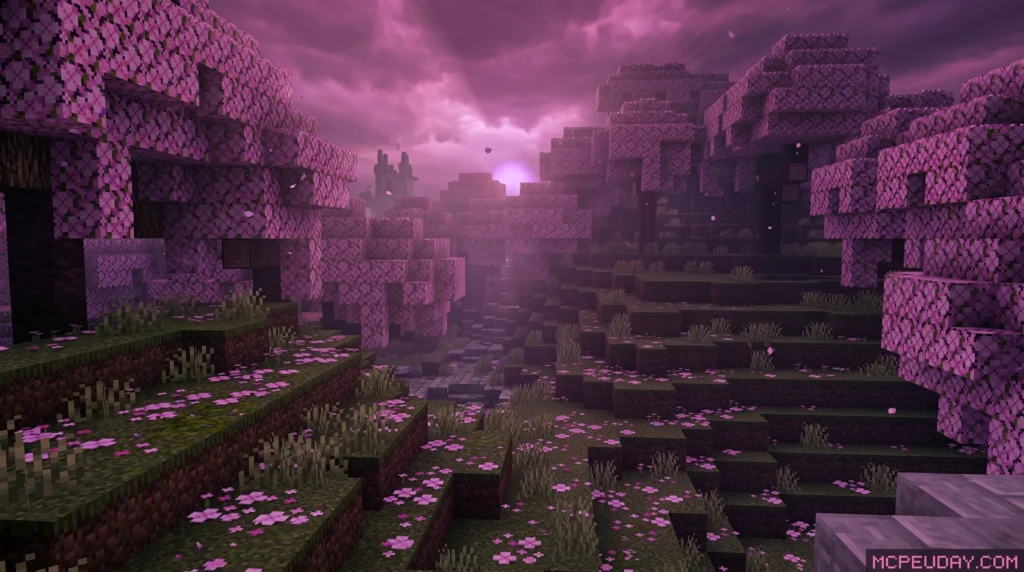
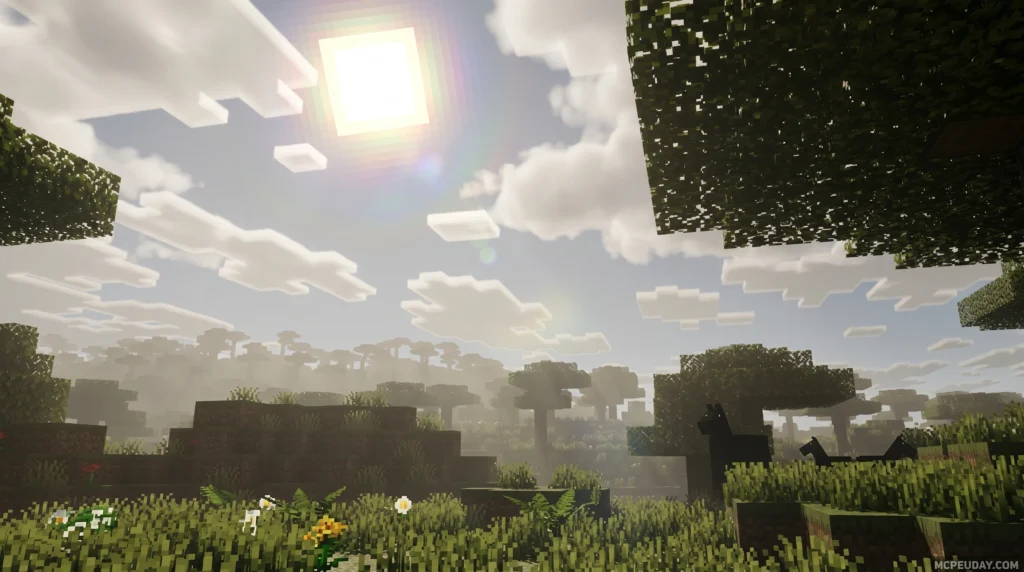
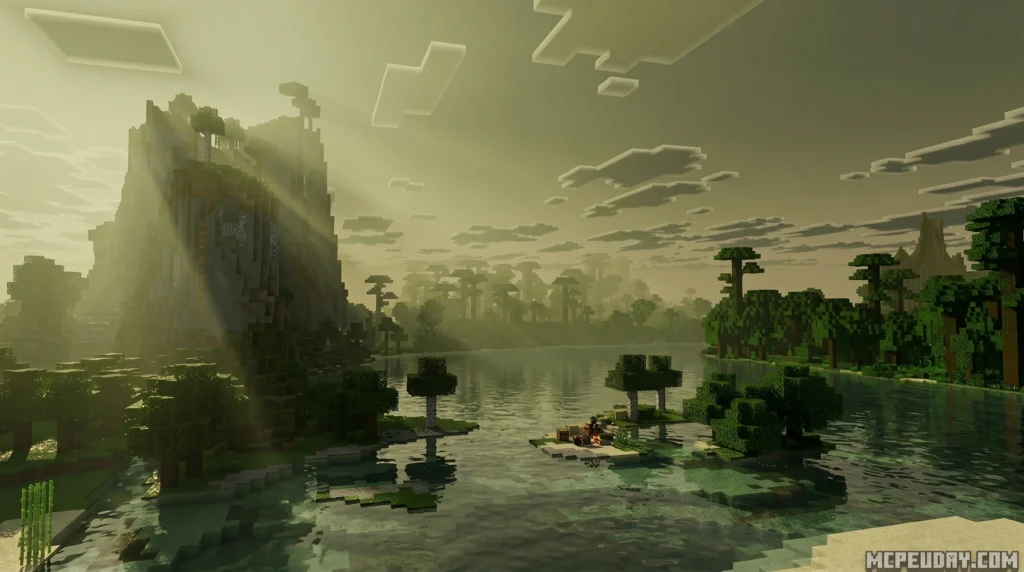
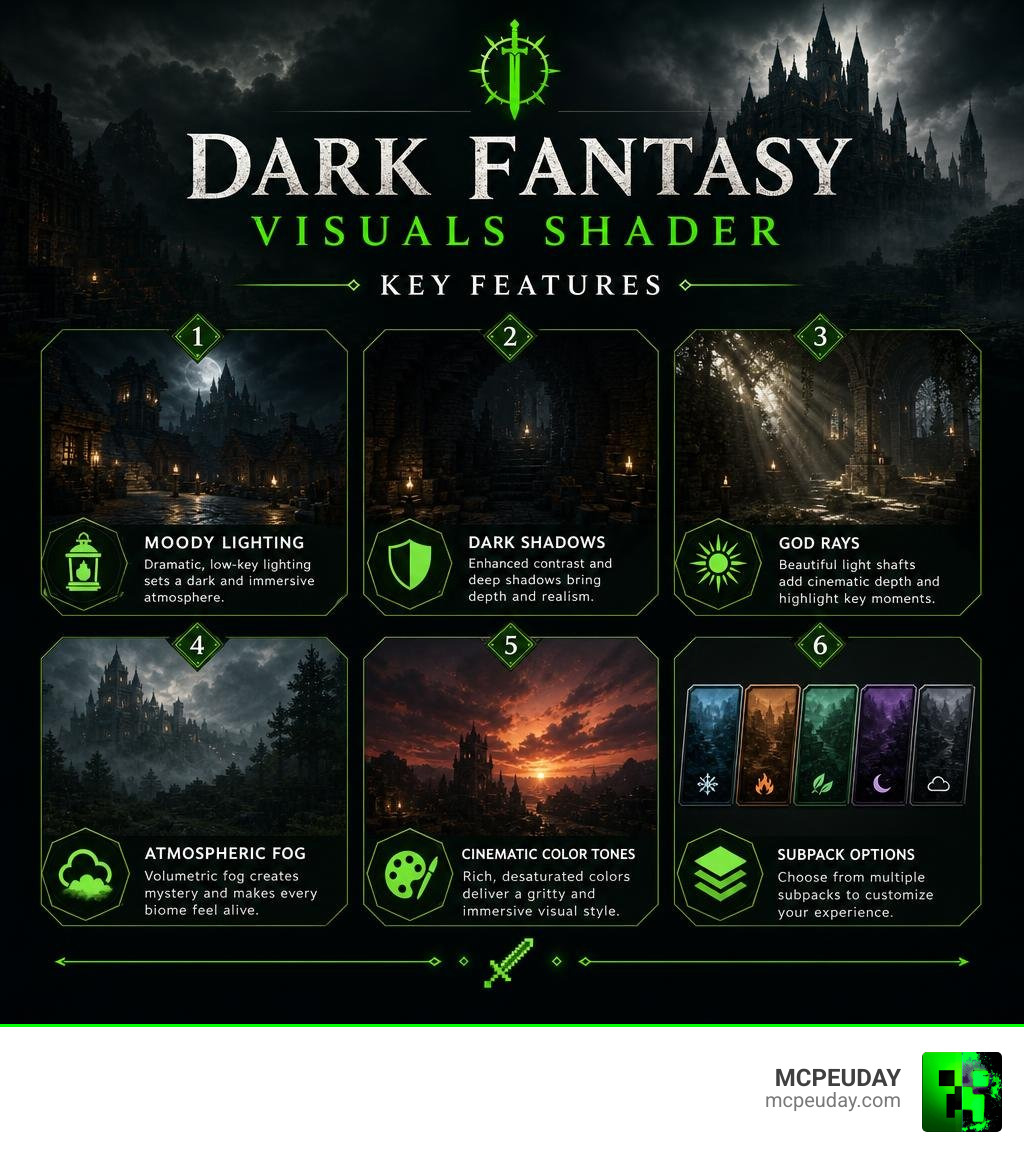
The Dark Fantasy Visuals Shader is a dark-atmosphere visual pack for Minecraft Bedrock Edition that transforms the game’s look with moody lighting, deep shadows, atmospheric fog, and cinematic color tones — inspired by games like Elden Ring and Dark Souls.
Quick answer at a glance:
- What it is: A visual enhancement pack for Minecraft Bedrock (created by Starfish Studios)
- Available on: Minecraft Marketplace for 830 Minecoins (~$4.35 USD)
- Minimum version: Minecraft Bedrock 1.21.120 or newer
- Is it a true shader? No — it is a Textures DLC, not a traditional shader
- Best for: Horror maps, RPG builds, medieval scenes, cinematic screenshots
- Downloads: Over 810,000 downloads with a 4.3/5 average rating
Minecraft’s default visuals are bright and cheerful. That works great for casual building — but if you’re creating a horror map, an RPG world, or just want that dark, gritty atmosphere, the default look falls completely flat.
That’s exactly the gap Dark Fantasy Visuals fills. It wraps your world in cold, dramatic lighting and deep shadows, turning familiar Minecraft biomes into something that feels genuinely tense and epic.
With over 810,000 downloads and more than 3,200 ratings on the Minecraft Marketplace, it’s one of the most popular visual packs in the Bedrock ecosystem right now.
What is the Dark Fantasy Visuals Shader?
The Dark Fantasy Visuals Shader is a premium visual overhaul pack created by the talented developers at Starfish Studios. If you have ever played dark fantasy masterpieces like Elden Ring or Dark Souls, you will instantly recognize the inspiration. This pack strips away the friendly, neon-colored aesthetic of default Minecraft and replaces it with a world enveloped in a dense, mysterious, and tense atmosphere.
Currently, the pack boasts a stellar 4.3 out of 5 average rating from over 3,214 ratings on the official Minecraft Marketplace. An impressive 72% of those ratings (2,305 votes) are perfect 5-star scores.
For players who prefer to browse third-party platforms, the pack has accumulated over 810.1k downloads on community platforms, proving its massive popularity across the globe. On the Marketplace, you can pick it up for 830 Minecoins (which translates to roughly $4.35 USD or 4.1 EUR), making it an affordable way to completely change your game.
Is it a True Dark Fantasy Visuals Shader or a Resource Pack?
This is where things get a bit technical, but we will keep it simple!
For Minecraft Bedrock Edition (which runs on mobile devices, consoles, and Windows), Dark Fantasy Visuals is technically a resource pack (DLC) rather than a traditional shader. Ever since Mojang introduced the Render Dragon engine, traditional shader files (.mcpack shaders that inject custom code) have been heavily restricted on Bedrock.
To get around this, Starfish Studios built this pack as a custom textures and visual DLC. It uses advanced engine features, custom fog files, and clever texture-driven lighting maps to simulate the look of a high-end shader without actually requiring a third-party shader launcher.
However, if you are playing on Minecraft Java Edition, there are fan-made shader ports of this style that run using OptiFine or Iris. But for Bedrock and MCPE players, downloading the Bedrock resource pack is the absolute best way to experience these visuals directly on your phone or console without risking your device’s performance.
Dark Fantasy Visuals Shader vs. Dark Souls Visuals
You might have run across another popular pack called Dark Souls Visuals and wondered how they compare. While both aim for a dark fantasy vibe, they achieve it in slightly different ways:
- Dark Souls Visuals: This pack focuses heavily on reconstructing the sky box for each individual area instead of using simple brightness filters. Each biome has its own bespoke fog, unique color grading, and custom lighting designed to depict a dying age. It is slightly smaller in file size (around 17 MB).
- Dark Fantasy Visuals: This pack (coming in at 31.63 MB) focuses more on overall realistic shading, deep shadows, and beautiful god rays that break through dense canopies. It feels a bit more polished for general survival gameplay while still maintaining that creepy, cinematic edge.
If you want to see how these options stack up against other Render Dragon-compatible options, check out our comprehensive Best Render Dragon Shaders for MCPE 1.21 Tested on Real Devices 2026 Guide.
Key Visual Features and Atmospheric Changes
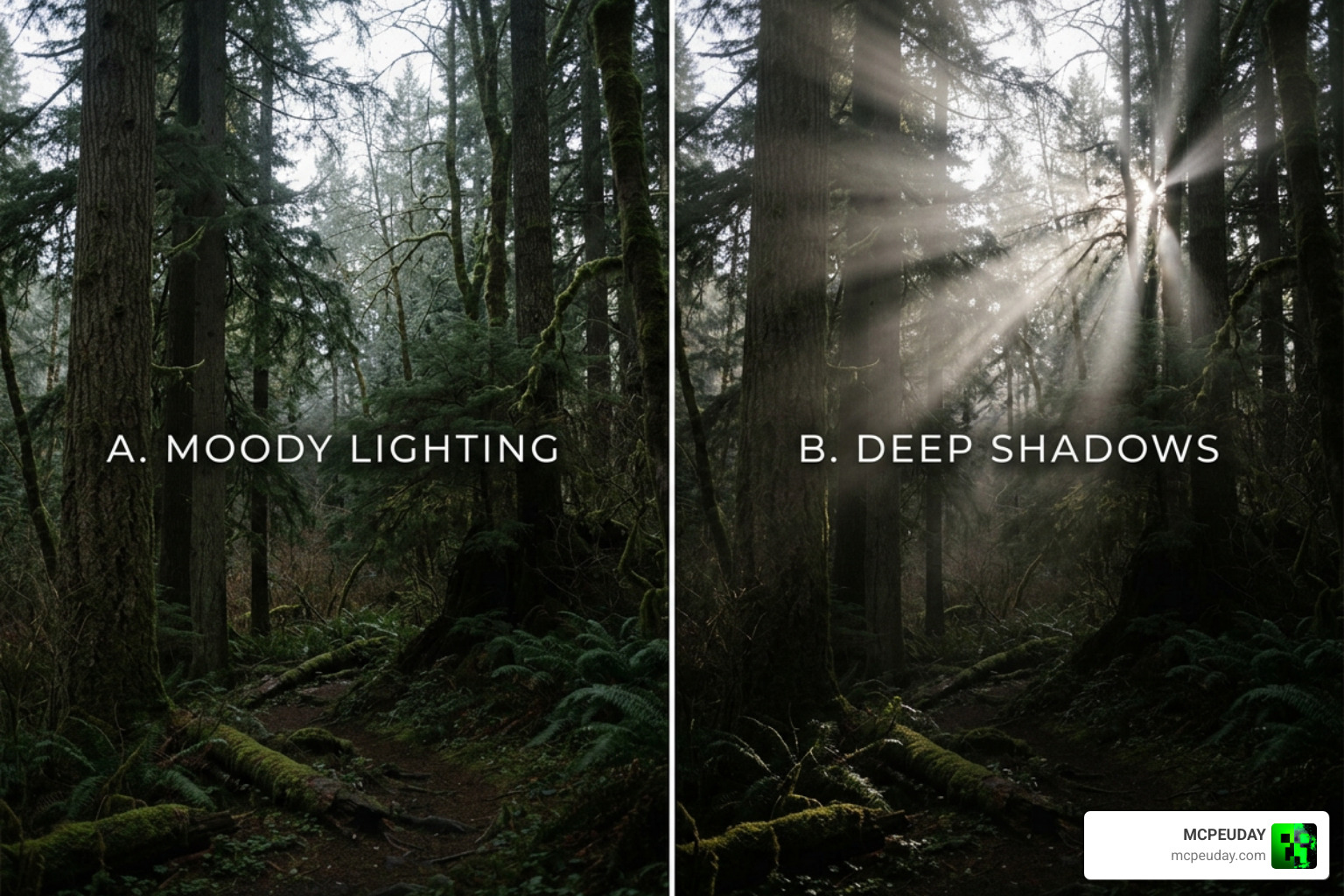
When you load up the Dark Fantasy Visuals Shader, the first thing you will notice is the dramatic shift in contrast. The world immediately feels heavier, colder, and far more atmospheric.
Lighting and Shadows
The core of this pack’s beauty lies in its lighting contrast. It utilizes a dimmed, cold color scheme for the general environment, which makes any active light source—like torches, lanterns, or glowing lava—pop with a warm, comforting contrast. Standing in a dark cave with a single torch feels incredibly cozy, yet terrifyingly isolated.
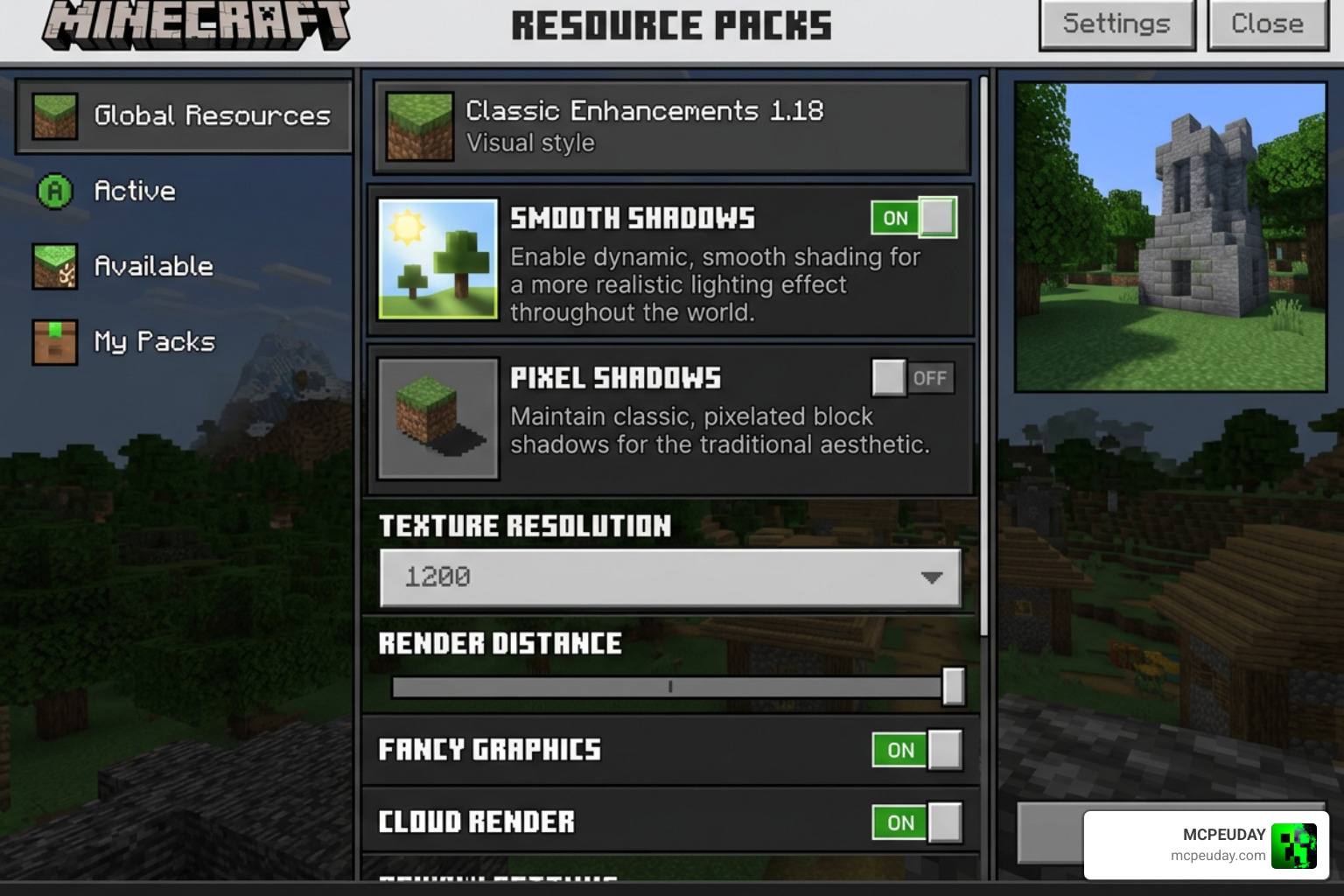
Additionally, the pack features customizable subpack options! In the pack settings, you can choose between:
- Smooth Shadows: Perfect for a modern, cinematic look with soft, realistic shadow gradients.
- Pixel Shadows: Great for players who want to preserve Minecraft’s retro, blocky charm while still enjoying dark, moody corners.
Fog and Color Tones
The fog in this pack is nothing short of masterclass. Instead of a simple rendering wall, the atmospheric fog creeps slowly between trees and valleys, creating a beautiful sense of depth.
Starfish Studios has also fine-tuned biome-specific settings. For instance, in the eerie Pale Garden biome, the pack automatically reduces contrast and exposure to make the environment feel exceptionally drained of life, cold, and ghostly. Combined with gorgeous cinematic skies and dynamic god rays, walking through a forest at sunrise is an absolute visual treat.
Performance, Compatibility, and Installation
One of the biggest worries with any graphics upgrade is performance. Nobody wants to play a slideshow! Fortunately, because Dark Fantasy Visuals is optimized as a Bedrock resource pack rather than a heavy, code-injecting shader, it runs beautifully on almost any modern device.
How to Install the Dark Fantasy Visuals Shader
Installing this pack is incredibly simple, whether you are on mobile or PC.
For Bedrock / MCPE (Android & iOS):
- Download the
.mcpackfile from a trusted community source, or purchase it directly on the Minecraft Marketplace. - If you downloaded the
.mcpackfile, locate it in your device’s file manager and tap on it. Select “Open with Minecraft.” - The game will launch and automatically import the pack.
- Go to Settings > Global Resources, select the pack, and click Activate. Don’t forget to click the gear icon if you want to switch between smooth and pixel shadows!
- If you are on Android and downloaded a
.ziparchive, you can manually unpack it and copy the folder toAndroid/data/com.mojang.minecraftpe/files/games/com.mojang/resource_packs.
For Java Edition (using shader ports):
- Make sure you have OptiFine or Iris Shaders installed.
- Download the Java-compatible shader file from a trusted source.
- Open Minecraft, go to Options > Video Settings > Shaders.
- Click Shaders Folder and paste the downloaded file inside.
- Select the shader from the list and enjoy!
For more optimized options that keep your frame rates buttery smooth, explore our guide on the 3 Best Shaders for Minecraft 1.21 Ultra Realistic Smooth FPS Stunning Graphics.
Best Use Cases for Gameplay and Builds
This visual pack isn’t just a generic upgrade; it is a tool for storytelling. It is best suited for:
- Horror Maps: The deep shadows make monsters hiding in the dark genuinely terrifying.
- Medieval and RPG Builds: Castles, ruined keeps, and cobblestone villages look incredibly atmospheric under the gloomy skies.
- Cinematic Screenshots: If you love sharing your builds on social media, this pack will make your screenshots look like professional concept art.
To take your medieval role-play to the next level, we highly recommend pairing this pack with the Dark Fantasy Addon for the ultimate dark RPG experience.
Frequently Asked Questions
To help you decide if this pack is right for you, we have put together a quick comparison table:
| Feature | Bedrock Resource Pack (Official) | Java Shader Port (Unofficial) |
|---|---|---|
| Primary Platform | MCPE / Bedrock (Android, iOS, Win 10, Consoles) | PC (Java Edition) |
| Installation Method | Minecraft Marketplace or .mcpack | OptiFine / Iris Shader Folder |
| Performance Impact | Extremely Low (Highly Optimized) | Medium to High (Depends on GPU) |
| Custom Subpacks | Yes (Smooth vs. Pixel Shadows) | Adjusted via Shader Settings Menu |
| File Size | 31.63 MB | Varies |
Is Dark Fantasy Visuals compatible with Minecraft Bedrock 1.21?
Yes! The pack is fully compatible with Minecraft Bedrock version 1.21.120 and newer. The developers regularly update it to ensure new blocks and biomes (like the Pale Garden) receive proper lighting and shadow maps.
How much does the Dark Fantasy Visuals pack cost on the Marketplace?
The official pack by Starfish Studios costs 830 Minecoins on the Minecraft Marketplace. This supports the creators and ensures you receive automatic updates. However, community-made resource pack versions can also be downloaded for free on trusted community platforms for personal use.
Does this pack cause lag on mobile devices?
Hardly at all! Because it utilizes Bedrock’s native rendering engine rather than injecting custom post-processing code, it is incredibly lightweight. If you do notice a slight frame drop on older mobile devices, simply open the pack settings and switch the subpack option from “Smooth Shadows” to “Pixel Shadows” to boost your FPS.
Conclusion
If you want to turn Minecraft into a beautifully haunting, atmospheric adventure, the Dark Fantasy Visuals Shader is an absolute must-have. It strikes the perfect balance between jaw-dropping cinematic graphics and excellent mobile performance.
Want to explore even more ways to upgrade your game’s graphics? Check out our curated list of the Top 5 Best Realistic Shaders for MCPE or take a look at our ultimate list to Explore the Best Shaders for MCPE 1.21!