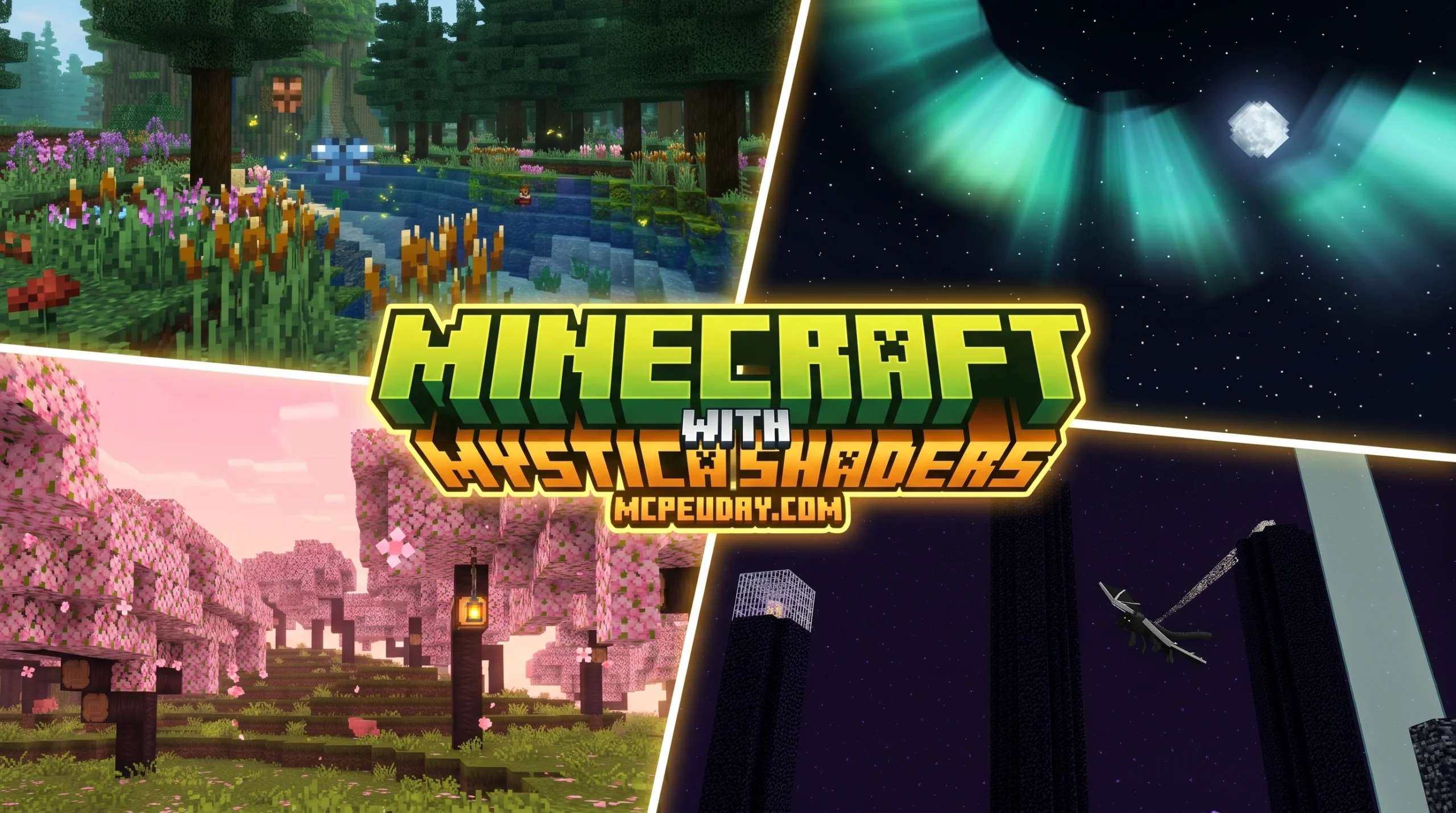
Why Mystica Shader Is the Upgrade Your Minecraft PE World Needs
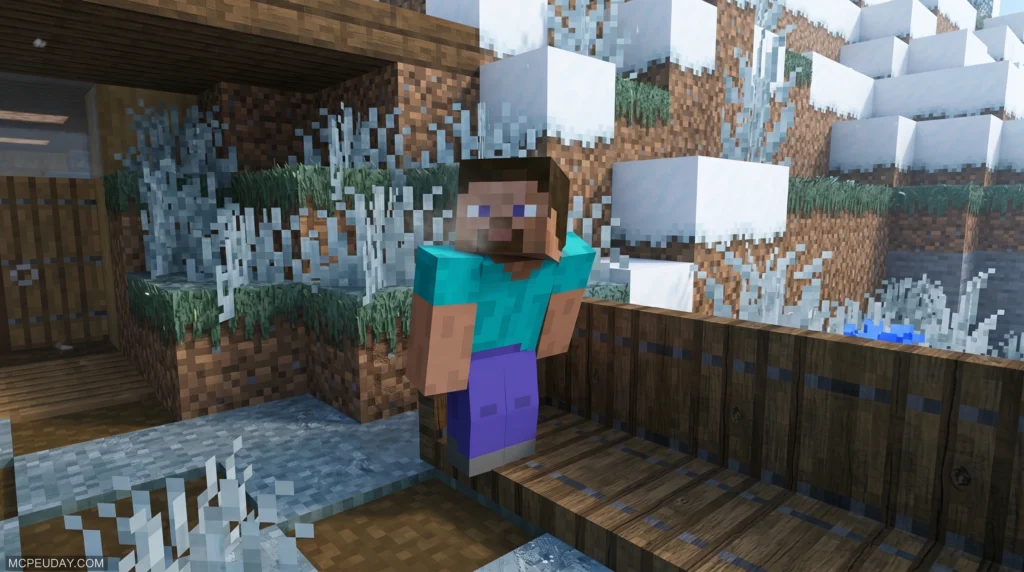
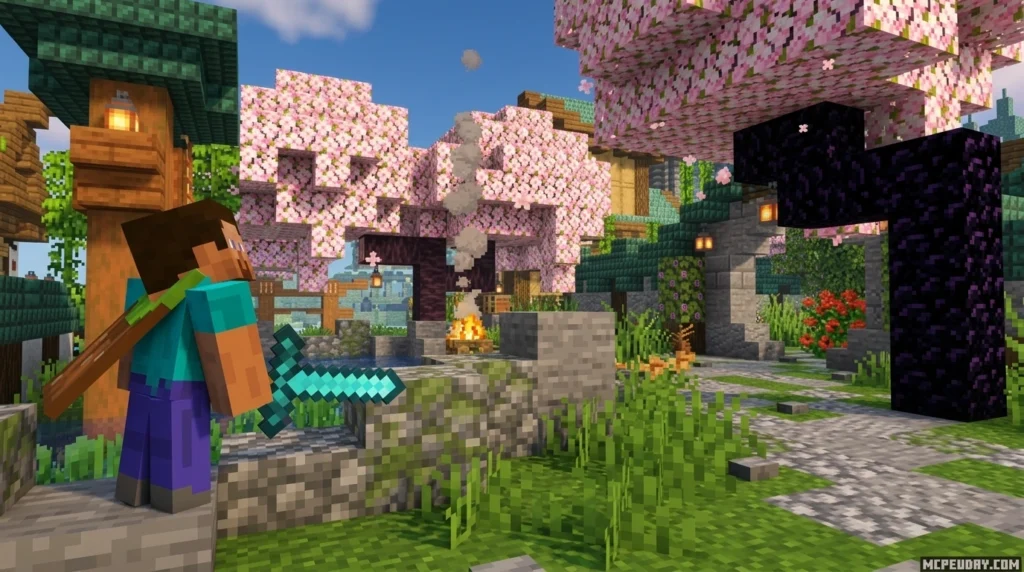
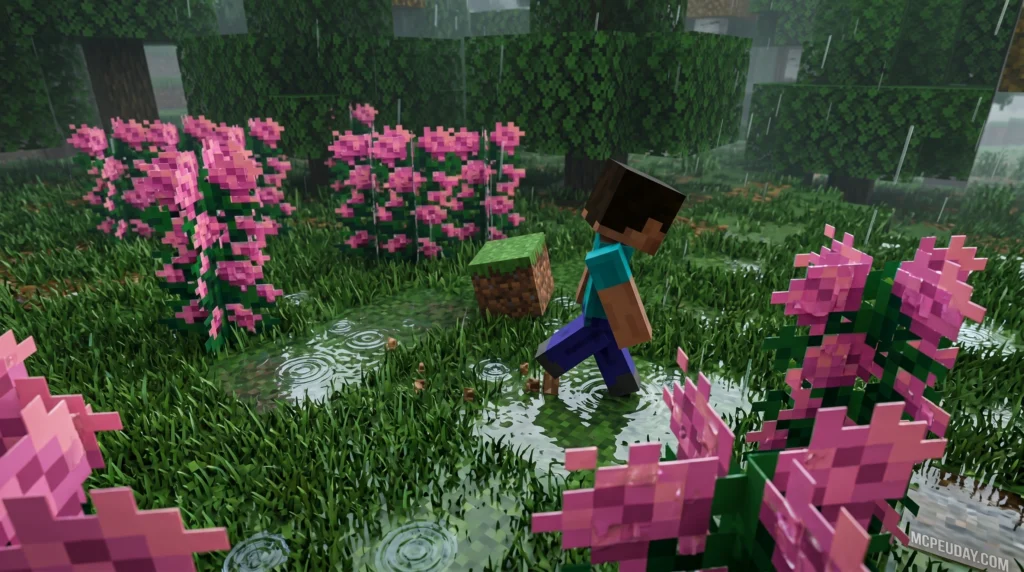
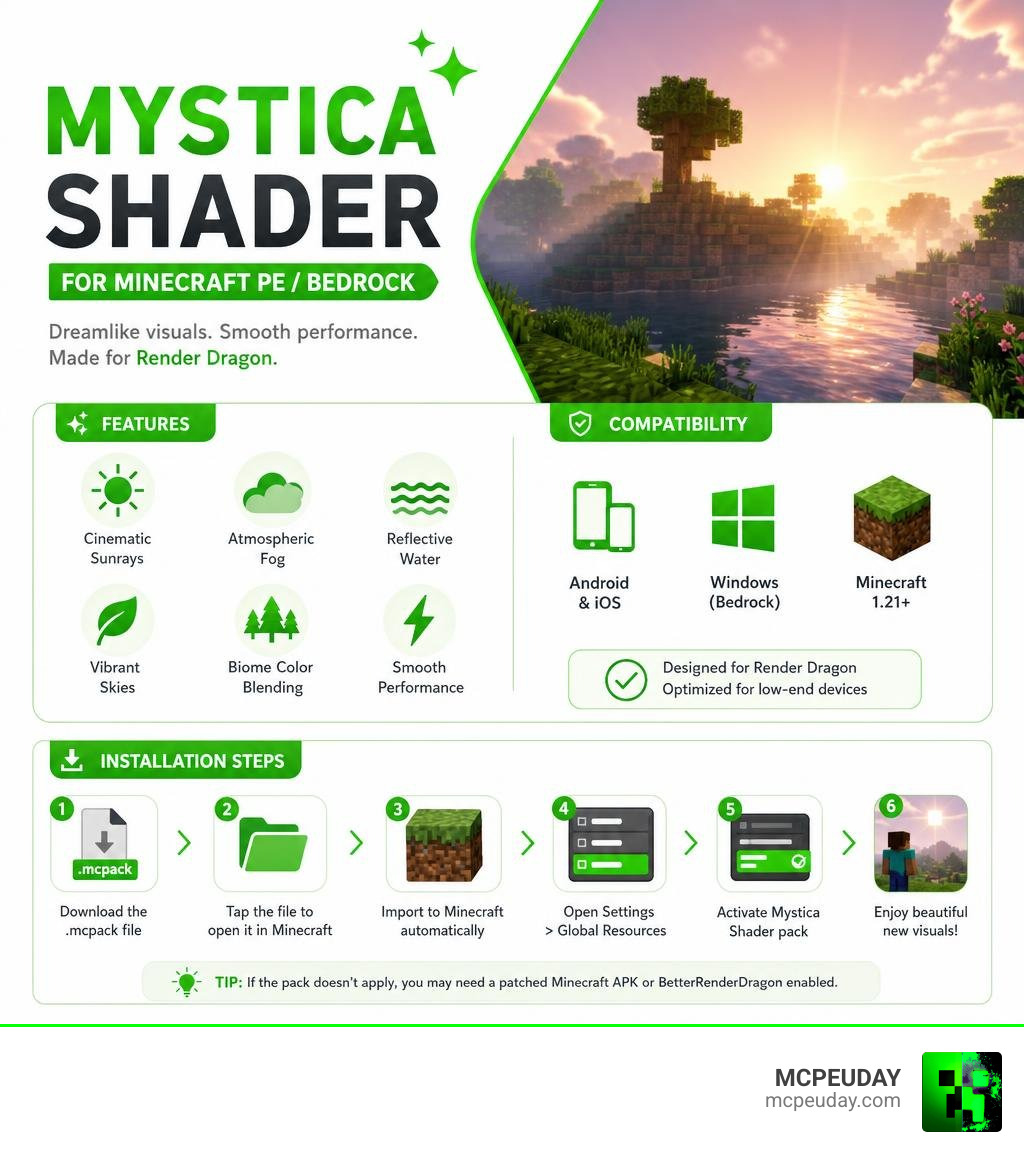
Mystica Shader is a visual enhancement pack for Minecraft PE and Bedrock Edition that adds dreamlike atmospheric fog, vibrant skies, and smooth natural lighting — all without killing your frame rate on mobile.
Here’s a quick snapshot of what it offers:
- What it is: A Render Dragon-compatible shader for MCPE/Bedrock
- Best for: Android, iOS, and Windows players on version 1.21+
- Key effects: Cinematic sunrays, soft bloom, reflective water, atmospheric fog, biome color blending
- Performance: Optimized for low-end mobile devices
- How to install: Via
.mcpackfile added to global resource packs (patched APK or BetterRenderDragon may be needed) - Downloads: Nearly 97,000 downloads with a 3.9/5 average rating
Minecraft’s vanilla visuals are fine. But once you’ve seen your world wrapped in soft morning fog and warm sunset color grading, it’s hard to go back.
That’s exactly what Mystica Shader delivers — a calm, colorful, immersive atmosphere that transforms ordinary biomes into something that feels almost cinematic.
This guide covers everything you need: what the shader does, how to install it, whether it’ll run on your phone, and how it stacks up against other popular Bedrock shaders. Whether you’re installing a shader for the first time or just switching things up, you’re in the right place.
What is the Mystica Shader for Minecraft PE/Bedrock?
If you have spent any time looking for graphics packs on Mystica Shader on MCPEUDAY, you know that Bedrock Edition’s graphic engine, Render Dragon, has made traditional shaders a bit tricky to run. In the past, players could easily load custom shaders that completely overhauled lighting, shadows, and water. However, when Mojang introduced the Render Dragon engine, it locked down the graphics pipeline, rendering older shader formats completely obsolete. Fortunately, the Mystica Shader (often shared as the Mystica Dream Fog Shader) is specifically optimized to work beautifully within this modern framework.
Instead of completely rewriting how Minecraft renders blocks—which often leads to massive lag spikes and compatibility issues—Mystica focuses on atmospheric optimizations. It introduces a gorgeous, dreamlike fog and natural light scattering that makes the entire world feel soft, cohesive, and deeply immersive.
With nearly 97,000 downloads and a highly positive reception across the global Minecraft community, it has quickly become a favorite for players who want high-end aesthetics without turning their mobile devices into portable heaters. It strikes the perfect balance between visual fidelity and hardware performance, making it a staple for modern Bedrock players.
Key Visual Features of Mystica Shader
Mystica Shader is not just a simple color filter; it is a complete lighting and atmospheric overhaul. By optimizing the way light interacts with the environment, it creates a cozy, fantasy-inspired world that feels alive. Whether you are exploring deep caverns or building a massive castle on a mountaintop, the visual changes are immediately noticeable and highly satisfying.
Atmospheric Fog and Dreamlike Skies in Mystica Shader
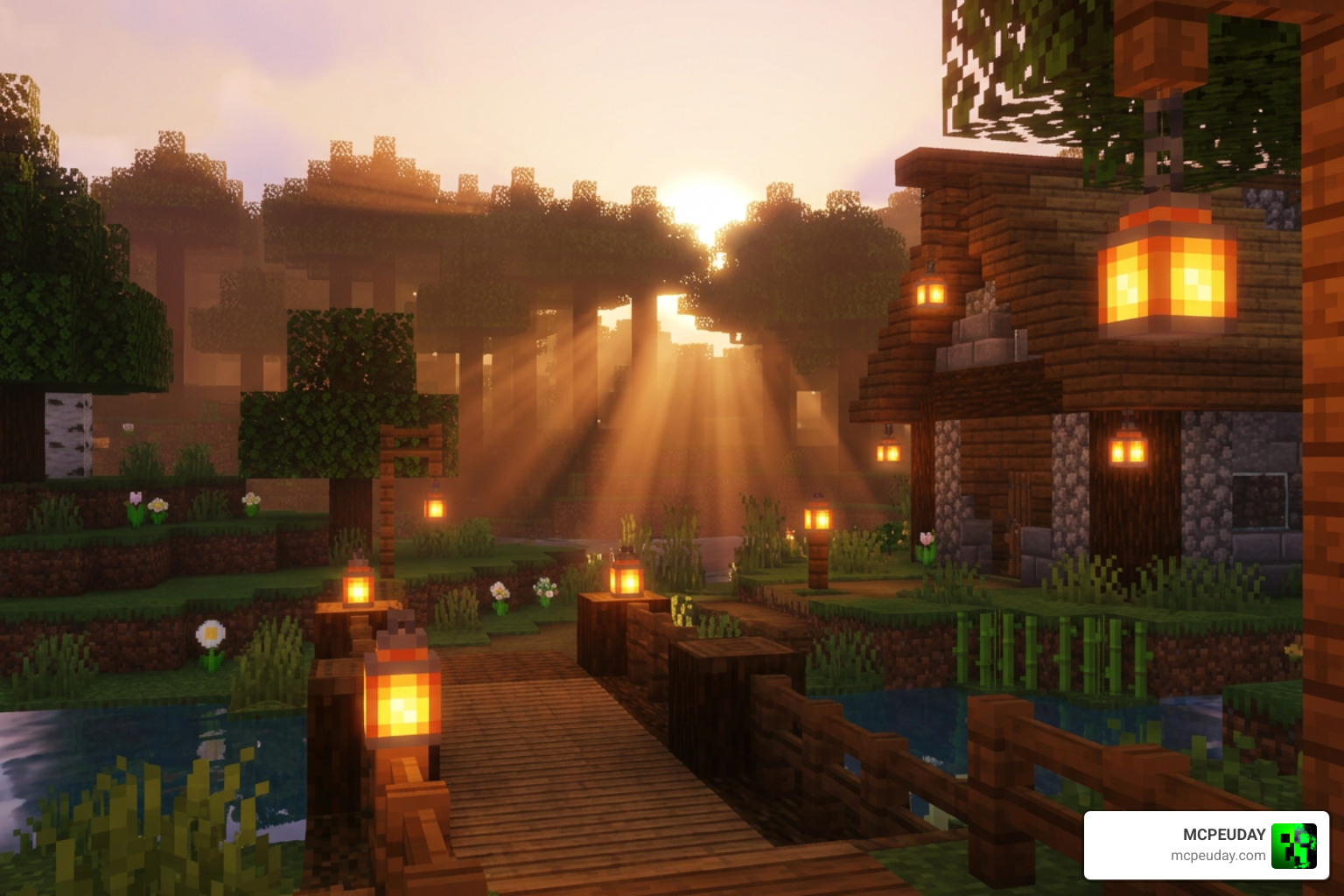
The crown jewel of this shader pack is its sky rendering and atmospheric fog. The vanilla sky is replaced with a vibrant, color-graded canvas that transitions smoothly during sunrises and sunsets, creating breathtaking views that will make you stop and stare.
- Cinematic Sunrays: Light filters through tree leaves and over mountain peaks in soft, glowing shafts. This effect, also known as god rays, adds a layer of depth and realism to forests and valleys during the early morning and late afternoon.
- Soft Bloom: Light sources like torches, glowstone, lanterns, and campfires emit a warm, realistic glow. This bloom effect softens the harsh edges of light blocks, making your cozy builds feel even more inviting.
- Vibrant Skies: Daytimes feature clear, saturated blues with realistic cloud density, while evenings fade into deep purples, warm oranges, and soft pinks.
- The Glowing End: Even the End dimension gets a massive visual upgrade. Instead of the static, dark void of vanilla, it sports a glowing purple sky that makes dragon fights feel truly legendary and otherworldly.
Water Reflections and Biome Blending
Beyond the sky, Mystica improves how the ground, water, and foliage look across your Minecraft world:
- Reflective Water: Water surfaces react dynamically to the sky above, giving oceans, rivers, and lakes a realistic sheen. While it is not full ray-tracing, the clever shader techniques simulate reflections beautifully without draining your battery.
- Biome Color Blending: Transitions between different biomes (like deserts shifting into lush forests or cold tundras) look much smoother and more natural. The grass and leaf colors blend seamlessly, eliminating harsh borders.
- Improved Shadows: Shadows are softened and smoothed out, removing the harsh, blocky black lines of vanilla Minecraft and replacing them with realistic, ambient shading that adds depth to every block.
Compatibility, Performance, and System Requirements
One of the biggest worries players have when installing shaders is performance. Nobody wants to play a slide-show, even if it looks beautiful.
Device Performance and Low-End Optimization
We have great news: Mystica Shader is incredibly lightweight. Thanks to clever Render Dragon optimizations, it delivers its dreamlike fog and lighting without causing major frame drops, even on low-end mobile devices.
If you want to compare it with other high-performance options, check out our list of the 3 Best Shaders for Minecraft 1.21 to see how it holds up.
Supported Minecraft Versions and Platforms
Mystica is fully updated for Minecraft Bedrock 1.21 (as of June 2026). It supports:
- Android: Excellent performance on most mid-range and budget phones.
- iOS: Smooth rendering on iPhones and iPads.
- Windows: Easy integration for PC Bedrock players.
How to Install Mystica Shader on MCPE/Bedrock
Because of how Minecraft’s Render Dragon engine handles third-party graphics, installing shaders requires a couple of specific steps depending on your platform. While it might seem slightly more complex than installing a standard texture pack, following the correct steps will have your world looking gorgeous in no time.
Step-by-Step Installation Guide for Mystica Shader
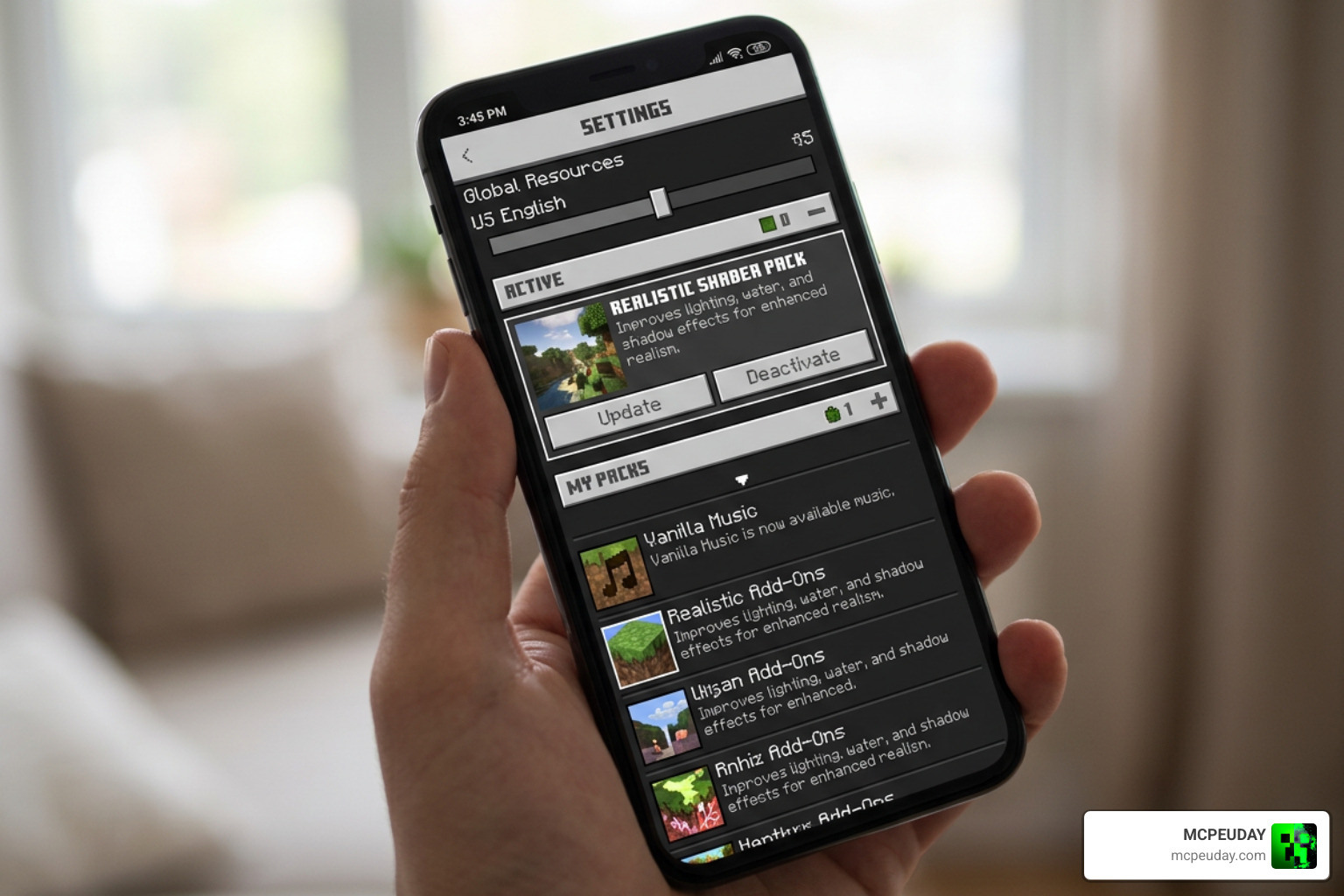
To get Mystica running perfectly in your game, follow this simple workflow:
- Download the File: Grab the latest
.mcpackfile from a trusted source like our dedicated download page on MCPEUDAY. - Import to Minecraft: Tap or click the downloaded file. Your device should automatically open Minecraft and import the pack. You will see a notification at the top of your screen saying “Import Started” followed by “Successfully Imported”.
- Use a Patched APK / BetterRenderDragon (If Required): Because modern Bedrock versions restrict custom shader code, Windows players may need to use BetterRenderDragon or replace their
material.binfiles to bypass engine restrictions. Android players may need a patched APK that allows custom material rendering to unlock the full visual potential of the shader. - Activate Globally: Go to Settings > Global Resources > My Packs, find Mystica Shaders, and click Activate. Make sure it is placed at the top of your active packs list to avoid conflicts with other resource packs.
- Restart Your Game: We always recommend restarting Minecraft after activating a new shader to ensure all textures, fog settings, and custom skyboxes load correctly.
For a deeper dive into this setup process, read our comprehensive How to Turn On Shaders in Minecraft (2026 Guide).
Comparing Mystica Shader with Other Bedrock Shaders
How does Mystica compare to other popular options? Let’s look at how it fares against a classic like Natural Mystic.
(Fun side note: Make sure you don’t accidentally download the old 2008 Windows art program called Mystica! If you end up on Mystica 2D and 3D fractal generator with editor for art and texture. or see a download for Download Mystica 2.0 , remember those are fractal generators, not Minecraft packs!)
When looking at actual Minecraft shaders, the legendary depressed-pho/natural-mystic-shaders on GitHub remains a popular point of comparison. However, Natural Mystic has 40 open issues on GitHub and was built for older versions of Bedrock. Mystica, on the other hand, is built specifically for modern 1.21+ Render Dragon environments.
| Feature | Mystica Shader (1.21) | Natural Mystic Shaders |
|---|---|---|
| Primary Focus | Dreamlike fog, vibrant skies, soft bloom | Ultra-realism, physical shadows, waving plants |
| Engine Compatibility | Modern Render Dragon (1.21+) | Older GLSL engines (Best on 1.16/1.17) |
| Performance Impact | Very Low (Optimized for low-end) | Moderate to High |
| End Dimension Support | Yes (Glowing purple skies) | Basic |
If you are looking for even more options to test on your device, check out our roundup of the Top 5 Best Realistic Shaders for MCPE.
Frequently Asked Questions about Mystica Shader
Is Mystica Shader compatible with Minecraft 1.21 in 2026?
Yes! The shader is fully updated and optimized to work with the latest Bedrock 1.21 releases. The developers actively maintain the pack to ensure that any minor updates or patches introduced by Mojang do not break the custom fog rendering or skybox textures.
Does Mystica Shader cause lag on low-end mobile devices?
Hardly at all. Unlike heavy ray-tracing style packs or deferred rendering packs that require high-end GPUs, Mystica relies on clever fog and lighting adjustments. These optimizations are designed to run natively within the Render Dragon engine without overloading your mobile processor, ensuring a smooth 60 FPS experience on most budget devices.
Do I need a patched APK or BetterRenderDragon to use this shader?
Depending on your device and Minecraft version, you might. Since Mojang restricted custom material rendering in recent Bedrock updates, Windows players often use BetterRenderDragon to load custom shaders, while Android players might use a patched version of the game client. However, some basic features of the shader may still work on vanilla clients.
Where can I safely download the Mystica Shader mcpack?
You can safely download the pack directly from our verified links on MCPEUDAY. We scan all files to ensure they are free of malware and fully functional. For more amazing visual upgrades, browse our dedicated Minecraft PE Shaders Category.
Conclusion
If you want to breathe new life into your Minecraft PE world without sacrificing performance, the Mystica Shader is an absolute must-download. Its combination of soft atmospheric fog, cinematic sunrays, and lightweight optimization makes it the perfect daily-driver shader for mobile players in 2026.
Ready to explore even more ways to upgrade your game? Head over to our ultimate list of the Best Shaders for MCPE 1.21 (2026) and find your perfect visual style today!
1 thought on “Mystica Shader (26.x, 1.21) – MCPE/Bedrock Shader”