What the Serene Visuals Shader Is and Why Players Love It
Quick Answer: What is the Serene Visuals Shader?
- The Serene Visuals Shader is a texture pack and shader for Minecraft that adds calm, subtle visual upgrades to your world.
- It focuses on soft sky lighting, rich foliage colors, smooth fog, and a peaceful cinematic feel — not flashy or intense effects.
- It works with Minecraft Bedrock Edition and is best suited for building, exploration, and relaxed gameplay.
- You can download it from addon sites like AddonCrate and install it as a resource pack.
If you’ve been looking for a shader that makes Minecraft feel peaceful rather than dramatic, the Serene Visuals Shader might be exactly what you need.
Most shaders go big — bright reflections, heavy shadows, saturated colors. Serene Visuals takes the opposite approach. It’s quiet, soft, and easy on the eyes.
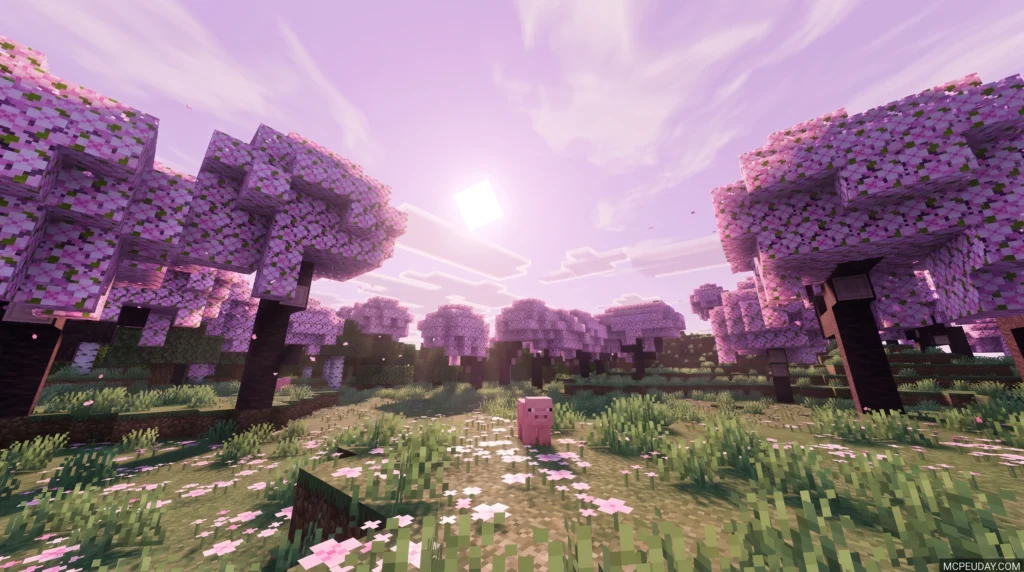
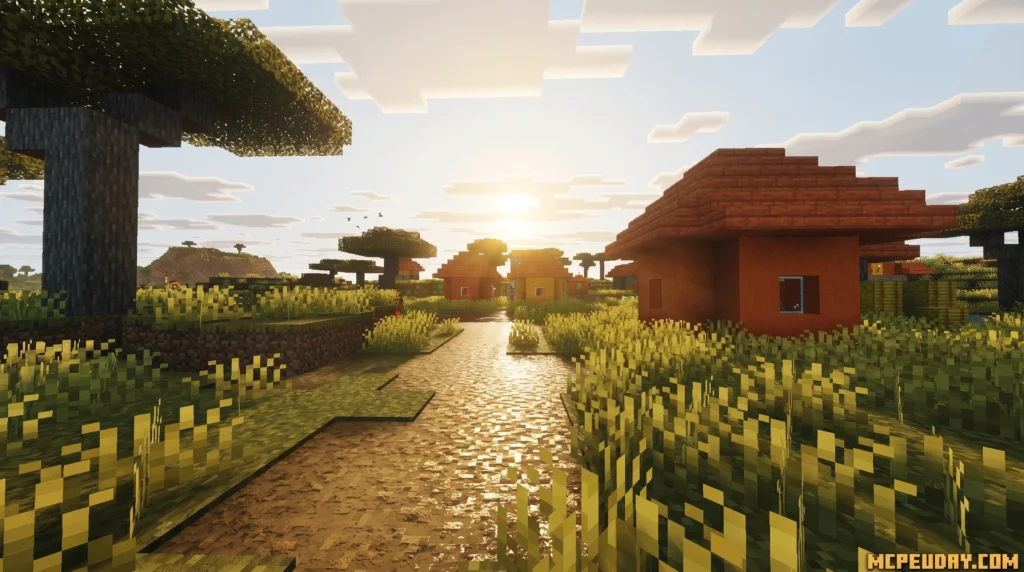
Think gentle overcast clouds, deep green foliage, smooth distant fog, and warm natural lighting at dusk. Nothing screams for your attention. Everything just feels right.
That’s what makes it stand out in a crowded world of Minecraft shaders.
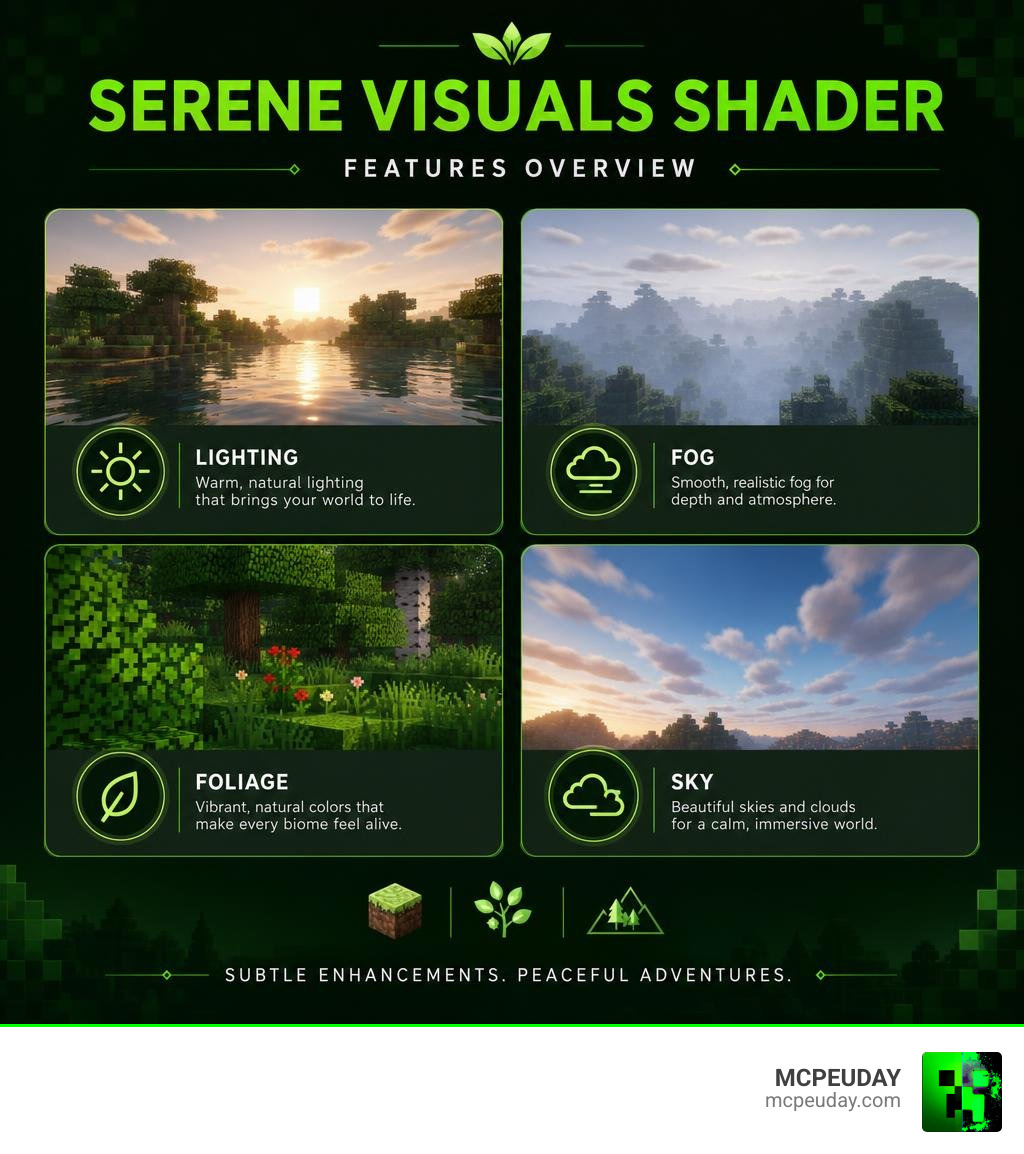
Key Features of the Serene Visuals Shader
When we talk about the Serene Visuals Shader, we are looking at a masterclass in subtlety. Instead of forcing your hardware to calculate hyper-realistic ray-traced reflections that turn your device into a portable hand-warmer, it focuses on enhancing the atmospheric mood.
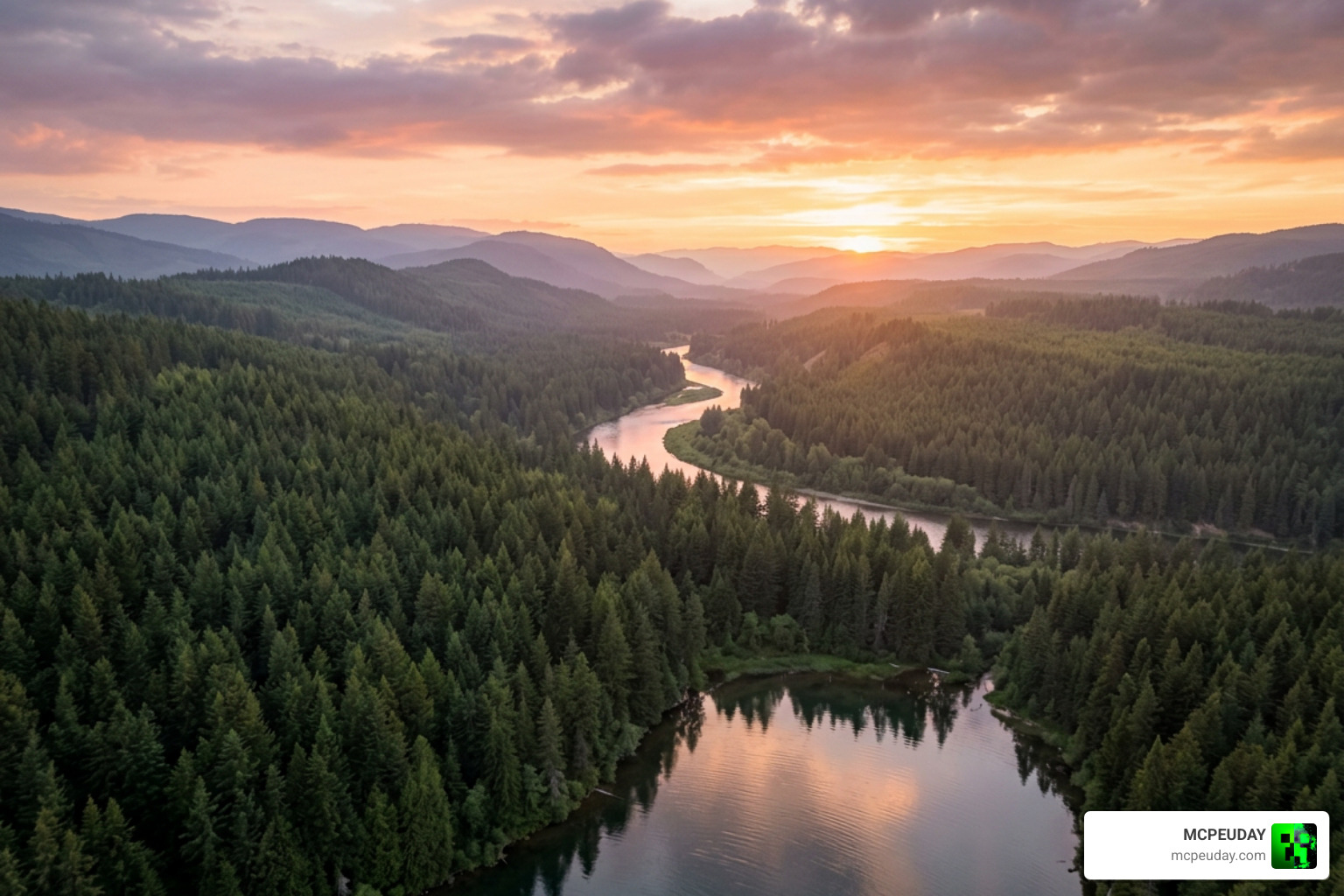
The aesthetic of this shader pack feels incredibly close to a high-definition nature documentary. It shares a striking resemblance to the calming, misty atmospheres you might experience while watching a Scenic Relaxation Film with Calming Music – Russia 4K – YouTube . The pack is designed to ground you in your environment, making your survival worlds feel like living, breathing landscapes.
Key features include:
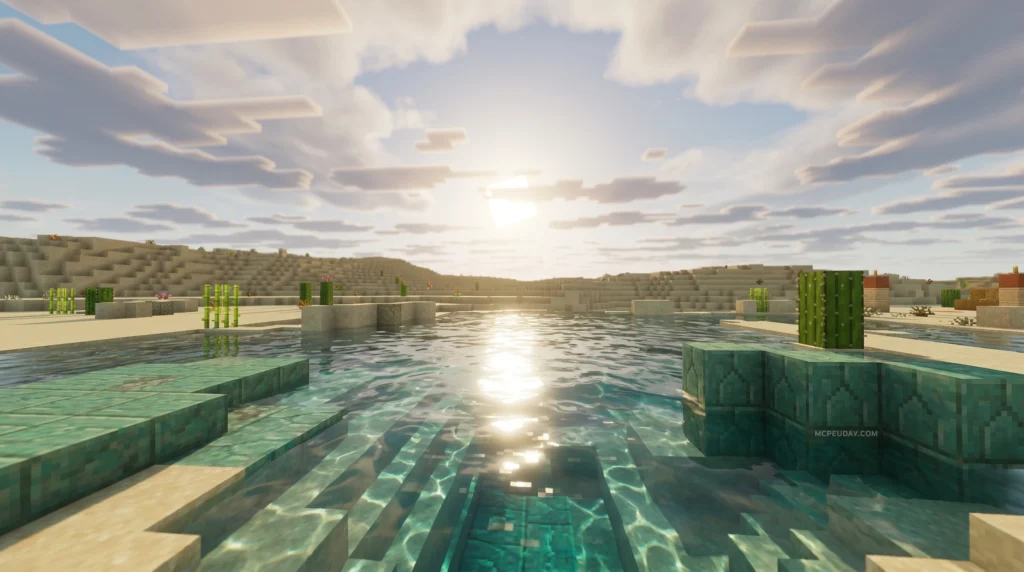
- Soft Diffused Sky Lighting: Sunbeams and skylight are gently filtered, preventing harsh, overexposed highlights on white blocks.
- Deep, Rich Foliage Colors: Leaves and grass receive a beautiful color-grading shift, giving forests and plains a healthier, more organic look.
- Overcast Cloud Layering: Instead of blocky, repetitive clouds, the sky features realistic, soft-layered clouds that move gracefully.
- Smooth Distant Fog: Terrain transitions naturally into the distance, using a smooth fog gradient that hides chunk loading while adding immense depth.
Visual Enhancements and Lighting Changes
The lighting changes are where the Serene Visuals Shader truly shines. Rather than stripping away the vanilla identity of Minecraft, it refines it. Color grading is tuned to favor cooler, softer tones during the day and warm, amber hues at sunset.
If you have ever tried the Zen Visuals Shader, you will find a similar philosophy here. Both shaders aim to lower player anxiety and create a cozy, stress-free environment. However, Serene Visuals leans slightly more towards a cinematic, overcast look, which is perfect for players who love rainy days, cozy cabins, and misty mountain bases.
How Serene Visuals Shader Differs from Official Vibrant Visuals
With Minecraft’s official graphical updates rolling out in 2026, many players are curious about how third-party packs compare to official features. The official “Vibrant Visuals” graphics pipeline is built directly into the Bedrock engine to deliver massive cosmetic upgrades like infinite clouds, reflective water, and volumetric lighting. You can see it in action via this Activate Vibrant Visuals in Minecraft Preview – TikTok clip.
However, official features can sometimes feel a bit “loud.” Vibrant Visuals focuses on high-contrast scenes, intense reflections, and bright light sources.
The Serene Visuals Shader differs by taking a quieter path. It does not try to turn Minecraft into a completely different game. Instead of the high-intensity, resource-heavy performance of the official graphics engine, Serene Visuals keeps things lightweight, artistic, and gently optimized.
Compatibility, Performance, and Installation
One of the biggest hurdles for Minecraft PE and Bedrock players is the Render Dragon engine. Ever since its implementation, finding shaders that run smoothly without destroying your frame rate has been a challenge. Fortunately, Serene Visuals is incredibly lightweight.
| Feature / Metric | Vanilla Minecraft | Serene Visuals Shader | Heavy Realistic Shaders |
|---|---|---|---|
| Average FPS Impact | 0% (Baseline) | Minor (3% – 5% drop) | Heavy (30% – 50% drop) |
| Battery Consumption | Low | Low to Medium | Very High |
| Device Heating | Minimal | Minimal | High |
| Render Dragon Compatibility | Native | Fully Supported | Limited / Patch Required |
If you are looking for a comprehensive list of working alternatives, check out our guide on the Best Render Dragon Shaders for MCPE 1.21 to see how different packs stack up on mobile hardware.
Supported Platforms and Editions
Because Serene Visuals is packaged primarily as a highly optimized resource and texture pack, it enjoys wide compatibility across Bedrock platforms:
- Android: Runs flawlessly on mid-range and budget devices.
- iOS: Fully compatible with iPhones and iPads.
- Windows PC: Works beautifully, providing a crisp, high-frame-rate experience.
If you want a slightly more magical, fantasy-themed alternative for these same platforms, we highly recommend reading up on the Celestia Visuals Shader.
Atmosphere and Playstyles Best Suited for Serene Visuals Shader
This shader is not meant for PvP minigames where you need maximum visibility of opponents hiding in the shadows. Instead, it is tailor-made for:
- Cozy Builders: If you spend hours detailing wooden cottages, medieval villages, or cherry blossom gardens, the soft color grading will make your builds look spectacular.
- Explorers: Walking through forests, sailing down rivers, and climbing misty peaks feels incredibly rewarding with the smooth fog effects.
- Relaxed Survivalists: If you play Minecraft to wind down after a long day, this pack provides the ultimate therapeutic backdrop.
For those who want a bit more realism while keeping that calm atmosphere, you can also look into the Solum Visuals Shader for a slightly different take on realistic terrain depth.
Comparing Serene Visuals to Other Popular Shaders
To help you decide if the Serene Visuals Shader is the right fit for your game, let’s look at how it compares to other popular options available in the community.
If you are on Java Edition or using Iris loaders, you might have heard of the v0.3.2a – Visual Vibrance pack, which tries to recreate the official Bedrock Vibrant Visuals look. It features colored light blocks and integrated PBR for metals. While beautiful, it requires a much stronger PC to run.
Another popular choice is Shrimple v0.9 – Shrimple . Shrimple focuses on keeping a vanilla-like aesthetic while adding shadows, bloom, and reflections. It is highly customizable but still leans toward a more traditional “shader” look with dynamic shadows.
If you want a broader overview of what is out there for mobile players, check out our curated list of the Top 5 Best Realistic Shaders for MCPE.
For Java players looking for extreme technical customization within vanilla constraints, projects like the bradleyq/mcvanillashaders repository show how far you can push the game’s default rendering pipeline. On the Bedrock side, creators often showcase similar transformations, such as those seen in this Definitive Vibrant Visuals Shaders for Minecraft – TikTok video.
Compared to all of these, Serene Visuals remains the king of quiet, low-overhead beauty for Bedrock players.
Frequently Asked Questions about Serene Visuals
If you are ready to try this shader out but still have a few questions, we have compiled the answers to the most common queries below. If you need a general refresher on how to set up files like this, check out our step-by-step guide on How to Turn On Shaders in Minecraft.
Is Serene Visuals compatible with Minecraft Bedrock 1.21?
Yes! The Serene Visuals Shader is fully optimized for Minecraft Bedrock 1.21. Because it avoids using deprecated shader codes that break with every Render Dragon update, it is highly stable and compatible with current game versions.
Does this shader cause significant lag on mobile devices?
Not at all. Because it focuses on clever texture color-grading, fog adjustments, and soft skybox alterations rather than real-time ray-traced shadows, the performance impact is almost unnoticeable. Even budget Android and iOS devices can run it at a stable 60 FPS.
How do I install Serene Visuals on Android or iOS?
- Download the
.mcpackfile from a trusted source. - Open the file using your device’s file manager, selecting Minecraft to open it.
- Once the game imports the pack, go to Settings > Global Resources.
- Activate Serene Visuals under My Packs.
- Create a new world or edit an existing one, and ensure the pack is active in your Resource Packs tab.
Conclusion
At MCPEUDAY, we always look for resources that make your Minecraft experience more enjoyable. The Serene Visuals Shader is a breath of fresh air in a world of overly bright, performance-heavy shaders. It proves that sometimes, less is truly more.
If you want to discover even more incredible visual upgrades, don’t miss our ultimate round-up of the best shaders for MCPE 1.21 in 2026. Happy building, and may your Minecraft days be peaceful!