What Is a Genshin Shader and Why Artists Love It
A Genshin Shader is a set of rendering techniques that recreates the iconic anime art style of Genshin Impact inside 3D software like Blender, Unity, or MMD — no game files required.
Quick answer for what you’re looking for:
- For Blender (free): festivities/Blender-miHoYo-Shaders — open-source, GPL-3.0, 1,100+ stars
- For Blender (paid): Ben Ayers’ Genshin Impact Character Shader — rated 4.9/5 from 222+ ratings, supports Blender 5.0
- For Unity: HoyoToon — free, supports Genshin, Star Rail, ZZZ, and more
- For MMD: MMDGenshin — HLSL-based, 126 stars
- Ban risk in-game? These tools are for 3D rendering only — not for modifying the live game client
Genshin Impact’s visual style is hard to miss. Bright colors, crisp shadow edges, glowing rim lights, and metallic surfaces that somehow still look like a cartoon. It’s a specific kind of non-photorealistic rendering (NPR) that took the 3D art community by storm when the game launched.
Artists quickly started reverse-engineering how it works. The result? A growing library of free and paid shaders that let you bring that same look into your own 3D projects.
Whether you want to render fan art, animate original characters, or just learn how NPR shading works, there’s a tool for you — and this guide covers all of them.
Technical Breakdown of the Genshin Shader
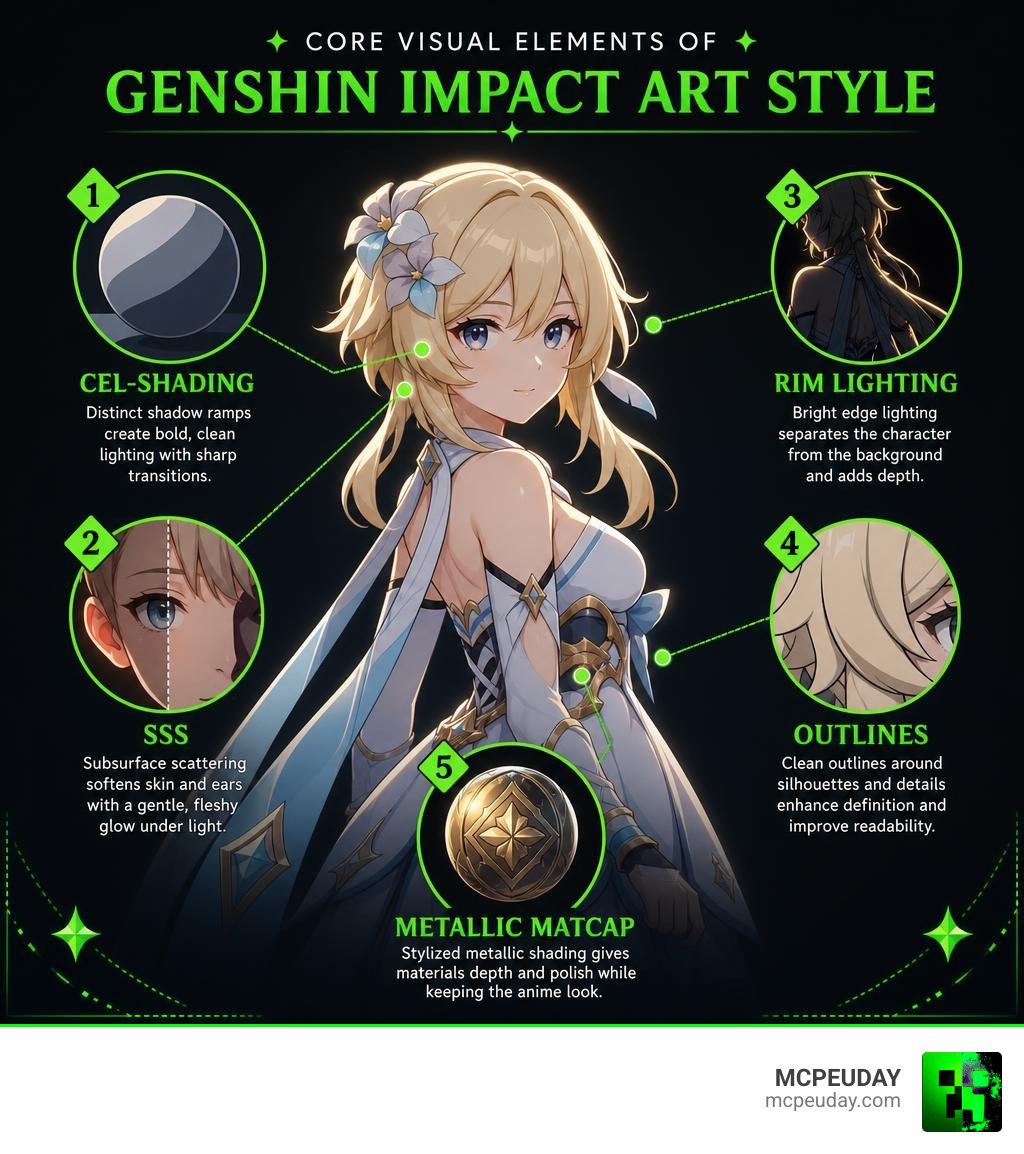
Recreating the Genshin Shader in external renderers requires a deep understanding of its core rendering techniques. Rather than relying on realistic physics, the game uses clever math to fake stylized visual elements.
Cel-Shading and Shadow Ramps
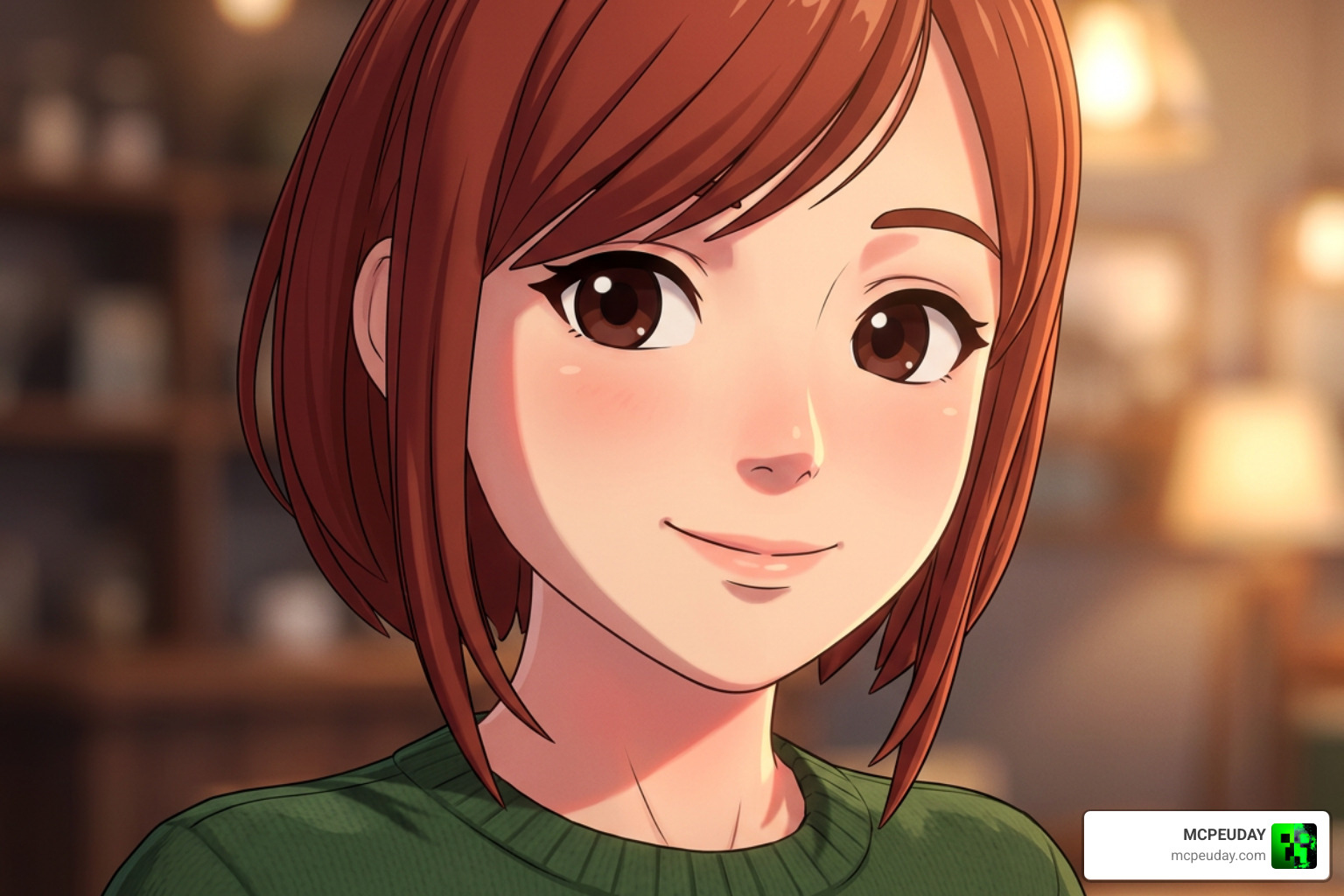
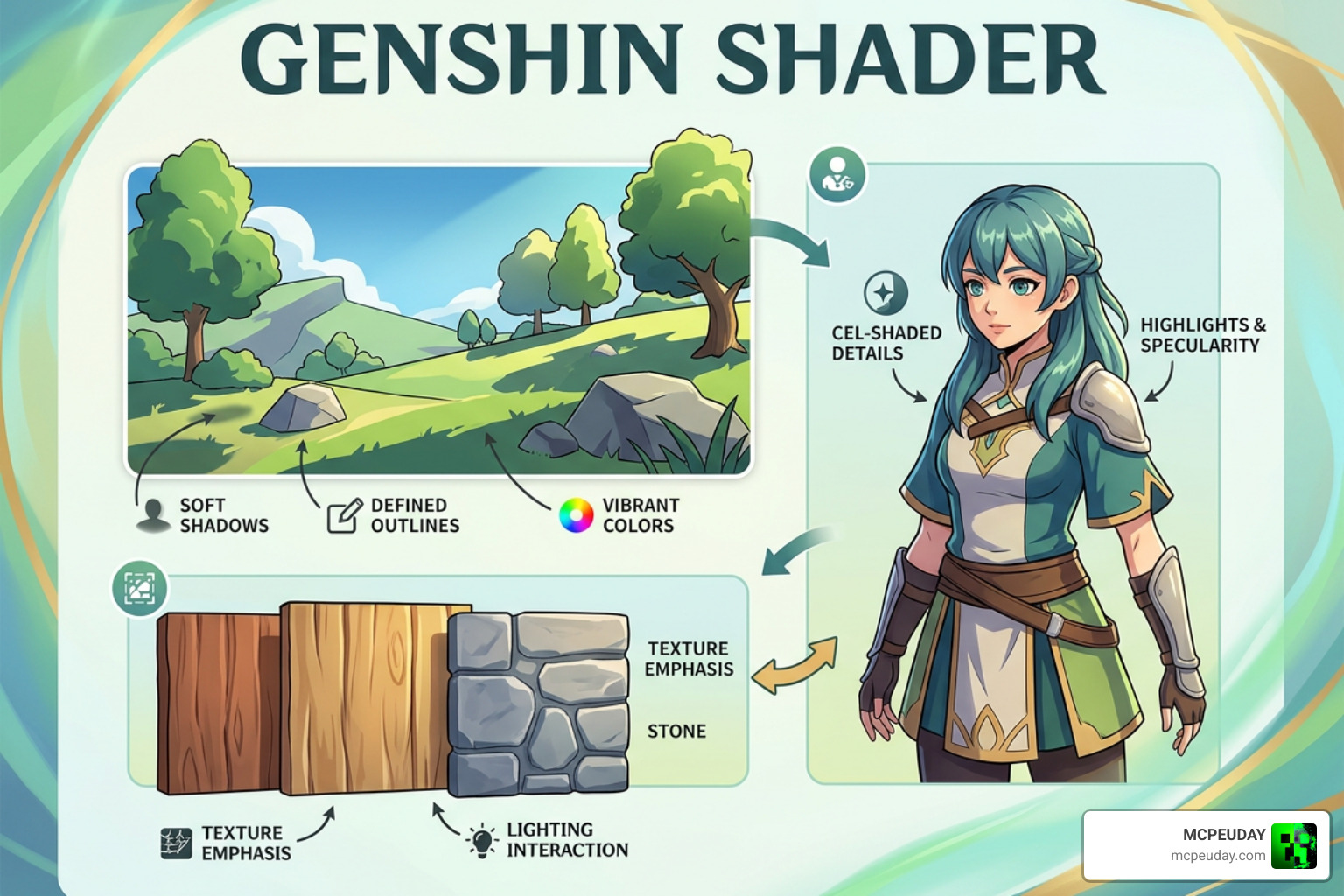
At its core, the shader uses custom lighting calculations based on the dot product of the surface normal and the light direction (NdotL). Instead of hard, jagged shadows, it employs a soft transition (around 0.1 softness value) to blend between light and shadow. Designers use shadow ramps—gradient textures—to determine the exact colors of these transitions.
Artificial Subsurface Scattering (SSS)
Real subsurface scattering calculates how light penetrates skin, which is incredibly performance-heavy. Genshin Impact bypasses this by faking the effect. It applies colored gradients right at the shadow borders (often yellow on the lit side and red on the shadow side) to give character skin a soft, warm, and alive appearance.
Metallic Matcaps and Specularity
In most stylized games, metals are tricky. The Genshin Shader achieves its crisp, cartoonish metallic reflections by blending the base diffuse texture with a procedurally generated matcap. This utilizes the dot product between the surface normal and the combined view and light directions. Specular highlights on hair are masked using custom textures so they only catch the light at specific angles, making sure the hair shine really shines!
Custom Normals and Facial Shading
To prevent ugly, blocky shadows on character faces, artists edit the 3D mesh’s normals. Instead of relying on the actual geometry of the nose and cheeks to cast shadows, the shader uses a custom light map. This map tells the engine exactly how the shadow should morph as the character turns relative to the lightsource.
Rim Lighting and Outlines
The subtle outer glow (rim light) and the clean, dark outlines define the anime aesthetic. While outlines are often generated using the “Inverted Hull” technique (duplicating the mesh, flipping the normals, and pushing it outward), the game’s iconic rim lighting is often best replicated in post-processing. In Blender, using compositing with alpha layer blurring and Color Dodge mixing produces the most accurate results.
For a deeper technical dive, you can explore the Genshin Impact Character Shader Breakdown [Unity URP] or read the comprehensive guide on Portfolio | Ben Ayers – Blender NPR: Recreating the Genshin Impact Shader.
Top Blender and Unity Tools for Recreating the Look
Depending on your pipeline, there are several outstanding tools available to help you achieve the Genshin Shader look. Here is a quick comparison of the top choices available in 2026:
| Tool Name | Platform | Price | Best For |
|---|---|---|---|
| festivities/Blender-miHoYo-Shaders | Blender | Free (GPL-3.0) | Datamined Assets |
| Ben Ayers Character Shader | Blender | Paid | Custom Models & Baking |
| HoyoToon | Unity | Free (GPL-3.0) | Game Dev & VRChat |
| MMDGenshin | MikuMikuDance | Free | MMD Animators |
Popular Genshin Shader Repositories for Blender
For Blender enthusiasts, the most famous open-source project is the festivities/Blender-miHoYo-Shaders repository. Created in February 2022, this project has gathered over 1,123 stars and is specifically tailored to replicate in-game shading on official datamined assets.
If you are working with original custom models, the paid Genshin Impact Character Shader for Blender by Ben Ayers is highly recommended. It boasts a 4.9-star rating based on 222 reviews. It features dynamic facial light gradient maps, full Cycles baking support, and complete compatibility with modern Blender releases.
Unity and MMD Alternatives
If you are developing a game or preparing an avatar for VRChat, the Hoyotoon/HoyoToon repository is the gold standard for Unity’s Built-in Render Pipeline. It supports multiple titles including Genshin, Star Rail, and Zenless Zone Zero. For animators using MikuMikuDance, the Hoyotoon/MMDGenshin repository provides a custom HLSL-based shader to achieve the same beautiful aesthetic. Unreal Engine 5 users can also find high-quality alternatives, such as the ArtStation – Genshin Impact (原神) Shader [UE5] marketplace listing.
How to Set Up and Use the Shaders in 3D Software
Setting up a stylized shader requires a slightly different workflow than standard photorealistic PBR materials.
Step-by-Step Guide to Installing a Genshin Shader
We will focus on setting up the open-source festivities/Blender-miHoYo-Shaders in Blender:
- Download the Files: Grab the latest release zip from the GitHub repository.
- Append the Materials: Open your Blender project, go to
File > Append, locate the downloaded.blendfile, navigate to theMaterialfolder, and select the miHoYo shader materials. - Assign Materials: Select your character mesh and replace its default materials with the appended shader materials.
- Import Textures: Connect your character’s base color, light map, and normal map textures to the corresponding input nodes in the shader group.
- Set Up the Head Constraint: Add an Empty object at the center of your character’s head. Add a “Child Of” constraint to the Empty and target the character’s head bone. Link this Empty to the “Head Origin” input in the shader to keep the facial shadows aligned when the head moves.
Recommended Add-ons and Constraints
To make things easier, the festivities repository includes a custom Blender add-on that automates the entire material assignment and texture importing process.
For advanced NPR artists, running these shaders inside specialized Blender forks like Goo Engine offers greater control over light groups and shadow generation. Additionally, using the Data Transfer modifier is highly recommended to copy clean normals from a simplified sphere mesh onto your character’s face, ensuring flawless shadows.
Licensing, Accuracy, and Limitations of Fan-Made Shaders
Before using these shaders in your projects, it is essential to understand their rules and limitations:
- Open-Source Licenses (GPL-3.0): Shaders like HoyoToon and Blender-miHoYo-Shaders are protected under the GNU General Public License v3.0. You are free to edit and share them, but you must credit the original creators and distribute your modifications under the same open-source license.
- Commercial Use: Paid shaders like Ben Ayers’ model offer standard and extended commercial licenses. However, while the shader code can be used commercially, using official Genshin Impact assets (models, textures) for commercial gain is a direct violation of HoYoverse’s intellectual property.
- Visual Accuracy Limitations: While these shaders look incredibly close to the game, they are not 100% identical. Real-time game engines use customized post-processing pipelines that are difficult to replicate perfectly in a standard viewport. For instance, faking the lack of self-shadowing on clothing folds (like Ganyu’s sleeves or Mona’s hat) requires manual mask painting and custom material setups.
In-Game Modding Risks vs. 3D Rendering Tools
We must emphasize a critical distinction: 3D rendering shaders are completely different from in-game client mods.
The tools we have discussed in this article (Blender, Unity, MMD) are external design software. They are 100% safe to use and carry zero risk because they do not interact with your game files.
However, if you are looking to install custom shaders or cosmetic mods directly inside the live Genshin Impact game client using tools like Gimi (3DMigoto), you run a very high risk of getting your account permanently banned. The game’s anti-cheat system actively scans for modified game files and memory injections.
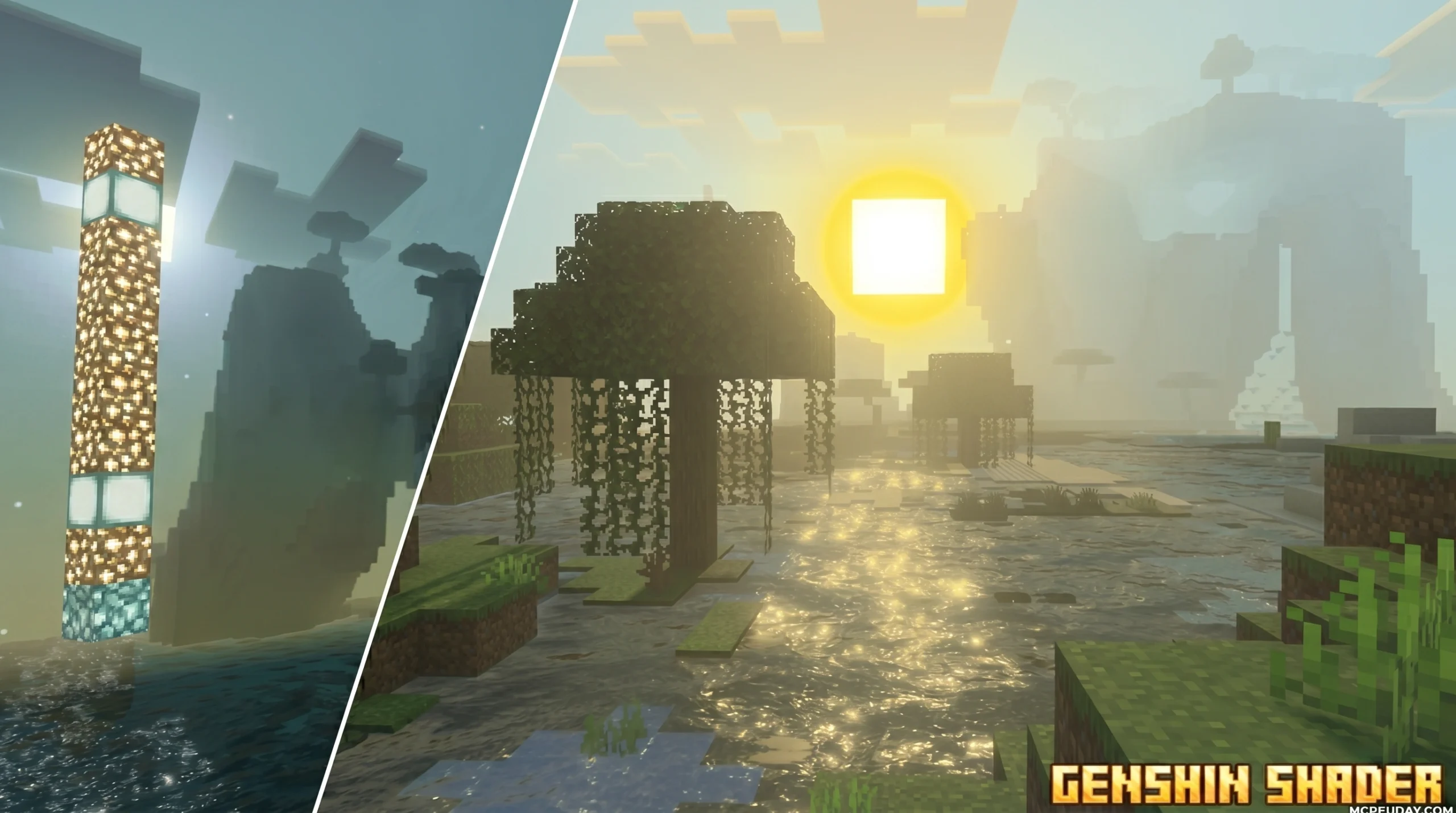
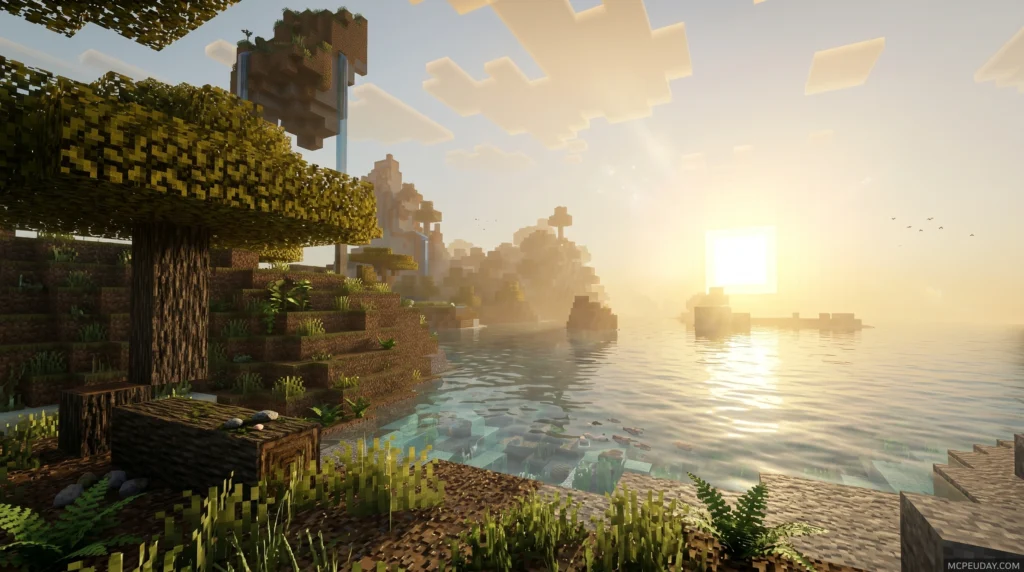
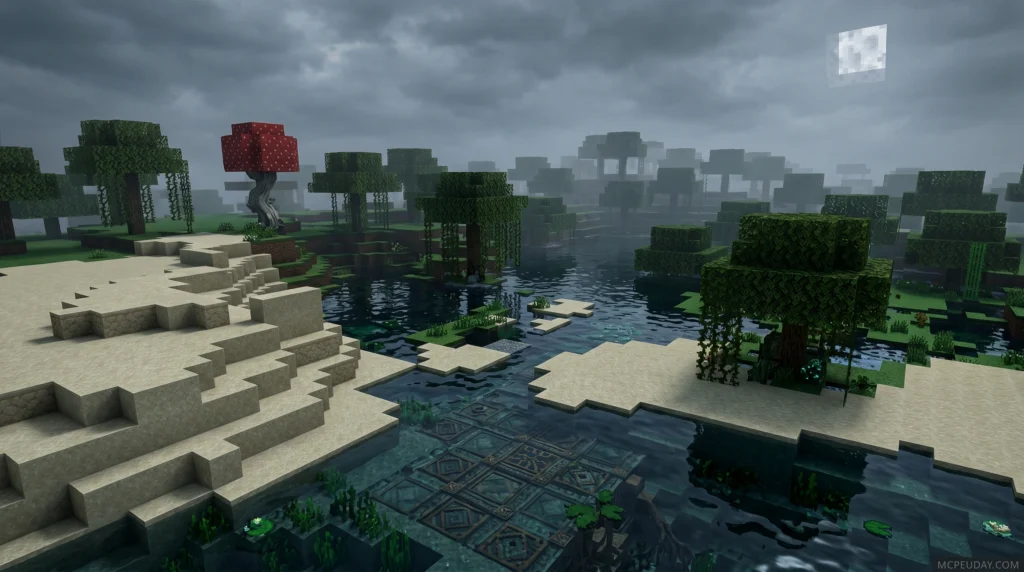
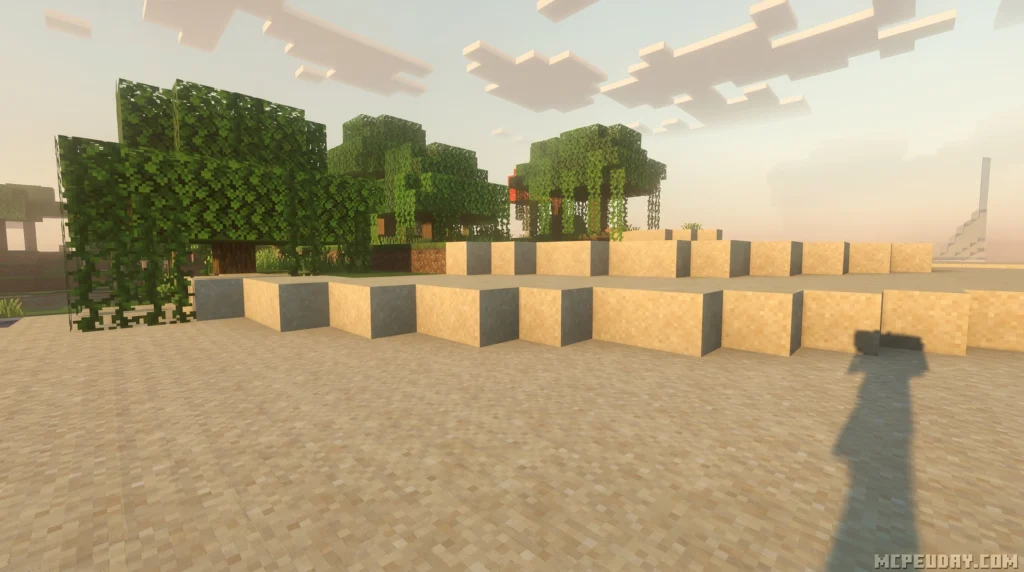
If you love playing with gorgeous custom graphics safely, we highly recommend trying out Minecraft shaders instead! Minecraft natively supports incredible graphical overhauls. Check out our How to Turn On Shaders in Minecraft Guide to get started. You can also explore beautiful aesthetic options like the Xiao Sakura Shader for Minecraft Bedrock 1.21, download the colorful Camy’s Cotton Candy Visuals Shader, or browse our handpicked list of the Top 5 Best Realistic Shaders for MCPE.
Frequently Asked Questions
Can I use these shaders for commercial projects?
Yes, but it depends on the shader’s license. Open-source shaders under GPL-3.0 can be used, but your modified shader files must also remain open-source. For paid shaders, you will need to purchase the appropriate commercial license level. Never use official, copyrighted game assets (like datamined character models) for commercial work.
Is using shaders inside Genshin Impact bannable?
Yes. Modifying the game client with external injectors, custom shaders, or texture mods violates the Terms of Service and will likely trigger an automatic ban from the anti-cheat system. Stick to using these shaders safely within Blender or Unity!
What Blender version is required for these shaders in 2026?
Currently, in June 2026, most modern shaders have been updated to support Blender 4.3 LTS and the newly released Blender 5.0. If you are using older shader versions, you may need to stick to Blender 3.3 LTS to avoid compatibility issues with legacy node structures.
Conclusion
Recreating the signature look of a Genshin Shader is a fantastic way to master the art of non-photorealistic rendering. From custom shadow ramps to procedural metallic matcaps, these techniques show how stylized art relies on clever visual design rather than raw computational power.
Whether you are rendering a gorgeous scene in Blender or designing a custom game in Unity, the community has provided incredible tools to bring your creative vision to life. And if you ever want to take a break from rendering and jump into some blocky creative builds, we at MCPEUDAY have got you covered with the absolute Best Shaders for MCPE 1.21 to make your gaming worlds look just as breathtaking!
1 thought on “Genshin Impact Shader (26.x, 1.21) – MCPE/Bedrock Shader”