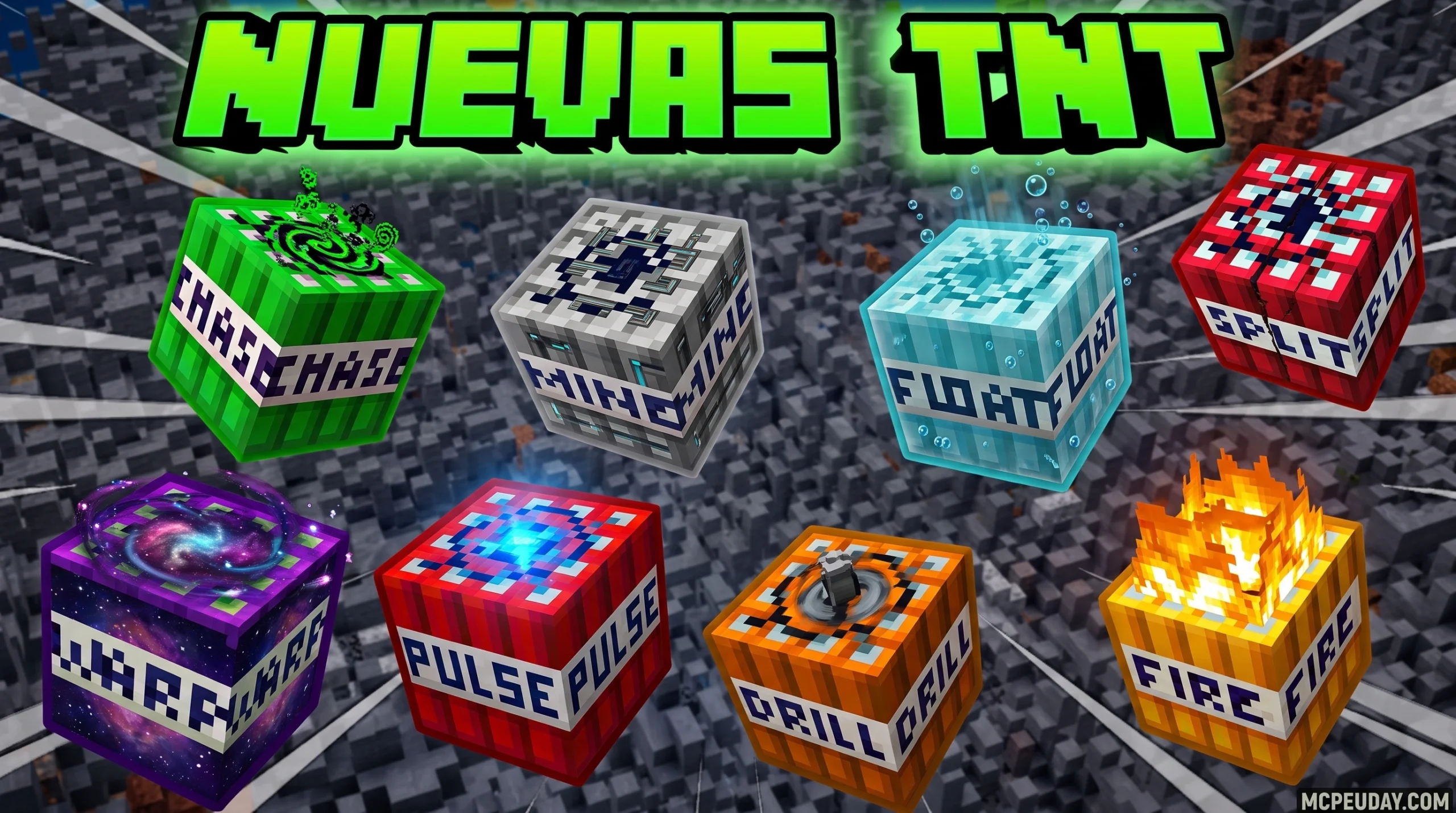
Why the More TNT Addon Is a Must-Have for Minecraft Bedrock Players
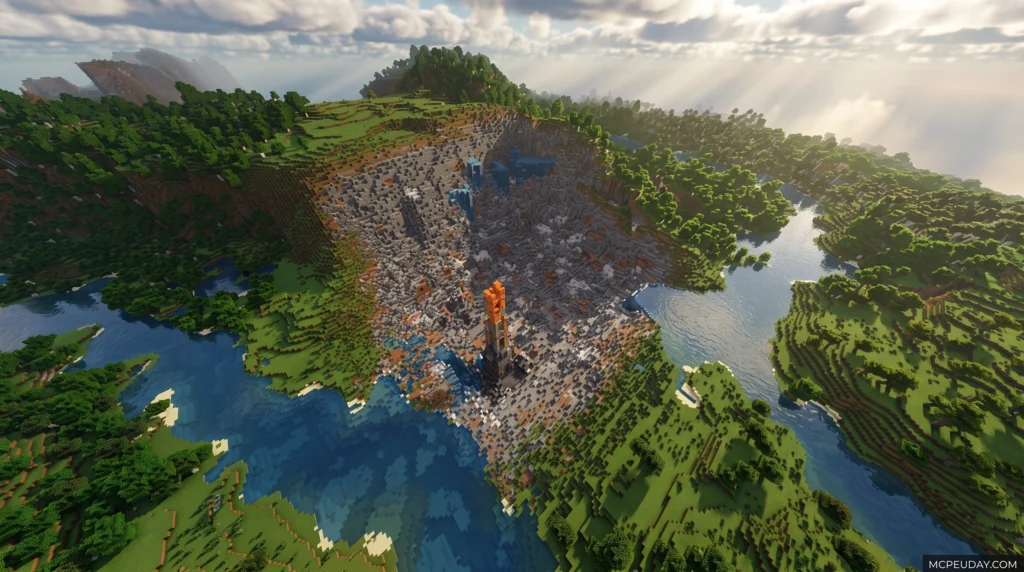
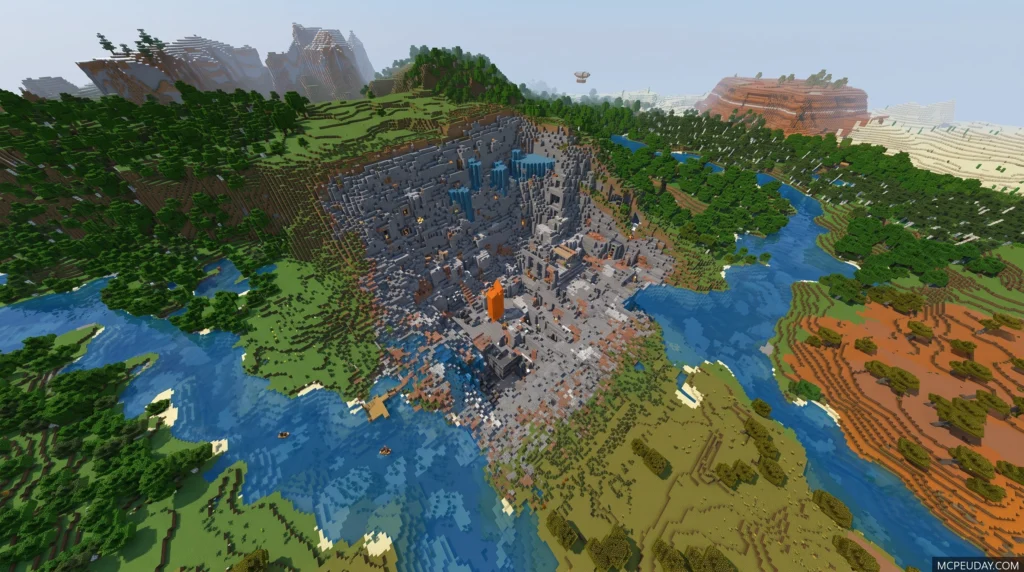
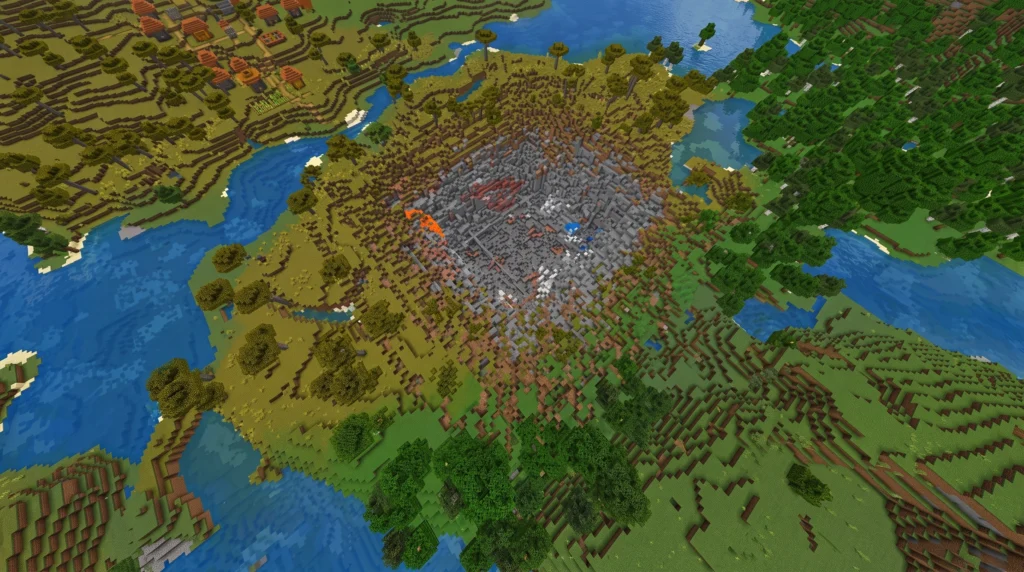
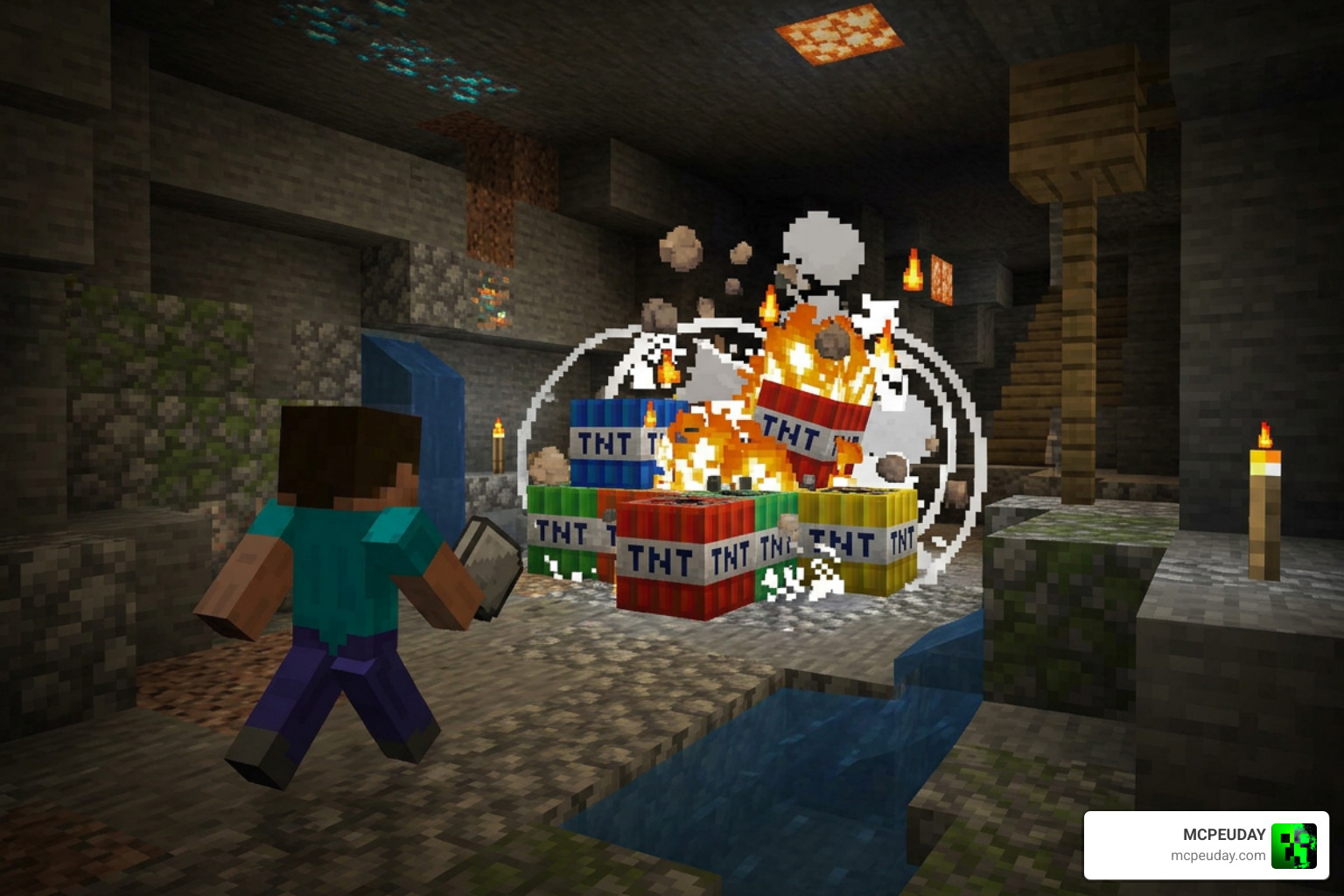
The More TNT Addon is one of the most popular explosive expansions available for Minecraft Bedrock Edition — and it’s easy to see why.
Quick Answer: What is the More TNT Addon?
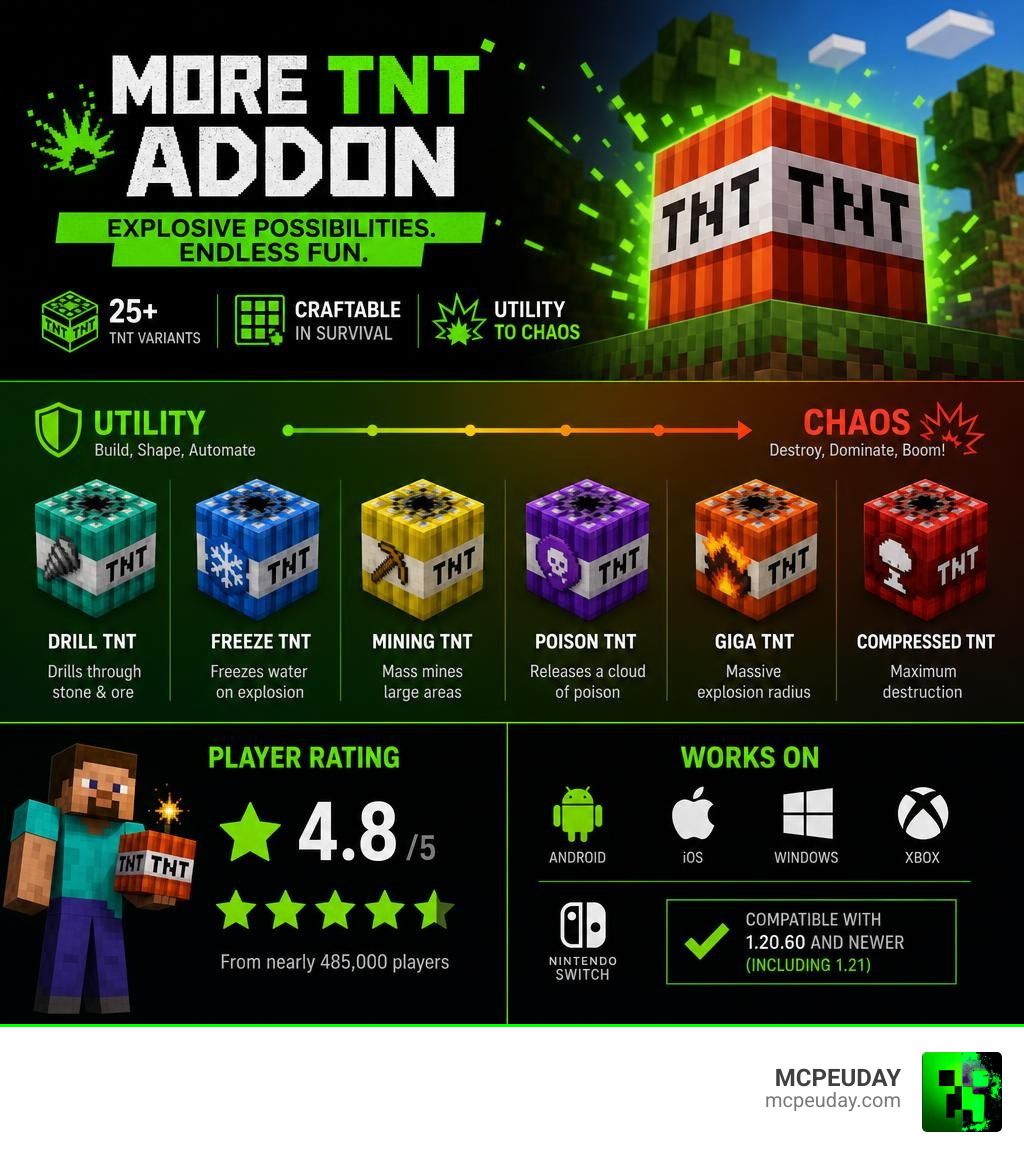
- It adds 25+ new TNT types and dynamite variants to Minecraft Bedrock
- All new TNT types are craftable in Survival mode
- Variants range from utility tools (Drill TNT, Mining TNT) to chaos-bringers (Giga TNT, Compressed TNT)
- Compatible with Minecraft Bedrock 1.20.60 and newer (including 1.21)
- Available as a free Marketplace add-on (by Tsunami Studios, rated 4.8/5 from nearly 485,000 players) and as community-made .mcaddon downloads
- Works on Android, iOS, Windows 10/11, Xbox, and Nintendo Switch
If regular TNT feels a bit… underwhelming, you’re not alone. Vanilla TNT blows up a small crater and calls it a day. The More TNT Addon completely changes that. It turns explosives into a full gameplay system — with TNT that drills tunnels, freezes water, sends poison gas clouds, or levels entire landscapes in a single boom.
Whether you want to clear land faster, create epic PvP traps, or just watch things go very boom in Creative mode, this addon gives you the tools to do it.
What is the More TNT Addon?
At its core, the More TNT Addon is a massive expansion pack designed to completely overhaul how explosives behave in Minecraft Bedrock Edition. Instead of relying on the same old block of red-and-white gunpowder, we get access to a massive arsenal of custom blocks and throwable items.
Whether you are using the official More TNT! Add-On by Tsunami Studios or checking out highly popular community versions like More TNT , this pack transforms TNT from a simple tool of destruction into a creative instrument. The addon introduces custom block models, high-quality custom particles, and unique sound effects that make every single detonation feel incredibly satisfying.
How the More TNT Addon Works in Survival
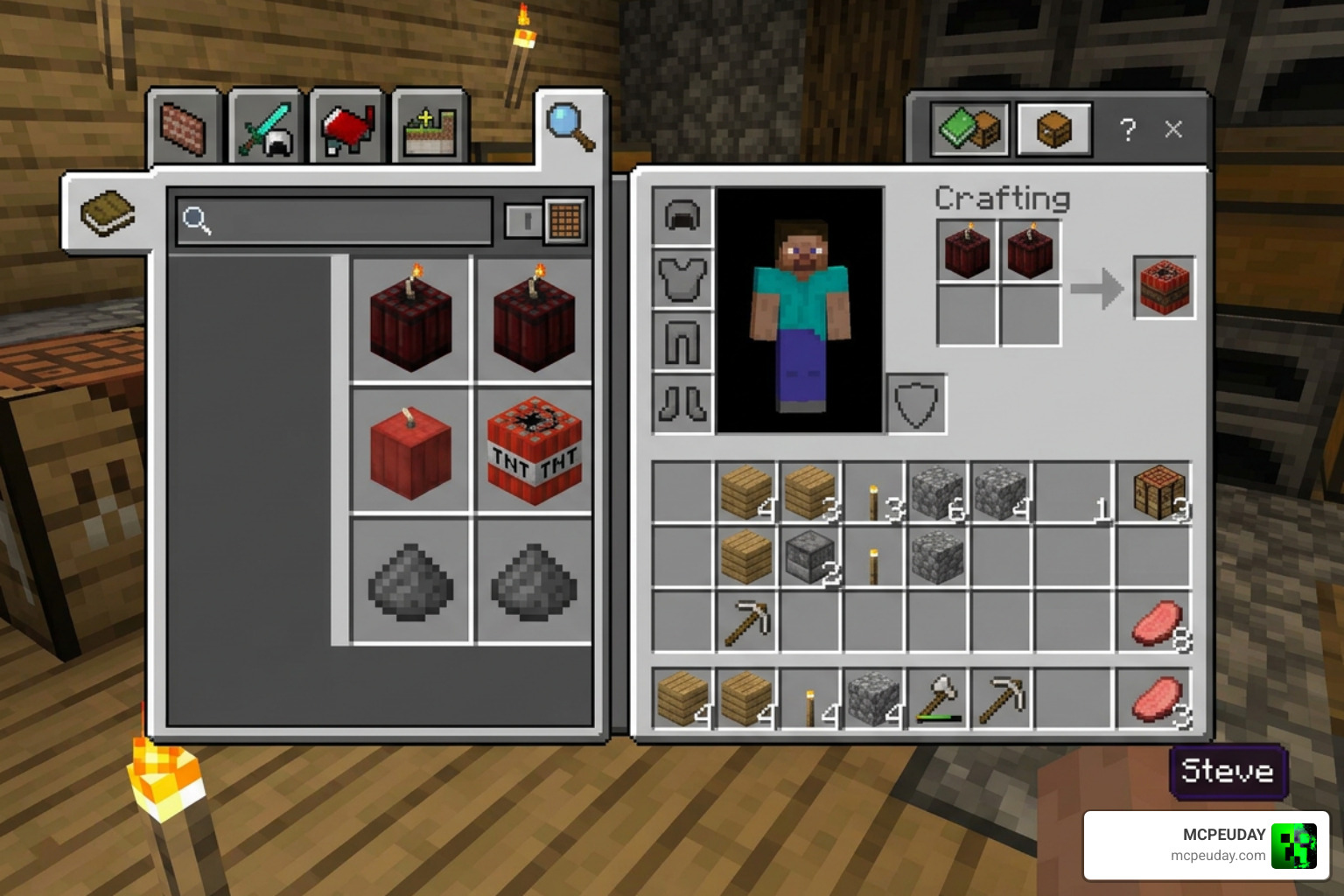
Many players assume that crazy mods like this are only fun in Creative mode. However, the creators designed this pack with Survival mode in mind. Every explosive block and dynamite stick has a fully integrated crafting recipe.
By utilizing a standard crafting table, you can combine vanilla resources—like sand, gunpowder, redstone, and ice—to craft specialized explosives. If you want to dive deeper into custom survival mechanics, you can easily download the TNT Addon to start crafting these game-changing blocks in your local survival world.
Once crafted, these custom blocks can be placed and ignited using flint and steel, redstone signals, or fire. The addon also features 26 custom dynamite variants that you can throw from a safe distance, flashing white in mid-air before they deliver a localized blast.
Comparing Custom Explosives to Vanilla TNT
To help you understand the power scaling, we have put together a quick comparison table highlighting the differences between standard vanilla TNT and some of the key custom variants introduced in the addon.
| TNT Type | Blast Radius (Blocks) | Block Damage | Special Effects / Utility | Best Use Case |
|---|---|---|---|---|
| Vanilla TNT | ~4 blocks | Moderate | Standard fire/explosion | Basic clearing |
| Mega TNT | ~12 blocks (3x Vanilla) | High | Massive cratering | Clearing large hills |
| Drill TNT | Linear tunnel | Controlled | Drops XP and items | Strip mining |
| Water TNT | Sphere-based | None | Replaces air with water | Creating lakes / Firefighting |
| Ice TNT | Moderate | Replaces blocks | Freezes water into ice | Crossing oceans |
| Giga TNT | Extreme (50+ blocks) | Total | Sweeps bedrock-level terrain | Ultimate destruction |
Key Features, Explosive Variants, and Upgrades
What makes the More TNT Addon so incredibly fun is the sheer variety of behaviors. We are not just talking about bigger explosions; we are talking about entirely new environmental interactions.
If you want to see these explosions in action before installing, check out this great community showcase video: Reviewing FREE More TNT Addon for Minecraft Bedrock … .
Utility and Mining Explosives
Mining in Minecraft can sometimes feel like a repetitive chore. These utility explosives turn resource gathering into an absolute blast:
- Drill TNT: This clever block drills straight down or forward, breaking blocks in a clean line while dropping XP orbs and item drops. Don’t worry—it cannot break bedrock, so your world boundaries remain safe!
- Mining TNT: Specifically designed to make subterranean mining safer. When detonated, it automatically replaces nearby water with ice and lava with obsidian, preventing you from getting flooded or burned while searching for diamonds.
Tactical and Chaotic Explosives
If you are looking to defend your base or play with friends on a multiplayer server, the tactical explosives offer endless fun:
- Smoke TNT: Releases a thick cloud of smoke particles. This is perfect for tactical retreats or blinding your opponents during PvP matches.
- Warp TNT: A chaotic block that randomly and sporadically warps around the immediate area once lit, making the final explosion location completely unpredictable.
- Poison Gas TNT: Releases green gas particles that apply fatal poison and nausea to any player or mob caught in the cloud. The gas dissipates safely after 10 seconds.
For players who love tactical combat, combining these explosives with the 5 Best Minecraft Bedrock Gun Mods for Survival PvP creates the ultimate military-style gameplay experience.
The TNT Upgrade and Customization System
The addon also features a brilliant scaling system using Compressed TNT. By combining multiple blocks of standard TNT together, you can scale your destructive power exponentially:
- x9 Compressed TNT: Nine blocks of TNT packed into one.
- x81 Compressed TNT: Eighty-one blocks of power.
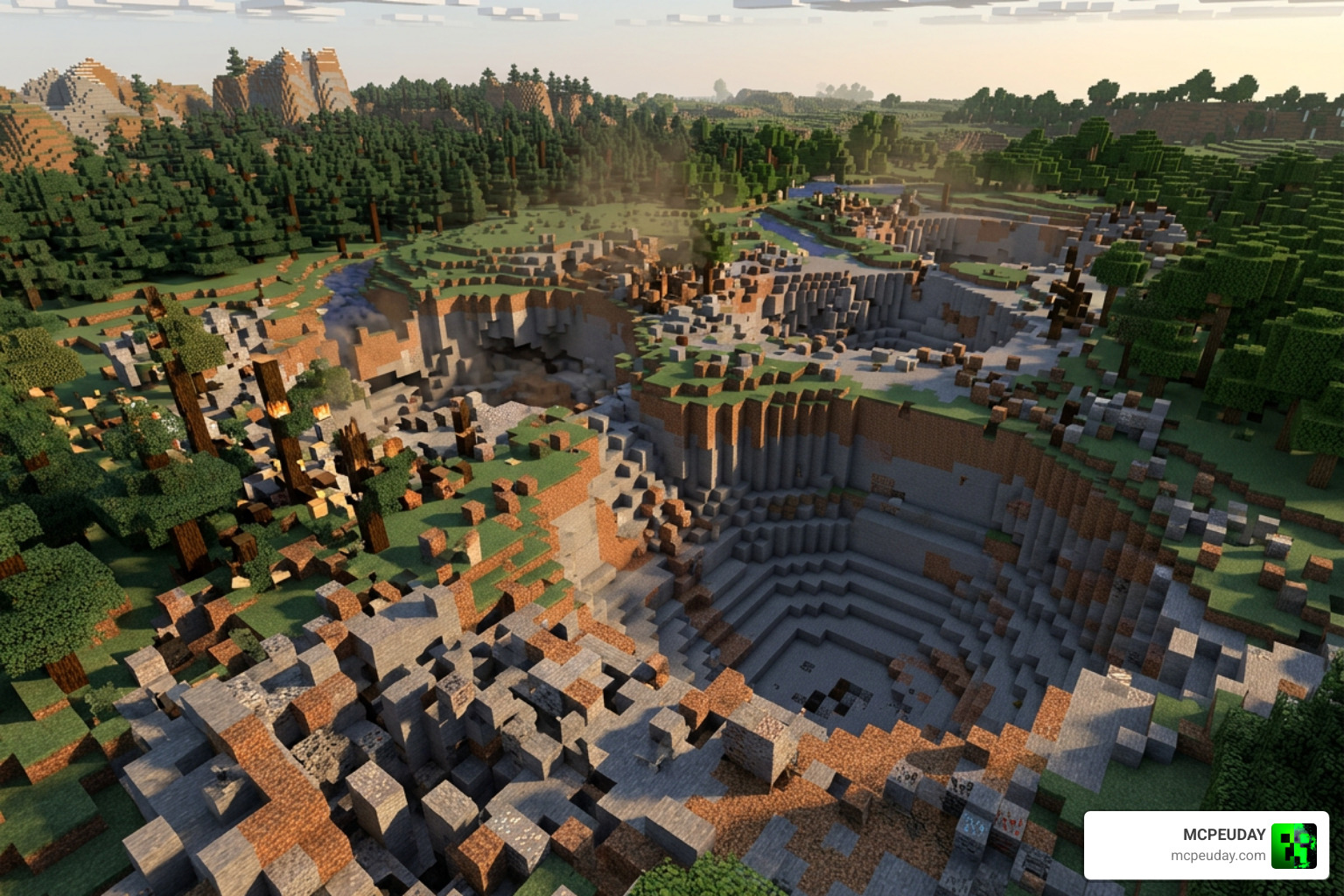
- x729 Compressed TNT: A devastating tier for clearing mountain ranges.
- x6561 Compressed TNT: The ultimate block of destruction. Use this with extreme caution, as it combines over six thousand blocks of TNT power into a single block!
Installation, Compatibility, and Best Practices
As of July 2026, the More TNT Addon is fully optimized to run smoothly on the latest Bedrock updates. However, because these blocks modify core game mechanics, there are a few best practices you must follow to avoid lagging your device or crashing your world.
If you are running a heavily modded survival world with other massive expansions—like the Better on Bedrock Addon—make sure to back up your world before testing the higher-tier compressed TNT blocks.
Step-by-Step Guide to Install More TNT Addon
Setting up the addon is incredibly straightforward if you follow these steps:
- Download the Files: Grab the official pack from the Minecraft Marketplace or download the community .mcaddon files from our dedicated TNT Addon page.
- Import to Minecraft: Double-click or tap on the downloaded
.mcaddonfile to automatically launch Minecraft and import the Behavior and Resource packs. - Create or Edit a World: Go to your world settings.
- Enable Experimental Settings: To ensure custom blocks and items load correctly, toggle on Beta APIs, Holiday Creator Features, and Custom Biomes in the Experiments tab.
- Activate the Packs: Under the Resource Packs and Behavior Packs tabs, activate the More TNT packs.
- Launch Your World: Enter your world and start crafting!
Frequently Asked Questions about More TNT
Is the More TNT Addon compatible with Minecraft Bedrock 1.21?
Yes! The addon is fully compatible with Bedrock version 1.21 and newer. The developers regularly update the pack to ensure that custom block geometry, sounds, and particles remain functional with Mojang’s latest engine updates.
Can I use these custom explosives in multiplayer worlds?
Absolutely. The addon supports full multiplayer and co-op gameplay. If you are playing on a local world, players who join you will automatically download the resource pack. For dedicated servers, make sure both behavior and resource packs are active in the server files.
Does the addon cause significant lag on mobile devices?
For standard variants like Drill TNT, Ice TNT, and Smoke TNT, mobile performance is incredibly smooth. However, detonating extreme blocks like the x6561 Compressed TNT or Giga TNT can cause temporary frame drops or lag on low-end mobile devices. We highly recommend testing these massive blocks in Creative mode first!
Conclusion
The More TNT Addon completely revitalizes the explosive mechanics of Minecraft Bedrock Edition. By introducing survival-friendly crafting recipes, specialized utility options, and jaw-dropping tiers of destruction, it offers something for every playstyle.
Whether you are a builder looking to clear space for a massive castle or a PvP enthusiast looking to pair these explosives with the 5 Best Minecraft Bedrock Gun Mods for Survival PvP, this addon is a fantastic addition to your game. Head over to our resource library, activate your experimental toggles, and enjoy the explosions!
1 thought on “More TNT Addon (26.x, 1.21) – MCPE/Bedrock Mod”