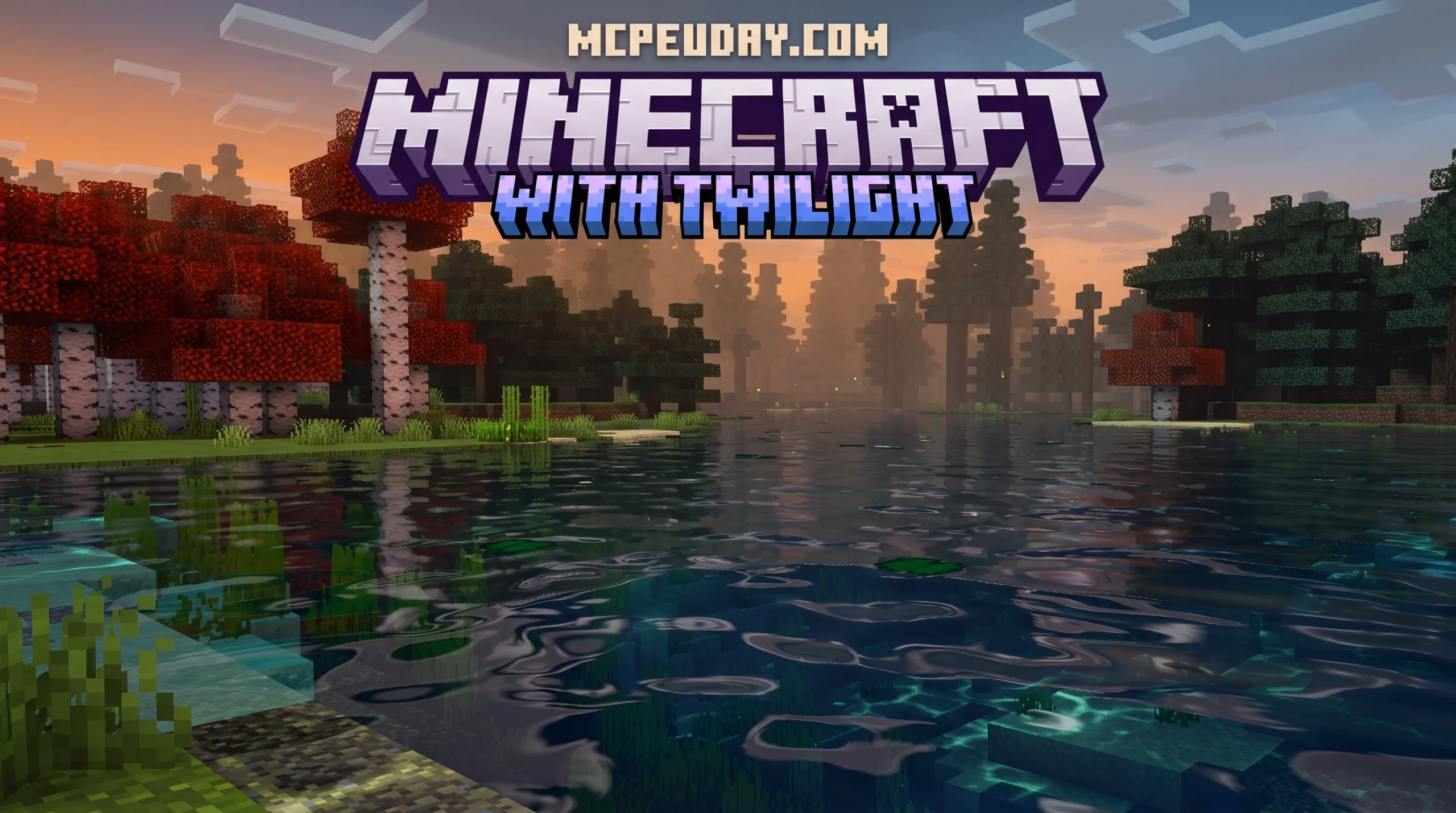
What the Twilight Visuals Shader Is and Why Players Love It
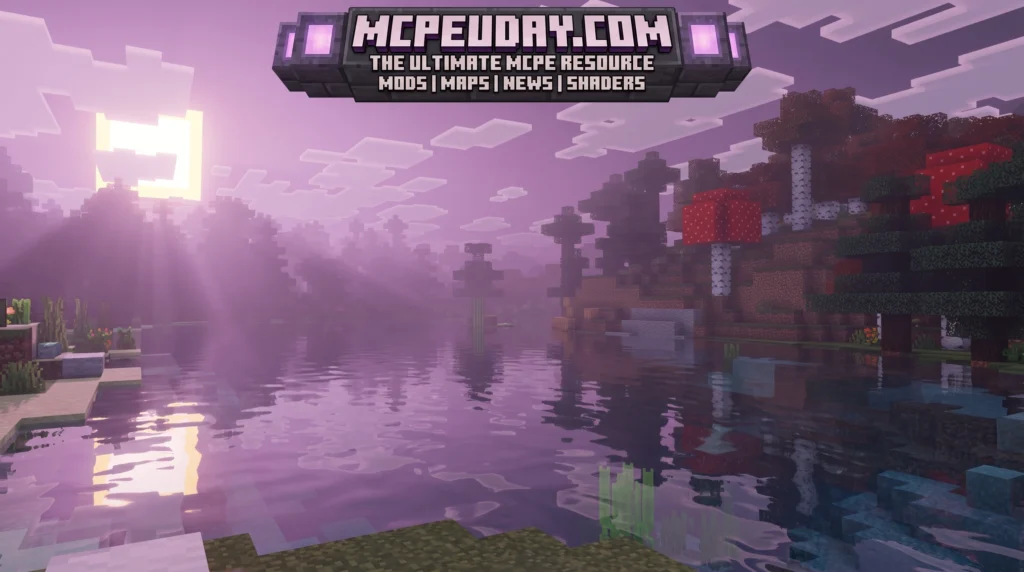
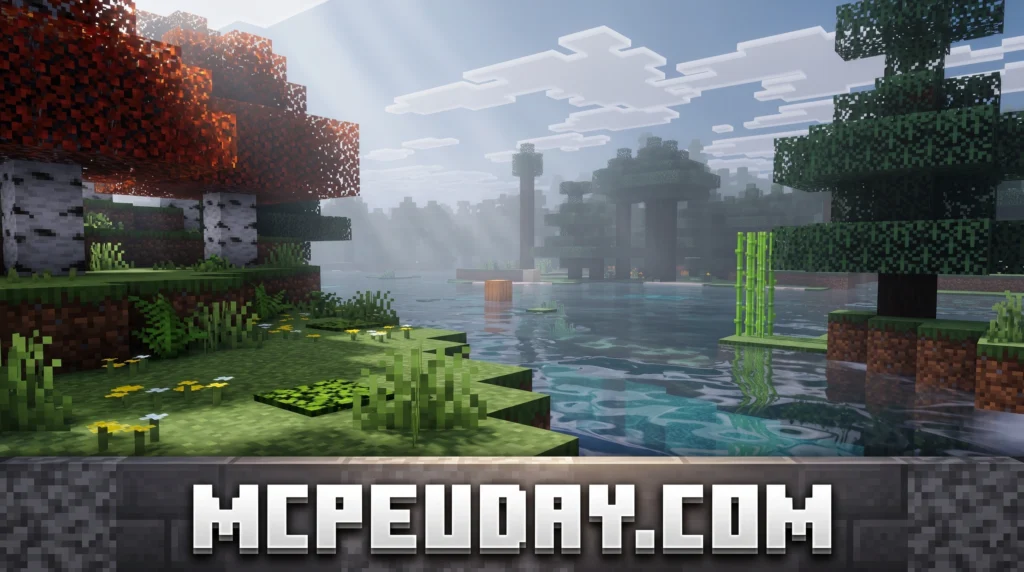
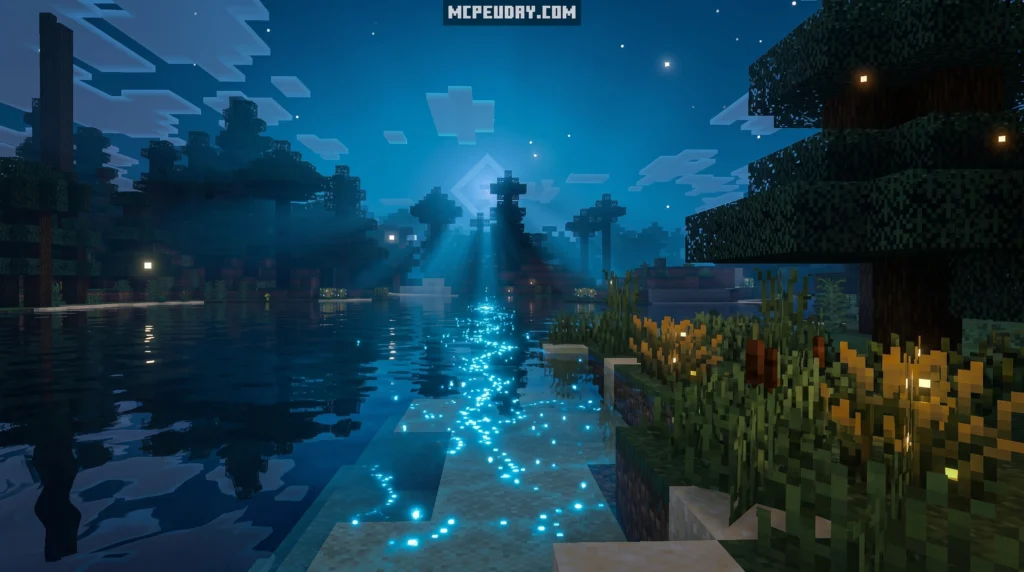
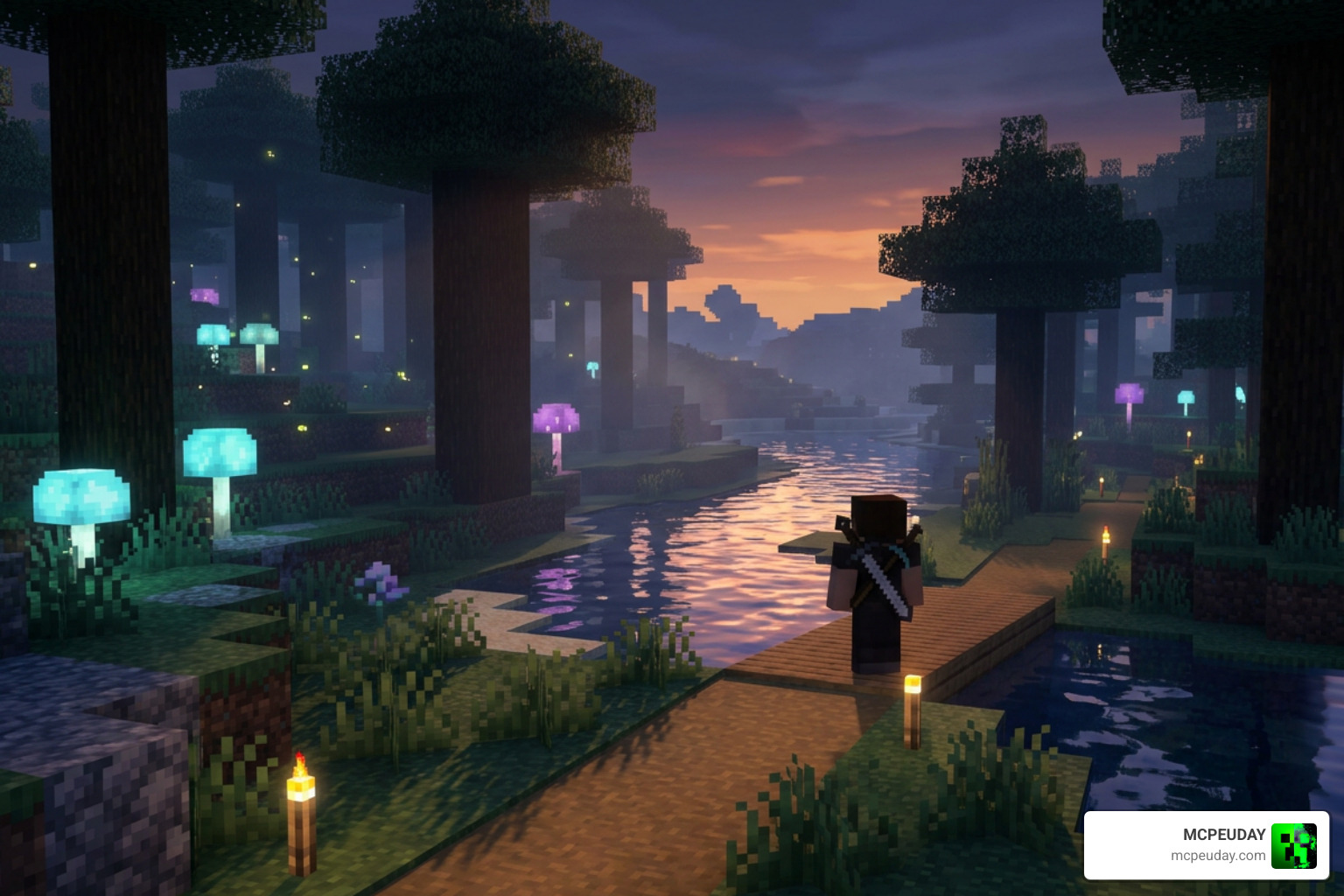
The Twilight Visuals Shader is one of the most talked-about shader packs for Minecraft right now — and for good reason.
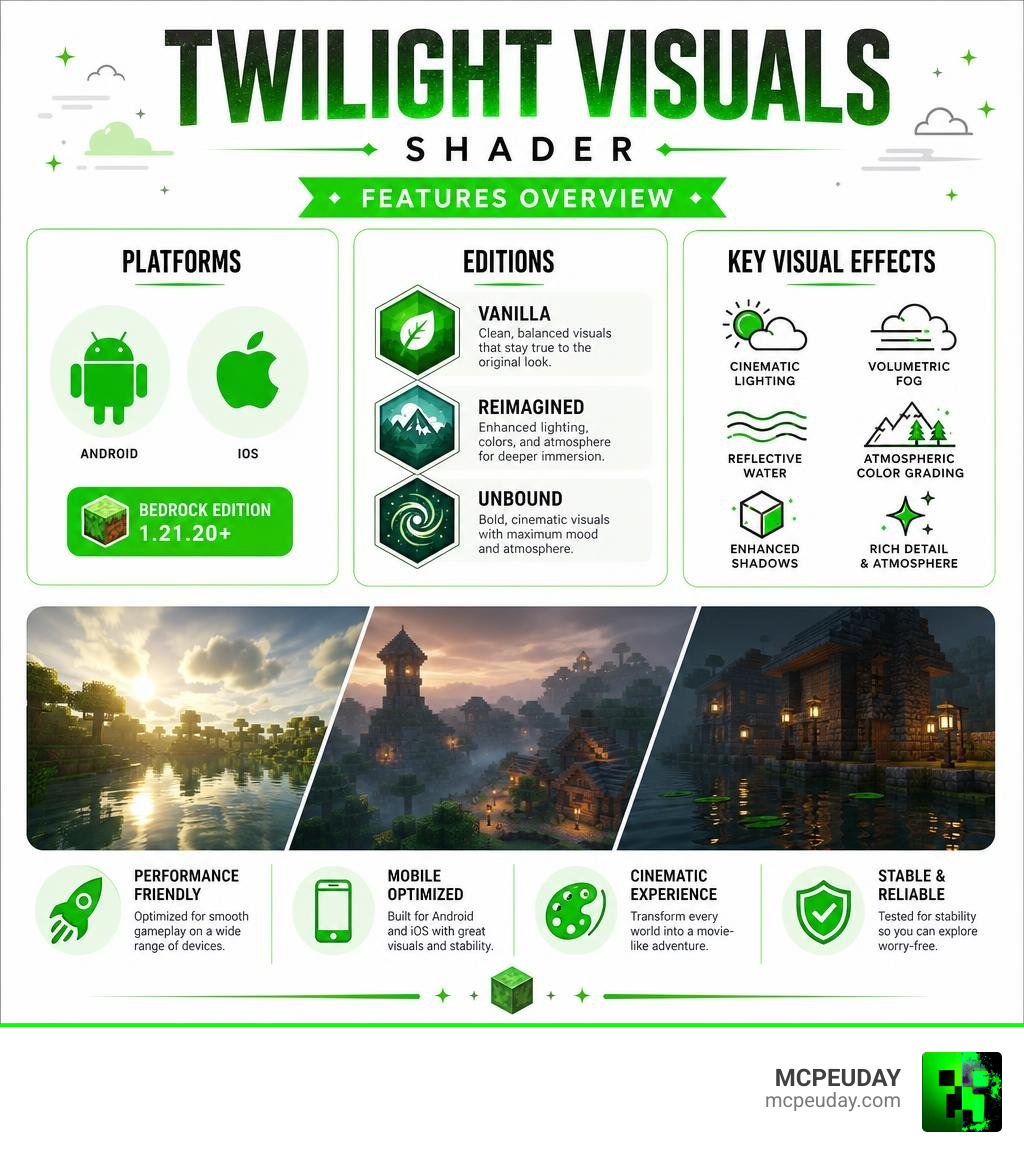
Quick answer: The Twilight Visuals Shader is a Minecraft shader pack that transforms the game’s visuals with cinematic lighting, volumetric fog, reflective water, and atmospheric color grading. It is available for Bedrock Edition (Android and iOS) on Minecraft 1.21.20 and above, with multiple editions to suit different devices and visual preferences.
At a glance:
- What it is: A cinematic Minecraft shader with twilight-style lighting and atmosphere
- Platforms: Android, iOS (Bedrock Edition)
- Minimum version: Minecraft Bedrock 1.21.20+
- Editions available: Vanilla, Reimagined, Unbound
- Best for: Players who want film-like visuals without completely destroying their FPS
Minecraft’s default graphics are functional, but they leave a lot on the table. Shaders fix that. And among the options out there, Twilight Visuals stands out for its focus on mood — that soft, overcast, cinematic look that makes every screenshot feel like a movie frame.
Whether you’re playing on a mid-range Android phone or a decent PC, there’s likely an edition of this shader built for your setup.
This guide covers everything: what it looks like, how it performs, how to install it, and which edition is right for you.
What is the Twilight Visuals Shader?
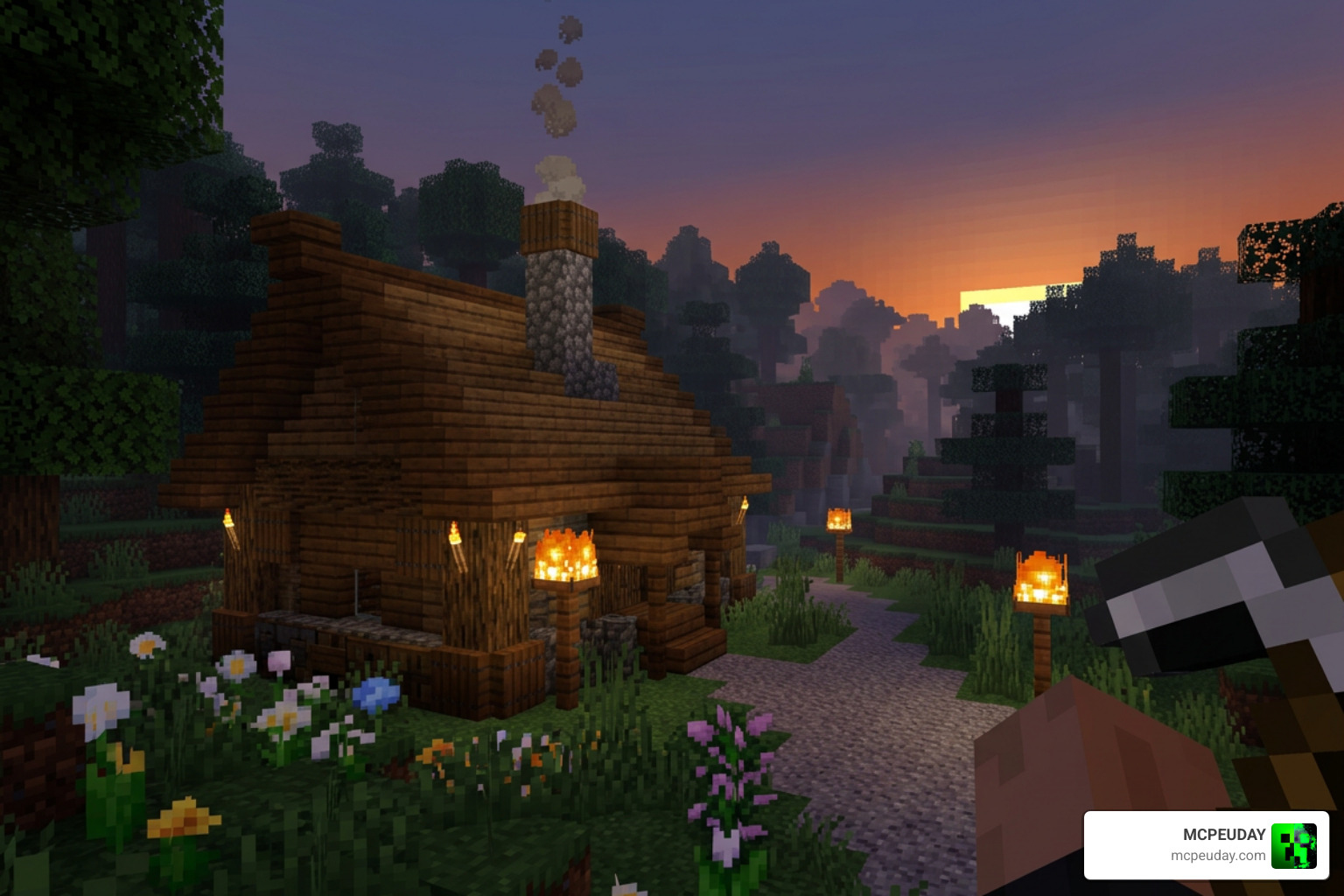
The Twilight Visuals Shader is a collective term for a family of shader configurations and packs designed to bring a moody, atmospheric, and highly cinematic upgrade to Minecraft. Originally inspired by some of the most famous Java Edition graphics packs, developers have successfully adapted these high-end aesthetics for mobile and console platforms.
Historically, shader development has followed distinct paths. On Java Edition, legacy projects like the mchorse/twilight repository pioneered OpenGL 2.1 compatible shader packs designed for broad hardware compatibility. Over time, the community-driven desire for these twilight-like aesthetics led to the creation of Bedrock-focused variants.
Today, the most popular iteration for mobile players is the Newb X Twilight shader, which beautifully ports Java-inspired visuals to Bedrock engine pipelines. It currently holds a solid 3.4 rating based on user reviews, reflecting its balance of performance and visual style. If you want a deep dive into the basics of this specific mobile port, check out our Newb X Twilight Shaders Ultimate Beginners Guide to get started.
Key Features and Visual Aesthetics
What makes the Twilight Visuals Shader so special is its commitment to visual depth and cinematic realism. Rather than simply cranking up the brightness or saturation, this shader balances colors to prevent excessive contrast. The result is a soft, film-like aesthetic that makes survival gameplay incredibly immersive.
Atmospheric Lighting in the Twilight Visuals Shader
The lighting model is where this shader truly shines. Instead of harsh, yellow sunlight, the Twilight Visuals Shader utilizes a cold, subdued blue-green color palette to simulate the overcast, mysterious atmosphere of the Pacific Northwest or a twilight transition.
Key atmospheric features include:
- Volumetric Fog: Thick, realistic fog layers that settle naturally in lowlands, valleys, and over water surfaces.
- Overcast Oregon Atmosphere: A unique aesthetic that captures a moody, thriller-style daylight cycle without relying on overly warm colors.
- Dynamic Sunset Palette: Soft, rich transitions during sunset and sunrise that gradually shift colors rather than snapping abruptly.
- Night Glow and Custom Torch Colors: Over 100 block types feature custom colored glows. Torches emit realistic, warm light that contrasts beautifully with the cold, dark night.
Water and Material Reflections
Water in this shader is a work of art. Instead of a flat, blue texture, the water features realistic transparency, reduced normal map intensity for a smoother surface, and gorgeous underwater caustics. Volumetric light beams pierce the water surface, creating stunning underwater scenes.
Materials also get a massive upgrade. Through integrated PBR (Physically Based Rendering) support, surfaces gain realistic reflective properties:
- Armor Shine and Minerals: Metallic armor sets and exposed mineral ores glint dynamically in the light.
- PBR Integration for Metals: Updated roughness and f0 values give iron, gold, and copper blocks a distinct metallic sheen.
- Enhanced Visual Vibrance: The shader balances color depth to make reflections pop without washing out the surrounding environment.
For Java Edition players looking to achieve a similar visual depth using the Iris loader, the v0.3.2a – Visual Vibrance pack recreates these stunning “Vibrant Visuals” with incredible accuracy. You can also explore the source code directly via the GitHub – jbritain/visual-vibrance at 9700e8a3c59eb710ab3b82b1c4643437e3c8062a · GitHub repository.
Compatibility, Performance, and Editions
One of the biggest hurdles for Minecraft players is finding a shader that actually runs smoothly on their device. Fortunately, the Twilight Visuals Shader is built with optimization in mind.
Supported Platforms and Minecraft Versions
The Newb X Twilight shader pack officially supports Minecraft Bedrock 1.21.20 and above on both Android and iOS devices. If you are playing on mobile, you can easily grab the files from our Minecraft Shaders Download For Android page.
For Java Edition players, similar visual styles can be achieved using vanilla-compatible shader pipelines. Projects like bradleyq/mcvanillashaders port advanced features (like screen-space reflections, atmospheric scattering, and volumetric clouds) directly to Minecraft’s vanilla fabulous graphics pipeline, meaning you do not always need a heavy mod loader to enjoy a visual upgrade.
Performance Optimization for the Twilight Visuals Shader
To cater to everyone from mobile gamers to high-end PC enthusiasts, the shader is divided into multiple subpacks and presets. This ensures that even “potato” devices can enjoy improved lighting without dropping below 60 FPS.
| Edition / Preset | Visual Quality | Performance Impact | Best Suited For | Key Features |
|---|---|---|---|---|
| Vanilla Edition | Subtle | Extremely Low | Budget Android/iOS devices | Soft fog, basic water reflections, improved torch colors |
| Reimagined Edition | Balanced | Medium | Mid-range phones & tablets | Volumetric clouds, balanced sunset palettes, light caustics |
| Unbound Edition | Cinematic | High | Modern flagships & PCs | Advanced PBR reflection, thick volumetric fog, rich night glow |
How to Install the Shader on Android, iOS, and PC
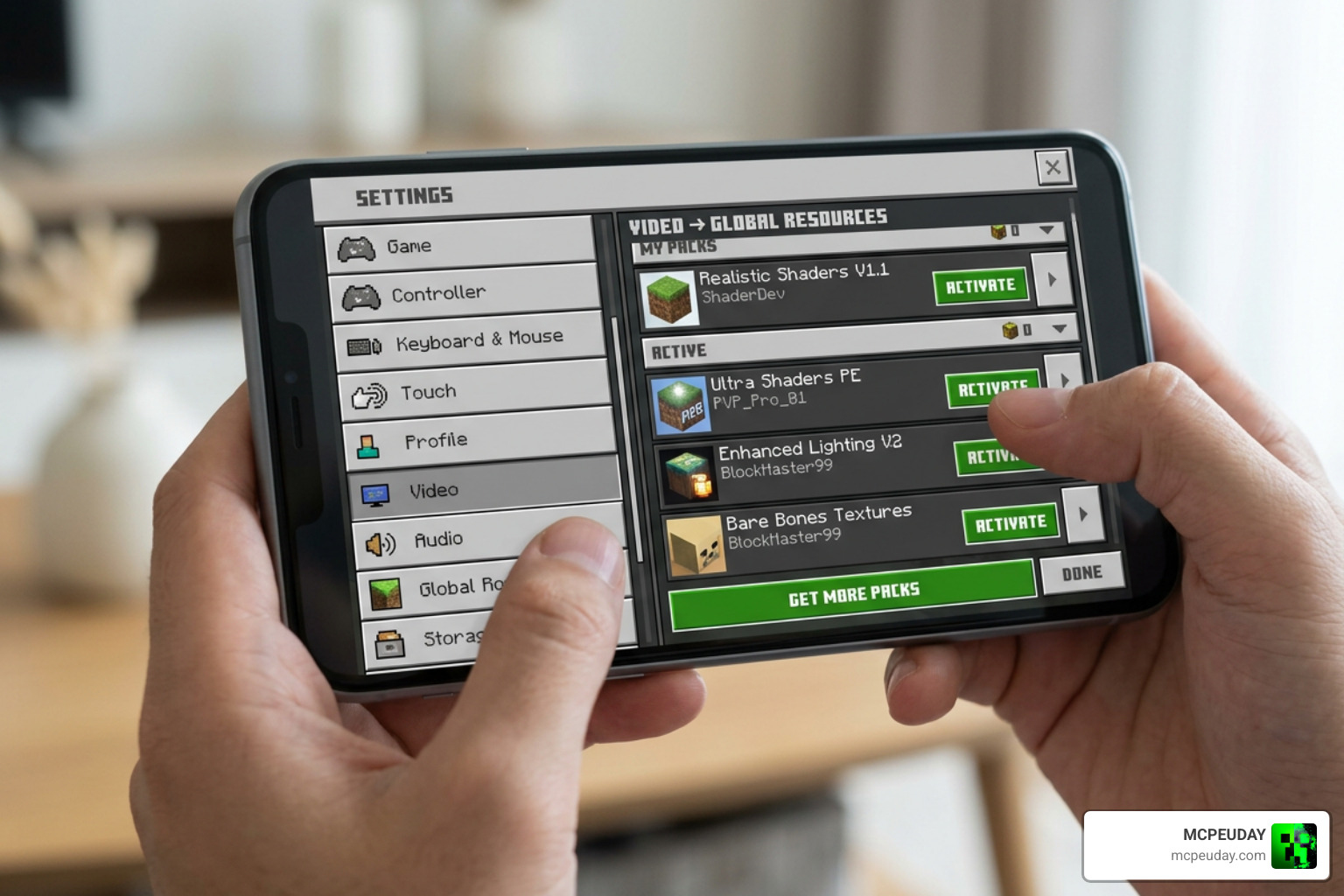
Installing the Twilight Visuals Shader is a straightforward process, but it varies slightly depending on your platform.
For Android:
- Download the
.mcpackfile from our verified links. - Open your file manager and locate the downloaded file.
- Tap on the file and select “Open with Minecraft.” The game will launch automatically and import the resource pack.
- Go to Settings > Global Resources, select the shader pack, and click Activate.
For iOS:
- Download the shader pack to your device.
- Use the iOS “Files” app to locate the file, tap it, and share/open it directly with Minecraft.
- Once imported, activate it under your global resource packs in the main menu settings.
For PC (Bedrock / Java):
- Bedrock: Double-click the downloaded
.mcpackfile to import it directly. - Java: Drag the shader
.zipfile into yourshaderpacksfolder inside your.minecraftdirectory (requires Iris or OptiFine).
For a complete, detailed walkthrough on activating graphics packs, read our How To Turn On Shaders In Minecraft 2026 Guide Java Bedrock Mcpe Setup Fast Mcpeuday guide.
Frequently Asked Questions about Twilight Visuals Shader
What Minecraft versions are supported by the Twilight Visuals Shader?
The Bedrock edition of the shader (Newb X Twilight) requires Minecraft Bedrock version 1.21.20 or later. For Java Edition players utilizing similar visual setups, compatibility extends across 1.20.x and 1.21.x versions when using the Iris shader loader.
Does the Twilight Visuals Shader cause lag on mobile devices?
It depends on the subpack you choose. The Vanilla edition is highly optimized for low-end hardware and causes virtually zero lag. If you experience performance drops on a mid-range phone while using the Unbound edition, we recommend switching to the Reimagined or Vanilla subpack to boost your FPS.
How do I configure the shader settings?
On Bedrock, you can adjust settings by clicking the gear icon next to the active shader in your Global Resources menu. On Java Edition, configurations can be adjusted in-game via the shader settings menu or by manually editing configuration files like transparency.json to tweak parameters such as FOV Guess, Fog Distance, and Bloom Amount.
Conclusion
We believe the Twilight Visuals Shader is an absolute must-have for anyone looking to escape Minecraft’s flat, default look. Its unique, moody, overcast atmosphere offers a refreshing break from the overly saturated look of other packs. Whether you are building a cozy cabin in a foggy valley or exploring deep ocean ruins under realistic water caustics, this shader completely changes how the game feels.
Ready to explore more incredible graphics options? Check out our list of the Best Shaders For Mcpe 1 21 2026 Top 3 Realistic Minecraft Pe Shaders to find the perfect look for your next adventure!