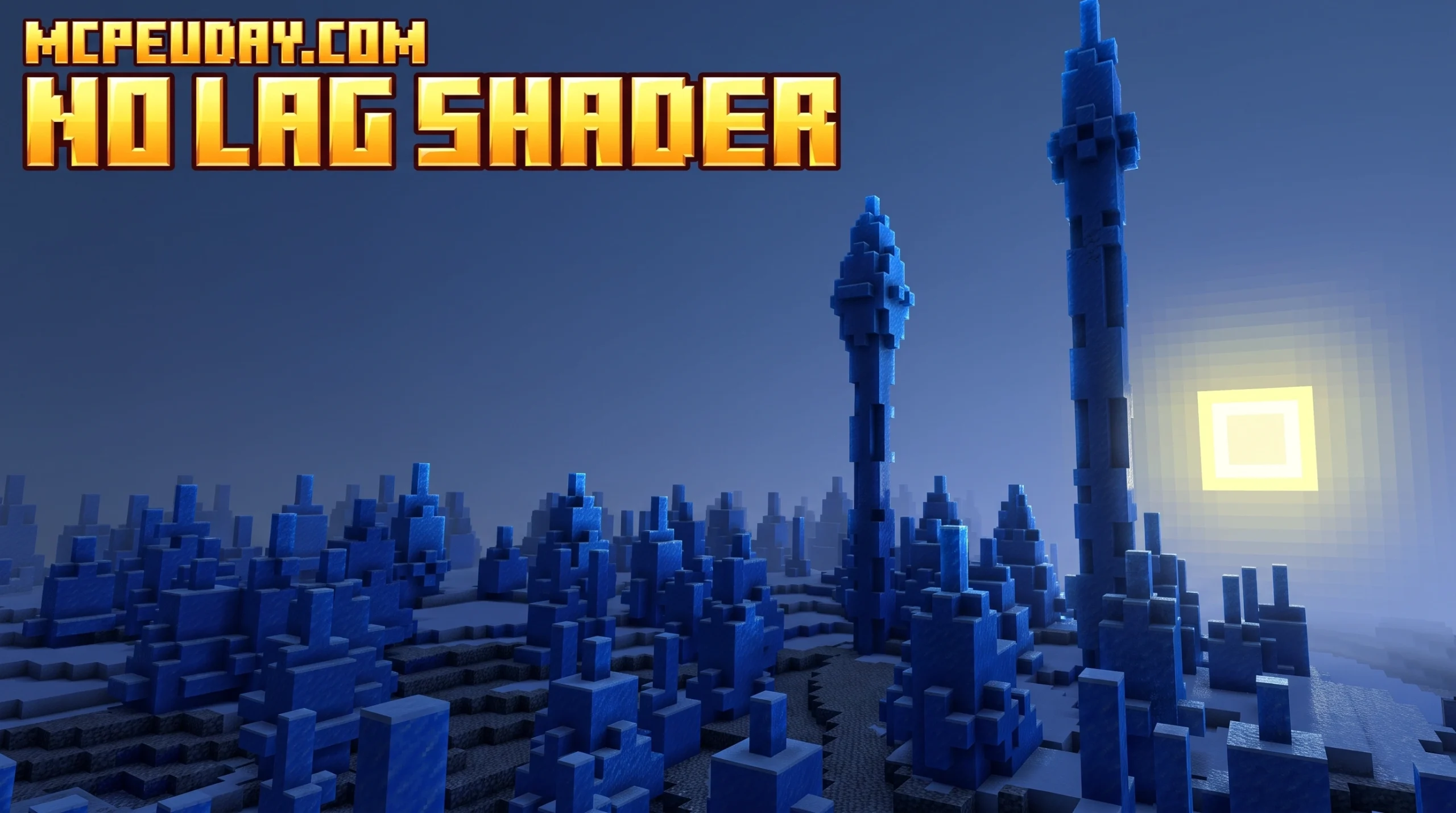
Why Every MCPE Player Needs a No Lag Shader Right Now
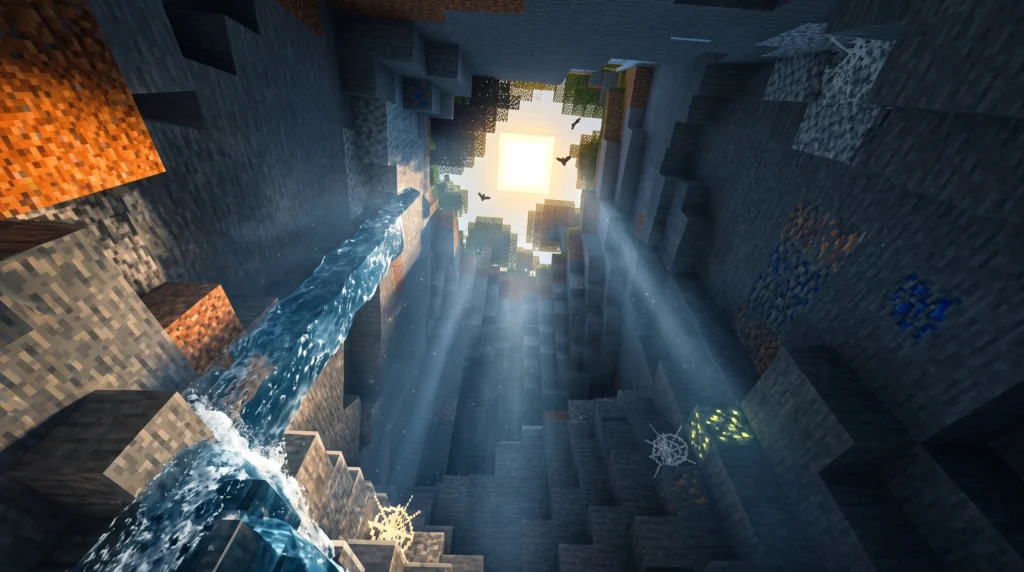
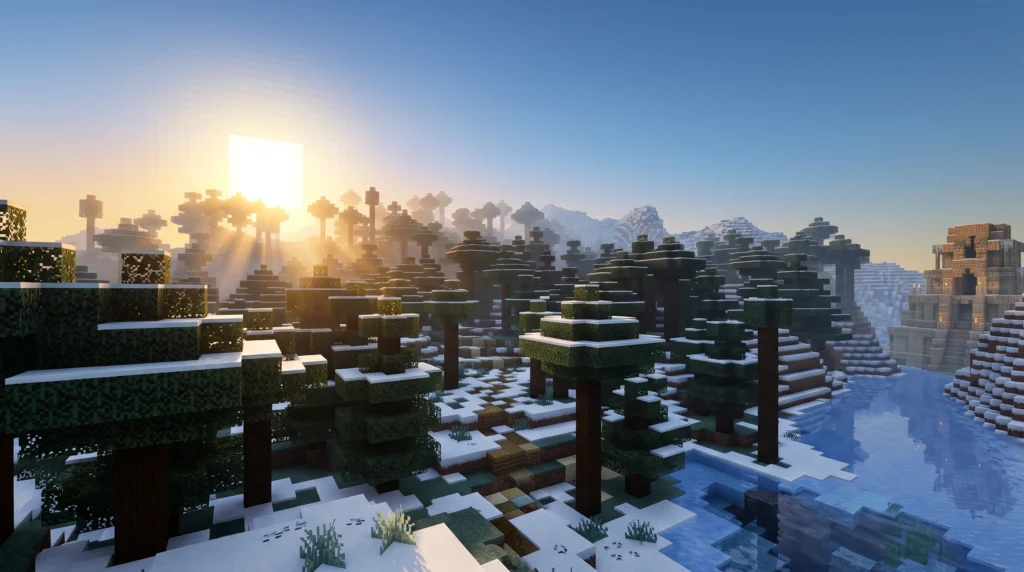
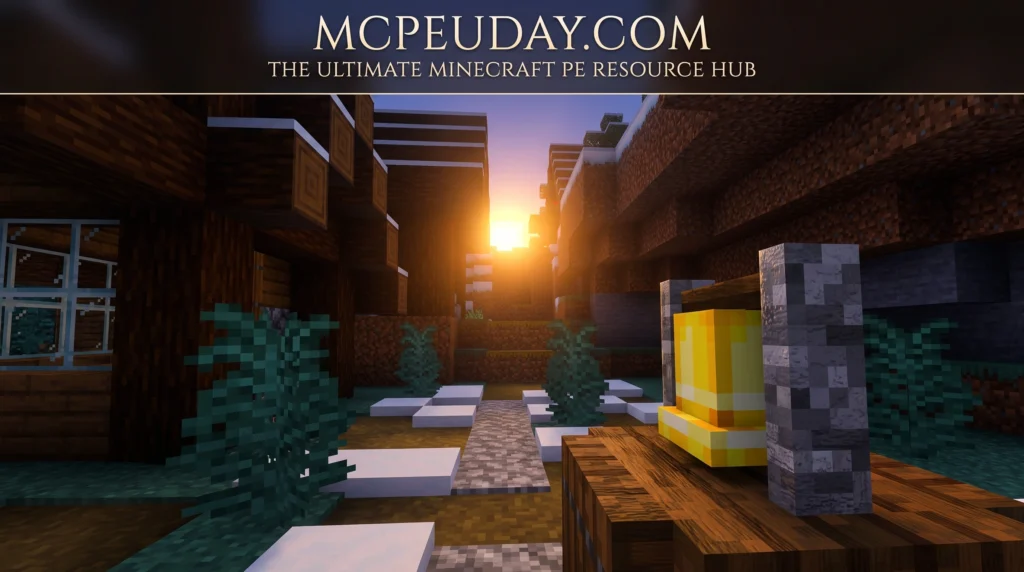
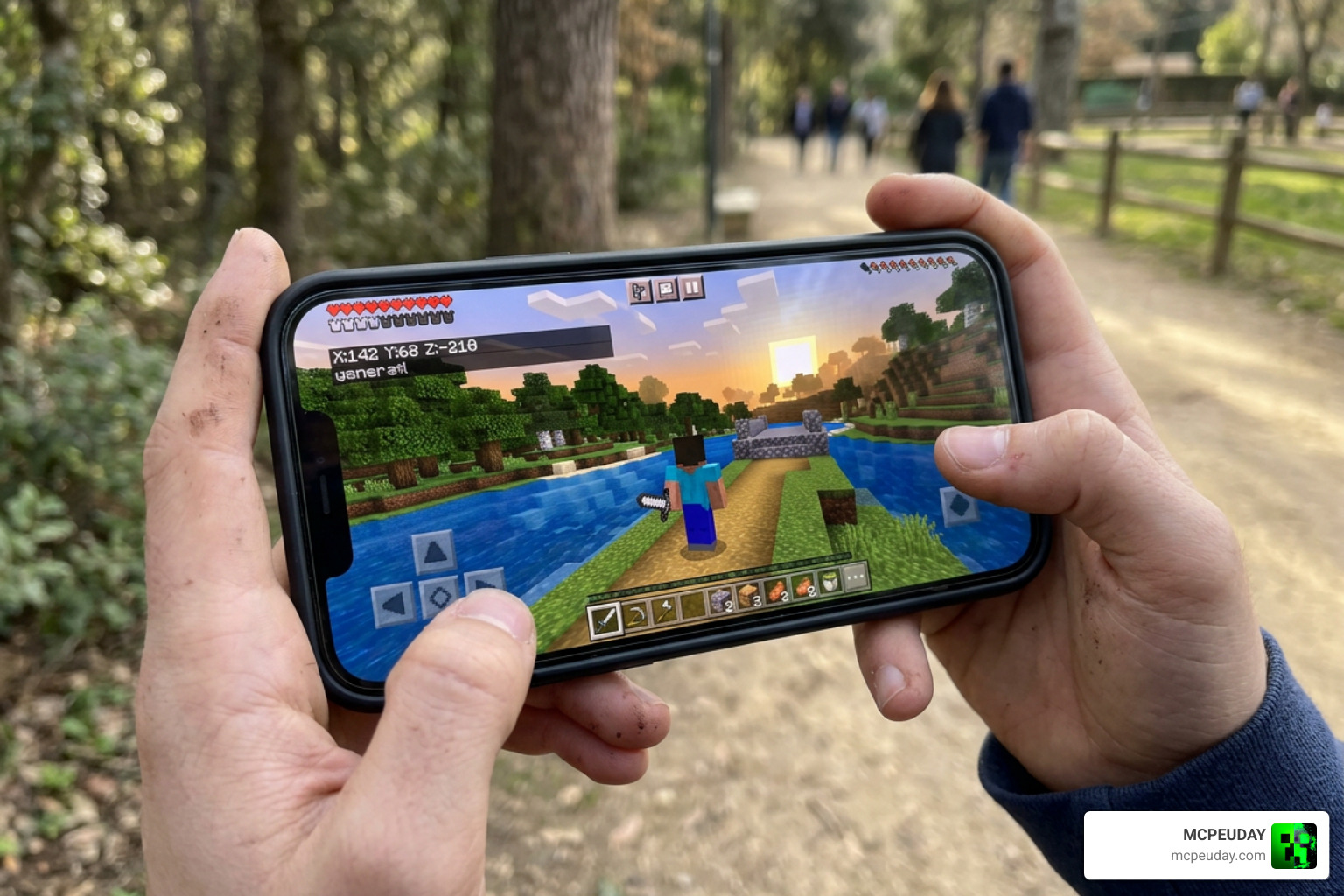
Finding the best no lag shader for MCPE can completely change how Minecraft feels on your phone or tablet. Here are the top options to get you started fast:
Best No Lag Shaders for MCPE (Quick Answer):
- SmooTea Shader OPTIMIZED – Best overall for low-end devices; adds 3D effects and glowing ores without killing your FPS
- Gemini Ultra Boost – Best for PvP; strips particles and animations to squeeze out every frame
- Alpha Optimizer – Best for customization; subpack options let you pick exactly what to keep or remove
- Zero Shader – Best for subtle upgrades; improves lighting and colors with almost no performance cost
- No Lag Shaders (vanilla pack) – Best for competitive play; warmer colors, stable FPS, no gimmicks
Minecraft Bedrock Edition is incredible — but on a mid-range or older phone, traditional shaders can turn smooth gameplay into a slideshow. Frame drops, stuttering, and overheating are real problems that millions of mobile players deal with every day.
That’s exactly why no lag shaders exist. They’re built differently. Instead of piling on reflections, shadows, and complex lighting, they focus on one thing: keeping your game smooth while still making it look better than vanilla.
And it’s not a niche problem. The Shaders Texture Packs for MCPE app alone has over 1 million downloads on Google Play — proof that players everywhere are hunting for a graphics boost that won’t wreck their performance.
This guide walks you through everything: what these shaders actually do, which ones are worth downloading in 2026, and exactly how to install them on Android, iOS, and Windows.
Understanding the Power of a no lag shader FOR MCPE
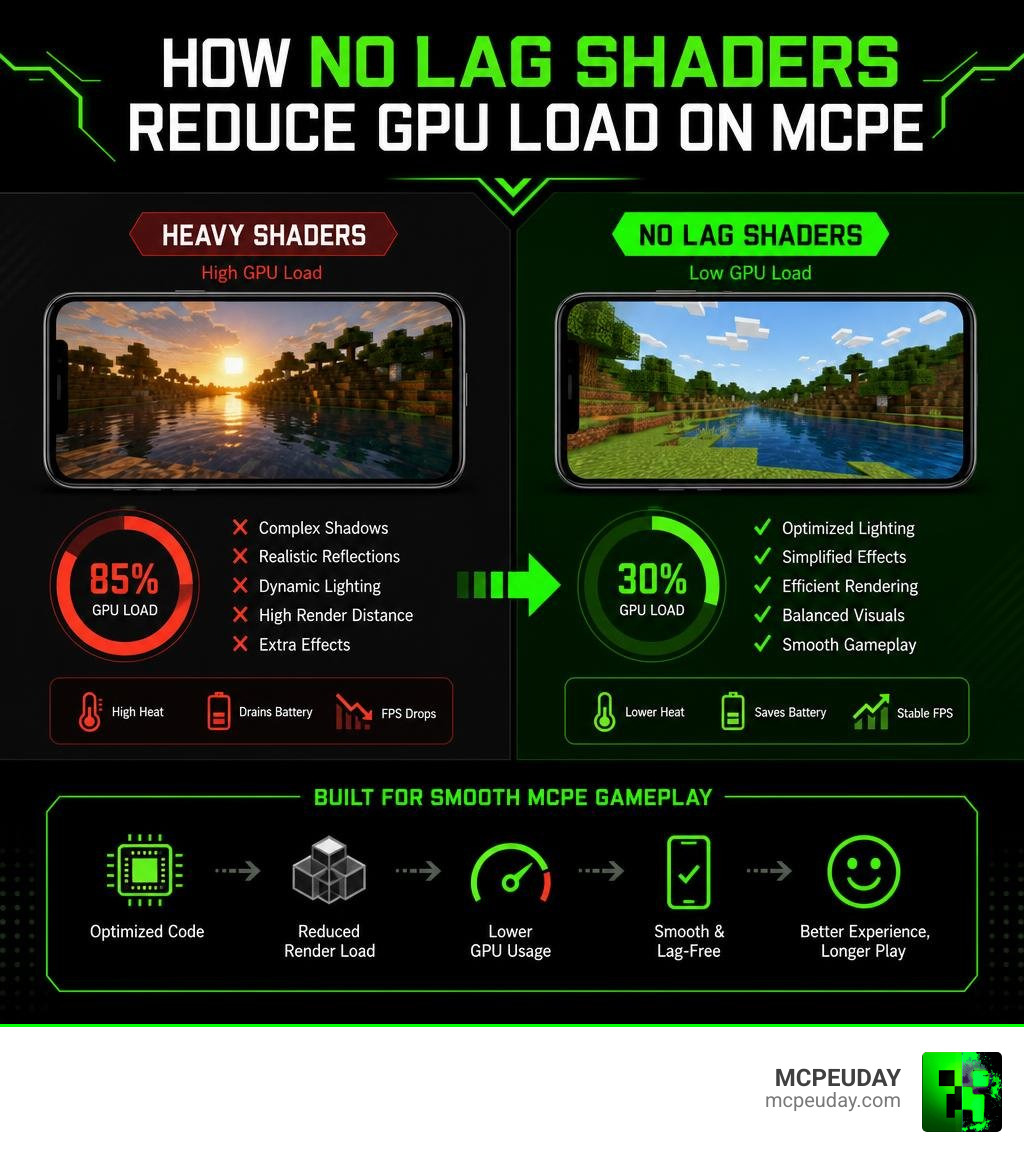
If you have ever tried running a heavy Java-style shader on your phone, you probably watched your battery drain in ten minutes while your device heated up like a toaster. This happens because Minecraft Bedrock Edition uses the RenderDragon rendering engine, which is notoriously difficult to modify with custom shaders.
Unlike standard graphics packs that force your phone to calculate real-time shadow maps and heavy water reflections, a no lag shader FOR MCPE is built from the ground up for performance optimization. Instead of adding heavy GPU-taxing tasks, these shaders tweak existing visual assets.
They make smart changes to the game’s atmosphere:
- Color and Contrast: They apply warmer color temperatures and boost color saturation to make the world pop without any performance cost.
- Lighting Tweaks: They adjust torch and ambient lighting so caves look bright and clear, which is a lifesaver when you are mining.
- Smart Fog: Instead of rendering infinite chunks, they use optimized fog to naturally blend the horizon, hiding chunk loading and saving valuable frames.
By focusing on these lightweight adjustments, you can completely sidestep the common frame drops that plague mobile devices. If you are struggling with stuttering even without resource packs active, check out our Why is Minecraft Bedrock So Laggy Fix FPS Drops Stuttering Lag Spikes 2026 Guide to clean up your base game first.
Top Performance-Optimized Shaders for Minecraft Bedrock
Finding the perfect balance between beautiful visuals and top-tier performance can be tricky. Some shaders focus purely on giving you a visual upgrade, while others act more like optimization mods that strip away heavy elements to give you a massive FPS boost.
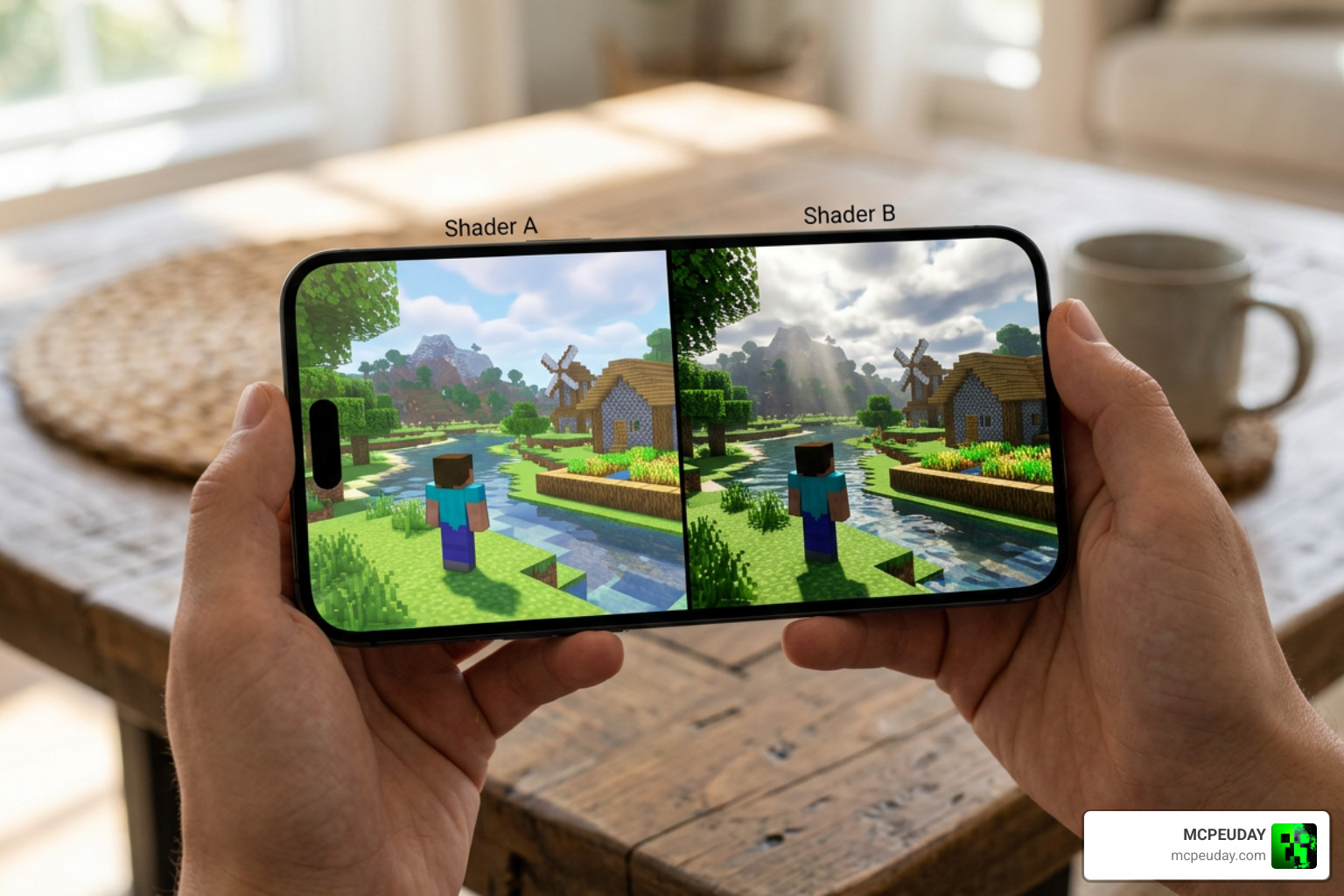
Here is how the top performance shaders stack up in 2026:
| Shader Name | Primary Focus | Key Visual Features | Best For |
|---|---|---|---|
| SmooTea Shader | Visual Balance | 3D effects, glowing ores, custom clouds | Survival & Exploration |
| Gemini Ultra Boost | Maximum FPS | Reduced fire, transparent pumpkin, no particles | PvP & Competitive Servers |
| Alpha Optimizer | Customization | Cloudless sky, low fire, outlined ores, no rain | Low-end Phones |
| Zero Shader | Vanilla Enhancement | Soft lighting, clear water, warm color grading | Casual Gameplay |
SmooTea Shader OPTIMIZED
With nearly 400,000 downloads on CurseForge, the SmooTea Shader | Low End Shader – Minecraft Bedrock Texture Packs is a legendary choice for low-end devices. It makes the world look incredibly clean by adding custom 3D effects, beautifully bright torch lighting, and glowing ores. It is fully updated for the latest 1.21+ lighting changes, making it a reliable choice for modern players.
Gemini Ultra Boost
If you spend your time in PvP lobbies or skywars servers, Gemini Ultra Boost is your best friend. Instead of adding heavy visual layers, it actually removes performance-hogging elements. It strips out heavy particle effects, disables Flipbook animations, and reduces the height of fire on your screen so you can see your opponents clearly during combat.
Alpha Optimizer
Inspired by legendary PC optimization mods like OptiFine and Sodium, Alpha Optimizer is designed to squeeze every last drop of performance out of your mobile GPU. It features subpack options that allow you to turn off rain, clear out clouds, and optimize water rendering. It also adds highly useful survival features like outlined ores.
Zero Shader
Zero Shader is perfect for players who love the vanilla look of Minecraft but want slightly better atmosphere. It offers variants that work both with and without RenderDragon features, giving you soft day-night transitions, improved water transparency, and balanced contrast without any noticeable impact on your frame rate.
If you want to see how these options compare to other high-performance visual packs, browse through our list of the Best Render Dragon Shaders for MCPE 1.21 Tested on Real Devices 2026 Guide for real-world device tests.
Why You Need a no lag shader FOR MCPE on Low-End Devices
When you play Minecraft on a mobile device, your phone has to balance rendering millions of blocks while keeping its internal temperature safe. Heavy shaders cause thermal throttling, which triggers sudden, frustrating frame drops right in the middle of a fight or build.
By using a lightweight shader like the Newb X Lowres Renewed Shader Best Lightweight Shader for Minecraft PE Bedrock, you reduce the overall GPU load. This keeps your device cool, saves your battery life, and ensures that your frame rate stays locked at a smooth 60 FPS, even when you are fly-rendering chunks with an Elytra.
How to Choose the Best no lag shader FOR MCPE
Choosing the right pack depends entirely on what you want out of your game:
- For PvP and Servers: Choose performance-first packs like Gemini Ultra Boost or Alpha Optimizer. They remove particles and screen clutter, giving you a distinct competitive advantage.
- For Survival and Building: Go with packs like Newb X Lowres Shaders for Minecraft PE MCPE Complete Beginners Guide Installation Settings FPS Tips or Newb X Soleil Shader Best Lightweight MCPE Shader for Realistic Graphics which maintain beautiful skies and warm lighting while keeping the rendering engine lightweight.
- Utilize Subpacks: Many of these shaders come with built-in sliders in your resource pack settings. Always check if your shader has subpack levels (like Low, Medium, or High) so you can customize the visual trade-offs to match your specific phone.
Step-by-Step Installation Guide for Android, iOS, and Windows
Because Mojang’s RenderDragon engine does not officially support custom shader loading, installing these packs requires a few specific steps depending on your device.
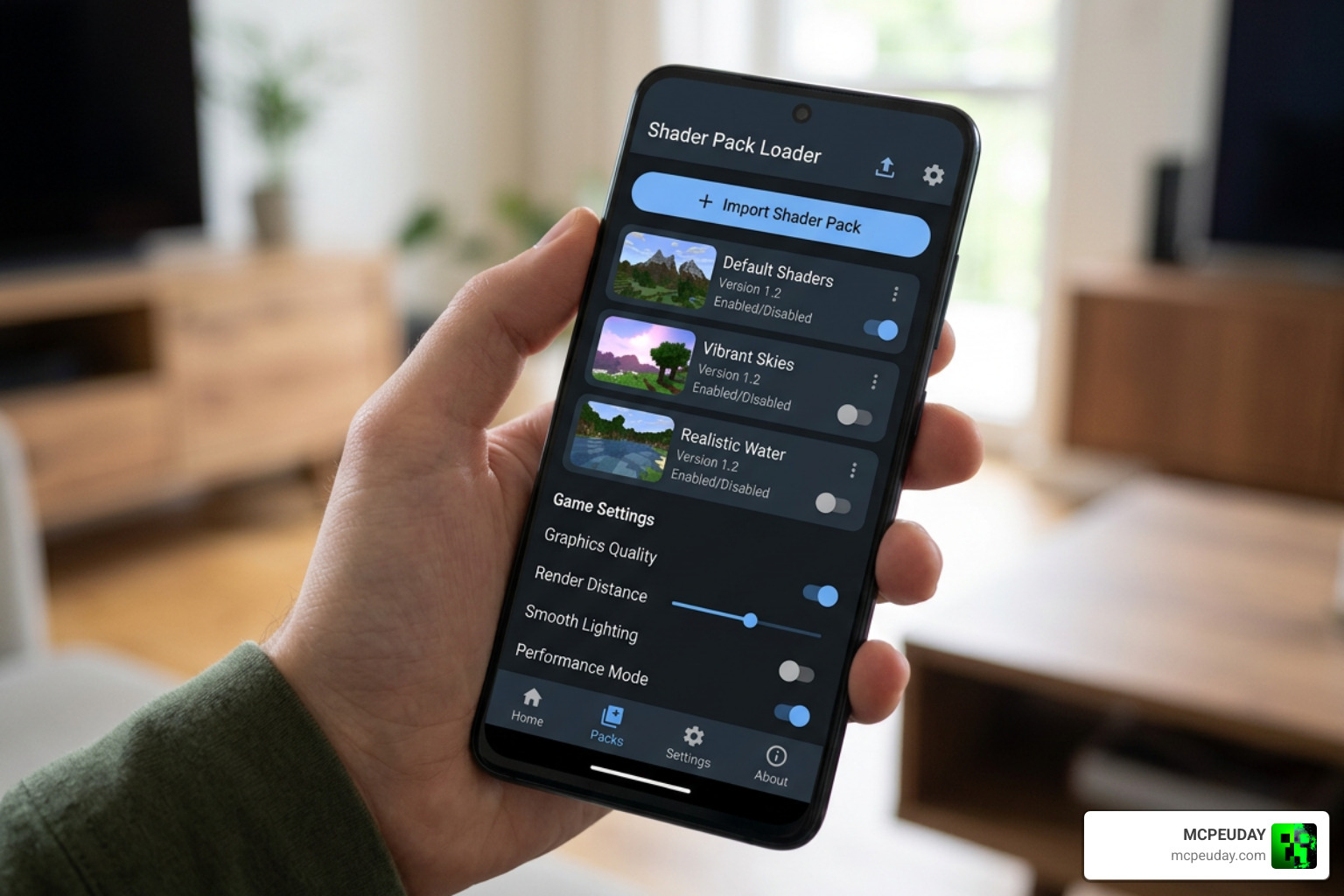
How to Install on Android (Using MB Loader)
- Download your chosen shader
.mcpackfile. - Download and install MB Loader (MaterialBinLoader) for Android.
- Open Minecraft and import the shader pack.
- Go to Settings > Global Resources and activate the shader.
- Launch Minecraft through the MB Loader app to ensure the custom materials load correctly.
How to Install on Windows (Using BetterRenderDragon)
- Download and install BetterRenderDragon or Matject on your PC.
- Import the shader
.mcpackfile into Minecraft by double-clicking it. - Go to your Global Resources and activate the pack.
- Launch Minecraft using your BetterRenderDragon helper tool to bypass the default RenderDragon limitations.
For a complete, highly detailed breakdown of this setup process, follow our How to Turn on Shaders in Minecraft 2026 Guide Java Bedrock MCPE Setup Fast Mcpeuday.
Limitations and Compatibility Issues in 2026
The world of Bedrock modding changed significantly when Mojang updated the lighting engine in version 1.21.100. Because of these updates, older shaders designed for versions 1.20 or earlier will often cause severe visual bugs, black screens, or completely fail to load.
When hunting for shaders on directories like Shaders – Minecraft Bedrock Texture Packs – CurseForge or using tools like Shaders Mods for Minecraft PE – Apps on Google Play , always double-check the compatibility tags.
If you want absolute realism and your device can handle the official deferred rendering pipeline, you can explore options listed in our Best Shaders for MCPE 1.21 2026 Top 3 Realistic Minecraft PE Shaders guide. However, if you are on a budget device, stick strictly to the optimized, low-end packs highlighted in this article.
Frequently Asked Questions about MCPE Shaders
Do no lag shaders work on multiplayer servers?
Yes! Because these shaders are entirely client-side resource packs, they only change how the game looks on your screen. They do not alter server-side code, meaning you can safely use them on Realms, featured servers, and private multiplayer worlds without any issues or ban risks.
Why did my shader stop working after the RenderDragon update?
Mojang’s RenderDragon engine replaced the old rendering system, which blocked traditional shader files. Shaders in 2026 require specialized loading tools (like MB Loader or BetterRenderDragon) or must be specifically coded to work with Bedrock’s modern material formats.
Can I use these shaders on iOS devices?
Yes, but iOS has stricter file-system sandboxing, meaning you cannot easily use third-party tools like MB Loader. For iOS, you should look for lightweight, resource-pack-based shaders (like certain versions of the Newb series) that can be imported directly via the Files app without external launchers.
Conclusion
You do not need a thousand-dollar gaming phone to enjoy a beautiful, atmospheric Minecraft world. By choosing a high-quality no lag shader for MCPE, you can enjoy warm sunsets, bright caves, and clean visual designs while keeping your frame rate perfectly smooth.
Whether you want the combat-ready performance of Gemini Ultra Boost or the balanced, cozy visuals of SmooTea, we have got you covered. Browse the Best MCPE Shaders on MCPEUDAY today to find the perfect graphics pack for your device!