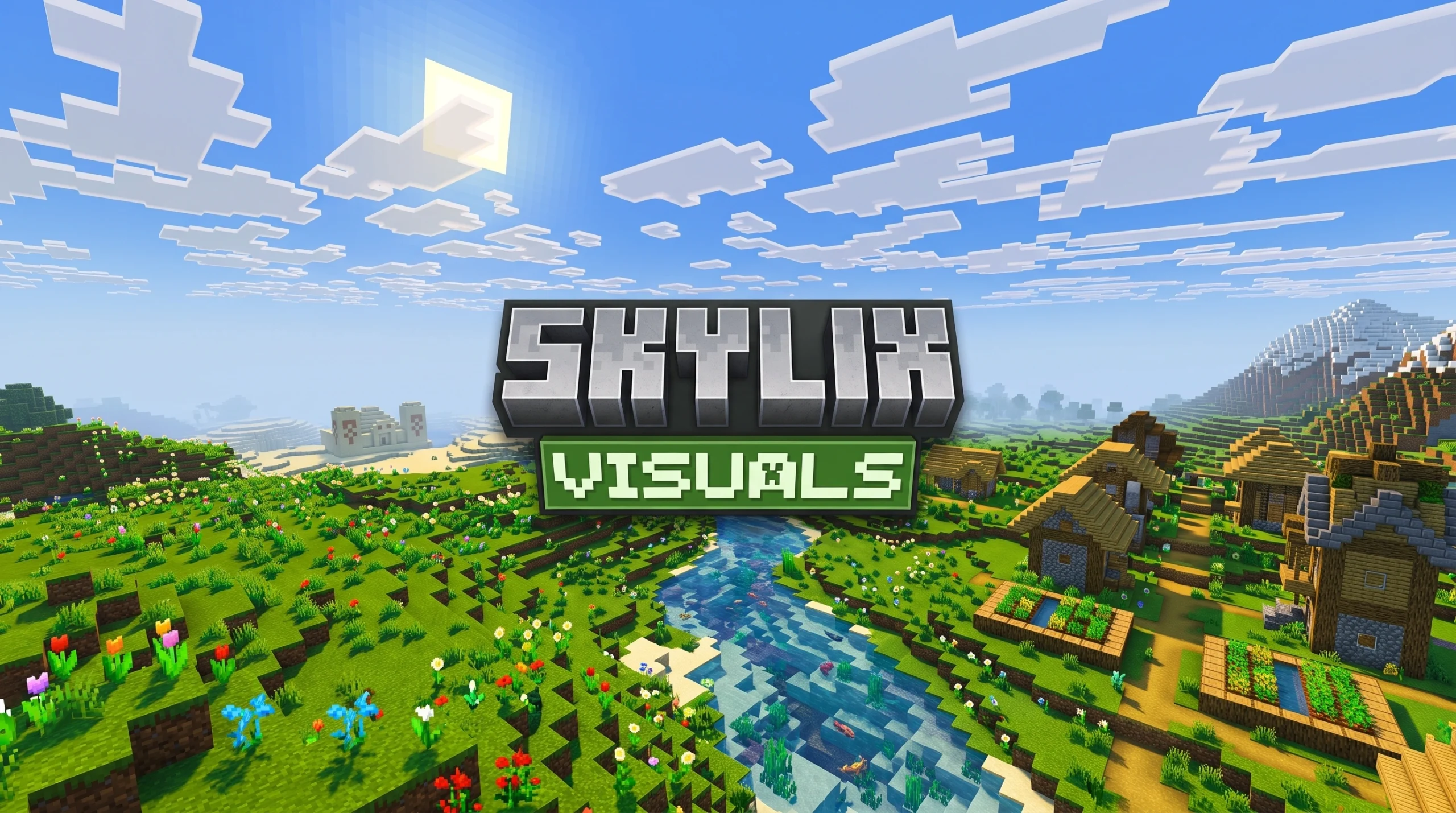
Why Skylix Visuals Shader Is the Visual Upgrade Your Minecraft Bedrock Needs
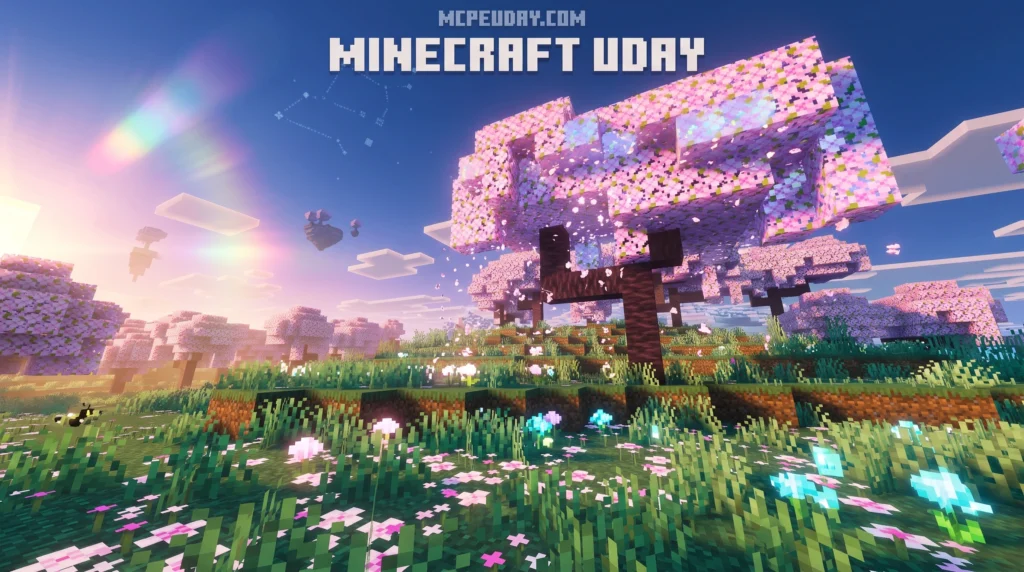
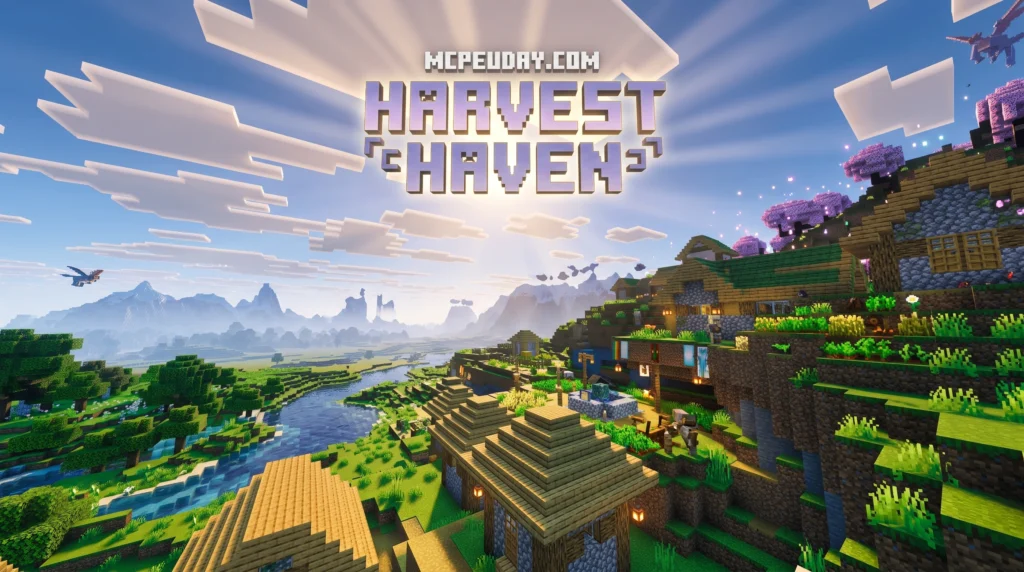
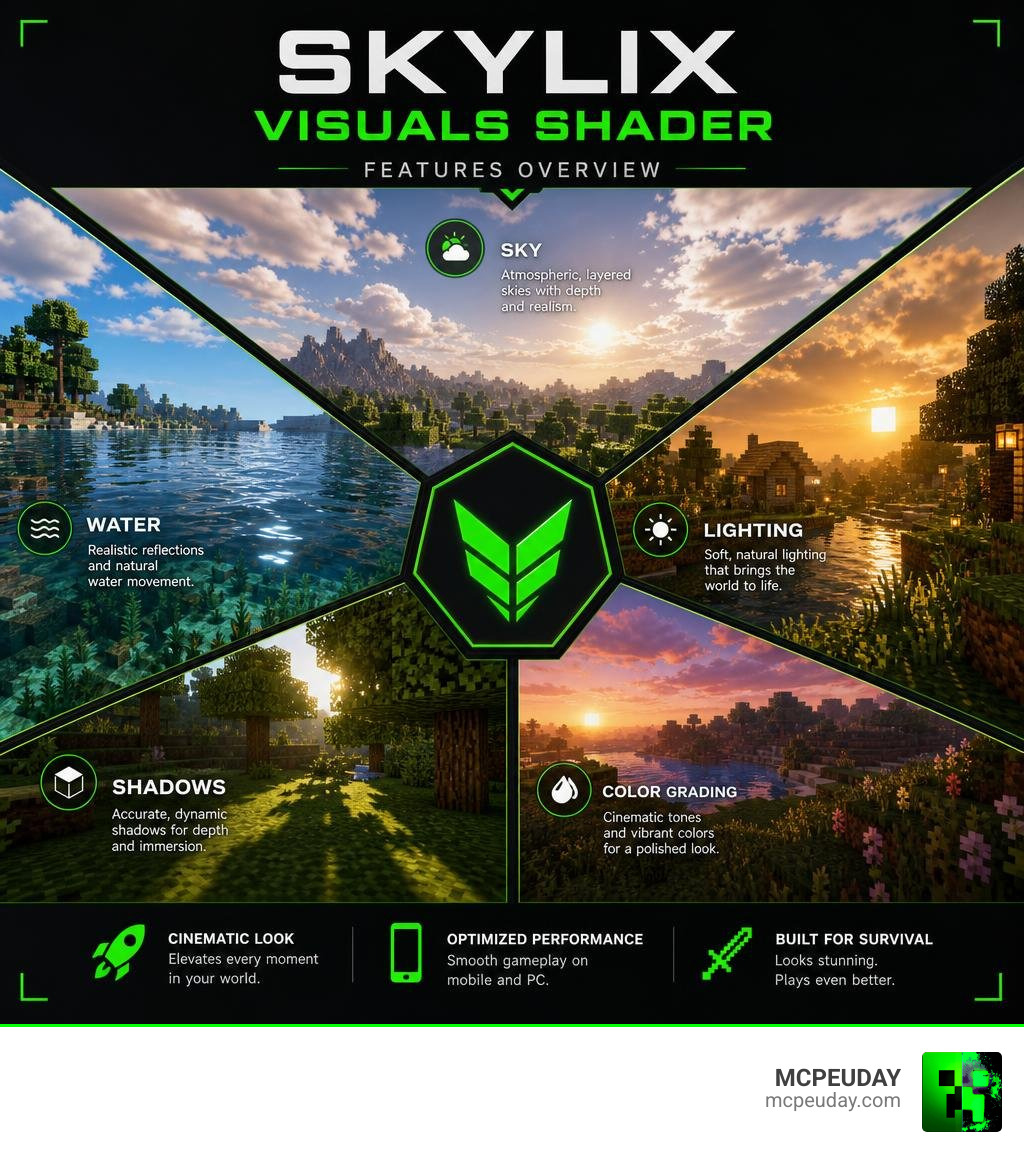
Skylix Visuals Shader is a visual enhancement shader pack for Minecraft Bedrock Edition that transforms the game’s default graphics with improved lighting, realistic skies, dynamic water effects, and rich color grading — all without requiring a high-end PC.
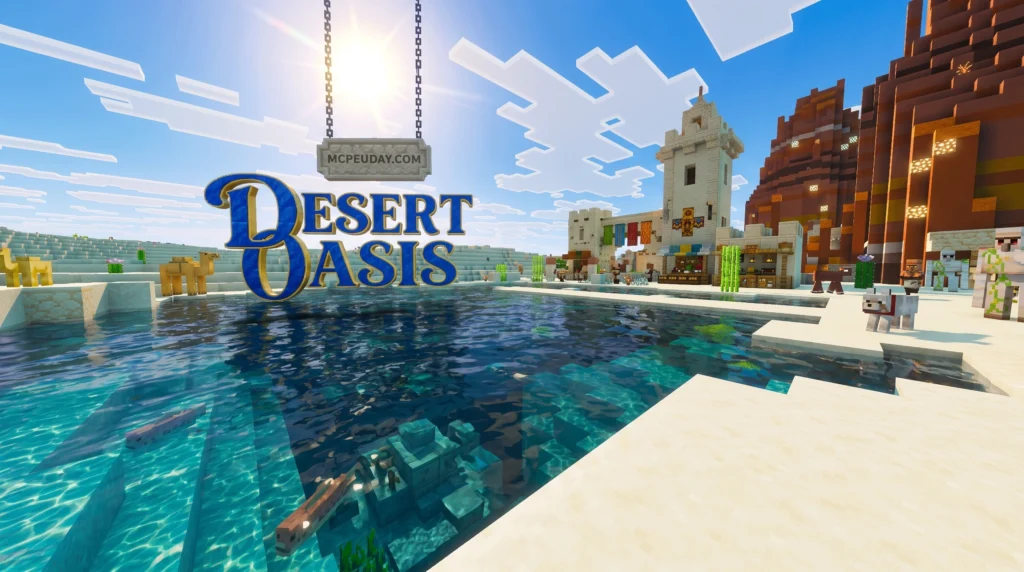
For years, Minecraft Bedrock players have envied the Java Edition’s access to legendary shaders like OptiFine, BS&L, and Complementary. The introduction of the Render Dragon engine by Mojang initially made custom shaders incredibly difficult to run, leaving many players stuck with the flat, cartoonish look of vanilla Minecraft. Fortunately, the community’s talented developers have cracked the code. Skylix Visuals Shader represents a massive leap forward, proving that you do not need a high-end gaming rig or a dedicated ray-tracing graphics card to experience breathtaking visuals. By optimizing how light bounces off surfaces and how water interacts with the environment, this pack delivers a premium aesthetic that feels both modern and nostalgic.
Quick answer for what it does:
- Lighting — Adds soft, natural light and shadow effects to the game world
- Sky — Replaces the flat default sky with atmospheric, layered visuals
- Water — Enhances water with reflections and wave animations
- Color grading — Gives the world a cinematic, polished look
- Performance — Designed to run on both mobile and mid-range PC devices
If you play Minecraft Bedrock on Android, iOS, or Windows and want a serious graphics glow-up without killing your frame rate, Skylix Visuals Shader is one of the most talked-about options in the community right now.
It sits in a growing crowd of Bedrock shaders — alongside packs like Azure Visuals, Raytraced Visuals, and Lumen — but it carves out its own identity through its balance of visual quality and device accessibility.
Whether you’re shooting cinematic screenshots or just want your survival world to look incredible, this guide covers everything you need to know.
What is Skylix Visuals Shader
The Skylix Visuals Shader is a cutting-edge graphics modification built specifically for Minecraft Bedrock Edition. Since Mojang introduced the Render Dragon engine, traditional shaders have struggled to keep up. However, Skylix bypasses these limitations, offering players a vibrant, stylized, yet realistically grounded aesthetic.
To truly appreciate what Skylix achieves, one must understand the Render Dragon engine. When Mojang transitioned Bedrock Edition to this new rendering pipeline, it effectively disabled older shader methods that relied on simple file swaps. This left the community in a tough spot. Skylix Visuals Shader solves this by utilizing advanced material manipulation and custom JSON configurations that work in harmony with Render Dragon rather than fighting against it. This technical breakthrough ensures that players on mobile devices, tablets, and PCs can all enjoy enhanced graphics without experiencing game crashes or severe UI glitches. It bridges the gap between accessibility and high-fidelity art, making it a landmark release for the MCPE community.
When you explore the Best Shaders for MCPE 1.21 2026 Top 3 Realistic Minecraft PE Shaders, you will find that Skylix stands out due to its unique color mapping. Unlike other packs that wash out the screen or darken caves to an unplayable degree, Skylix preserves vanilla readability while introducing breathtaking atmospheric depth.
It is heavily inspired by optimization-first projects like SkyLEX (known for delivering bug fixes and smooth frame rates over older Skylec versions) and premium ReShade modifications such as Maxey1950/MaxeysVisuals. The result is a highly polished, lightweight, and incredibly clean visual style that makes every biome feel alive.
Key Features of the Skylix Visuals Shader
What makes this pack a staple in our list of the 15 Best Minecraft PE Shaders June 2026? It is the careful attention to detail across several core visual pillars:
- Dynamic Lighting Engine: Torches emit a warm, golden glow, while sunlight feels bright and crisp.
- Enhanced Shadow Mapping: Subtly soft shadows under blocks and trees create a sense of physical weight in the world.
- Vibrant Color Grading: Saturation is tuned to make foliage look lush and stone look ancient, without feeling oversaturated.
These core pillars work together to create a cohesive visual experience. For instance, the dynamic lighting engine doesn’t just change the color of light; it alters how you navigate caves. Torches cast a flickering, warm glow that makes spelunking feel like a true adventure, while the soft shadows prevent the underground from looking like a flat, gray grid.
Dynamic Sky and Atmospheric Effects in Skylix Visuals Shader
The skybox design in Skylix Visuals Shader is a true work of art. Instead of a static sky texture, it features a dynamic day-night cycle with smooth color gradients. If you have ever looked at professional sky creators like the Stylized Sky Shader Toolkit – Customizable Animated Skybox Creator | VFX Shaders | Unity Asset Store or the gradient controls of the Skybox Shader – Quibli, you will appreciate how Skylix handles transitions.
By blending multiple atmospheric layers—similar to the advanced techniques discussed in How I made AAA Sky Rendering from scratch—the shader renders soft, volumetric clouds that shift naturally. During sunrise and sunset, the sky transitions through a rich spectrum of oranges, pinks, and deep purples, rather than the abrupt changes seen in vanilla Minecraft.
Furthermore, the atmospheric effects extend to the weather system. When a rainstorm rolls in, the sky darkens realistically, and the clouds become heavy and gray, casting a somber mood over the landscape. The transition from a sunny afternoon to a stormy evening is incredibly smooth, pulling you deeper into the game’s survival atmosphere.
Realistic Water and Lighting in Skylix Visuals Shader
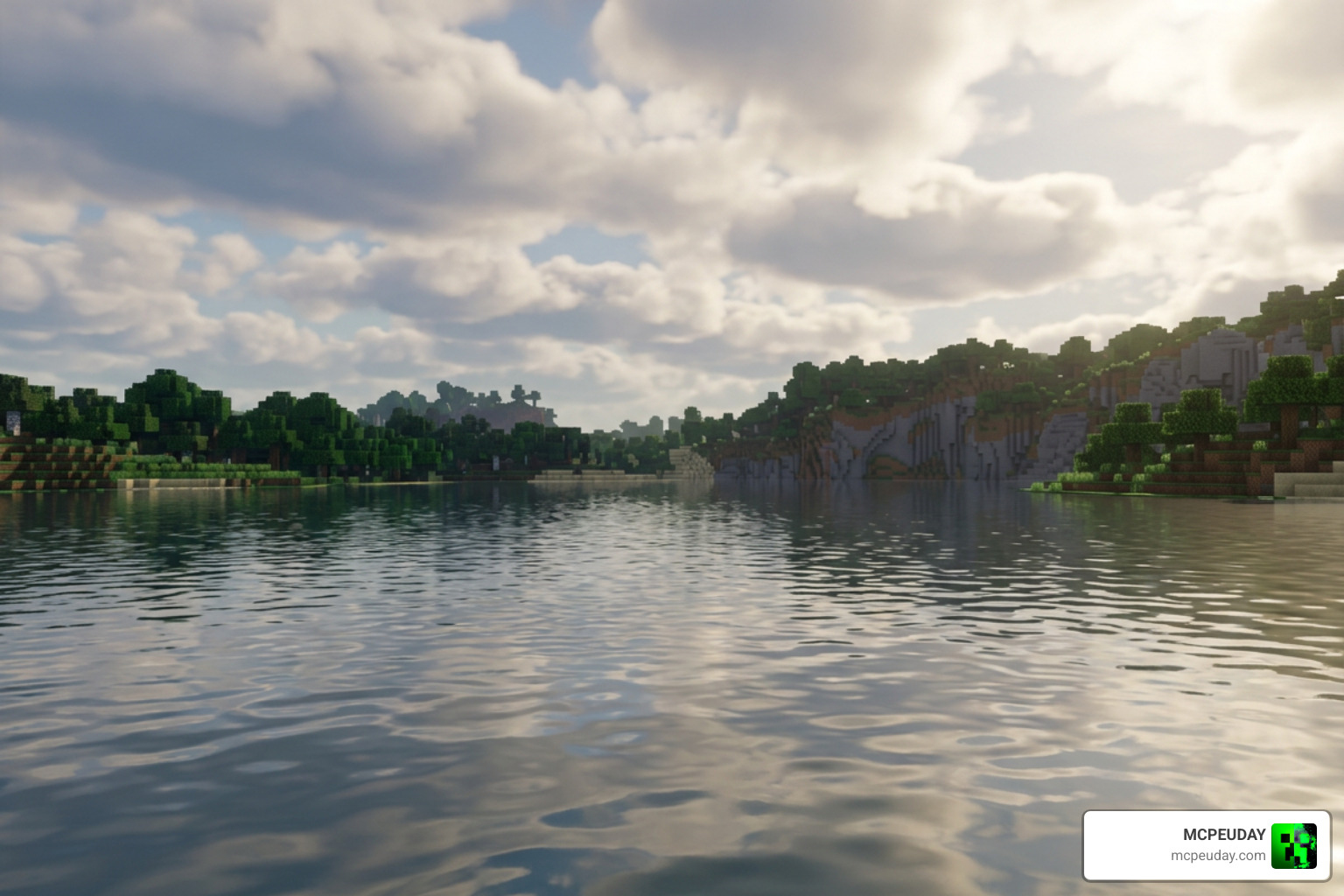
Water in Minecraft has historically looked like blue blocks of glass. Skylix Visuals Shader completely rewrites this experience. Utilizing advanced rendering techniques highlighted in our Best Render Dragon Shaders for MCPE 1.21 Tested on Real Devices 2026 Guide, the water features realistic wave animations and real-time reflections.
When the sun sits low on the horizon, you will see a brilliant orange sun flare reflecting across the surface of oceans and lakes. Underwater visibility is also improved, featuring subtle caustic light streaks that dance along the ocean floor, making underwater exploration feel incredibly immersive.
The water rendering also adapts dynamically to different biomes. If you are sailing through a swamp, the water takes on a murky, greenish-brown hue, perfectly matching the eerie surroundings. Conversely, when you discover a warm ocean or a coral reef, the water becomes crystal clear, allowing you to see the vibrant marine life and colorful coral blocks from the surface without any visual obstruction.
Performance, Installation, and Configuration
One of the biggest concerns with modern Bedrock shaders is performance. Fortunately, Skylix is optimized to run smoothly across a wide variety of hardware, making it a fantastic choice if you are looking for a Minecraft Shaders Download for Android.
Performance Comparison Table
| Device Category | Average Frame Rate (FPS) | Recommended Visual Preset | Key Benefit |
|---|---|---|---|
| Low-End Android / iOS | 40 – 50 FPS | Low / Performance | Zero lag during gameplay |
| Mid-Range Mobile | 55 – 60 FPS | Medium / Balanced | Smooth movement with beautiful water |
| High-End Mobile / iPad | 60+ FPS | High / Ultra | Gorgeous lighting and reflections |
| Windows 10/11 PC | 120+ FPS | Ultra / Cinematic | Maximum render distance and shadows |
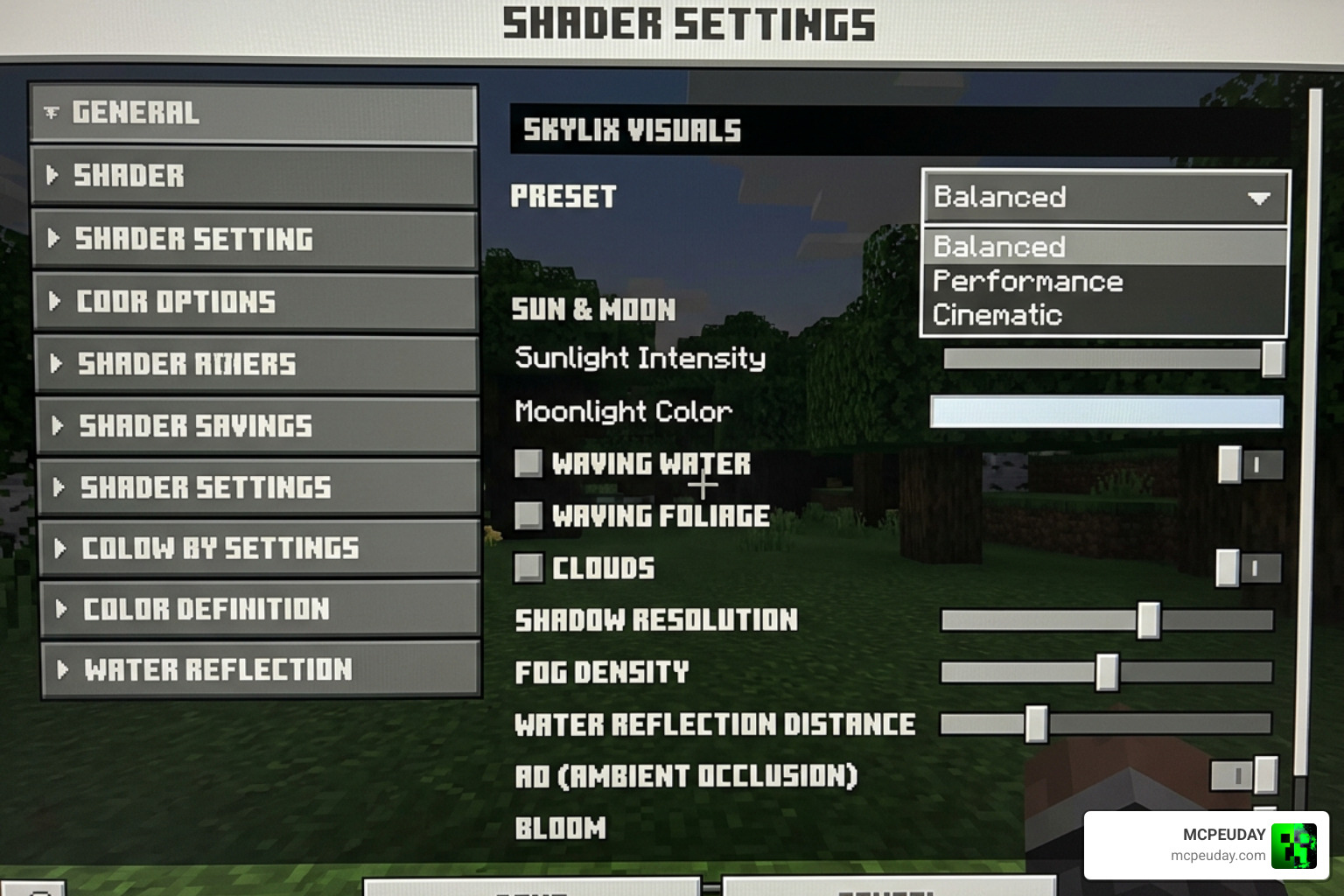
Understanding the performance presets is key to getting the best experience. The Low / Performance preset is specifically tailored for older smartphones and budget tablets. It disables resource-heavy features like real-time shadow calculations and complex wave physics, but keeps the vibrant color grading and custom skybox intact, ensuring your game looks great without stuttering. On the other end of the spectrum, the Ultra / Cinematic preset unleashes the full power of the shader, enabling high-resolution reflections, volumetric fog, and soft shadow mapping that rivals Java Edition shaders. This is perfect for high-end PCs or modern gaming tablets.
Step-by-Step Installation Guide
Setting up the shader is incredibly straightforward. To get started, follow our simple installation sequence:
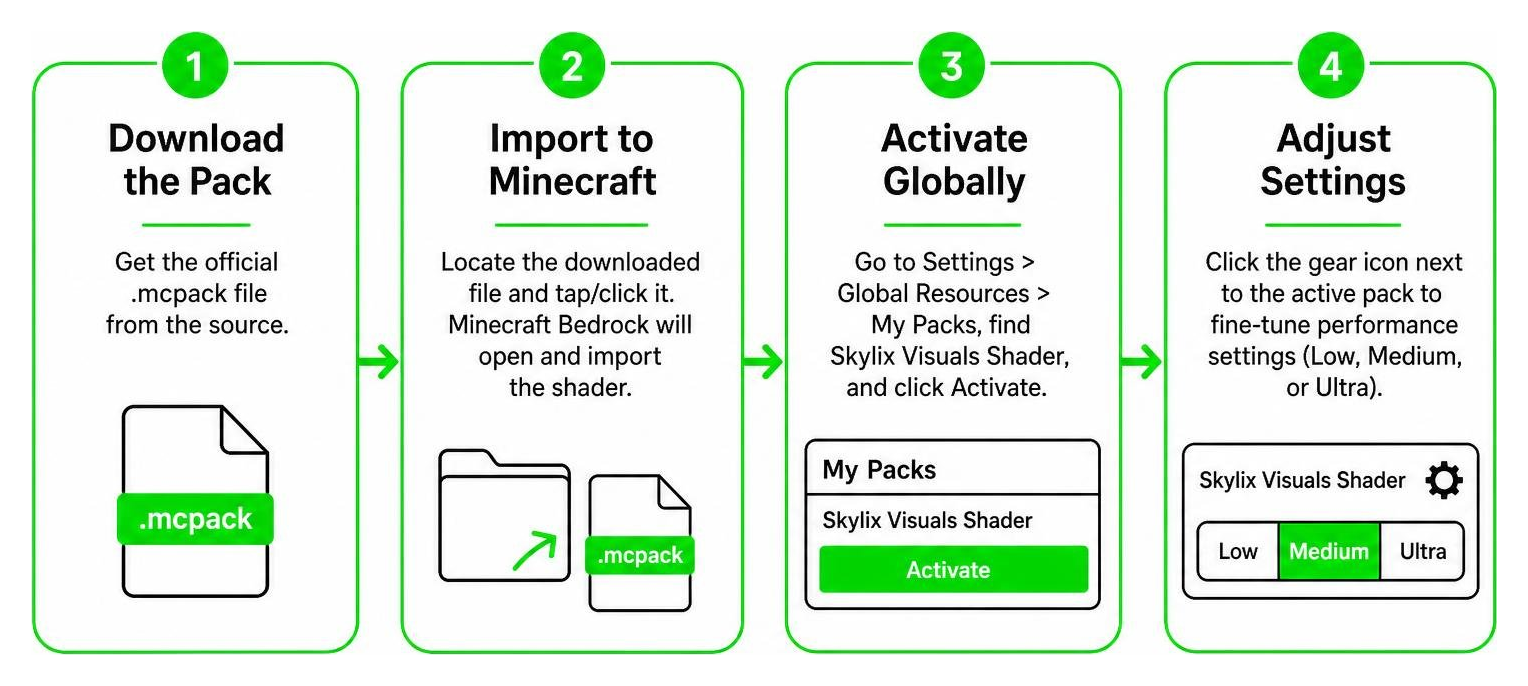
- Download the Pack: Get the official
.mcpackfile directly from MCPEUDAY. - Import to Minecraft: Locate the downloaded file on your device and tap/click it. Minecraft Bedrock will open automatically and import the shader.
- Activate Globally: Navigate to Settings > Global Resources > My Packs, locate Skylix Visuals Shader, and click Activate.
- Adjust Settings: Click the gear icon next to the active pack to fine-tune your performance settings (Low, Medium, or Ultra) based on your device.
If you encounter issues during the installation process, such as the file not opening automatically, you can manually import it. On Android, use a file manager to move the downloaded .mcpack file to the games/com.mojang/resource_packs directory. On iOS, you can use the Files app to share the file directly to the Minecraft app. Once imported, always make sure to restart your game to clear the cache and ensure all new textures and rendering files load correctly.
For a more detailed breakdown of this setup on different platforms, check out our comprehensive How to Turn on Shaders in Minecraft 2026 Guide Java Bedrock MCPE Setup Fast Mcpeuday.
Frequently Asked Questions about Skylix Visuals
Is Skylix Visuals Shader compatible with Render Dragon?
Yes! Unlike older shaders that broke after Mojang’s graphics engine updates, Skylix is built from the ground up to be fully compatible with the Render Dragon engine in MCPE 1.21 and beyond. It utilizes modern material rendering to bypass traditional engine restrictions.
By utilizing custom material files (.material.bin), Skylix communicates directly with the Render Dragon engine. This allows it to apply custom shaders to blocks, water, and the sky without triggering the security blocks that Mojang implemented to prevent unauthorized engine modifications. This makes it incredibly stable and future-proof for upcoming Minecraft updates.
Does this shader work on low-end mobile devices?
Absolutely. Skylix features a highly optimized “Performance” mode that disables heavy shadow calculations while keeping the beautiful custom sky, water reflections, and vibrant color grading active. If you are using an older device, we highly recommend checking out Shaders for Minecraft Textures – Apps on … for additional texture-based optimization tools.
To get the absolute best performance on low-end devices, we also recommend adjusting your in-game video settings. Lowering your render distance by a few chunks, disabling ‘Fancy Leaves’, and turning off ‘Beautiful Skies’ (since the shader replaces the sky anyway) can free up valuable system resources, allowing the shader to run even smoother.
How do I fix black screen or loading issues?
If you experience a black screen or if textures fail to load:
- Make sure you do not have conflicting shader packs active at the same time.
- Clear your Minecraft cache in your device settings.
- Ensure your game is updated to the latest version of Bedrock Edition.
- Restart Minecraft after activating the pack to ensure all rendering files load correctly.
Additionally, ensure that your device has at least 1GB of free storage space. Minecraft requires temporary storage to compile shader files when loading a world. If your storage is almost full, the game might fail to load the shader assets, resulting in a black screen or default vanilla textures. Reinstalling the pack after a clean device reboot often resolves persistent loading issues.
Conclusion
The Skylix Visuals Shader is a masterclass in graphics optimization for Minecraft Bedrock. It successfully bridges the gap between high-end cinematic beauty and mobile playability. By offering gorgeous dynamic skies, realistic water reflections, and a warm, inviting color palette, it completely redefines how your Minecraft worlds look and feel.
Whether you are a casual builder looking to make your creations pop, a content creator filming cinematic showcases, or a survival enthusiast wanting a more immersive atmosphere, this shader pack delivers on all fronts. It stands as a testament to what the Bedrock modding community can achieve under the constraints of modern rendering engines. Don’t settle for the flat, uninspired look of vanilla Minecraft any longer.
Ready to transform your survival world into a visual masterpiece? Head over to our main platform to Download the Best Realistic Shaders for MCPE and experience the magic of Skylix Visuals today!