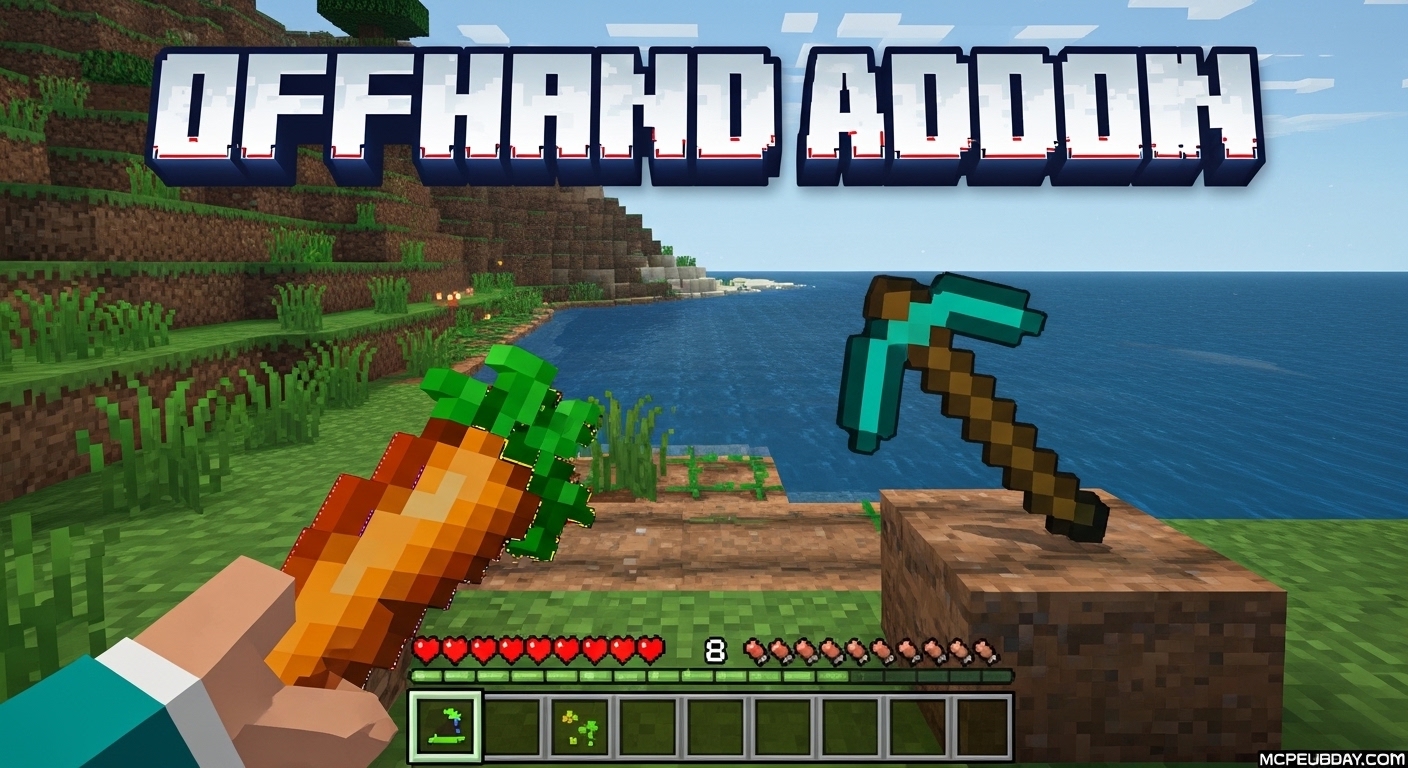
The Minecraft Bedrock Offhand Problem That This Addon Finally Fixes
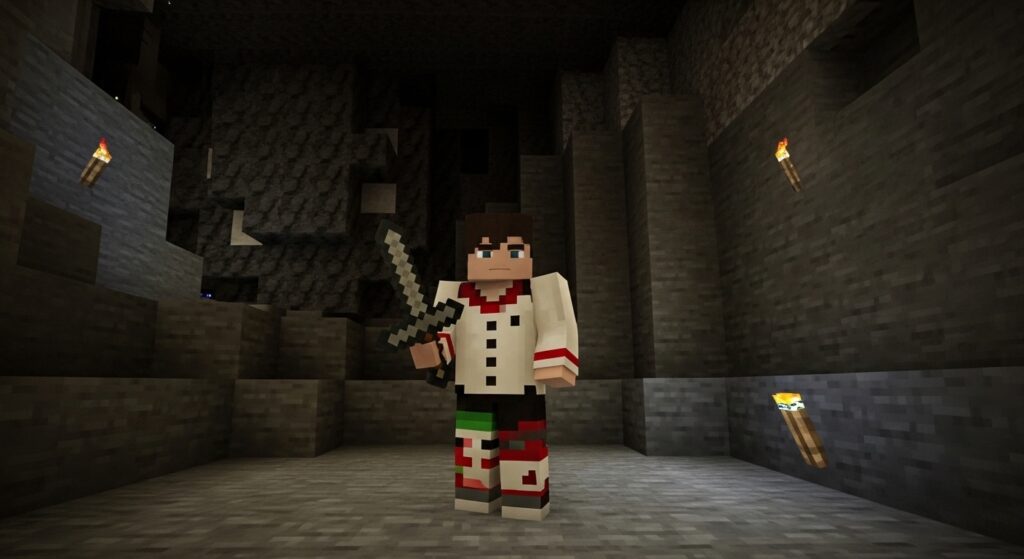
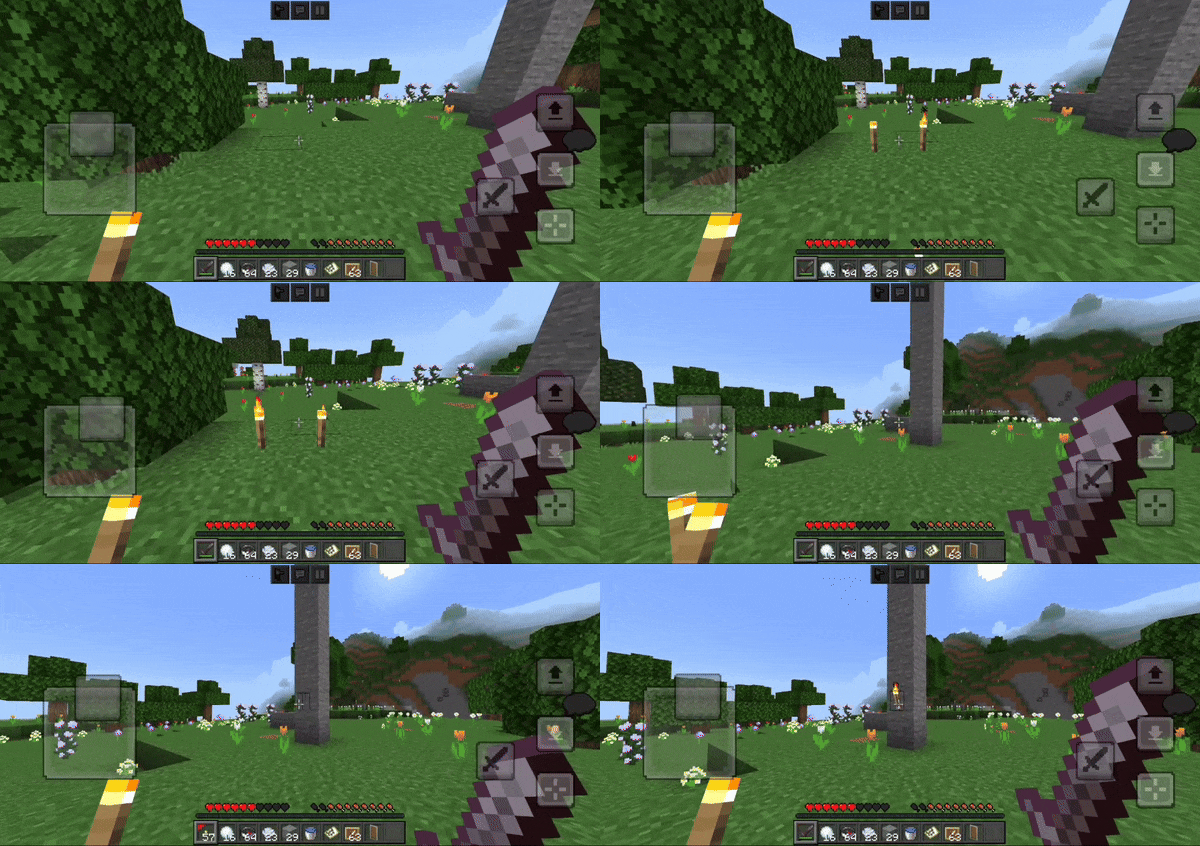
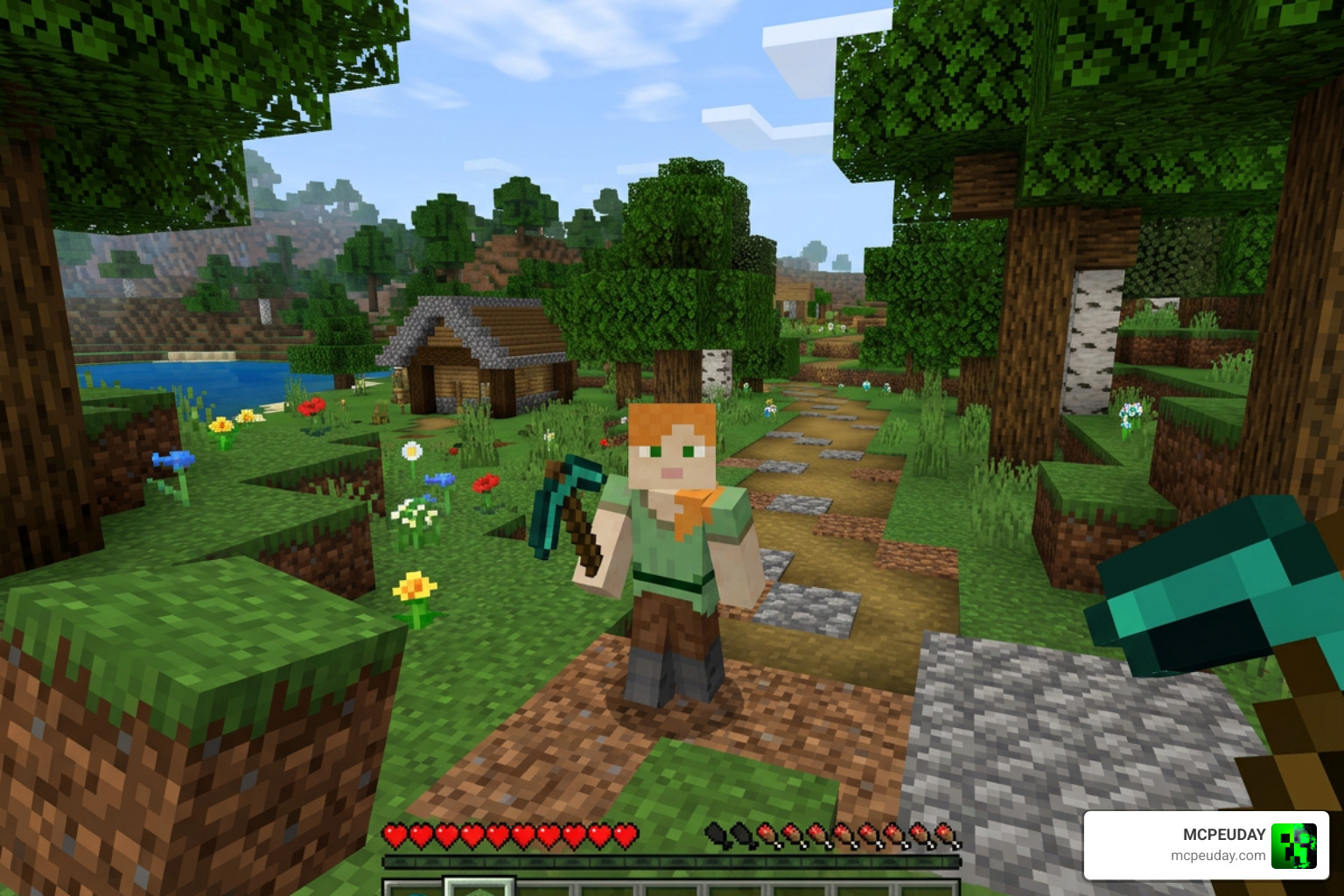
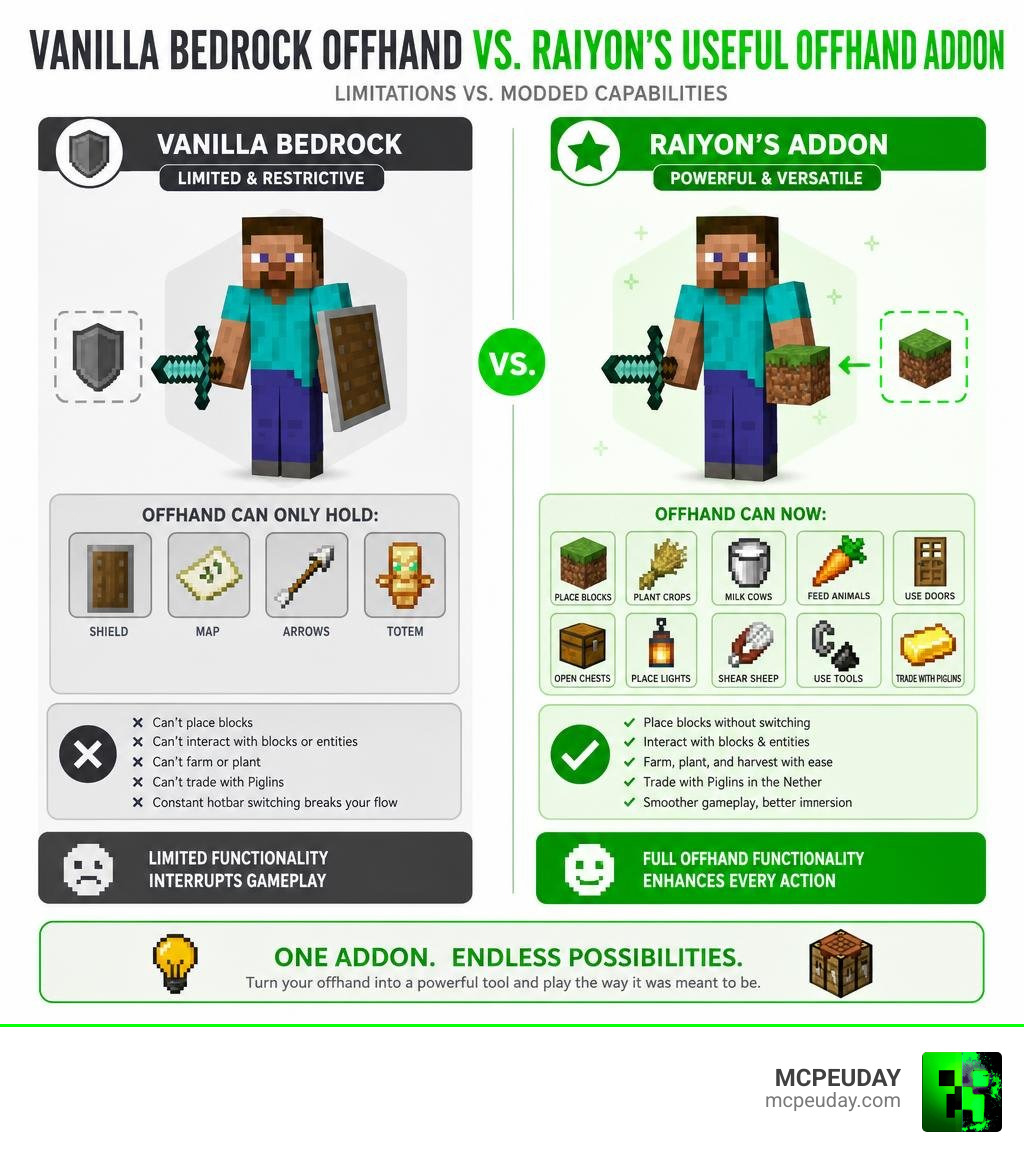
Raiyon’s Useful Offhand Addon is a Minecraft Bedrock/PE addon that unlocks real functionality for your left hand — letting you place blocks, trade with Piglins, milk cows, plant crops, and more, all without switching your main-hand item.
Here’s a quick summary of what it does:
- What it is: A Bedrock addon that expands offhand slot actions beyond just holding a shield or map
- Who made it: Raiyon, a well-known Bedrock addon creator
- Supported versions: Minecraft 1.21.50 and later (as of June 2026)
- Rating: 4.2 out of 5 from 467 ratings
- Key requirement: Experimental APIs must be enabled in world settings
In vanilla Bedrock Edition, the offhand slot is almost useless. You can hold a shield or a map, and that’s about it. Java Edition players have had full offhand support for years — but Bedrock players are still waiting for Mojang to close that gap.
That’s exactly the problem this addon solves.
Whether you’re building, farming, or fighting Piglins in the Nether, constantly swapping items in your hotbar breaks your flow. Raiyon’s addon gives your left hand a real job to do.
What is Raiyon’s Useful Offhand Addon?
At its core, Raiyon’s Useful Offhand Addon is a game-changing script-based mod that bridges the massive feature gap between Minecraft Java and Bedrock Edition. Historically, the left hand has occupied the very bottom of the list when it comes to useful features in Bedrock. While Java players can hold and use virtually any block or utility item in their offhand, Bedrock players have been strictly limited to shields, maps, arrows, and totems.
This addon completely rewrites how Bedrock handles the left-hand slot. With an impressive average rating of 4.2 out of 5 stars from 467 player ratings, it is widely recognized as one of the most stable and practical solutions for this limitation. While other older experiments like the Off Hand [Experimental] addon paved the way with over 418,000 downloads, Raiyon’s version provides a highly optimized, modern codebase specifically tailored for the latest Minecraft 1.21+ updates.
If you enjoy expanding your tactical options in survival gameplay, you might also want to check out the More Shield Addon For Minecraft Bedrock Mcpe New Powerful Shields You Must Try to complement your new offhand capabilities.
To give you an idea of how much this addon changes your day-to-day gameplay, here is a quick comparison table:
| Action / Capability | Vanilla Bedrock Edition | With Raiyon’s Useful Offhand Addon |
|---|---|---|
| Hold Shields & Totems | Yes | Yes |
| Place Blocks & Torches | No | Yes |
| Plant Seeds & Crops | No | Yes |
| Use Buckets & Milk Cows | No | Yes |
| Use Flint and Steel | No | Yes |
| Apply Bonemeal | No | Yes |
| Trade with Piglins | No | Yes |
| Use Spawn Eggs | No | Yes |
Key Features of Raiyon’s Useful Offhand Addon
What makes Raiyon’s Useful Offhand Addon stand out is that it doesn’t just let you hold items visually; it actually maps real gameplay interactions to the offhand slot. Here are the main features you can take advantage of:
- Piglin Trading: Keep your sword or pickaxe in your main hand while holding gold ingots in your offhand to trade safely in the Nether.
- Cow Milking & Buckets: Hold an empty bucket in your offhand to milk cows or collect water/lava on the fly.
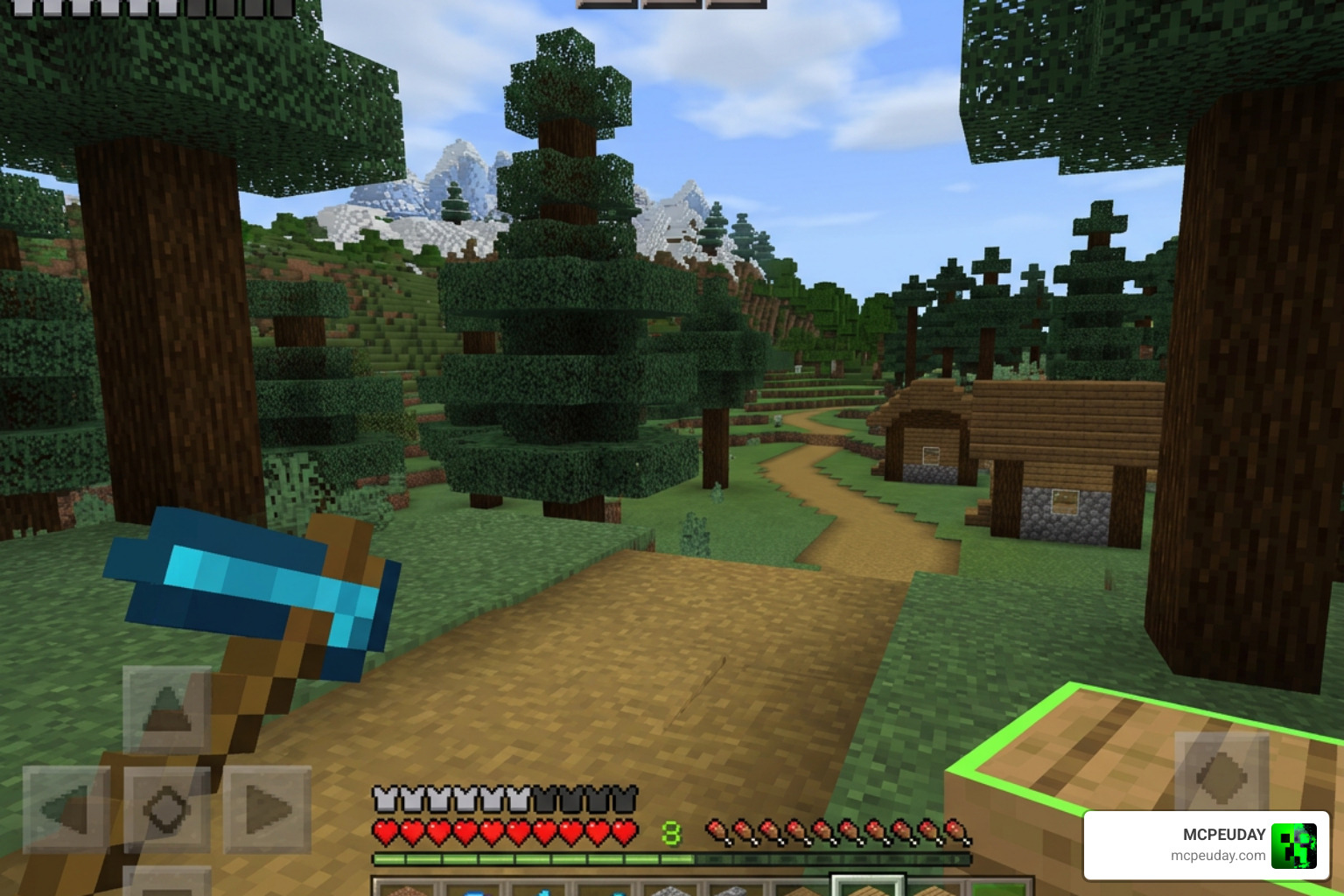
- Block Placement: Place torches, ladders, or building blocks with your left hand while mining with a pickaxe in your right hand. This is incredibly useful when exploring dark caves with the Better Dynamic Light Addon For Minecraft Bedrock 1 21 1 20 Realistic Lighting Mod For Mcpe.
- Spawn Eggs & Bonemeal: Instantly grow crops with bonemeal or spawn entities without leaving your weapon behind.
- Farming and Planting: Hold seeds, carrots, or potatoes in your offhand and plant them seamlessly while tilling land with your hoe in the main hand.
- Flint and Steel: Keep a flint and steel in your offhand to light Nether portals or ignite TNT instantly during intense combat situations.
How to Use The Offhand:
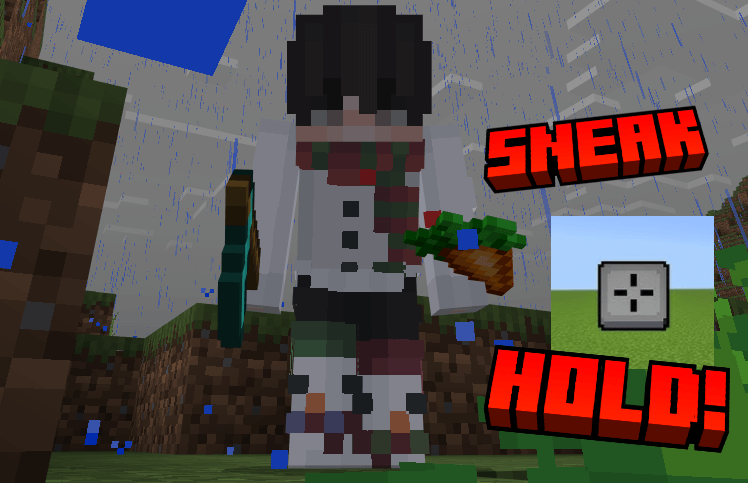
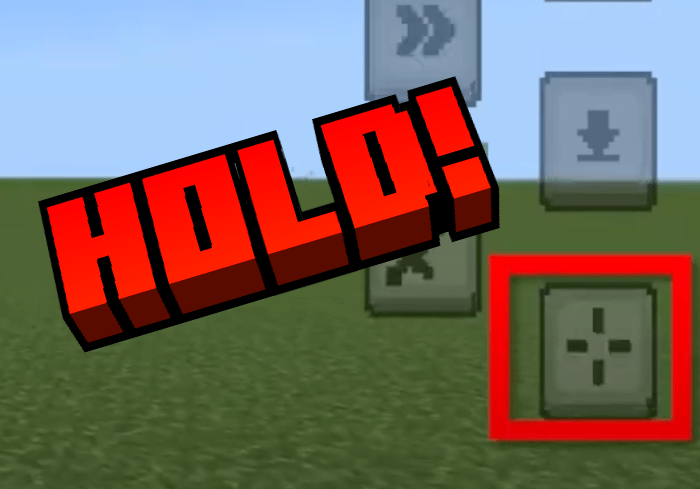
- To use the item in your off-hand hold the use button while sneaking until you use/place the item.
- (Not all items can be placed or used in the off-hand).
Installation Guide and Experimental Settings
To get this addon working properly in June 2026, you must follow the correct installation steps and enable the correct world settings. Because this mod relies on Minecraft’s underlying scripting engine, skipping these steps will result in the addon not working at all.
How to Install Raiyon’s Useful Offhand Addon
- Download the official
.mcaddonfile. You can find safe download links on trusted community portals such as Offhand Addon for Minecraft Bedrock/MCPE – MCPEDL , Raiyon’s Useful Offhand Addon (26.x, 1.21) – MCPE/Bedrock Mod , or Raiyon’s Useful Offhand for Minecraft Pocket Edition 1.21 – TLauncher . - Locate the downloaded file on your device and double-click or tap it. Minecraft will automatically launch and import both the Resource Pack and Behavior Pack.
- Create a new world or go to the settings of an existing world.
- Navigate to the Resource Packs tab on the left menu, click on “My Packs,” select Raiyon’s Useful Offhand, and click Activate.
- Go to the Behavior Packs tab, locate the addon under “My Packs,” and click Activate (this will automatically activate the associated resource pack if it isn’t already).
- On the left menu, scroll down to the Experiments section. You must turn on the following toggles:
- Beta APIs
- Upcoming Creator Features
If you want to find more awesome creations like this to completely overhaul your world, check out our Category Mod Addons section.
Required Mobile Control Settings
If you are playing on a mobile phone or tablet, the old classic touch controls will not support offhand usage due to how screen taps are registered. To fix this, you must enable the modern control scheme:
- Open Minecraft settings and go to Touch.
- Change your control scheme to Joystick & aim crosshair (crosshair mode).
- This adds a precise crosshair to the center of your screen, allowing the addon to accurately detect where you are aiming your offhand actions.
Known Limitations and Compatibility Notes
Due to the technical limitations of the Bedrock Engine, there are a few minor bugs and quirks that you should keep in mind:
- Block Rendering Issue: When you hold a block in your offhand, it may visually render slightly offset or look a bit strange. This is a known engine-level bug that cannot be fixed by addon developers.
- Main-Hand Priority: If you are holding a tool in your main hand that has an active interaction with the block you are looking at (like holding a shovel over grass, which wants to make a path), the main-hand action will take priority over your offhand block placement.
- Restricted Items: You cannot eat food, shoot projectiles (like pearls or potions), or use tools/weapons directly from the offhand slot.
- Mod Compatibility: This addon is highly compatible with most mods since it doesn’t modify the player.json file. It works beautifully alongside survival mods like the Raiyons Tree Capitator Addon 26 X 1 21 Fast Tree Cutting Mod For Mcpe for fast harvesting!
Frequently Asked Questions about the Offhand Addon
Why didn’t the block in my offhand place?
This usually happens due to main-hand priority or world lag. If your main hand is holding a tool that has an active interaction with the block you are targeting (such as a hoe on dirt, an axe on wood, or a shovel on grass), the game will prioritize the main-hand tool. Try switching your main hand to an empty slot or a neutral item (like a sword) and try again.
How do I crouch fast enough to swap items?
If you find it difficult to crouch twice quickly, go to your game settings and disable “Toggle Crouch” so that crouching is set to hold-to-crouch. Alternatively, place an anvil, rename any random item to “offhand”, and hold it to open the configuration menu. Here, you can adjust the sneak detection sensitivity to make swapping much easier.
What control scheme is needed for touch screen devices?
You must go to your Touch settings in Minecraft and enable the Joystick & aim crosshair control scheme. Classic tap-to-interact touch settings do not allow the scripting engine to register the “sneak + use” command properly.
Conclusion
At MCPEUDAY, we believe that gameplay should never feel restricted by platform limitations. Raiyon’s Useful Offhand Addon is a masterfully crafted addition to any Bedrock player’s toolkit, successfully bringing one of Java’s best features to mobile, console, and Windows players alike.
By setting up your experimental toggles and adjusting your control scheme, you can say goodbye to hotbar clutter and experience a much more fluid, immersive survival experience in June 2026.
Ready to discover more game-changing additions for your world? Explore more Minecraft Bedrock resources and take your gameplay to the next level today!
1 thought on “Raiyon’s Useful Offhand Addon (26.x, 1.21) – MCPE/Bedrock Mod”