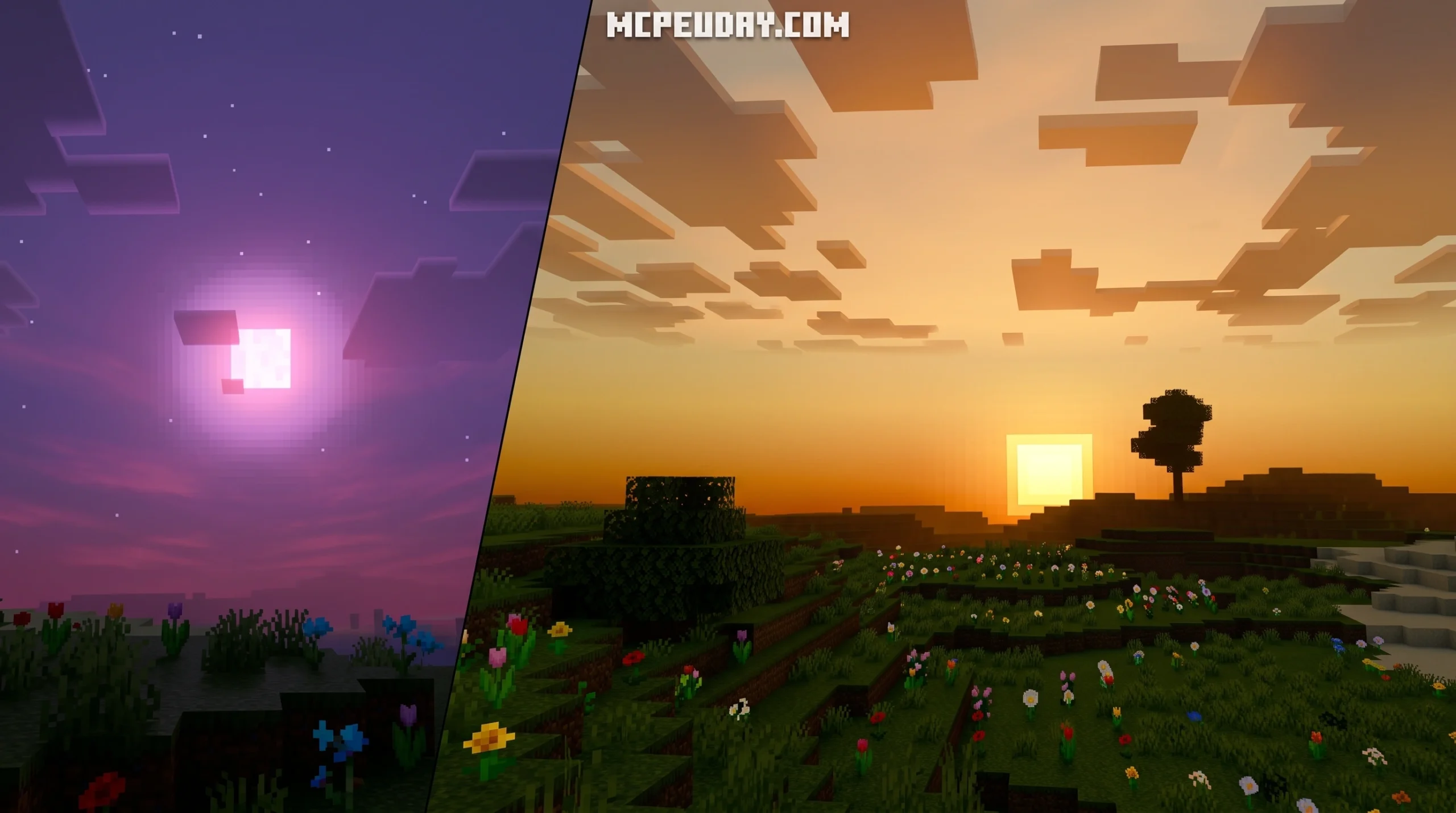
The Sukuna Visual Theme Shader Is Here — and It Looks Incredible
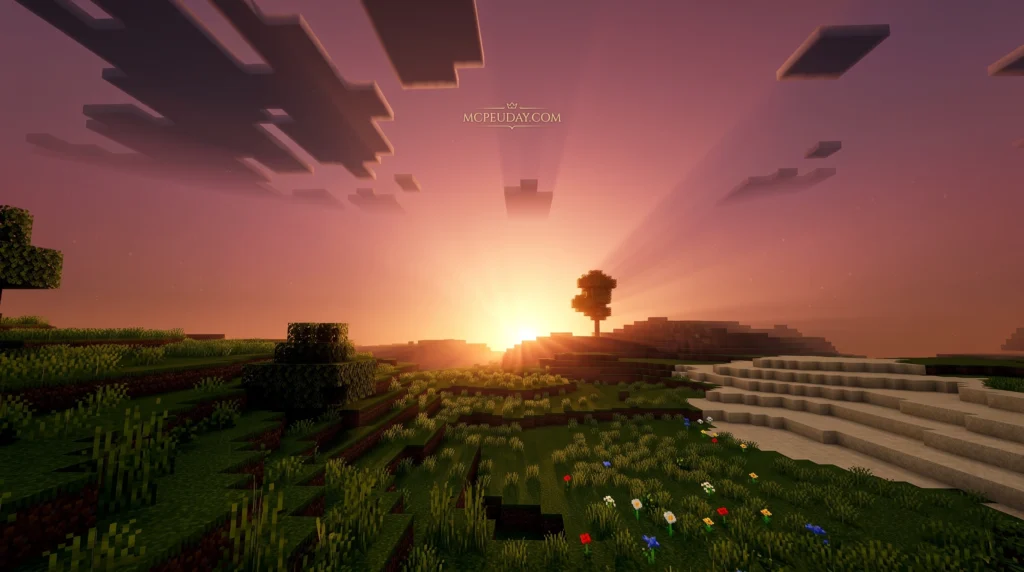

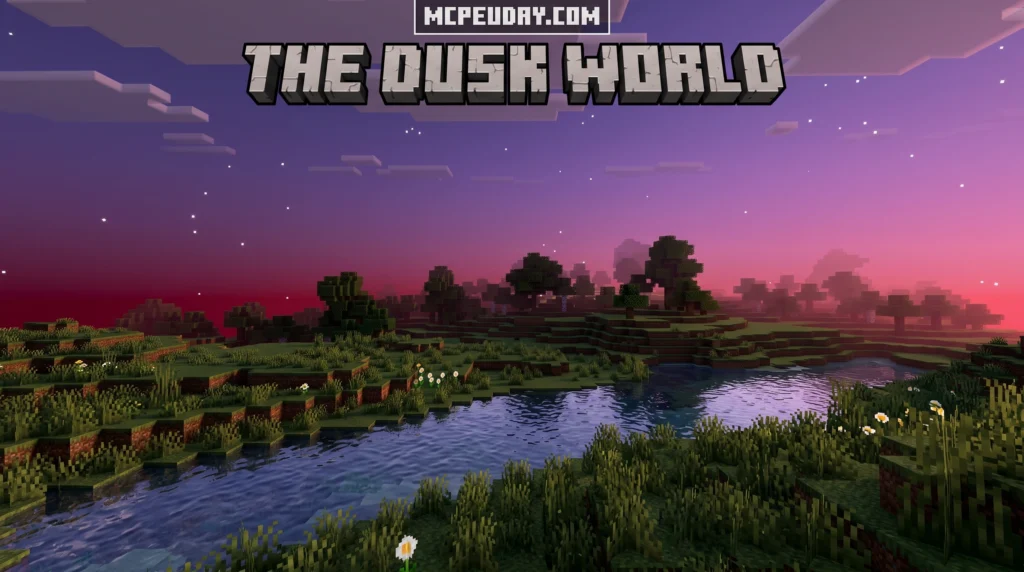
The Sukuna Visual Theme Shader transforms your Minecraft PE experience with a dark, cinematic visual style inspired by Ryomen Sukuna from Jujutsu Kaisen. If you want it fast, here’s everything you need to know at a glance:
Quick Answer:
- Download the Sukuna Visual Theme Shader
.mcpackfile from a trusted source - Open the file on your Android or iOS device to auto-import it into Minecraft PE
- Launch Minecraft Bedrock Edition (1.21 / 26.x)
- Go to Settings > Global Resources and apply the shader
- Load any world and enjoy the new look
It’s compatible with Minecraft PE/Bedrock 1.21 and 26.x, works on mobile, and takes just a few minutes to set up.
This shader pulls its dark, moody aesthetic straight from Sukuna’s iconic look — think deep reds, dramatic shadows, and a cinematic color grade that makes your Minecraft world feel like a JJK cutscene. It has earned an average rating of 4.3 out of 5 from players who’ve tried it.
Whether you’re a casual player or someone who wants every detail of their game dripping in anime energy, this one is worth installing.

What is the Sukuna Visual Theme Shader?
The Sukuna Visual Theme Shader is a specialized graphical modification designed for Minecraft PE (Pocket Edition) and Bedrock Edition. It completely overhauls the game’s atmosphere to match the menacing, powerful presence of Ryomen Sukuna, the legendary King of Curses. Instead of the bright, blocky world you are used to, this shader paints your landscapes with a dramatic, cinematic look.
When you load up your world with this shader active, you will immediately notice striking visual changes:
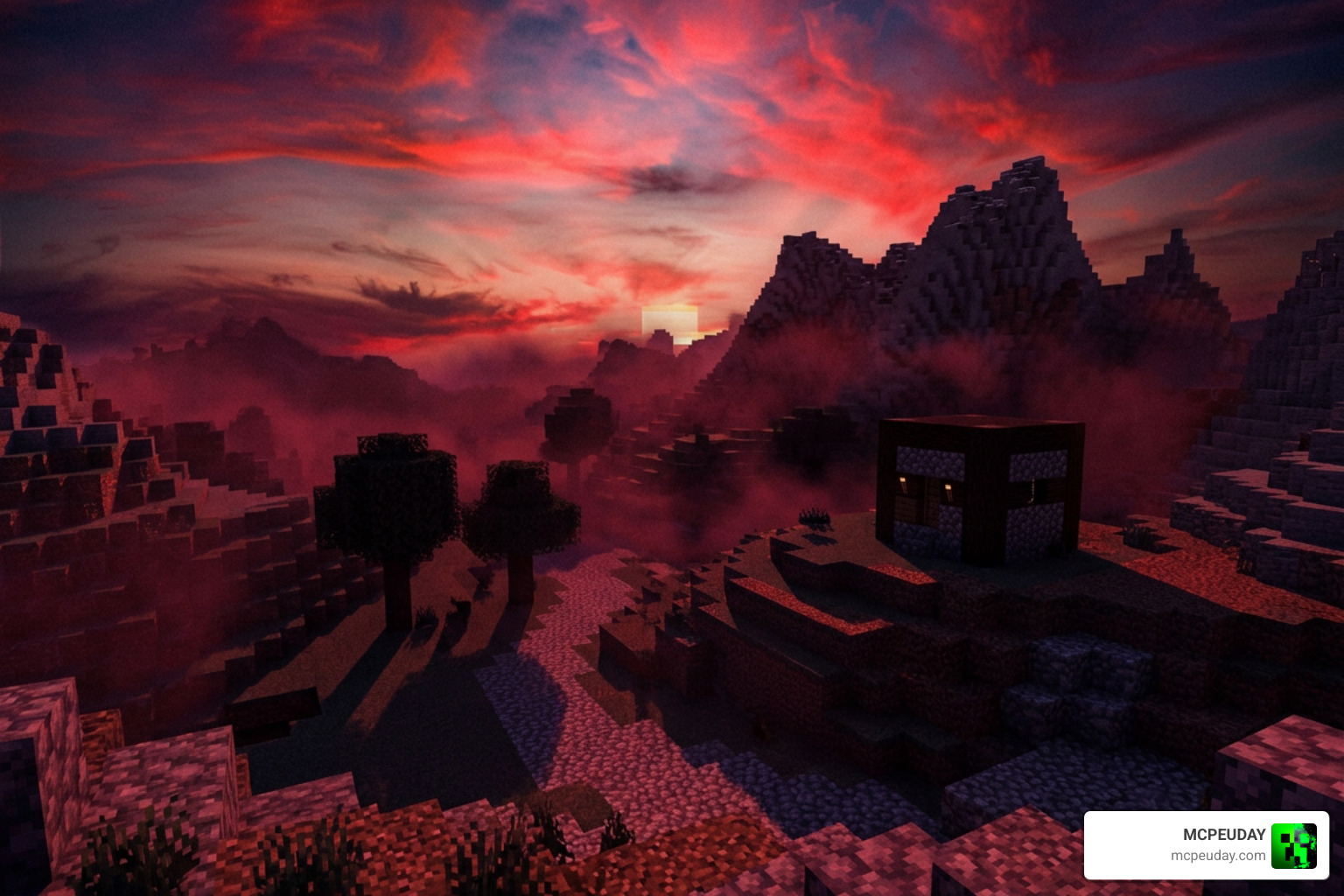
- Custom Color Grading: The environment is saturated with deep crimson, dark purples, and rich charcoal tones, perfectly reflecting Sukuna’s domain expansion aesthetic.
- Dynamic Shadows and Lighting: Light sources emit a warm, eerie glow that contrasts heavily against dark shadows. Torchlight and fire feel much more realistic and dramatic.
- Atmospheric Fog: A dense, moody fog rolls across the landscape, especially during sunset and night cycles, giving the entire world an ominous, cursed energy.
This shader is fully compatible with Minecraft PE 1.21 and Bedrock 26.x. It is designed to run smoothly on modern mobile hardware while delivering high-quality visuals. To get the ultimate Jujutsu Kaisen experience, we highly recommend pairing this shader with gameplay-altering mods like the Jujutsu Kaisen Addon for MCPE or the feature-rich Jujutsu Awakening Addon for Minecraft PE. Together, they turn your survival world into an intense battleground of cursed techniques.
How to Install the Sukuna Shader in 5 Simple Steps
Installing shaders on mobile devices can sometimes feel like a daunting task, but we have made sure the process is as painless as possible. Whether you are playing on Android or iOS, the Sukuna Visual Theme Shader is packaged in the user-friendly .mcpack format, which handles most of the heavy lifting for you.
For a complete breakdown of managing graphics on your device, you can always check out our comprehensive How to Turn On Shaders in Minecraft Guide. Otherwise, follow our quick five-step guide below to get up and running.
Step 1: Download the Sukuna Visual Theme Shader File
First, you need to grab the official .mcpack file. Make sure you only use safe and verified download links to protect your device. The file is lightweight and optimized for quick installation.
Curiously, the love for Sukuna’s dark color palette stretches far beyond Minecraft. For instance, anime fans have also downloaded the JJK SUKUNA Chrome Theme – ThemeBeta over 381 times to match their web browsers with their favorite curse! But for your game, make sure you download the specific Minecraft resource pack file.
Step 2: Import the Sukuna Visual Theme Shader into Minecraft PE
Once the file is downloaded to your mobile device, locate it using your preferred file manager app.
- Tap on the downloaded
.mcpackfile. - If prompted, select “Open with Minecraft.”
- Your device will automatically launch Minecraft Bedrock 1.21 / 26.x and begin the import process.
- You will see a notification at the top of your screen saying “Import Started” followed by “Successfully Imported Sukuna Visual Theme Shader.”
Step 3: Activate the Pack in Global Resources
With the files successfully imported, you need to tell the game to use them. Navigate to the main menu of Minecraft PE and select Settings. Scroll down the left sidebar until you find Global Resources. Tap on My Packs, locate the Sukuna Visual Theme Shader, and click Activate.
Step 4: Configure Your World Settings
While global activation works perfectly, you can also apply the shader to specific worlds. Go to your world list, click the edit (pencil) icon next to your desired world, scroll down to Resource Packs, and ensure the shader is active there as well.
Step 5: Launch Your World and Enjoy the Curse
Now, simply load your world! Step outside during a sunset or night cycle to witness the incredible crimson skies, deep shadows, and cinematic fog in all their glory.
Visual Features and Performance of the Sukuna Shader
Since Mojang introduced the Render Dragon engine to Minecraft Bedrock, running traditional shaders has become more complex. Fortunately, the Sukuna Visual Theme Shader is built specifically to work alongside Render Dragon, offering a beautiful color-graded overlay and atmospheric adjustments without tanking your frame rate.
While heavy realistic shaders can cause severe lag on older mobile devices, this pack uses smart visual optimization to keep your gameplay smooth. If you want to compare it to other top-performing options, read our guide on the Best Render Dragon Shaders for MCPE 1.21.
Here is how the Sukuna shader stacks up against other popular anime-inspired visual packs in our testing:
| Shader / Theme Pack | Primary Color Palette | Lighting Style | Performance Impact | Best Paired With |
|---|---|---|---|---|
| Sukuna Visual Theme | Crimson, Deep Purple, Charcoal | Moody, High Contrast, Ominous | Low to Medium | Cursed Energy Addons |
| Gojo Satoru UI | Sky Blue, White, Bright Gray | Clean, High Exposure, Vibrant | Very Low | Limitless PvP Packs |
| Makima Visual Theme | Pale Red, Soft Yellow, Gray | Cinematic, Desaturated, Cold | Low | Cinematic Roleplay Mods |
Sukuna Themes Beyond Minecraft
The dark, minimalist, and striking aesthetic of Ryomen Sukuna is incredibly popular across the entire tech and gaming community in June 2026. Developers, designers, and music fans alike have brought this specific style to their everyday tools:
- Developer Environments: Coding enthusiasts can use meccin/shizukana.nvim, an elegant and minimalist colorscheme for Neovim inspired by Japanese aesthetics. It focuses on visual comfort and accessibility, meeting WCAG AAA standards with beautiful dark modes.
- Web Browsers: Beyond the Chrome theme, fans of the Vivaldi browser can install the gorgeous red Ryomen Sukuna theme by Gilgamesh69, which has reached 556 downloads.
- UI Customization: Tech-savvy users looking to build custom layouts can study discussions like How can I have more control over the theme background color? · Issue #322 · kikipoulet/SukiUI to learn how to write custom SKSL shaders for their app backgrounds.
- Design & Consoles: You can find custom console layouts on the Sukuna – Theme Plaza portal, or browse stunning professional artwork and templates on Sukuna designs, themes, templates and downloadable … – Dribbble.
- Atmospheric Music: To truly get into the zone while playing, many gamers listen to the Flawlëss X Sukuna Themes (ft. Xaiyo) – Epic Version – Spotify track in the background.
Frequently Asked Questions
Is the Sukuna Visual Theme Shader compatible with Minecraft PE 1.21?
Yes! The shader is fully optimized and updated to work seamlessly with Minecraft PE/Bedrock versions 1.21 and 26.x under the Render Dragon engine.
What is the average rating of the Sukuna shader?
Based on our community feedback, the shader holds an impressive average rating of 4.3 out of 5 based on user reviews, praised mostly for its atmospheric color grading and low performance impact.
Can I use this shader alongside other Jujutsu Kaisen addons?
Absolutely! Since this is primarily a visual theme and resource pack, it runs beautifully alongside gameplay mods. We highly recommend combining it with the Universal Craft Addon (Anime PvP Gojo Sukuna 1v1 System) and the gorgeous Animated Gojo UI Pack for a complete franchise overhaul.
Conclusion
The Sukuna Visual Theme Shader is a fantastic addition to any anime fan’s Minecraft toolkit. It brings a level of dark, cinematic polish that perfectly captures the essence of the Jujutsu Kaisen universe without sacrificing your mobile device’s performance.
If you are looking to explore even more ways to enhance your game’s graphics, make sure to Explore the Best Shaders for MCPE 1.21 on our platform. We at MCPEUDAY are always dedicated to bringing you the absolute best mods, addons, and shaders to keep your blocky adventures feeling fresh and exciting!