What Is a Vibrant Brightness Shader — and Which One Should You Download?
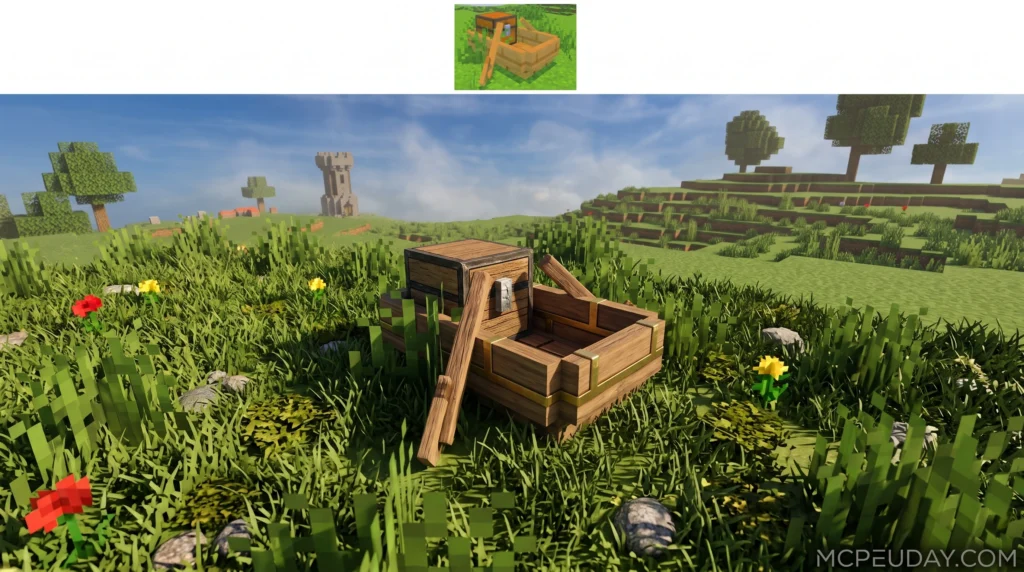
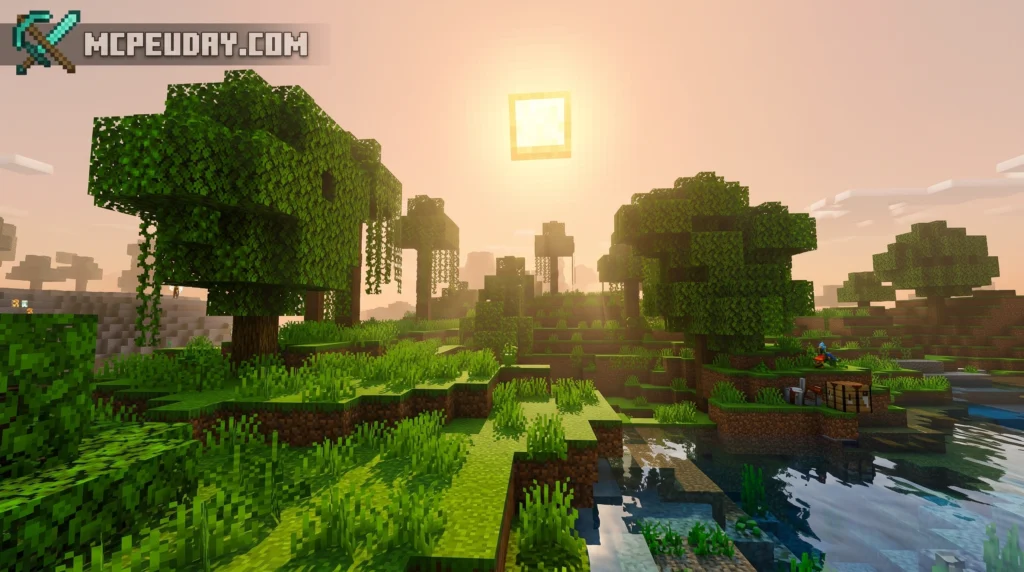
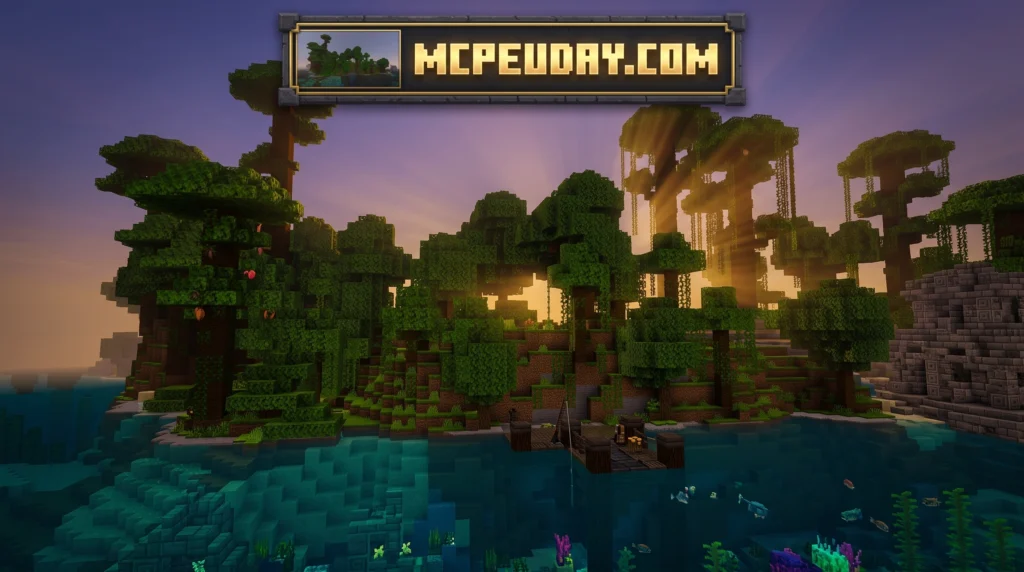
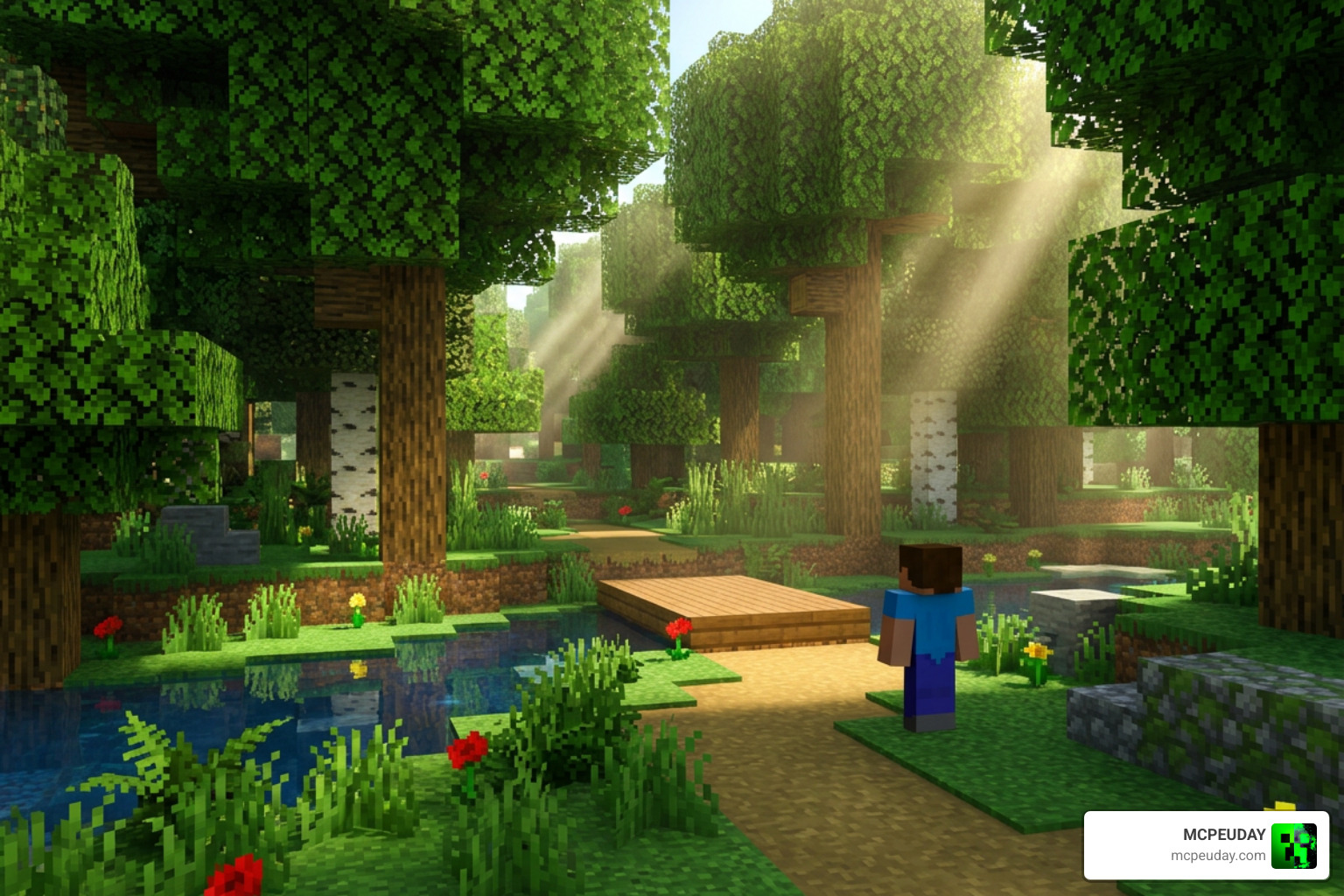
A vibrant brightness shader is a graphics add-on for Minecraft that boosts color, light, and visual depth beyond the game’s default look. If you just want a quick answer, here are the top options available right now:
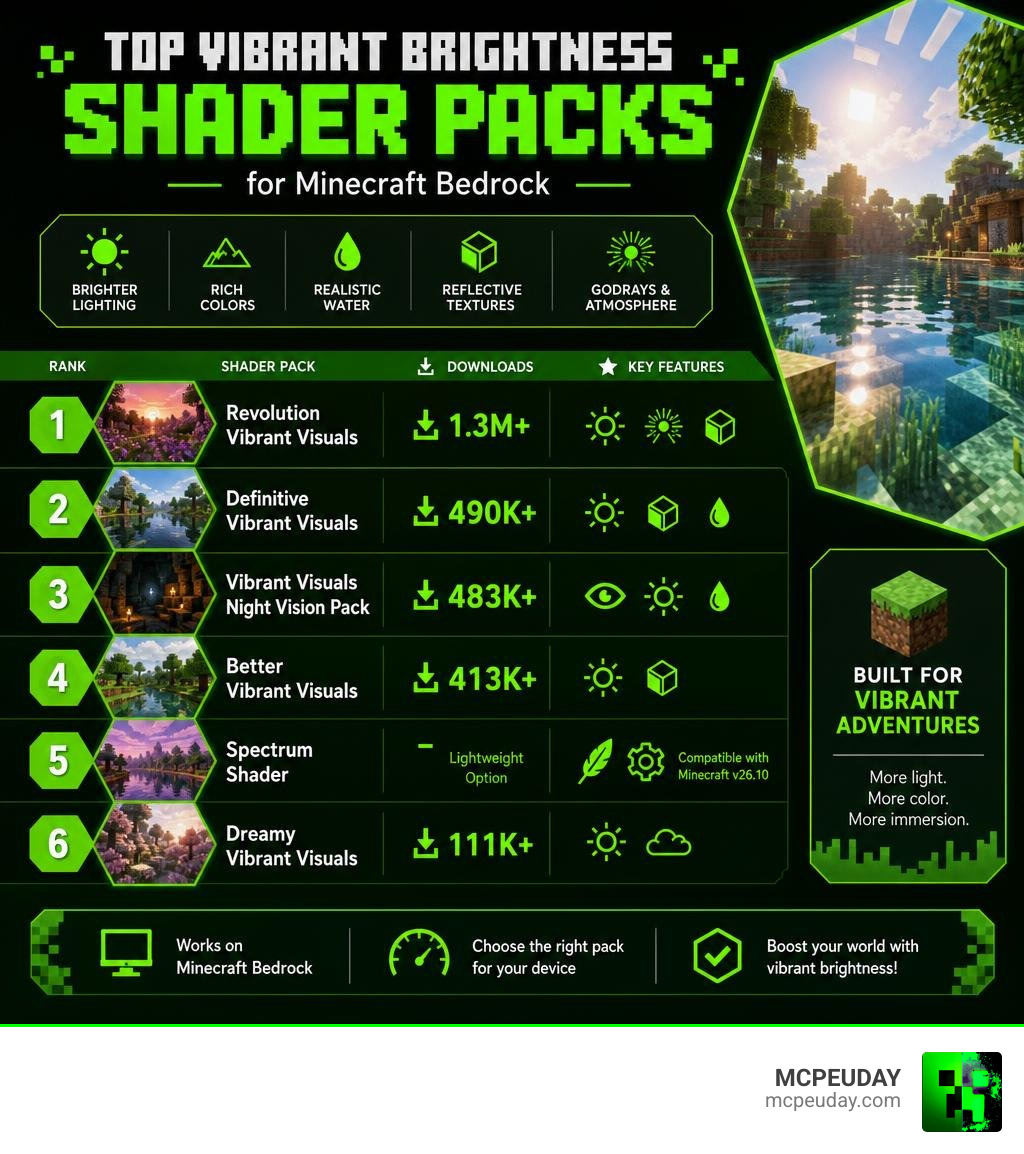
Best Vibrant Brightness Shaders for Minecraft Bedrock (June 2026):
- Revolution Vibrant Visuals — Most downloaded (1.3M+), biome-based lighting, godrays, reflective textures
- Definitive Vibrant Visuals — 490K+ downloads, static light update, polished PBR
- Vibrant Visuals Night Vision Pack — 483K+ downloads, permanent night vision for caves
- Better Vibrant Visuals — 413K+ downloads, static light focus, clean visuals
- Spectrum Shader — Lightweight option, compatible with Minecraft v26.10
- Dreamy Vibrant Visuals — 111K+ downloads, soft atmospheric style
Minecraft Bedrock’s built-in Vibrant Visuals mode changed everything. It replaced the old flat lighting system with a full deferred rendering pipeline — meaning the game calculates light, shadows, and reflections in a completely new way. The result? Sunbeams through trees. Glowing ores. Water that actually looks like water.
But the base Vibrant Visuals mode is just the starting point. A whole ecosystem of shader packs and resource packs has grown around it, each one pushing color, brightness, and atmosphere in a different direction.
Whether you’re exploring dark caves or building a cinematic base, the right shader makes a real difference. This guide breaks down every major option — and helps you find the one that fits your device and playstyle.
What is Vibrant Visuals in Minecraft Bedrock?
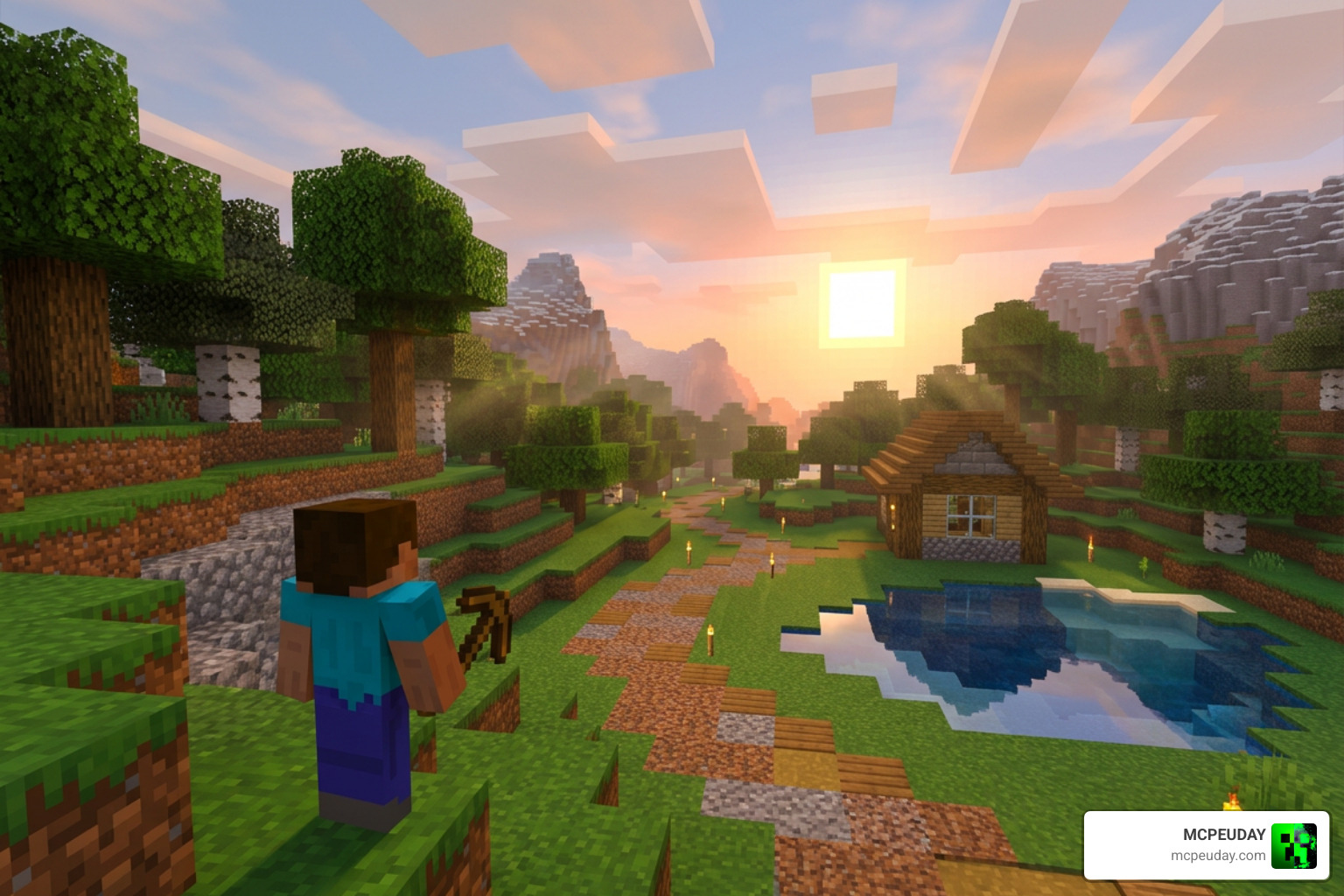
At its heart, the official Vibrant Visuals – Minecraft Wiki feature represents a massive technical leap forward for Minecraft Bedrock Edition. For years, Bedrock players had to settle for basic, flat graphics because of the limitations of older rendering engines. But with the introduction of the RenderDragon engine and its experimental deferred lighting pipeline, everything changed.
When you load up a pack like the Vibrant Visuals Shader, you are not just slapping a simple color filter over your game. Instead, you are enabling a rendering system that calculates how light bounces off surfaces in real-time, bringing unparalleled depth to your blocky worlds.
Core Differences from Classic Graphics
Unlike classic graphics modes that use pre-calculated, static light maps, the vibrant brightness shader pipeline calculates lighting dynamically. In classic Minecraft, a torch simply turns surrounding blocks a flat yellow-white color. With the modern deferred pipeline, that same torch acts as a real-time point light, casting actual shadows behind blocks and reflecting off wet or metallic surfaces.
This performance-scaled approach means that as you move through your world, shadows stretch and warp based on the sun’s position. This is a massive visual upgrade that you can experience using the Vibrant Shader 26 X 1 21 MCPE Bedrock Shader.
The Role of Ray Tracing vs Deferred Rendering
It is easy to confuse deferred rendering with Ray Tracing (RTX). While hardware-accelerated RTX traces individual rays of light to create photorealistic reflections and shadows, it requires specialized, high-end desktop GPUs.
Deferred rendering, on the other hand, acts as a brilliant middle ground. It achieves remarkably similar visual results—like soft shadows, atmospheric fog, and glowing ores—without needing a dedicated ray-tracing graphics card. This means players on mobile devices, consoles, and mid-range PCs can enjoy gorgeous lighting by installing packs like the Vibrant RTX Visuals Shader, which mimics high-end ray tracing beautifully.
Technical Breakdown of the vibrant brightness Shader Engine
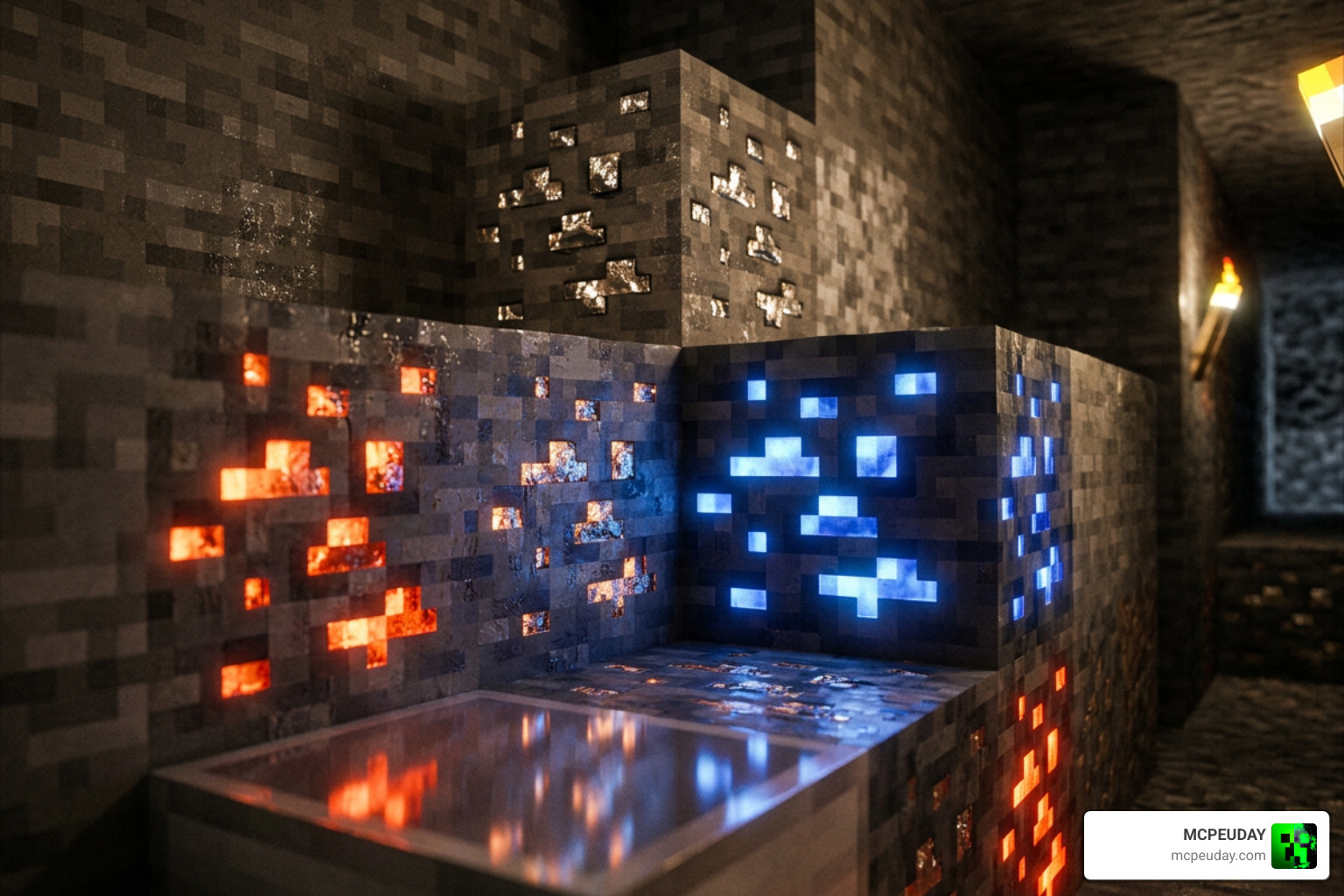
To truly appreciate what makes a vibrant brightness shader look so good, we have to look under the hood. The rendering engine uses a combination of physically based rendering (PBR), directional lighting, pixel-aligned shadows, and volumetric fog to construct each frame.
In some ways, this mimics advanced colorization techniques used in other software, such as the ColorizeBrightnessShader | Foundry Virtual Tabletop – API Documentation – Version 14 , which preserves brightness while shifting color tones. Similarly, a high-quality Bedrock shader like the Vibrant VSL Shader 26 X 1 21 MCPE Bedrock Shader balances intense, saturated colors with realistic light levels so your world never looks washed out.
Understanding MERS Texture Maps and PBR
Physically Based Rendering (PBR) relies on texture sets called MERS maps. Each letter in MERS represents a different material property that tells the shader how to treat light hitting that specific pixel:
- M (Metalness): Determines if a block behaves like metal (reflecting light directly) or a non-metal.
- E (Emissive): Controls how much light the block emits itself. This is what makes redstone, lapis, and diamond ores glow in the dark!
- R (Roughness): Defines how smooth a surface is. Rougher surfaces scatter light, while smooth surfaces create sharp, mirror-like reflections.
- S (Subsurface Scattering): Simulates light passing through semi-translucent materials, like leaves or ice.
By combining these maps, packs like the Vibrant Legacy Rewrite Shader turn flat, 2D textures into tactile, three-dimensional surfaces.
Environmental Effects and Biome Atmospherics
A great shader does more than just light up blocks; it sets a mood. The engine handles environmental effects dynamically, shifting the color grading and atmospheric fog based on the biome you are in. In cold biomes, the light shifts to a crisp, cool blue, while deserts feel dusty and warm.
This type of artistic color grading is highly popular in game development, similar to the cozy post-processing style found in the WHOLESOME VIBES – Godot Shaders project. In Minecraft, this manifests as stunning water caustics, soft weather transitions, and biome-specific godrays.
Top Shader Packs and Customization Options
Half the fun of using a vibrant brightness shader is customizing it to match your personal taste. Between using resource packs, editing JSON configuration files, and utilizing the Bedrock Editor, you have total control over your game’s final look. For a broader look at what is available, check out our Category Shaders page or watch video roundups like The best Minecraft shaders you can use…including Vibrant Visuals .
Comparing the Best vibrant brightness Shader Packs for Bedrock
To help you decide which pack to download, we have put together a comparison of the top three community-favorite options:
| Shader Pack | Key Features | Performance Impact | Best For |
|---|---|---|---|
| Revolution Vibrant Visuals | Biome-based environments, colored godrays, glowing minerals | Medium to High | Players wanting a complete, immersive overhaul |
| Better Vibrant Visuals | Static light focus, crisp water waves, clean reflections | Medium | Balanced gameplay and building |
| Spectrum Shader | Lightweight, highly compatible with v26.10, smooth FPS | Low | Mobile devices and budget PCs |
If you want an even more polished look, you can also check out the Enhanced Vibrant Visuals Shader for an extra layer of visual refinement.
How to Install and Configure a vibrant brightness Shader
Installing these shaders is incredibly straightforward. Here is how to get started:
- Download the
.mcpackfile for your chosen shader, such as the atmospheric Dreamy Vibrant Visuals Shader. - Double-click or tap the file to automatically import it into Minecraft Bedrock.
- Go to your World Settings, scroll down to Resource Packs, and activate the shader.
- Make sure to enable the Render Dragon Features for Creators (or “Deferred Technical Preview”) experiment in your world settings.
- Launch your world, open your Video Settings, and adjust your deferred render distance slider to find your perfect balance of performance and beauty.
Hardware Requirements and Performance Optimization
Because deferred rendering does a lot of heavy lifting in real-time, it does require a bit more graphical horsepower than vanilla Minecraft. To run a high-end pack like the Ultra Vibrant Visuals Shader for Minecraft smoothly, your device needs to meet certain hardware baselines.
For mobile devices, you will want at least an Adreno 640 (Snapdragon 855), a Mali GPU (Mediatek 1000 series), or an Apple A12 Bionic processor. On PC, a graphics card supporting DirectX 12 Feature Level 11 (FL11) is required to process the deferred lighting pipeline correctly.
Optimizing Frame Rates on Mobile and PC
If you notice your frame rate dipping, do not panic! You can easily optimize your settings to get a smooth, playable experience. We recommend checking out our guide on the 3 Best Shaders for Minecraft 1 21 Ultra Realistic Smooth FPS Stunning Graphics for deep optimization tips, but here are the quick wins:
- Lower your Deferred Render Distance: Keeping this between 8 and 12 chunks offers a massive FPS boost while still looking great.
- Toggle Volumetric Fog: While beautiful, volumetric fog is highly demanding. Turning it off can save you valuable frames.
- Adjust Bloom Settings: Lowering or disabling bloom reduces the workload on your GPU during bright daytime sequences.
Future Support and Java Edition Porting
While the official deferred lighting pipeline is currently a Bedrock Edition exclusive, Java Edition developers have been hard at work trying to recreate these gorgeous visuals. Projects like DistortedDragon1o4/visual-vibrance aim to bring the exact look and feel of Bedrock’s Vibrant Visuals over to Java using Iris shaders.
Some developers even look at classic emulator CRT brightpass filters, like crt/shaders/crt-royale/src/crt-royale-brightpass.glsl at 205cf0e8 · libretro/glsl-shaders , to study how to handle extreme brightness without clipping colors. If you prefer a more classic, lightweight approach on Bedrock, you can always fall back on the reliable Vibrant Legacy Simple Shader for MCPE.
Frequently Asked Questions about Vibrant Visuals
What are the minimum GPU requirements for running Vibrant Visuals?
To run Vibrant Visuals on mobile, you need at least an Adreno 640, a Mali Mediatek 1000 series, or an Apple A12 Bionic chip. On PC, you need a graphics card that supports DirectX 12 Feature Level 11.
How do MERS maps enhance block textures in Bedrock?
MERS maps add four layers of data (Metalness, Emissive, Roughness, Subsurface scattering) to block textures. This allows the shader engine to calculate realistic reflections, make ores glow in the dark, and let light filter softly through leaves.
Can I use the Vibrant Visuals Night Vision Pack on servers?
Yes! The Vibrant Visuals Night Vision Pack is a standalone resource pack. Because it runs locally on your device, you can use it on Realms, external multiplayer servers, and local worlds without needing any server-side behavior packs.
Conclusion
The vibrant brightness shader revolution has completely transformed how we experience Minecraft Bedrock. By moving away from flat, static lighting and embracing dynamic deferred rendering, our survival worlds have never looked more alive, colorful, and immersive.
At MCPEUDAY, we are dedicated to bringing you the absolute best, most up-to-date graphics packs, mods, and addons. If you are ready to take your game’s visuals to the absolute limit, explore our curated list of the Top 5 Best Realistic Shaders for MCPE or download the absolute best options from our Best Shaders for MCPE 1 21 2026 Top 3 Realistic Minecraft PE Shaders showcase today!