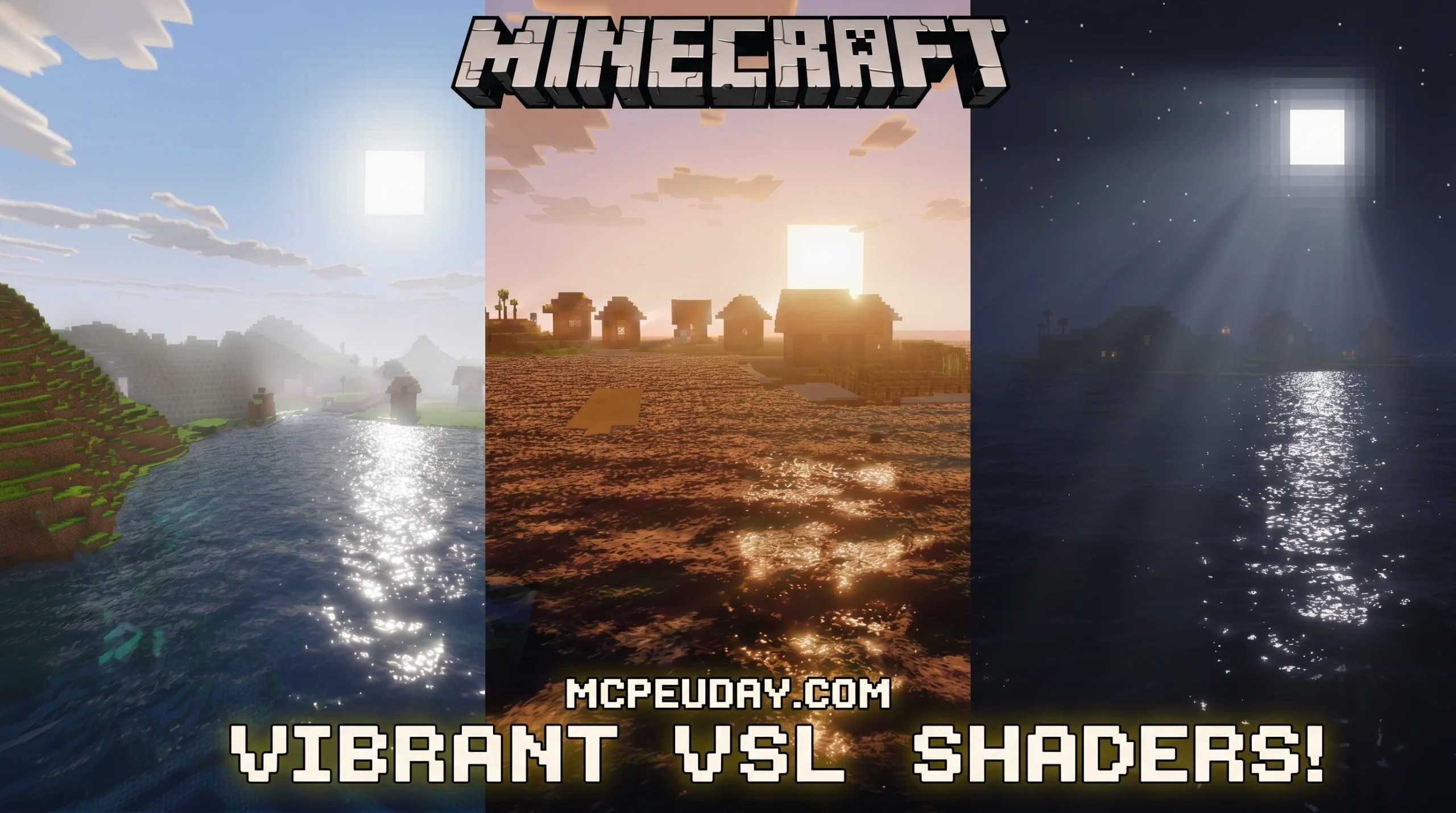
What the Vibrant VSL Shader Does (and Why Minecraft PE Players Love It)
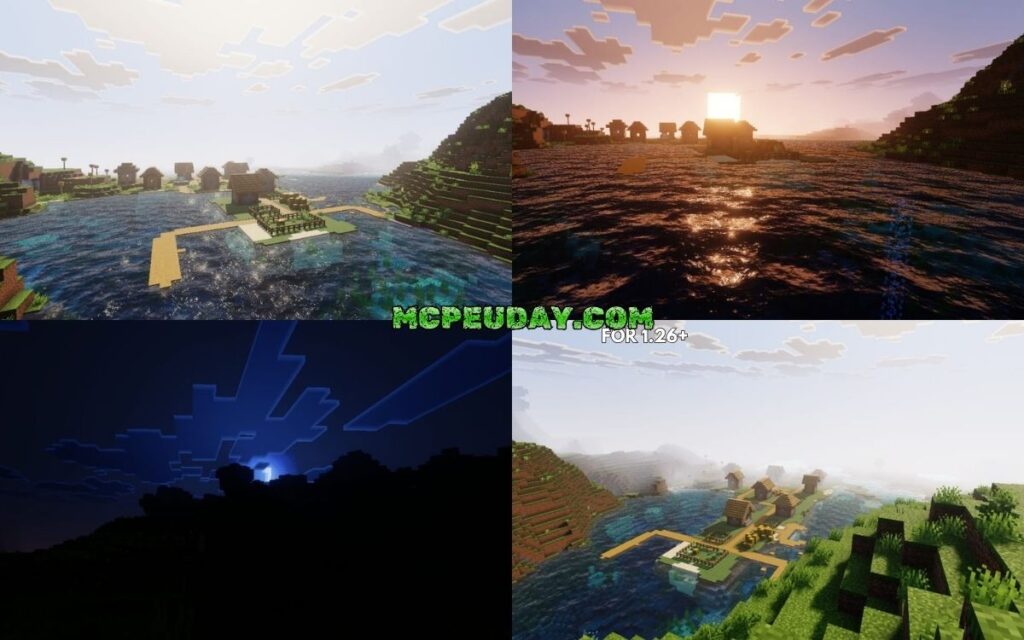
The Vibrant VSL Shader is a visual upgrade pack for Minecraft PE (Bedrock Edition) that transforms how your world looks — replacing flat vanilla lighting with richer colors, smoother shadows, and a more atmospheric sky.
Quick answer for Minecraft PE players:
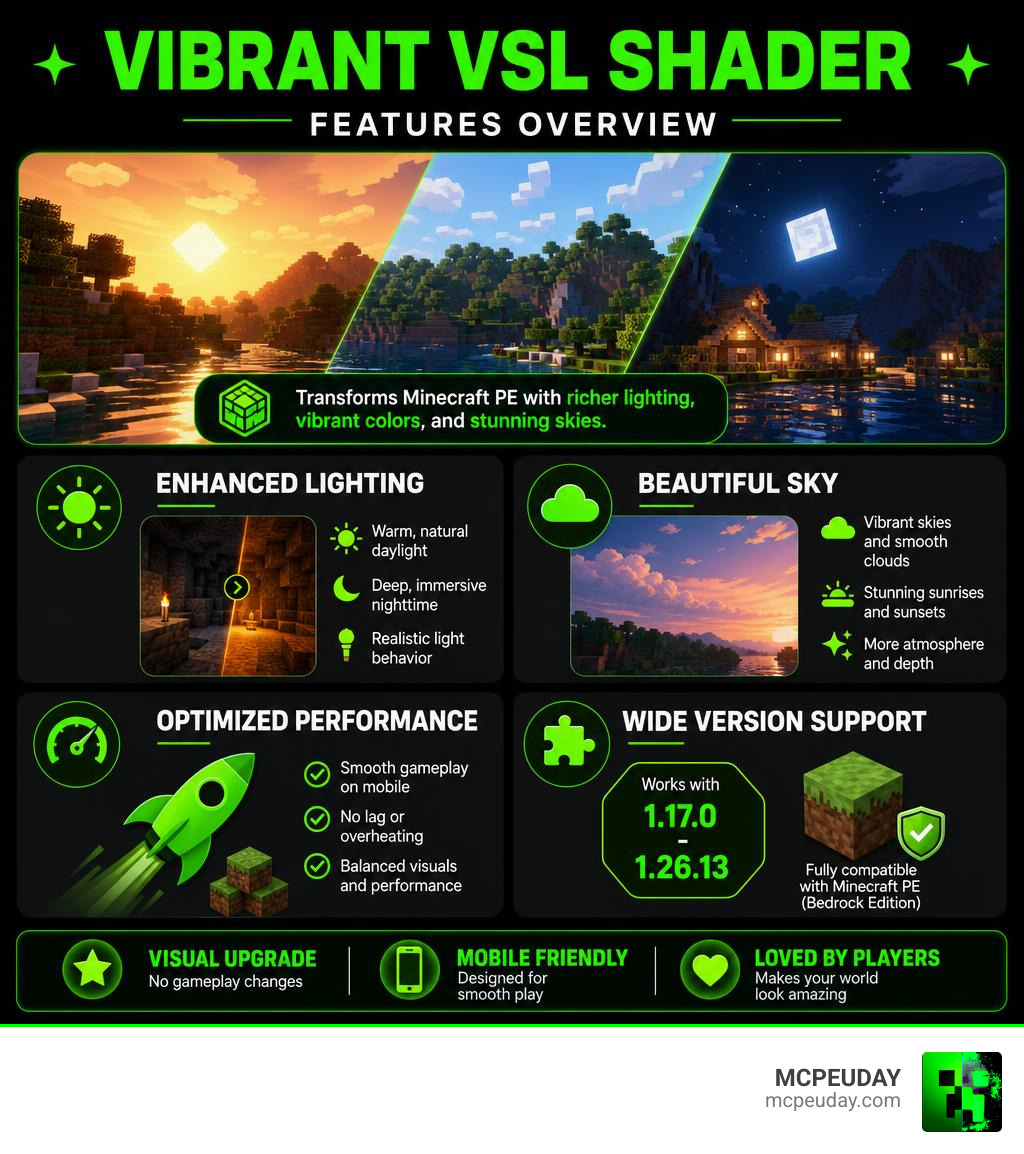
- What it is: A shader pack that improves lighting, colors, and sky visuals in Minecraft Bedrock Edition
- What it changes: Daylight becomes a warm soft yellow, nighttime shifts to deep blue, and sunlight feels more prominent
- Gameplay impact: None — it only changes visuals, not mechanics
- Works on: Mobile devices, versions 1.17.0 through 1.26.13
- Performance: Optimized for mobile, runs smoothly without lag or overheating
- Rating: 4.2 out of 5 on MCPEDL from real users
Vanilla Minecraft PE looks fine. But once you see VSL’s lighting in action — especially during sunrise or exploring a cave with torchlight — it’s hard to go back.
This guide covers everything: what the shader does, how it performs on your phone, and exactly how to install it step by step.
What is the Vibrant VSL Shader for Minecraft PE?
When we play Minecraft on our mobile devices, we sometimes feel like the default look is a bit too flat. The blocks can look a bit dull, and the lighting lacks that natural warmth we see in high-end PC setups. This is where the Vibrant VSL Shader steps in to save the day!
Specifically designed for Minecraft Bedrock Edition, this shader pack acts as a visual enhancement mod that injects life, warmth, and balanced color saturation into your game. It works closely with the official visual direction of the game, bringing a console-quality look directly to your smartphone or tablet. In fact, it is heavily inspired by the official Vibrant Visuals – Minecraft design updates, aiming to provide that same premium aesthetic without turning your phone into a pocket-sized furnace.
Our goal at MCPEUDAY is to bring you the very best tools to customize your game, and the Vibrant VSL Shader is easily one of our top recommendations for anyone looking to refresh their blocky worlds.
Core Features of the Vibrant VSL Shader
What exactly makes this shader stand out in a sea of graphic packs? It all comes down to how it handles light and color balance. Instead of just slapping a heavy filter over your screen, the Vibrant VSL Shader meticulously reworks the environment:
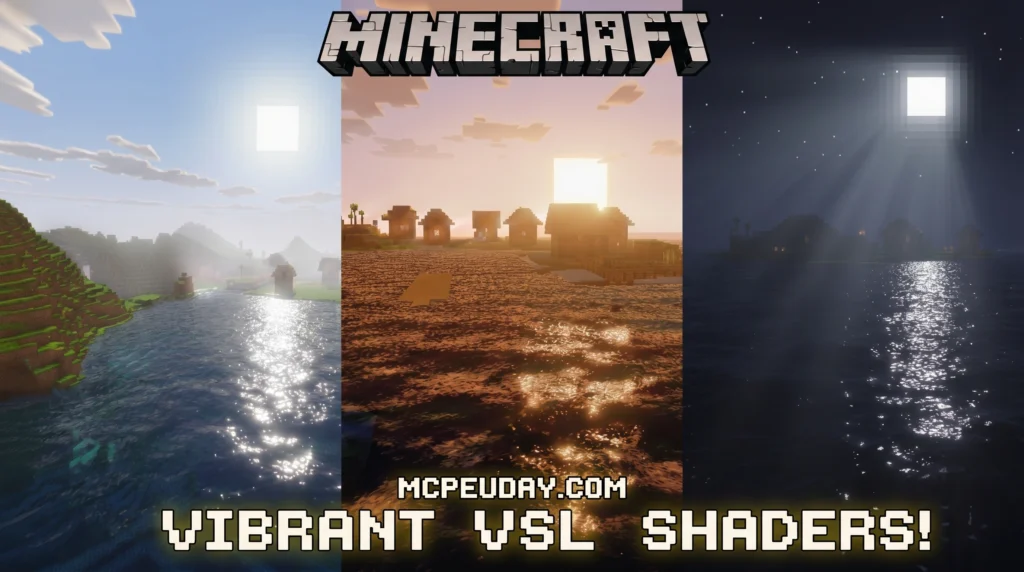
- Soft Yellow Daylight: Say goodbye to harsh, white sunlight. The daytime sky casts a gentle, warm yellow hue across your builds, making wood, stone, and grass textures pop with natural depth.
- Deep Blue Nighttime: Nights are no longer just a dreary, flat gray. The shader transitions the world into a rich, deep blue atmosphere that feels mysterious yet highly visible.
- Prominent Sunlight: Sunlight casts beautiful, soft rays across the landscape, giving your early morning Elytra flights or boat rides a truly cinematic feel.
- Smooth and Sharp Colors: Every single block is rendered with smooth gradients and sharp, vibrant colors. It balances saturation so that biomes look lush and alive without hurting your eyes during long gaming sessions.
For players who want an even more intense color boost, you can also explore the Ultra Vibrant Visuals Shader for Minecraft on our site to see how it pushes these visual boundaries even further.
Supported Minecraft Versions and Platforms
Compatibility is always a major concern for mobile gamers. No one wants to download a beautiful pack only to find out it crashes their game on launch.
Fortunately, the Vibrant VSL Shader is built with incredible backward and forward compatibility. It supports a massive range of Minecraft PE versions, spanning from version 1.17.0 all the way up to the latest version 1.26.13. This broad 9+ version support ensures that whether you are playing on an older stable release or exploring the absolute newest updates in June 2026, the shader will load up smoothly.
Because it is tailored specifically for the Bedrock engine, it is highly optimized for mobile devices (both Android and iOS). If you are running an older device or just want a highly reliable, classic visual setup, you might also want to check out the Vibrant Legacy Simple Shader for MCPE as a fantastic alternative.
Visual Enhancements, Gameplay Impact, and Technical Architecture
To truly appreciate what the Vibrant VSL Shader brings to the table, we have to look at how it handles the environment compared to vanilla Minecraft.
In vanilla Minecraft, light is static and linear. A torch simply lights up a designated square radius with a flat white-yellow glow. With this shader enabled, light behaves dynamically. Torchlight creates cozy, warm pockets of safety inside deep caves, making mining trips much easier on the eyes. The transition of the sun and moon is also smoothed out, giving you gorgeous gradients during dawn and dusk instead of sudden brightness shifts.
How the Vibrant VSL Shader Transforms Your World
When you load into your favorite survival world with this pack, the differences are immediately noticeable across several key areas:
- Rich Biome Colors: Desert sands look warm and baked, jungle canopies look incredibly dense and green, and cold tundras carry a crisp, cool atmosphere.
- Water Reflections: While keeping performance high, the shader improves how water interacts with light, giving lakes and oceans a clean, semi-reflective surface that looks stunning under the midday sun.
- Subtle Foliage Movement: Leaves and grass sway gently in the breeze, simulating wind without creating distracting visual noise on your screen.
- Improved Visibility: Unlike some realistic shaders that make caves pitch black and nights impossible to navigate, this pack prioritizes gameplay visibility. You will still be able to spot targets, build, and explore without constantly struggling to see what is in front of you.
If you want to see how this pack stacks up against other top-tier graphics mods, take a look at our curated list of the Top 5 Best Realistic Shaders for MCPE.
Gameplay Mechanics and Performance Stability
One of the best things about the Vibrant VSL Shader is that it is purely a visual resource pack. It does not change any gameplay mechanics, meaning you can use it freely in your hardcore survival worlds, creative builds, or multiplayer servers without worrying about breaking redstone contraptions, mob spawning, or achievements.
Furthermore, mobile optimization is where this shader truly shines. Many mobile shaders look great in screenshots but turn your gameplay into a laggy slideshow. This pack is designed from the ground up to maintain stable performance. It delivers high-quality aesthetics while keeping your device cool, making it perfect for long, uninterrupted building and exploration sessions.
Technical Architecture and Version Differences
Behind the scenes, the magic of modern shaders relies on complex graphics languages. The Vibrant VSL Shader utilizes the OpenGL Shading Language (GLSL) to execute vertex and fragment shader operations directly on your mobile device’s GPU.
If you are interested in the technical side of how modern graphics engines process light, you can read about Shader Architecture or dive into this comprehensive Visualization Library: OpenGL Shading Language Tutorial to understand how vertex and fragment calculations work.
In the wider Minecraft community, there are also projects like DistortedDragon1o4/visual-vibrance (which is a popular fork of GitHub – jbritain/visual-vibrance at 9700e8a3c59eb710ab3b82b1c4643437e3c8062a · GitHub) that try to bring these vibrant Bedrock-style visuals over to the Java Edition of the game using Iris and OpenGL 4.3+. However, for our Bedrock and PE players, the VSL shader remains the most optimized, native way to enjoy these warm tones directly on your phone.
How to Download and Install the Shader
Ready to transform your game? Installing the Vibrant VSL Shader on Minecraft PE is incredibly simple because it is packaged as a standard .mcpack file.
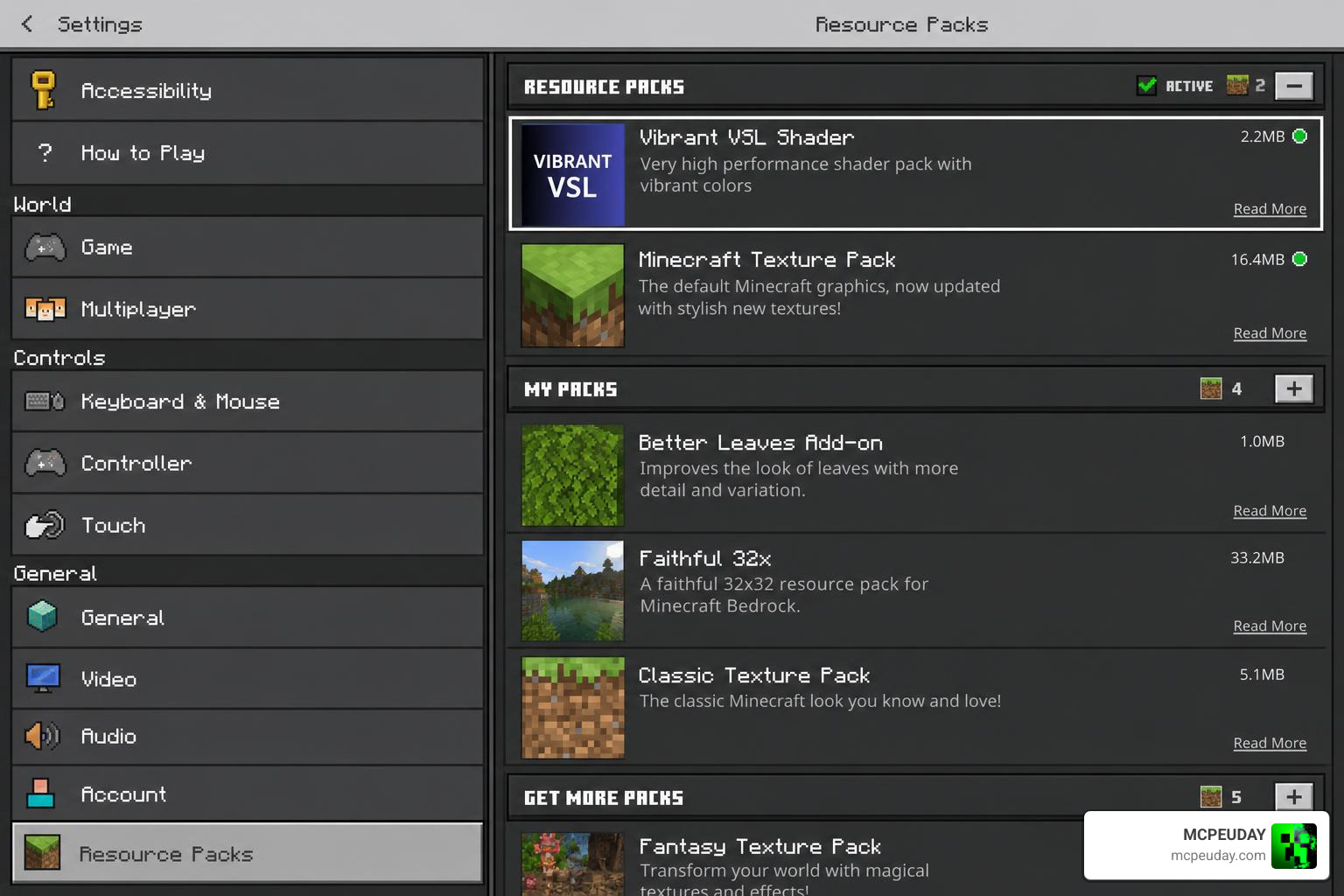
Follow these simple steps to get it up and running:
- Download the Pack: Grab the official
.mcpackfile from our verified download links on MCPEUDAY. - Open the File: Once downloaded, tap on the file. Your mobile device should automatically give you the option to “Open with Minecraft.”
- Importing: Minecraft PE will launch and display a message at the top of the screen saying “Import started” followed by “Successfully imported Vibrant VSL Shader.”
- Activate in Settings:
- To apply it globally: Go to Settings -> Global Resources -> My Packs, select the shader, and click Activate.
- To apply it to a specific world: Go to your world settings, scroll down to Resource Packs, and activate it there.
Platform Comparison: Android vs. iOS Installation
While the process is generally identical, here is a quick breakdown of how to handle the file on different operating systems:
| Step | Android | iOS |
|---|---|---|
| File Manager | Use any standard File Manager (like ZArchiver or default Files app). | Use the native iOS “Files” app. |
| Opening File | Tap the .mcpack file and select Minecraft from the “Open with” menu. | Tap the file; if it doesn’t open Minecraft, tap the “Share” button and select Minecraft. |
| Permissions | Ensure Minecraft has storage access permissions enabled. | No extra storage permissions are usually required. |
Frequently Asked Questions about VSL Shader
To help you get the most out of your visual upgrade, we have put together answers to some of the most common questions we receive from the community.
Does the shader cause lag or overheating on mobile?
No! The Vibrant VSL Shader is highly optimized for mobile devices. Unlike heavy ray-tracing or path-tracing packs, it uses smart GLSL code to adjust colors and lighting values without overloading your phone’s processor. It maintains stable frame rates and preserves your battery life, making it perfect for long gaming sessions.
Are there any known compatibility issues or limitations?
Because Minecraft Bedrock Edition uses the Render Dragon rendering engine on newer versions, some traditional shaders may require specific setup steps or patched versions depending on your operating system. Additionally, platforms like macOS or Raspberry Pi are not supported by this specific mobile shader architecture. Always ensure your game client is up to date and that you are using the correct version of the shader for your specific Bedrock build.
How does it compare to other realistic shaders?
Compared to other legendary packs like ESBE, SEUS, or Prizma, the VSL Shader strikes a perfect middle ground. While SEUS focuses heavily on ultra-realistic (and resource-heavy) water and shadows, VSL focuses on color vibrance, soft atmospheric shifts, and performance. It gives you a clean, beautiful game that still runs at a smooth 60 FPS on average devices.
To explore more options, you can browse through our dedicated Category Shaders library.
Conclusion
At MCPEUDAY, we believe that personalizing your Minecraft experience should be fun, easy, and accessible to everyone. The Vibrant VSL Shader is a stellar example of how a well-optimized resource pack can completely revitalize your game, giving you gorgeous warm daylight, atmospheric nights, and rich biome colors without sacrificing performance.
If you are looking to try out even more incredible visual styles, don’t miss our ultimate guide to the Best Shaders for MCPE 1.21 2026 Top 3 Realistic Minecraft PE Shaders. Download the VSL pack today, jump into your world, and see your builds in a whole new light!
2 thoughts on “Vibrant VSL Shader (26.x, 1.21) – MCPE/Bedrock Shader”