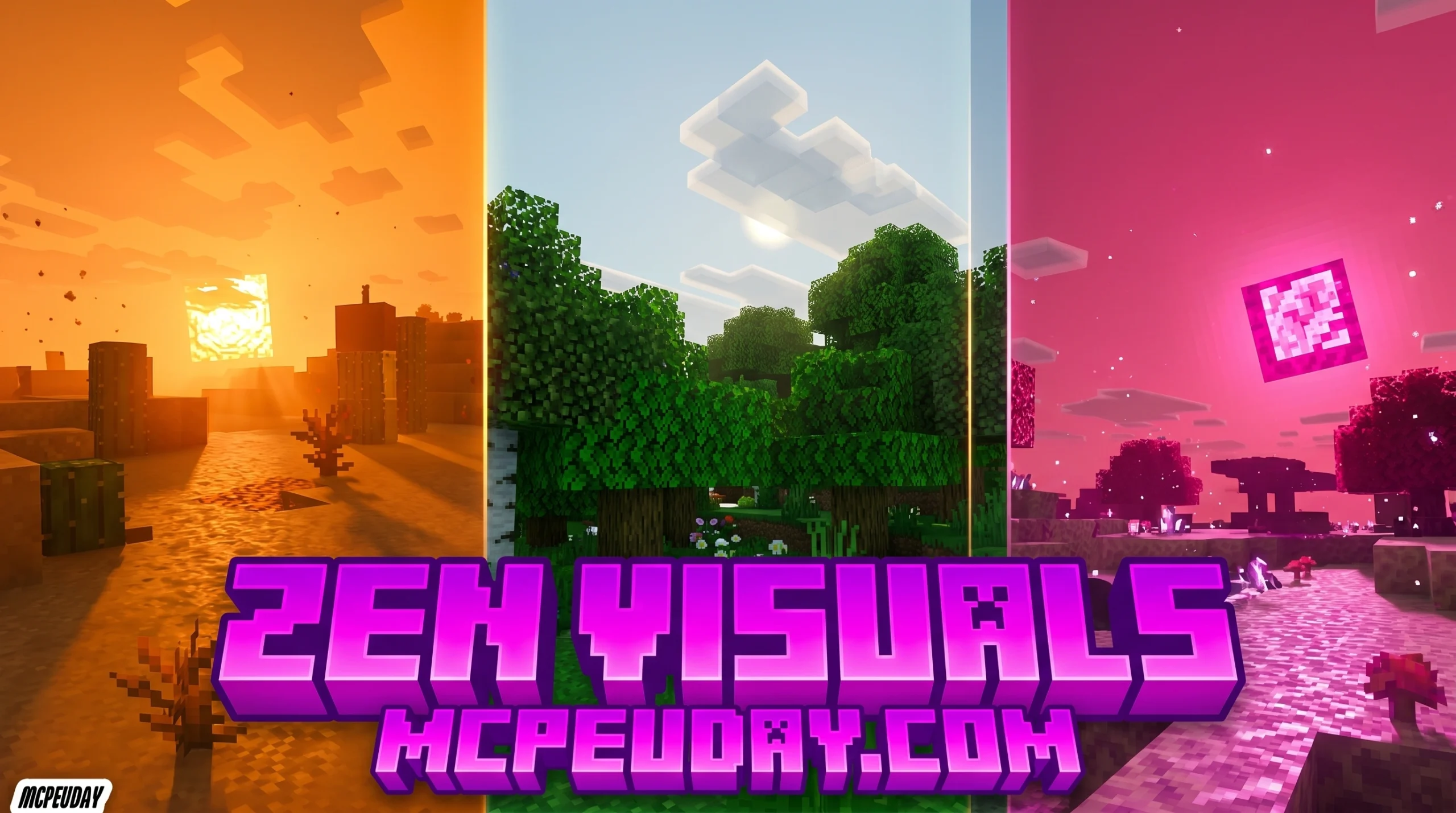
What the Zen Visuals Shader Does for Minecraft PE
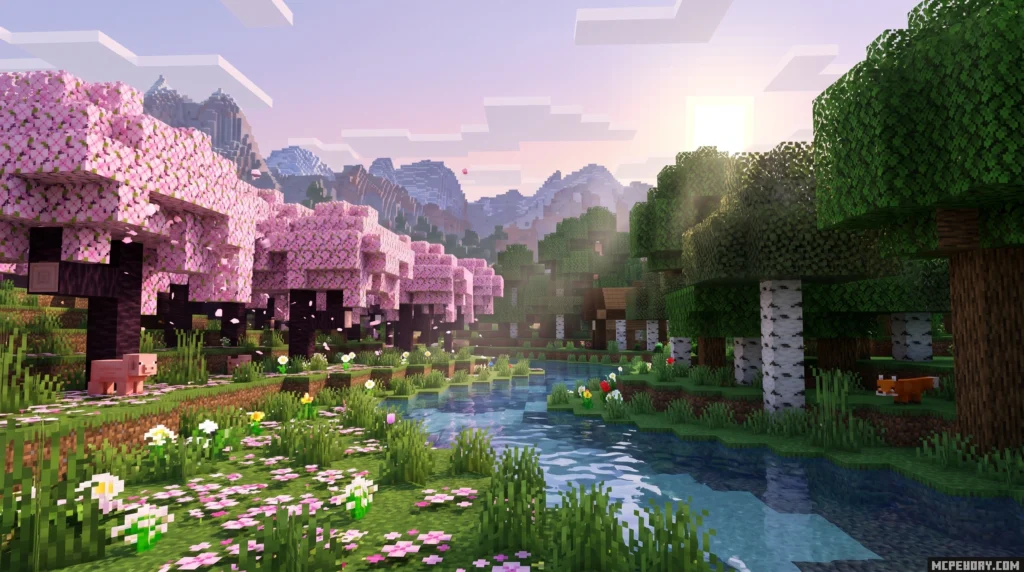
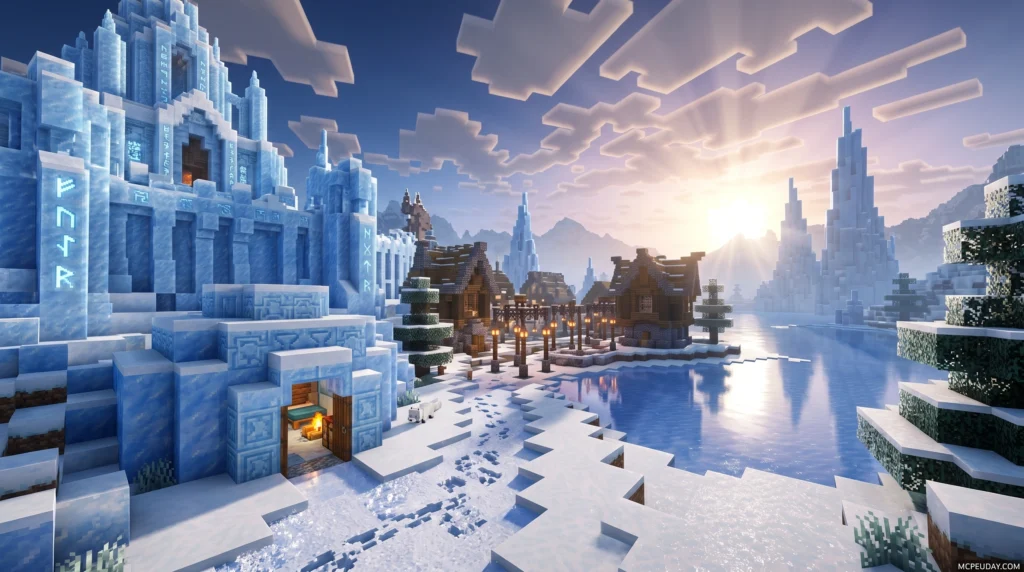
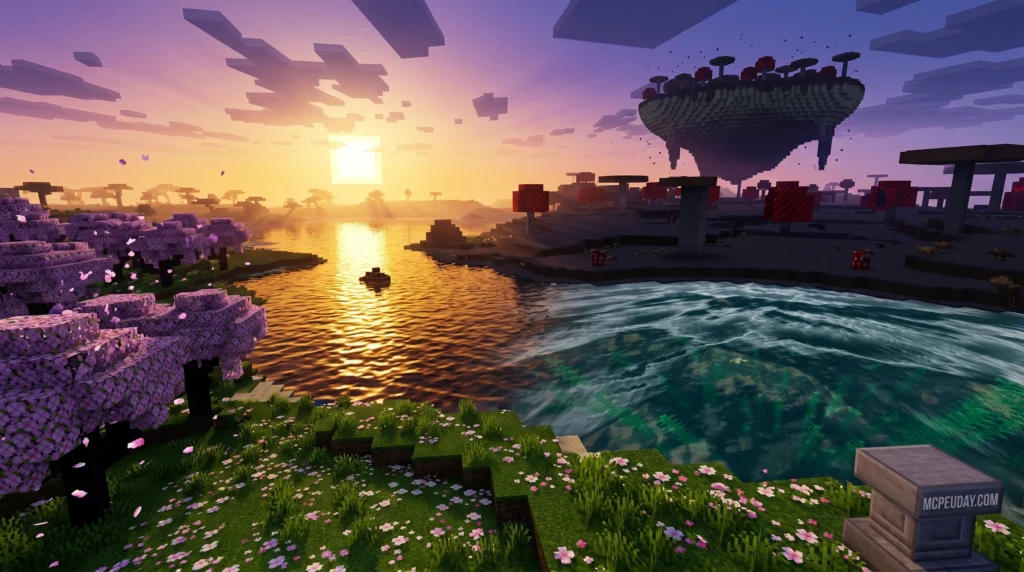
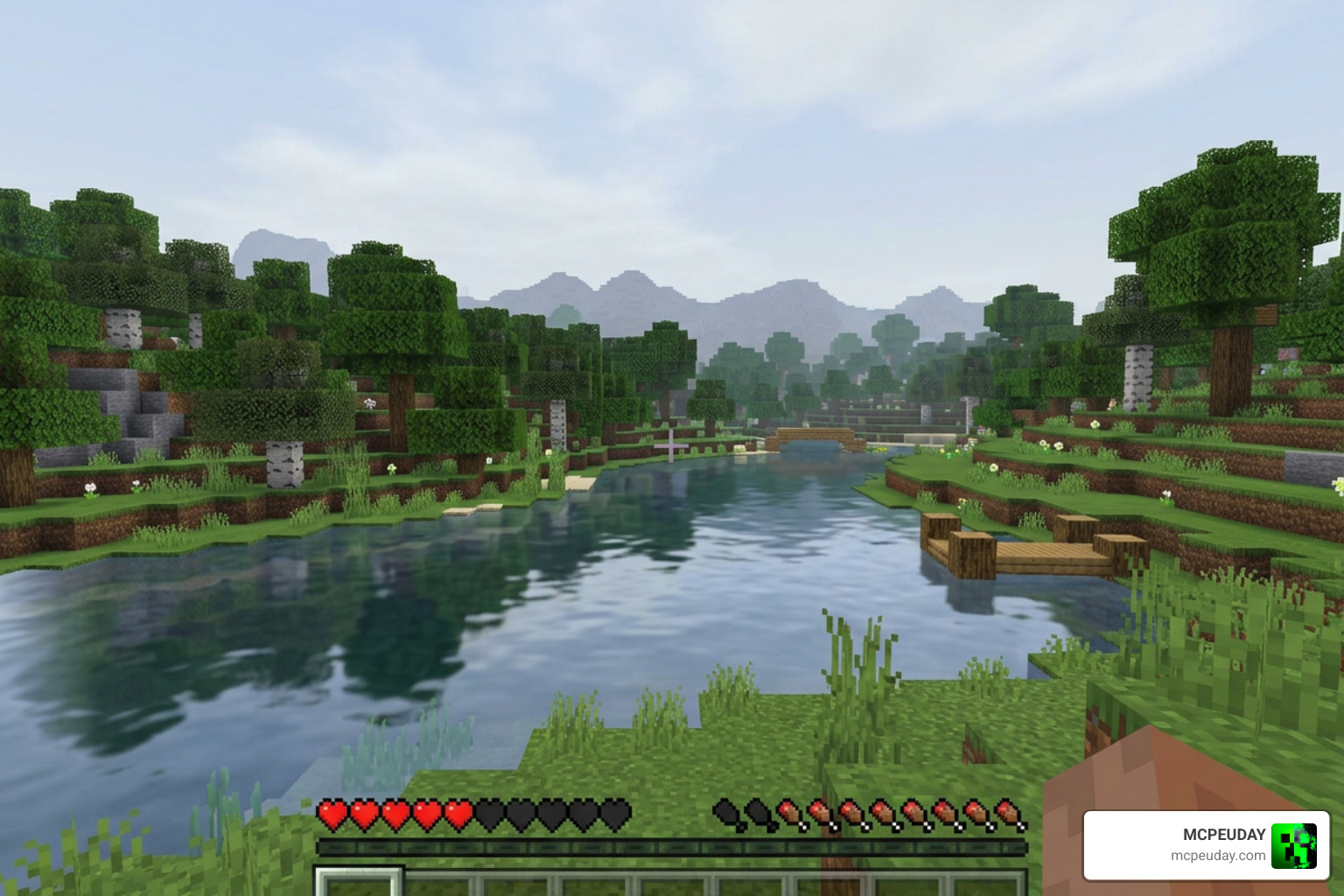
Zen Visuals Shader is a lightweight resource pack for Minecraft Pocket Edition that replaces harsh default visuals with soft lighting, balanced colors, gentle water animations, and natural-looking biomes — all without touching gameplay mechanics.
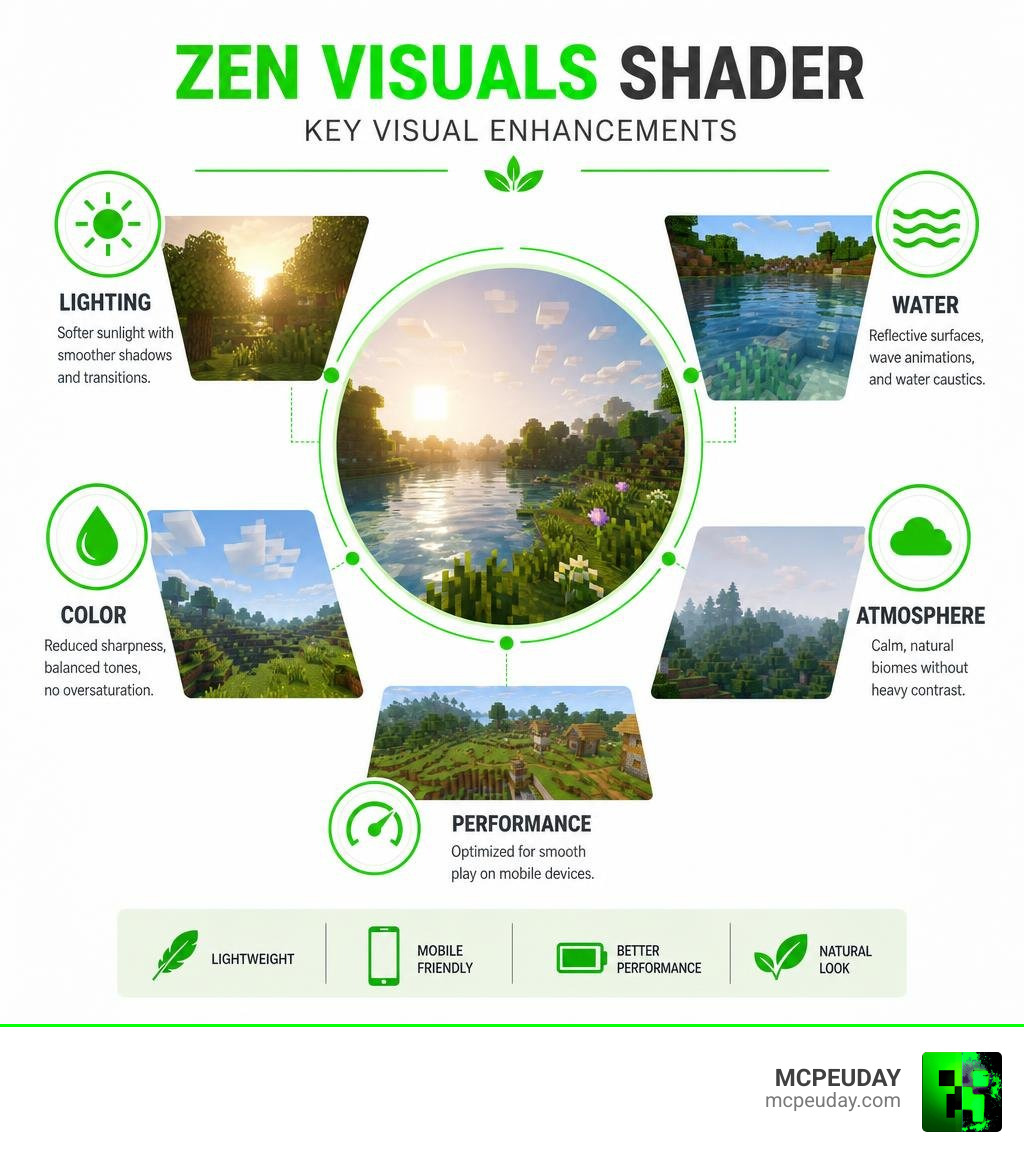
Here’s a quick look at what it delivers:
- Lighting — Reworked sunlight with softer shadows and smoother transitions
- Color correction — Reduced sharpness, balanced tones, no oversaturation
- Water effects — Reflective surfaces, wave animations, and water caustics
- Atmosphere — Calm, natural biomes without heavy contrast or dramatic effects
- Performance — Optimized for Android mobile devices
- Compatibility — Works with Minecraft Bedrock Edition versions 1.17.0 through 1.26.x
Unlike shaders that go for bold, cinematic drama, Zen Visuals is built around one idea: harmony. The world just looks calmer, cleaner, and more pleasant to play in.
It has racked up over 110,500 downloads on MCPEDL with a community rating of 3.6 out of 5, making it one of the more popular lightweight shader options for MCPE.
This guide covers everything — what it does, how it works, how to install it, and how it stacks up against other shaders.
What is the Zen Visuals Shader?
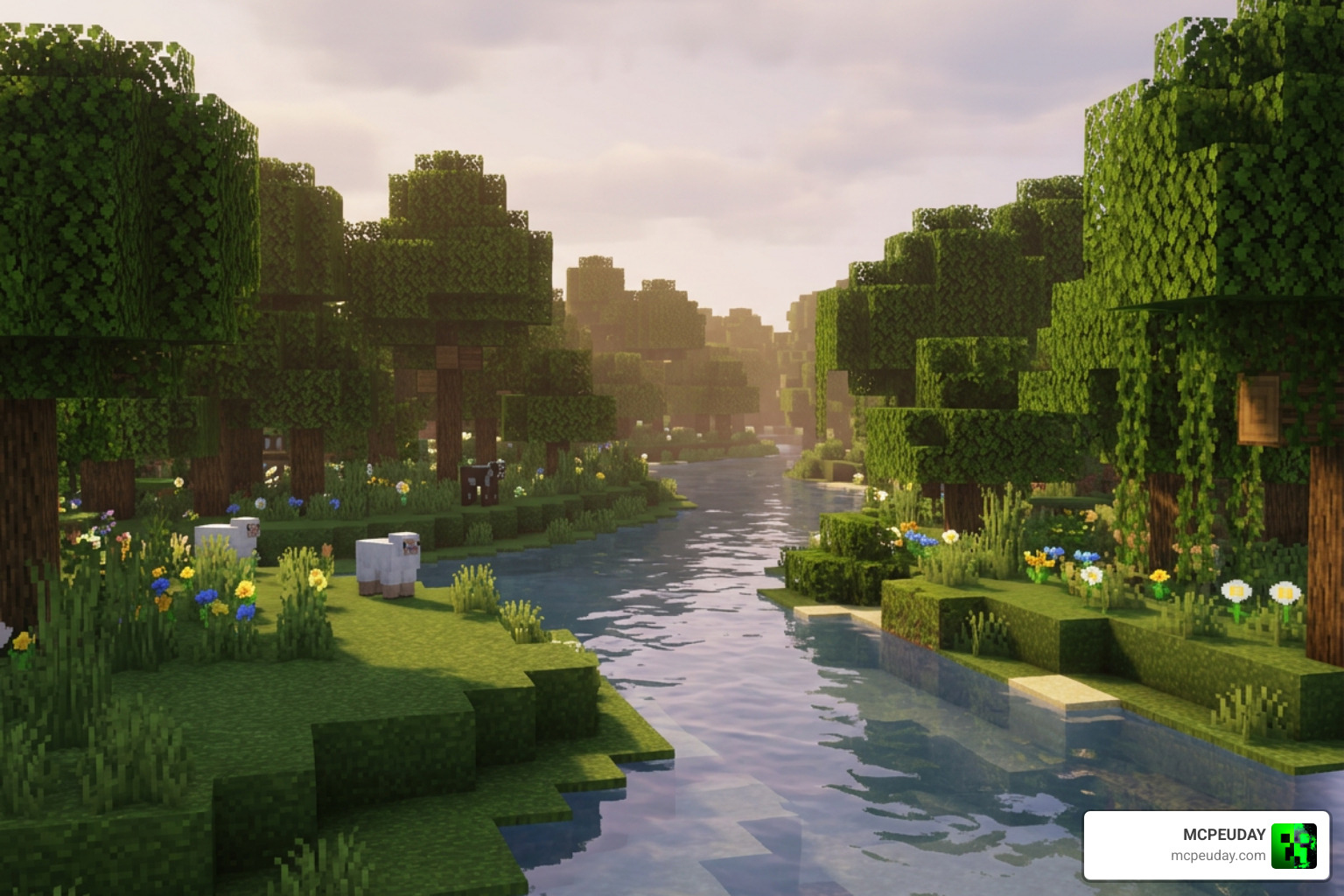
The Zen Visuals Shader is a highly optimized graphics modification designed specifically for Minecraft Bedrock Edition (MCPE). It aims to strip away the harsh, hyper-saturated look of vanilla Minecraft and replace it with a soothing, unified aesthetic. Whether you are running MCPE 1.21 or exploring the experimental features of version 1.26, this shader package works silently behind the scenes to deliver a clean, peaceful world.
From a technical perspective, rendering graphics on mobile devices requires a delicate touch. While advanced systems like Godot utilize complex, graph-based visual shader technology to construct material nodes, Minecraft Bedrock relies heavily on the Render Dragon engine. The creators of Zen Visuals have meticulously configured this pack to operate within the strict limits of Render Dragon, achieving soft color gradients and a minimalist atmosphere without tanking your frame rates.
Core Philosophy of Zen Visuals Shader
The guiding light behind the Zen Visuals Shader is visual relaxation. Many modern shaders push mobile hardware to its absolute limit with heavy raymarching, extreme contrast, and blinding lens flares. Zen Visuals does the exact opposite.
It embraces low contrast, desaturated tones, and soft gradients. Instead of screaming for your attention with dramatic, photorealistic elements, it enhances the classic blocky charm of Minecraft. It is the perfect choice for players who enjoy long survival sessions, cozy base building, or simply exploring peaceful landscapes. If you want to see how this philosophy stacks up against other popular styles, check out our roundup of the Best Shaders for MCPE 1.21.
Key Features and Technical Specifications
We love optimization, and Zen Visuals is a masterclass in lightweight design. Here is a quick breakdown of its technical footprint:
- File Size: A lightweight 2.01 MB (specifically for version 1.1.4).
- Download Milestones: Over 110.5k downloads on MCPEDL, proving its long-term popularity in the Bedrock community.
- Community Rating: Holds a solid 3.6 out of 5 average rating, with recent updates (like the 26.x, 1.21 version) scoring a higher 3.8 out of 5.
- Engine Compatibility: Built natively to support the Render Dragon engine.
Because it is so lightweight, you do not need a high-end gaming phone to run it. It is highly compatible with a wide range of Android devices, making it a staple on our list of the Best Render Dragon Shaders for MCPE 1.21.
Visual Enhancements: Lighting, Water, and Atmosphere
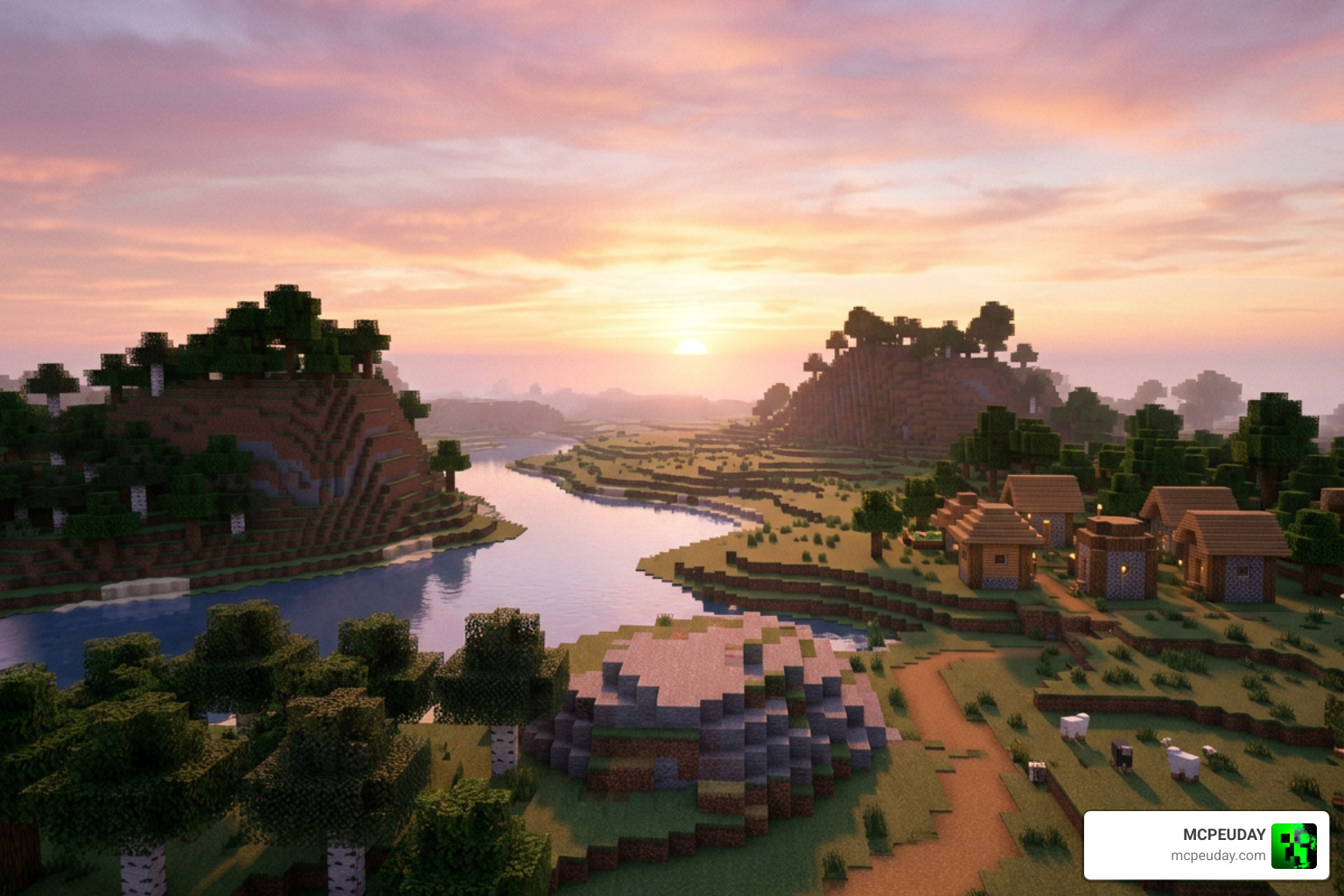
When you boot up Minecraft with the Zen Visuals Shader active, the shift in tone is immediately obvious. The world feels cohesive and soft, as if a gentle cinematic filter has been laid over your screen. Let’s look at exactly how it changes your game, and why it holds its own among the Top 5 Best Realistic Shaders for MCPE.
Lighting and Color Correction in Zen Visuals Shader
The lighting engine has been completely overhauled to favor smooth, calm scenes.
- Soft Bloom & Ambient Glow: Light sources emit a warm, low-intensity glow rather than a harsh, pixelated glare. Sunsets and sunrises are particularly beautiful, casting soft pastel gradients across the sky.
- Desaturated Haze: A light, minimalist fog settles in the distance, providing a sense of depth and scale without creating visual noise.
- Natural Biomes: Grass, leaves, and terrain colors are balanced to reduce sharpness. Biomes transition smoothly into one another without jarring contrast shifts.
Water Physics and Environmental Effects
Water rendering is often the make-or-break feature for any shader pack. Zen Visuals handles this beautifully:
- Reflective Water Surfaces: Water bodies are clear, showing soft reflections of the sky and clouds.
- Gentle Wave Animations: Waves move with a slow, meditative ripple rather than a chaotic, distracting motion.
- Water Caustics: Added in version 1.0.2, this feature projects beautiful light patterns onto the ocean floor, making underwater exploration highly immersive.
- Red Water Glitch Fix: Older versions of Bedrock shaders often suffered from a strange red water rendering bug. The developers of Zen Visuals successfully patched this glitch, ensuring pristine blue waters across all biomes.
How to Install Zen Visuals Shader on Android
Ready to transform your mobile Minecraft world? Installing the Zen Visuals Shader on Android is a straightforward process. If you ever get stuck or want to learn more about setting up graphics packs on other platforms, read our comprehensive How to Turn On Shaders in Minecraft (2026 Guide).
Step-by-Step Android Installation Guide
Follow these simple steps to get Zen Visuals running on your Android device:
- Download the Pack: Download the official
.mcpackfile for Zen Visuals (ensure you select the version compatible with your current Minecraft Bedrock build, such as 1.21 or 1.26). - Open the File: Use a file manager app on your Android device. Navigate to your Downloads folder and tap on the downloaded
Zen-Visuals.mcpackfile. - Import to Minecraft: Select “Open with Minecraft” if prompted. Your phone will automatically launch the game and import the pack. You will see a “Successfully imported Zen Visuals” message at the top of your screen.
- Manual Installation (Alternative): If the auto-import fails, manually copy the unpacked Zen Visuals folder and paste it into your device’s directory at:
Android/data/com.mojang.minecraftpe/files/games/com.mojang/resource_packs/ - Activate the Shader:
- Open Minecraft and go to Settings.
- Scroll down to Global Resources.
- Click on My Packs, locate Zen Visuals, and tap Activate.
- Create a new world or load an existing one to enjoy your beautifully serene new landscape!
Performance, Compatibility, and Comparisons
How does Zen Visuals stand up against other visual heavyweights on the market? To help you choose, we have put together a comparison table matching Zen Visuals against two other top-tier Render Dragon options: Solum Visuals Shader and Celestia Visuals Shader.
| Feature / Detail | Zen Visuals Shader | Solum Visuals Shader | Celestia Visuals Shader |
|---|---|---|---|
| Visual Style | Calm, soft, minimalist | Highly realistic, warm | Cinematic, vibrant, dreamy |
| Performance Impact | Extremely Low (Great for low-end) | Medium | Medium to High |
| File Size | ~2.01 MB | ~1.5 MB | ~3.2 MB |
| Water Caustics | Yes | Yes | Yes |
| Battery Drain | Minimal | Moderate | Moderate to High |
| Best Suited For | Long play sessions, old devices | Balanced realism | High-end mobile devices |
As you can see, while Solum Visuals focuses on warm realism and Celestia brings cinematic drama, Zen Visuals wins outright on battery efficiency and lightweight performance. It is the ultimate “set-and-forget” pack for daily survival play.
Frequently Asked Questions about Zen Visuals Shader
Does Zen Visuals Shader affect gameplay mechanics?
No. Zen Visuals is strictly a client-side visual resource pack. It does not alter survival mechanics, block behaviors, redstone, or building physics. You can safely use it on multiplayer servers and realms without worrying about compatibility issues or gameplay changes.
Is Zen Visuals Shader suitable for low-end mobile devices?
Yes! Zen Visuals is specifically optimized to avoid heavy volumetric rendering and raymarching passes. This keeps your GPU cool, minimizes battery drain, and ensures a stable, lag-free 60 FPS on almost all modern Android devices.
Which Minecraft PE versions are compatible with Zen Visuals Shader?
The shader is highly compatible with Minecraft Bedrock Edition versions starting from 1.17.0 all the way up to the latest 1.26.x updates. Because it is built to work seamlessly with the Render Dragon graphics engine, you won’t have to worry about broken textures when updating your game.
Conclusion
The Zen Visuals Shader is a masterclass in subtle, balanced game design. By focusing on harmony, soft color palettes, and optimized performance, it offers Minecraft PE players a peaceful escape from the harsh contrast of the vanilla game without demanding expensive hardware.
If you are ready to explore more ways to elevate your Bedrock experience, we invite you to Explore the Best Realistic Shaders for MCPE 1.21 on our site. Keep your eyes on MCPEUDAY for all the latest, safest, and most beautiful mod downloads for your favorite blocky world!

1 thought on “Zen Visuals Shader (26.x, 1.21) – MCPE/Bedrock Shader”