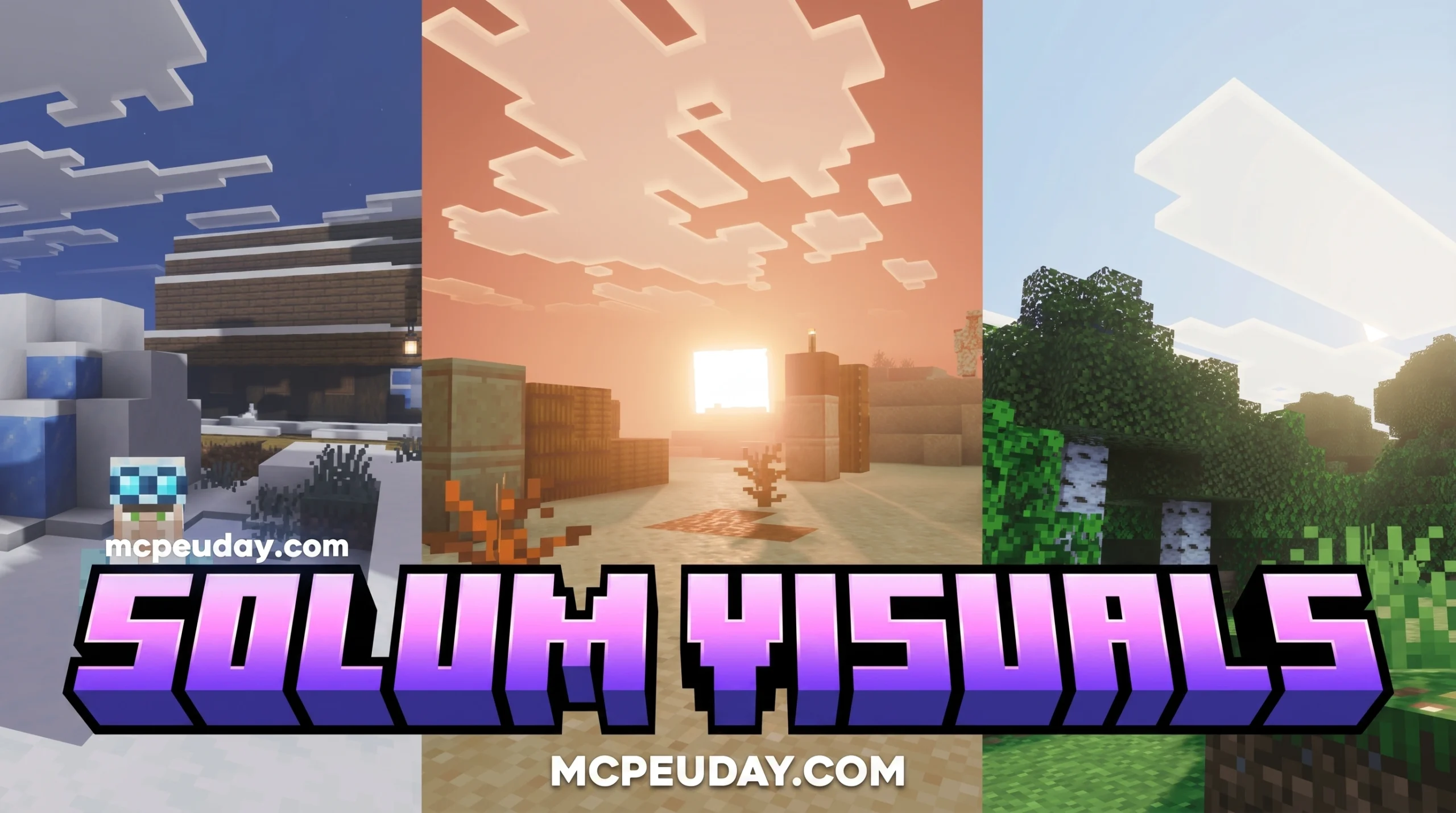
What You Need to Know About Solum Visuals Shader
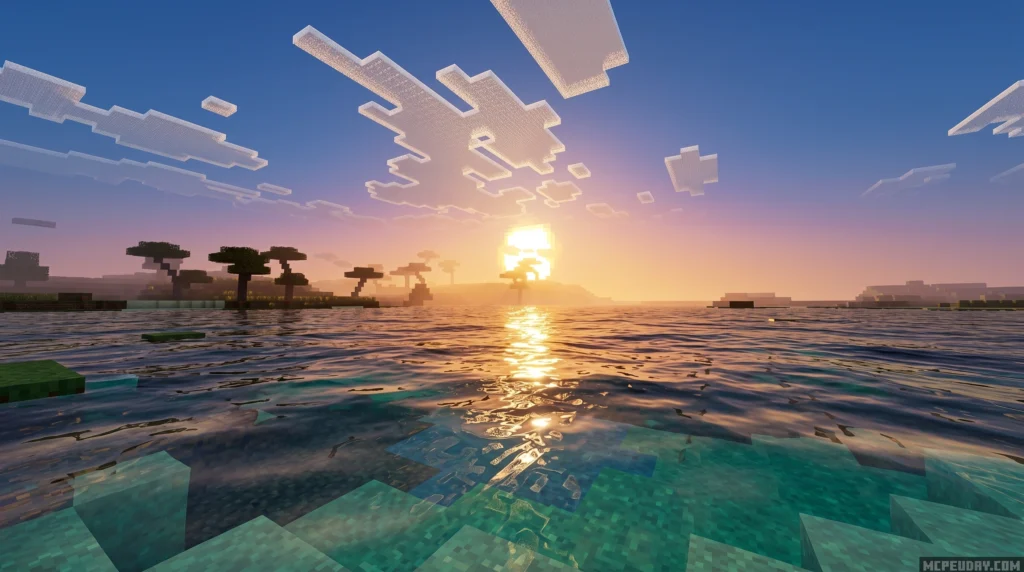
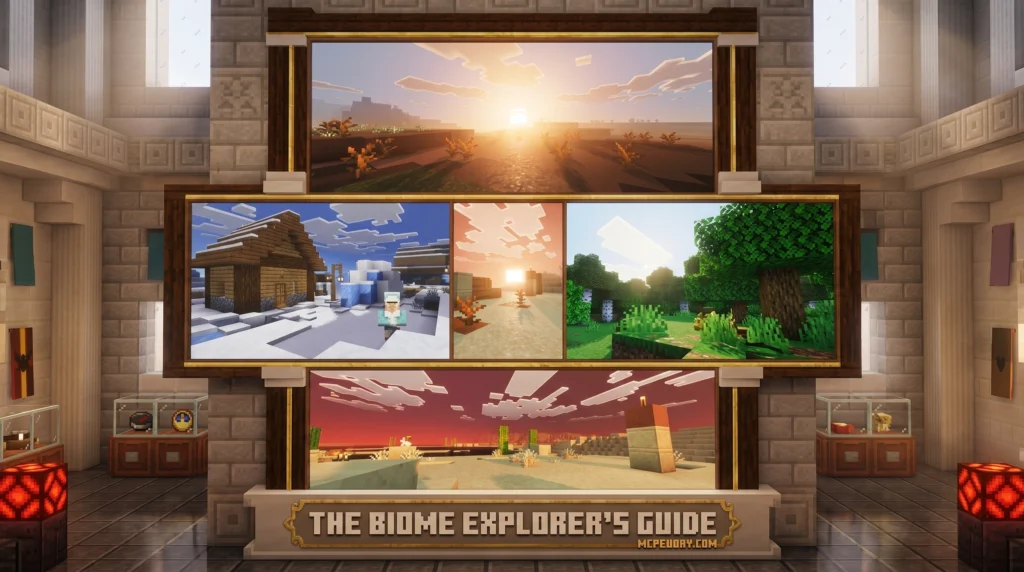
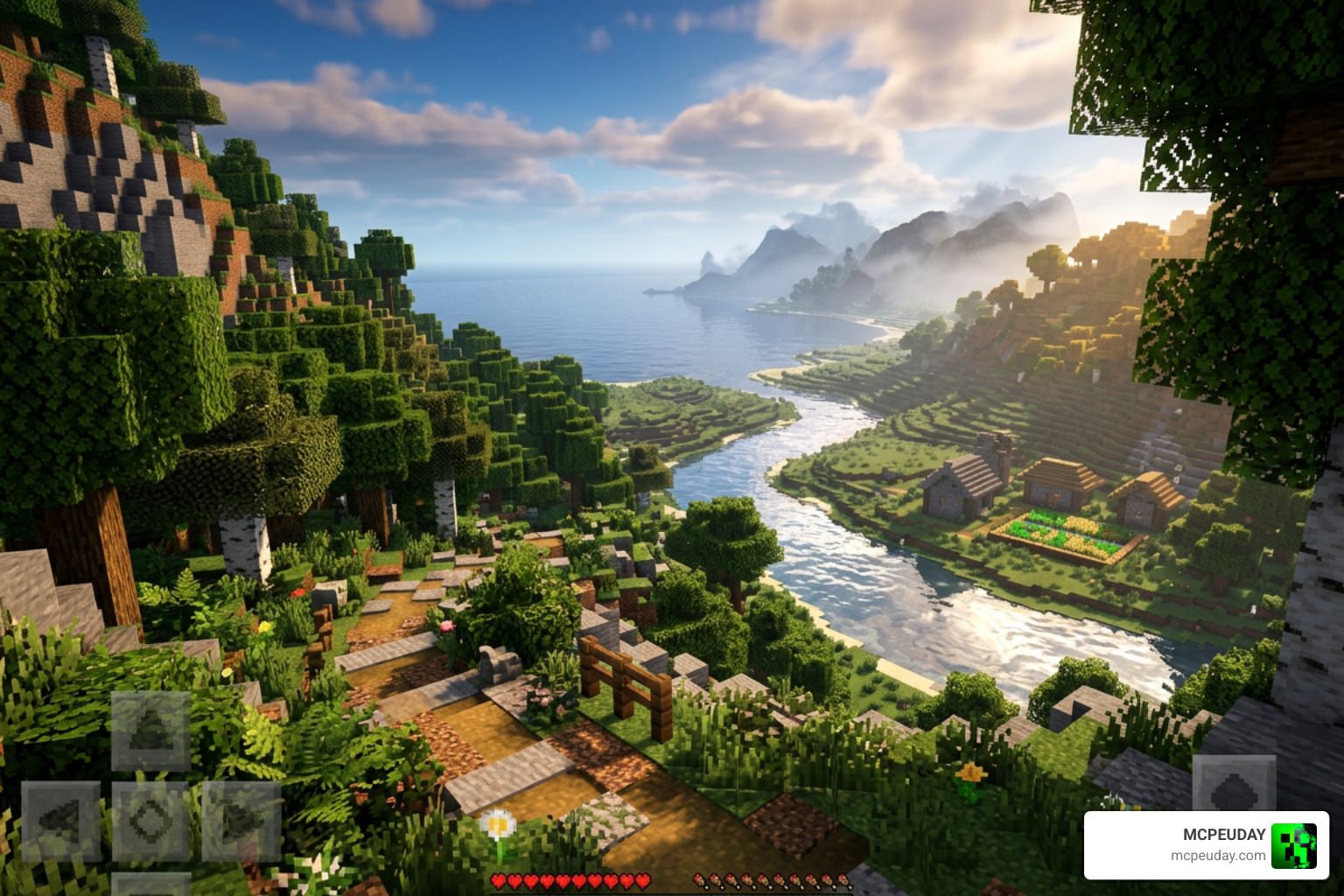
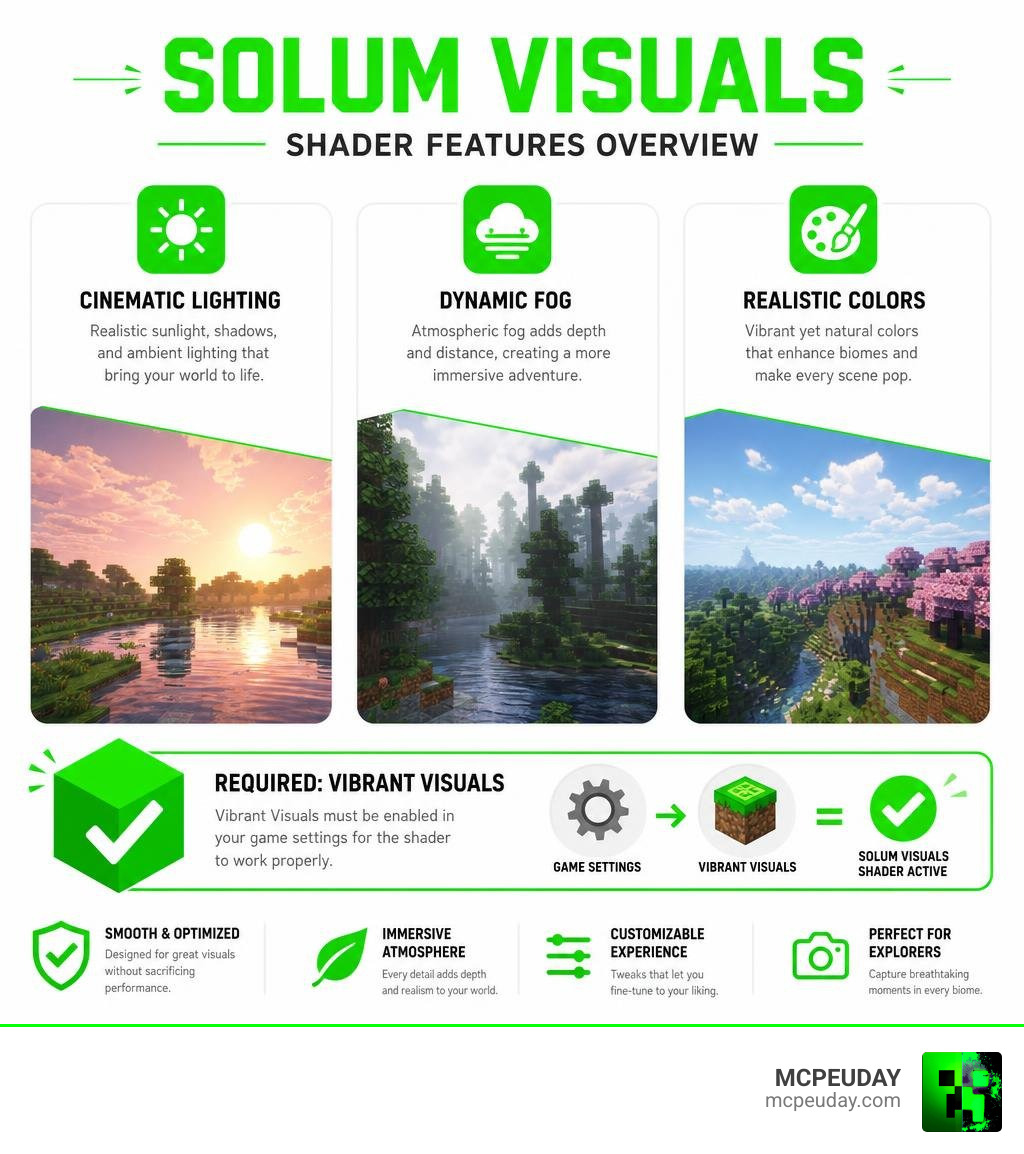
Solum Visuals Shader is a Bedrock Edition texture pack that transforms Minecraft PE’s visuals with cinematic lighting, dynamic fog, and a realistic color palette — and it has racked up over 155,000 downloads on CurseForge since its release.
Quick answer for what you’re looking for:
- What it is: A shader pack for Minecraft PE and Bedrock Edition
- Who made it: VoxenMC2 (88 followers, 41 projects on CurseForge)
- Supported versions: Minecraft Bedrock 1.21.130 and 1.21.132
- File format: .mcpack
- Key requirement: Vibrant Visuals must be enabled in your game settings
- Where to download: CurseForge (Project ID 1385109)
- Current status: Still in active development with regular updates planned
If Minecraft’s default look feels flat and boring, you’re not alone. Millions of players want something more alive — better skies, richer fog, light that actually feels like light.
Solum Visuals Shader is one of the most downloaded Bedrock shader packs right now, and it delivers all of that without needing a high-end device.
This cheat sheet covers everything: features, installation, prerequisites, and where to grab the latest version.
What is the Solum Visuals Shader?
When we look at the history of mobile shaders, Bedrock Edition and Pocket Edition (MCPE) players have often had a rough time. Ever since Mojang introduced the Render Dragon engine, traditional shaders stopped working. This left the community searching for alternative ways to enhance their game’s graphics.
Fortunately, talented developers like VoxenMC2 stepped up to the plate. By utilizing advanced material manipulation and custom texture techniques, they created the Solum Visuals Shader to bring back that gorgeous, high-end look without breaking the game’s engine.
This pack is specifically designed for Bedrock-based platforms. Whether you play on an Android phone, iOS device, or Windows PC, this shader pack aims to deliver a console-quality visual overhaul right to your screen, making your survival worlds feel more immersive than ever before.
Key Visual Features of Solum Visuals Shader
What makes this pack so special? It isn’t just about making things brighter; it is about creating a cohesive, artistic mood. Here are the main visual improvements you will notice immediately:
- Cinematic Lighting: Light behaves naturally. It flows softly through tree leaves and casts realistic, expressive shadows that make your builds look like scenes from a professional movie trailer. Light sources like torches and lanterns emit a warm, realistic glow that blends smoothly into the surrounding darkness.
- Dynamic Fog: The fog isn’t static. It actually responds to the current weather and the time of day. If a rainstorm rolls in, the fog thickens to create a moody, mysterious environment. During early mornings, you will notice a soft mist hanging over low-lying valleys.
- Realistic Colors: Say goodbye to overly saturated, cartoonish green grass. This shader introduces a carefully balanced, realistic color palette that looks grounded yet vibrant. Biomes feel distinct, with foliage and water tones adjusted to match real-world environments.
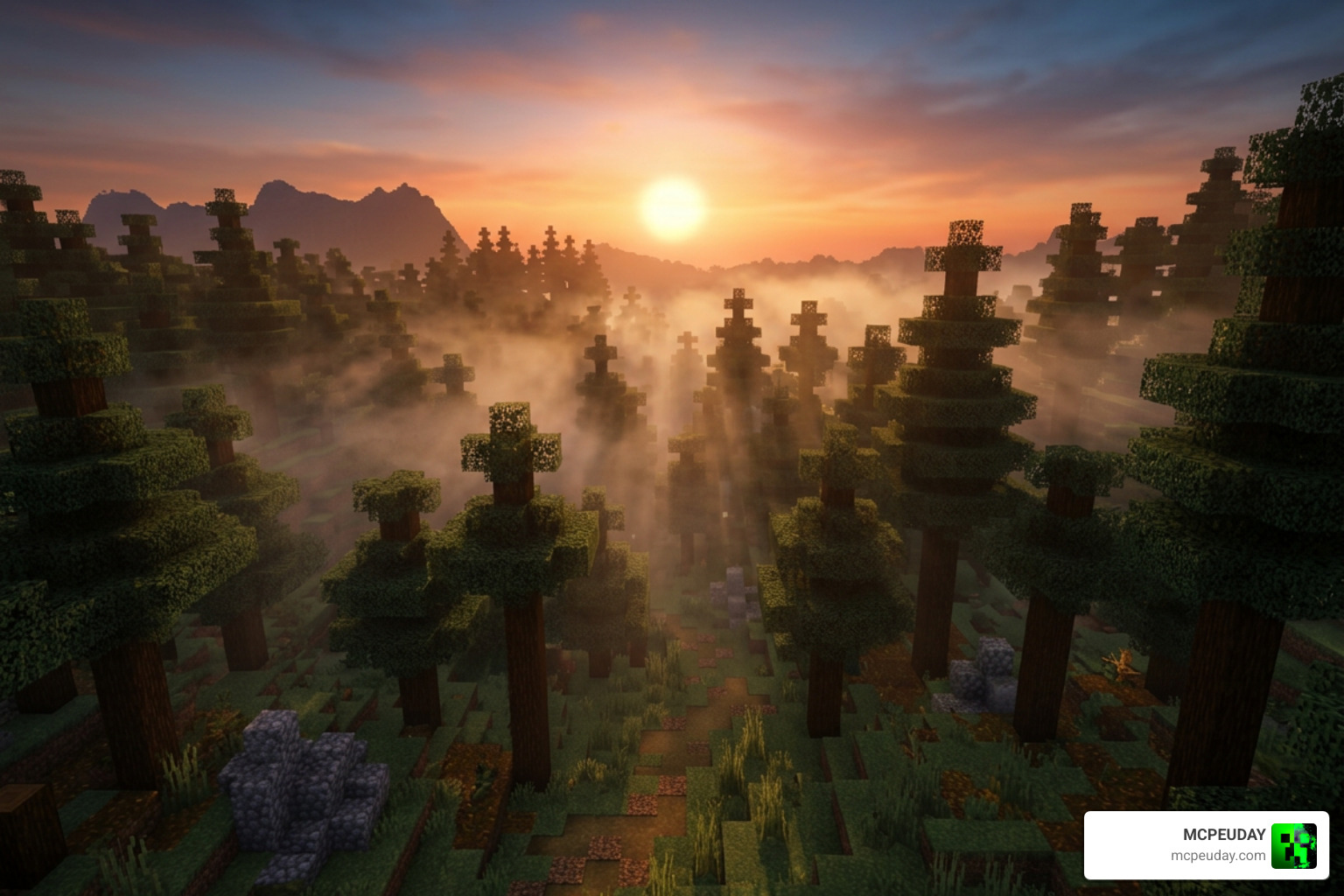
- Sunset and Sunrise Transitions: The transitions between day and night feature gradual tone changes. You will experience breathtaking golden hours with beautiful warm hues reflecting across your world, creating perfect opportunities for in-game photography.
Supported Minecraft Versions and Editions
Compatibility is always a major concern when choosing resource packs. We have tested this pack extensively and can confirm it supports:
- Minecraft PE / Bedrock Edition: Primarily built for mobile and Bedrock players.
- Specific Versions: It fully supports Minecraft Bedrock versions 1.21.130 and 1.21.132.
- File Format: It is distributed as an easy-to-use
.mcpackfile, meaning you do not have to mess around with manual zip extractions on most modern devices.
Visual Improvements and Technical Prerequisites
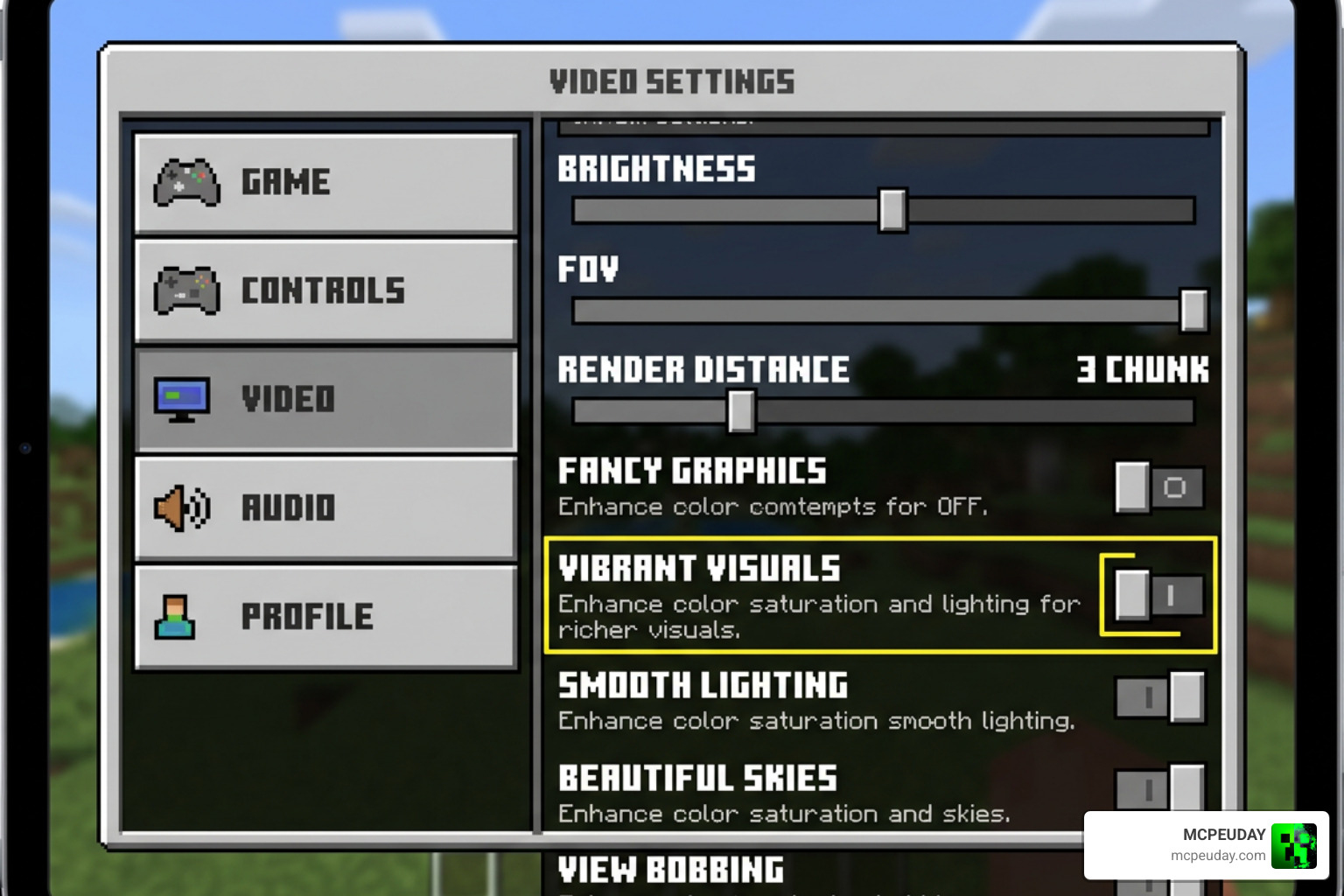
Before you jump in and activate the pack, there is one crucial technical detail you must know. This shader requires a specific setting to be enabled within Minecraft Bedrock’s video settings to function correctly.
Why Vibrant Visuals is a Required Prerequisite
For the Solum Visuals Shader to work its magic, you must have Vibrant Visuals enabled in your Minecraft game settings.
Why is this necessary? Because modern Bedrock relies on specific rendering pipelines. Enabling Vibrant Visuals unlocks the advanced color calibration and lighting hooks that the shader uses to inject its dynamic fog and custom tone mapping. If you forget this step, your game might look identical to vanilla Minecraft, or worse, you might experience weird color glitching.
If you ever run into troubleshooting issues where the sky looks gray or the lighting seems flat, double-check your game’s video settings menu to ensure Vibrant Visuals is toggled on!
Solum Visuals Shader vs. Solas Shader
A common point of confusion is comparing this pack to the famous Solas Shader V2.4 – Solas Shader. While they sound similar, they are built for entirely different editions of Minecraft and offer distinct visual styles.
| Feature | Solum Visuals Shader | Solas Shader |
|---|---|---|
| Primary Platform | Bedrock / MCPE (Android, iOS, Win 10) | Java Edition (PC) |
| Required Loader | Native Bedrock (Vibrant Visuals) | Iris / OptiFine |
| Visual Style | Realistic, cinematic, atmospheric | Fantasy-stylized, magical, vibrant |
| Key Highlights | Dynamic weather fog, warm sunset tones | Ender Black Hole, 3D volumetric clouds, space layer |
| Source Link | Solumn Visuals – CurseForge | Solas Shader V2.4 |
While Java players can enjoy fantasy effects like shooting stars and planetary disks with Solas, Bedrock players get a highly optimized, beautifully grounded, and realistic world with Solum.
System Requirements and Performance Tips
Because Bedrock is played on everything from budget phones to high-end gaming rigs, performance optimization is key. While some advanced render systems like Shaders and Materials | Sollumz/Sollumz | DeepWiki are used for complex 3D modding in other games, Minecraft Bedrock shaders need to keep things lightweight.
- Device Requirements: A mid-range mobile device or any standard modern PC will run this shader at a stable 60 FPS.
- Lag Reduction: If you do notice a slight frame drop, we recommend lowering your in-game render distance by 2 to 4 chunks. This frees up GPU overhead for the shader’s custom fog and lighting calculations.
- In-Game Settings: You can also toggle off ‘Beautiful Skies’ or ‘Fancy Leaves’ in the video settings if you are playing on an older mobile device. While Solum Visuals is highly optimized, reducing these vanilla features can give your device a significant performance boost without sacrificing the shader’s core lighting and fog enhancements.
- Pairing Packs: For the absolute best performance, pair this shader with a lightweight 16×16 resource pack. For more ideas on finding the perfect balance, check out our guide on the Top 5 Best Realistic Shaders for MCPE.
How to Install Solum Visuals Shader on Minecraft PE and Bedrock
Ready to transform your game? Installing this shader is incredibly simple thanks to the .mcpack format. For a deeper dive into general shader setups across different devices, you can always refer to our comprehensive How to Turn on Shaders in Minecraft 2026 Guide.
Here is the quick step-by-step process to get Solum Visuals running right now:
- Download the Pack: Grab the official
.mcpackfile from a trusted source like CurseForge. - Open the File:
- On Android: Use a file manager app to locate the downloaded
.mcpackfile in your Downloads folder. Tap it, and if prompted, select Minecraft as the default application to open it. If you encounter an ‘unsupported file type’ error, make sure the file extension is strictly.mcpackand not.mcpack.zip. - On iOS: Tap the download link in Safari, then choose ‘Open in Minecraft’ from the share sheet. If Minecraft doesn’t appear, tap ‘More’ and select it from the list of available apps.
- On Windows: Simply double-click the
.mcpackfile. Windows will automatically launch Minecraft Bedrock Edition and begin the import process in the top-right corner of your screen.
- On Android: Use a file manager app to locate the downloaded
- Activate the Resource Pack: Go to Minecraft’s main menu, navigate to Settings > Global Resources, find Solum Visuals, and click Activate.
- Enable the Settings: Ensure that “Vibrant Visuals” is turned on in your video settings.
- Restart the Game: We highly recommend restarting Minecraft after activating the pack to ensure all lighting configurations load correctly.
Frequently Asked Questions About Solum Visuals
We receive a lot of questions about how to get the most out of this pack. Here are the answers to the most common queries.
Is Solum Visuals Shader compatible with Minecraft PE 1.21?
Yes! It is fully compatible with Minecraft PE / Bedrock 1.21, specifically tested and optimized for versions 1.21.130 and 1.21.132. As Mojang releases minor updates, the creator continues to update the pack to prevent visual bugs.
Do I need to enable Vibrant Visuals for this shader to work?
Absolutely. This is the most common mistake players make. Without enabling Vibrant Visuals in your game settings, the custom fog, warm sunrises, and cinematic lighting effects will not render.
Where can I download the official Solum Visuals .mcpack file?
You can download the official, safe file directly from the Solumn Visuals – Minecraft Bedrock Texture Packs – CurseForge project page. We always recommend downloading from official sources to avoid malicious files.
Conclusion
At MCPEUDAY, we believe that you don’t need a thousand-dollar computer to experience a breathtakingly beautiful Minecraft world. Solum Visuals Shader is the perfect proof of that. By combining cinematic lighting with dynamic, weather-responsive fog, it completely changes how Bedrock feels without causing your device to overheat.
If you are looking for other ways to upgrade your game’s graphics this year, don’t miss our curated list of the Best Shaders for MCPE 1.21 2026.
Download the pack today, turn on those Vibrant Visuals, and go enjoy a sunset in your favorite survival world!