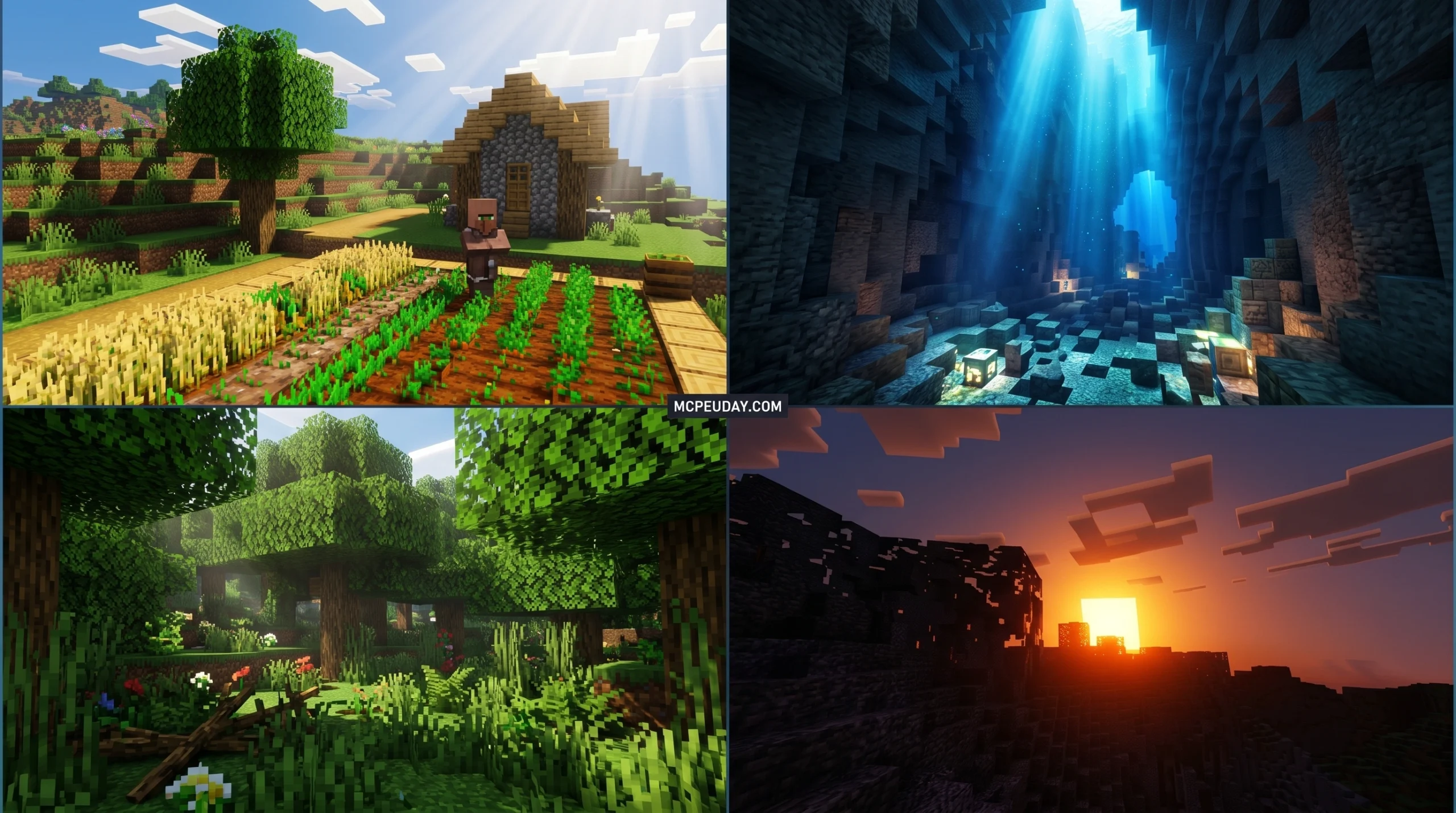
What You Need to Know About Celestia Visuals Shader
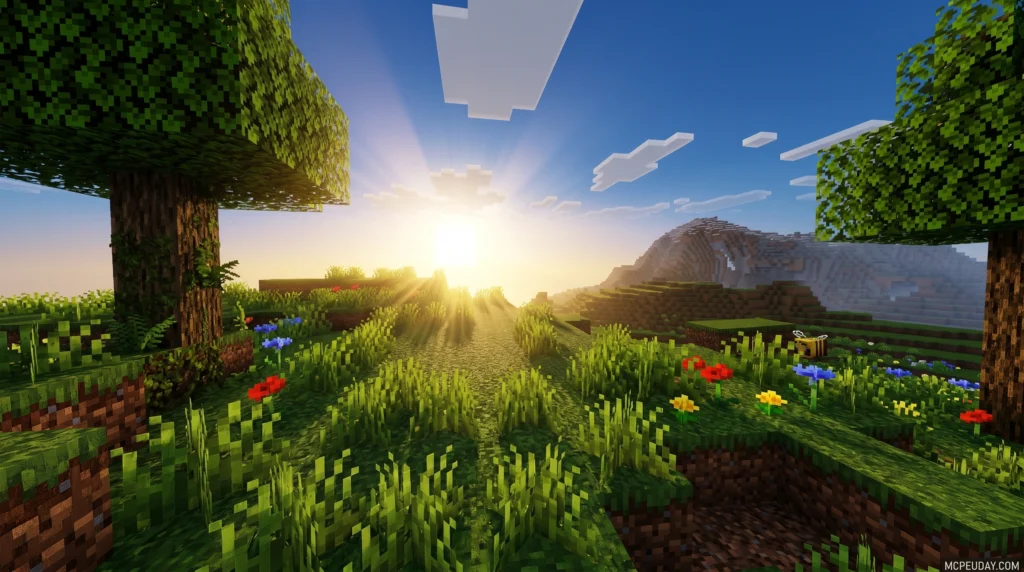
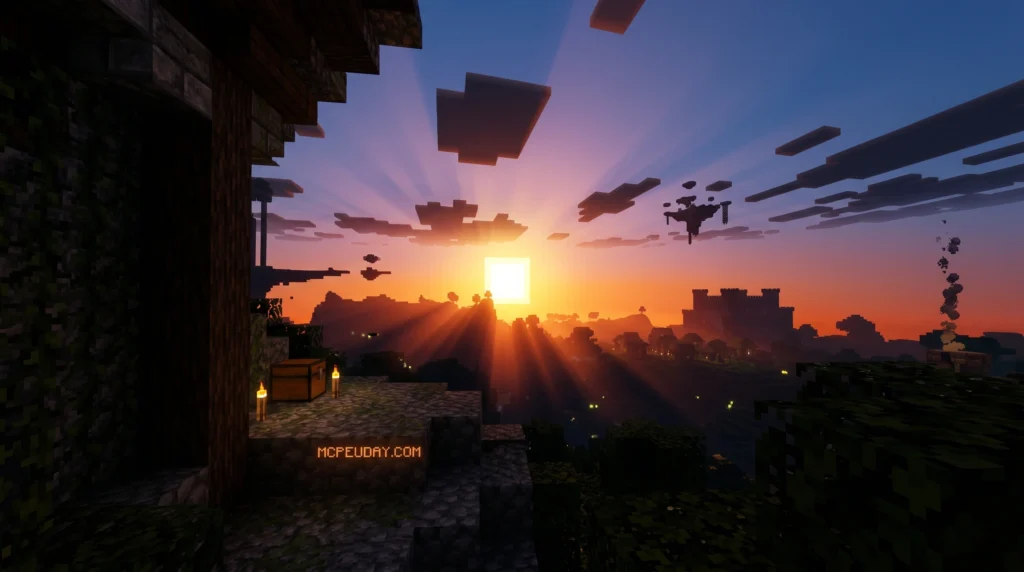
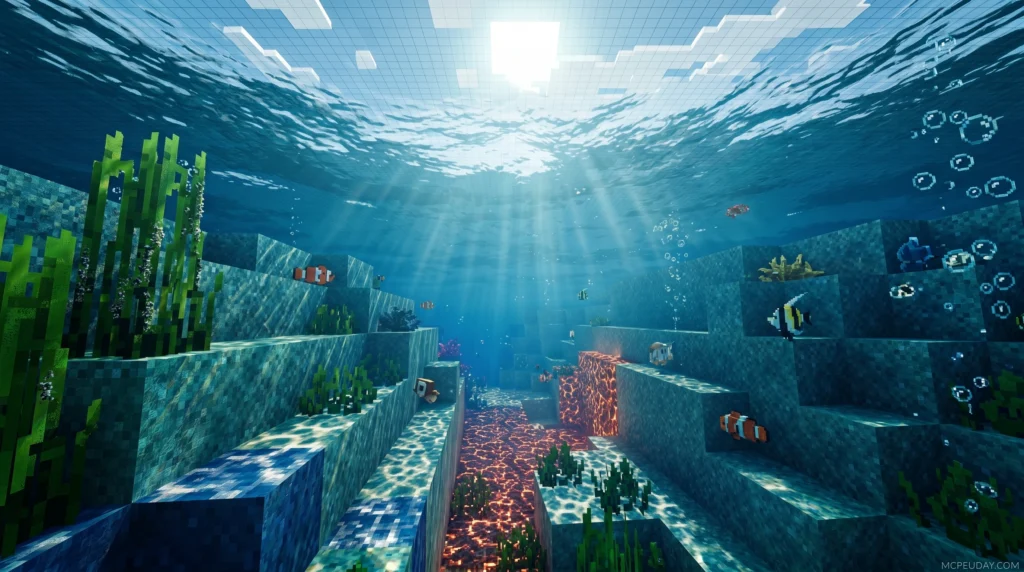
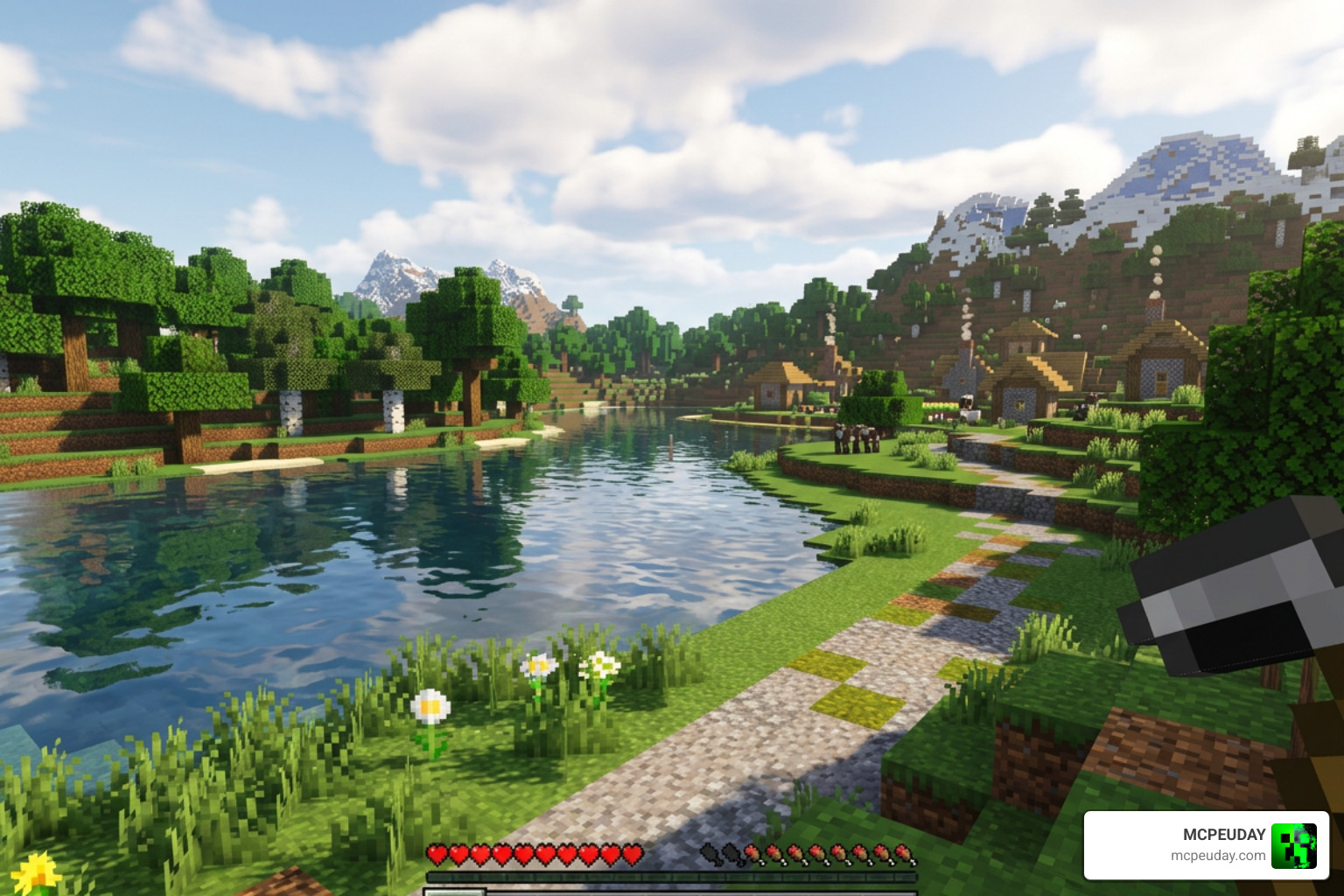
The Celestia Visuals Shader is a shader pack for Minecraft Bedrock Edition (MCPE) that improves how the game looks by enhancing lighting, colors, fog, water, and shadows — without completely changing the classic Minecraft feel.
Quick Answer:
- Creator: BlockCraftAddons
- Works with: Minecraft Bedrock/PE 1.21 and Bedrock 26.x
- File format: .mcpack (2.17 MB for v2.3)
- Key effects: Warm lighting, intense biome fog, improved color grading, water reflections
- Latest version: v2.3 (updated June 2026)
- Where to download: Safely available as a .mcpack file from Minecraft PE shader sites
- Total downloads: 139,200+ (v1.8)
If your Minecraft Pocket Edition feels flat or plain, you are not alone. Most players want better-looking skies, water, and lighting — but don’t want to deal with huge performance drops or complicated installs.
That’s exactly where Celestia Visuals comes in. It uses a warm, bronze-and-gold color palette to make every biome feel more alive, from glowing sunsets in deserts to thick fog rolling through the Deep Dark.
It is lightweight at just 2.17 MB, supports the .mcpack format for easy install, and has racked up over 139,000 downloads, making it one of the more popular shader options for Bedrock players.
In this guide, we break down everything — features, version history, installation steps, device compatibility, and known issues.
What is the Celestia Visuals Shader?
At its core, Celestia Visuals Shader is an advanced visual enhancement pack created by BlockCraftAddons specifically for Minecraft Bedrock/PE. It is designed to run seamlessly on modern engines, completely transforming your standard, blocky landscapes into cinematic masterpieces.
Unlike older shader methods that struggle with modern Bedrock updates, Celestia Visuals is designed to leverage the modern rendering capabilities of the Render Dragon engine. It achieves this by focusing on nuanced lighting adjustments, color grading, and atmospheric depth, transforming cold, generic-looking blocks into scenes filled with rich, warm tones.
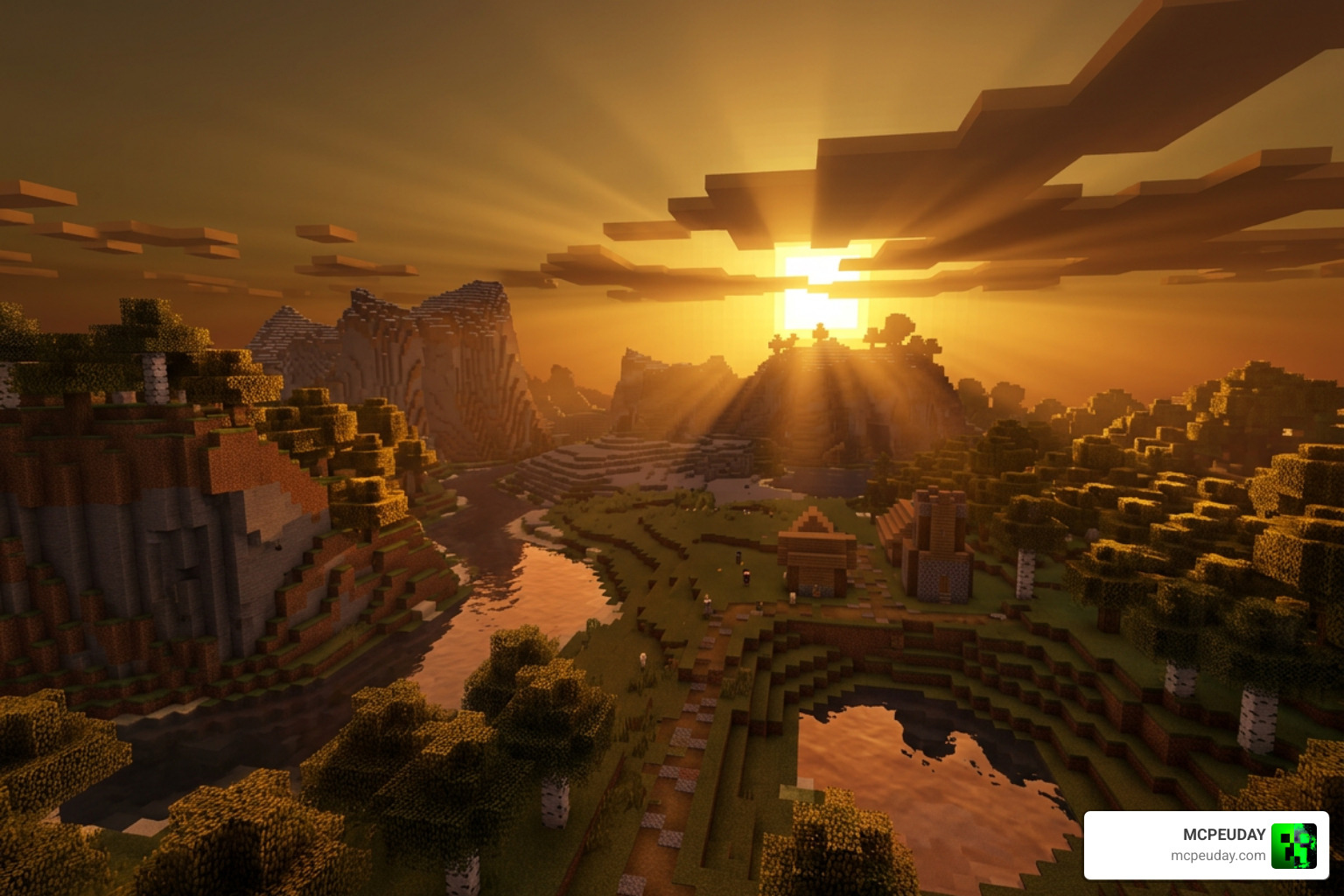
When we play-tested Celestia Visuals, the first thing we noticed was how it handles sunlight and shadows. Sunsets cast a long, golden-bronze glow across the landscape, making simple wooden houses look like cozy, professional builds. If you want to see how it matches up against other high-end options, check out our Best Render Dragon Shaders for MCPE 1.21 Tested on Real Devices 2026 Guide.
Key Features of Celestia Visuals Shader
The magic of Celestia Visuals lies in its custom rendering features. Here are the core visual upgrades you will experience immediately:
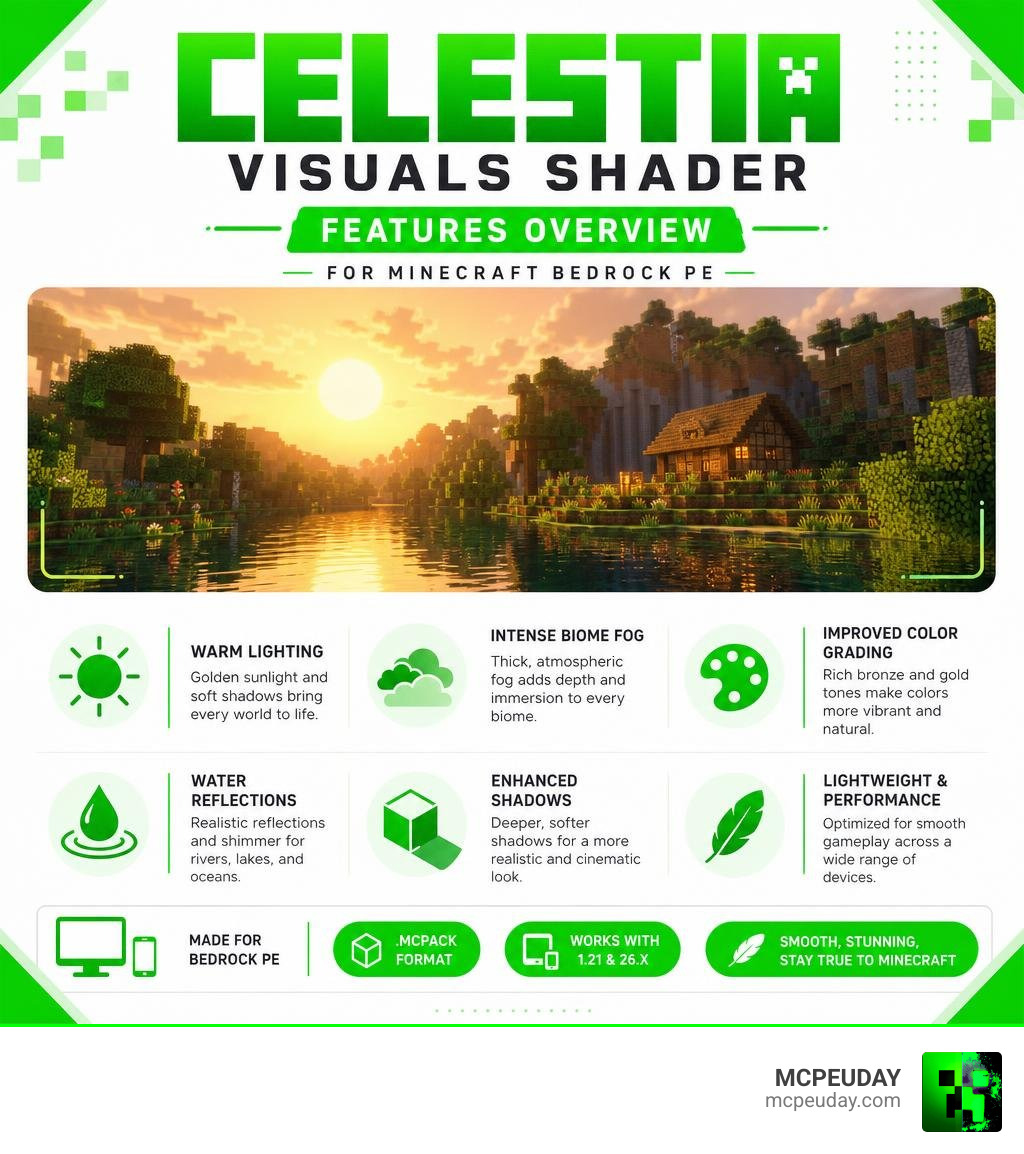
- Zero-Blue Lighting System: One of Celestia’s most unique systems. By stripping out harsh blue spectrums from the light sources, the environment shifts toward warm gold, bronze, and copper tones. This makes torchlight feel incredibly cozy and night-time exploration feel remarkably atmospheric.
- Intense Biome Fog: Celestia introduces customized, dense fog for specific biomes. If you venture into the Deep Dark or the Crimson Forest, the heavy fog closes in on you, ramping up the tension and visual immersion.
- Dynamic Water & Reflections: Rivers and oceans are no longer just flat blue blocks. Water looks murky and realistic in swamp and desert biomes, while showing gentle reflections in clear areas.
- PBR (Physically Based Rendering) Support: This allows blocks to interact dynamically with light. Metals gleam, wet blocks look slick, and rough surfaces catch shadows naturally. You can read more about how this compares to other setups in our Best Render Dragon Shaders for MCPE 1.21 Tested on Real Devices 2026 Guide.
Performance and Device Compatibility
One of the biggest worries for MCPE players is lag. You do not want your game to turn into a slideshow just to look pretty!
Fortunately, Celestia Visuals is highly optimized. Because it relies heavily on smart color grading, atmospheric fog, and lighting tweaks rather than heavy geometry-based calculations, it runs incredibly smoothly on most mid-range mobile devices.
If you are playing on an older phone, you might experience a slight frame drop in heavy forest biomes due to the leaf and shadow rendering. In those cases, simply toggling off a few demanding video settings in Minecraft (like fancy bubbles or beautiful skies) will instantly boost your FPS back up. For a broader look at performance-focused shaders, check out our list of the Top 5 Best Realistic Shaders for MCPE.
Version History and Technical Updates
Celestia Visuals has undergone continuous development to stay compatible with Bedrock’s evolving rendering engine. Let’s look at how the shader has changed through its major version releases.
With a compact file size of only 2.17 MB for the latest version (v2.3), it is incredibly lightweight. The developers have consistently focused on performance optimization behind the scenes. For instance, looking at technical rendering projects, optimizing performance often involves techniques like Async CTX virtual texture tile loading to prevent frame stuttering when loading high-resolution assets. Celestia Visuals uses similar modern lightweight methods to keep your Bedrock frames high and smooth.
Evolution of Celestia Visuals Shader
Here is a breakdown of the notable updates and changes across Celestia’s development history:
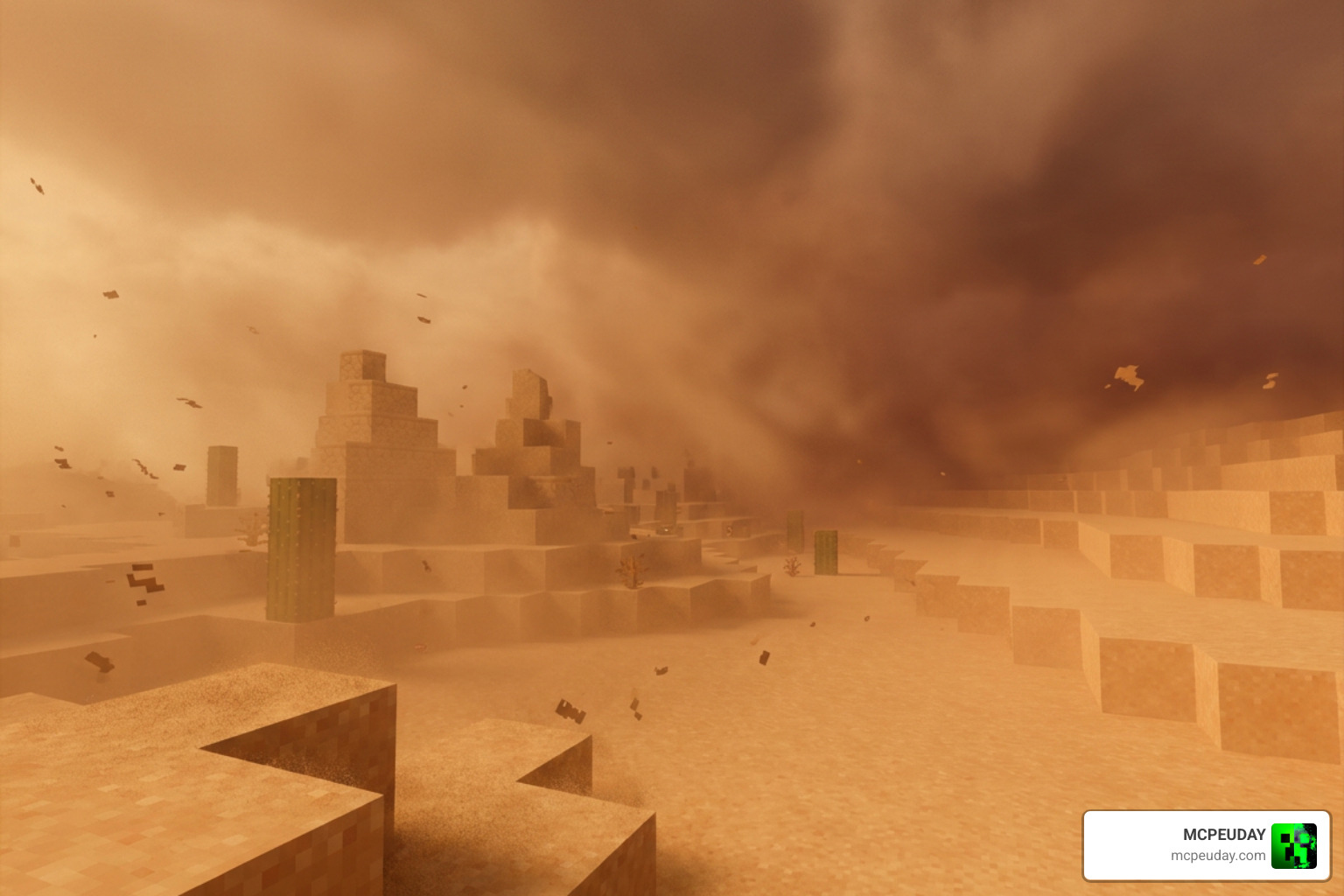
- v1.7 (The Climate Update): Introduced the sandstorm atmosphere to desert biomes with a dense brown fog (density of 0.98) and murky desert water. This update also solidified the Zero-Blue lighting and PBR support.
- v1.8 (The Atmospherics Update): This version reached a milestone of 139.2k downloads on MCPEDL. It focused heavily on color grading, making the overall game look much more vibrant while introducing intense biome fog for the Crimson Forest and Deep Dark.
- v1.9 (The Winter & Desert Update): Added biome-dependent lighting adjustments, particularly for snowy and winter locations, and resolved desert fog rendering issues to make scorching desert sun rays look far more realistic.
- v2.3 (Current Version): Polished the atmospheric rendering, improved performance on high-end mobile devices, and fixed compatibility issues with Bedrock 1.21+.
While the shader is highly polished, players occasionally report minor visual quirks. For example, some rendering engines experience issues where Eclipse shadows in circumbinaries causes graphics issues. in celestial-themed mods. In Celestia Visuals, the developers have worked hard to ensure that standard Minecraft sun and moon eclipses and weather transitions render without causing the skybox to glitch or clouds to disappear.
Installation and Compatibility Guide
Installing the Celestia Visuals Shader is incredibly straightforward because it is packaged in the native .mcpack format. This means you do not have to mess around with manual file extraction or root folders on your device.
It also boasts fantastic compatibility. You can run Celestia Visuals alongside your favorite custom texture packs. The shader will overlay its gorgeous lighting, warm color grading, and thick fog on top of whatever textures you choose to use. If you like comparing shader styles, you might also want to read our Newb X Ambient Shader for Minecraft Ultra Realistic Lighting Smooth FPS Boost 2026 Guide to see how different packs handle ambient lighting.
Step-by-Step Installation on Bedrock
Follow these easy steps to get Celestia Visuals running on your device:
- Download the File: Grab the official
Celestia Visuals [v2.3].mcpackfile from a trusted download source. - Import to Minecraft: Once downloaded, tap or double-click the
.mcpackfile. Your device should automatically launch Minecraft and import the pack. You will see a “Successfully imported” notification at the top of your screen. - Activate the Pack: Go to Settings > Global Resources > My Packs. Find Celestia Visuals, click on it, and select Activate.
- Adjust Video Settings: For the best visual experience, make sure to enable “Beautiful Skies” and “Fancy Graphics” in your game’s video settings.
If you run into any issues during setup, our detailed guide on the 3 Best Shaders for Minecraft 1.21 Ultra Realistic Smooth FPS Stunning Graphics covers alternative setup methods and troubleshooting tips for Bedrock players.
Frequently Asked Questions about Celestia Visuals
Does Celestia Visuals work on low-end devices?
Yes! Celestia Visuals is highly optimized compared to heavy ray-tracing packs. If you experience minor lag, we recommend lowering your render distance to 8-10 chunks and turning off “Fancy Bubbles” in your video settings.
Is Celestia Visuals compatible with Minecraft 1.21?
Absolutely. The latest v2.3 update is fully compatible with Minecraft Bedrock 1.21 and works smoothly alongside the Render Dragon engine.
Are there any known bugs in the shader?
In older versions like v1.7, desert fog could occasionally render as a harsh, solid brown block if weather transitions glitched. This has been resolved in v1.9 and v2.3. Additionally, ensure you do not load conflicting shader packs at the same time in your Active Global Resources to prevent skybox flickering.
Conclusion
The Celestia Visuals Shader is a must-try for any Minecraft Bedrock or PE player wanting to breathe new life into their worlds. With its gorgeous warm gold tones, thick biome-specific fog, and lightweight performance footprint, it strikes a brilliant balance between eye-watering realism and mobile-friendly optimization.
If you are ready to explore more incredible graphics options, check out our ultimate list of the Best Shaders for MCPE 1.21 2026 Top 3 Realistic Minecraft PE Shaders to find the perfect look for your next survival adventure!
1 thought on “Celestia Visuals Shader (26.x, 1.21) – MCPE/Bedrock Shader”