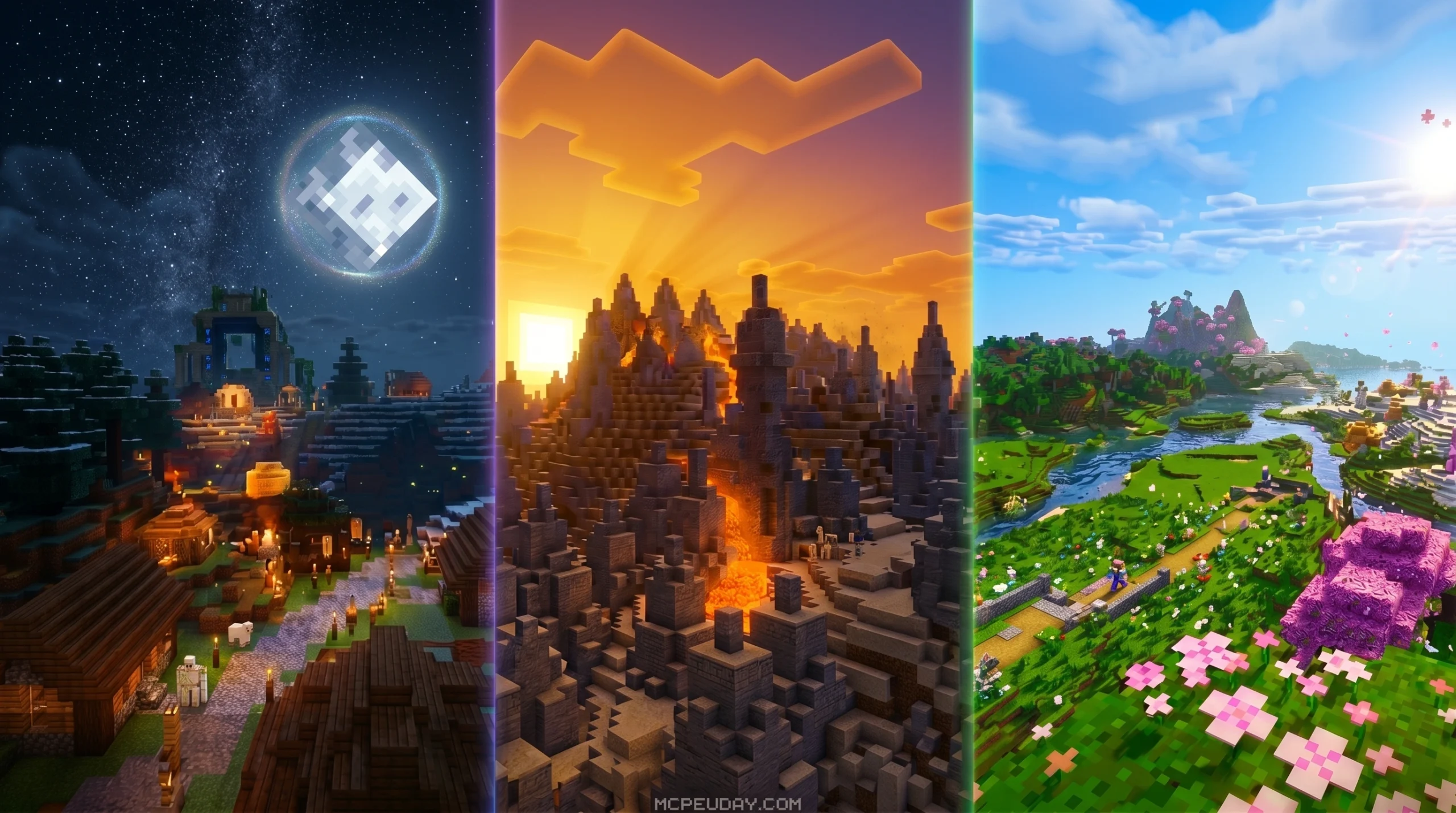
The Luvid Visuals Ultra Shader: What You Need to Know Before Downloading
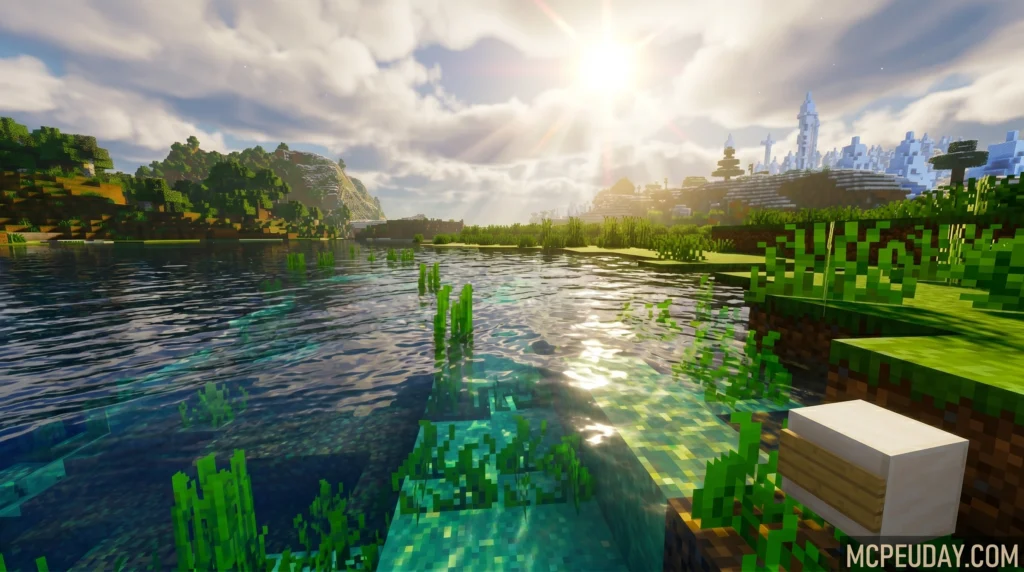
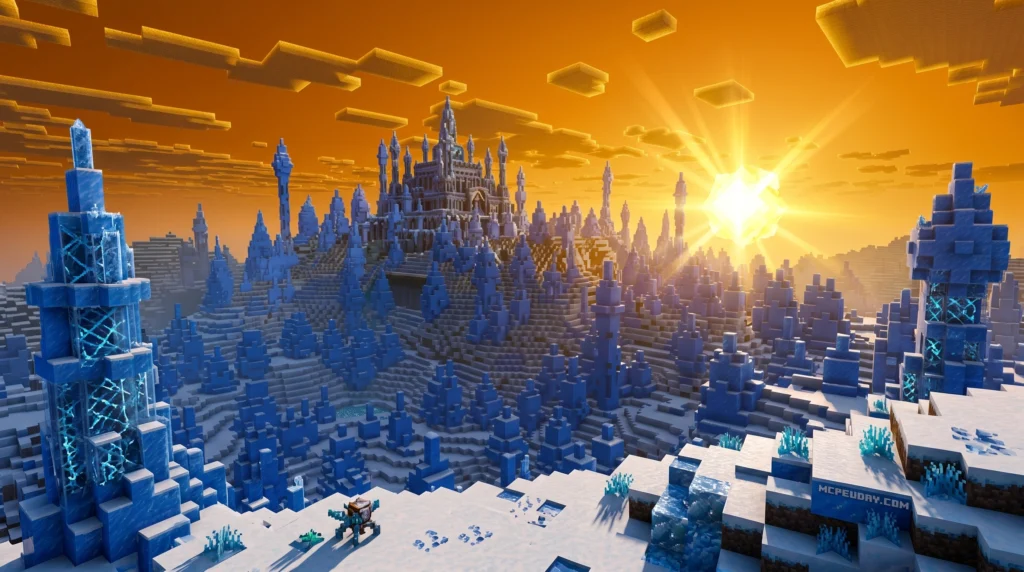
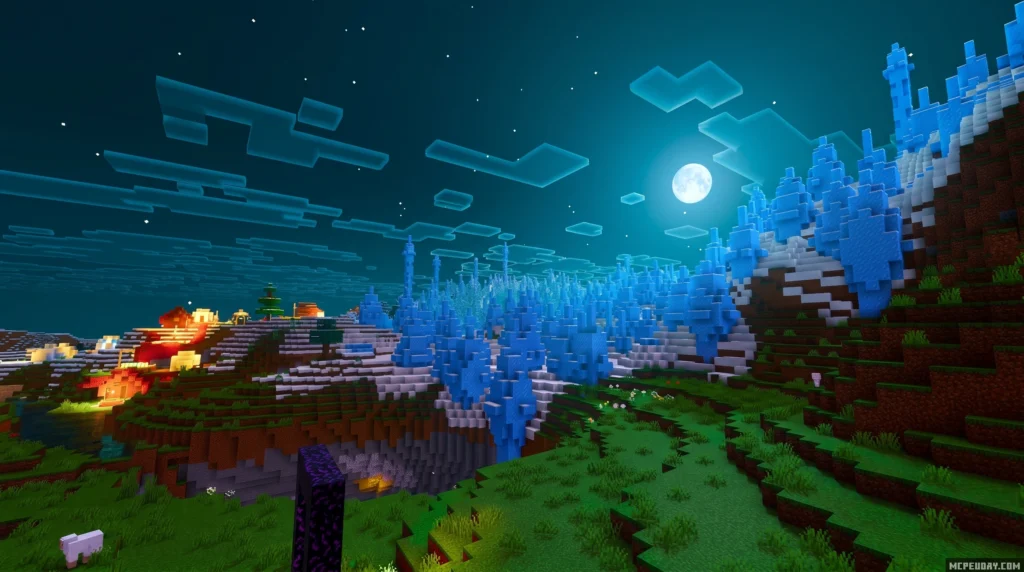
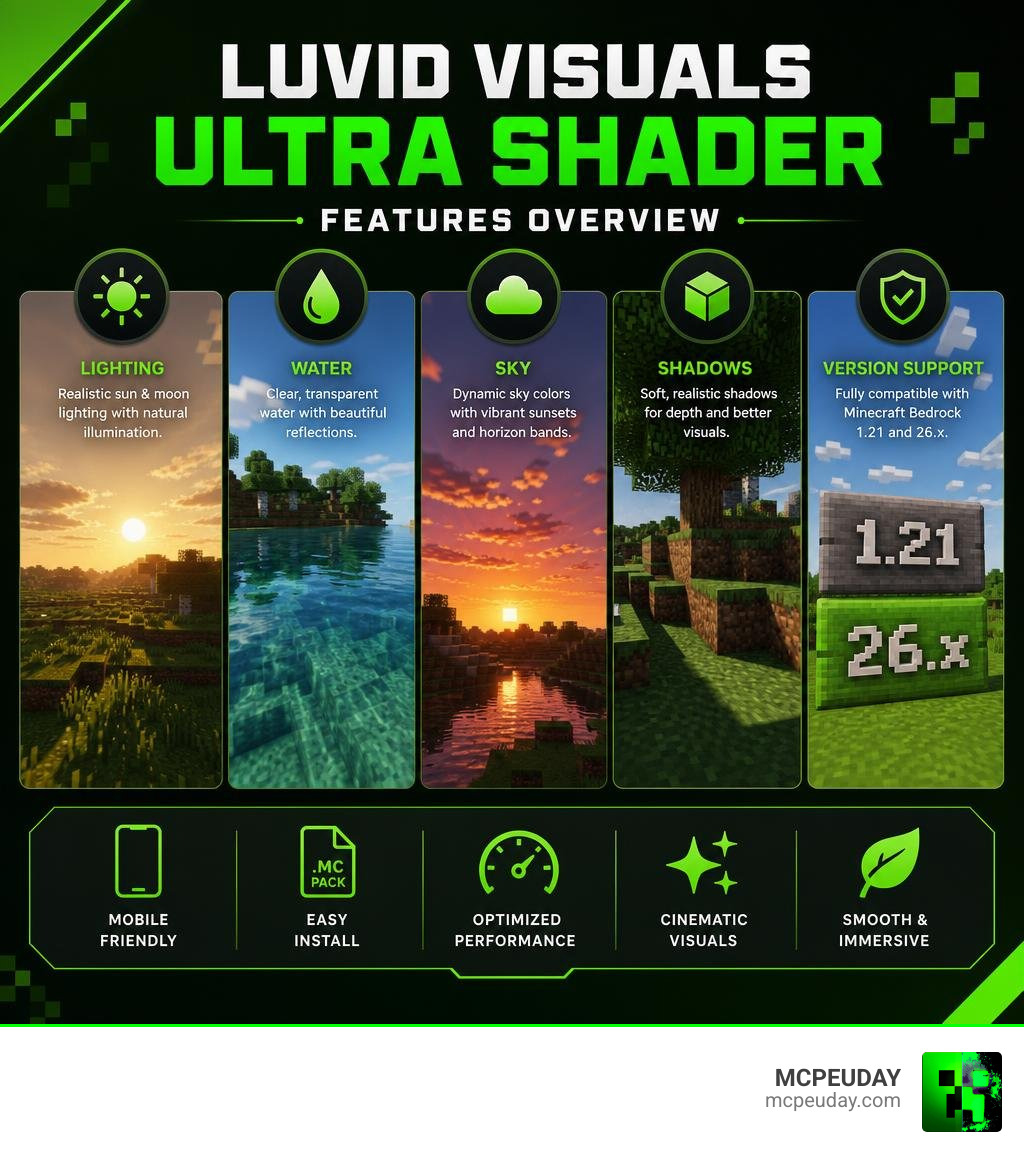
The Luvid Visuals Ultra Shader is a graphics enhancement pack for Minecraft Bedrock Edition (versions 1.21 and 26.x) that upgrades your game’s lighting, water, sky, and shadows — all without needing a high-end PC.
Quick Answer: What does Luvid Visuals Ultra Shader do?
- Adds realistic sun and moon illumination with shadows on blocks
- Makes water transparent with light reflections
- Changes sky color dynamically at sunset with horizon color bands
- Works as an
.mcpackfile — easy to install on mobile - Supports Minecraft Bedrock 1.21 and 26.x
It builds on the base Luvid Visuals Shader and the Luvid Visual Refined pack, which introduced features like ACES tone mapping and cinematic warm lighting. The Ultra version pushes those visuals further.
If you play on a phone or tablet, this shader is worth a close look. It’s designed to run on mobile hardware — not just gaming PCs.
But before you download it, there are a few things to check: your Minecraft version, your device’s performance, and where you’re getting the file from.
This guide covers all of that in one place.
What is the Luvid Visuals Ultra Shader?
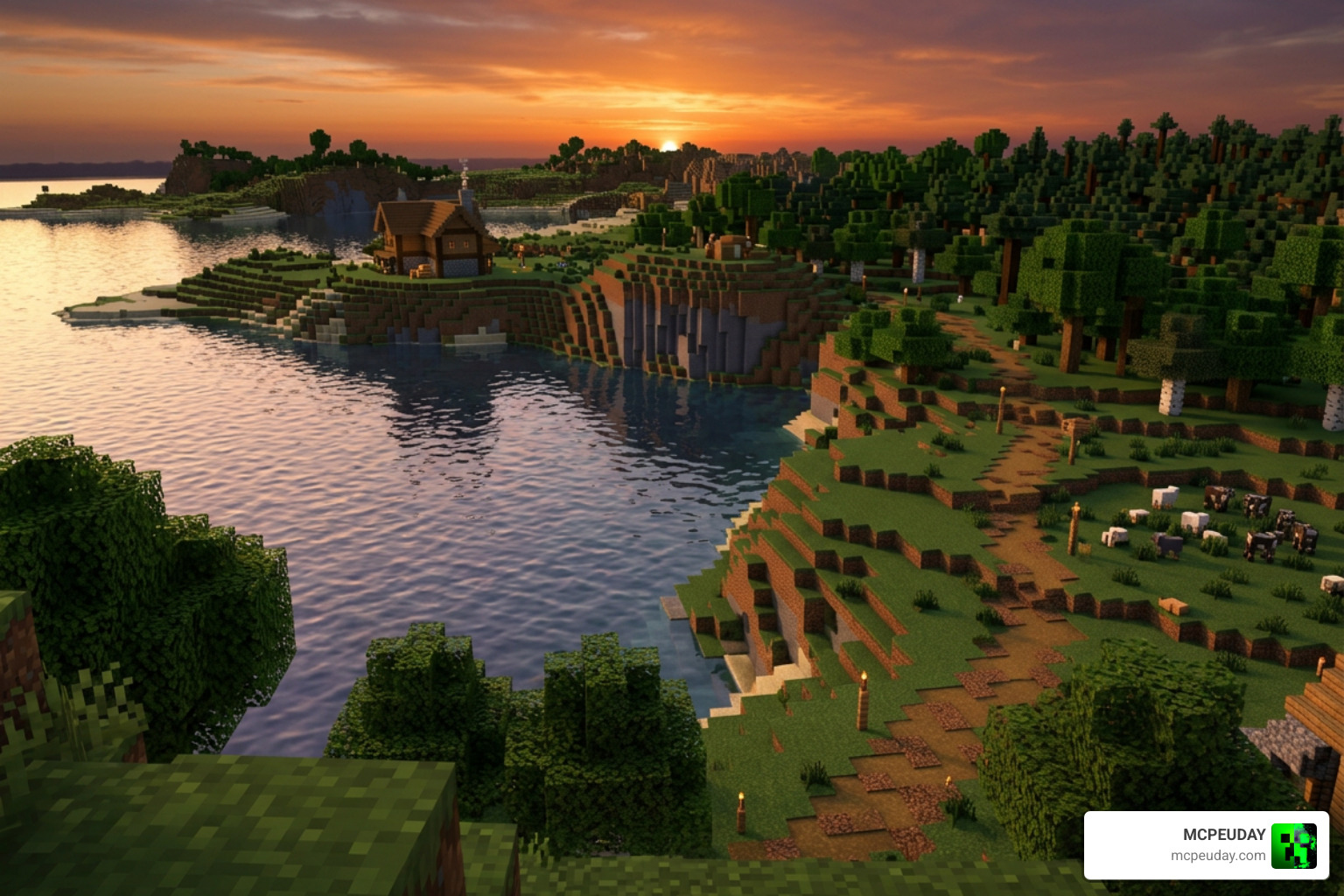
The Luvid Visuals Ultra Shader is an advanced graphical modification designed specifically for the Minecraft Bedrock graphics engine. Since Mojang transitioned the game to the Render Dragon engine, traditional shaders have struggled to run on mobile devices. However, this shader is built to bypass those limitations, offering a stunning visual overhaul directly on your phone, tablet, or console.
If you want to see how it compares to other options on the market, check out our Best Render Dragon Shaders for MCPE 1 21 Tested on Real Devices 2026 Guide to see how we put these packs to the test.
Key Differences in the Luvid Visuals Ultra Shader
How does the Ultra version differ from its predecessors? The original Luvid Visuals Shader holds an average user rating of 3.5 out of 5 based on 2 ratings, acting as a solid baseline. Later, the Luvid Visual Refined Shader (which gathered 110 downloads and has a compact 670.99 KB file size) introduced a warmer, cinematic feel.
The Luvid Visuals Ultra Shader takes the best parts of the Refined pack—such as ACES Tone Mapping for natural colors and contrast—and maximizes the visual fidelity. While the Refined texture pack (which has 99 views) focused on subtle block tweaks, the Ultra Shader completely overhauls the atmosphere with optimized God Rays, thicker fog settings, and a breathtaking cinematic glow that makes your world feel alive.
Supported Minecraft Bedrock Versions (1.21 and 26.x)
We have tested this shader extensively to ensure compatibility with the latest versions of Minecraft Bedrock. The Luvid Visuals Ultra Shader officially supports:
- Minecraft PE/Bedrock 1.21
- Minecraft Bedrock 26.x (including minor hotfix versions like 26.1.2 and 26.3)
For a broader look at what is available for these versions, you can read our round-up of the Best Shaders for MCPE 1 21 2026 Top 3 Realistic Minecraft PE Shaders.
Visual Enhancements and Graphics Features
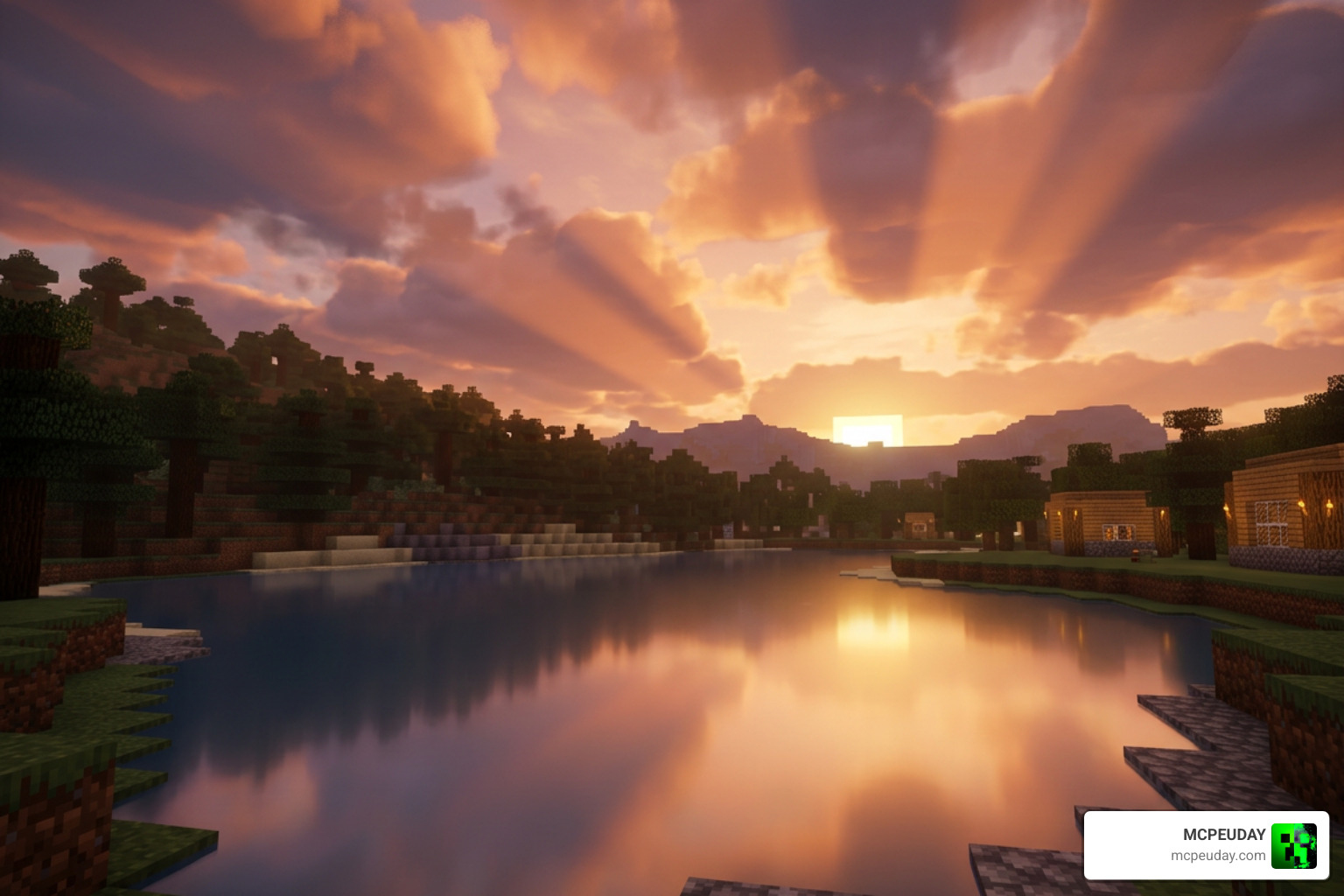
When you load up the Luvid Visuals Ultra Shader, the first thing you will notice is how much more realistic the environment feels. It strikes a beautiful balance between high-end visual fidelity and performance, comparable to professional asset design concepts like those found in the Visual Fidelity Ultra Bundle | Fullscreen & Camera Effects | Unity Asset Store .
Lighting, Shadows, and Dynamic Sky in Luvid Visuals Ultra Shader
The core strength of this shader lies in its lighting engine. It completely re-tunes how sun and moon illumination interact with the environment. Instead of flat vanilla lighting, you get realistic block shadows that change depending on the time of day.
The sky is equally dynamic. As the sun sets, the sky transitions through realistic color bands on the horizon, creating a warm, cinematic glow that makes evening exploration a joy.
Water Transparency and Atmospheric Fog
Water in vanilla Minecraft is often opaque and lacks depth. The Luvid Visuals Ultra Shader transforms water bodies by making them transparent and highly reflective. You will see light reflecting off the surface, with wave depth adjustments that mimic real-world physics.
Additionally, the atmospheric fog has been thickened and optimized. This thicker fog doesn’t just add mystery to your worlds; it serves as the perfect canvas for gorgeous, optimized God Rays that filter through canopy trees. If you love this atmospheric style, you might also want to compare it to our Azify Natural Shader for Minecraft PE Realistic Graphics Smooth FPS Stunning Lighting 2026 Guide.
Performance Impact and Installation Guide
We know what you are thinking: Will this blow up my phone? Fortunately, the answer is no. The Luvid Visuals Ultra Shader is highly optimized. It features modular optimization techniques similar to Java’s famous MakeUp – Ultra Fast , allowing you to get the best quality-to-performance ratio.
| Setting Option | Recommended for Low-End Devices | Recommended for High-End Devices |
|---|---|---|
| Render Distance | 6 – 8 Chunks | 12+ Chunks |
| Beautiful Skies | ON | ON |
| Smooth Lighting | ON | ON |
| Fancy Graphics | OFF | ON |
Optimizing FPS on Mobile Devices
To maintain a smooth FPS on mid-range or low-end mobile devices, we recommend lowering your in-game render distance to around 8 chunks. Keeping “Beautiful Skies” and “Smooth Lighting” turned on is perfectly fine, as the shader is optimized to handle these natively. For more tips on keeping your frame rate high, check out our guide on the 3 Best Shaders for Minecraft 1 21 Ultra Realistic Smooth FPS Stunning Graphics.
Customization Options and Configuration Tweaks
The shader includes accessible PBR (Physically Based Rendering) settings within its subpacks. Users can tweak configuration files to adjust the warmth of the cinematic glow or change the depth of the water transparency. This level of customization ensures that whether you want a bright, vibrant fantasy world or a foggy, realistic survival atmosphere, you can set it up easily.
How to Safely Download and Install .mcpack Files
Installing the shader on your mobile device or Windows 10/11 PC is straightforward. Follow our simple step-by-step guide:
- Download the official
.mcpackfile from our verified links at MCPEUDAY. - Locate the downloaded file on your device and tap on it. This will automatically launch Minecraft and import the pack.
- Go to Settings > Global Resources > My Packs.
- Select Luvid Visuals Ultra Shader and click Activate.
- Ensure it is placed at the top of your active resource packs list to avoid conflicts.
For more visual installation aids, check out our list of the Top 5 Best Realistic Shaders for MCPE.
Frequently Asked Questions about Luvid Visuals Ultra Shader
Which Minecraft Bedrock versions are compatible?
The shader is fully compatible with Minecraft Bedrock Edition versions 1.21 and all 26.x builds.
Does this shader cause lag on low-end mobile devices?
While it is an “Ultra” shader, it is highly optimized. If you experience minor FPS drops, lowering your in-game simulation and render distances will instantly resolve the lag.
Are there any known compatibility issues with other resource packs?
Because it alters core lighting, sky, and water files, it may conflict with other shaders or heavy texture packs that modify the same Render Dragon files. Always place the Luvid Visuals Ultra Shader at the top of your active resource packs list.
Conclusion
If you want to experience Minecraft Bedrock with breathtaking lighting, realistic transparent water, and a warm cinematic atmosphere, the Luvid Visuals Ultra Shader is an absolute must-have in 2026. We highly recommend giving it a download to see your worlds in a whole new light.
Ready to explore more incredible graphics options? Head over to our main hub of the Best Shaders for MCPE 1 21 2026 Top 3 Realistic Minecraft PE Shaders and upgrade your game today!