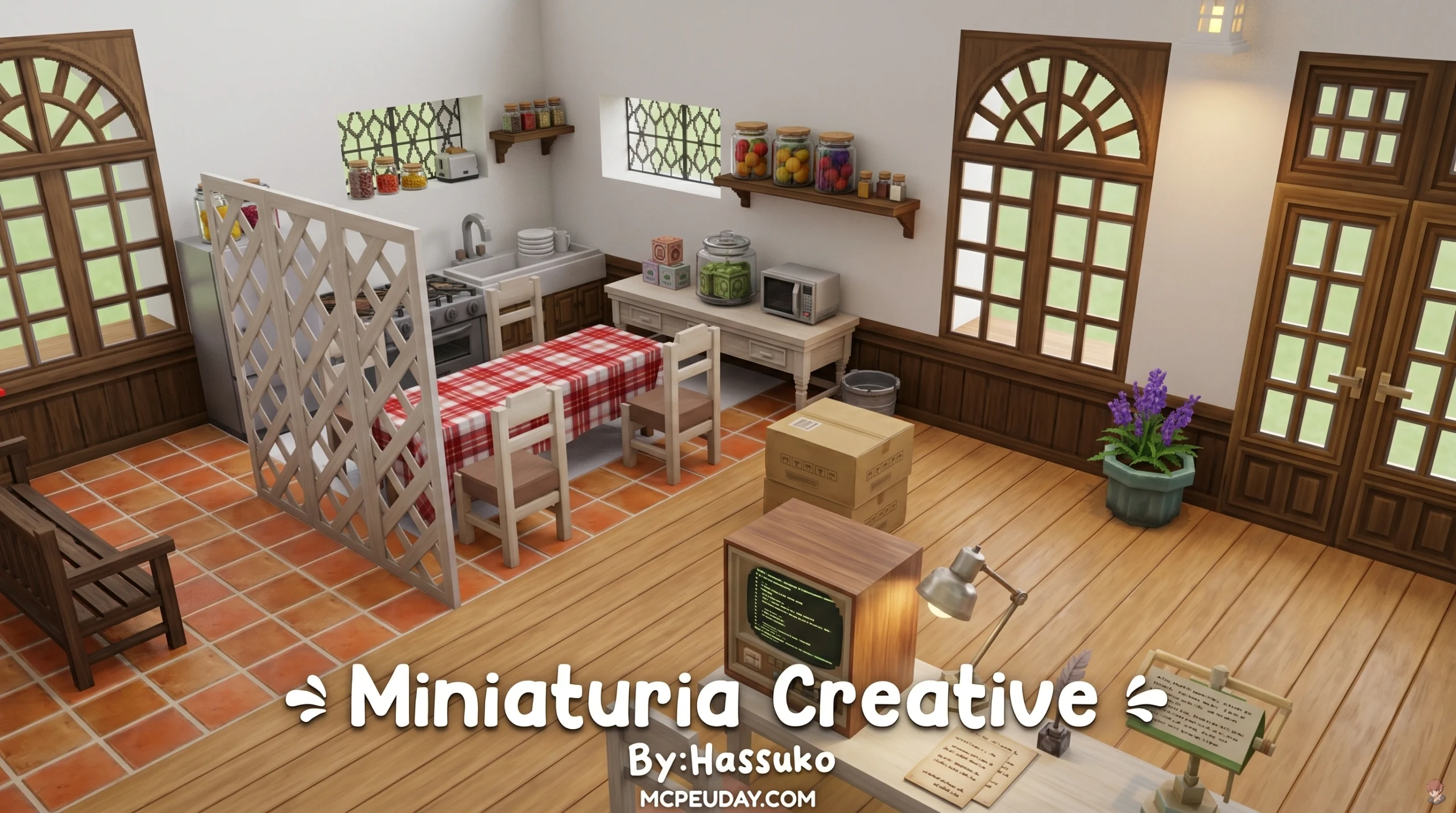
What You Need to Know About the MiniaTuria Creative Addon
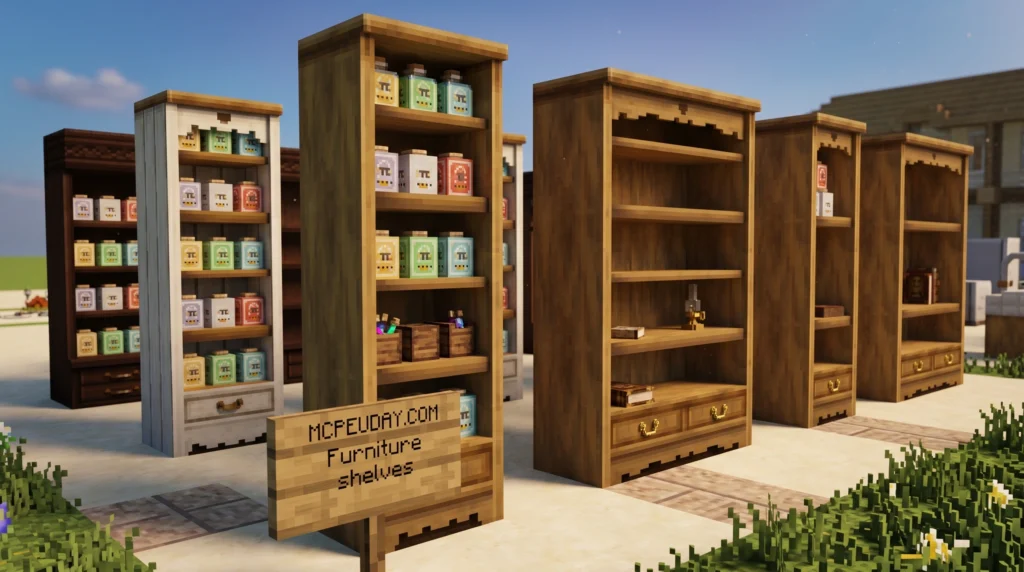
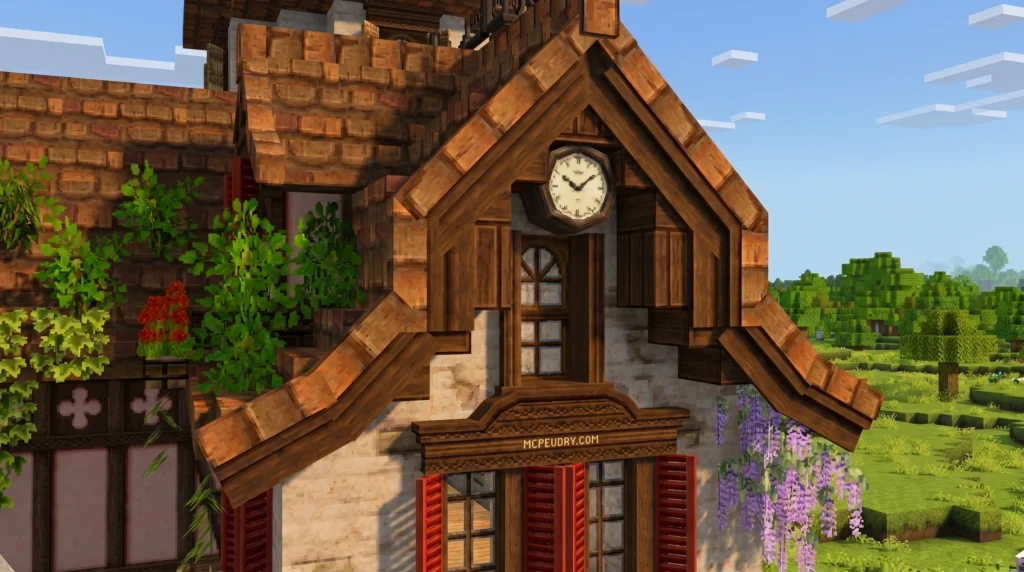
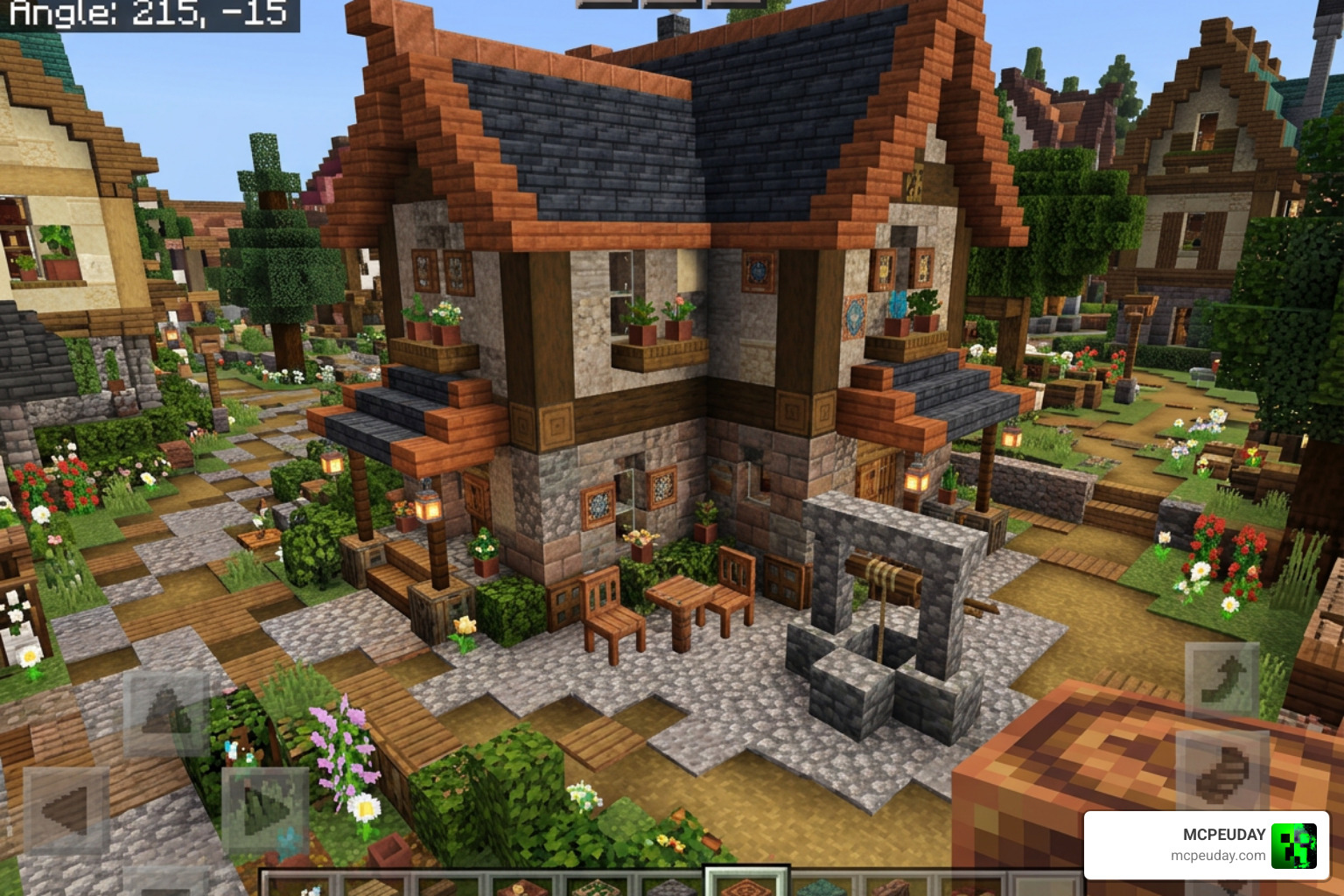
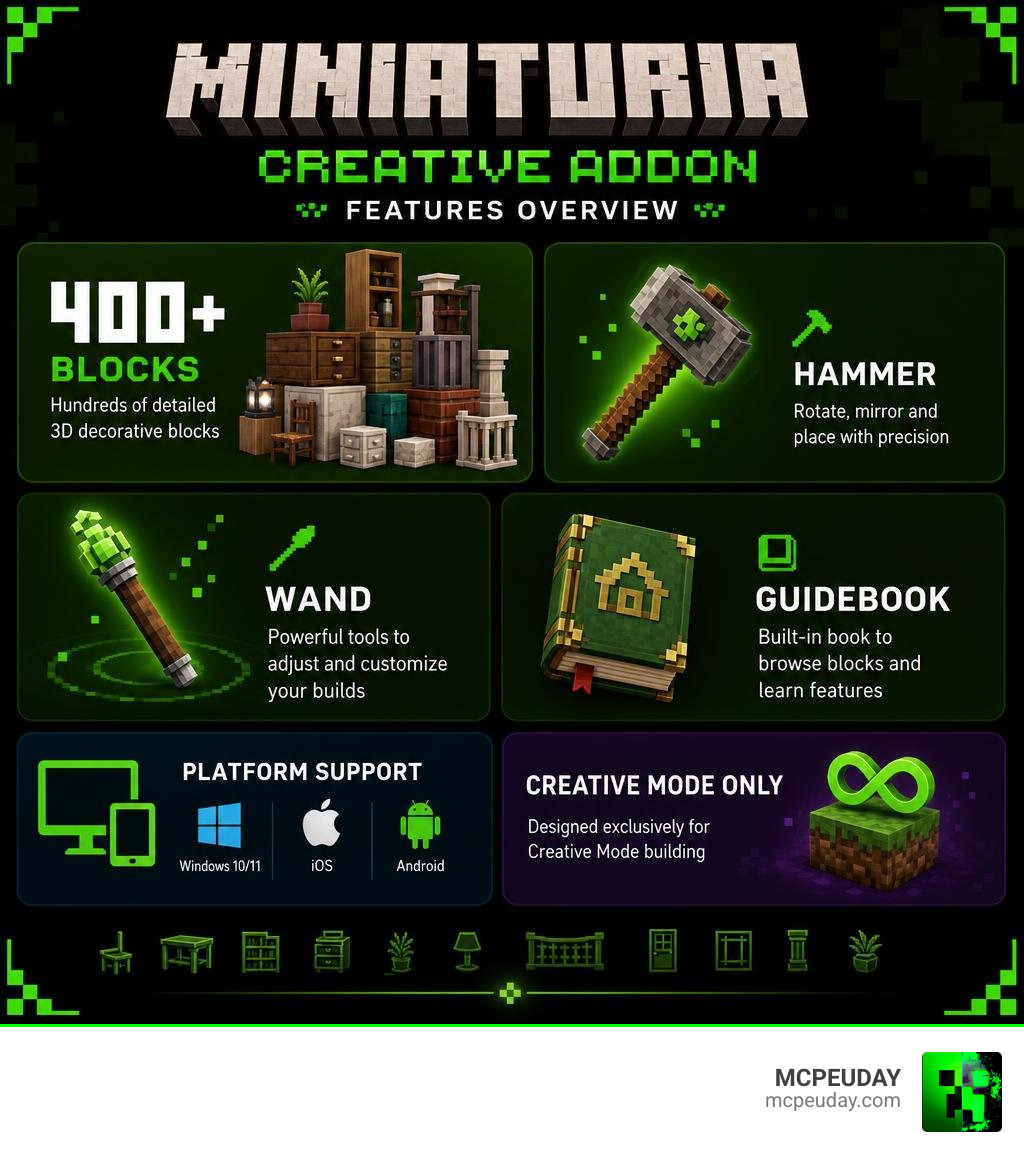
The MiniaTuria Creative Addon is a free Minecraft Bedrock Edition add-on that ports over 400 detailed 3D decorative blocks and building materials from the Java Edition MiniaTuria mod — designed exclusively for Creative Mode building.
Here’s a quick summary:
- What it is: A full-scale Bedrock port of the Java Edition MiniaTuria mod, bringing 3D furniture, building blocks, and decor to Bedrock/PE
- Who it’s for: Creative Mode builders on Windows 10/11, iOS, and Android
- What’s included: 400+ added blocks, the MiniaTuria Hammer, the MiniaTuria Wand, and a built-in Guidebook
- Minimum version: Minecraft Bedrock / PE v1.21.0+
- Not available on: PlayStation, Xbox, or Nintendo Switch (directly)
- Survival Mode: Not supported — too many blocks, no crafting recipes
MiniaTuria, affectionately nicknamed Minichuri, started as a Java Edition project to let players experience Minecraft in a completely different way through detailed 3D textures and blocks. The Creative Addon brings that same vision to Bedrock — and as of its first release in November 2025, it already packs a serious amount of content.
Whether you want to build a cozy café, a fantasy castle, or a modern apartment complex, this add-on gives you the parts to do it in impressive detail.
What is the MiniaTuria Creative Addon?
The MiniaTuria Creative Addon is a massive breakthrough for Bedrock builders. For years, Java Edition players enjoyed the incredibly rich, 3D building experience of the original MiniaTuria mod. Now, we can finally bring those gorgeous, highly detailed aesthetics straight to our Bedrock worlds.
This addon is designed specifically for creative-minded players who love to focus on architectural design, interior decorating, and world-building. It is a faithful recreation of the beloved Java 1.12.2 version, optimized to run smoothly on mobile devices and Windows PCs. You can find the official download and details directly on the MiniaTuria Creative – Add-on for Minecraft: Bedrock Edition page.
Key Features of the MiniaTuria Creative Addon
What makes this addon so special? It is not just a simple texture swap. It changes how blocks behave and interact with the environment:
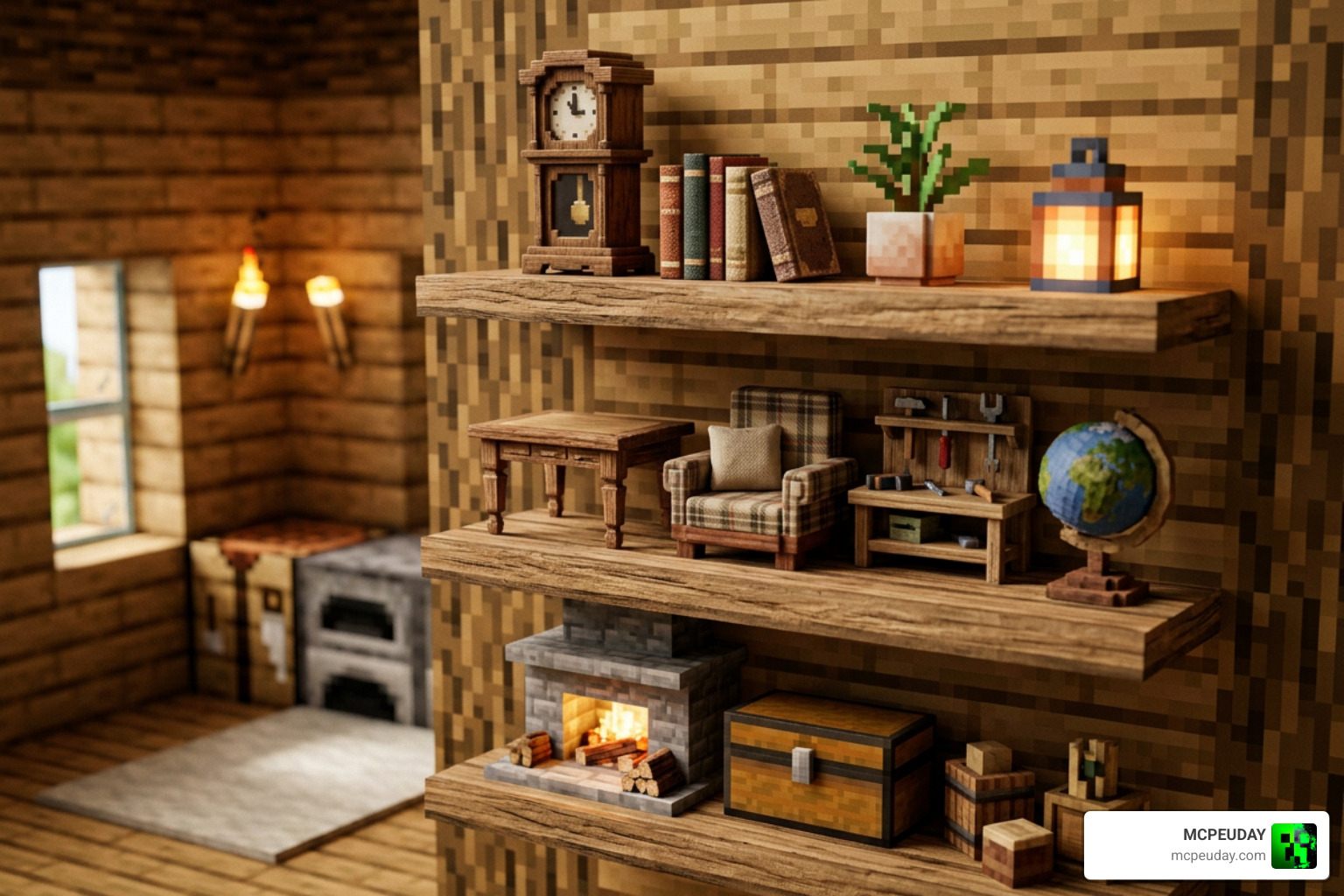
- Over 400 Custom Blocks: The initial release features a massive catalog of 3D furniture, structural elements, and decorative items.
- Smart Slab and Shelf Placement: When you place small decorative items on slabs or low tables, they automatically shift downward to sit perfectly on the surface instead of floating awkwardly in the air.
- Connectable Furniture: Large dining tables, desks, and counters connect naturally in any direction, allowing you to build seamless, custom-sized furniture layouts.
- Advanced Search Functionality: Finding custom blocks on mobile is notoriously difficult. This addon introduces a specialized search system to help you find exactly what you need in seconds.
If you are looking to take your custom worlds on Minecraft PE to the next level, this addon is an absolute must-have.
Creative Addon vs. Survival Addon and Java Mod
It is easy to get confused with the different versions of MiniaTuria available. To make things simple, we have broken down the key differences between the Bedrock Creative Addon, the Bedrock Survival Addon, and the original Java Edition Mod:
| Feature | Bedrock Creative Addon | Bedrock Survival Addon | Java Edition Mod |
|---|---|---|---|
| Primary Mode | Creative Mode Only | Survival Mode | Creative Mode Only |
| Block Count | 400+ Blocks (First Release) | Selected Furniture Items | Over 6,000 Blocks |
| Crafting Recipes | None (Impractical due to block count) | Yes (Using survival materials) | None |
| RAM Requirements | Standard Bedrock requirements | Standard Bedrock requirements | 6 GB RAM Minimum |
| Core Tools | Hammer (Utility), Wand (Copy/Paste) | Hammer (Weapon), Wand (Wind Charge) | Hammer (Advanced shifting) |
A quick warning from our team: We highly recommend not using the Creative Addon and the Survival Addon in the same world. Because they share similar block files, running them together can cause block overlap and save file issues. If you want to focus entirely on building, stick to the Creative Addon in a dedicated world. You can explore more options in our Category MCPE Bedrock section.
Essential Tools and Building Mechanics
To help you place, rotate, and manage over 400 new blocks, the MiniaTuria Creative Addon equips you with a set of powerful, custom-coded tools.
The MiniaTuria Hammer and Wand
These are not your ordinary tools. In the Creative Addon, they act as your magic paintbrushes:
- The MiniaTuria Hammer: This tool allows you to shift, rotate, and adjust the placement of blocks after you have placed them. If you do not have it in your inventory, don’t worry! The addon is coded to automatically place the Hammer into your hotbar every time you enter your world.
- The MiniaTuria Wand: Think of this as your copy-and-paste tool. You can use the Wand to copy the state of a block and apply it to another, which feels like coloring a picture. If you make a mistake, simply sneak and use the Wand to perform an Undo or reset its memory.
These tools allow for incredibly realistic, stacked placements in spots that are normally impossible to build on in vanilla Minecraft. If you want to customize your visual experience even further, check out our Category Texture Packs to find packs that complement these 3D models.
The MiniaTuria Guidebook and Search System
Because Bedrock Edition does not allow creators to freely add custom tabs to the creative inventory, finding 400+ new blocks can feel like finding a needle in a haystack. The developers solved this beautifully:
- The Guidebook: To get your hands on the official Guidebook, simply sneak and use the Hammer. This opens a menu where you can obtain the Guidebook, which acts as your manual for all block and tool mechanics.
- Category Search Symbols: Every single block name in this addon is prefixed with a special tag. By typing MT followed by a category code in the search bar, you can immediately filter your inventory. For example, searching for specific category symbols lets mobile and console players browse the catalog with ease.
System Requirements and Platform Compatibility
Before you jump into downloading, let’s make sure your device can run the addon smoothly.
The MiniaTuria Creative Addon requires Minecraft Bedrock / PE v1.21.0 or higher. It is fully compatible with Windows 10/11, iOS, and Android. It also supports Vibrant Visuals, meaning you will get gorgeous emissive textures on lighting blocks like the Marine Lamp if you use compatible graphics engines. To find the perfect visual setup, browse through our Category Shaders.
Console Limitations and the “Friend Invite” Workaround
Due to system restrictions, you cannot directly import custom addons or behavior packs onto the Nintendo Switch, PlayStation, or Xbox. However, there is a clever workaround!
If you want to play on a console, you can host the world on a PC or smartphone with the Script API enabled. Once the world is active on the host device, simply send a Friend Invite to your console account. You can then join the world from your console and enjoy all the 3D blocks and tools without any issues.
How to Install and Use the MiniaTuria Creative Addon
Ready to start building? Follow our simple installation guide to get everything up and running:
- Go to the official download page at MiniaTuria Creative – Add-on for Minecraft: Bedrock Edition. Scroll all the way to the bottom of the Terms of Use screen to enable the clickable agreement button.
- Download the
.mcaddonfile. (If your browser warns you about an executable file, click “Download anyway”). - Double-click the downloaded
.mcaddonfile to automatically import it into Minecraft. - To enable it in a new or existing world, go to your world settings, navigate to Behavior Packs, and activate MiniaTuria. Ensure the corresponding Resource Pack is also active.
- Make sure you enable the Beta APIs / Script API toggle in your world’s experimental settings.
Mobile Troubleshooting: If the downloaded file shows up as an “unknown file” or a .zip on your phone, simply rename the file to remove the .zip extension so it ends in .mcaddon, then tap it to open.
Setting Up the Sample World
We highly recommend downloading the official Sample World (.mcworld file) from the download page. Importing the Sample World is the best way to preview the entire block lineup, verify that your textures are loading correctly, and get instant inspiration for your own builds!
Frequently Asked Questions
Can I use the MiniaTuria Creative Addon in Survival Mode?
No. Because the addon includes over 400 highly detailed blocks, creating survival crafting recipes for all of them is impractical. If you want to play in Survival, use the dedicated MiniaTuria Survival Addon instead, but remember not to mix them in the same world.
Why are some textures missing or showing as default?
The resource pack is a massive project. To support the building addons, the developers released the texture pack early, meaning some vanilla blocks still use default textures. These are being updated gradually in future releases.
Can I play this addon on Nintendo Switch, PlayStation, or Xbox?
Direct import is not supported on consoles. However, you can join a world hosting the addon via the Friend Invite method by hosting the world on a PC or mobile device.
Conclusion
The MiniaTuria Creative Addon completely changes the game for Bedrock builders. By bringing Java-level 3D modeling, smart slab placement, and powerful editing tools to mobile and PC devices, it opens up a whole new world of architectural design.
As we head into June 2026, we can look forward to even more blocks and features being ported over in future updates. Keep an eye on our Category Mod Addons page for the latest updates, guides, and community creations. Happy building, and we cannot wait to see what you create!