What the Ghoulcraft Garden BE Addon Actually Is (Quick Answer)
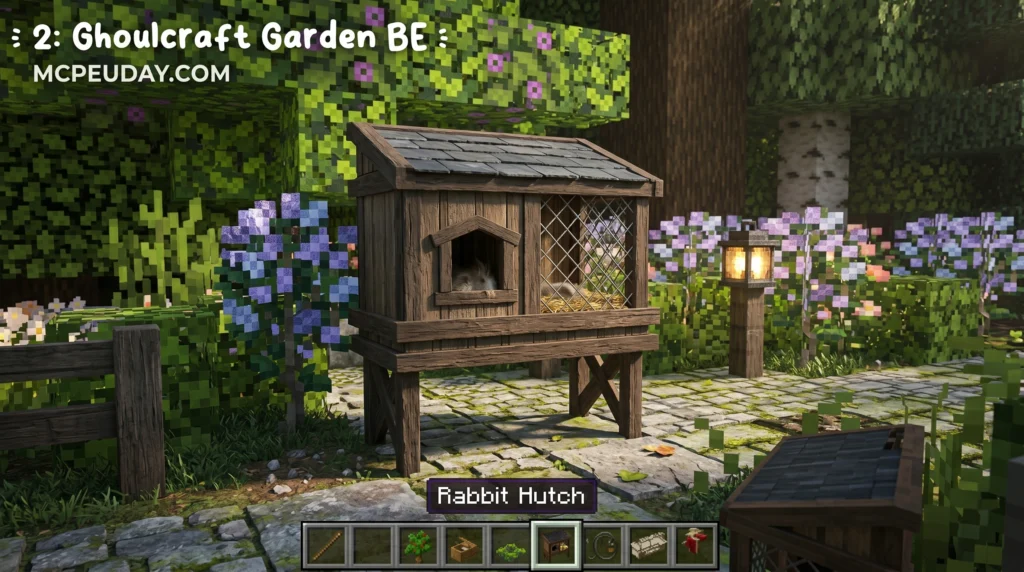
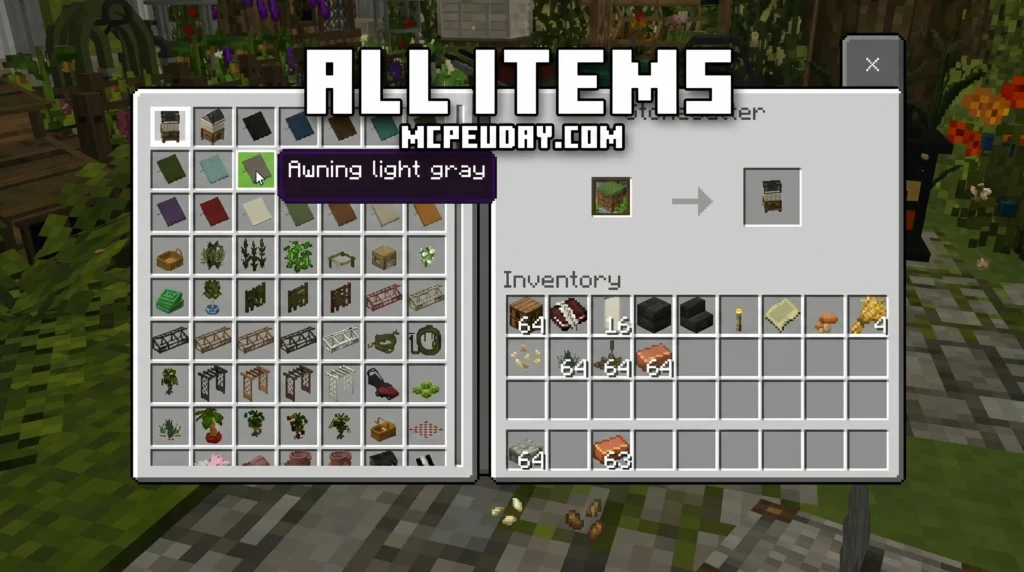
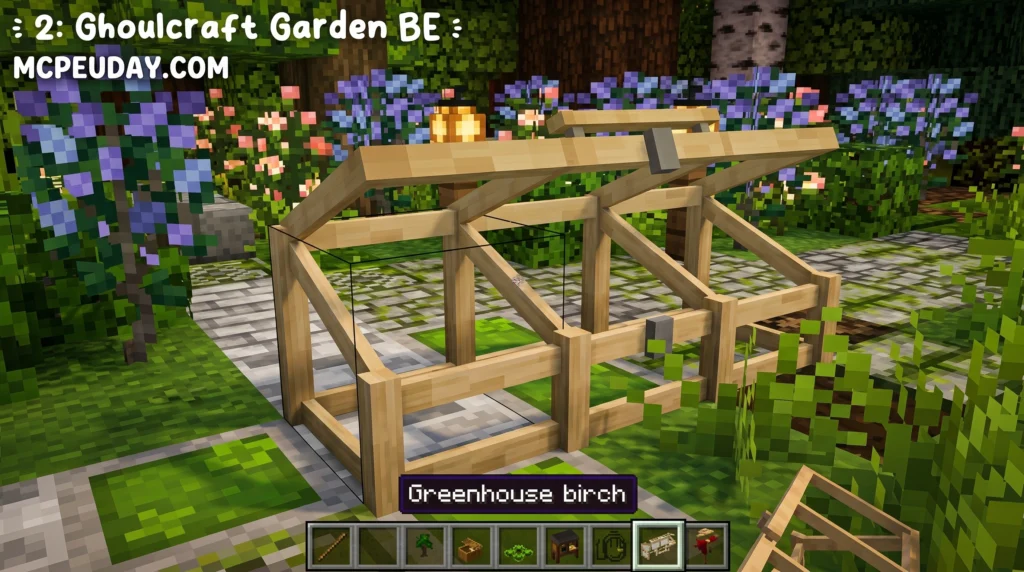
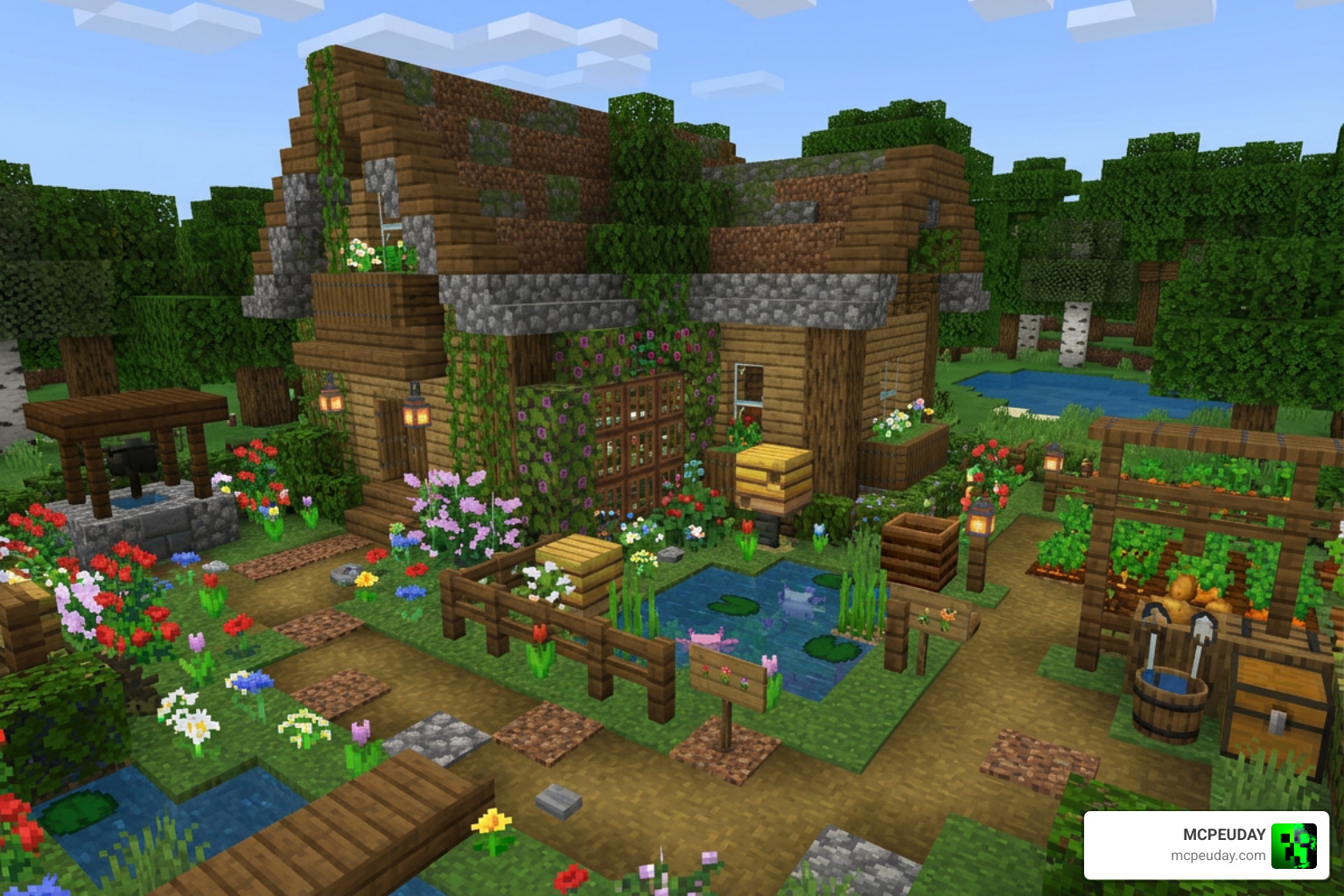
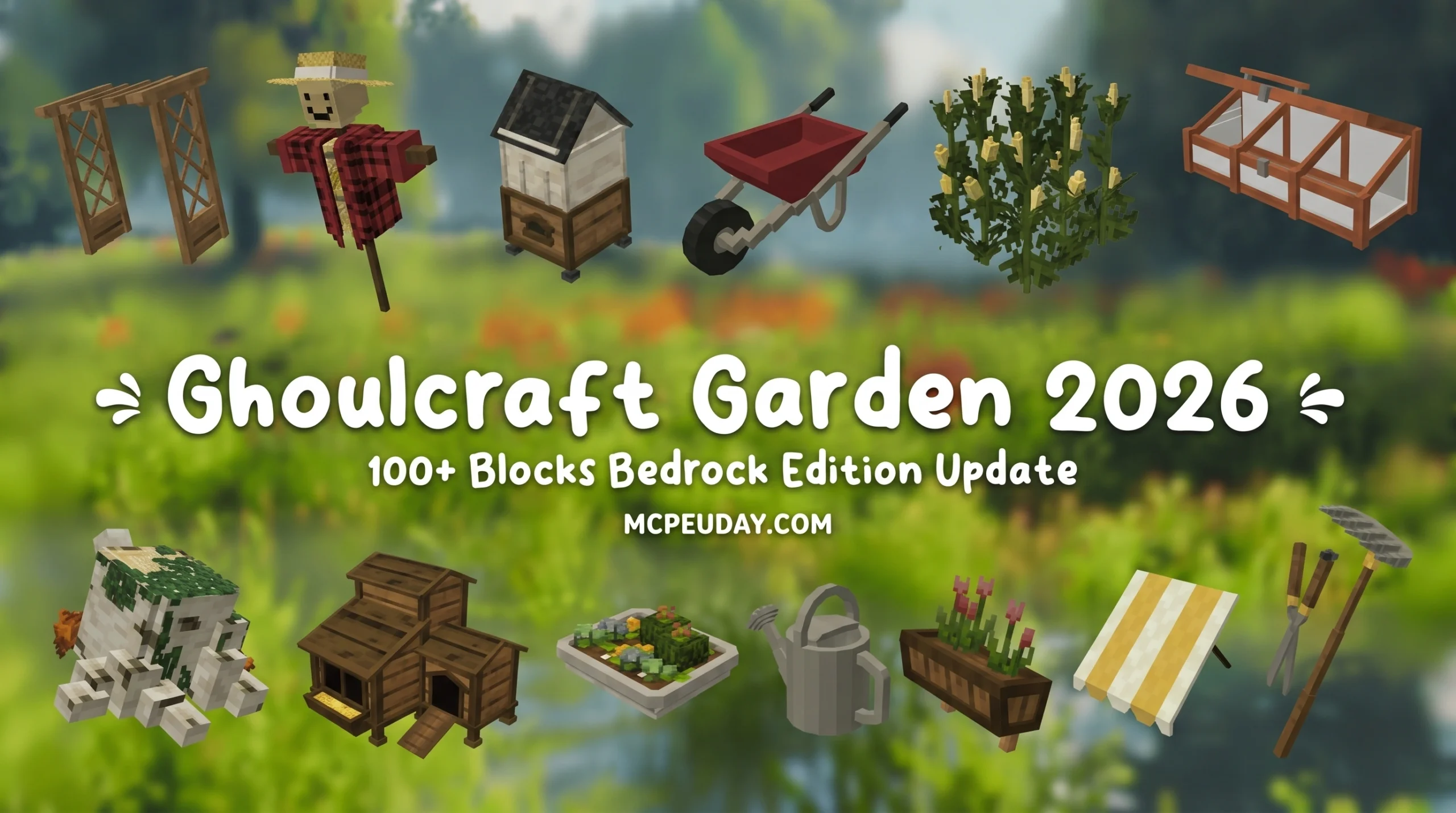
The Ghoulcraft Garden BE Addon is an official Bedrock Edition port of a popular Java resource pack that adds decorative outdoor and garden-themed items to Minecraft PE — think plants, lattices, awnings, animal coops, garden tools, and more.
Here’s what you need to know at a glance:
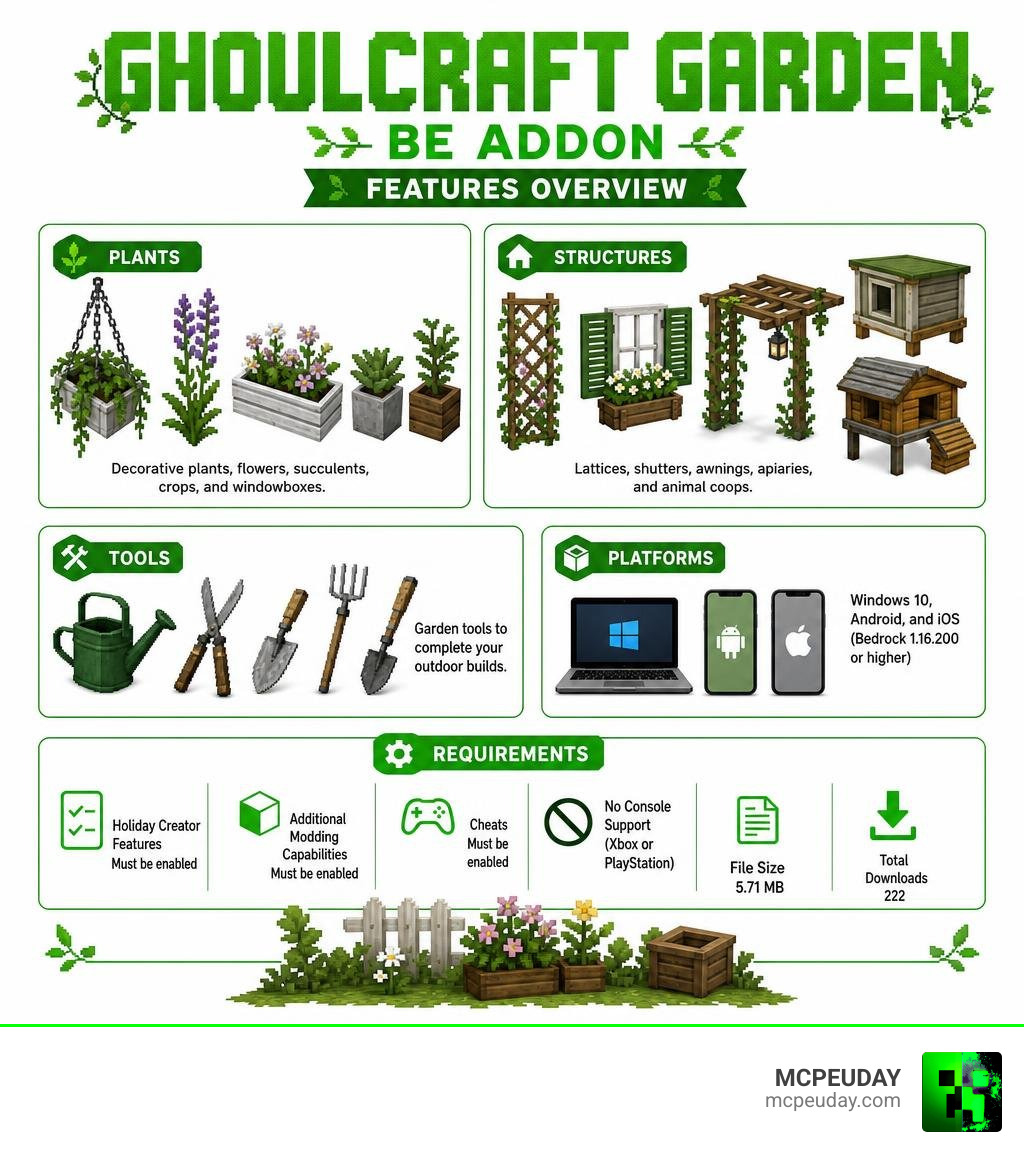
- What it adds: Plants, succulents, crops, windowboxes, shutters, lattices, apiaries, animal coops, and garden tools
- Who it’s for: Creative mode builders who want realistic outdoor and garden aesthetics
- Platforms supported: Windows 10, Android, and iOS running Minecraft Bedrock 1.16.200 or higher
- Console support: None — it does not work on Xbox or PlayStation
- Required settings: Holiday Creator Features, Additional Modding Capabilities, and Cheats must all be enabled
- File size: 5.71 MB
- Total downloads: 222
If you love building detailed, realistic gardens in Minecraft PE, finding the right addon can feel frustrating. Most decoration packs focus on furniture or interiors. Outdoor builds rarely get the same love.
The Ghoulcraft Garden BE Addon changes that. It brings a huge range of garden-themed decorative blocks to Bedrock Edition — ported from the Java version by the original creator. The textures are designed to match the Mizuno Craft resource pack, giving everything a clean, cohesive cottagecore look.
It works through a clever block-renaming system. Instead of new crafting recipes, you rename vanilla Minecraft items at an anvil to unlock custom decorative appearances. It’s simple once you know how it works — but there are a few setup steps you can’t skip.
This guide covers everything: what’s included, how to install it, how to use the renaming system, and what limitations to expect.
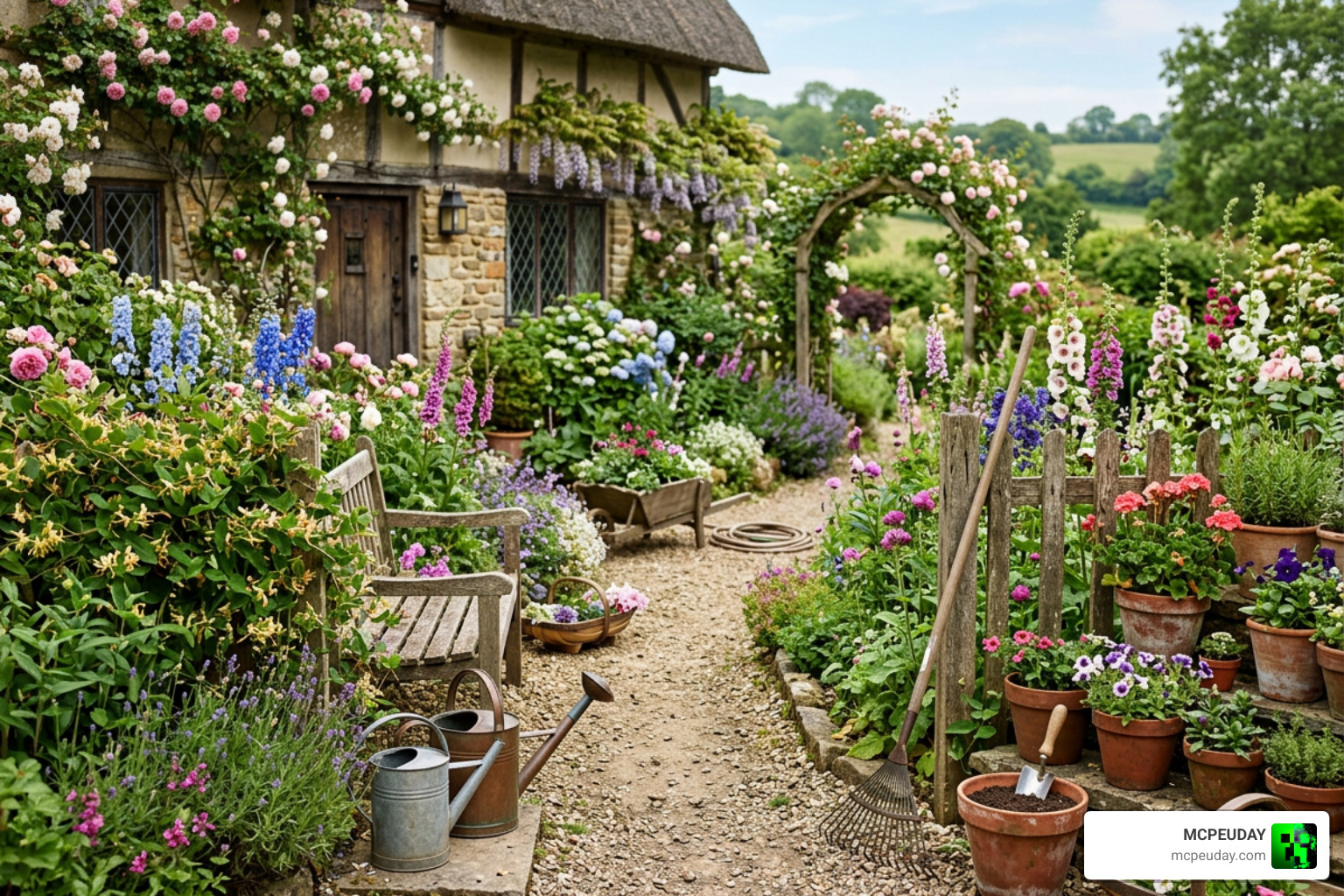
What is the Ghoulcraft Garden BE Addon?
The Ghoulcraft Garden BE Addon is a specialized, data-driven block addon (often referred to as a CIM pack) designed specifically for Bedrock Edition. It is the official port of MissGhouls’ incredibly famous Ghoulcraft CIT pack from Java Edition. The porting work was handled by Kaomc, ensuring that Bedrock players on mobile and PC could enjoy the same beautiful cottagecore and realistic garden aesthetics.
Unlike standard mods that add functional machinery or survival mechanics, this addon is strictly aesthetic. It adds non-functional, highly detailed 3D blocks that allow you to decorate your outdoor spaces with unparalleled precision. If you are tired of the blocky, simplified look of vanilla plants, this pack is exactly what we need to elevate our builds.
Key Features of the Ghoulcraft Garden BE Addon
The main draw of this addon is the sheer variety of outdoor-themed items it introduces. We get access to beautifully modeled plants, intricate lattices, window shutters, decorative windowboxes, and realistic garden tools.
These items are designed to feel organic. Placing a few customized flower pots or hanging lattices instantly breathes life into flat stone walls. If you want to take your world’s environmental realism even further, we highly recommend pairing this with the Better Foliage Addon for Minecraft to completely overhaul your leaves, grass, and surrounding nature.
Differences Between Java CIT and Bedrock Edition
Because Minecraft Bedrock and Java run on entirely different engines, the way this pack functions differs between platforms. In Java Edition, Ghoulcraft relies on Custom Item Textures (CIT), which requires OptiFine or similar mods. It changes the visual appearance of an item when it is placed inside an item frame.
On Bedrock Edition, we do not have native CIT support. Instead, the port utilizes data-driven custom blocks. This means the items are actual physical blocks with custom geometry that you place directly into the world.
| Feature | Java CIT Version | Bedrock Edition Port |
|---|---|---|
| Placement Method | Placed in Item Frames | Placed directly as custom blocks |
| Prerequisites | Requires OptiFine or CIT Resewn | Requires Experimental Settings enabled |
| Obtainability | Renaming items in survival/creative | Creative inventory or commands |
| Platform Support | PC Only | Windows 10, Android, iOS |
Main Categories and Customization of Garden Items
The addon splits its items into distinct visual categories, allowing you to design cohesive outdoor areas. Whether you are building a rustic greenhouse, a backyard vegetable patch, or a cozy animal coop, there is a specific set of items designed for the job. To see the full visual catalog of everything available, you can check out the official Garden / Outdoor – Ghoulcraft page.
Plants, Crops, and Foliage
The plant selection is incredibly diverse. Instead of the basic two-block-high flowers of vanilla Minecraft, this pack introduces detailed succulents, tiny sprouted seedlings, and realistic crop variants.
By renaming basic wheat seeds at an anvil, you can place down custom crops like:
- Cornfields
- Blueberry bushes
- Strawberry bushes
- Wheat, tall, and grass seedlings
This allows us to create highly realistic vegetable gardens that look like actual working farms rather than simple repeating textures.
Outdoor Furniture and Structures
Beyond plants, the pack features several structural elements to frame your gardens. You can place decorative awnings over your windows, build rustic apiaries (beehives) in your orchards, or place small animal coops and rabbit hutches in your backyard.
These elements fit beautifully alongside other interior mods. If you want to furnish the inside of your cottage to match your gorgeous new garden, you should look into the Modern Furniture Addon 1.21 or the rustic options in the Modblockte Furniture Addon 1.21.
The Renaming System and Catalog Access
To get these custom items, you use an anvil renaming system. By taking a base vanilla item and renaming it to a specific keyword, its model changes. For example, renaming any flower to “Windowbox” and placing it on a wall will instantly create a gorgeous flower-filled windowbox.
Some items can even be placed over functional blocks. For instance, placing a custom “stump” block over a chest or dropper hides the container, making it look like a natural decoration while retaining its storage function.
Note on Patreon Items: In the official catalog, you might notice some items are highlighted in red or blue. Red items are Patreon-exclusive beta designs that eventually roll out to the public, while blue items are custom requests made by supporters.
Integration with Mizuno Craft and Other Resource Packs
One of the biggest strengths of the Ghoulcraft Garden BE Addon is its visual cohesion. The textures are specifically color-matched to the Mizuno Craft resource pack. Mizuno Craft is famous for its warm, rustic, and slightly desaturated tones. By using them together, the custom garden models blend seamlessly into the environment, preventing that awkward “modded” look where custom items stand out too harshly against vanilla textures.
How to Install and Configure the Addon in Minecraft PE
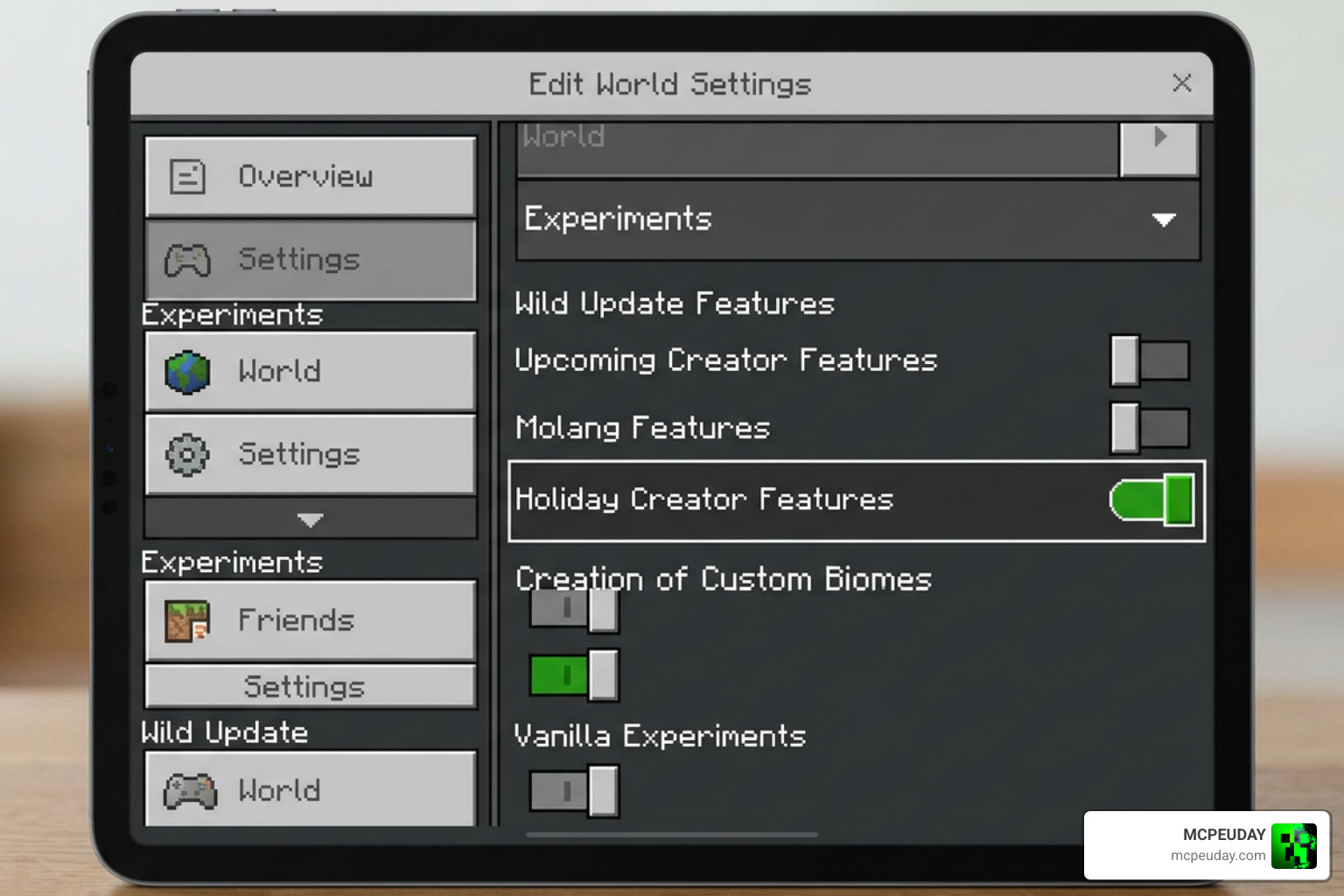
Setting up the Ghoulcraft Garden BE Addon is straightforward, but it requires precise settings configuration. Because this pack introduces custom data-driven blocks, Minecraft PE needs permission to load these non-standard assets. You can grab the official files directly from the Ghoulcraft BE ~ Garden Pack | Minecraft PE Mods & Addons page.
Required Experimental Settings for Ghoulcraft Garden BE Addon
Before you load into your world, you must enable specific experimental toggles in your world settings. If you skip this step, the custom blocks will either show up as invisible or fail to load entirely.
Ensure the following are toggled on:
- Holiday Creator Features (Crucial for custom block geometry)
- Additional Modding Capabilities (Allows the custom behaviors to run)
- Cheats Enabled (Required to use commands to retrieve the items)
Step-by-Step Installation Guide
Follow these steps to get the addon working perfectly in your game:
- Download the
.mcpackor.mcaddonfile from the official source. - Locate the downloaded file on your device and tap/click it. Minecraft PE will open automatically and import the pack.
- Create a new world or go to the settings of an existing world.
- Navigate to Resource Packs and activate the Ghoulcraft BE Garden Pack.
- Navigate to Behavior Packs and ensure the corresponding behavior pack is active.
- Make sure the pack is placed at the top of your active list to prevent other texture packs from overriding it.
- Toggle the required experimental settings mentioned above, then launch your world!
To make placing these beautiful custom items even faster and more precise, we highly recommend using the Effortless Building Addon, which helps you mirror, replace, and place blocks with ease.
Frequently Asked Questions about Ghoulcraft Garden BE
Can I use the Ghoulcraft Garden BE Addon in Survival Mode?
Technically, no. This addon is designed strictly for creative mode and aesthetic builders. The custom blocks do not have survival crafting recipes. If you want to use them in a survival world, you will need to enable cheats and use commands like /give or trigger them using function commands (for example, /function tikitorch to test if the pack is running correctly).
What platforms and Minecraft versions are supported?
The addon works on Windows 10, Android, and iOS (Apple) devices. It supports Minecraft Bedrock/Pocket Edition version 1.16.200 and above.
Unfortunately, it does not work on consoles (Xbox, PlayStation, or Nintendo Switch) due to platform restrictions on custom behavior packs. If you are looking for a highly optimized, stable base for your 1.21+ Bedrock worlds, check out the Core Craft Addon MCPE 1.21.
What are the licensing and terms of use restrictions?
The original models and textures belong to MissGhouls, who graciously allowed the Bedrock port. The GitHub repository for the Bedrock port was archived in late 2021, meaning it is no longer actively maintained by the original porter, but the files remain fully functional for supported versions.
Under the terms of use, you are not allowed to redistribute the pack files on other websites, modify the assets for public release without permission, or claim the work as your own. Always download the pack from official community sources to ensure your game files remain safe.
Conclusion
The Ghoulcraft Garden BE Addon is a must-have for any Minecraft PE builder looking to create breathtaking, realistic outdoor spaces. With its massive selection of cottagecore plants, structures, and tools, it fills a massive gap in Bedrock decoration.
Whether you are building a quiet backyard greenhouse or a sprawling farm, we love how this pack transforms the outdoor atmosphere. If you enjoy customizing your game with unique mods, be sure to explore our curated list of the best Minecraft horror mods for Java and Bedrock to add some spooky thrills to your next creative adventure!