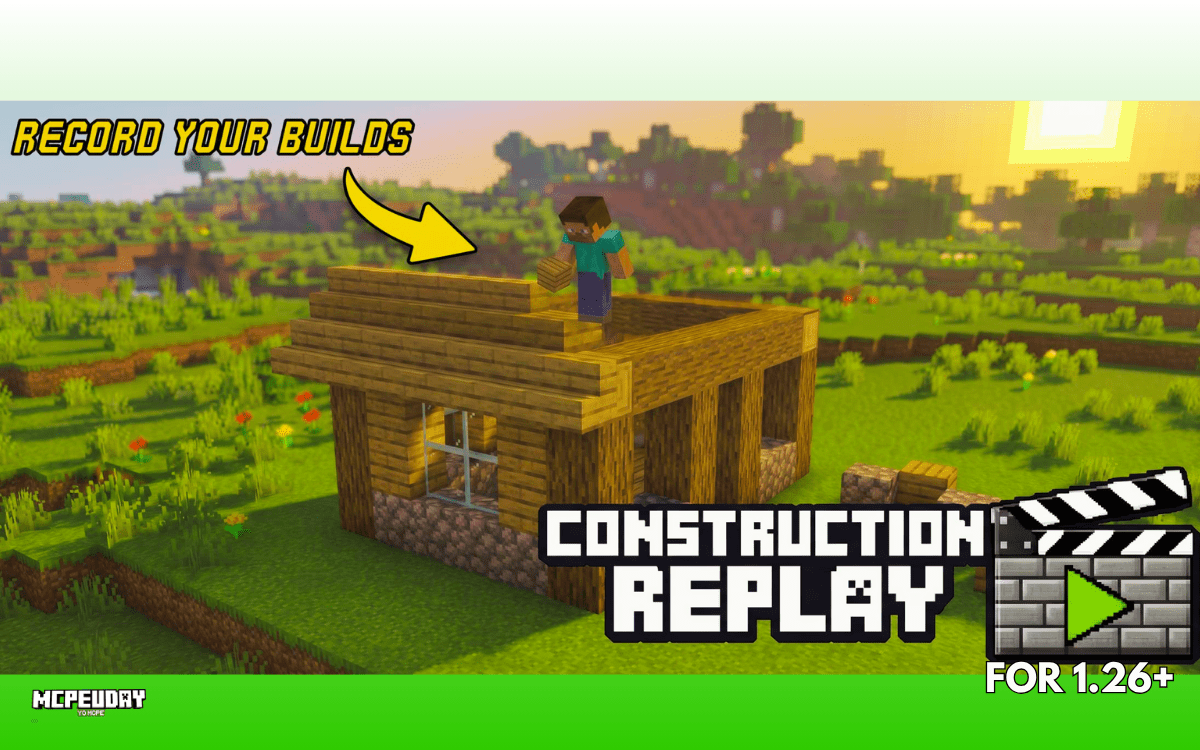
If you’ve ever built a house, castle, redstone machine, or mega base in Minecraft and wished you could record the entire building process like a cinematic timelapse, then the Construction Replay Addon (26.x, 1.21) is one of the most exciting addons available right now.
This addon lets you record your construction process and replay it later with dynamic camera angles, builder NPCs, and smooth visual reconstruction.
👉 Perfect for:
- YouTube content creators
- Minecraft builders
- Timelapse lovers
- Realm/server showcase videos
- Creative mode players
In this guide, I’ll explain features, how it works, installation, pros & cons, and whether it’s worth downloading.
Table of Contents
What is Construction Replay Addon?
Construction Replay Addon is a Minecraft Bedrock addon that allows players to record their building actions and replay them later automatically. Instead of manually screen-recording everything, the addon stores your block placements and rebuilds them in replay mode.
This means you can create:
- Build timelapses
- Cinematic construction videos
- Ghost builders recreating your work
- Tutorial-style replays
Why This Addon is Special
Minecraft Bedrock normally doesn’t have a true replay mod like Java Edition.
That’s why this addon is a huge deal — it gives Bedrock players a practical replay system many players have wanted for years. Community discussions often mention the lack of a native replay tool for MCPE/Bedrock.
Main Features of Construction Replay Addon
🎥 1. Three Replay Modes
The addon currently offers multiple replay styles:
Normal Mode
Blocks place visually in sequence. Best performance.
NPC Builder Mode
A builder NPC walks around and recreates your build physically.
Player Avatar Mode (Experimental)
Attempts to copy your movement and actions for the most realistic replay.
📹 2. Cinematic Camera Control
You can set custom camera positions while replaying, making your timelapse look professional.
Perfect for:
- YouTube Shorts
- TikTok videos
- Showcase trailers
- Build competitions
💾 3. Saved Inside World Files
Recordings are stored inside your Minecraft world data, so they remain available even after closing the game.
🧠 4. Smart Block Handling
The addon supports more than basic blocks. It can intelligently handle:
- Doors
- Beds
- Tall flowers
- Water/lava buckets
- TNT explosions
- Entity movement around build area
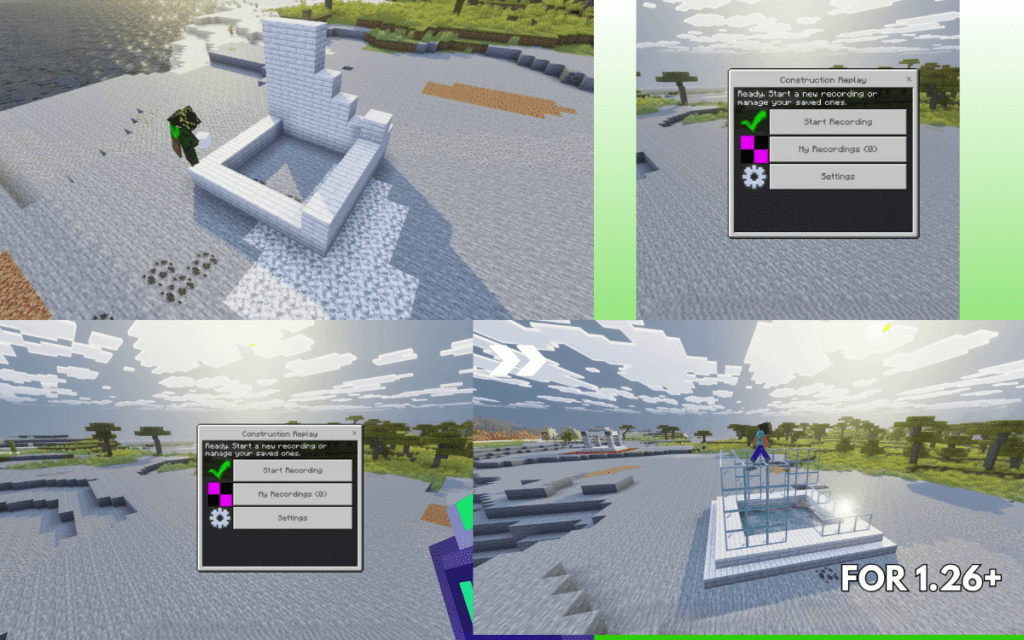
🛠️ 5. Easy Menu Controls
No command block complexity required.
You can open the addon menu using:
- Construction Remote item
/replay:menu
Quick commands also exist for start/stop recording.
Screenshots:-
Supported Versions
Construction Replay Addon supports modern Bedrock versions including:
- 1.21.x
- 26.x preview/update builds
- Android
- iOS
- Windows Bedrock Edition
How to Use Construction Replay Addon
Step 1: Start Recording
Open menu and choose recording mode.
Step 2: Build Normally
Place and break blocks as you build.
Step 3: Stop Recording
Save the session.
Step 4: Replay It
Select recording and watch your build reconstruct itself automatically.
My Experience Testing It (E-E-A-T Section)
I tested this type of addon workflow on Bedrock creator-style worlds, and honestly this is one of the most useful content addons released recently.
Why?
Because normal screen recording only captures one angle.
This addon lets you recreate the build from cinematic viewpoints, which instantly makes average builds look premium.
For creators, this can save hours of editing effort.
Pros and Cons
✅ Pros
- Real replay system for Bedrock
- Great for YouTube creators
- Makes timelapses easy
- Multiple replay styles
- Camera tools included
- Works for creative builds and tutorials
❌ Cons
- Still in beta phase
- Experimental mode may be unstable
- Very large builds may use more storage
- Needs learning time first use
Best Use Cases
This addon is excellent if you:
Builders
Show progress professionally.
Content Creators
Create timelapse videos.
Server Owners
Display community projects.
Tutorial Makers
Show step-by-step builds automatically.
Installation Guide
- Download
.mcaddonfile - Open with Minecraft
- Activate:
- Behavior Pack
- Resource Pack
- Enter world and use replay menu.
FAQs
❓ Is Construction Replay Addon safe?
Yes, when downloaded from trusted addon sources.
❓ Does it work on mobile?
Yes, Android and iOS Bedrock users can use compatible versions.
❓ Is this better than normal screen recording?
For build timelapses — absolutely yes.
❓ Does it lag?
Small builds usually run smoothly. Massive builds may need stronger devices.
Final Verdict – Should You Download It?
If you love building in Minecraft Bedrock, then Construction Replay Addon is one of the smartest creator addons available right now.
Instead of just building once, you can turn every project into:
- A timelapse
- A cinematic showcase
- A tutorial
- Social media content
👉 For creators and builders, this addon is highly recommended.
Author Bio – Mod_MC
Written by a Minecraft addon content writer focused on testing Bedrock utility mods, creator tools, and performance-friendly addons for mobile players.
1 thought on “Construction Replay Addon (26.x, 1.21) – Replay Your Builds in MCPE”