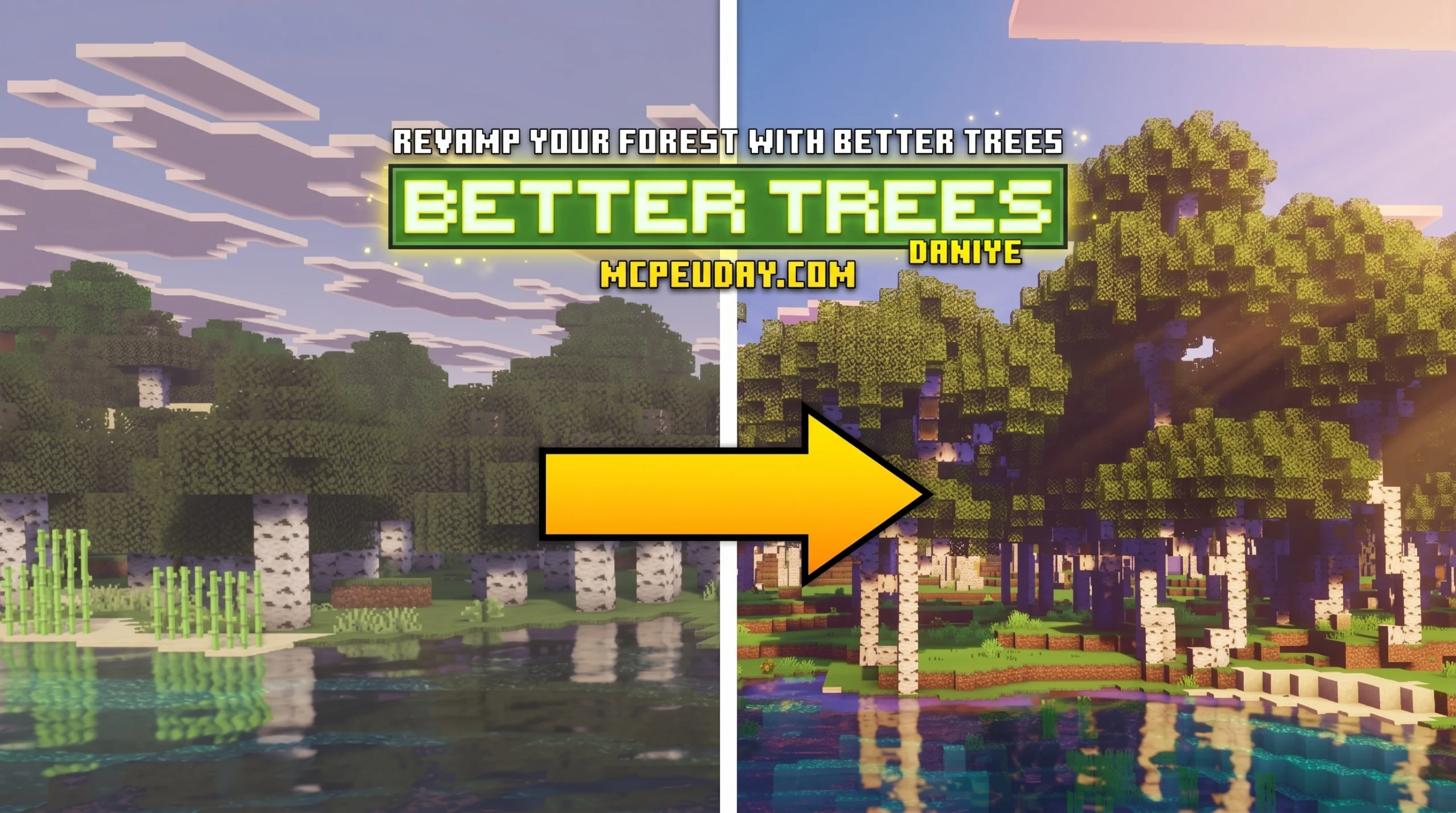
Why the Better Trees ADDON Is the Forest Upgrade Minecraft Needs
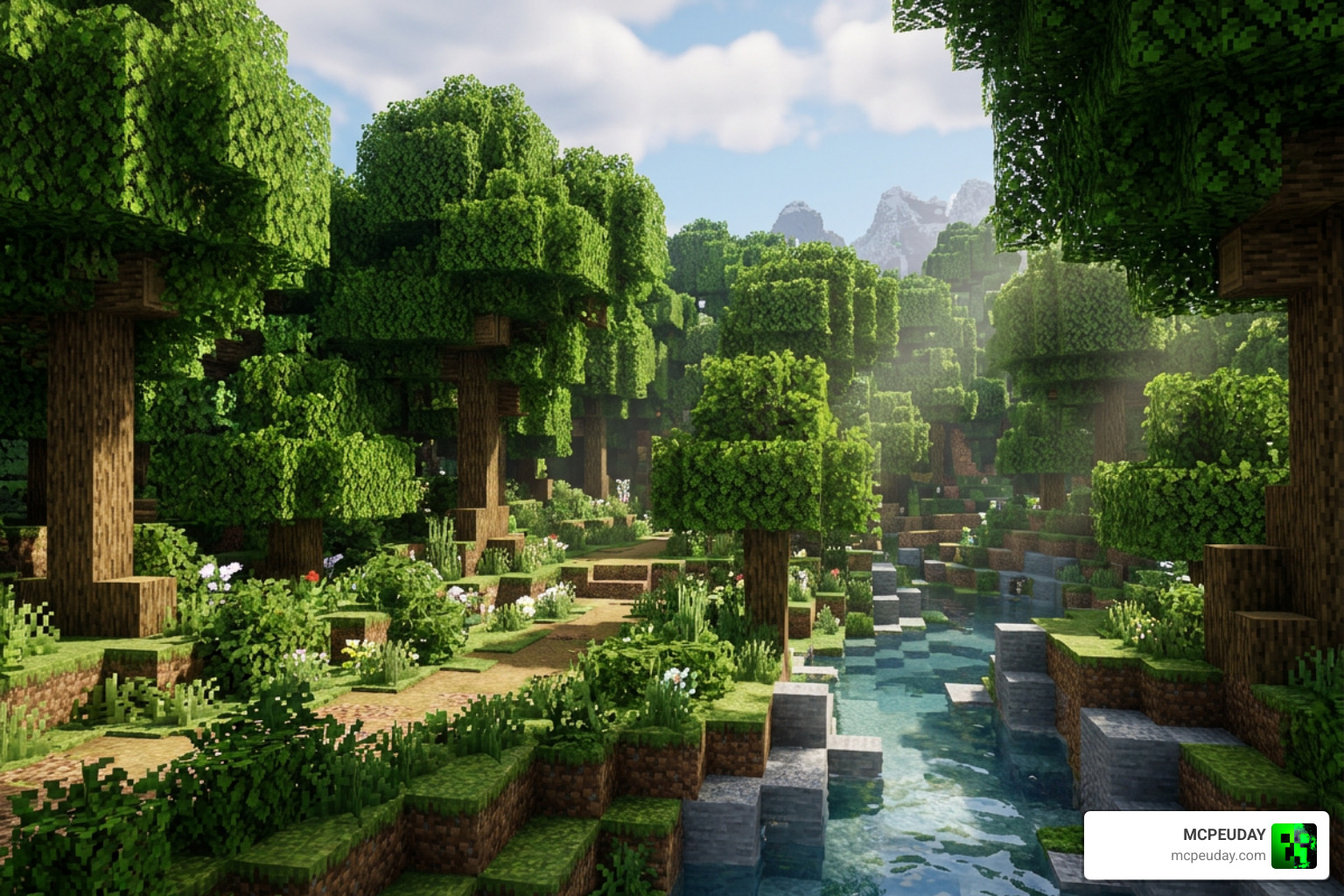
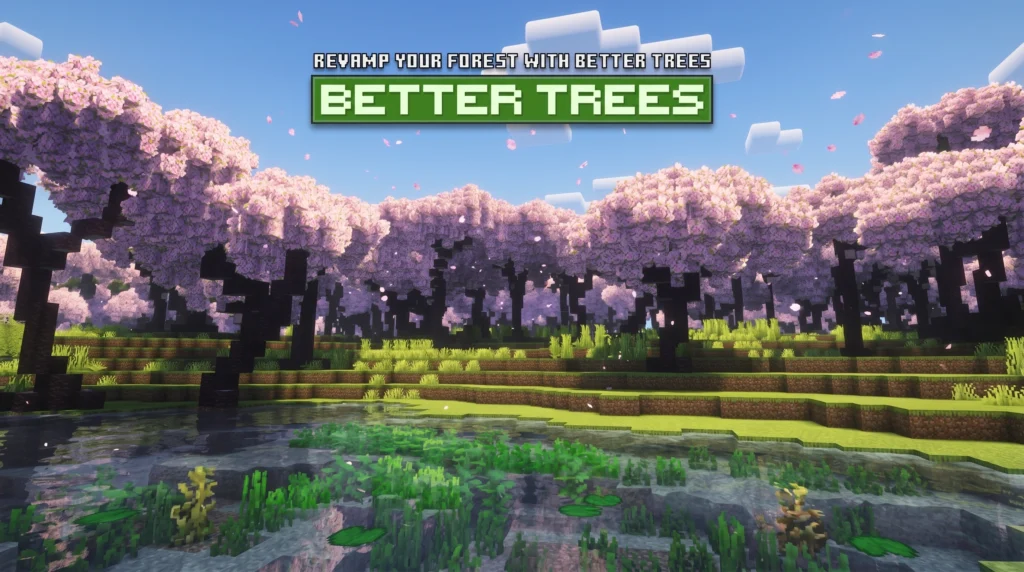
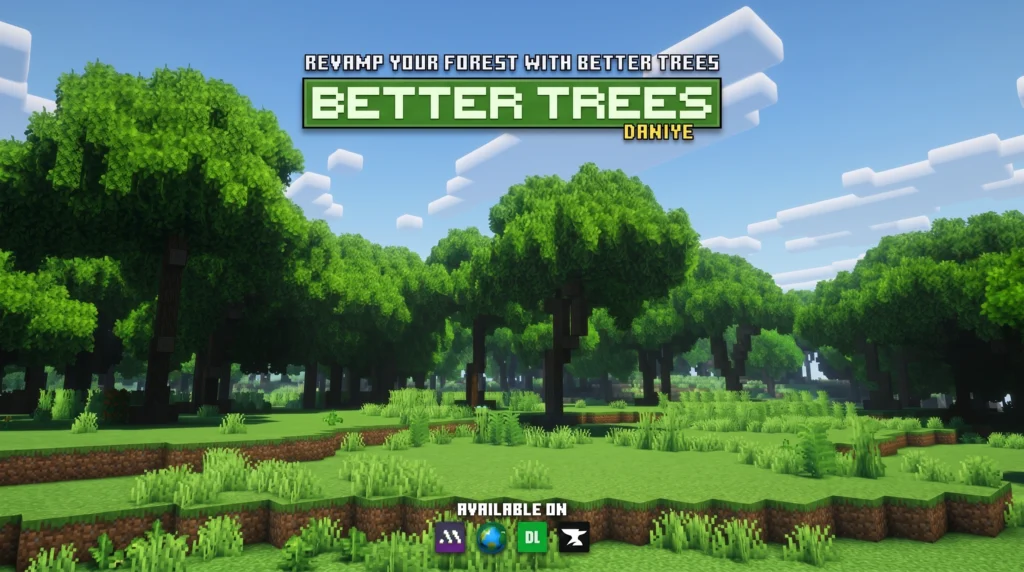
The Better Trees ADDON is one of the most downloaded tree overhaul addons for Minecraft Bedrock Edition, with over 807,550 downloads — and it’s easy to see why.
Quick answer: What is the Better Trees ADDON?
- A Minecraft Bedrock addon that replaces vanilla trees with redesigned, realistic versions
- Features thicker leaves, natural branch shapes, and biome-specific tree designs
- Works in Survival, Hardcore, and Creative gameplay
- Requires an Infinite world type to generate new trees
- Achievement-compatible — no cheats, no compromises
- Available in two versions: Better Trees (survival) and Instant Trees (builders)
Vanilla Minecraft trees are fine. But let’s be honest — they’re blocky, sparse, and every forest looks pretty much the same. Whether you’re exploring a birch grove or hacking through a jungle, the trees rarely feel alive.
That’s the exact problem this addon solves.
It keeps the feel of vanilla Minecraft completely intact while making every forest look noticeably richer, denser, and more natural. No steep learning curve. No broken achievements. Just better-looking trees from the moment you load a new world.
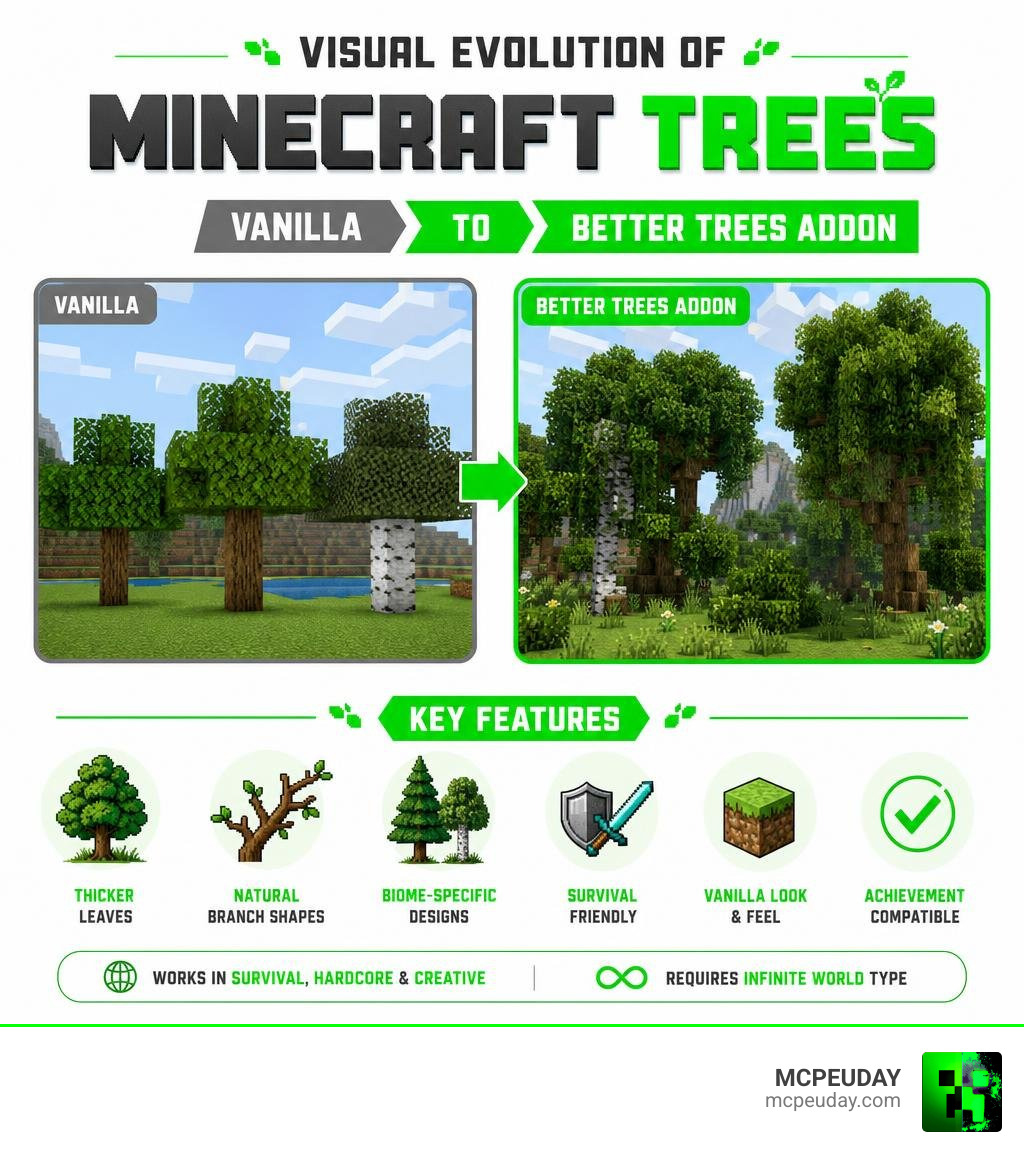
What is the Better Trees ADDON?
Created by the talented developer Daniye, who has amassed over 2.4 million total downloads across various projects, the Better Trees ADDON is a complete reimagining of Minecraft’s forestry. With over 807,550 standalone downloads, it stands as one of the premier visual upgrades for Bedrock players. Daniye’s dedication to quality is evident in how seamlessly this addon integrates with the base game, ensuring that players get a premium visual upgrade without sacrificing the core mechanics that make Minecraft so beloved.
Unlike other mods that completely change the game’s art style, this addon is dedicated to preserving the “vanilla essence” of Minecraft. It doesn’t introduce wacky, hyper-realistic textures that clash with the rest of your world. Instead, it takes the blocks you already know and love and rearranges them into beautiful, organic shapes. This means your existing builds, custom texture packs, and shaders will still look perfectly cohesive alongside these upgraded forests.
By adding realistic branches that twist naturally and packing on thicker, denser layers of leaves, the addon turns boring, repetitive forests into lush, immersive woodlands. The visual depth created by these layered canopies completely changes how light and shadows interact with the forest floor, making daytime exploration feel like a brand-new adventure.
Core Features of the Better Trees ADDON
We love addons that cater to different playstyles, and this one does exactly that by offering two distinct variants:
- Better Trees (Survival Version): This is the standard version designed for survival enthusiasts. It replaces natural world generation so that as you explore, you naturally stumble upon these gorgeous, redesigned trees. It also features custom sapling generation so that replanted trees grow into the new, improved models. This ensures that your long-term survival worlds remain beautiful even as you harvest wood and replant your forests.
- Instant Trees (Creative Builder Version): If you are a builder who doesn’t want to wait around for trees to grow, this variant is your best friend. It gives you “Instant Sapling” items that immediately spawn fully formed, beautiful trees the second you place them down. This is perfect for map makers, creative builders, or anyone looking to quickly detail a custom landscape without dealing with bone meal or random growth patterns.
No matter which way you prefer to play, we provide the safest and most reliable download options directly through MCPEUDAY.
Supported Minecraft Editions and Versions
The Better Trees ADDON is built specifically for Minecraft Bedrock Edition (which includes MCPE on mobile devices, Windows 10/11, and consoles). As of June 2026, it supports a wide array of modern Bedrock versions, ranging from 1.21.94 all the way through 1.21.132 and beyond.
To help you understand how this addon runs across different platforms, we have put together a quick comparison table:
| Device Type | Performance Impact | Recommended Density Setting | Features Supported |
|---|---|---|---|
| Mobile (Low-to-Mid End) | Mild | Low / Medium | All visual models, custom saplings |
| Consoles (Xbox, PlayStation, Switch) | Very Low | Medium / High | All visual models, custom saplings |
| PC (Windows 10/11) | Negligible | High | All visual models, instant saplings |
Visual Enhancements and Customization Options
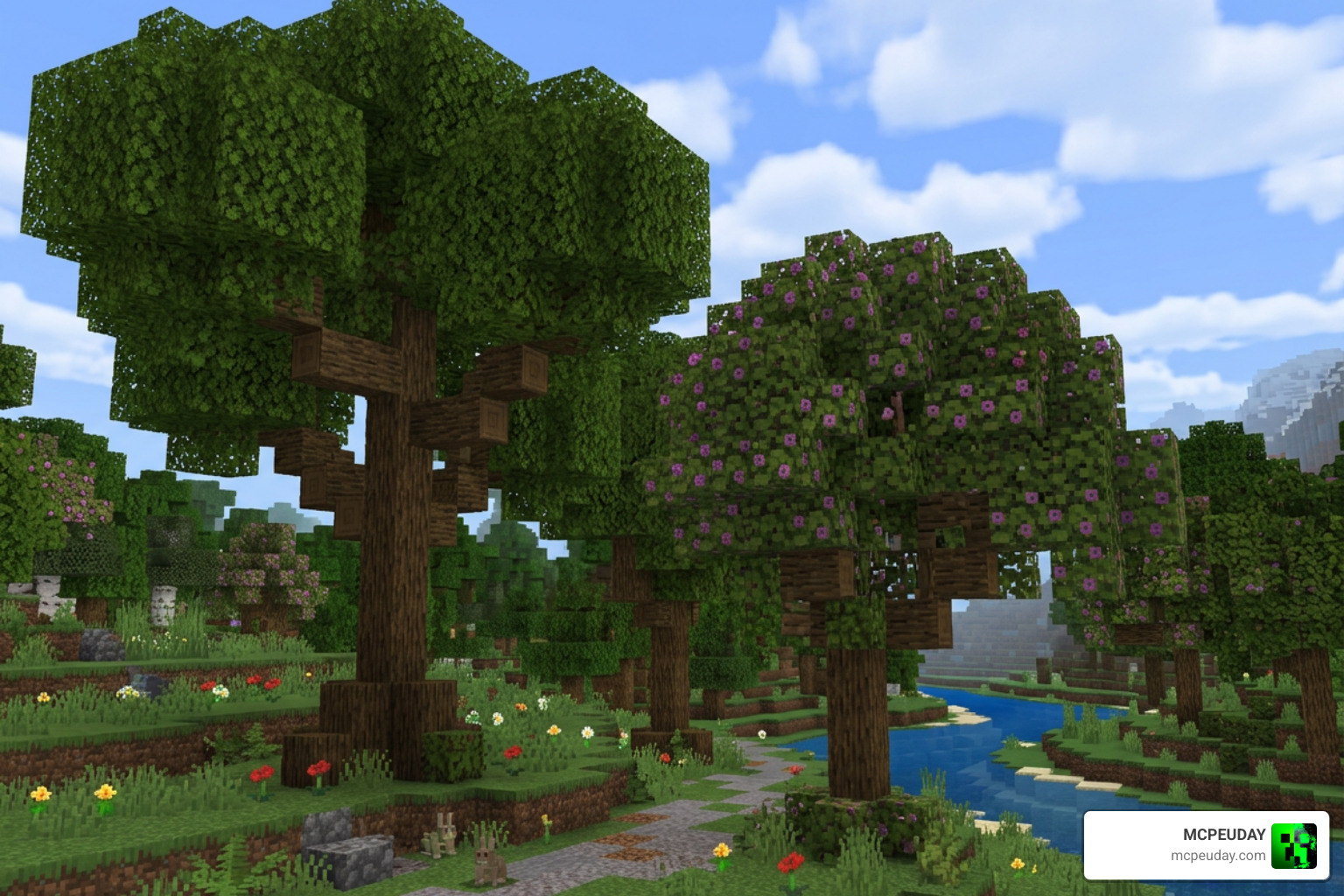
What makes this addon truly special is how it handles different environments. It does not just apply a single “bushy” filter to every tree in the game. Instead, it features biome-specific designs that respect the unique characteristics of each tree type. This attention to detail ensures that every biome maintains its distinct identity while receiving a massive visual upgrade.
When you walk into an oak forest, you will notice broad, sprawling structures with thick, sturdy trunks. Birch groves feel lighter and more elegant, featuring slender trunks and delicate, airy leaf arrangements, while dense jungle biomes feature towering giants with massive, layered canopies that block out the sky. The addon even updates cherry groves with beautiful, sweeping pink canopies and includes a stunning Azalea Tree Update, making lush caves and flowery biomes feel like magical, hidden sanctuaries. Dark oak forests also receive a major upgrade, feeling much more imposing and mysterious with their thick, interlocking branches.
Redesigned Tree Shapes and Foliage
By introducing dense foliage and a natural canopy, the addon ensures that light filters through the leaves in a much more realistic way, creating beautiful dappled light patterns on the forest floor. If you want to take your nature upgrades even further, we highly recommend pairing this with the Better Foliage Addon for Minecraft Ultra Realistic Leaves Grass Nature Upgrade to give your grass, flowers, and underwater plants a matching visual boost! Together, these two addons create an incredibly cohesive and ultra-realistic wilderness experience that rivals high-end Java shaders.
Adjusting Forest Density for Performance
One common worry with graphics-enhancing addons is lag, especially for our mobile players. Fortunately, the creator has included built-in “Forest Density” subpacks.
You can easily adjust these settings directly within the behavior pack options in your world menu. If you are playing on a lower-end mobile device, you can set the density to a lower setting to keep your frame rates silky smooth while still enjoying the gorgeous new tree models. If you have a high-end PC or console, turn it up to maximum to experience incredibly dense, lifelike forests!
How to Install and Activate the Better Trees ADDON
Setting up the addon is incredibly straightforward, but because it alters world generation, there are a few best practices you should follow to ensure everything runs smoothly. Whether you are a seasoned modder or installing your very first Bedrock addon, taking a few extra moments during setup will guarantee a bug-free experience.
Step-by-Step Installation Guide
Before you begin, we always recommend backing up your favorite worlds to prevent any accidental data loss. Once you have saved your progress, follow these simple steps:
- Download both the Resource Pack and Behavior Pack for the addon from MCPEUDAY.
- Open the downloaded files to automatically import them into Minecraft.
- Create a new world (or edit an existing one) and navigate to the Resource Packs section on the left menu.
- Activate the Better Trees Resource Pack.
- Go to the Behavior Packs section and activate the corresponding Behavior Pack.
- Crucial Step: Ensure your world type is set to Infinite. This addon relies on infinite world generation and will not function on flat worlds.
- Experimental Toggles: While not strictly required for all versions, enabling “Beta APIs” or “Holiday Creator Features” in your world settings can help ensure maximum compatibility with other active addons.
- Launch your world and watch your forests instantly transform!
Compatibility with Other Addons and Mods
We know that nobody plays with just one addon. If you love a fully customized survival experience, you will be happy to know that the Better Trees ADDON plays nicely with other popular gameplay mods.
For example, chopping down these massive, realistic trees by hand can take a while. We highly recommend combining this mod with Raiyons Tree Capitator Addon 26 X 1 21 Fast Tree Cutting Mod for MCPE to quickly chop down entire trunks with a single swing.
Additionally, if you want to expand your world exploration even further with new terrain and plants, it pairs beautifully with the Biomes O Discovery Addon 1 26 1 21 Make Minecraft Worlds Feel Alive Again.
Frequently Asked Questions about Better Trees
Can I use the Better Trees addon in flat worlds?
No. Because of how the custom tree generation is coded, the addon requires the world type to be set to Infinite. Trying to use it in a flat world will result in unsupported generation, and the redesigned trees will not spawn.
Is the Better Trees addon achievement-compatible?
Yes! One of the biggest selling points of this addon is that it is completely achievement-friendly. Because it is primarily a visual and structural overhaul that maintains vanilla block mechanics, you can enjoy these beautiful forests in your main survival world without losing the ability to earn achievements.
Who created the Better Trees addon and where can I download it?
The addon was created by the popular community developer Daniye. You can download the latest, most stable version of the addon directly from us here at MCPEUDAY, or check out the development updates on the Better Trees – Azalea Tree Update – Minecraft Bedrock Addons page.
Conclusion
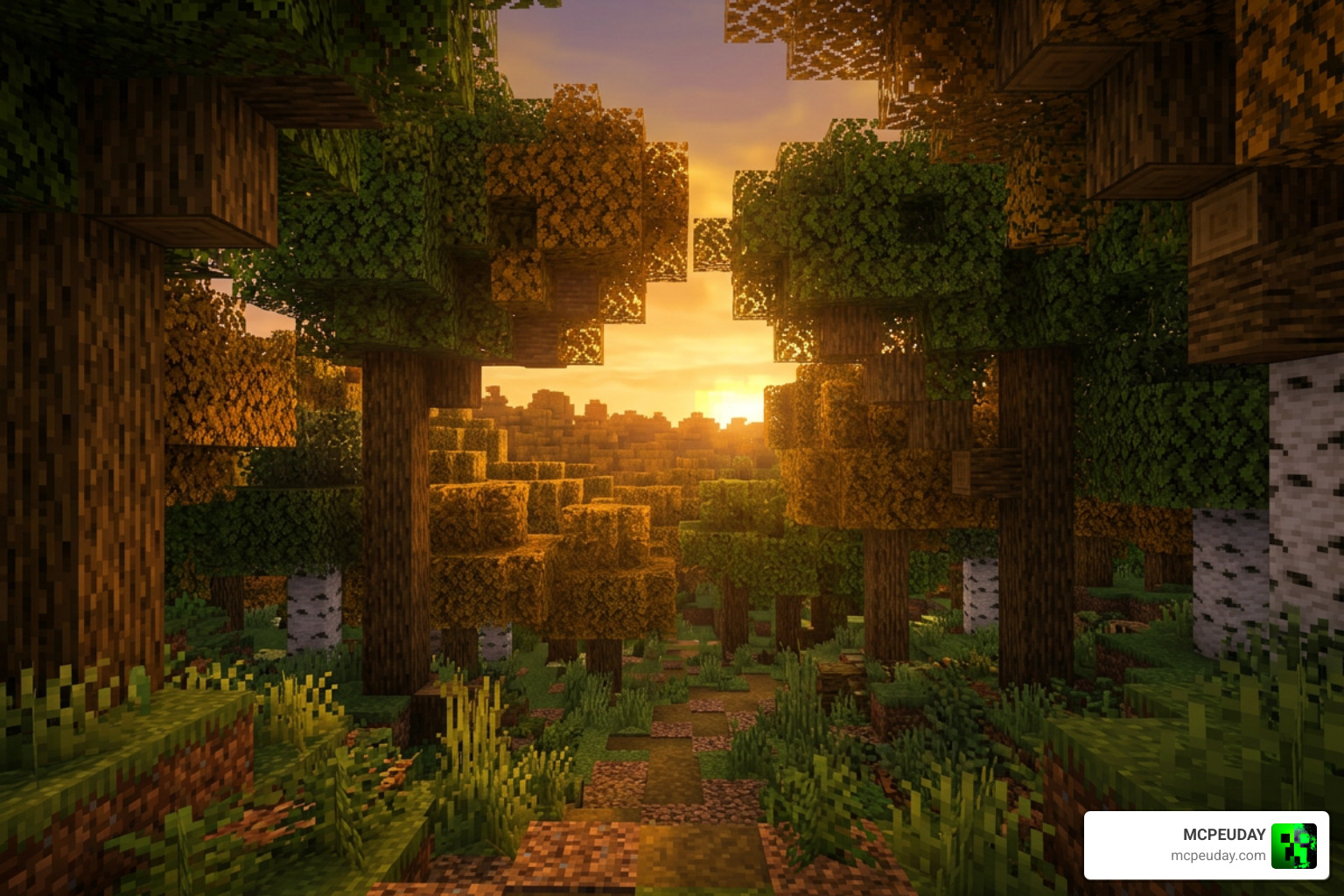
If you are looking for an easy, performance-friendly way to make your Minecraft world feel brand new, the Better Trees ADDON is an absolute must-have. By swapping out blocky, repetitive vanilla trees for beautifully designed, organic models, it turns every journey through the woods into an immersive adventure.
We are dedicated to bringing you the very best resources to elevate your gameplay. Once you have finished upgrading your scenery, why not add some action to your world? Check out our guide on the 5 Best Minecraft Bedrock Gun Mods for Survival & PvP 2026 to take your survival adventures to the next level!
2 thoughts on “Better Trees Addon (26.x, 1.21) – MCPE/Bedrock Mod”