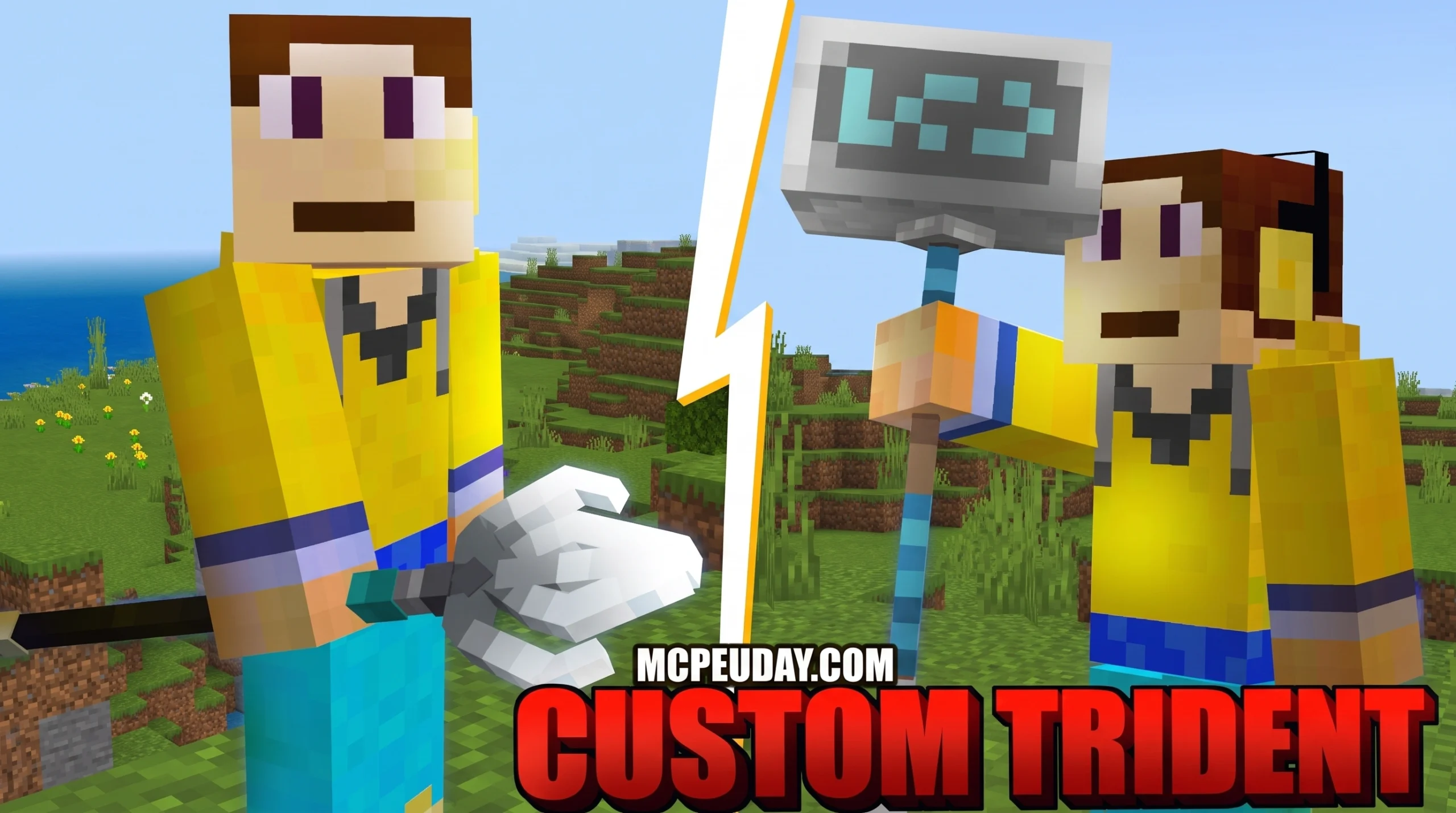
Why the Custom 3D Trident Texture Pack Is a Must-Have Upgrade
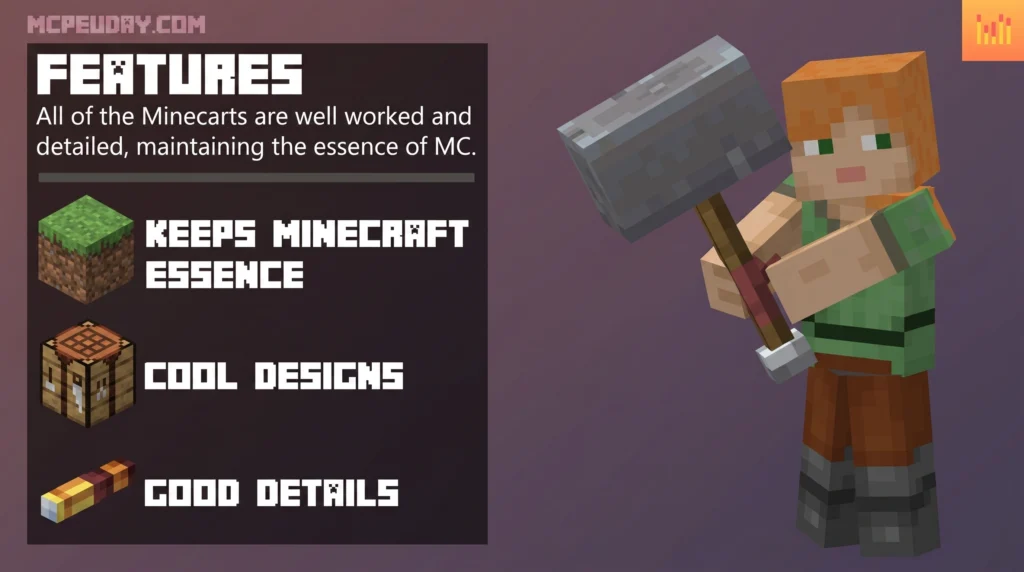
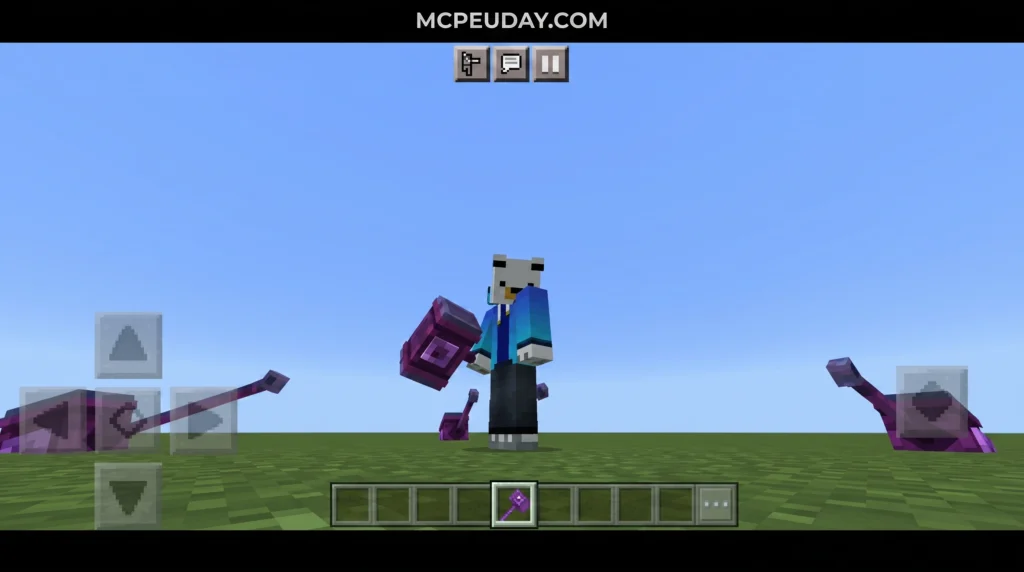
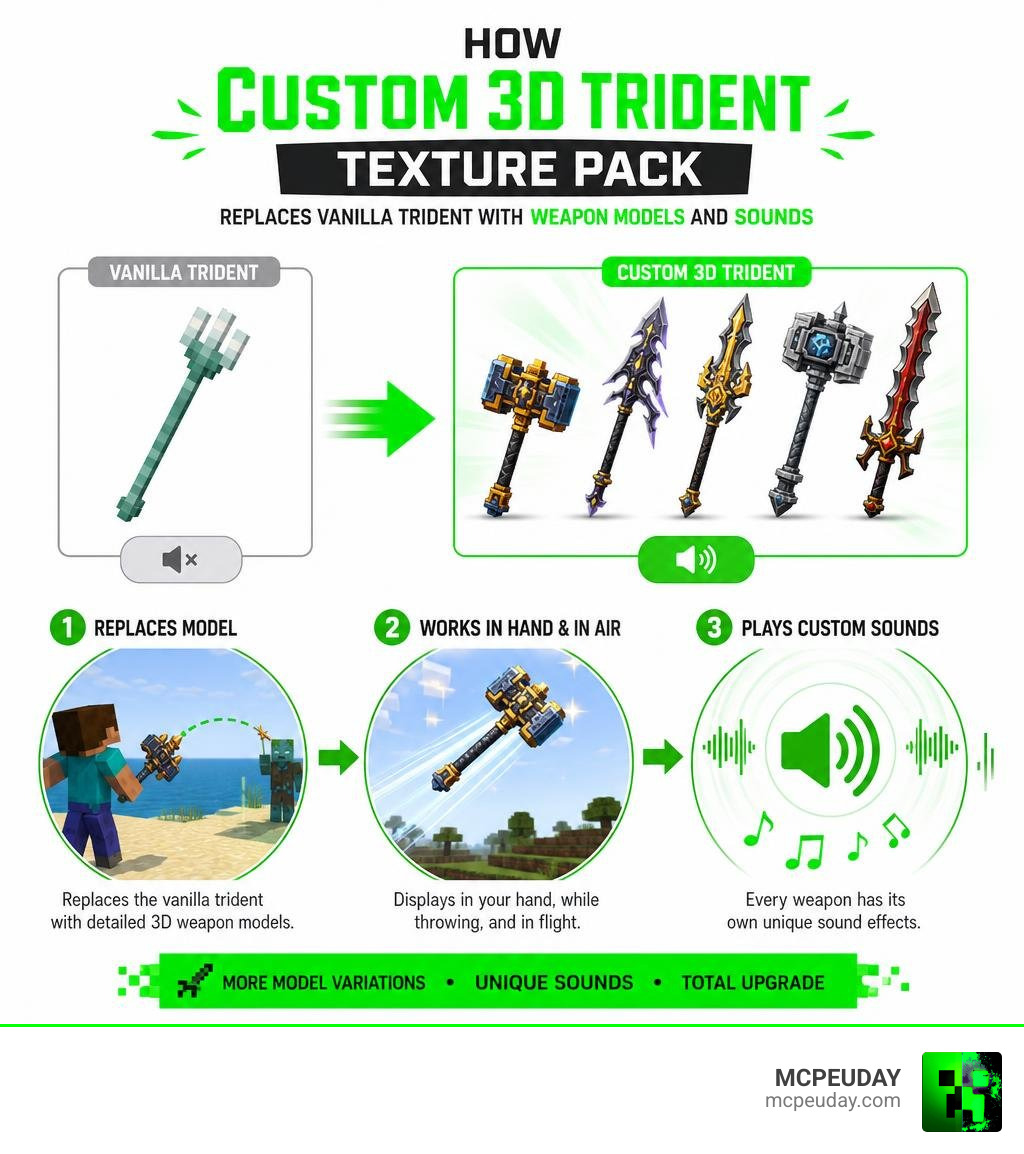
The Custom 3D Trident Texture Pack replaces Minecraft’s default trident with over 25 detailed 3D weapon models — including hammers, glaives, spears, maces, and throwable swords — each with its own custom sound effects.
Quick answers:
- What it does: Replaces the vanilla trident with 25+ custom 3D weapon models
- Weapon types included: Spears, glaives, hammers, maces, and throwable swords
- Custom sounds: Yes — every variation has unique audio
- Platforms supported: Minecraft Bedrock/MCPE (versions 1.18 and 1.19)
- Mod required? No mods needed for Bedrock; Java Edition requires Optifine or Entity Model Features (EMF)
- Server/Realm safe? Yes — it’s a texture pack, not a behavior pack, so achievements stay enabled
- User rating: 4.6 out of 5 stars
The vanilla trident has always felt a bit underwhelming visually. In fact, a community poll found that nearly 97% of players disliked the default trident design and wanted to change it. That’s a huge signal.
This pack answers that demand. It draws heavy inspiration from Minecraft Dungeons, bringing weapons like the Grave Bane glaive and Stormlander hammer into the base game — without any mods or experimental toggles on Bedrock.
Whether you’re roleplaying as a dwarven warrior or just want to hurl a diamond hammer at a Drowned, this pack completely changes how the trident feels to use.
What is the Custom 3D Trident Texture Pack?
At its core, the Custom 3D Trident Texture Pack is a visual and auditory overhaul designed to replace the standard, somewhat plain trident model in Minecraft. Instead of just changing the flat 2D icon in your hotbar, this pack completely remodels the 3D entity. This means that whether you are holding the weapon in your hand, charging up a throw, or watching it fly through the air, it displays as a fully realized 3D weapon.
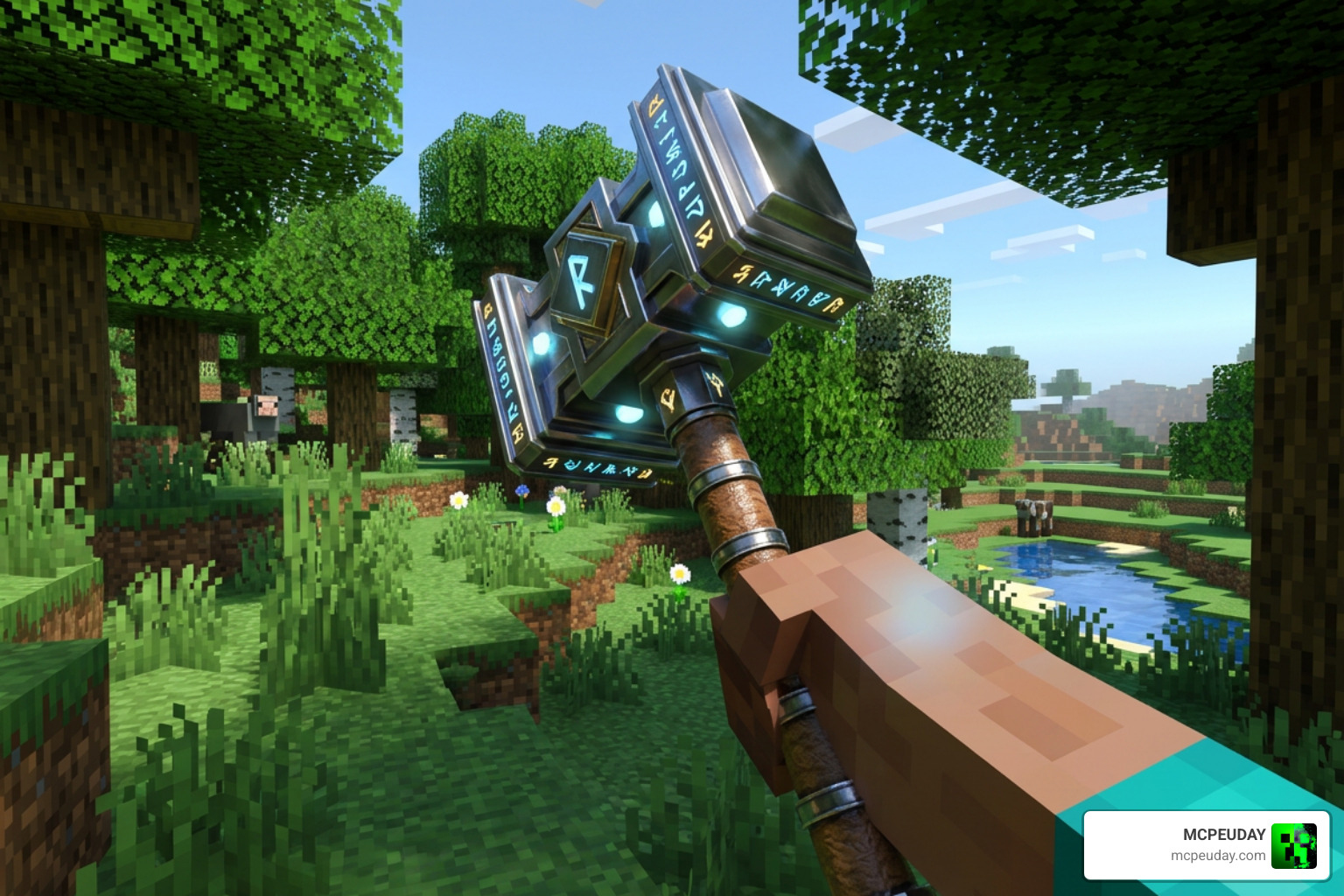
In Minecraft, items like the trident utilize two different files: one for the inventory item icon and another for the actual 3D entity model. This pack seamlessly replaces both. If you love how 3D models breathe new life into your worlds, you can pair this with our 3D Items Texture Pack or the comprehensive Minecraft 3D Texture Pack to give your entire survival inventory a modern, volumetric look.
For players who enjoy exploring different community designs, platforms like CurseForge host thousands of unique creations. You can browse various alternative styles by searching the Minecraft Resource Packs – trident directory. However, few packs match the complete mechanical and audio overhaul offered by this specific 3D trident collection.
Top Features and Weapon Variations
What makes this resource pack stand out in July 2026 is its sheer variety. Boasting a stellar community rating of 4.6 out of 5 stars, it goes far beyond a simple texture swap. The pack includes up to 25 distinct 3D models and over 26 different trident variations to choose from.
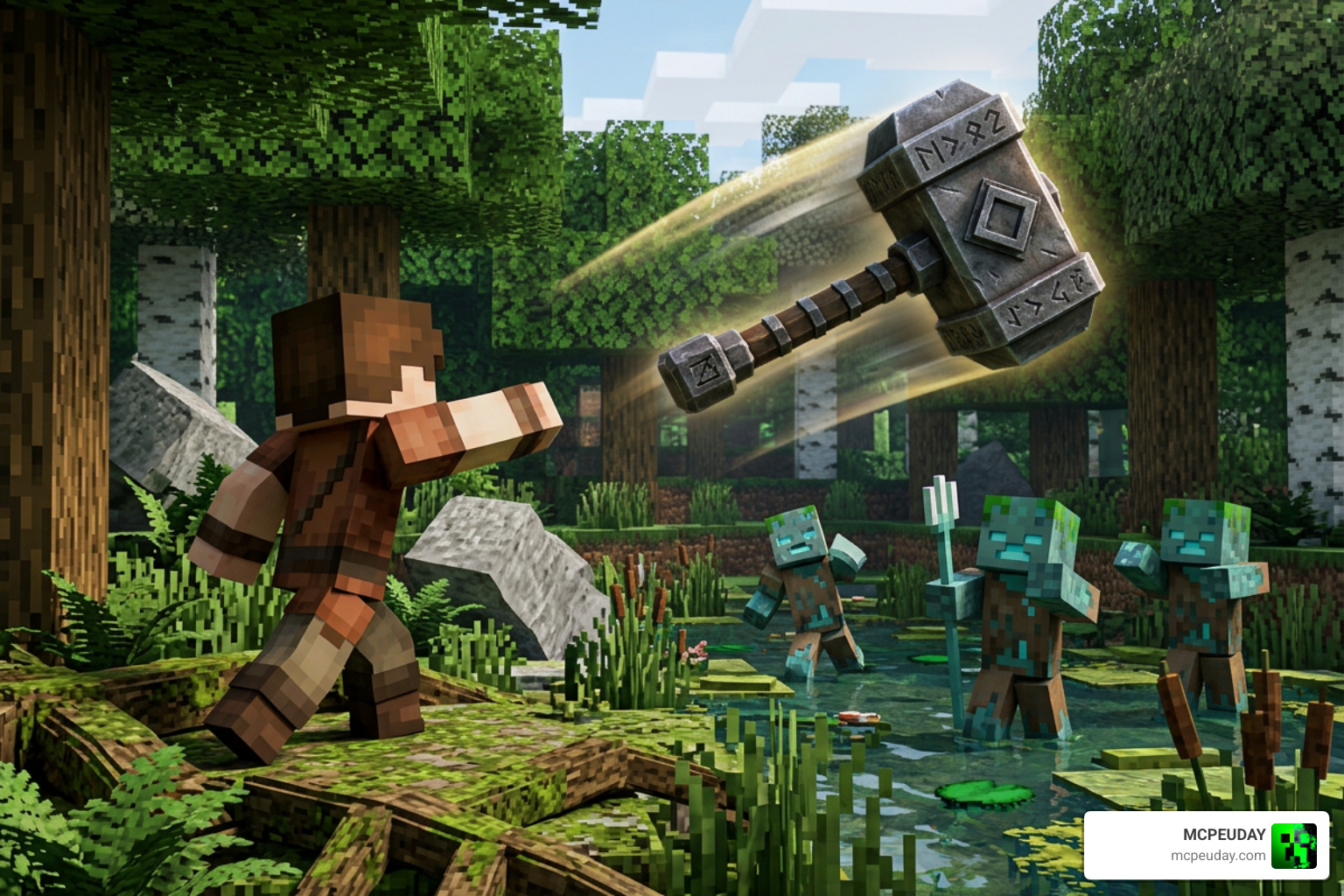
Instead of being restricted to a simple three-pronged fork, you can transform your weapon into historical polearms, heavy blunt instruments, or even legendary blades. To help you visual the depth of this pack, we have broken down the model types below:
| Weapon Type | Number of Models | Key Examples Included |
|---|---|---|
| Spears | 5 Models | Standard Spear, Whispering Spear, Fortune Spear |
| Glaives | 3 Models | Venom Glaive, Grave Bane |
| Hammers | 4 Models | Iron Hammer, Golden Hammer, Diamond Hammer, Stormlander |
| Maces | 2 Models | Sun’s Grace, Heavy Mace |
| Swords | 4 Models | Claymore, Heart Stealer, Rapier |
This diverse selection allows you to match your weapon to your personal playstyle or survival aesthetic. It integrates beautifully with other high-fidelity visual packs like the Xnova Model Texture Pack to create a highly immersive, RPG-like combat environment.
Minecraft Dungeons Inspired Models in the Custom 3D Trident Texture Pack
A massive draw for this pack is its heavy inspiration from Minecraft Dungeons. The spin-off game is famous for its incredible weapon designs, and this pack successfully ports those fan favorites directly into your vanilla worlds.
Instead of a basic trident, you can wield the legendary Grave Bane glaive to keep undead hordes at bay, or heal your soul with the golden detailing of the Sun’s Grace mace. If you prefer heavy-hitting aesthetics, equipping the Stormlander hammer lets you summon lightning (with the Channeling enchantment) in style. For those who want to throw massive greatswords at their enemies—which honestly feels way more satisfying than shooting a regular bow—the Heart Stealer claymore is an absolute blast to use.
These designs show the power of community-driven asset creation. If you are interested in the code structures and modeling history of these types of projects, you can check out the public Trident-Revamp-Repository on GitHub, which documents how creators format custom entity files to achieve these incredible visual upgrades.
Custom Sounds and Visual Enchantment Indicators
What is a legendary weapon without a satisfying sound design? One of our favorite features of the Custom 3D Trident Texture Pack is the inclusion of custom audio. The creator did not just stop at changing the visual model; they went ahead and assigned custom sounds to each weapon class. Throwing a heavy iron hammer results in a deep, metallic thud, while throwing a lightweight rapier produces a sharp, whistling whoosh.
Additionally, managing your enchanted weapons in the heat of battle can be tricky. To solve this, the pack implements clever visual cues. Drawing inspiration from concepts seen in the Visual-Tridents project, we see distinct color-coding for high-tier enchantments. For example:
- Loyalty enchanted weapons feature distinct red highlights.
- Riptide enchanted weapons feature cool blue highlights.
Due to vanilla engine limitations, a thrown Loyalty weapon might not always display its custom color-coding mid-flight, but while held in your hand, the visual distinction is clear, preventing you from accidentally launching yourself into a wall when you simply meant to throw your weapon!
Technical Requirements and Installation Guide
Before jumping into the installation, it is important to understand how this pack interacts with your game. Because it is a pure resource pack, it does not alter core game behavior. This means it has virtually zero impact on your game’s performance.
If you want to create a truly breathtaking visual setup, we highly recommend pairing this pack with the Better Graphics Texture Pack. If you are playing on a lower-end mobile device or a budget PC and are worried about 3D models affecting your frame rate, running the Better FPS Texture Pack alongside it will keep your game running buttery smooth.
How to Install the Custom 3D Trident Texture Pack on Bedrock and MCPE
Installing the pack on Bedrock Edition (including Android, iOS, and Windows 10/11) is incredibly straightforward thanks to the native .mcpack format.

- Download the File: Grab the
custom-3d-trident.mcpackfile from our verified download links. - Import to Minecraft: Locate the downloaded file in your device’s file manager and double-click or tap on it. Minecraft will automatically launch and import the pack.
- Activate Globally or Regionally:
- For global use, go to Settings > Global Resources > My Packs, select the pack, and click Activate.
- For a specific world, go to your world’s settings, scroll down to Resource Packs, and activate it there.
- Select Your Variant: Click the gear icon on the active pack to slide and select your preferred 3D weapon model (e.g., Diamond Hammer or Grave Bane).
This pack is fully compatible with Bedrock versions 1.18 and 1.19, allowing you to enjoy custom weapons without disabling your achievements.
Java Edition Setup: CEM, Optifine, and EMF Dependencies
If you are playing on Java Edition, the installation requires a little more technical setup. Unlike Bedrock, Java’s base engine does not natively support custom 3D entity models for tridents without external assistance.
To make this pack work on Java, you must install one of the following dependencies:
- OptiFine: Enables Custom Entity Models (CEM) automatically.
- Entity Model Features (EMF): A fantastic modern mod for Fabric and Forge loaders that handles custom entity rendering.
If you do not use these mods, your custom trident might render as a flat 2D texture or fail to load entirely. For Java players looking for a streamlined, highly compatible 3D model, the Alternate 3D Trident – Minecraft Resource Pack is a brilliant alternative that works beautifully alongside modern optimization mods.
Frequently Asked Questions About Custom Tridents
We know that setting up resource packs can sometimes lead to questions. Here is a quick troubleshooting guide to help you get the most out of your new weapons.
Does this texture pack cause lag on mobile devices?
No! The 3D models in this pack are highly optimized and designed to match Minecraft’s blocky aesthetic. They will not cause lag, even on low-end mobile devices. If you do experience performance drops due to other heavy mods, we recommend utilizing our Better FPS Texture Pack to boost your overall frame rate.
Can I use these custom 3D tridents on multiplayer servers and Realms?
Yes, absolutely. Because this is a client-side resource pack (and not a behavior pack or add-on), you can use it on any public multiplayer server or personal Realm. Other players will not see your custom weapon unless they also have the pack installed, but you will get to enjoy your awesome 3D hammer or sword animations without worrying about server bans or disabling achievements.
Why is my custom 3D trident model invisible or not rendering?
If your weapon model is invisible or showing the default vanilla trident, check the following:
- Load Order: Ensure the pack is placed at the very top of your active resource packs list in the settings menu. If another pack is loaded above it, it may overwrite the trident textures.
- Java Dependencies: If you are on Java Edition, make sure OptiFine or the Entity Model Features (EMF) mod is active. On Fabric, certain versions of EMF have known rendering bugs that can make models invisible; updating your mod to the latest version usually fixes this.
Conclusion
The Custom 3D Trident Texture Pack is the ultimate way to upgrade your Minecraft combat experience. By turning a single vanilla weapon into a massive arsenal of 25+ legendary 3D hammers, swords, maces, and spears—complete with custom sound effects—it completely changes how satisfying it feels to engage in battle.
At MCPEUDAY, we pride ourselves on providing the absolute best, safest, and most up-to-date resources for your game. If you are ready to fully customize your world, Explore more Minecraft Texture Packs on our platform today and build your perfect loadout!
