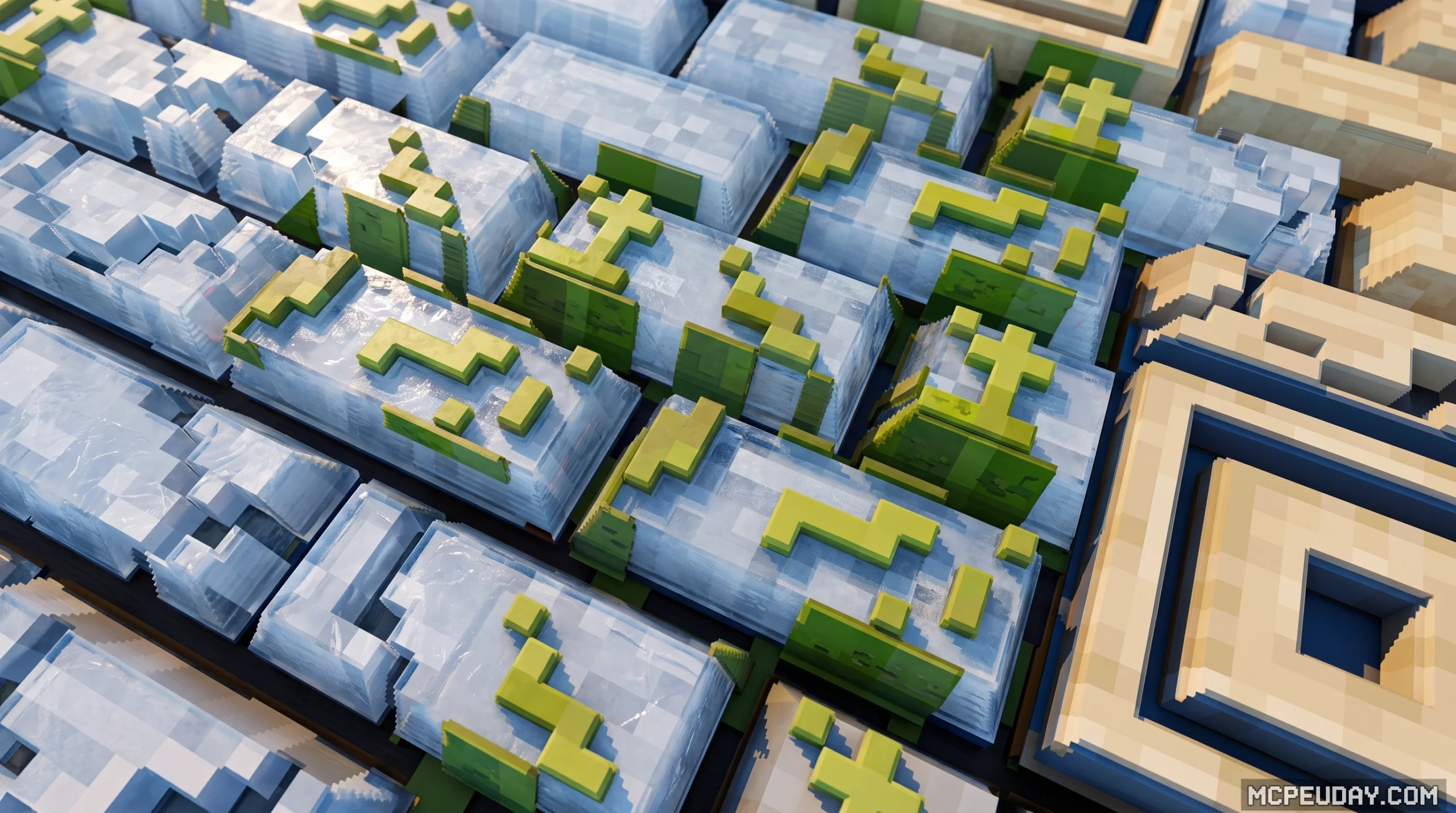
Why Minecraft 3D Texture Packs Are Worth Using in 2026
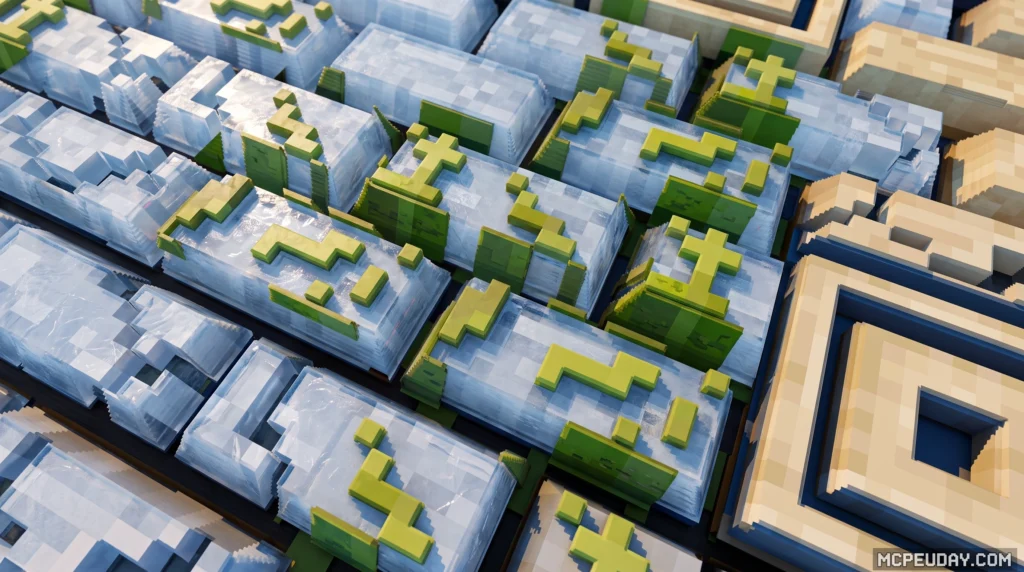
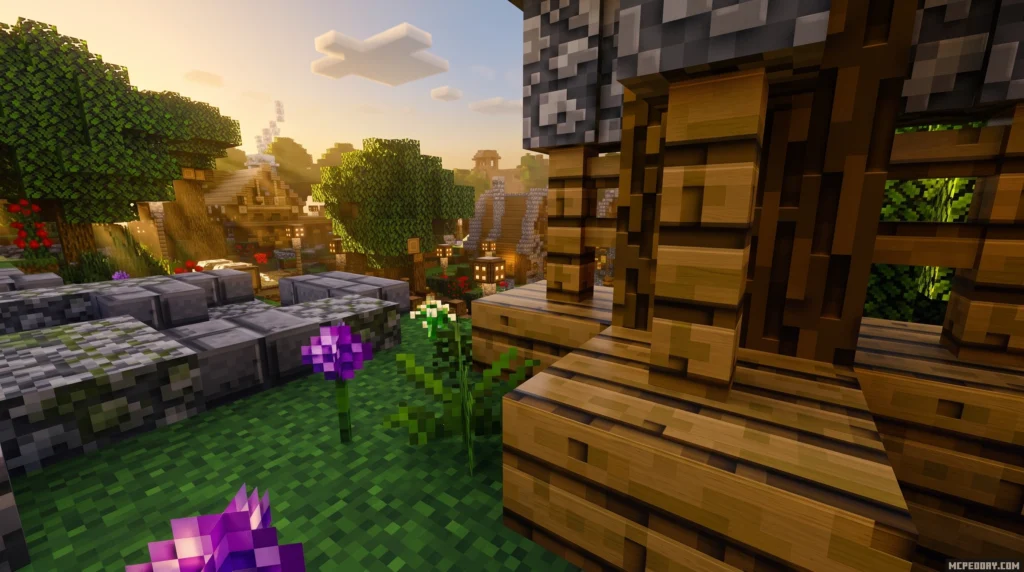
A Minecraft 3D Texture Pack transforms the game’s flat, blocky visuals into something with real depth — without replacing the classic Minecraft look you already love.
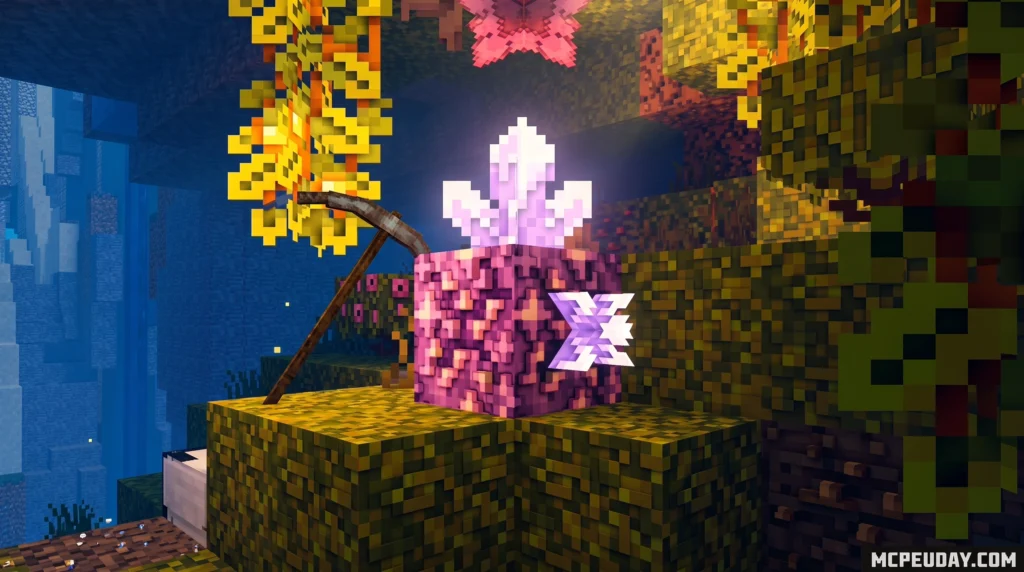
Quick answer: A 3D texture pack adds three-dimensional models to Minecraft’s default blocks and items. Instead of flat surfaces, things like bookshelves, ladders, torches, and flowers actually stick out from walls and floors. The vanilla colors and style stay the same — it just looks more tangible.
Top 3D Texture Packs at a glance (2026):
| Pack | Best For | Downloads |
|---|---|---|
| GeForceLegend’s 3D Default | Lightweight, all versions | 189,857+ |
| Nautilus3D | Dynamic details, vanilla style | 70,414+ |
| Default 3D by Know2Good | Performance tiers (Low/Med/High) | 13.8M+ views |
| Vanilla 3D+ | Specific block upgrades | 8,526+ |
Most of these packs keep the 16x resolution of vanilla Minecraft. So your game still feels like Minecraft — it just looks noticeably better.
Whether you’re playing Java Edition or Bedrock, there are solid free options and a few paid ones available. Some need OptiFine or Fabric mods to work. Others drop right in with no extras needed.
This guide covers everything: what these packs actually do, which ones are worth downloading, how to install them, and how to get them running with shaders.
What is a Minecraft 3D Texture Pack and How Does It Work?
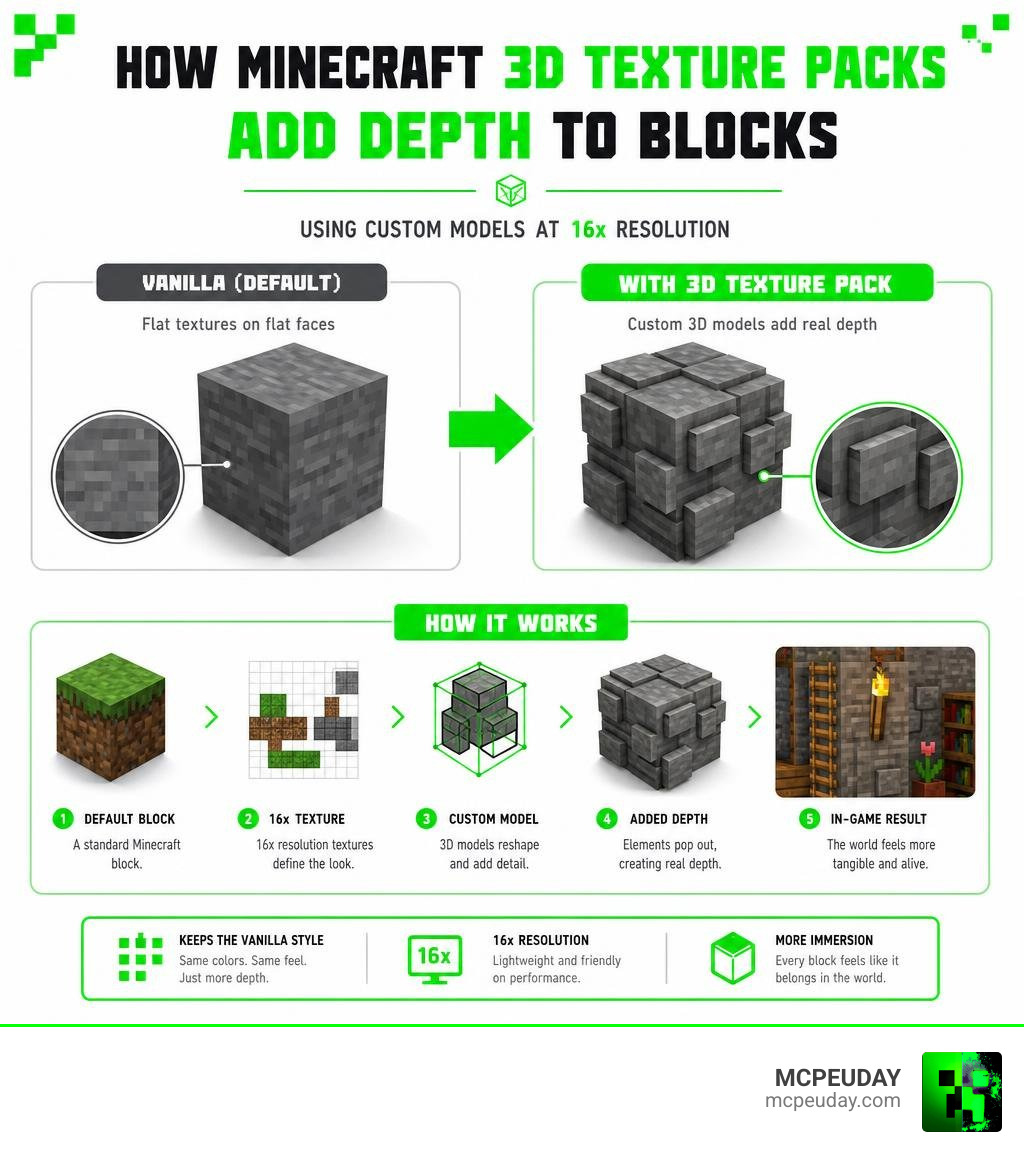
Standard resource packs work like a flat wrapping paper. They paste a 2D image over the six flat faces of a Minecraft block. While high-resolution packs can trick your eyes using clever shading, the blocks themselves remain perfectly flat cubes.
A Minecraft 3D Texture Pack takes a completely different approach. Instead of changing the flat images, it replaces the underlying 3D block models with custom geometry.
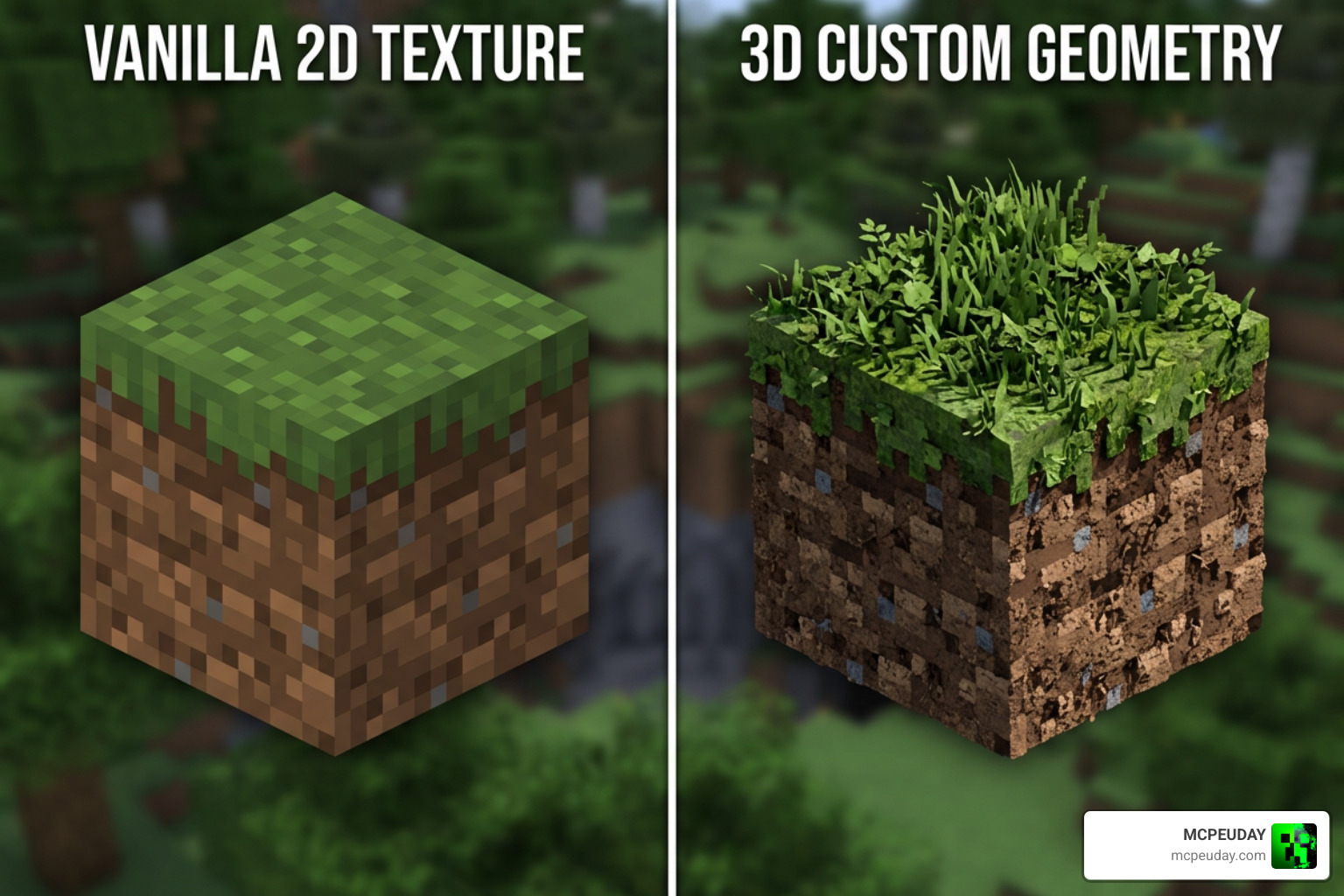
By using custom JSON files, these packs tell the game engine to render actual physical depth. For example, when you place a crafting table, the tools hanging on the side physically stand out from the wood. On a bookshelf, individual books sit at different depths, creating a realistic shadow between them.
The magic of these packs is that they achieve this visual depth while maintaining the standard 16×16 resolution. Because they use the original vanilla textures, your worlds retain their nostalgic, blocky charm.
| Feature | Standard 2D Resource Packs | 3D Texture Packs |
|---|---|---|
| Block Shape | Flat, perfect cubes | Dynamic, extruded geometry |
| Resolution | Often ranges from 16x to 512x+ | Usually stays at vanilla 16x |
| Visual Depth | Simulated via shading | Real physical depth and shadows |
| Performance Cost | Low (unless very high resolution) | Moderate (more polygons to render) |
Top Popular 3D Texture Packs in 2026
If you want to give your world a massive visual upgrade while preserving the classic vanilla style, several outstanding packs stand out in July 2026.
GeForceLegend’s Minecraft 3D Texture Pack
If you are worried about your frame rate taking a hit, GeForceLegend’s 3D Default – Minecraft Resource Packs is the perfect entry point. Sitting at over 189,857 downloads on CurseForge, this lightweight pack is highly optimized. It focuses on adding subtle 3D models to core elements like rails, doors, and redstone with a minimal performance impact, making it ideal for budget systems.
Nautilus3D Minecraft Texture Pack
For players who love fine details, the Nautilus3D Minecraft Texture Pack is a masterpiece. With over 245,493 views and 70,414 downloads, it is known for adding incredible dynamic elements. It features randomized models for blocks like bookshelves and ores so that your builds look more natural and less repetitive. It even includes animated 3D stonecutters and custom jukeboxes that display the actual disc you put inside! You can track its development and updates directly on the FabianMPunkt/Nautilus3D GitHub repository.
Default 3D by Know2Good
As one of the absolute giants in the community, the Default 3D pack has amassed over 13.8 million views and thousands of positive votes on the Texture Packs – 3D Resource Packs platform. First launched in 2014, it has been meticulously updated for over a decade. Its best feature is its performance tiers:
- Low: Optimized for weaker hardware, adding 3D models only to the most prominent blocks.
- Medium: The sweet spot for average gaming PCs, balancing great visuals with solid performance.
- High: For powerful rigs, rendering every single block, flower, and item with complete 3D depth.
Vanilla 3d+ Minecraft 3D Texture Pack
If you want something hyper-focused on fixing the flattest elements of vanilla, the Vanilla 3d+ – Minecraft Resource Pack is a fantastic choice with over 8,526 downloads on Modrinth. It targets roughly 20 specific blocks that look notoriously “ugly” when flat, such as vines, glow lichen, sugarcane, chains, and chiseled bookshelves.
Performance Considerations and System Requirements
While a 16x Minecraft 3D Texture Pack does not require massive amounts of video memory (VRAM) like a 512x photo-realistic pack, it does put extra pressure on your graphics card.
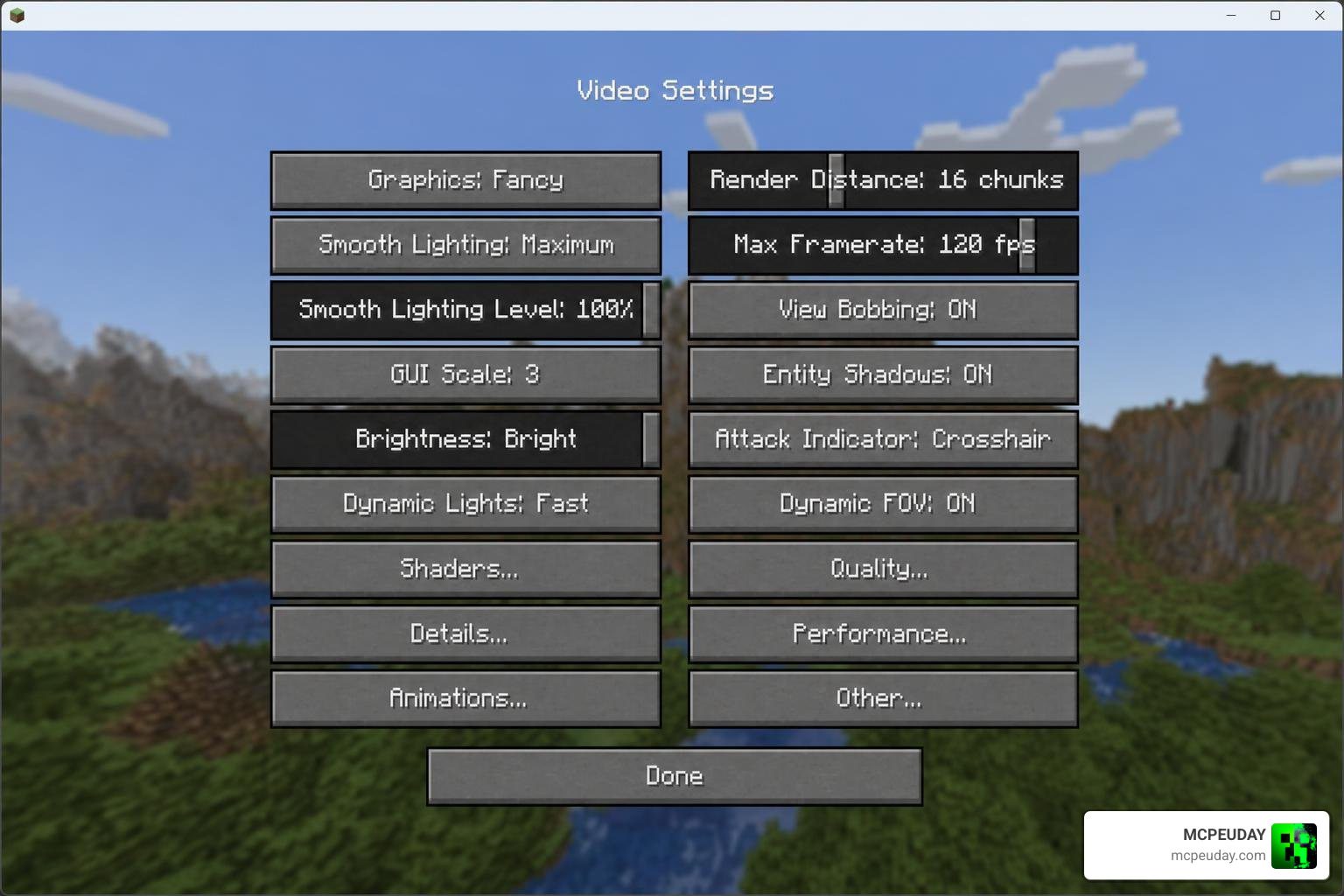
Because 3D packs add extra polygons to blocks, your GPU has to render far more geometry. In a dense forest where every leaf, mushroom, and piece of grass has 3D depth, you might experience noticeable FPS drops.
To keep your game running smoothly, we recommend adjusting your performance settings. If you are experiencing lag, try dropping down a performance tier (such as switching from Default 3D High to Medium). You can also optimize your game by allocating more RAM in your launcher settings. For a completely different approach to realistic graphics that balances geometry with textures, you can check out our guide on the Realistic Minecraft Texture Packs.
Compatibility, Shaders, and Installation Guide
To get the most out of your 3D blocks, we highly recommend pairing them with shaders. When you combine 3D geometry with dynamic lighting, the visual depth truly shines. Torches cast real physical shadows on the blocks around them, and the sun catches the edges of extruded brick walls beautifully.
While OptiFine was once the go-to utility, the modern standard in 2026 is using Fabric with the Sodium and Iris mods. This setup offers much better performance when rendering complex 3D geometry alongside shaders. For instance, if you run a pack like Nautilus3D with a shader pack, you will get incredible visual results without turning your PC into a space heater. For a jaw-dropping look, check out our resource on Realistic Minecraft Texture Packs.
Step-by-Step Installation Guide (Java Edition):
- Download your chosen 3D resource pack (it will be a
.zipfile). - Launch Minecraft and navigate to Options > Resource Packs.
- Click Open Pack Folder to open the directory on your computer.
- Drag and drop the downloaded
.zipfile into this folder. - Go back to Minecraft, hover over the pack in the left-hand list, click the arrow to move it to the “Selected” list, and click Done.
Java Edition vs. Bedrock Edition: Free vs. Paid Packs
The experience of using 3D resource packs varies quite a bit depending on which version of Minecraft you play.
Java Edition
On Java Edition, the community handles everything. Almost all 3D resource packs are entirely free and hosted on open platforms like CurseForge, Modrinth, and GitHub. You have complete freedom to customize, edit, and mix different packs together.
Bedrock Edition (PE, Xbox, PlayStation, Switch)
On Bedrock Edition, while you can import free .mcpack files on mobile devices and PC, console players are generally limited to official marketplace offerings.
- Official Marketplace: You can browse the Minecraft DLC Marketplace: Texture Packs to find approved 3D packs. A great example of a premium, fully-realized 3D world is 3D Craft .
- Mobile Apps: Android and iOS players can also use third-party apps to discover and install packs. Popular options include 3D Textures for Minecraft – Apps on Google Play or 3D Texture Packs for Minecraft – Apps on Google Play .
For a curated selection of both free and premium options tailored for Bedrock and Pocket Edition, explore our extensive library of Realistic Minecraft Texture Packs.
Frequently Asked Questions about 3D Resource Packs
Do 3D texture packs cause lag?
Yes, they can cause lag, especially on low-end PCs. Because 3D packs add extra polygons to blocks, your GPU has to work harder to render the world. If you experience FPS drops, we recommend using a “Low” performance tier pack or installing optimization mods like Sodium.
Do I need OptiFine to run 3D texture packs?
No, you do not strictly need OptiFine. Most 3D texture packs run perfectly fine on the vanilla client. However, certain advanced features (like custom hand models for items) might require OptiFine or Fabric alternatives like Entity Model Features (EMF).
Can I use 3D texture packs with shaders?
Absolutely! Shaders make 3D packs look even better because they calculate realistic lighting and shadows based on the new 3D shapes. Just be prepared for a higher performance cost when running both at the same time.
Conclusion
Upgrading your game with a Minecraft 3D Texture Pack is one of the best ways to refresh your survival world in July 2026. It gives you the perfect middle ground: the tactile, immersive depth of modern games, combined with the nostalgic, pixelated charm of vanilla Minecraft.
Whether you choose a lightweight option like GeForceLegend’s 3D Default or a highly detailed pack like Nautilus3D, the extra depth will make your builds feel more alive than ever.
Ready to explore even more ways to customize your game? We have got you covered. Head over to our main hub for Realistic Minecraft Texture Packs to download the latest mods, shaders, and addons for Bedrock and Java!
2 thoughts on “Minecraft 3D Texture Pack (26.x, 1.21) – MCPE/Bedrock Texture Pack”