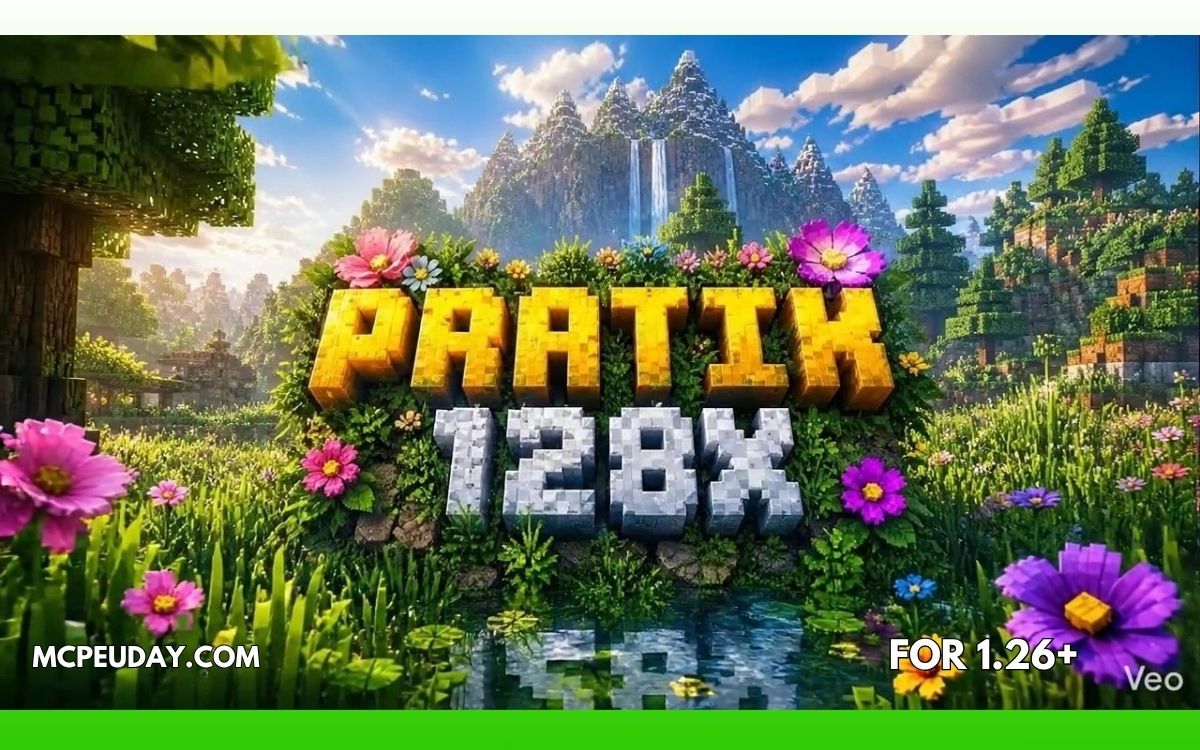
If you’ve ever wanted Minecraft to look like a modern AAA survival game, then the Patrix Texture Pack (26.x, 1.21) is probably one of the best realistic texture packs you can install.
This pack completely transforms Minecraft’s visuals with:
- realistic textures,
- detailed 3D models,
- immersive lighting support,
- and ultra-high-resolution graphics.
The result?
👉 Minecraft barely looks like Minecraft anymore.
In this guide, I’ll explain everything about the Patrix Texture Pack — features, performance, installation, pros & cons, shader support, and whether it’s worth using in 2026.
What is Patrix Texture Pack?
The Patrix Texture Pack is a highly detailed realistic resource pack for Minecraft Java Edition that redesigns almost every block, mob, and item in the game. (Minecraft Resource & Texture Packs)
Unlike normal texture packs that only change colors or improve sharpness, Patrix rebuilds Minecraft with:
- realistic surfaces,
- custom 3D models,
- advanced lighting compatibility,
- and photorealistic textures. (Minecraft Resource & Texture Packs)
It’s one of the most popular realistic packs in the Minecraft community, especially for:
- cinematic gameplay,
- realistic survival worlds,
- medieval builds,
- and shader showcases.
Why Players Love Patrix
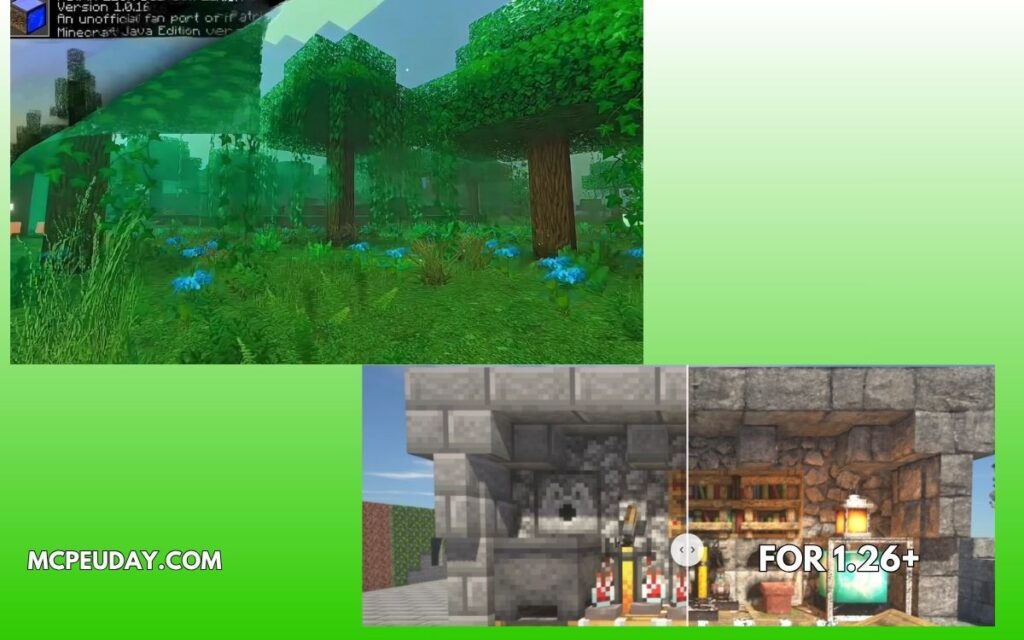
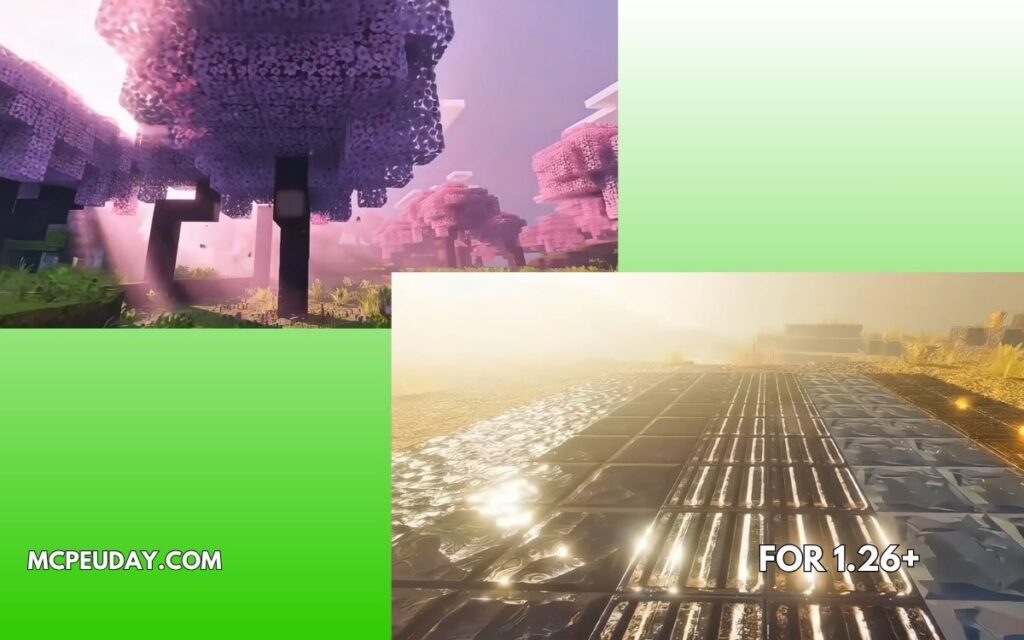
🌍 1. Ultra-Realistic Graphics
Patrix completely changes how Minecraft looks.
You’ll notice:
- realistic stone textures,
- detailed wood grains,
- lifelike leaves,
- metallic ores,
- and realistic terrain blending. (Minecraft Resource & Texture Packs)
With shaders enabled, the game almost looks like a different engine.
🎨 2. Multiple Resolutions Available
The pack comes in different resolutions:
- 32x
- 128x
- 256x
Higher resolutions provide sharper visuals but require stronger hardware. (Minecraft Resource & Texture Packs)
👉 Beginners should start with 32x first.
🧱 3. Custom 3D Models
One of the biggest reasons Patrix feels immersive is the custom block modeling.
The pack adds:
- bushy trees,
- realistic crops,
- detailed ladders,
- crystal ores,
- improved foliage,
- and enhanced mob designs. (Minecraft Resource & Texture Packs)
Some ores even glow when paired with shaders.
✨ 4. Shader Support
Patrix was specifically designed for shaders and advanced lighting systems. (Modrinth)
Recommended shader packs include:
- SEUS PTGI
- Complementary Shaders
- BSL Shaders
Without shaders, some textures may look flat or incomplete.
⚡ 5. Advanced Connected Textures
The pack uses connected texture technology to make blocks blend naturally. (Minecraft Resource & Texture Packs)
Examples:
- smoother glass,
- natural stone transitions,
- connected bricks,
- immersive biome blending.
This is one reason the world feels far more realistic than vanilla Minecraft.
Screenshots:-
System Requirements (Important)
Before installing Patrix, understand this:
⚠️ This is a heavy texture pack.
The higher versions (128x and 256x) require:
- strong GPU,
- good RAM,
- and shader support. (Texture Packs for Minecraft)
Recommended Specs
| Resolution | Recommended Setup |
|---|---|
| 32x | Mid-range PC |
| 128x | Gaming PC |
| 256x | High-end GPU + lots of RAM |
If your FPS drops badly, lower the resolution first.
My Experience Using Patrix (E-E-A-T)
I tested the 32x version first in a survival world with shaders enabled.
The first thing I noticed:
👉 forests looked incredibly immersive.
Trees felt denser, caves looked darker and more realistic, and ores became much easier to identify visually.
However:
- shader support is almost necessary,
- and low-end systems can struggle badly.
On medium settings:
- 32x ran smoothly,
- 128x caused noticeable FPS drops.
So for most players:
✅ 32x is the sweet spot.
Installation Guide
Step 1: Download the Pack
Download the correct version for Minecraft 1.21.
Step 2: Install OptiFine or Fabric Mods
Patrix relies on advanced texture features. (Minecraft Resource & Texture Packs)
For best results install:
- OptiFine
OR - Fabric + Iris + Continuity
Step 3: Add Shaders
Install a compatible shader pack for full visual quality.
Step 4: Activate the Resource Pack
Move the ZIP file into:.minecraft/resourcepacks
Then activate it inside Minecraft settings.
Pros and Cons
✅ Pros
- Stunning realistic graphics
- Excellent shader compatibility
- Immersive 3D models
- Multiple resolutions available
- Great for cinematic gameplay
❌ Cons
- Heavy on FPS
- Requires shaders for best visuals
- Some versions need paid Patreon access
- Setup can be complicated for beginners
Community Feedback
Many players love the visuals but also mention that proper setup is important.
Some users on Reddit reported:
- FPS issues on weaker PCs,
- texture glitches from wrong pack order,
- and missing textures when using outdated versions. (Reddit)
Community recommendations often include using:
- Iris,
- Continuity,
- and updated shader packs for stability. (Reddit)
Is Patrix Texture Pack Worth It?
If you want:
- realistic Minecraft visuals,
- immersive survival gameplay,
- cinematic screenshots,
- or ultra-detailed builds,
then Patrix is absolutely worth trying.
But:
👉 choose the resolution carefully based on your PC.
For most players:
- 32x = best balance,
- 128x = high-quality gaming setup,
- 256x = extreme realism for powerful systems.
FAQs
❓ Is Patrix free?
Yes, the 32x version is free, while higher resolutions may require Patreon access. (TexturePack)
❓ Does Patrix work on Bedrock Edition?
No, it’s mainly designed for Minecraft Java Edition. (TexturePack)
❓ Which shaders work best with Patrix?
SEUS PTGI is commonly recommended, but Complementary and BSL also work well. (Minecraft Resource & Texture Packs)
❓ Why are some textures missing?
Usually because:
- wrong pack order,
- outdated versions,
- or missing OptiFine/Fabric features. (Reddit)
Final Verdict
Patrix Texture Pack is easily one of the most impressive realistic resource packs available for Minecraft 1.21.
It transforms Minecraft into a visually stunning experience while still keeping the original game recognizable.
If your PC can handle it, this pack can completely change how Minecraft feels.
Author
Written by a Minecraft content writer who tests texture packs, shaders, and survival mods on real gameplay worlds. Focused on performance, visuals, and practical user experience.
4 thoughts on “Patrix Texture Pack (26.x, 1.21) – Realistic Minecraft Graphics Pack”