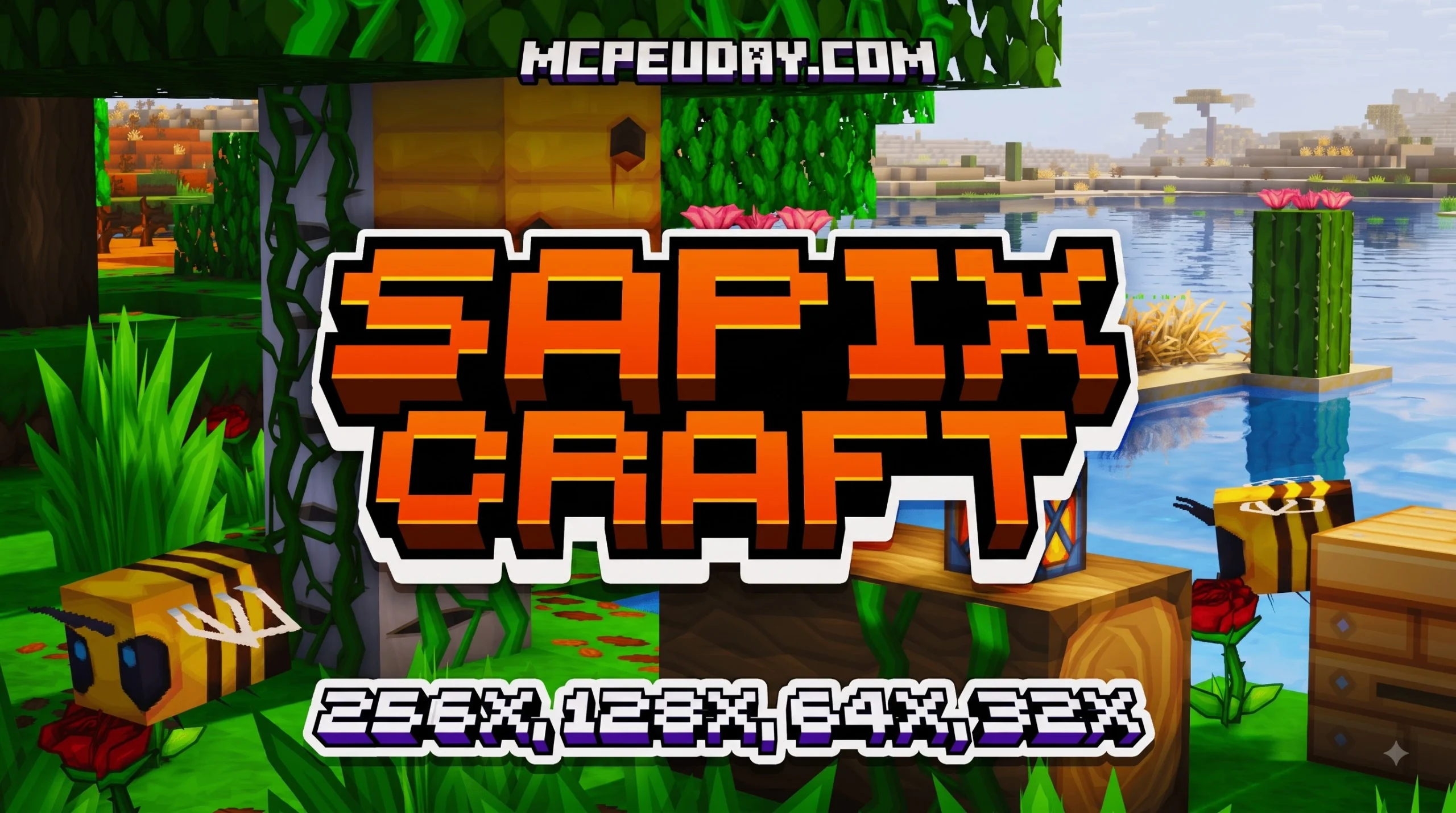
Why the SAPIXCRAFT Texture Pack for Minecraft PE/Bedrock Stands Out
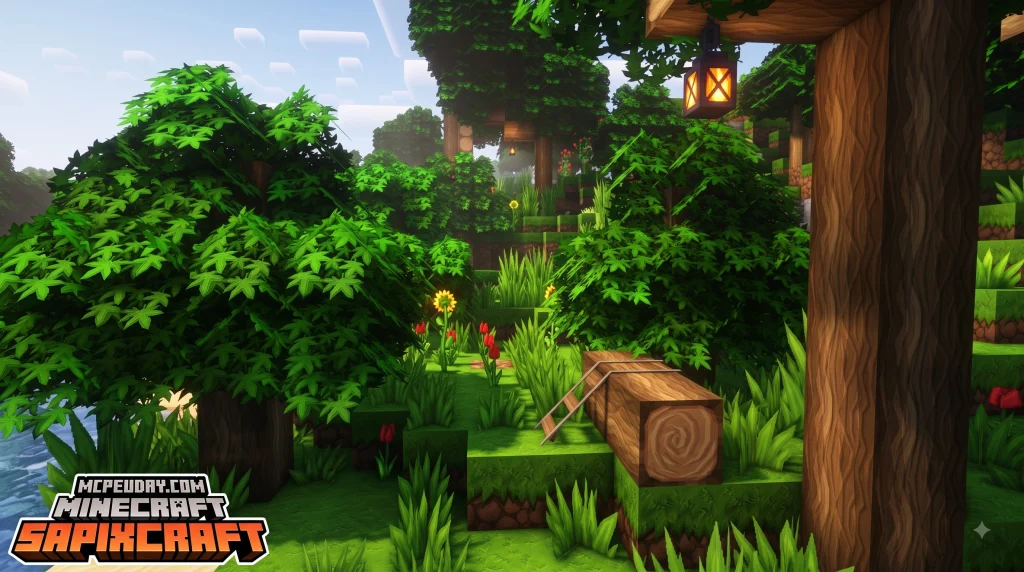
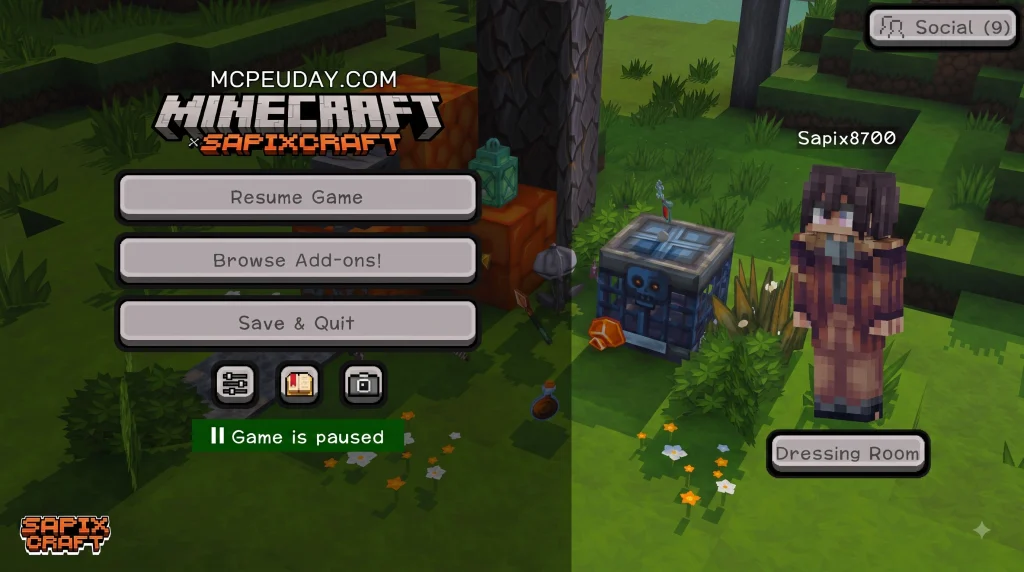
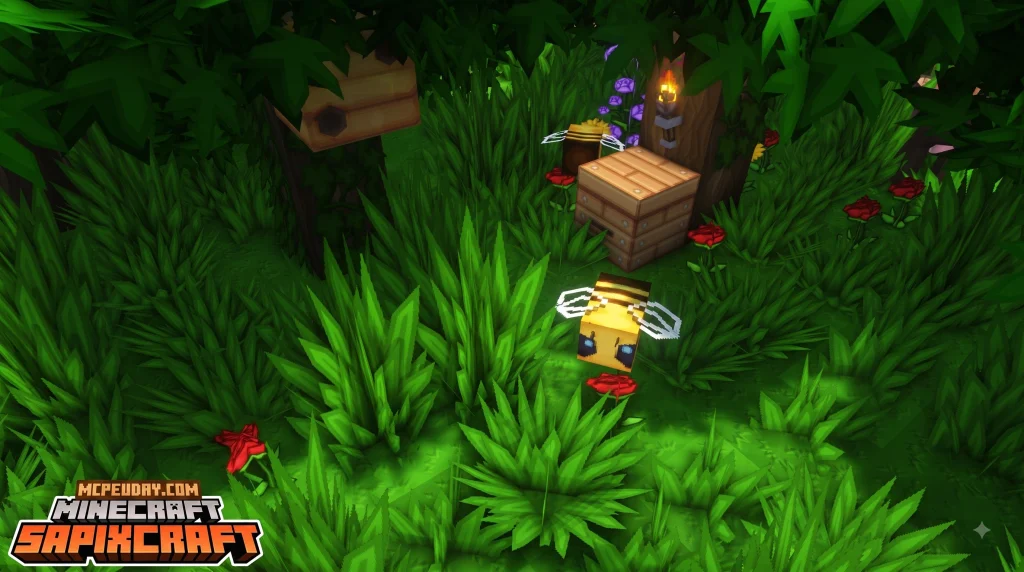
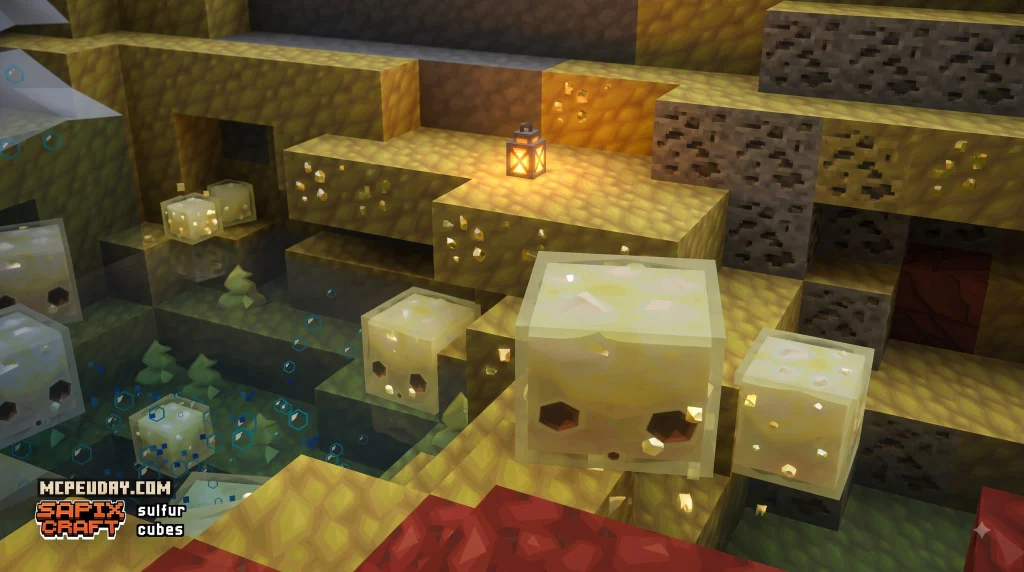
SAPIXCRAFT texture pack for Minecraft PE/Bedrock gives Minecraft a cleaner, brighter comic-book look while keeping the familiar feel of vanilla gameplay. It is a Bedrock resource pack with crisp vector-style textures, improved block details, polished menus, and visual extras that make survival worlds feel less noisy and more readable.
Quick answer:
- What it is: A colorful, clean-looking resource pack for Minecraft Bedrock, including PE on Android and iOS.
- Where to get it: The official Bedrock release is available through the Minecraft Marketplace.
- Price: The Marketplace version costs 990 Minecoins.
- Performance: Lower resolutions are best for phones and weaker devices, while higher-detail options need more GPU power and memory.
- Compatibility: It runs through Bedrock’s built-in resource-pack system, so it does not need OptiFine.
SapixCraft has been developed for more than a decade and is known for turning blocks such as gravel and Netherrack from visual “TV static” into cleaner, easier-to-read textures. This guide explains what the Bedrock version includes, how to install it safely, and what to expect on Minecraft 1.21-era devices.
I am UDAY GAMER, and I will help you choose the right SapixCraft setup for your Bedrock world.
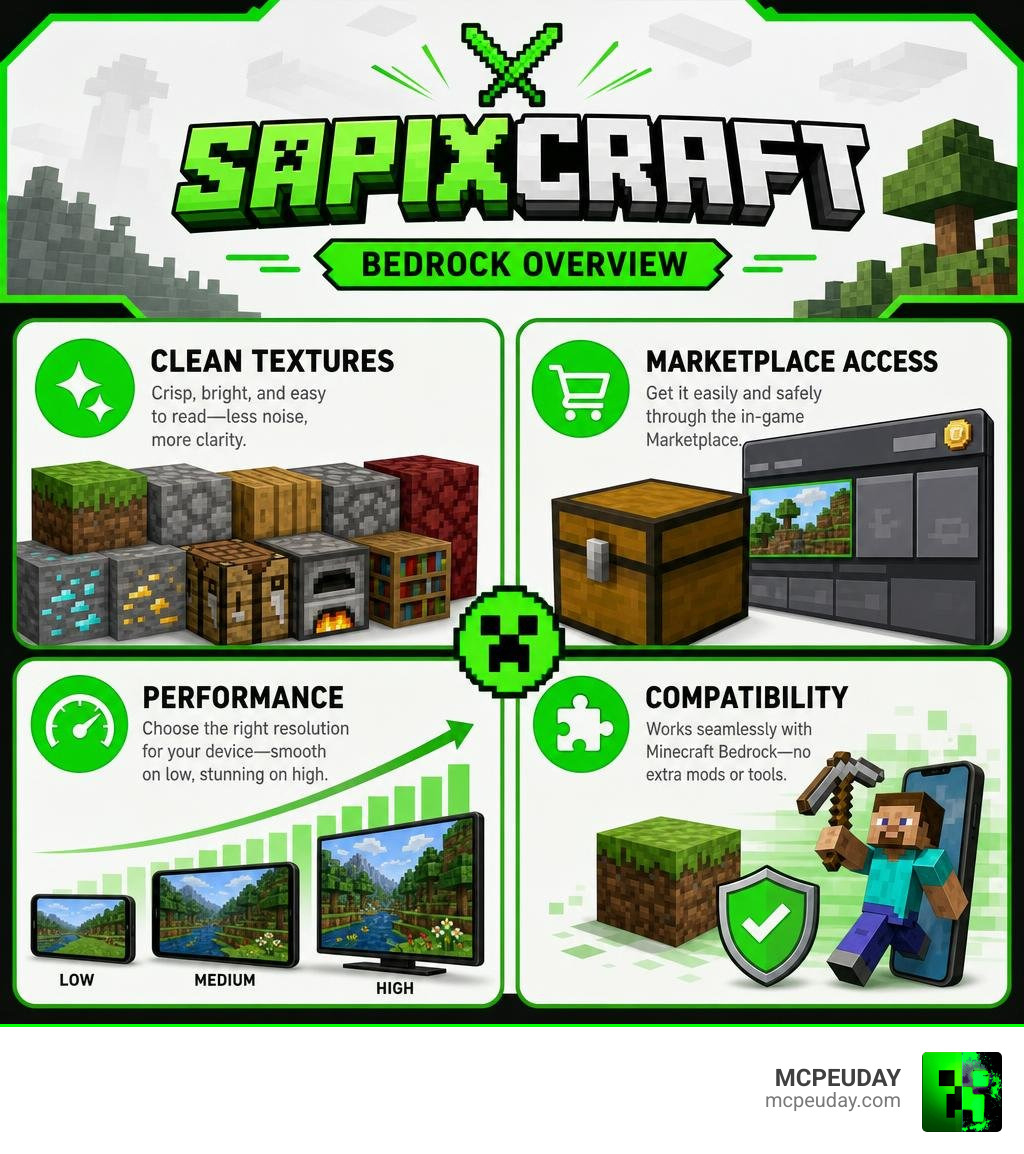
Overview of the SAPIXCRAFT Texture Pack for Minecraft PE/Bedrock
When we look at default Minecraft blocks like Netherrack, gravel, or stone, they can sometimes feel like harsh “TV static” on mobile screens. The SapixCraft Resource Pack fixes this issue by completely overhauling the world’s artwork using crisp vector graphics and modern line work. With over 11 years of active development and more than 15.7 million views on Planet Minecraft, it remains one of the most respected resource packs in the history of the game.
Unlike minimalist packs like the Bare Bones Texture Pack, which strip away details for a super-simple look, SapixCraft blends clean vector lines with rich depth. It gives your world a lively comic-book personality while preserving the distinct shapes and recognition of every block in Bedrock Edition.
Here is a summary of key visual enhancements you will notice right away:
- Hand-crafted vector block textures that smooth out graininess.
- Brighter, richer color palettes for vibrant biomes and foliage.
- Redesigned user interface (GUI) elements that look sleek on mobile screens.
- Enhanced particle effects for combat, potion effects, and environment interactions.
Key Features and 3D Models in SAPIXCRAFT Texture Pack for Minecraft PE/Bedrock
What truly elevates the SAPIXCRAFT texture pack for Minecraft PE/Bedrock above standard packs is its attention to interactive visual details. If you enjoy a Minecraft 3D Texture Pack, you will love how SapixCraft integrates subtle 3D geometry directly into item models and environment blocks.
Key dynamic features in the pack include:
- Dynamic Eating Animations: Food items in your hand physically shrink step-by-step as you consume them.
- Stackable Arrow Icons: Inventory arrow icons visually adapt to show single arrows versus full stacks.
- Biome-Specific Sand: Desert sand appears dry and sharp, while beach sand includes tiny seashell details near water bodies.
- Connected Glass & Seamless Windows: Glass blocks automatically link together to create smooth, borderless windows.
- Custom Weapon & Tool Models: Unique weapon geometry, such as an inverted UV outline on the mace that glows white when enchanted.
For players who want even richer nature visuals, combining this pack with the Better Foliage Addon Texture Pack adds fluffy leaves and lush grass layers to your survival terrain.
Resolutions and Mobile Device Performance
SapixCraft is famous for offering a vast array of resolutions, spanning from 16x all the way to 512x. However, choosing the right resolution for Minecraft PE on iOS, Android, or Windows Bedrock is critical for maintaining high frame rates.
- 16x & 32x Resolutions: Ideal for budget smartphones, entry-level Android devices, and older tablets. They maintain smooth 60 FPS gameplay without consuming excessive RAM.
- 64x & 128x Resolutions: Perfect for mid-range smartphones, modern iPads, and standard laptops. They deliver sharp vector details while preserving battery life.
- 256x & 512x Resolutions: Recommended strictly for high-end mobile devices and powerful desktop PCs with dedicated graphics chips.
If you encounter performance dips on older mobile devices, pairing lower resolutions with a Better FPS Texture Pack ensures smooth gameplay during heavy mob spawns or large redstone builds.
How to Download and Install SapixCraft on Minecraft PE/Bedrock
Installing the SAPIXCRAFT texture pack for Minecraft PE/Bedrock is straightforward whether you buy it directly through the official Minecraft Marketplace or import manual pack files.

Marketplace Installation Steps vs Manual Pack Setup in SAPIXCRAFT Texture Pack for Minecraft PE/Bedrock
The official Bedrock release is hosted on the Minecraft Marketplace for 990 Minecoins. Purchasing through the Marketplace provides auto-updates and cross-device sync across all your Bedrock devices.
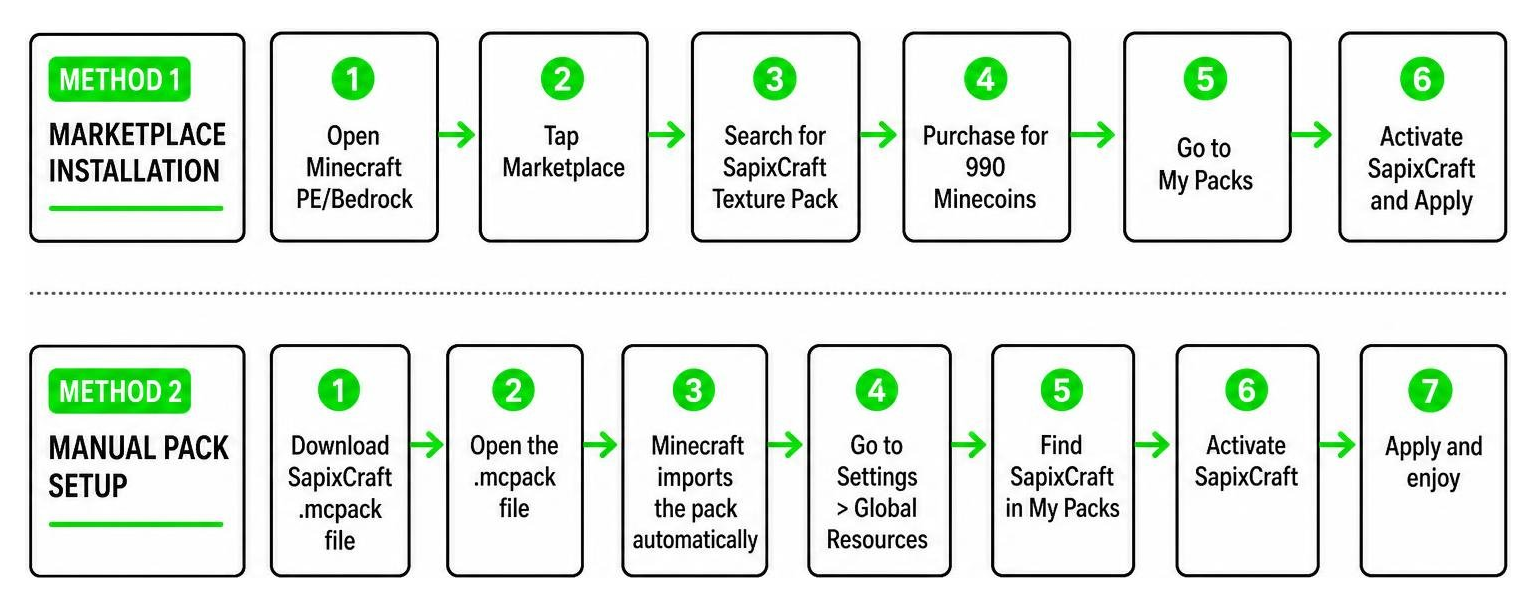
Here is a step-by-step breakdown of both installation methods:
Method 1: Official Minecraft Marketplace
- Launch Minecraft PE/Bedrock on your device.
- Tap on the Marketplace button on the main menu.
- Tap the magnifying glass icon and search for SapixCraft.
- Select the official SapixCraft page and purchase it for 990 Minecoins.
- Click Download, then navigate to Settings > Global Resources.
- Select SapixCraft under My Packs and tap Activate.
Method 2: Manual .mcpack Import (Community Downloads)
- Download the
.mcpackfile to your mobile device or PC. - Tap or double-click the
.mcpackfile; Minecraft will automatically launch and import the file. - Open Minecraft, go to Settings > Global Resources, locate SapixCraft, and click Activate.
For players who prefer standard PC-style menu navigation after installing high-resolution packs, activating the Java Desktop UI Pack cleans up inventory and menu overlays nicely.
Comparing SapixCraft to Other Popular Bedrock Texture Packs
To help you decide if SapixCraft fits your playstyle, we compared it against other popular resource packs available for Minecraft Bedrock.
| Feature / Aspect | SapixCraft | Lumina 32x | Multipixel |
|---|---|---|---|
| Primary Visual Style | Clean Comic Vector | Vibrant Soft Fantasy | Default Vanilla HD |
| Available Resolutions | 16x up to 512x | 32x | 32x |
| Unique Visual Extras | 3D eating animations, glowing mace models | Enhanced lighting & soft shadows | Pixel-exact double resolution vanilla |
| Performance Impact | Scales from Low to High | Very Low / Medium | Low / Medium |
| Marketplace Availability | Yes (990 Minecoins) | Available on Web/Marketplace | Available on Web/Marketplace |
If you enjoy bright colors and smooth lines, SapixCraft stands side-by-side with the Lumina 32x Texture Pack. If you prefer vanilla-faithful pixel art, the Multipixel Texture Pack offers a direct 32x upgrade. Check out our list of the Best MCPE Texturepacks for Survival for more high-quality choices.
Hardware Requirements and Compatibility for Bedrock Edition
Running high-resolution vector textures requires adequate memory and processing power on mobile devices.
Recommended device specs for optimal performance:
- Android: Android 10 or newer, 4 GB+ RAM, Adreno 610 or Mali-G52 GPU (for 64x/128x resolutions).
- iOS: iOS 14 or newer, Apple A12 Bionic processor or higher.
- Windows Bedrock: 8 GB RAM, Intel HD 620 or dedicated Nvidia/AMD graphics card.
The pack runs as a standalone resource pack and does not require third-party engine modifications. You can freely combine it with visual tweaks like the Custom Water Texture Pack or interface upgrades like the Colourful Containers GUI Resource Texture Pack.
Frequently Asked Questions About SapixCraft Bedrock
Is the SapixCraft Resource Pack free to use on Bedrock Edition?
The official Bedrock Edition version sold on the Minecraft Marketplace costs 990 Minecoins. On Java Edition, 16x and 32x versions are offered free by the creator on their official website, while Bedrock players support the ongoing development through the Marketplace release.
Does SapixCraft on Bedrock require OptiFine or additional tools?
No, the SAPIXCRAFT texture pack for Minecraft PE/Bedrock works natively inside Bedrock Edition’s built-in resource engine. Features like custom mob models, 3D items, and animated textures run directly without needing extra mods.
How often is SapixCraft updated for new Minecraft versions?
SapixCraft has been continuously updated for over 11 years. The pack receives prompt updates for major releases, including full support for Minecraft 1.21 updates and 2026 patches, ensuring new blocks, items, and crafters are textured immediately upon release.
Conclusion
The SAPIXCRAFT texture pack for Minecraft PE/Bedrock remains one of the finest visual upgrades for Minecraft players who love bright, clean, comic-book aesthetics. By eliminating grainy noise and adding clever 3D details and dynamic animations, it refreshes your survival world without breaking the familiar feel of vanilla gameplay.
At MCPEUDAY, we aim to provide the best guides, add-ons, and performance tips for Bedrock Edition creators. Visit our full Category Texture Packs library today to explore more high-quality graphics packs and transform your Minecraft world!