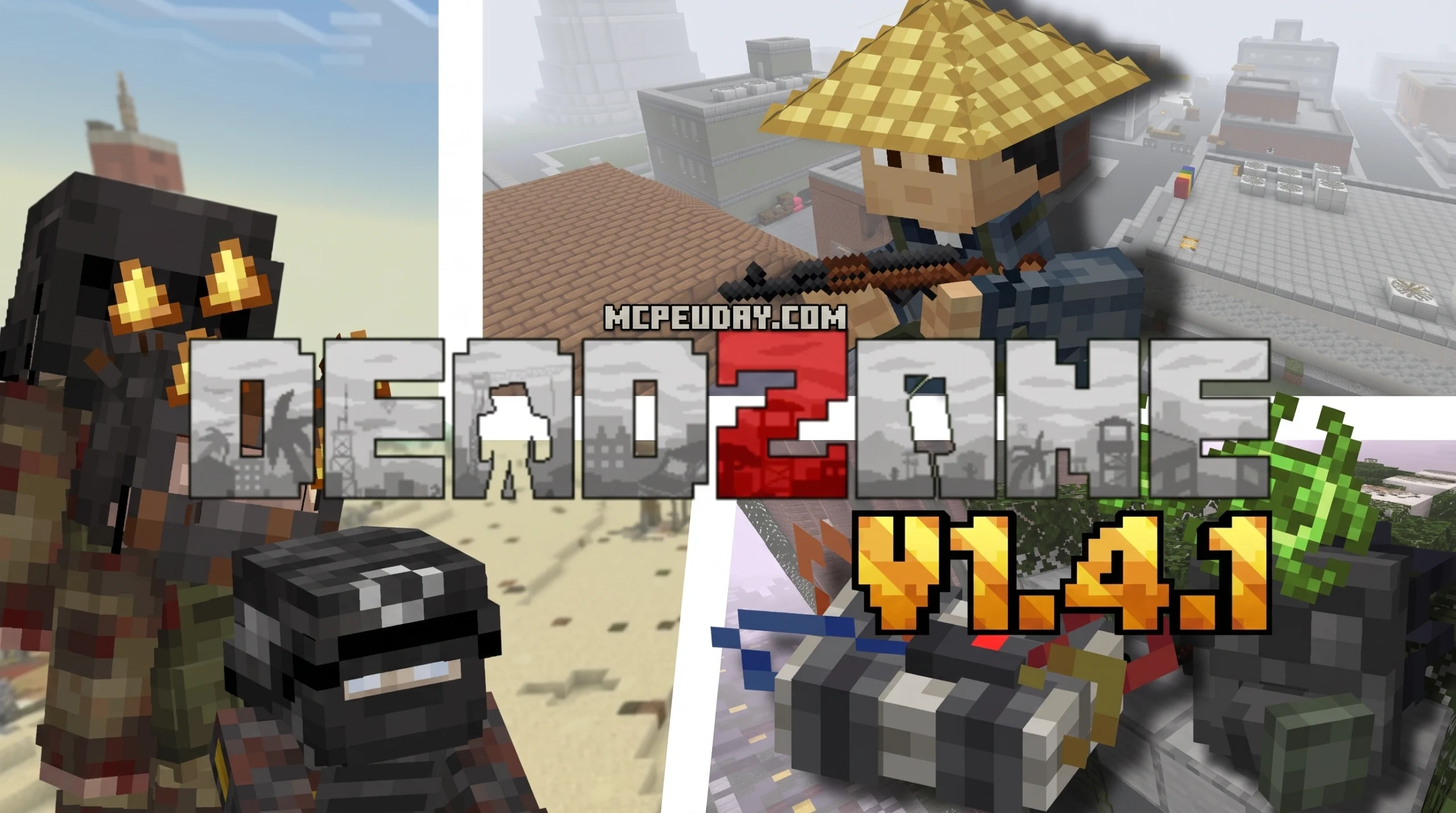
What Is the DeadZone Addon? (Quick Answer)
The DeadZone Addon is a survival mod for Minecraft Bedrock Edition inspired by the hardcore survival game DayZ, where you loot buildings, fight infected zombies, and manage realistic survival needs like thirst, bleeding, and infection.
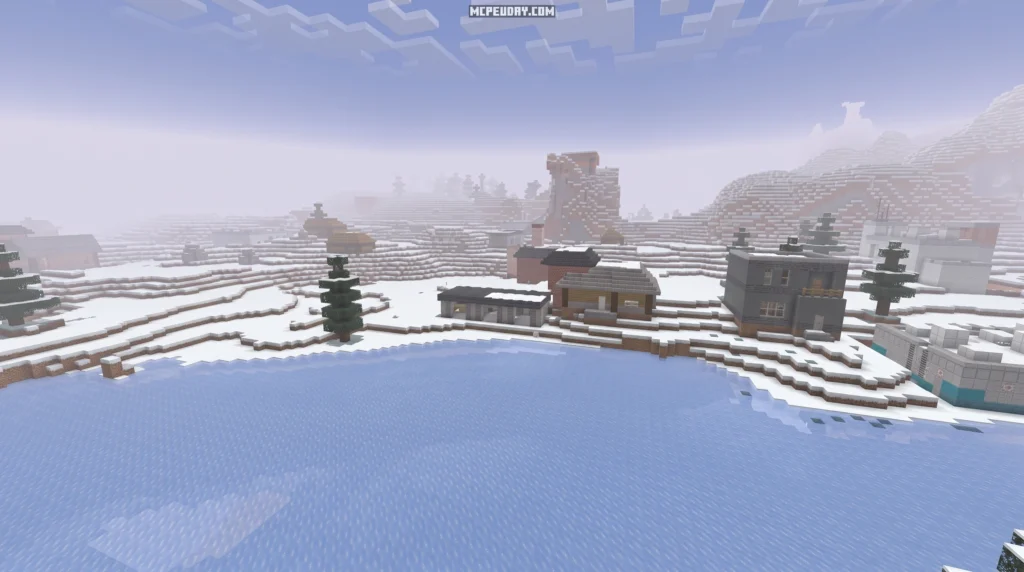
Quick facts at a glance:
- Creator: NekoZack (founder of the Neko Project)
- Latest version: V1.6.6-1
- File size: 30.75 MB
- Compatible with: Minecraft Bedrock 1.21.70, 1.21.71, 1.21.72, and 1.21.73
- Total downloads: 770,300+
- Inspired by: DayZ (PC survival game)
- Key mechanics: Stamina, thirst, bleeding, infection, radiation, broken bones
- Unique style: 2.5D styled weapons and custom clothing
If you’ve ever wanted the tense, loot-or-die feel of DayZ inside Minecraft Bedrock, this addon delivers exactly that. You spawn into a post-apocalyptic world, scavenge abandoned buildings, patch up your wounds, and try not to get torn apart by infected hordes — all without leaving Minecraft PE.
With over 770,000 downloads and a loyal community, the DeadZone Addon is one of the most ambitious survival overhauls available for Bedrock Edition right now. It goes far beyond basic zombie mods, adding complex systems for wounds, hydration, radiation, and even faction-based survivor groups that can become allies or enemies.
Whether you’re jumping in for the first time or trying to understand the latest V1.6.6-1 update, this guide breaks it all down clearly.
What is the DeadZone Addon and Its DayZ Inspiration?
At its core, the DeadZone Addon is a love letter to DayZ, built entirely within the Minecraft Bedrock engine. Developed by NekoZack and the Neko Project, this addon completely reimagines the peaceful, blocky sandbox into a gritty, hostile wasteland. Instead of mining diamonds and building cozy cottages, your only objective here is to live to see another sunrise.
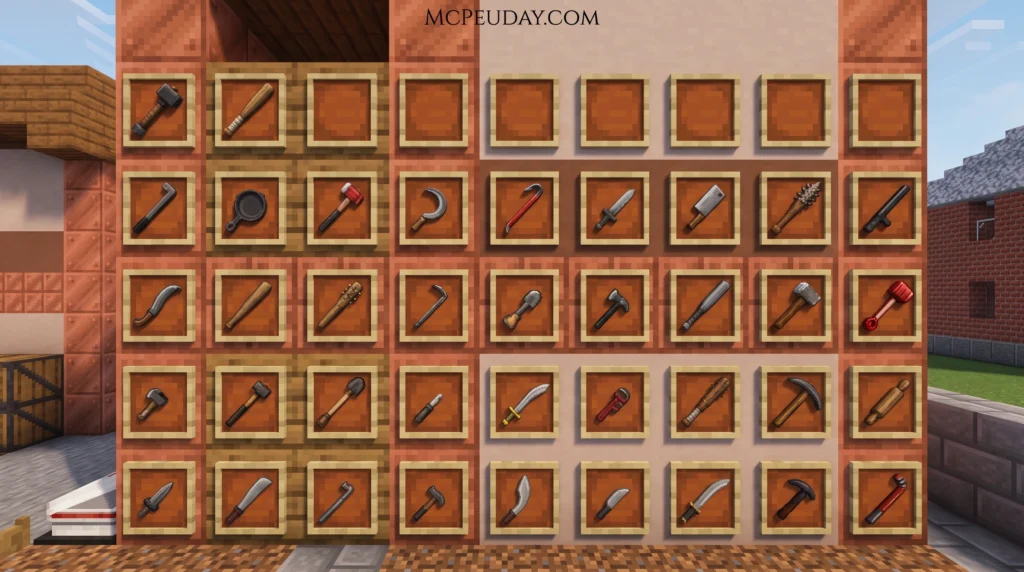
What makes the DeadZone Addon stand out is its distinctive visual presentation. Rather than using standard flat 2D items or overly complex 3D models that lag mobile devices, the developer utilized a unique “2.5D” style for weapons and equipment. This aesthetic provides a refreshing, tactical look while keeping the game highly optimized. To complete the look, the addon introduces immersive post-apocalyptic textures, custom clothing (from tactical military gear to a humorous clown suit), and functional backpacks.
If you are ready to jump into the action, you can download the official files directly from the community hubs and official developer channels to grab the latest compatible versions.
Core Gameplay Loop of the DeadZone Addon
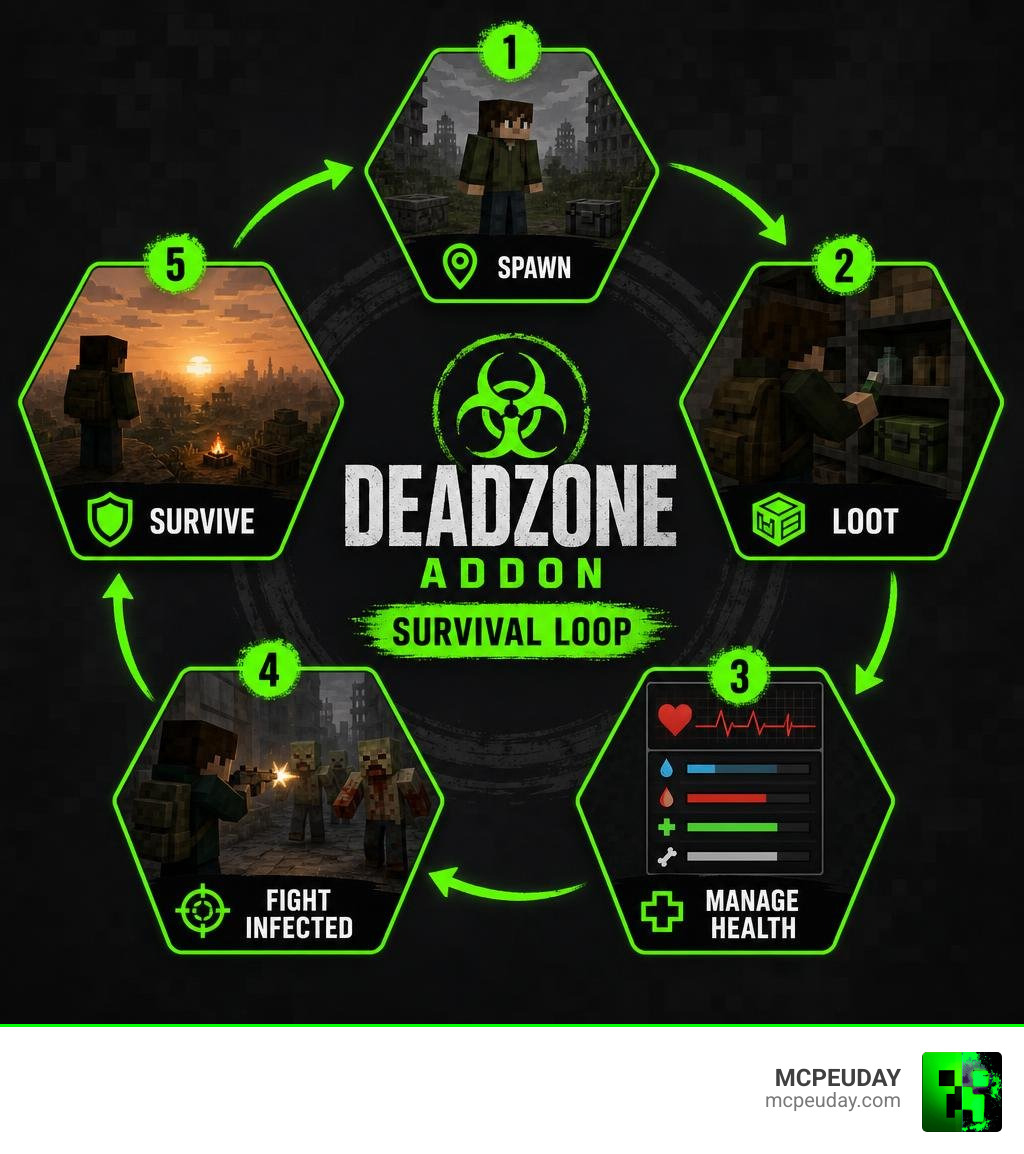
The gameplay loop of the DeadZone Addon revolves around a constant cycle of risk and reward:
- Explore: Move quietly through abandoned cities and military outposts.
- Scavenge: Search inside dressers, medical crates, and surplus boxes for vital supplies.
- Manage: Keep a close eye on your status meters. Neglecting your thirst or ignoring a minor scratch will quickly prove fatal.
- Defend: Fight off aggressive infected sprinters or trade with wandering scavengers.
Looting is highly dynamic. Loot boxes throughout the world automatically reset every 20 minutes (equivalent to one full Minecraft day), encouraging you to map out looting routes and revisit key locations. To help you master these systems, the active community frequently publishes helpful documentation, video tutorials, and interactive guides on survival strategies.
Hardcore Survival Mechanics, Weapons, and Equipment
Survival in this addon is a delicate balancing act. The developer has mapped complex, real-time medical and physical conditions directly onto custom status bars. If you take damage, you will not simply regenerate health by eating a steak. You have to diagnose and treat the specific ailment.
Here is how the primary survival mechanics work:
- Stamina: Running, jumping, and melee fighting deplete your stamina bar. If it drains completely, you must stand still, walk, or consume food and drinks to recover.
- Dehydration and Thirst: You must constantly find clean water. Beware: drinking vanilla Minecraft potions or bleach will not satisfy your thirst meter.
- Bleeding: Indicated by a custom status effect (similar to poison). If you are bleeding, you will continuously lose health until you apply a bandage or sterilized rag.
- Infection: Getting bitten by the infected can transmit a deadly virus. You will need to locate and consume an antidote before the sickness overcomes you.
- Radiation: Radioactive zones and hazmat-clad infected corpses emit deadly radiation (similar to the wither effect). You must wear a gas mask or a full hazmat suit to survive these areas.
- Broken Bones: Falling from high ledges triggers a broken bone status, applying a severe slowness effect. You will remain crippled until you apply a splint or inject morphine.
To help you keep track of your medical inventory, we have compiled a quick-reference table of the essential medical items in the addon:
| Medical Item | Target Condition | Primary Effect |
|---|---|---|
| Bandages / Sterilized Rags | Bleeding | Instantly stops blood loss and heals minor damage |
| Antidote | Zombie Infection | Clears the infection virus from your system |
| Splint / Morphine | Broken Bones | Cures the slowness effect and restores mobility |
| Blood Bag | Severe Blood Loss | Restores overall health (requires matching blood type) |
| Blood Test Kit | Unknown Blood Type | Identifies your blood type (A, B, AB, O) to prevent fatal transfusions |
Weapons and Gear in the DeadZone Addon
You cannot survive a wasteland with just a stone sword. The DeadZone Addon equips you with a formidable arsenal of 2.5D styled firearms, complete with realistic ammunition types and magazine capacities. For close-quarters defense, you can rely on the Glock 17 (holding 15 rounds), while the MP5 (holding 30 rounds) provides excellent crowd control against incoming hordes.
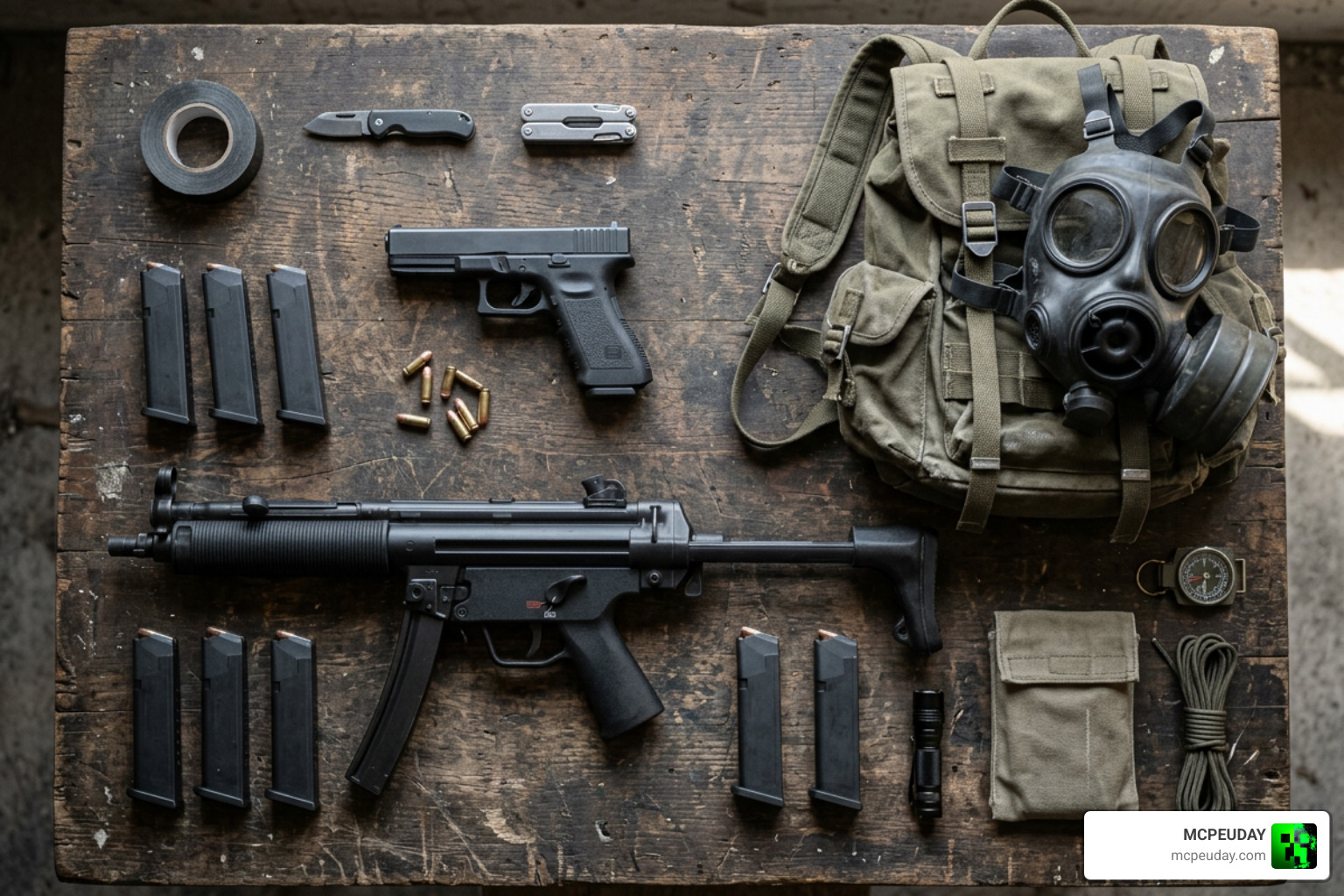
Tactical movement is key. To maintain realism and balance, the addon restricts you from shooting while running. You must stop, aim, and fire.
To carry your hard-earned loot, you will need to find backpacks. A basic school backpack offers 13 slots of inventory space, while the military-grade Taloon backpack expands your carrying capacity with 18 slots.
Exploring the Wasteland: Entities, Structures, and Vehicles
The post-apocalyptic world is far from empty. The streets are patrolled by terrifying new infected variants and human survivor groups:
- Infected Sprinters: Fast, aggressive zombies that will chase you down on sight.
- Infected Screamers: Fragile but dangerous, these entities can alert and call nearby hordes from up to 32 blocks away if they spot you.
- Infected Commanders: Heavily armored leaders capable of summoning massive hordes from a whopping 64-block radius.
- Infected Militia: Boasting a massive health pool (ranging from 60 to 100 HP) and high damage output, these are incredibly overpowered threats for ill-equipped players.
- Marauders and Scavengers: Human factions with their own agendas. Some are hostile on sight, while others may trade valuable resources with you.
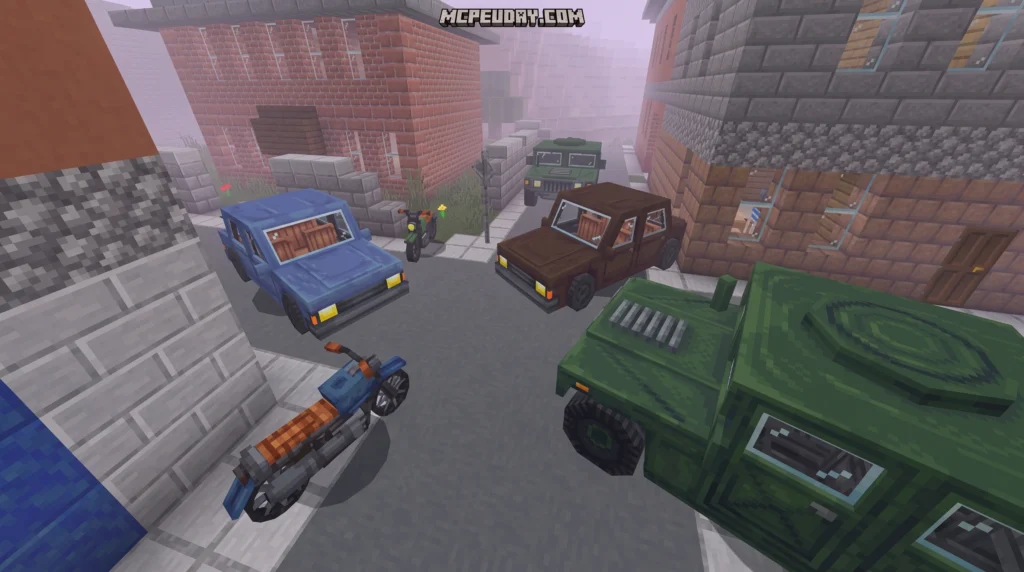
If you need to travel long distances, you can find and repair vehicles like the Sedan, the Humvee, or a nimble Motorcycle. These vehicles feature functional sitting positions and custom animations to make your road trips feel incredibly immersive.
While exploring, keep an eye out for different loot box types:
- Civilian Boxes: Contain food, basic clothing, and simple tools.
- Medical Crates: Yield bandages, splints, and blood bags.
- Surplus Boxes: Lockboxes containing high-tier military gear. You will need to scavenge a lockpick to open these!
Custom Scripting and Developer Tools
Under the hood, the DeadZone Addon utilizes Minecraft Bedrock’s Beta API to execute complex scripts. This allows for advanced features like the !status chat command, which lets players instantly track their survival statistics, player kills, and zombie kills in real time.
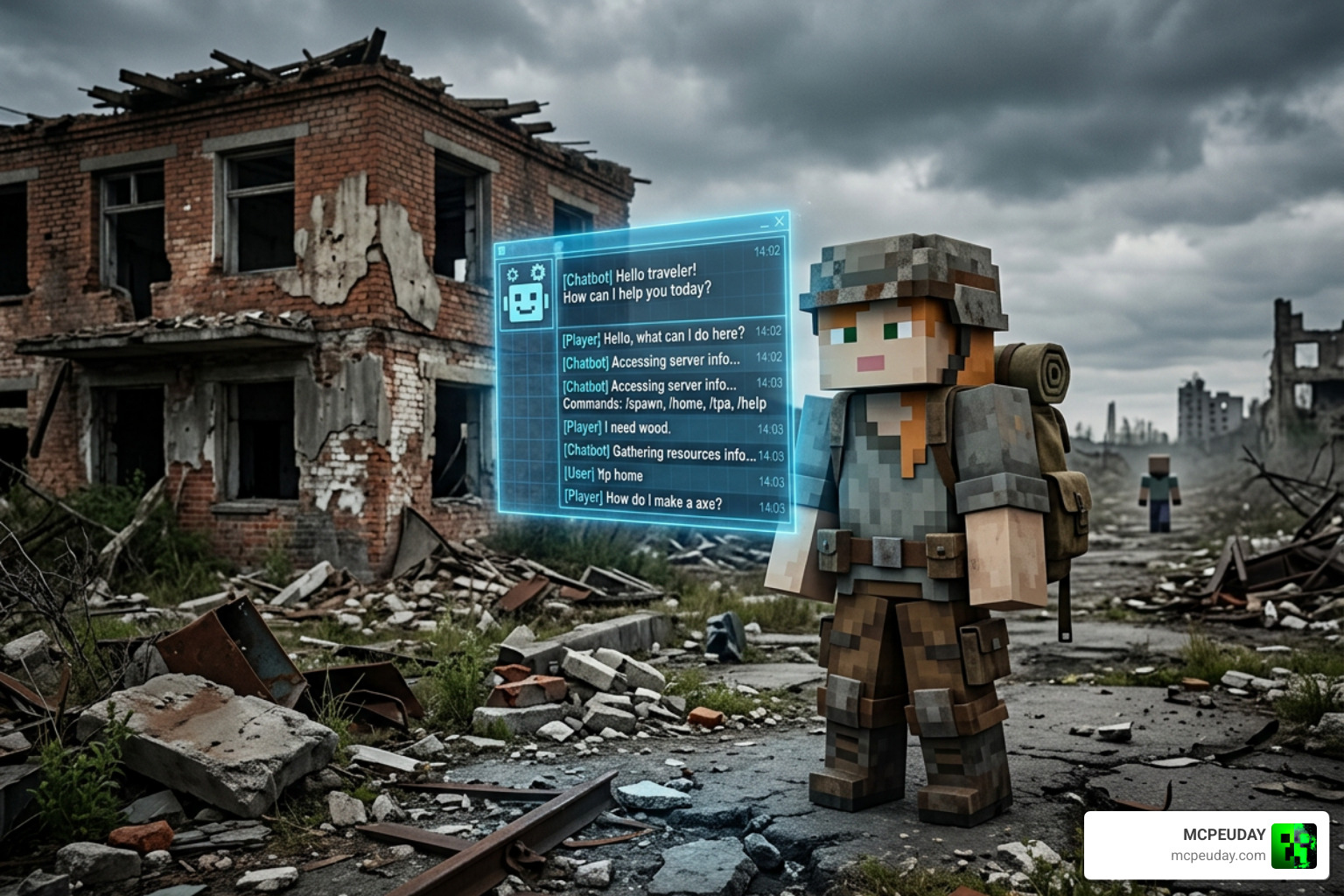
For server hosts and developers, the addon’s package system is highly customizable. It uses a JavaScript-based API, making it easy to write custom plugins. For example, you can learn How to Make a Chatbot Plugin | DeadZone Community Packages to build interactive, automated chat assistants that track player levels, coordinate supply drops, or display server rules.
Installation Guide and V1.6.6-1 Updates
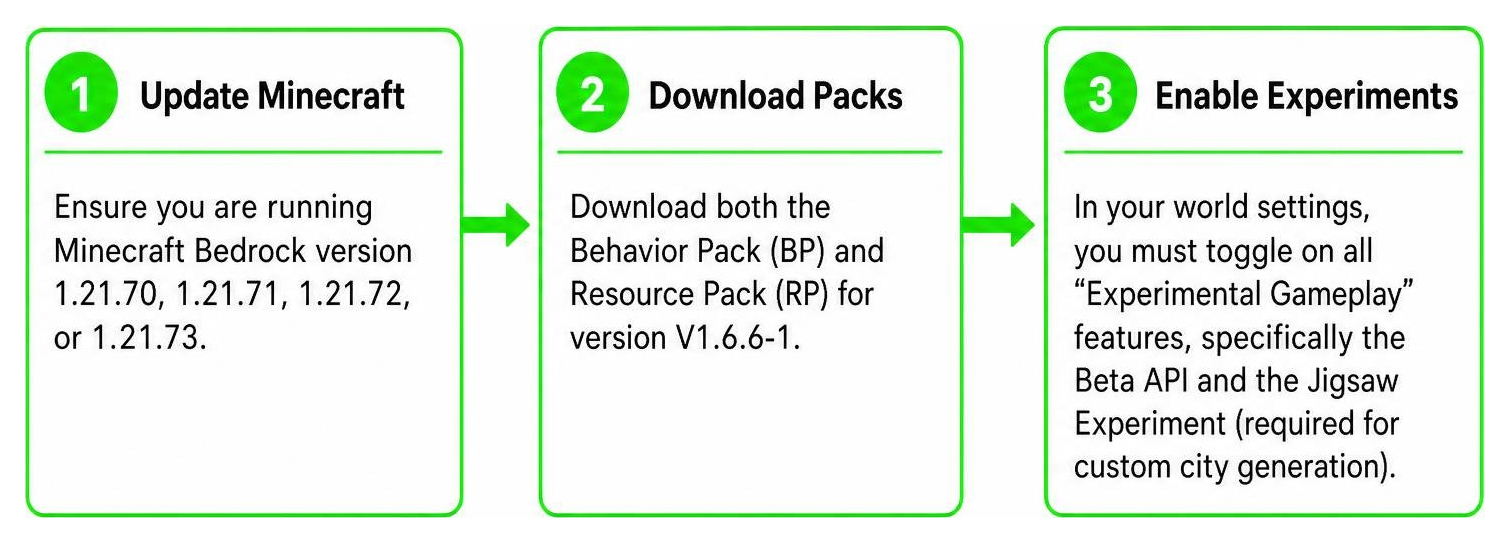
To run the DeadZone Addon smoothly in July 2026, you must ensure your game settings are configured correctly. Follow this simple setup sequence to get started:
Step-by-step setup details:
- Update Minecraft: Ensure you are running Minecraft Bedrock version 1.21.70, 1.21.71, 1.21.72, or 1.21.73.
- Download Packs: Download both the Behavior Pack (BP) and Resource Pack (RP) for version V1.6.6-1.
- Enable Experiments: In your world settings, you must toggle on all “Experimental Gameplay” features, specifically the Beta API and the Jigsaw Experiment (required for custom city generation).
- Activate Packs: Apply both packs to your world and launch!
The latest V1.6.6-1 update introduces fantastic quality-of-life changes. Players now receive 10 seconds of spawn protection upon loading in, preventing instant deaths during world generation. Additionally, the developer nerfed the aggressive thirst depletion rates, optimized game performance by making dead corpses despawn when out of render range, and fixed a shooting-while-running exploit.
Frequently Asked Questions about DeadZone
Which Minecraft versions are compatible with the DeadZone Addon?
The latest version of the addon (V1.6.6-1) is fully compatible with Minecraft Bedrock versions 1.21.70, 1.21.71, 1.21.72, and 1.21.73. Always ensure your game is updated to a stable release within this range to prevent crashes or broken weapon scripts.
How do you cure bleeding and infection in the mod?
To stop bleeding, apply a bandage or a sterilized rag immediately. If you have been bitten and contracted the zombie virus, you must consume an antidote. Broken bones can be treated with a splint or morphine to remove the slowness effect.
What should I do if the custom structures have “unknown” blocks?
If you see blocks with “Unknown” textures in generated cities, don’t panic! This occurs because the developer humorously admitted to being too lazy to update some of the older structural blocks. To minimize this, ensure you have enabled the Jigsaw Experiment in your world settings before generating the world, and make sure both the resource and behavior packs are active.
Conclusion
The DeadZone Addon completely transforms Minecraft Bedrock into a tense, high-stakes survival simulator that will keep you on the edge of your seat. By successfully blending DayZ’s hardcore mechanics with Minecraft’s charm, it stands out as a must-play experience for any survival fan.
At MCPEUDAY, we love showcasing mods that push the limits of what Bedrock Edition can do. If you enjoy the spine-chilling tension of the deadzone, be sure to Explore the best Minecraft horror mods for Java and Bedrock in our 2026 guide for even more terrifying adventures.
Gear up, watch your thirst meter, and stay safe out there in the wasteland!
