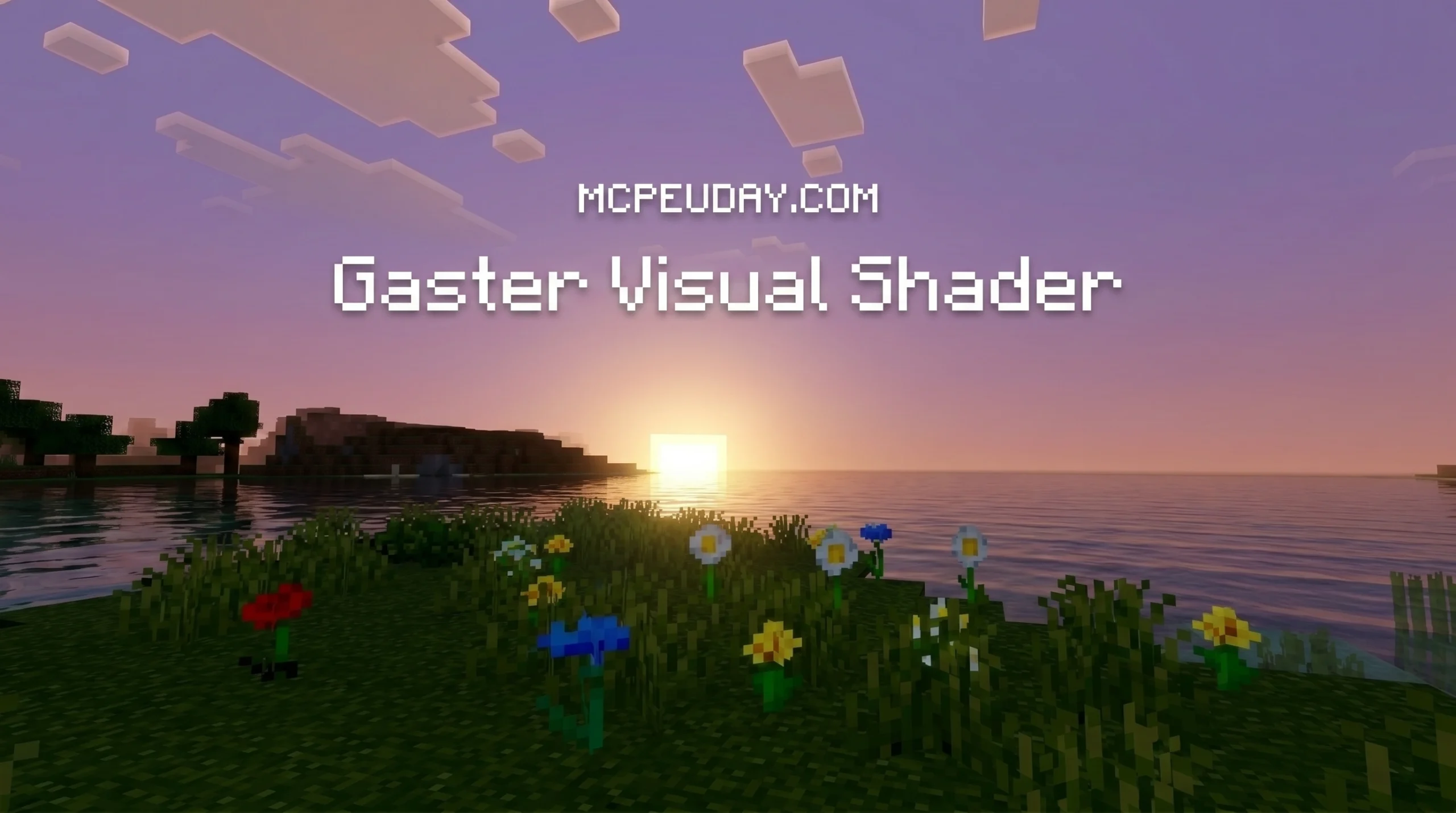
What Is the Gaster Visual Shader for Minecraft PE?
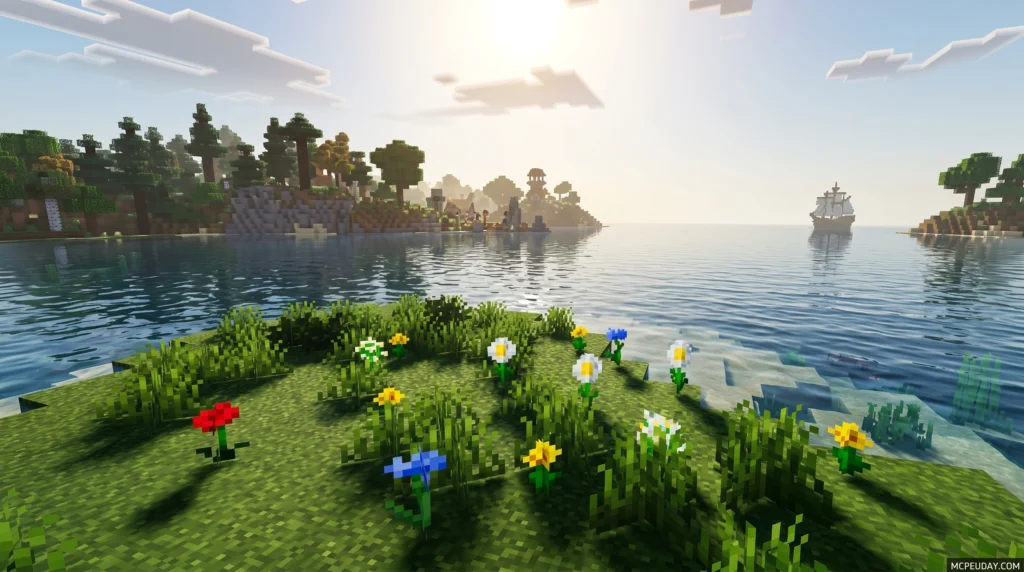
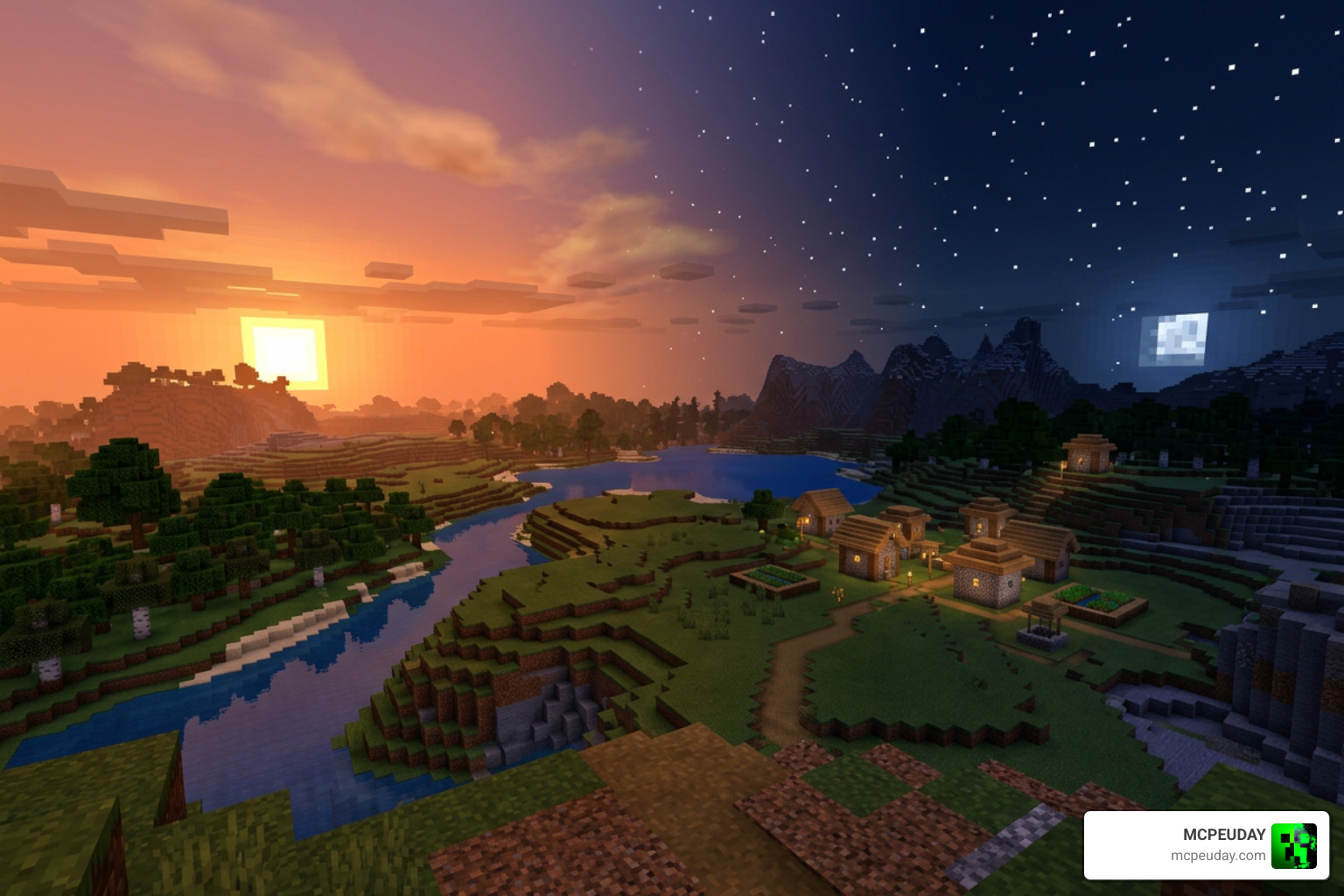
The Gaster Visual Shader is a lightweight Bedrock Edition shader pack that transforms Minecraft’s default visuals into a cinematic twilight atmosphere — think warm sunset skies, dark star-filled nights, and enhanced lighting across every biome.
Quick answer:
- What it is: A visual shader for Minecraft PE/Bedrock inspired by the Gaster aesthetic from Undertale
- What it does: Adds twilight atmosphere, warm sunsets, starry nights, and improved lighting — without changing gameplay
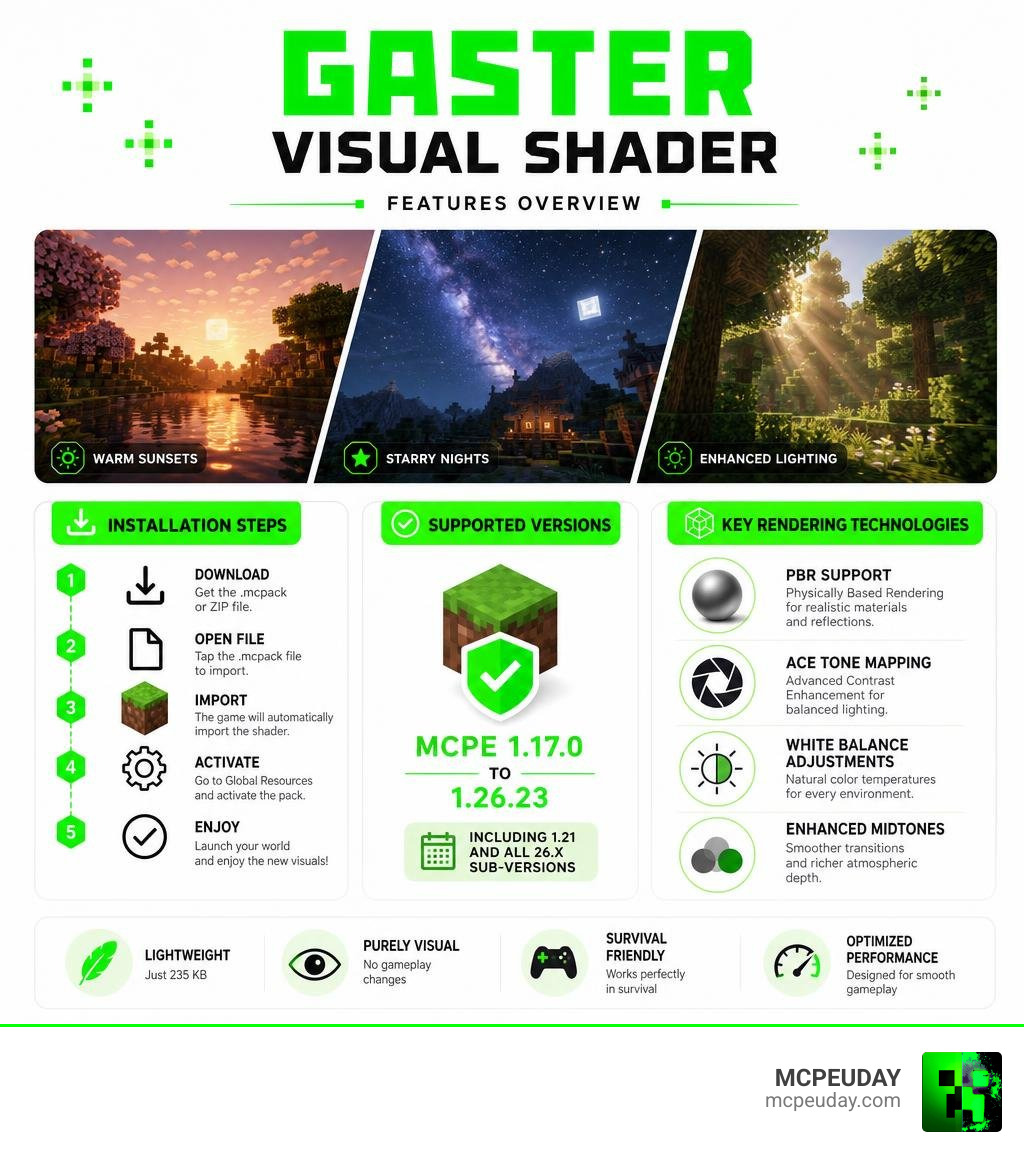
- Key tech: PBR support, ACE tone mapping, white balance adjustments, enhanced midtones
- File size: 235 KB (.mcpack or ZIP)
- Supported versions: MCPE 1.17.0 through 1.26.23, including 1.21 and all 26.x sub-versions
- Works in survival? Yes — purely visual, no mechanics changed
If you play on Android and want your Minecraft world to feel different — more moody, more atmospheric, more alive — this shader is worth knowing about.
It’s one of the smaller shader packs available for Bedrock Edition, but it packs in four advanced rendering features that most shaders this size don’t include. And at just 235 KB, it won’t slow your game down the way heavier packs can.
Below, we’ll walk you through exactly what it does, how it works, and how to get it installed correctly.
Key Features of the Gaster Visual Shader
When we look for shaders that completely change the mood of our game, we often end up with heavy files that tank our frame rate. The Gaster Visual Shader takes a completely different path. It focuses heavily on color theory, environmental lighting, and atmospheric depth to create an entirely new visual style.
What is the Gaster Visual Shader?
The core design of this shader is inspired by the mysterious and dark aesthetic of the character W. D. Gaster – Undertale Wiki. Rather than adding literal character models or spooky textures to your blocks, it translates this theme into a stunning twilight atmosphere.
When you load into your world, you will immediately notice the shift in environmental lighting. The sunrises and sunsets are incredibly warm, painting the horizon in deep oranges and soft purples. As day turns to night, the sky transitions into a rich, dark, star-filled canopy. These lighting changes make exploring mountain peaks, dense forests, and wide-open oceans feel like walking through a cinematic movie.
In dense forest biomes, the twilight atmosphere filters through the leaves, creating beautiful, moody shadows on the forest floor. In desert biomes, the warm sunset colors reflect off the vast sand dunes, giving the landscape an almost mystical, ancient feel. Even underwater exploration feels different, as the light filtering down from the surface carries a softer, more natural hue.
Advanced Rendering Technologies
Despite its tiny file size, this pack includes four major rendering features that elevate it to the level of much larger projects, such as the popular Newb X Ambient Shader.
- PBR (Physically Based Rendering) Support: This feature changes how light interacts with block surfaces. Instead of flat textures, light bounces off materials in a way that mimics real-world physics, giving blocks depth and realistic reflections. For example, metallic blocks like iron and gold will have a subtle sheen, while rougher blocks like cobblestone will absorb light more naturally.
- ACE Tone Mapping: This technology ensures smooth color transitions. It prevents bright light sources (like lava or direct sunlight) from washing out the details of your screen, while keeping dark areas readable. When you step out of a dark cave into the bright daylight, the transition is smooth and realistic rather than blinding.
- White Balance Adjustments: By fine-tuning the color temperature, the shader avoids the harsh, artificial yellow or blue tints common in lower-end packs. This ensures that snow looks crisp and white, while torchlight feels warm and inviting.
- Enhanced Midtones: This balances the contrast between light and dark, ensuring that shadows look natural and rich without completely blinding you in caves. It helps maintain visibility in low-light environments while still preserving the dramatic atmosphere of deep caverns.
Installation and Setup Guide
Getting shaders to work on Minecraft Bedrock can sometimes feel like a puzzle, especially with the constant engine updates. Fortunately, setting up this pack is quick and straightforward.
How to Install the Gaster Visual Shader on MCPE
The shader is primarily distributed in two formats: the user-friendly .mcpack format and the standard .zip format. If you are new to modding your mobile game, we highly recommend reading our comprehensive guide on How To Turn On Shaders In Minecraft for a deep dive into device-specific settings.
For most Android and iOS users, the .mcpack file is the easiest route because your device can open it directly inside Minecraft with a single tap. If you download the .zip version, you will need to manually extract the folder and move it to your game’s resource packs directory using a file manager app.
Step-by-Step Bedrock Setup
Here is how to get the shader active in your world:
- Download the official pack directly from Download Gaster Visual Shader on MCPEUDAY.
- Locate the downloaded file in your device’s file manager.
- Tap on the
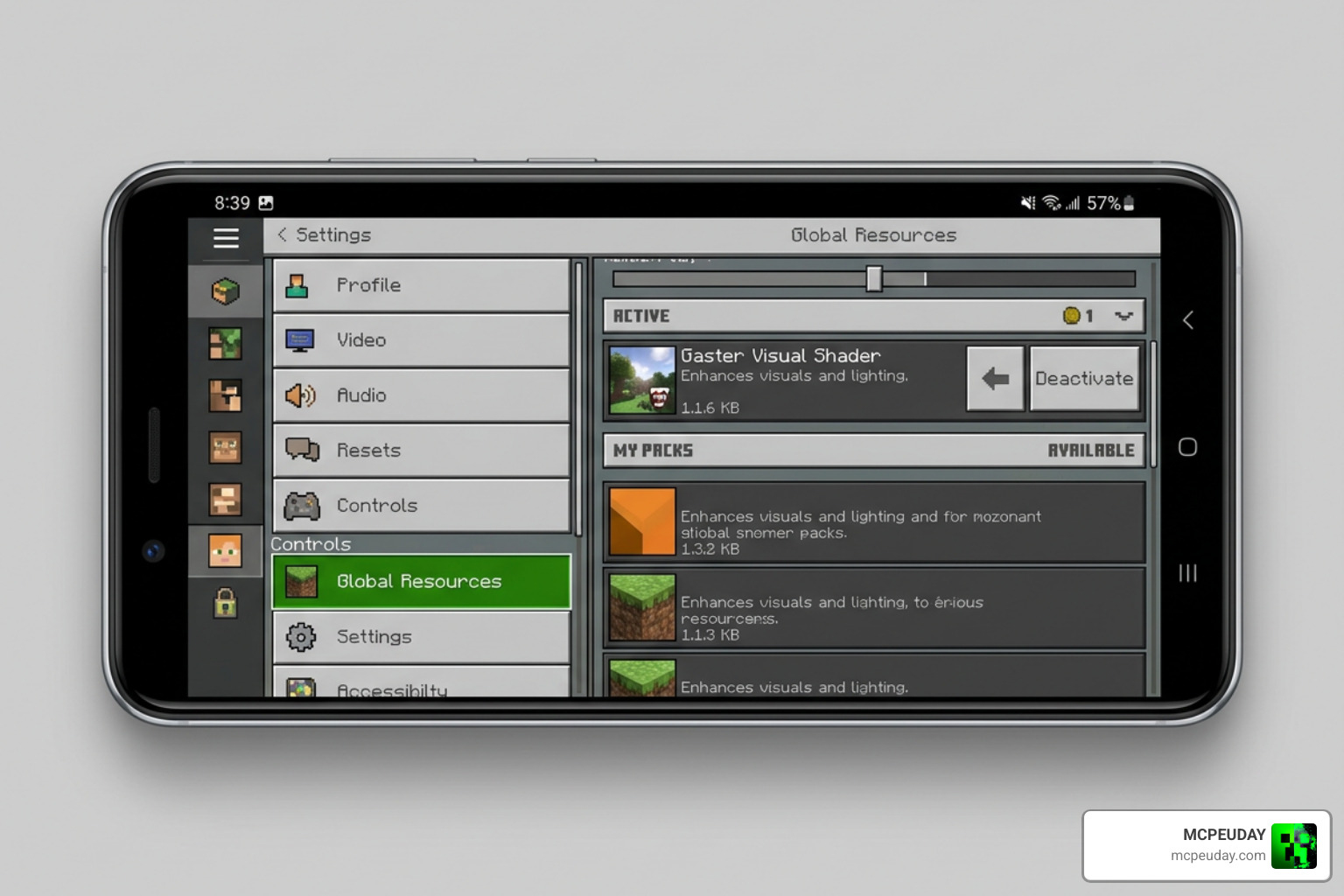
.mcpackfile and select “Open with Minecraft.” The game will launch automatically and import the shader. - Once inside the game, navigate to Settings and scroll down to Global Resources.
- Click on My Packs, locate the Gaster Visual Shader, and click Activate.
- Load up your favorite survival world or start a creative world to watch the twilight sunset take over.
Troubleshooting Common Installation Issues
If you encounter an “Unknown Version” or “Failed to Import” error, make sure your Minecraft app is updated to at least version 1.17.0. If the file manager does not give you the option to open the file with Minecraft, you can manually rename the file extension from .zip to .mcpack (if it was downloaded as a zip) or use a third-party file explorer app like ZArchiver to force-open the file. Additionally, ensure that you do not have conflicting shaders active at the same time in your Global Resources menu, as this can cause visual glitches or game crashes.
Performance, Compatibility, and Comparisons
Before downloading any graphics mod, it is important to know if your device can actually handle it. Let’s break down how this pack performs and how it stacks up against the competition.
Version Compatibility and File Size
One of the biggest achievements of this shader is its incredible compatibility range. It officially supports Minecraft PE versions 1.17.0 all the way through to 1.26.23. This means it covers over 10 major Bedrock releases and is fully compatible with 11 sub-versions of the 26.x branch alone.
At a microscopic size of just 235 KB, it is one of the most optimized visual packs available. While other heavy-duty options listed in our Best Render Dragon Shaders guide might offer slightly more realistic water or waving leaves, they also require much stronger hardware. This shader gives you high-end post-processing without the heavy performance cost.
Because of this extreme optimization, players using budget Android devices or older iOS models can enjoy a beautiful visual upgrade without experiencing thermal throttling or rapid battery drain. The shader runs smoothly at a stable 60 FPS on almost all modern mobile devices, making it a perfect choice for long gaming sessions.
Gaster vs. Other Bedrock Shaders
To help you decide if this is the right fit for your gameplay style, we have compared it directly to another community favorite, the Newb X Unwind Shader.
| Feature | Gaster Visual Shader | Newb X Unwind Shader |
|---|---|---|
| File Size | 235 KB | Medium (Varies) |
| Primary Theme | Dark Twilight & Warm Sunsets | Soft, Bright & Realistic Daylights |
| FPS Impact | Extremely Low (Great for low-end) | Low to Medium |
| Key Tech | PBR, ACE Mapping, White Balance | Custom Shadows, Waving Plants, Skybox |
| Aesthetic | Moody, cinematic, and mysterious | Clean, vibrant, and relaxing |
While the Newb X Unwind Shader focuses on bright, realistic daylight and physical animations like waving leaves and grass, the Gaster Visual Shader prioritizes color grading and atmospheric depth. If you prefer a vibrant, sunny world, Newb X Unwind is excellent. However, if you want a moody, cinematic, and mysterious atmosphere that feels like a twilight fantasy, Gaster is the clear winner.
Frequently Asked Questions
Does this shader affect survival gameplay mechanics?
No, the shader is purely visual. It does not change block behaviors, mob spawning, or any survival mechanics. It is fully safe to use on your long-term survival worlds, and it is absolutely perfect for taking cinematic screenshots of your builds. You can still earn achievements and play the game exactly as you normally would.
Can this shader change night skies and sunsets?
Yes! The entire focus of this pack is the twilight atmosphere. It replaces the default blocky sun and moon transitions with warm, glowing sunsets and a beautifully detailed starry night sky. The night sky feels much deeper and more immersive, making nighttime exploration feel like a completely different experience.
Is it compatible with Render Dragon in 2026?
Yes, the shader has been fully updated to work alongside the Render Dragon engine in 2026. It utilizes modern Bedrock rendering techniques to ensure you do not get the infamous “gray world” glitch on supported 1.21 and 26.x versions.
Can I use this shader on multiplayer servers or Realms?
Yes, you can absolutely use this shader on multiplayer servers, local LAN worlds, and Minecraft Realms. Since it is a client-side resource pack, only you will see the visual changes, and it will not affect other players on the server. This means you can enjoy beautiful twilight visuals even if the server host does not have any shaders installed.
Does this shader work alongside custom texture packs?
Yes, the Gaster Visual Shader is highly compatible with custom texture packs. Because it primarily modifies lighting, color mapping, and atmospheric effects rather than block textures, you can layer it on top of your favorite 16×16 or 32×32 texture packs in the Global Resources menu to create a truly unique visual style.
Conclusion
The Gaster Visual Shader is a masterpiece of optimization. It proves that you do not need a massive file size or a high-end gaming device to enjoy gorgeous, atmospheric lighting in Minecraft Bedrock. By combining warm twilight colors with advanced rendering features like PBR and ACE tone mapping, it gives mobile players a beautiful, moody world to explore.
If you are looking to build a collection of gorgeous graphics packs, be sure to check out our top recommendations in the Best Shaders For MCPE 1.21 guide. Download the pack today, set your in-game time to sunset, and experience your Minecraft world in a whole new light!