The I Heard It Too Addon: What It Is and Where to Get It
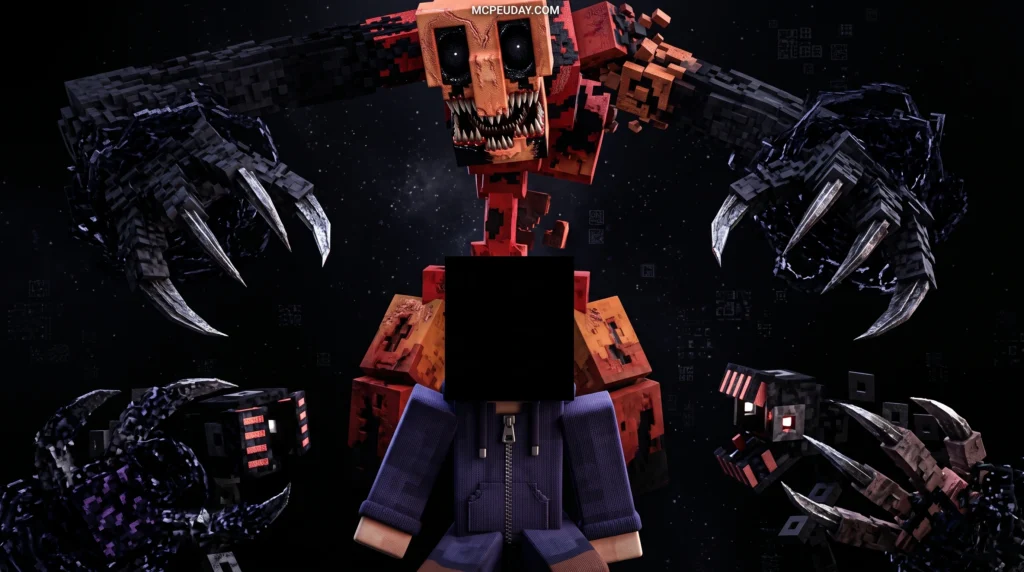
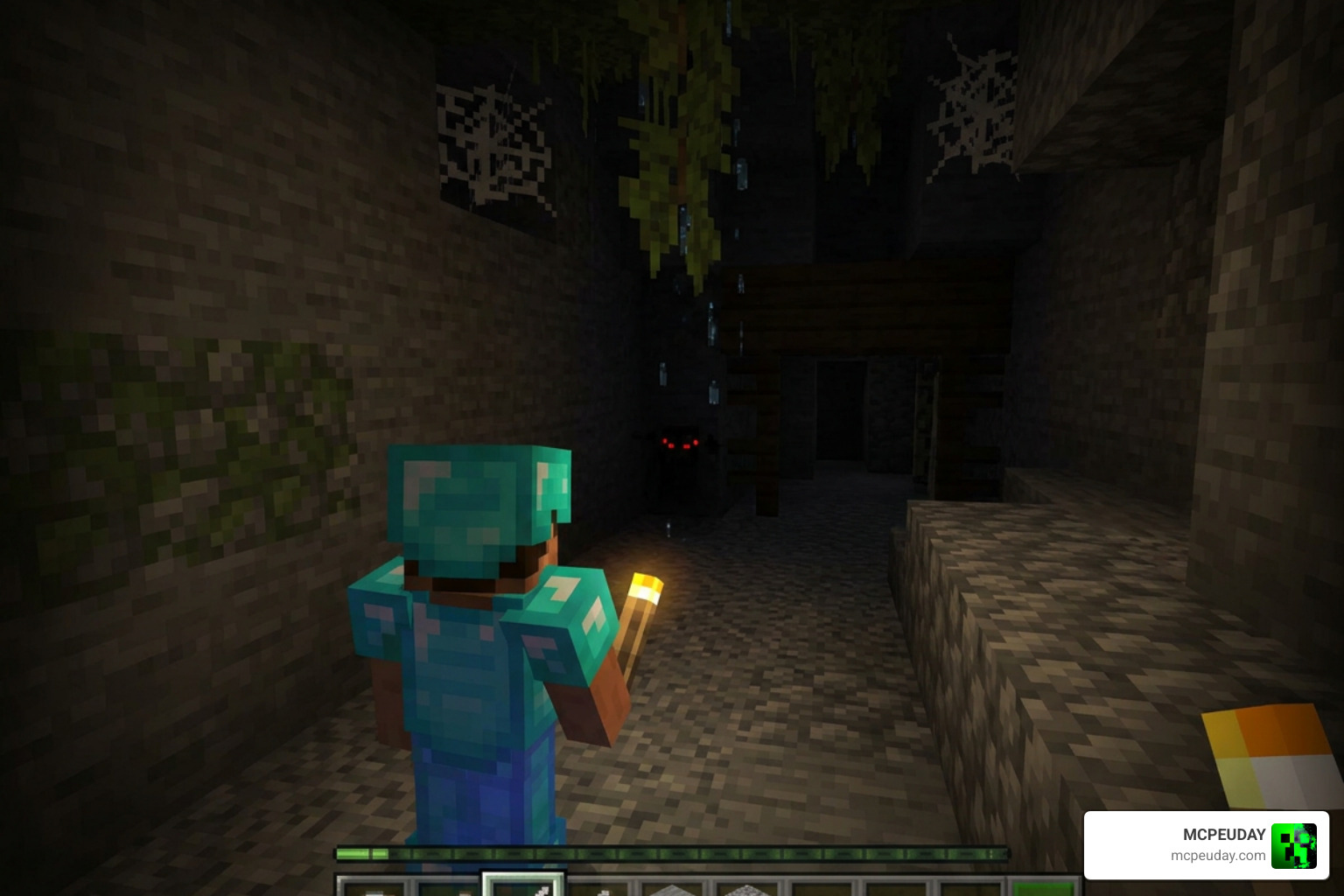
The I heard it too Addon is a horror mod for Minecraft Bedrock Edition inspired by a viral short film of the same name — and if you just want the quick answer, here’s what you need to know:
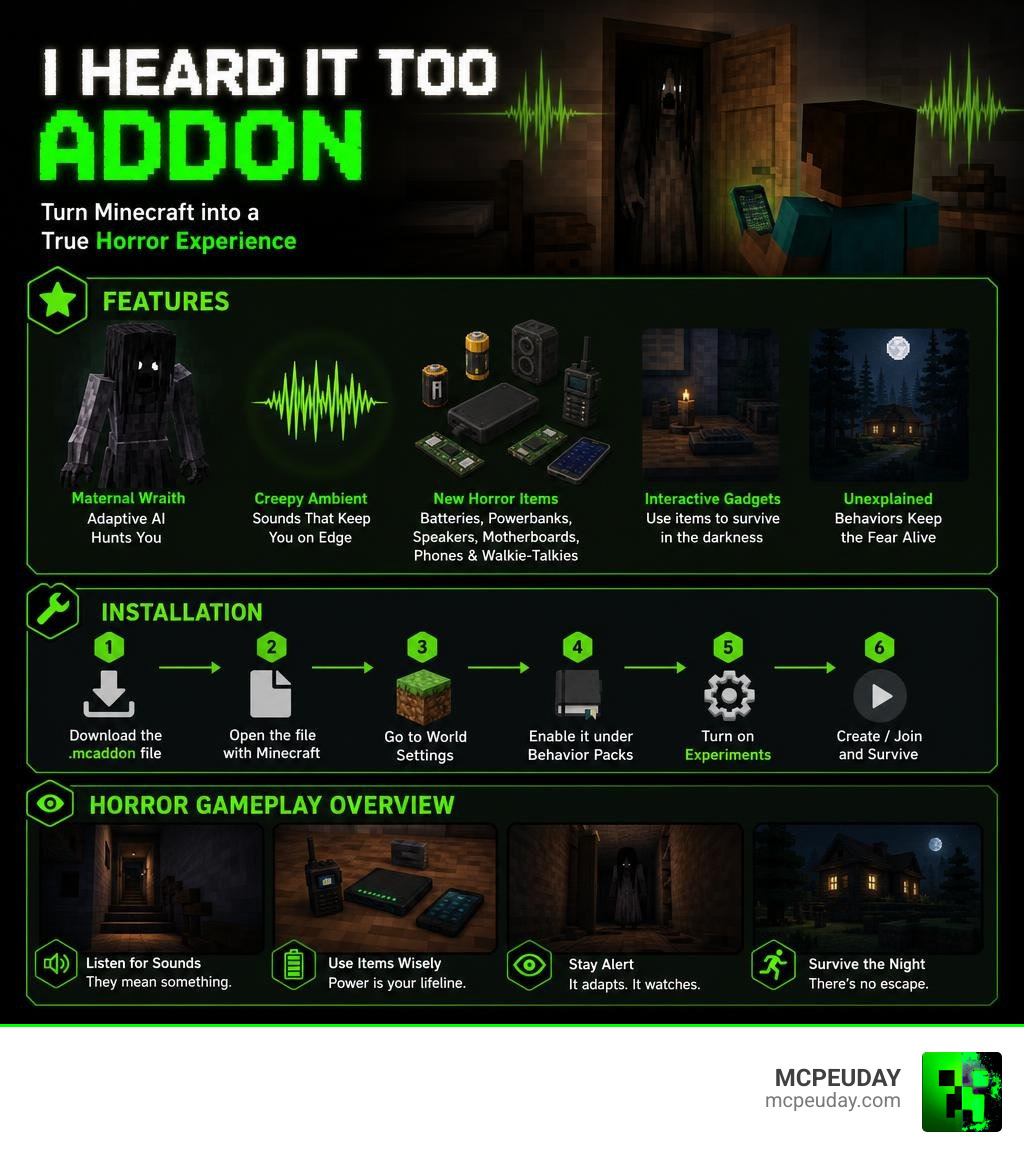
- What it is: A Bedrock Edition addon that transforms Minecraft into a horror experience
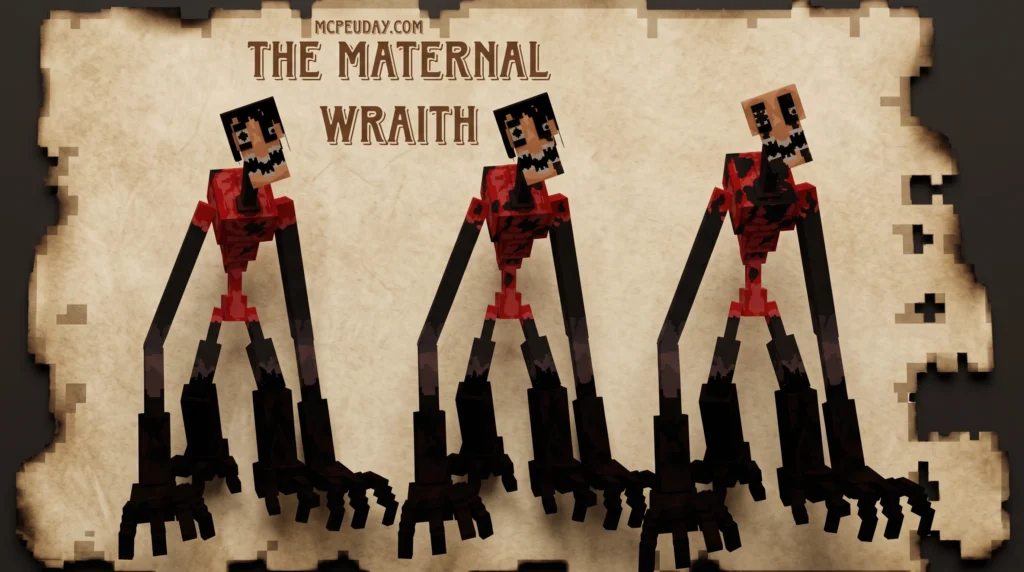
- Main feature: A terrifying new monster called the Maternal Wraith with adaptive AI behavior
- New items: Batteries, powerbanks, speakers, motherboards, mobile phones, and walkie-talkies
- File size: 9.89 MB (.mcaddon format)
- How to get it: Download the
.mcaddonfile, open it with Minecraft, then enable it under Behavior Packs in your World Settings - Extra step: Turn on Experiments mode if the addon requires it
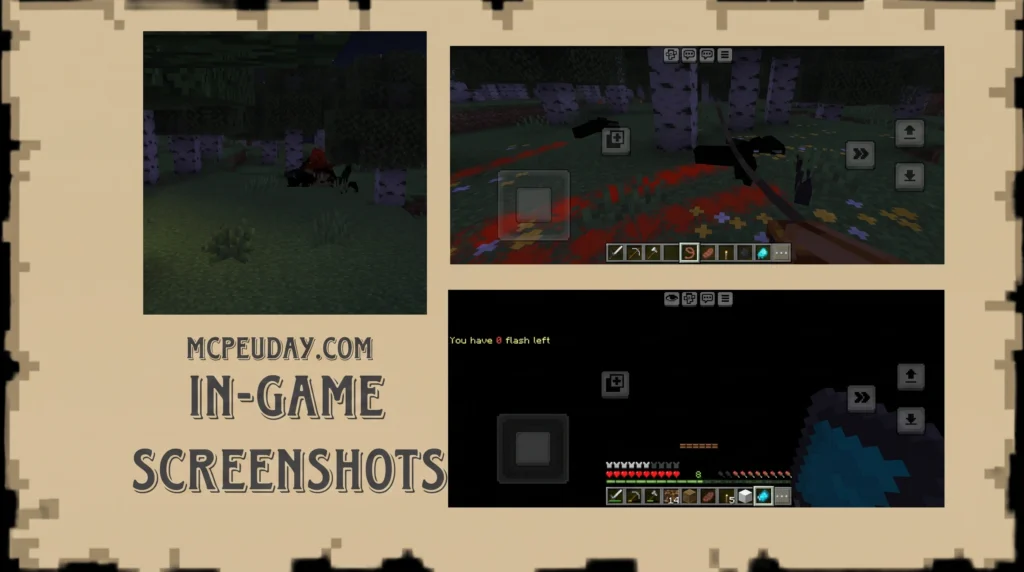
Minecraft is many things — creative, challenging, even stressful in Hardcore mode. But scary? That’s rare. This addon changes that. It adds creepy ambient sounds, interactive horror gadgets, and a monster that behaves in ways the creators intentionally leave unexplained — to keep the fear alive.
The inspiration comes from a short horror film by Matt Sears that racked up over 10 million views on YouTube, making it one of the platform’s most-watched horror shorts ever.
What is the I heard it too Addon and Its Origins?
To truly appreciate the spine-chilling atmosphere of the I heard it too Addon, we have to look at where it all began. The mod takes direct inspiration from the terrifying short film I Heard It Too — Matt Sears Films . Based on a classic two-sentence horror story about a child who hears their mother calling them from downstairs, only to be stopped by their actual mother hiding in the closet whispering, “I heard it too,” the film captured the hearts and nightmares of millions.
When developers decided to translate this psychological dread into Minecraft Bedrock Edition, they didn’t just add a generic monster that runs at you. Instead, as detailed in reports by Minecraft I heard it too mod for Bedrock Edition – Sportskeeda , the addon focuses heavily on shifting the game’s peaceful ambient atmosphere into something deeply unsettling.
Suddenly, your familiar Minecraft world feels hostile. The wind blows differently, leaves rustle with an eerie resonance, and the silence between sounds becomes heavy with anticipation. You are no longer the apex predator of your survival world; you are being hunted.
Key Features and Gameplay Mechanics
At its core, the I heard it too Addon completely overhauls how you interact with your environment. You cannot simply build a dirt shelter and wait out the night. The mod introduces a terrifying stalker entity alongside a suite of modern interactive gadgets. These gadgets are not just decorative; they are your only hope for survival.
To help you understand what you are working with, we have put together a comparison table of the horror gadgets introduced in this addon:
| Item Name | Primary Function | Survival Strategy |
|---|---|---|
| Batteries | Powers up electronic devices | Keep these in your hotbar; dead electronics mean death. |
| Powerbanks | Charges mobile phones and walkie-talkies | Essential for long-term exploration away from your base. |
| Speakers | Emits loud noises to distract entities | Place them far away to lure the Maternal Wraith from your position. |
| Motherboards | Crafting component for advanced tech | Gather these from rare structures to build better communication tools. |
| Mobile Phones | Monitors local signal interference | Watch the screen; static means something is very close. |
| Walkie-Talkies | Handheld communication tool | Allows you to coordinate with friends in multiplayer. |
New Monsters and Entities in the I heard it too Addon
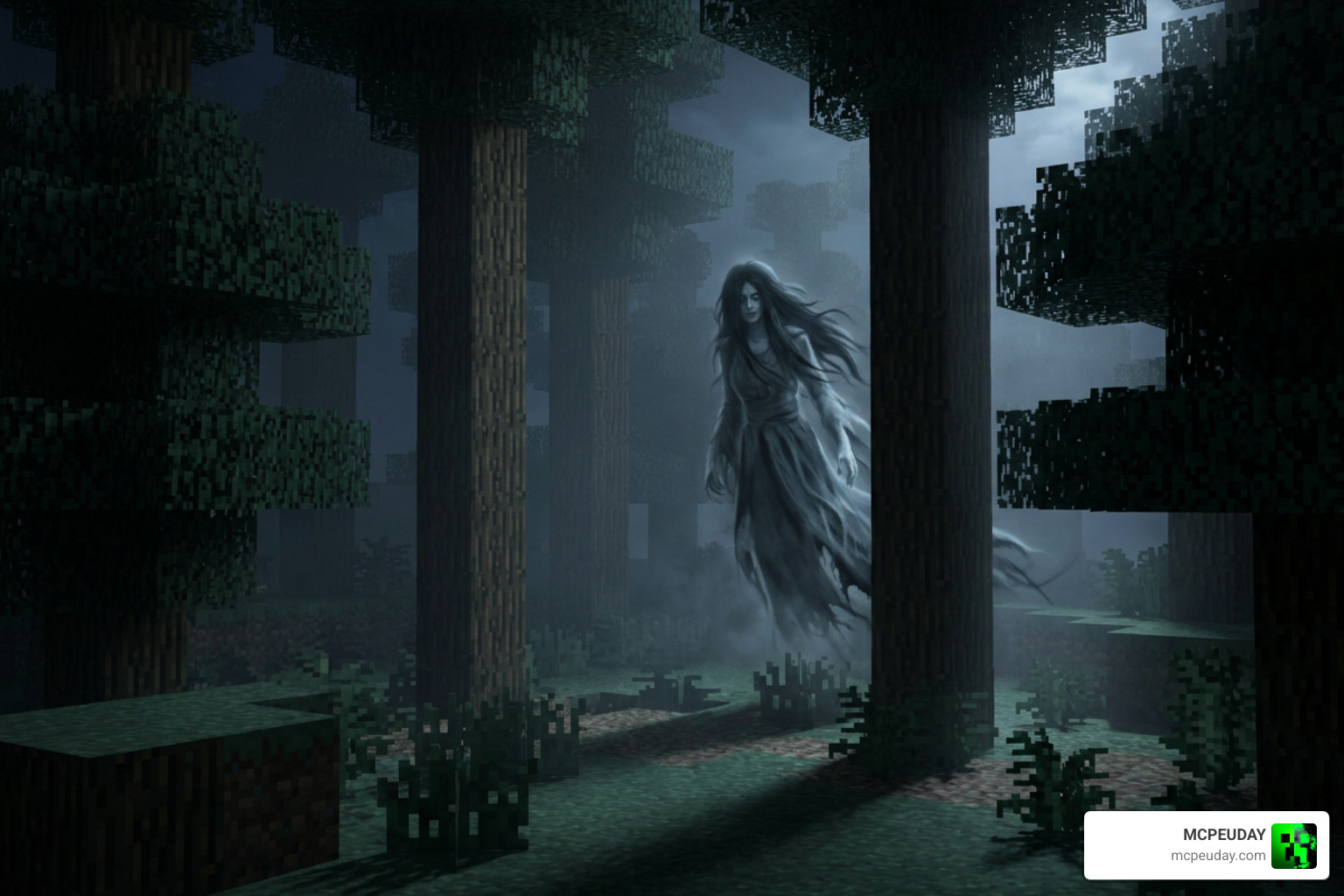
The star of this nightmare is the Maternal Wraith. Unlike standard Minecraft zombies or skeletons that mindlessly shamble toward you, the Maternal Wraith uses adaptive AI. It stalks you from the shadows, hiding behind trees and watching you from a distance.
The sound design is where this entity truly shines. You will hear whispers, mimics of familiar sounds, and sudden, heart-stopping jump scares. The mod creators deliberately left its exact behavior patterns unexplained. This means you can never fully predict when it will strike, keeping you in a constant state of paranoia.
Interactive Gadgets and Items in the I heard it too Addon
To survive the Maternal Wraith, you must master the new electronic items. By scavenging motherboards and batteries, you can craft mobile phones and walkie-talkies. The mobile phone acts as a makeshift radar; when the Maternal Wraith is near, the screen will flicker with static and emit high-pitched interference.
You can also set up speakers around your base. If you hear the beast approaching, activating a speaker from a distance can distract the creature, giving you precious seconds to slip away into the night.
How to Install and Enable the Addon in Bedrock Edition

Getting this horror experience up and running in Minecraft Bedrock is simple, but you must follow the steps carefully to avoid package conflicts.
- Download the File: Grab the official
i-heard-it-too-v1_4.mcaddonfile (the file size is a lightweight 9.89 MB). - Import to Minecraft: Double-click or tap the downloaded
.mcaddonfile. Your device will automatically launch Minecraft and import the Resource and Behavior packs. - Create a New World: We highly recommend starting a clean world to avoid generation conflicts.
- Enable Behavior and Resource Packs: In the world creation settings, navigate to Active Packs and ensure the I heard it too Addon is enabled under both the Resource and Behavior tabs.
- Turn on Experiments: Toggle “Holiday Creator Features” and “Upcoming Creator Features” to On in your game settings. This is crucial for the custom AI and interactive gadgets to function properly.
- Troubleshooting: If you experience visual glitches, disable any active custom shaders or high-definition texture packs, as they can conflict with the custom fog and atmospheric lighting of the mod.
For a visual step-by-step walkthrough, you can also check out community videos like I heard it too ADDON in Minecraft PE – YouTube or Minecraft I HEARD IT TOO MOD / I HEARD IT TOO HORROR MOD … to see the installation and gameplay in action.
Safety, Compatibility, and Comparisons
When looking for the I heard it too Addon, it is easy to get lost in a sea of third-party application stores. Apps like DarkCraft offer hundreds of horror mods, but downloading standalone .mcaddon files directly from trusted sites like MCPEUDAY is always the safest route. Third-party apps often bundle unwanted ads or track user data, whereas a direct file import keeps your device safe and clean.
How does this mod stack up against other popular addons? If you are tired of horror and want to switch to high-octane action, you might check out the Chainsaw Man Addon Mcpe 1 21 1 26 Become Denji In Minecraft Pe, which turns you into a powerful combat machine. However, if your goal is pure, slow-burn psychological terror, the I heard it too Addon stands in a league of its own.
It is also worth noting that there are other completely unrelated software tools with similar names. For instance, if you are a Twitch streamer looking for chat audio alerts, you might find I Hear You Twitch – Get this Extension for 🦊 Firefox (en-US) or its open-source repository pc035860/i-hear-you-twitch . Or, if you play classic MMORPGs, you might run into the WoW I Hear You Party addon Dragonflight/Wrath of the Lich King Classic 2026 . If you are looking for standalone indie horror games with sound-based monsters, check out the It Hears You: Together Demo on Steam . But for Minecraft Bedrock players, the I heard it too Addon is the definitive horror experience.
You can explore more incredible community creations in our Category/Mod Addons section.
Frequently Asked Questions
Is the I Heard It Too addon safe to download?
Yes, as long as you download the official .mcaddon file from trusted platforms like MCPEUDAY. Avoid downloading suspicious executable files (.exe) or using unverified third-party apps that request broad system permissions.
Does this addon work on Minecraft Bedrock 1.21 and 1.26?
Yes! The addon has been fully optimized for modern Bedrock versions, including the 1.21 and 1.26 updates of 2026. Just make sure to enable “Experiments” in your world settings to ensure all custom scripts load correctly.
Can I play this horror addon in multiplayer co-op?
Absolutely. You can host a local multiplayer world or upload the addon to a Realm. Your friends will automatically download the required resource packs when joining, allowing you to use walkie-talkies to coordinate your survival.
Conclusion
The I heard it too Addon is a masterclass in Minecraft Bedrock horror. By combining brilliant sound design, a terrifyingly unpredictable monster, and immersive tech gadgets, it turns a simple sandbox game into a desperate fight for survival.
We at MCPEUDAY are dedicated to bringing you the absolute best mods, addons, and shaders. If you are ready to explore even more ways to terrify yourself and your friends, check out our comprehensive Explore the Best Minecraft Horror Mods for Java & Bedrock 2026 Guide and download your next adventure today!