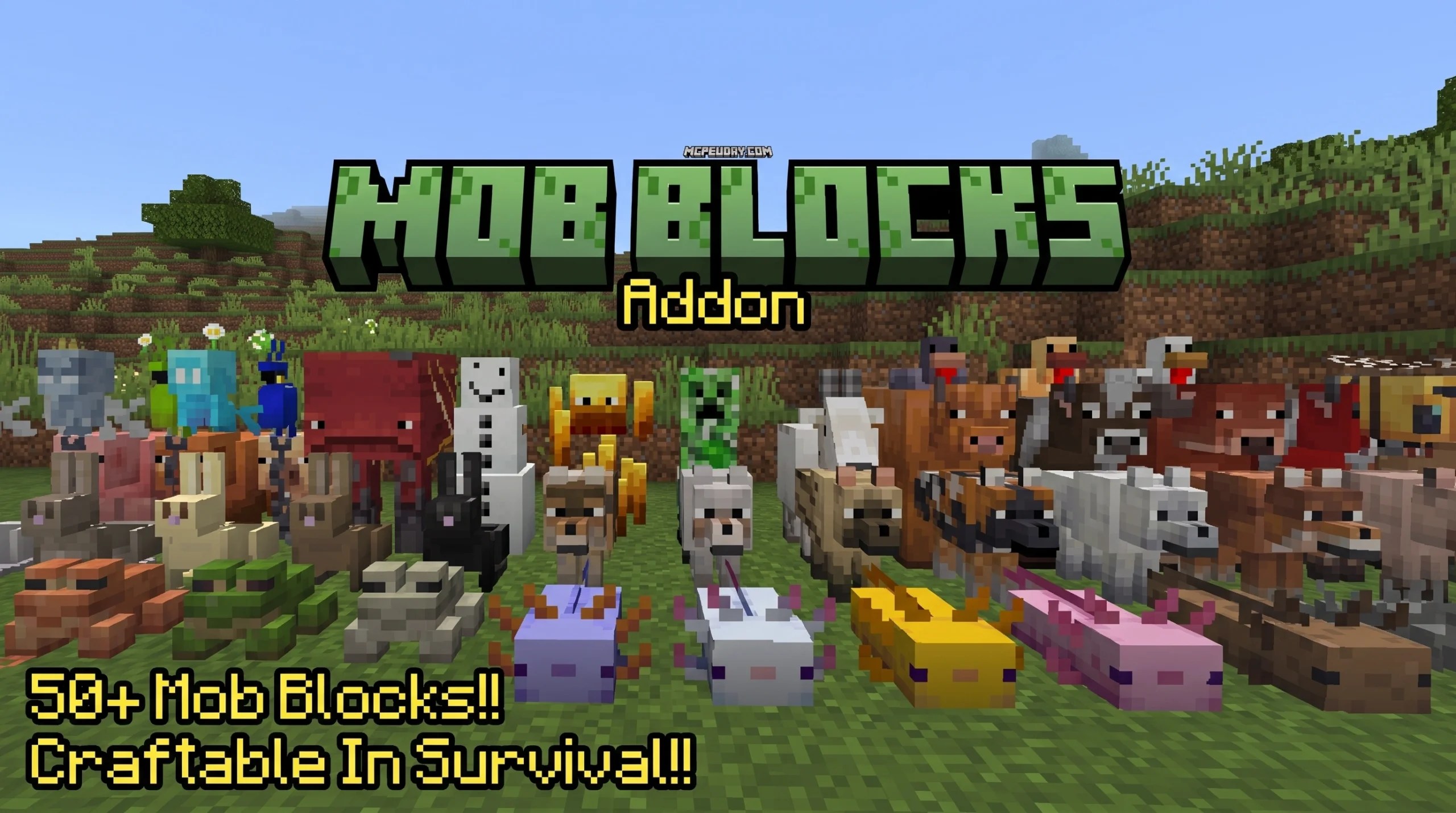
What the Mob Entity Blocks Mod Is and How to Get It Fast
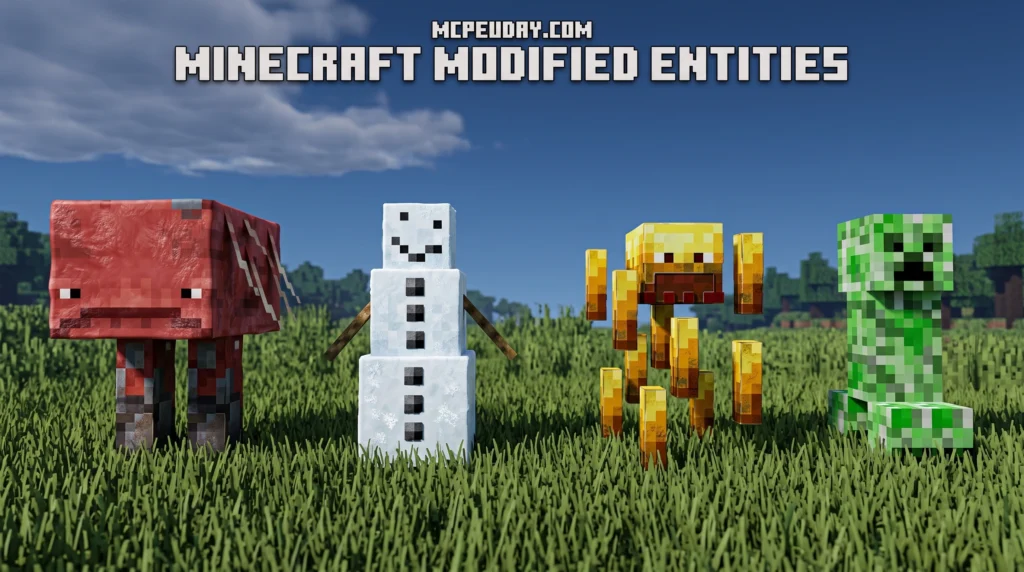
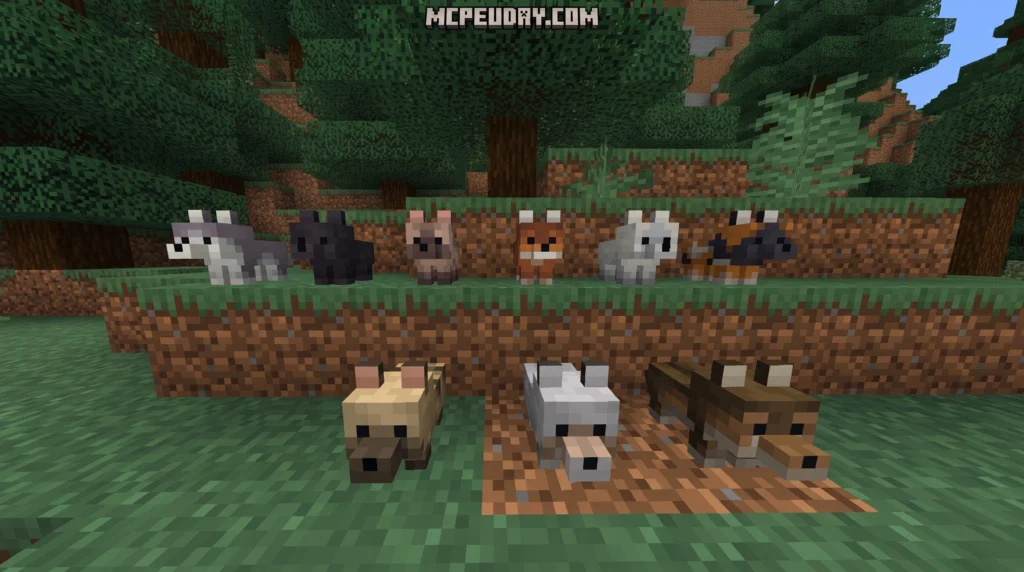
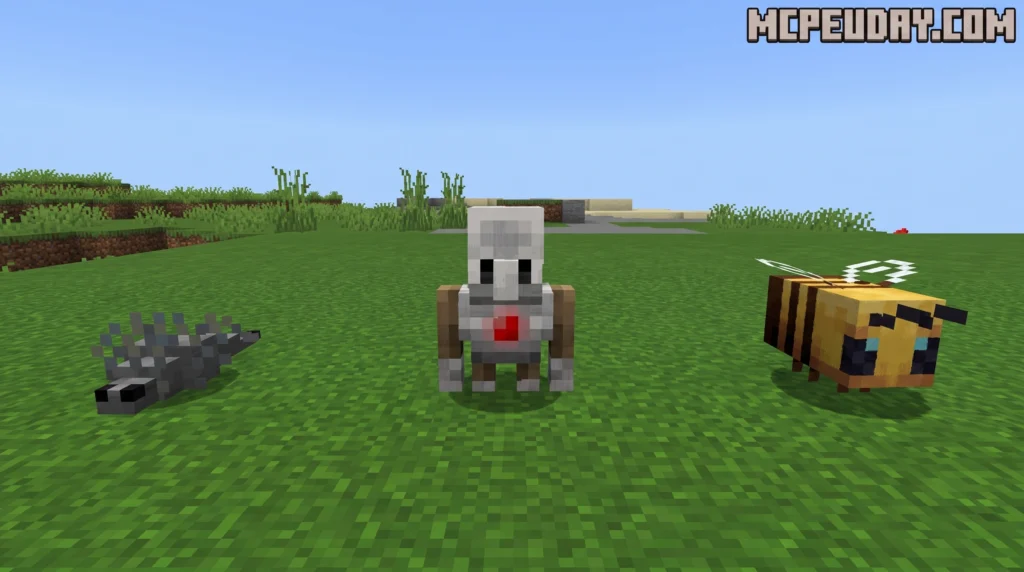
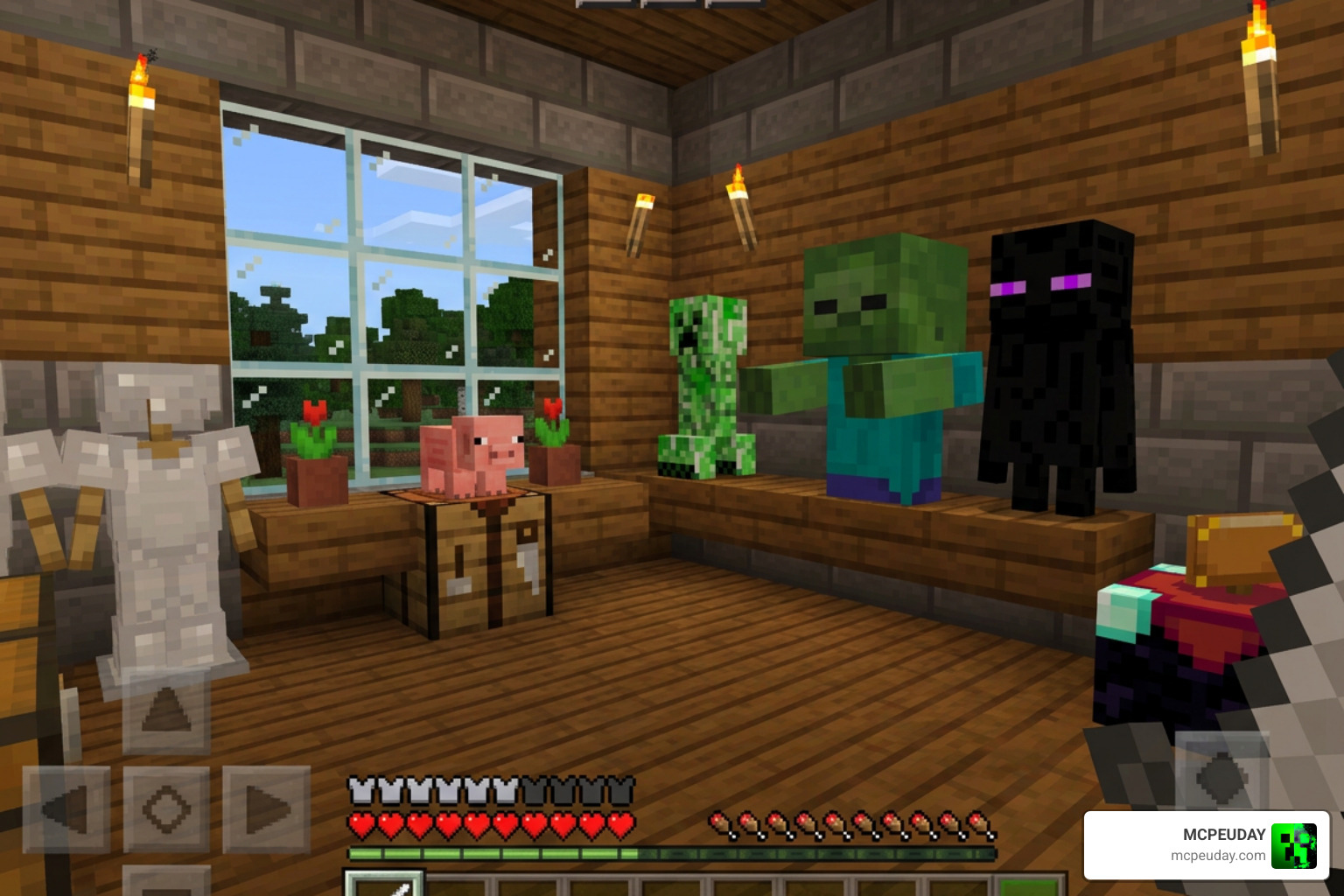
The Mob Entity Blocks mod is a Bedrock Edition addon that adds 51 unique decorative blocks shaped like your favorite Minecraft mobs – and you can download it fast right here on MCPEUDAY.
Quick answer for what this mod includes:
- 51 mob-themed decorative blocks (wolves, axolotls, cows, pigs, parrots, and more)
- Crafted in a stonecutter using soul sand (Survival mode)
- Available instantly in the Creative inventory
- Supports Minecraft 1.21 and 1.26 on Android, iOS, and Windows
- Download the
.mcaddonfile – no complicated setup required
It has earned a 4.6 rating and racked up over 31,000 downloads, which tells you players are genuinely loving it.
The inspiration behind the addon is the fan-favorite Copper Golem statue concept – that decorative, mob-shaped block idea that never made it into vanilla Minecraft. This addon brings that idea to life, and then some.
Because these are decorative blocks instead of live mobs, they are much easier to use in detailed builds. You do not need leads, fences, name tags, mob-proof lighting, or special enclosures just to keep your display looking right. Place the block where you want it, rotate your design around it, and keep building without worrying about pathfinding or despawning.
Whether you want to build a mini-museum, design a themed room, or just add some personality to your base, these blocks make it easy.
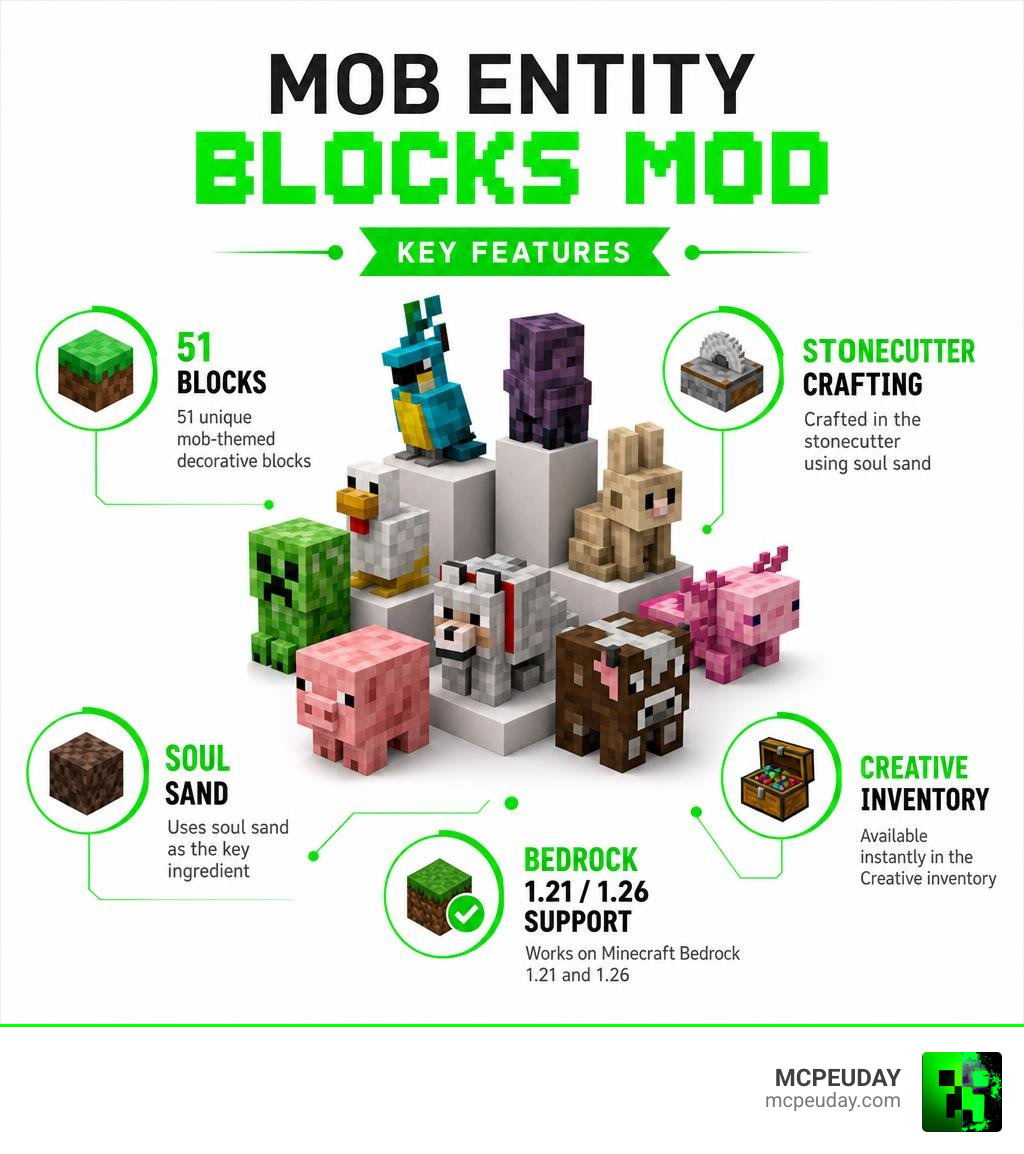
What is the Mob Entity Blocks mod?
If you have ever wanted to decorate your base with cute, stationary versions of Minecraft’s creatures without the hassle of leading a live cow up three flights of stairs, the Mob Entity Blocks mod is your dream come true. This creative addon introduces 51 unique mob-themed blocks to Minecraft Bedrock Edition.
The concept takes major inspiration from the legendary Copper Golem statue from previous Mob Votes. Instead of trying to keep erratic mobs in place with name tags and fences, this mod lets you place beautifully modeled, static block versions of them anywhere you like.
We love how clean these models look, and because we know you want to get straight to building, we make sure you can get a fast download here on MCPEUDAY. For more incredible additions to your worlds, check out our Category/Mod Addons section.
Featured Mobs and Variants in the Mob Entity Blocks mod
The variety in this addon is what makes it stand out. It doesn’t just give you a generic “dog block” or “cat block.” Instead, it dives deep into the actual variants found in the game.
Here are some of the fantastic mob blocks you can expect to find:
- Wolf Variants: Featuring the standard wolf plus several regional variants and the adorable baby wolf block.
- Axolotls: Multiple color variants to brighten up your underwater builds or aquariums.
- Farm Animals: Classic cows, chickens, pigs, and goats.
- Wild Creatures: Rabbits, colorful parrots, busy bees, and even Zombie Pigmen for your Nether-themed builds.
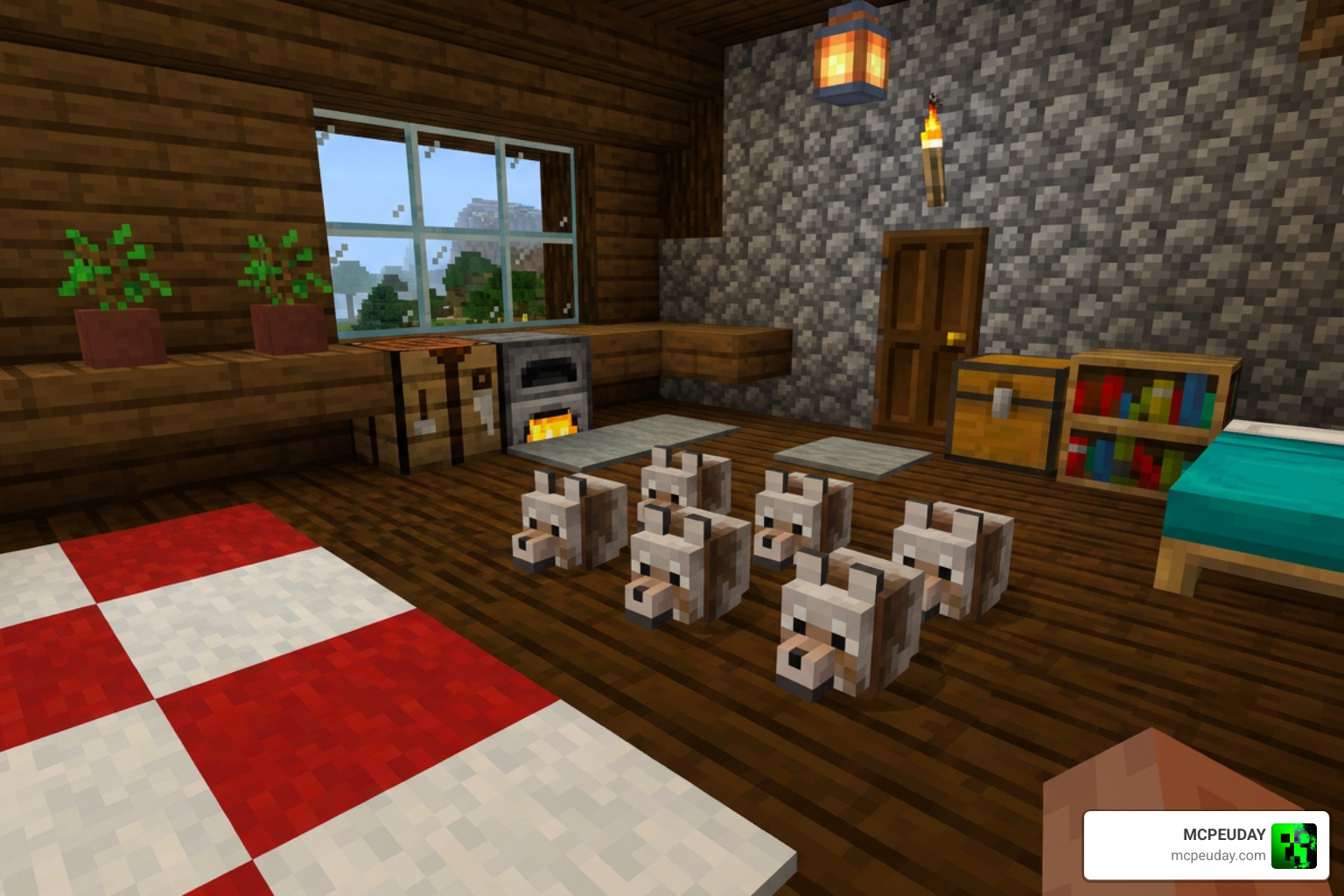
Each block is perfectly scaled and styled to capture the essence of the actual mob, giving your builds an incredibly lively (yet safely frozen) atmosphere.
How to Craft and Obtain Mob Blocks in Survival and Creative
One of our favorite things about the Mob Entity Blocks mod is how accessible it is. You do not have to restrict yourself to Creative mode just to enjoy these designs. The creator made sure that survival builders can easily craft every single one of these 51 blocks.
In Creative mode, you can skip the crafting entirely. The addon integrates seamlessly into your Creative UI, placing all 51 blocks into a dedicated, custom creative inventory group so you do not have to search through hundreds of vanilla blocks to find them.
To help you understand the differences in how you can obtain these blocks, we have put together this quick comparison table:
| Feature | Survival Mode | Creative Mode |
|---|---|---|
| Primary Method | Crafted using a Stonecutter | Accessed directly via Creative Inventory |
| Required Materials | Soul Sand + Stonecutter | None (Infinite blocks) |
| Searchability | Crafted manually | Located in a dedicated custom group |
| Best Use Case | Cozy base decoration, survival achievements | Building museums, massive arenas, statues |
These blocks open up a world of creative possibilities. You can build local history museums showing off “taxidermied” mobs, design mob-themed game arenas, or build beautiful statues at the gates of your castle.
Crafting Baby Wolf Blocks and Other Variants
If you are playing in Survival mode, your journey starts with a Stonecutter and some Soul Sand.
To craft your favorite mob blocks, simply place a block of Soul Sand into the Stonecutter. The interface will immediately display the crafting options for all available mob blocks, including the highly sought-after baby wolf variants.
Thanks to the Baby Wolf Blocks Update (which keeps the file size incredibly light at just 303.56 KB), crafting and loading these detailed wolf variations is fast and won’t bog down your device’s performance.
Installation Guide and System Requirements
Getting the Mob Entity Blocks mod up and running on your device is a straightforward process. Because this is a Bedrock addon, it is fully compatible with Android, iOS, and Windows.
Here is our quick step-by-step guide to installing the mod:
- Download the
.mcaddonfile directly from MCPEUDAY. - Locate the downloaded file on your device and double-click or tap it to automatically import it into Minecraft.
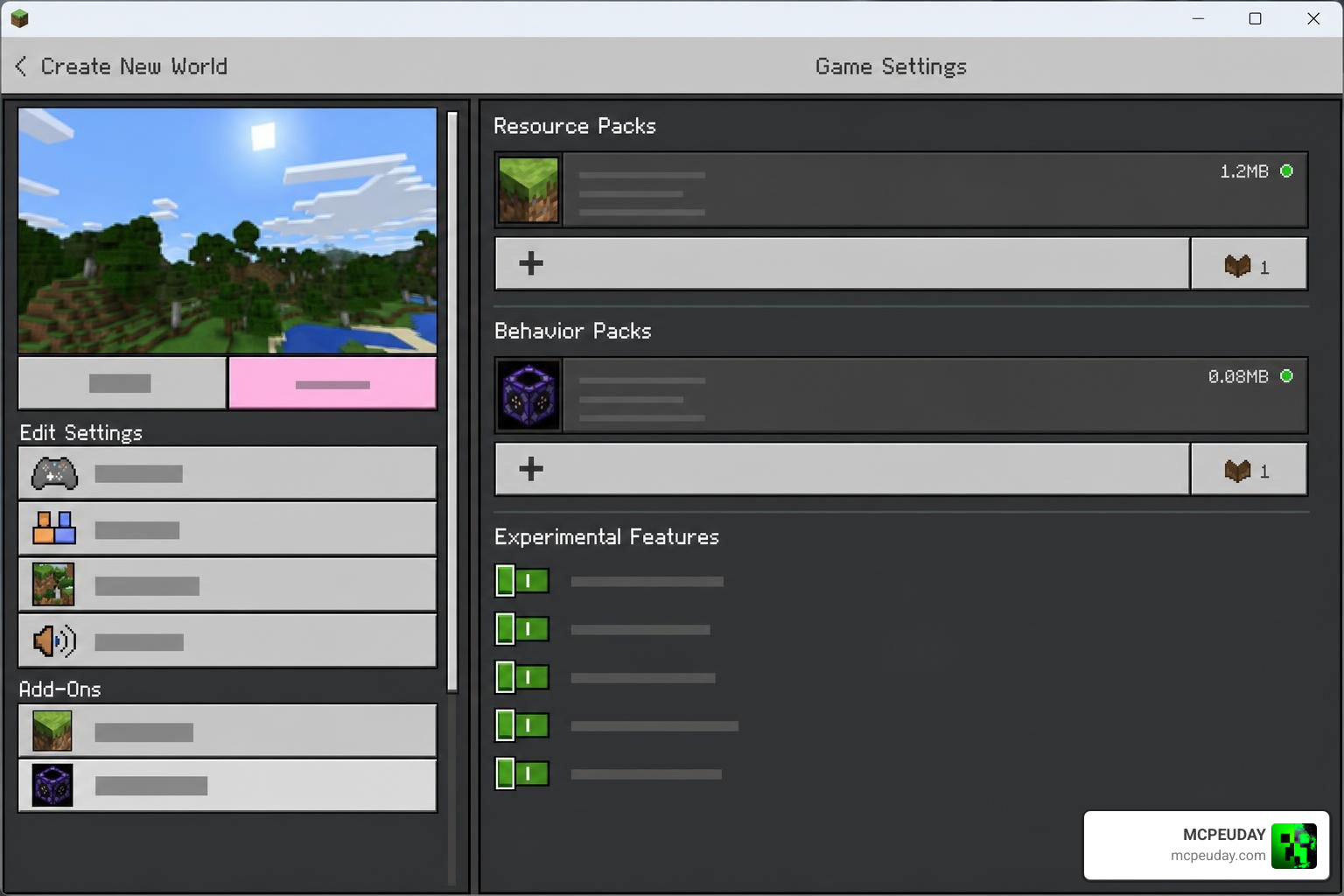
- Open Minecraft, go to your World Settings, and navigate to the Resource Packs and Behavior Packs sections.
- Activate the Mob Entity Blocks pack in both sections.
- Make sure to toggle Experimental Settings on in your world settings to ensure the custom blocks register correctly.
- Launch your world and start crafting!
For more tips and tricks on managing your game files, check out our category/gaming resources.
Supported Minecraft Versions for the Mob Entity Blocks mod
This addon is fully updated and optimized for the latest versions of Minecraft Bedrock, including 1.21 and the newer 1.26 updates in 2026.
If you love playing around with unique entity mechanics in Bedrock, you might also want to check out the All Entities Solid Addon For Minecraft Bedrock to see how you can change physical interactions with mobs in your world.
Comparing Mob Entity Blocks to Other Minecraft Mods
When looking at mods that deal with blocks and entities, it is helpful to see how they compare to other popular community creations.
For instance, if you have played Java Edition, you might be familiar with the CarryOn mod, which allows players to physically pick up and move block entities (like chests or actual mobs) with their hands. While CarryOn is incredibly fun, it is known to sometimes suffer from multiplayer bugs (such as the infamous GitHub Issue #906 where picking up an entity causes client disconnects on dedicated servers).
You can see a demonstration of similar Java concepts in this Pick Up BLOCKS & ENTITIES in Minecraft 1.20+ Java … – YouTube video.
Another famous technical mod is Enhanced Block Entities (EBE), a client-side Fabric mod designed to boost rendering performance. EBE works by rendering block entities (like chests) as baked block models, which can increase frame rates by up to 155% when rendering thousands of chests. You can find the source code at FoundationGames/EnhancedBlockEntities .
Unlike EBE or CarryOn, which modify game engine performance or core physics, the Mob Entity Blocks mod is purely decorative. It doesn’t alter vanilla AI or risk server desyncs; it simply gives you gorgeous, lightweight blocks to build with.
If you are a Java player looking for other gameplay enhancements, you should take a look at the Better Combat Mod 1 21 Best Combat Animation Mod For Minecraft Java or dive into our spooky Best Minecraft Horror Mods For Java Bedrock 2026 Guide
Frequently Asked Questions about Mob Entity Blocks
How many blocks does the Mob Entity Blocks mod add?
The mod adds 51 unique mob-themed blocks, featuring highly detailed variants of wolves, axolotls, chickens, cows, and more.
Is the Mob Entity Blocks mod compatible with Minecraft Bedrock 1.21 and 1.26?
Yes! The addon is fully compatible with Bedrock versions 1.21 and 1.26 across Android, iOS, and Windows.
Do I need to enable Experimental Settings to use this addon?
Yes, you must enable Experimental Settings (specifically Holiday Creator Features or Custom Biomes/Components depending on your exact version) in your world settings for the custom blocks to load properly.
Conclusion
The Mob Entity Blocks mod is an absolute must-have for any Bedrock builder looking to add personality, charm, and unique details to their worlds. With 51 custom blocks that are easy to craft in Survival or grab in Creative, your building options are virtually limitless.
We make downloading your favorite addons quick and painless. Head over to our main library to Explore more Minecraft Bedrock Addons and elevate your Minecraft experience today!
Great content! Keep up the good work!