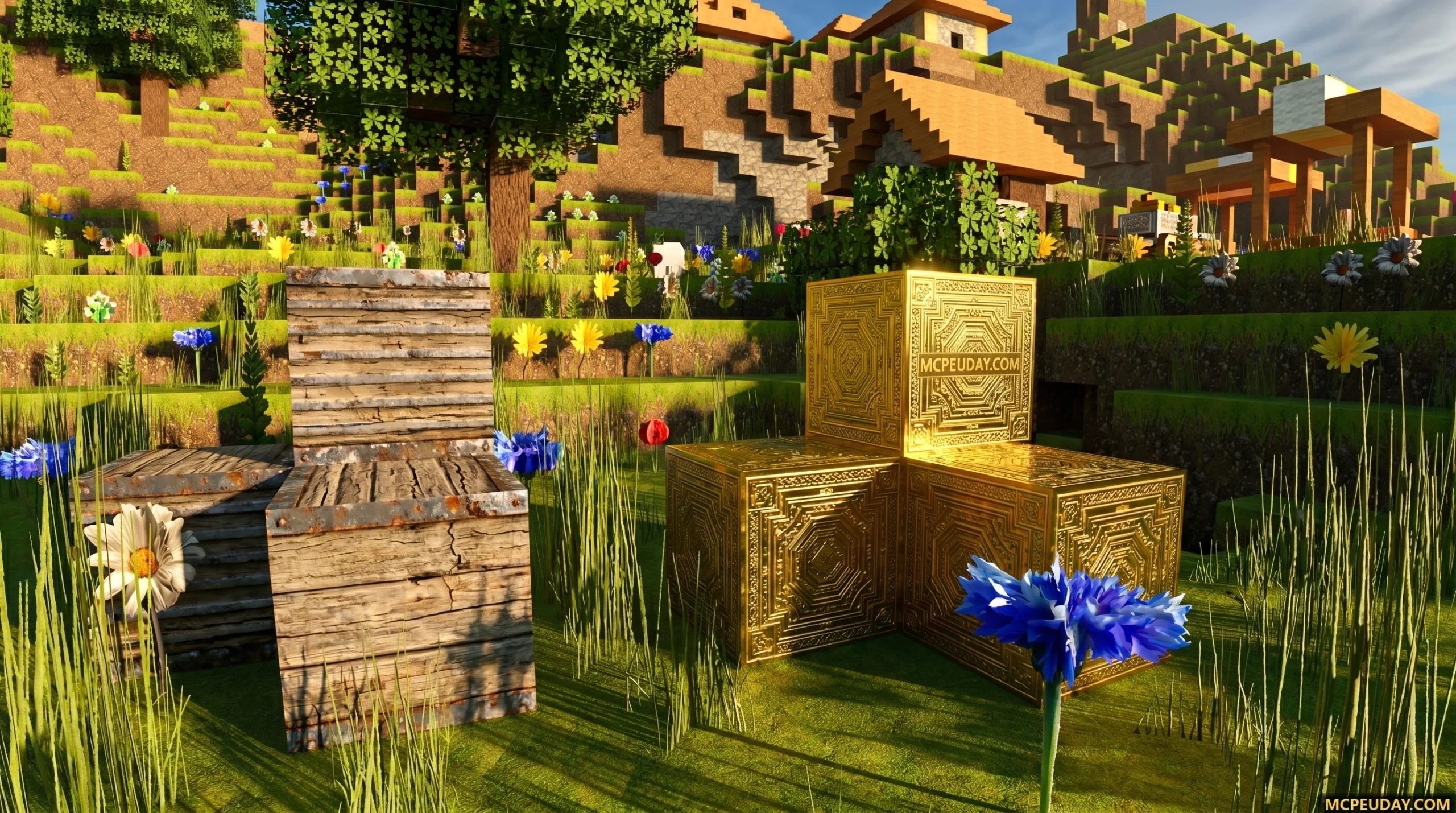
Why the Optimum Realism Shader Is the Most Popular Realistic Pack for Minecraft
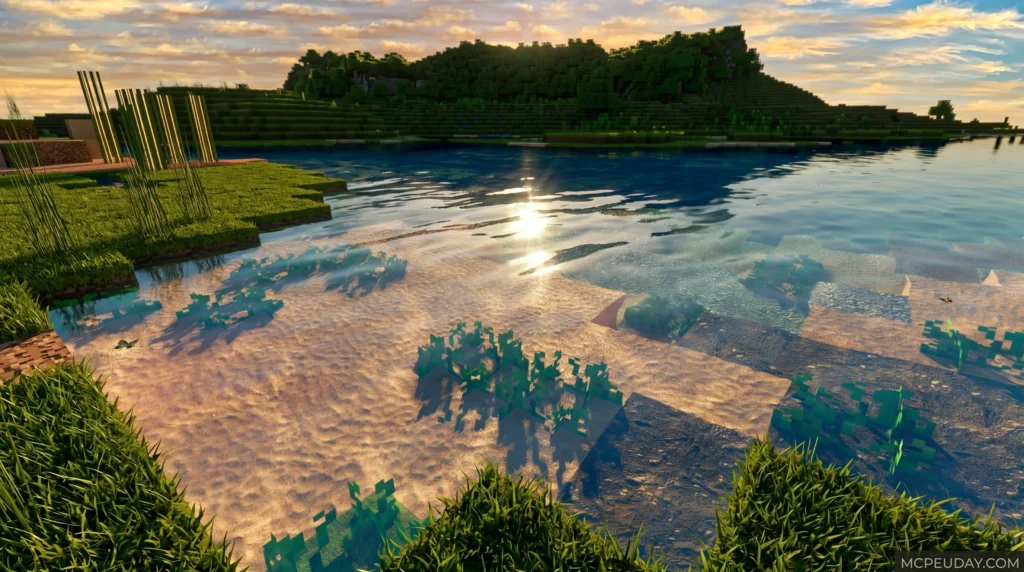
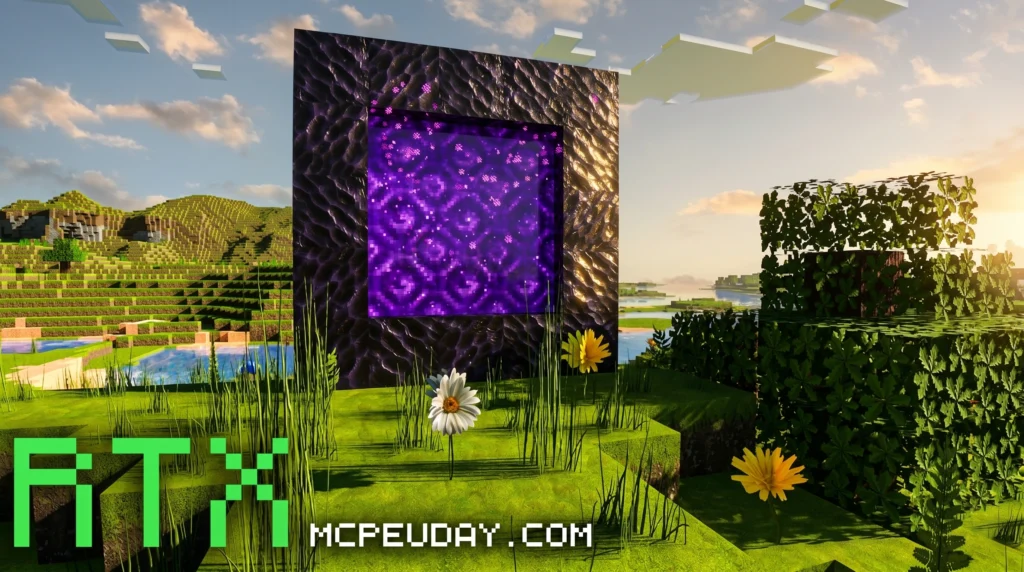
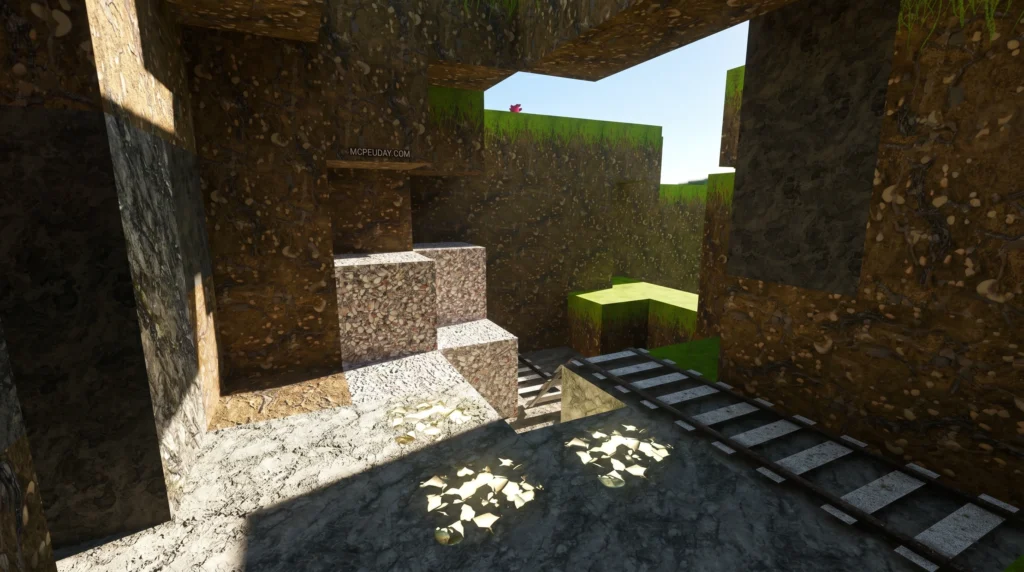
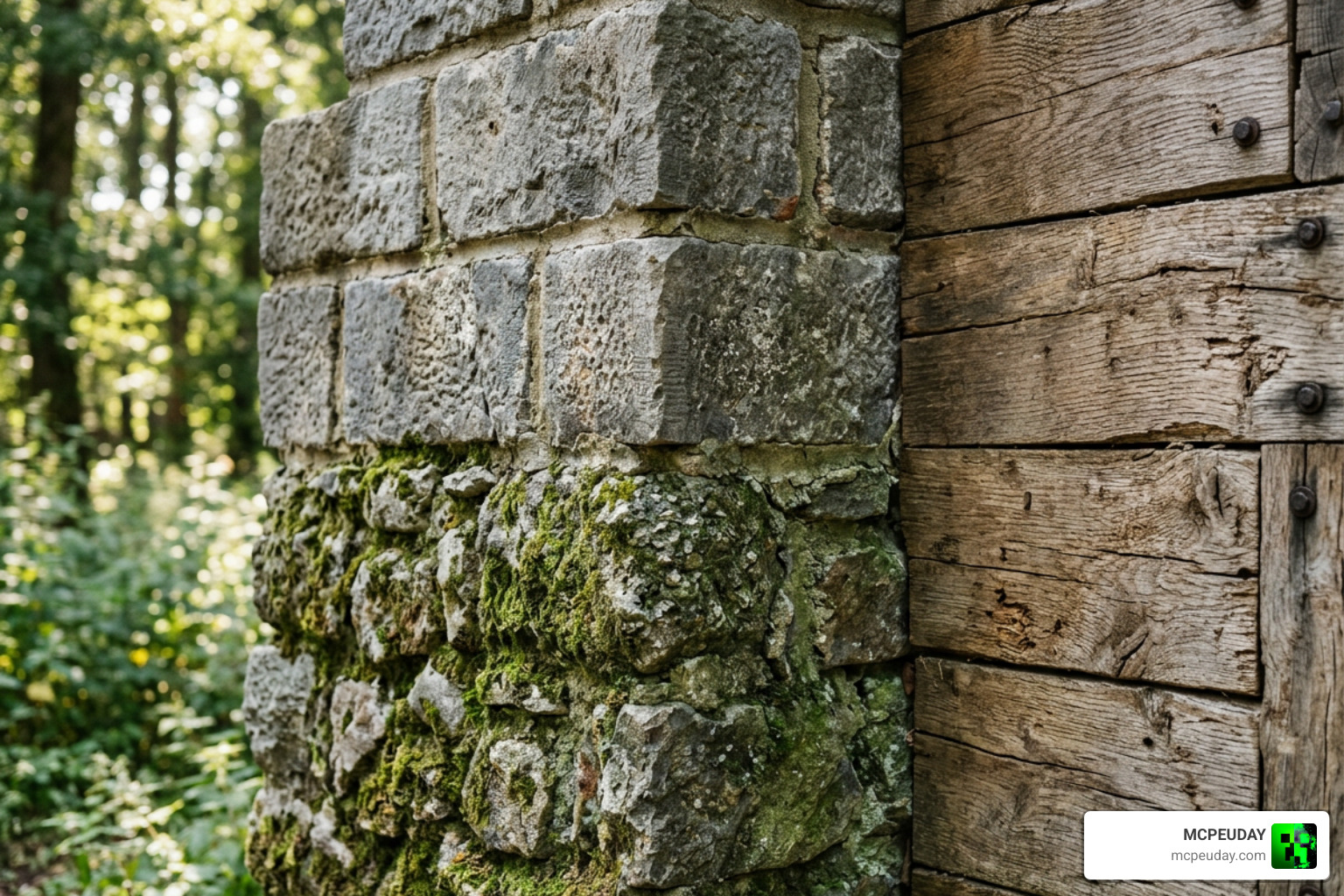
The Optimum Realism shader and resource pack combo is one of the most downloaded realistic visual overhauls available for Minecraft — with over 3 million downloads across platforms as of June 2026.
Quick Answer: Optimum Realism is a high-resolution resource pack that uses PBR (Physically Based Rendering) and POM (Parallax Occlusion Mapping) to make Minecraft blocks look like real-world materials. It requires a compatible shader (like BSL, Kappa, or SEUS) to unlock its full visual effects. The 64x version is free; higher resolutions (128x, 256x, 512x) require a paid membership.
At a glance:
- What it is: A realistic PBR + POM resource pack for Java and Bedrock editions
- Free version: 64x resolution, available on CurseForge and Modrinth
- Paid versions: 128x, 256x, and 512x via Patreon or Gumroad
- Minimum hardware: GTX 1050 GPU + 8GB RAM
- Works with: OptiFine, Iris + Fabric, and Bedrock RTX
- Downloads: 1.9M+ on CurseForge (Java), 957K+ on CurseForge (Bedrock)
Minecraft’s default textures are simple by design. But if you’ve ever wanted your builds to look like they belong in a modern AAA game — with stone that actually looks like stone, wood grain you can almost feel, and lighting that bounces realistically off every surface — Optimum Realism is built exactly for that.
When you first see screenshots of it running with shaders enabled, it’s genuinely hard to believe you’re still looking at Minecraft. The blocks are blocky, sure — but everything else looks surprisingly real.
This guide walks you through everything: what it is, how it works, how to install it on both Java and Bedrock, and how to get the best performance out of it.
What is the Optimum Realism Shader and Resource Pack?
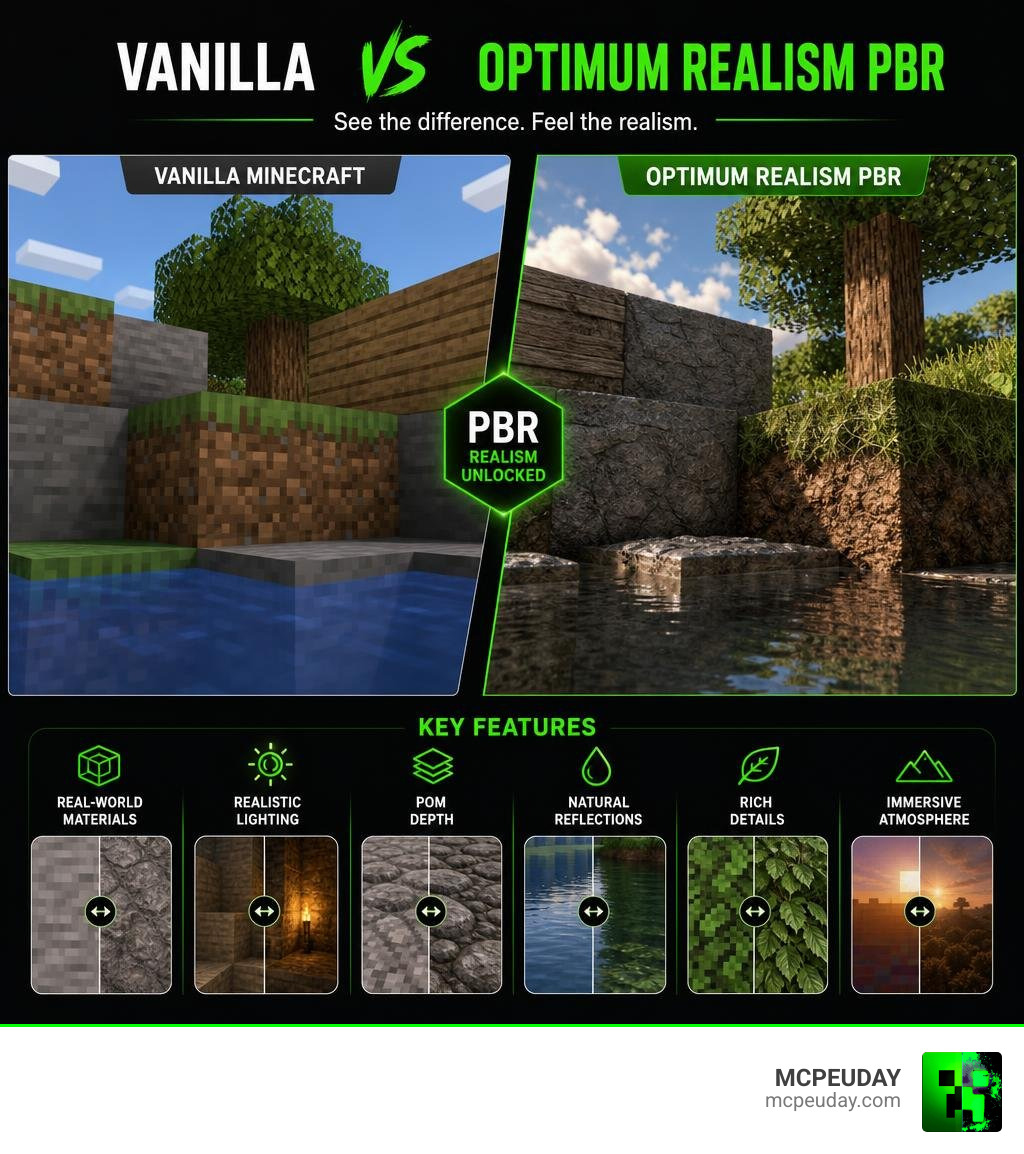
To get the most out of the Optimum Realism shader setup, we first need to understand that Optimum Realism is primarily an advanced, highly optimized resource pack. It replaces standard block textures with photorealistic, real-world counterparts. However, to see these textures in their full glory, you must pair them with a compatible shader engine.
What makes the Optimum Realism POM & PBR 64x/128x/256x/512x pack so different from typical HD resource packs is its technical sophistication. Instead of just slapping a flat, high-resolution photo onto a square block, this pack utilizes Physically Based Rendering (PBR) and Parallax Occlusion Mapping (POM).
PBR gives each material realistic physical properties. Light doesn’t just hit blocks uniformly; it reflects off metal, scatters softly on dirt, and glimmers on wet surfaces. POM adds actual 3D depth to flat surfaces without killing your frame rate, making bricks stand out and gravel look bumpy.
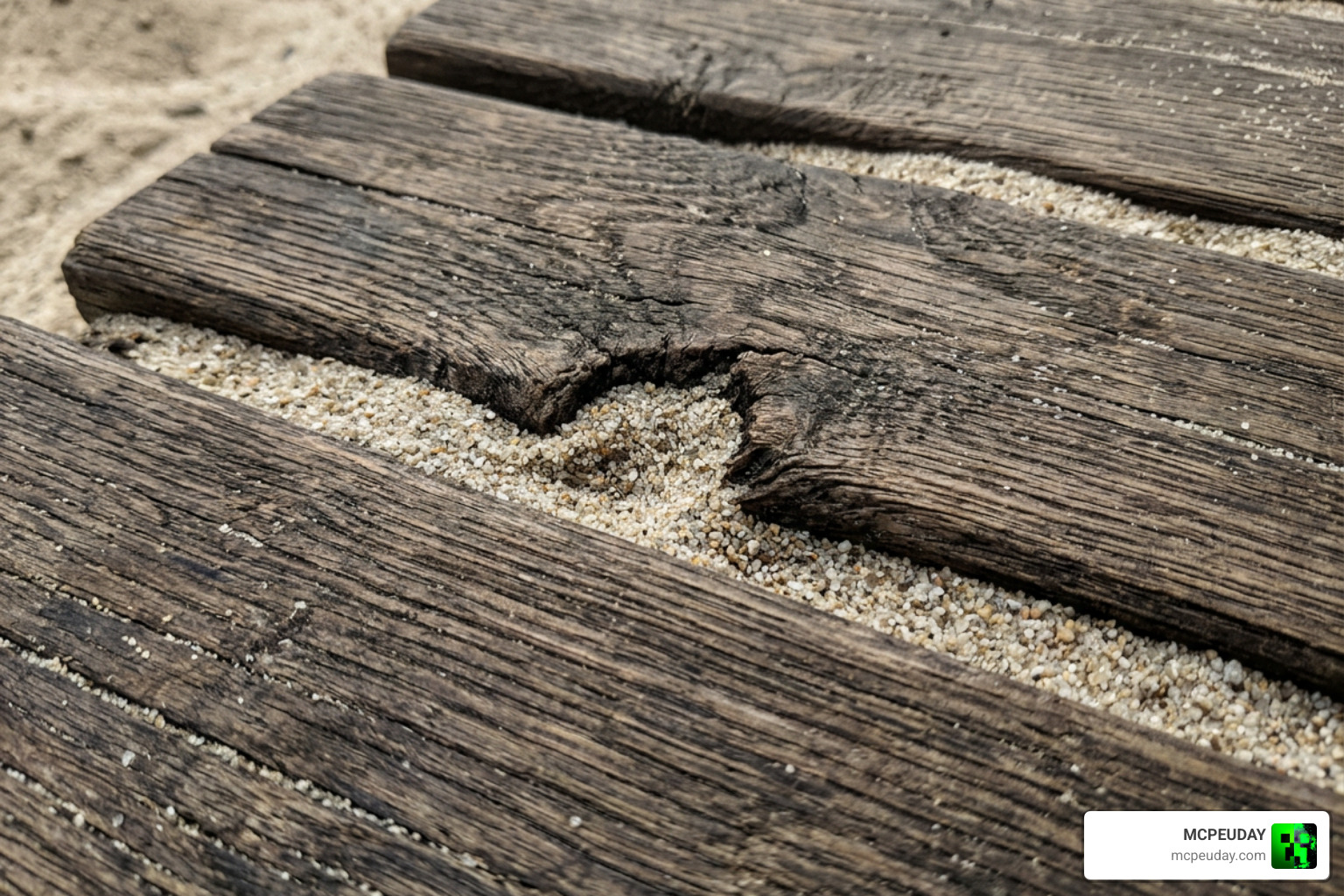
Through innovative depth-write POM, the textures even interact with each other. For example, sand realistically fills the crevices in wooden planks, and snow sits naturally inside the grooves of stone blocks.
Key Features of the Optimum Realism Shader Setup
- 690+ PBR Textures: Over 650 blocks have been entirely redesigned with custom material maps.
- Depth-Write POM: Adds physical depth so blocks look genuinely 3D.
- Connected Textures: Glass, sandstone, and polished stones merge seamlessly without ugly block borders.
- Emissive Blocks: Ore veins, redstone components, and lanterns emit their own soft glow in dark environments.
- Custom Entity Models: Items like buckets, anvils (featuring high-poly modeling), and beds look incredibly detailed.
Supported Editions, Resolutions, and Licensing
We love how accessible Optimum Realism is. It is fully compatible with both Java Edition (from version 1.16 up to the latest 1.21+) and Bedrock Edition (supporting RTX ray tracing and deferred rendering).
The pack is offered in several resolution tiers to match your hardware capabilities:
| Resolution | Access Type | Performance Impact | Recommended GPU |
|---|---|---|---|
| 64x | Free | Very Low | GTX 1050 / GTX 1650 |
| 128x | Paid (Patreon) | Low to Medium | GTX 1060 / RTX 3050 |
| 256x | Paid (Patreon) | Medium | RTX 2060 / RTX 3060 |
| 512x | Paid (Patreon) | High | RTX 3070 / RX 6700 XT |
If you want to support the creator and unlock the higher-resolution versions, you can join the official Optimum Realism — creating mouth-watering Minecraft texture-packs Patreon.
Licensing Note: The assets in Optimum Realism are strictly protected. You are welcome to use them for personal gameplay and showcase them in videos, but you cannot redistribute the files or use them for commercial purposes without explicit permission.
System Requirements for Running the Optimum Realism Shader
Despite looking like a next-gen game, the Optimum Realism shader configuration is surprisingly lightweight.
- Minimum Specs (64x/128x): GTX 1050 or equivalent GPU, 8GB of system RAM, and a processor from the last 5 years.
- Recommended Specs (256x/512x): GTX 1080 / RTX 2060 or newer, and at least 16GB of system RAM (with at least 2-4GB allocated to Minecraft).
If your system struggles with high-end setups, we recommend checking out lightweight alternatives like the Newb X Ambient Shader for Minecraft Ultra Realistic Lighting Smooth FPS Boost 2026 Guide to keep your frame rates buttery smooth.
Step-by-Step Installation Guide for Java and Bedrock
Installing on Java Edition (Iris + Fabric – Recommended)
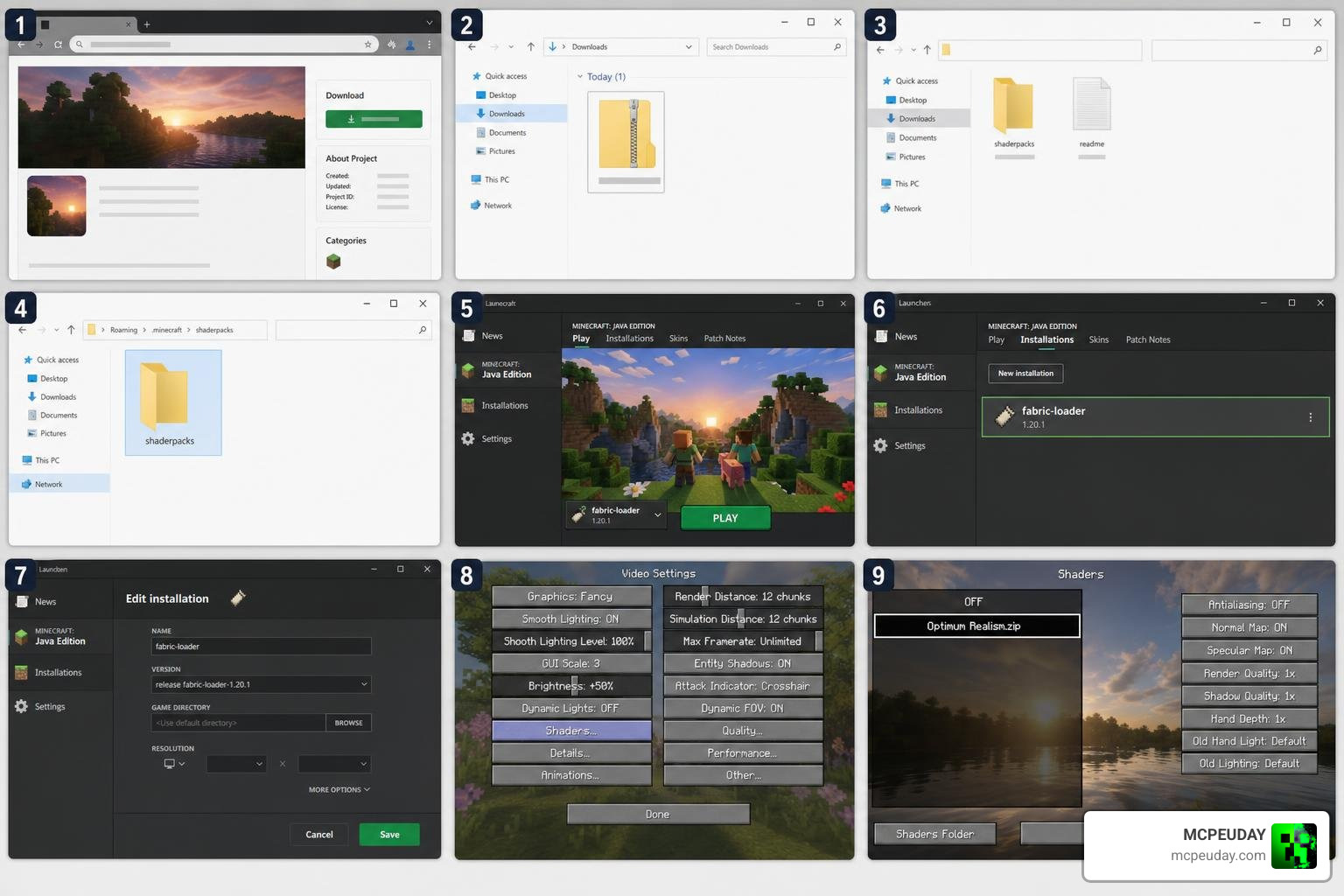
For the best performance, we highly recommend using the Fabric mod loader alongside Iris and Sodium.
- Download and install Fabric for your Minecraft version.
- Download the Iris + Sodium mod combination and place them in your
modsfolder. - Download the Polytone mod (required to make custom colormaps work with Iris).
- Download the free 64x version of Optimum Realism from CurseForge or get a premium version from Patreon.
- Place the downloaded
.zipfile into yourresourcepacksfolder. - Launch Minecraft, go to Options > Resource Packs, and move Optimum Realism to the selected list.
Installing on Java Edition (OptiFine)
- Download and install the OptiFine version matching your Minecraft client.
- Go to Options > Video Settings and enable:
- Connected Textures (Fancy)
- Custom Entity Models (On)
- Emissive Textures (On)
- Place the Optimum Realism
.zipfile in yourresourcepacksfolder and activate it.
How to Configure Shaders for the Optimum Realism Shader Pack
To make the textures pop with 3D depth, you must configure your shader settings correctly. Popular shader engines like BSL, Kappa, or SEUS PTGI work beautifully.
- Open your game and navigate to Shader Options.
- Locate the Materials or Surface tab.
- Set the PBR Format to LabPBR (or standard PBR depending on the shader).
- Enable Parallax Occlusion Mapping (POM).
- Adjust the POM Depth slider to your liking (usually between 8.0 and 16.0 works best).
For mobile or lower-end PC players looking for a similar lightweight aesthetic, trying out the Newb X Soleil Shader Best Lightweight MCPE Shader for Realistic Graphics is a fantastic alternative.
Installing Optimum Realism on Bedrock Edition
Optimum Realism is the #1 most downloaded realistic HD resource pack on CurseForge for Bedrock, with over 957k downloads!
- Download the Bedrock-specific
.mcpackfile from CurseForge. - Double-click the file to automatically import it into Minecraft Bedrock.
- Go to Settings > Global Resources and activate the pack.
- If you are playing on an RTX-enabled PC, ensure Ray Tracing is toggled on in your video settings.
- For mobile devices, you can use deferred rendering shaders designed for MCPE. If you need a lightweight alternative for Bedrock, check out the Newb X Lowres Renewed Shader Best Lightweight Shader for Minecraft PE Bedrock.
Frequently Asked Questions about Optimum Realism
Is the Optimum Realism shader free to download?
Yes! The 64x resolution version is 100% free to download and enjoy. It includes the core PBR and POM features. If you want the ultra-crisp 128x, 256x, or 512x resolutions, those are reserved for Patreon members.
Which shaders work best with the Optimum Realism shader pack?
We highly recommend Kappa, BSL, or SEUS. These shaders have dedicated LabPBR support that handles the reflective surfaces and deep POM calculations flawlessly. If you are looking for a highly versatile shader that scales well across different devices, read our guide on the Newb X Future Shader for Minecraft Best Realistic Shader for Low End High End Devices.
Does Optimum Realism work on low-end devices?
The 64x version runs surprisingly well on lower-end hardware, including a GTX 1050 with 8GB of RAM. However, if you experience frame drops, we recommend turning off POM in your shader settings or lowering your render distance.
Conclusion
At MCPEUDAY, we believe that the Optimum Realism shader and resource pack setup is a must-try for any Minecraft enthusiast. It strikes a rare, beautiful balance between jaw-dropping photorealism and solid game performance.
Whether you are building a massive medieval castle on Java or exploring caves with real-time ray tracing on Bedrock, this pack completely redefines how Minecraft looks and feels.
Ready to explore more incredible graphical upgrades? Check out our curated list of the Best Shaders for MCPE 1.21 2026 Top 3 Realistic Minecraft PE Shaders to take your pocket edition gameplay to the next level!