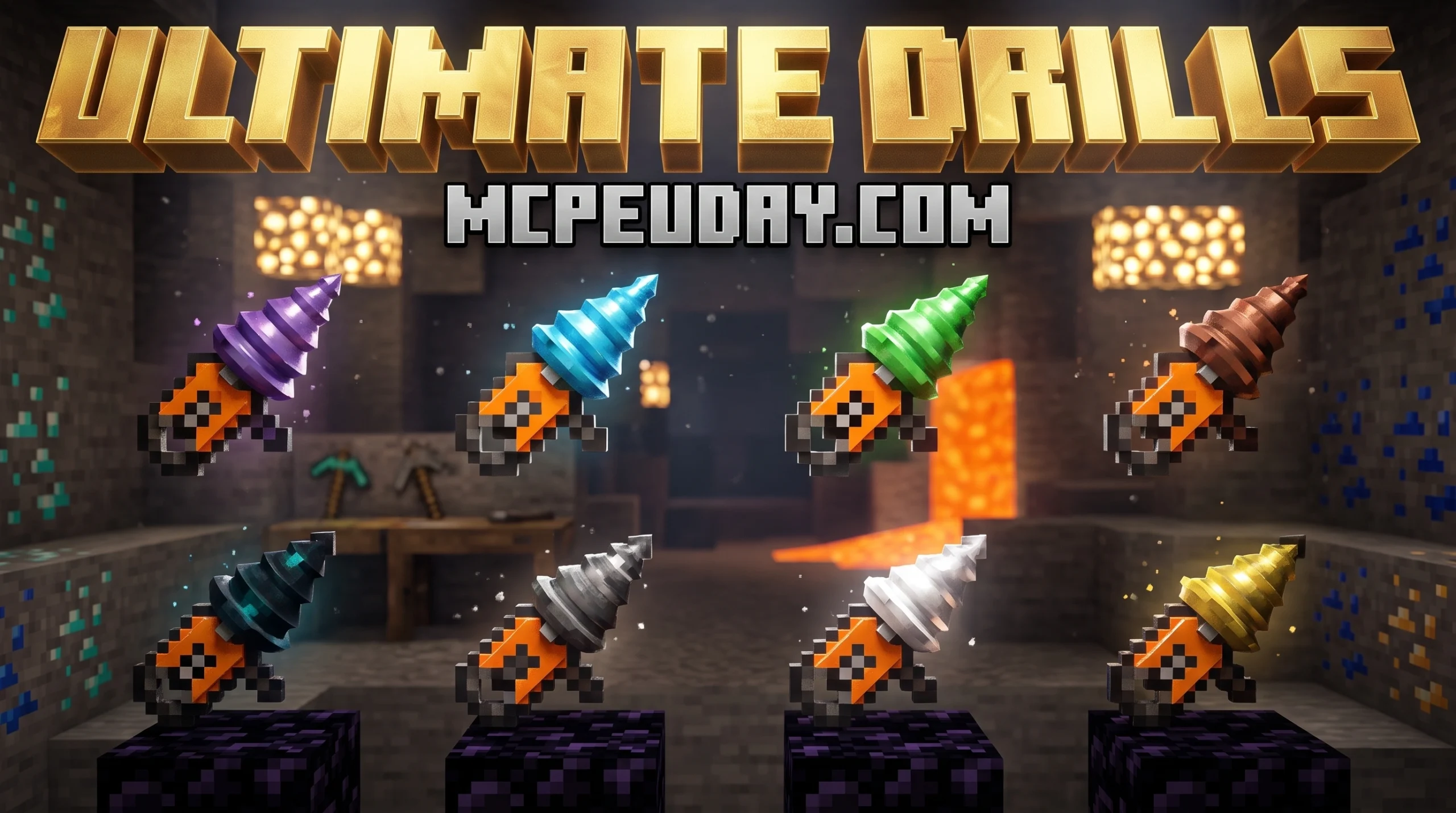
Why the Ultimate Drills Addon\MOD Is the Mining Upgrade You’ve Been Waiting For
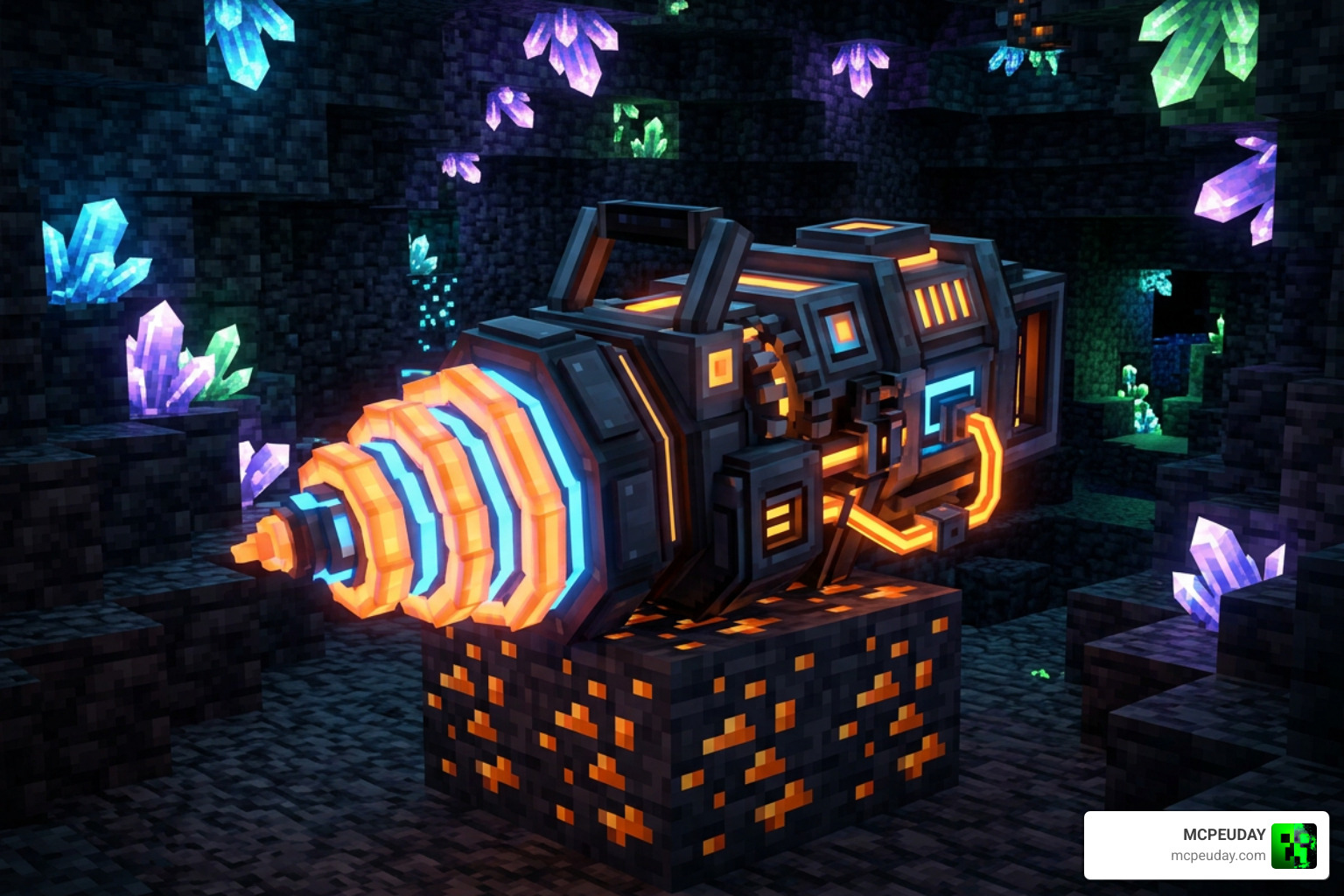
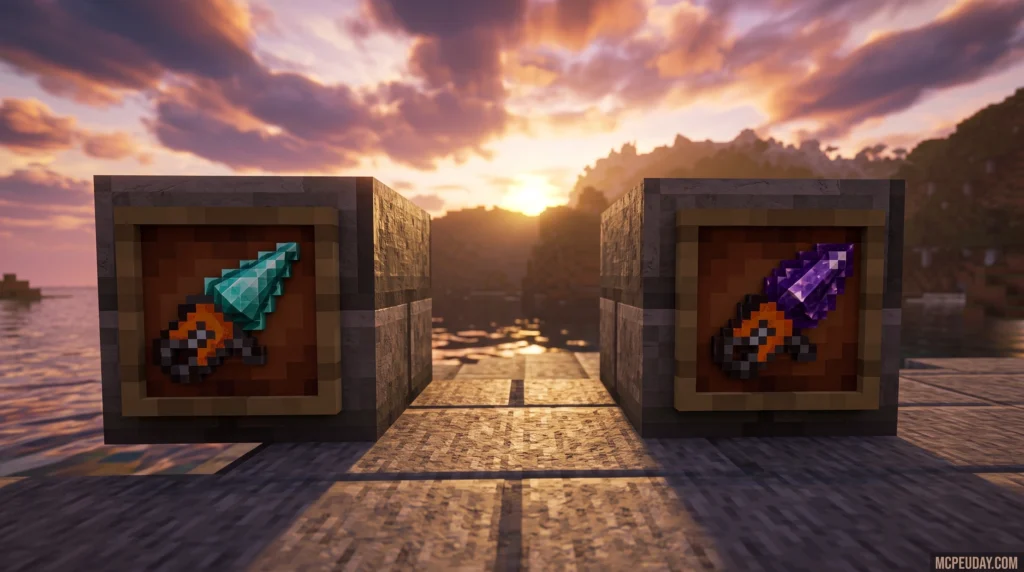
The Ultimate Drills Addon\MOD for Minecraft Bedrock Edition replaces your basic pickaxe with a full system of tiered drills — each with unique abilities, a heating/cooling mechanic, and four switchable mining modes.
Quick answer for what this addon includes:
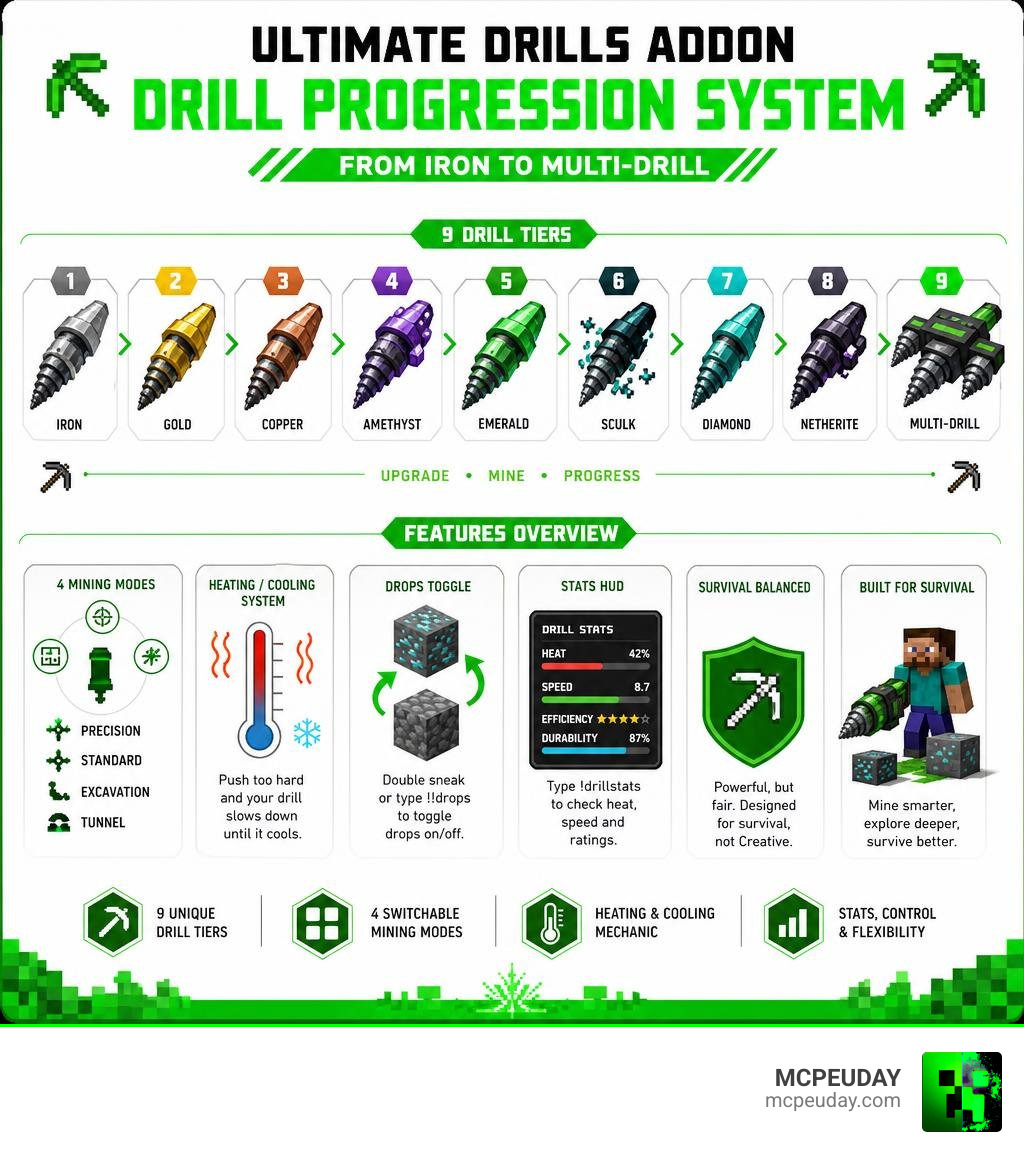
- 9 drill tiers — Iron, Gold, Copper, Amethyst, Emerald, Sculk, Diamond, Netherite, and Multi-Drill
- 4 mining modes — Precision, Standard, Excavation, and Tunnel
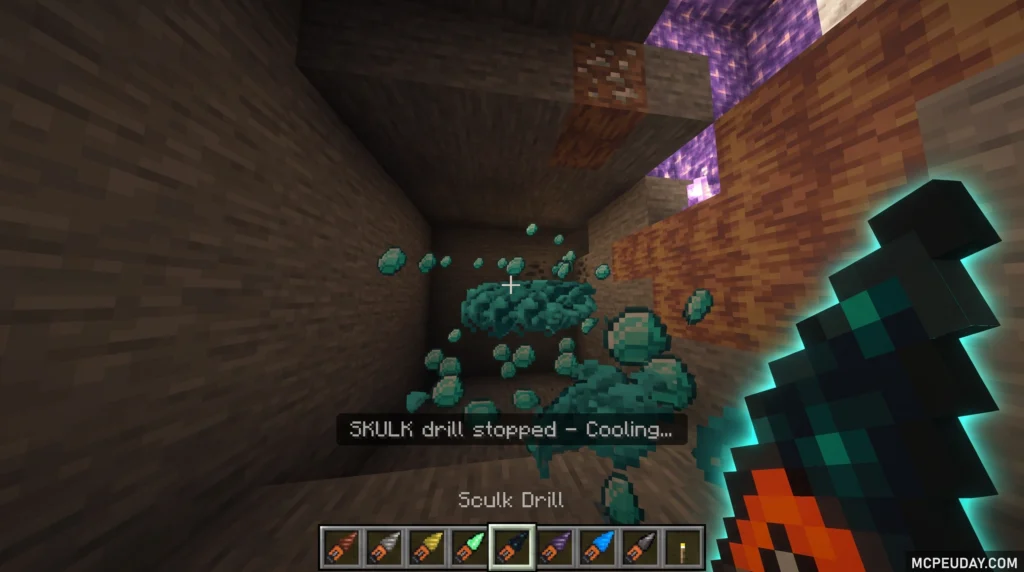
- Heating/cooling system — push too hard and your drill slows down until it cools
- Drops toggle — double sneak or type
!!dropsto turn block drops on/off - Stats HUD — type
!drillstatsto check heat, speed, and ratings - Survival-balanced — intentionally nerfed so it doesn’t break your world
If you just want to know whether this addon is worth installing: yes, especially for survival worlds and SMP servers where you want faster mining without making the game feel like Creative Mode.
Over 200,000 players have downloaded it across platforms, and it supports Minecraft Bedrock versions from 1.20 through 1.21 and the newer 26.x releases.
This guide covers everything — features, all 9 tiers, crafting recipes, and a step-by-step installation walkthrough for Android, iOS, and Windows.
What is the Ultimate Drills Addon\MOD?
For years, mining in Minecraft Bedrock Edition has remained relatively unchanged. You swing a pickaxe, break a block, and repeat. While various tools have tried to speed up this process, they often feel too overpowered, essentially turning your survival experience into creative mode. The Ultimate Drills Addon\MOD completely changes this dynamic by introducing a realistic, balanced, and highly satisfying drilling system built specifically for Bedrock Edition.
Created as a survival-friendly utility, this addon replaces the repetitive grind of manual mining with high-tech machinery. We at MCPEUDAY love how this mod balances speed with smart limitations. Instead of giving you infinite mining power, it introduces a progression system where you must manage your tool’s physical limits. Whether you are playing on a solo survival world or hosting a multiplayer SMP server, this addon keeps the core gameplay challenging yet highly rewarding.
Core Features of the Ultimate Drills Addon\MOD
The standout feature of this addon is its versatility. Every single drill comes equipped with four distinct operational modes that you can cycle through on the fly:
- Precision Mode: Mines a single block at a time. This is perfect for careful excavation, building, or extracting valuable ores without destroying the surrounding blocks.
- Standard Mode: Boosts your mining speed slightly while maintaining a controlled area.
- Excavation Mode: Clear out large 3×3 areas quickly. This is your go-to mode for clearing out underground bases or collecting massive amounts of stone.
- Tunnel Mode: Digs a clean, walk-through corridor ahead of you, making strip mining incredibly efficient.
Managing your inventory during massive digs can be a nightmare. Thankfully, the creator included a smart drops toggle. By double-sneaking or typing the !!drops command, you can instantly toggle whether broken blocks drop as items or disappear entirely. Keeping drops off is highly recommended for server performance and keeping your inventory free of clutter.
Additionally, you can keep track of your tool’s performance using the stats HUD. By typing !drillstats in the chat, you can view real-time ratings, heat levels, and RPM speeds. If you enjoy this style of automated resource gathering, you should also check out the Ultimate Vein Miner Addon for even faster ore collection.
Gameplay Balance and Limitations of the Ultimate Drills Addon\MOD
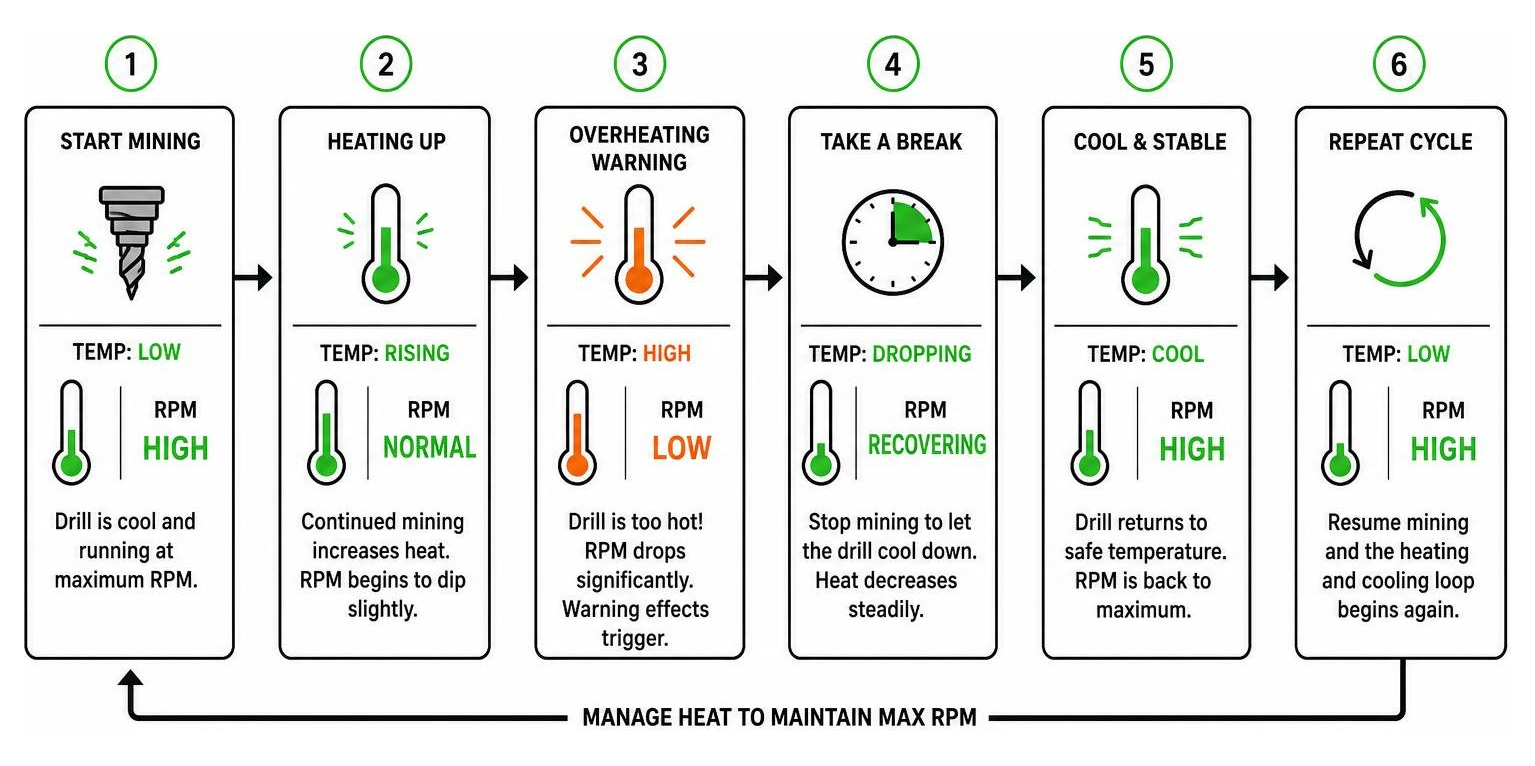
To prevent these drills from feeling like cheats, the mod features an integrated heating and cooling loop. As you mine continuously, your drill’s temperature rises. If you push the tool past its limit, the RPM (rotations per minute) will dip dramatically, causing the drill to slow down. Visual steam particles and warning sound effects will flare up, letting you know it is time to take a quick break and let the tool cool down.
Furthermore, these drills are built strictly for mining. If you try to use them as weapons, the addon triggers entity-safe warnings, and the damage dealt is minimal. This ensures that traditional weapons remain necessary for self-defense. If you prefer a more classic selection of tools without high-tech heat mechanics, you can always look into the More Tools Addon.
Drill Tiers, Crafting Recipes, and Progression
The progression system in the Ultimate Drills Addon\MOD is incredibly satisfying. Rather than jumping straight to the most powerful tool, you must gather resources to upgrade your equipment step-by-step. There are 9 distinct drill tiers available, starting from basic Iron all the way up to the legendary Multi-Drill.
| Drill Tier | Key Material | Special Ability / Benefit | Durability |
|---|---|---|---|
| Iron | Iron Ingot | Basic entry-level mining tool | Low |
| Gold | Gold Ingot | Extremely fast mining speed, but wears out quickly | Very Low |
| Copper | Copper Ingot | Superior heat dissipation; cools down much faster | Medium |
| Amethyst | Amethyst Shard | Increased accuracy and slightly higher durability | Medium |
| Emerald | Emerald | Extra luck; yields more resources when mining ores | High |
| Sculk | Sculk Block | Silent operation; does not trigger Sculk Sensors or the Warden | High |
| Diamond | Diamond | Great balance of high speed, durability, and cooling | Very High |
| Netherite | Netherite Ingot | Complete fire immunity; highest single-tier mining speed | Extremely High |
| Multi-Drill | Ultimate Materials | Combines the best traits of all tiers into one ultimate tool | Unbreakable |
Tier Breakdown from Iron to Multi-Drill
Each tier has been designed with a specific purpose in mind. For instance, the Copper Drill is perfect for long mining sessions because its high thermal conductivity allows it to cool down twice as fast as other tiers. The Emerald Drill acts like a built-in Fortune enchantment, giving you extra drops from diamonds and redstone.
If you are brave enough to venture into the Deep Dark, the Sculk Drill is an absolute lifesaver. It operates in total silence, meaning you can clear out blocks right next to a Sculk Sensor without waking up the Warden. Finally, the Netherite Drill is completely immune to fire and lava, ensuring you won’t lose your hard-earned tool during a mishap in the Nether. If you like specialized tools with unique fantasy properties, you should also take a look at the Sculker Weapons and Tools Addon.
Crafting Recipes and Material Requirements
To start your drilling journey, you will first need to craft a basic drill frame. This usually requires a mix of redstone dust, iron ingots, and a central core. Once you have your basic drill, you can upgrade it using a Smithing Table or a standard Crafting Table by combining it with the respective tier materials.
For example, upgrading your Diamond Drill to a Netherite version requires a Netherite Template and a Netherite Ingot at a Smithing Table. If you want to expand your world’s underground resources to make crafting these high-tier drills even more exciting, check out our More Ores Add On Minecraft 1.21 26.x Download Guide.
Step-by-Step Installation Guide for Minecraft Bedrock
Installing the Ultimate Drills Addon\MOD is straightforward, but it does require you to follow a few specific steps to ensure all custom scripts and textures load correctly.
Activating Experimental Settings and Beta APIs
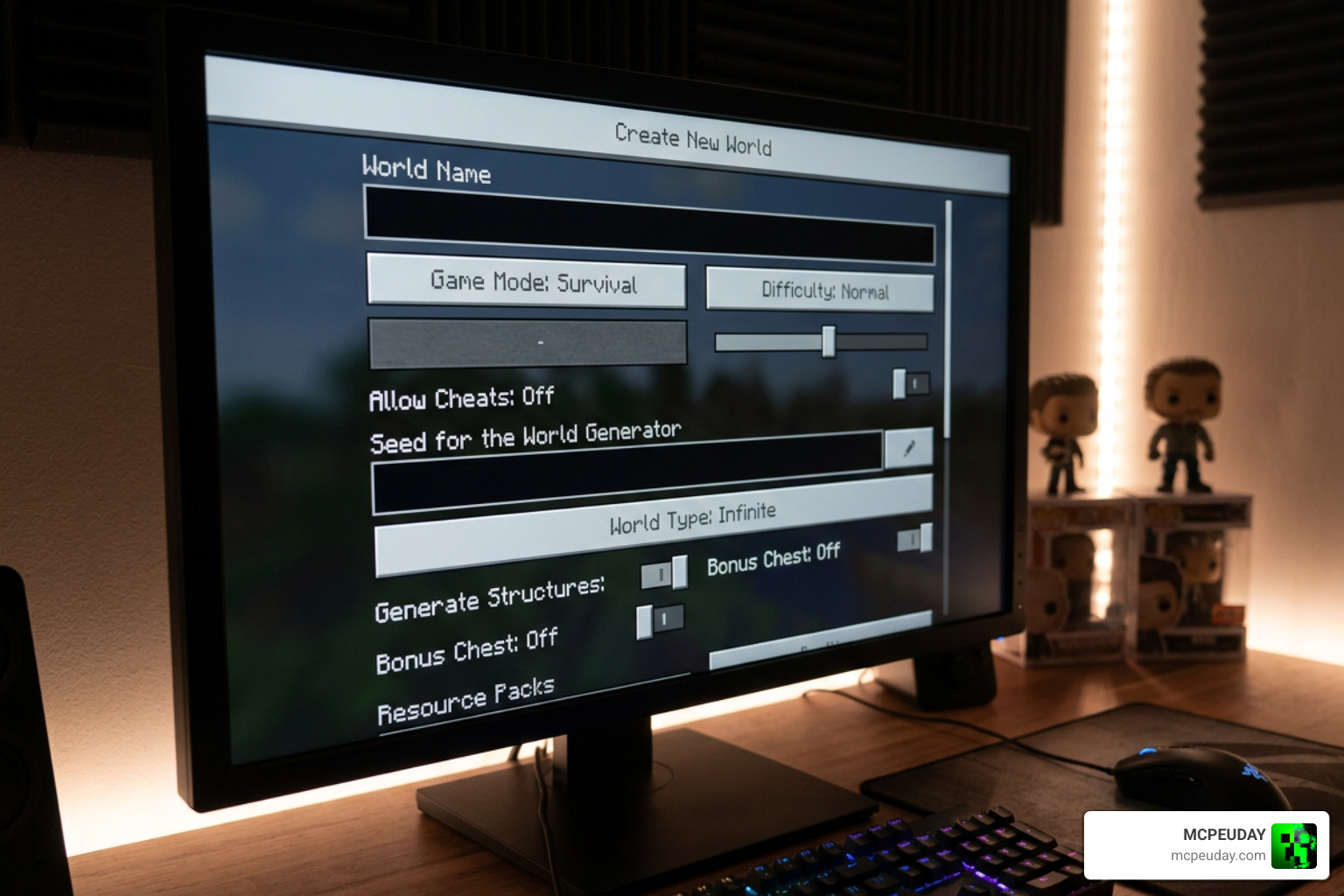
Because this addon uses complex custom scripts to run the heating system and mode-switching controls, you must enable experimental settings in your world options.
- Create a new world or go to the settings of an existing world.
- Scroll down to the Experiments tab.
- Toggle on Beta APIs and Upcoming Creator Features.
- If you miss this step, the drills will either not show up in your creative inventory or will function as basic, non-interactive items.
For players who love custom mechanics that rely heavily on these experimental settings, we also highly recommend checking out the Raiyons Tree Chopper Addon to make clearing forests just as fast as clearing caves.
Device-Specific Setup for Android, iOS, and Windows
Depending on what device you use to play Minecraft Bedrock, the installation process varies slightly:
- Android: Download the
.mcaddonfile from our trusted links. Open your file manager, locate the downloaded file, and tap on it. Select “Open with Minecraft.” The game will launch automatically and import both the Resource and Behavior packs. - iOS: Download the file and open it using the native Files app. Tap the
.mcaddonfile to automatically launch Minecraft and install the packs. - Windows 10/11: Double-click the downloaded
.mcaddonfile. Minecraft will boot up and display an import success message at the top of the screen.
Once imported, make sure to activate both the Resource Pack and the Behavior Pack in your world settings before clicking play! If you enjoy adding realistic gear to your game, explore the True Weapons Addon 1.21 26.x Download Features Guide for MCPE to upgrade your combat arsenal alongside your mining tools.
Frequently Asked Questions about Ultimate Drills
How do you switch modes and toggle drops?
To cycle through the four mining modes (Precision, Standard, Excavation, and Tunnel), hold the drill in your main hand, sneak (shift), and right-click (or tap the use button on mobile). To toggle block drops on or off, quickly double-sneak or type !!drops in the in-game chat.
Why is the drill not showing up in my inventory?
This is almost always caused by missing the experimental settings during world creation. Make sure that Beta APIs are turned on in your world’s settings menu. Also, ensure that both the Resource and Behavior packs are active.
Which Minecraft versions are supported?
The addon is fully compatible with Minecraft Bedrock Edition versions 1.20, 1.21, and the newer 26.x updates. You can download the official files directly from the Ultimate Drills – Minecraft Bedrock Addons – CurseForge page. If you are interested in development details or similar tool frameworks, you can also view the README.md file.
Conclusion
The Ultimate Drills Addon\MOD is an absolute must-have for any Minecraft Bedrock player looking to revolutionize their mining experience. With its brilliant heating and cooling mechanics, useful mining modes, and satisfying 9-tier progression, it strikes the perfect balance between high-efficiency mining and survival gameplay.
Be sure to download the latest, most stable version right here on MCPEUDAY. Once you have mastered the art of high-speed drilling, why not upgrade your combat setup too? Check out our list of the 5 Best Minecraft Bedrock Gun Mods for Survival & PVP (2026) to defend your newly excavated underground base!
1 thought on “Ultimate Drills Addon (26.x, 1.21) – MCPE/Bedrock Mod”