Scroll down to D0vvnl0ad
Get Newb x Flamingo Shader Working in Minecraft PE/Bedrock
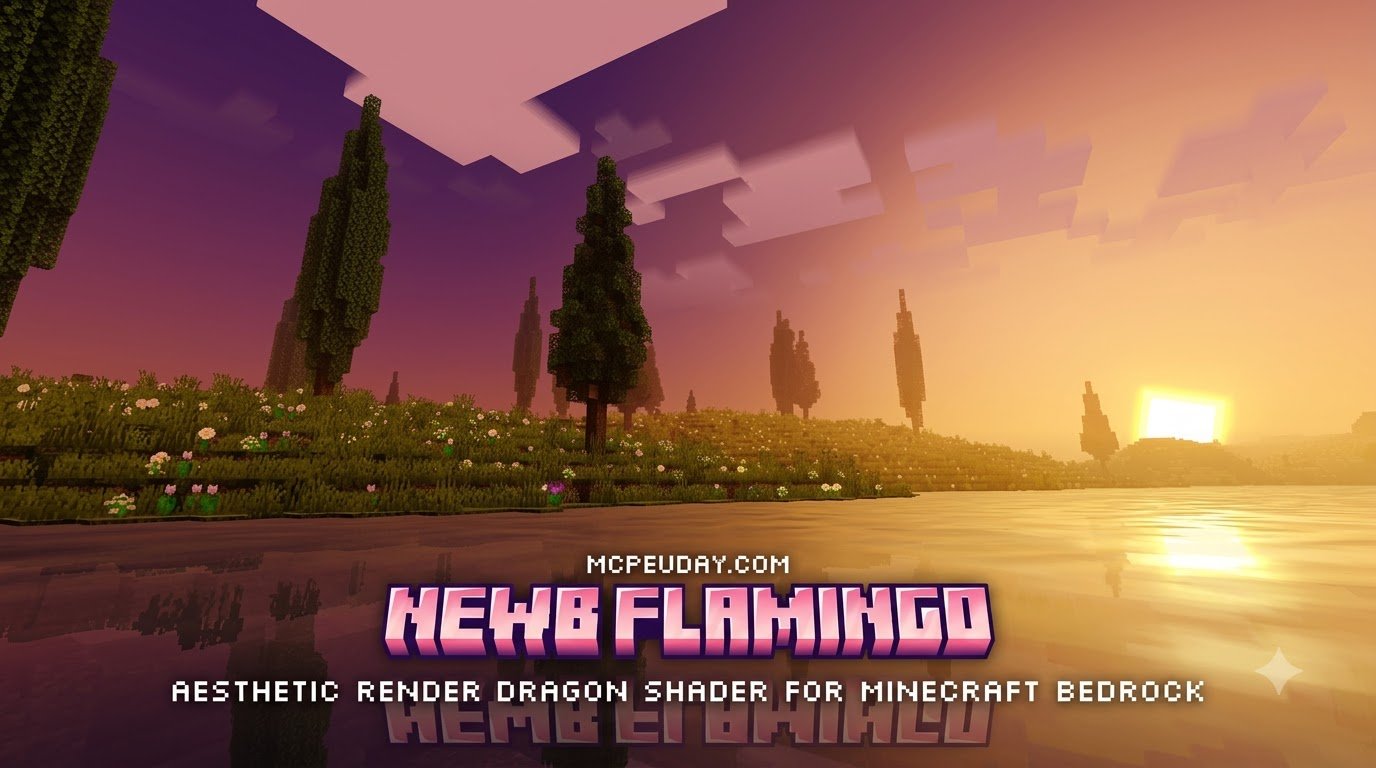
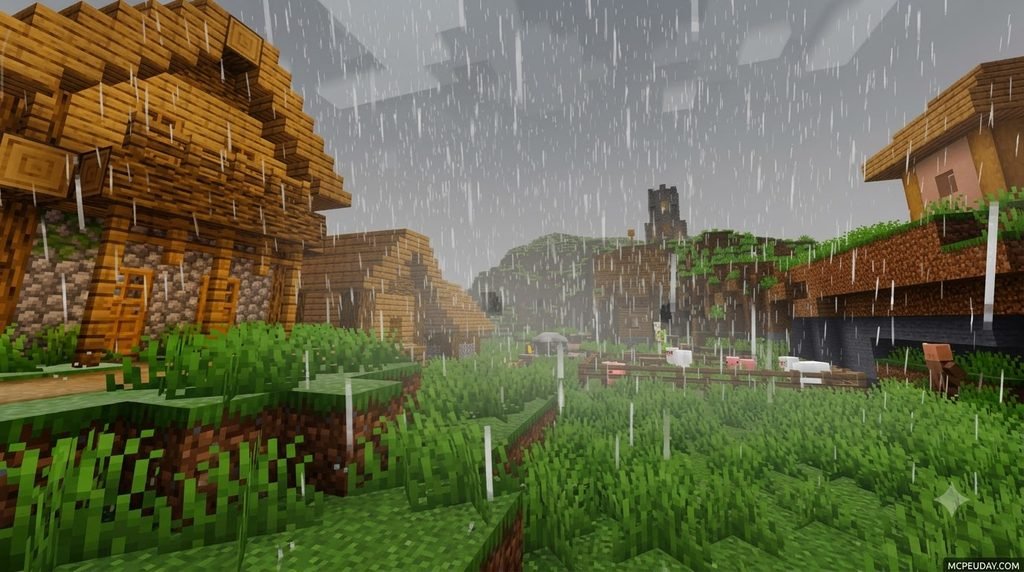
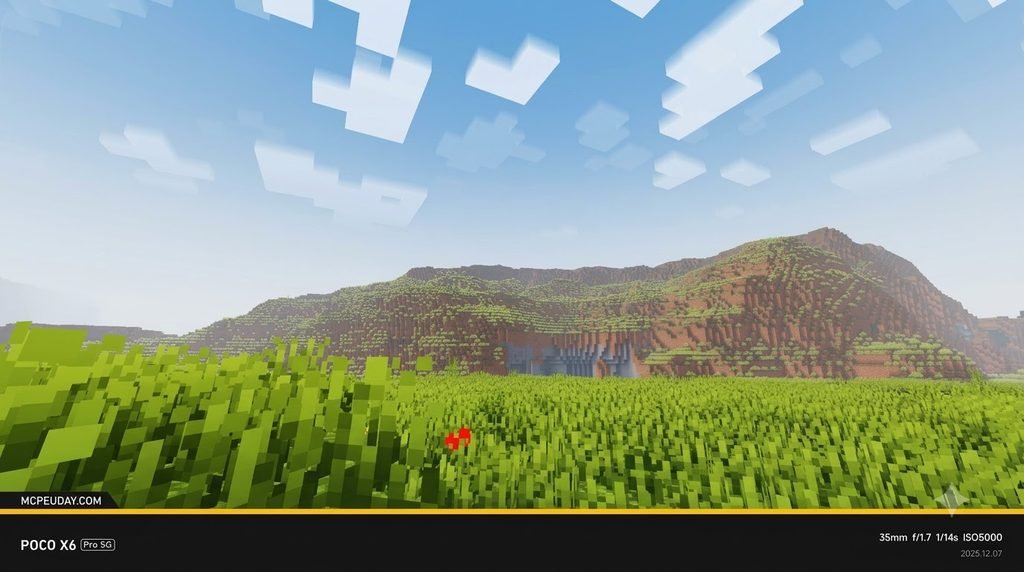
Newb x Flamingo gives Minecraft PE/Bedrock soft pink-purple skies, warmer lighting, and enhanced water. To try it, download a pack release that matches your game version, import its .mcpack file, and enable it under Resource Packs. For the full shader effects, you may also need a compatible RenderDragon loader on Android or a RenderDragon utility on Windows; importing the pack alone may not be enough.
The pack has releases listed for Minecraft 1.21. If your phone struggles, start with a lighter subpack such as No Wave or Vanilla Clouds.
I’m UDAY GAMER, and I’ll show you how to set it up and check that the effects are working. This guide covers everything from choosing the right download to adjusting in-game settings for smooth performance, so you can enjoy the pastel atmosphere without guesswork.
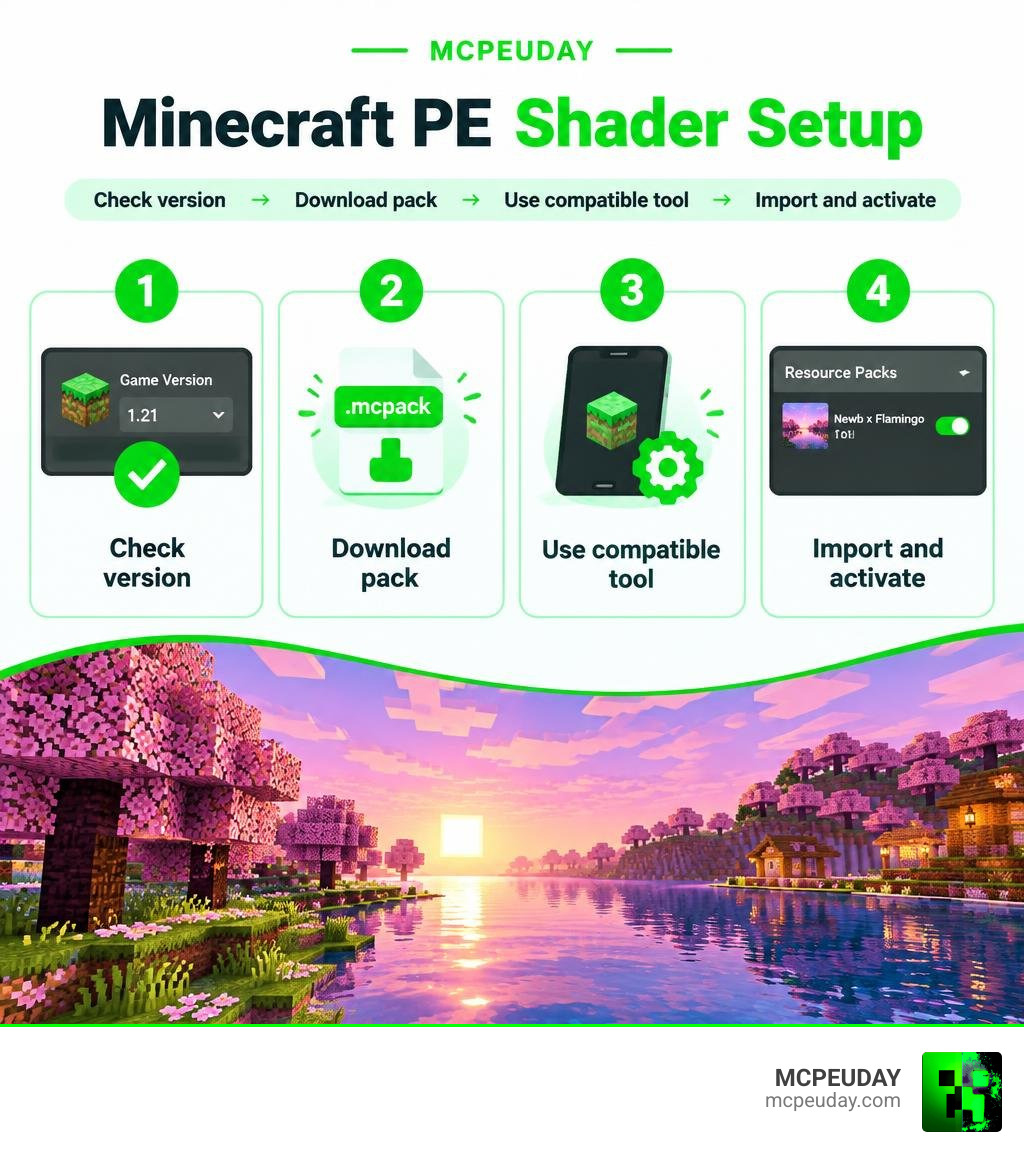
What Is the Newb x Flamingo Shader?
The Newb x Flamingo shader for Minecraft PE/Bedrock is a custom aesthetic modification designed to transform the standard Bedrock visual style into a soothing, pastel paradise. Ever since the arrival of the RenderDragon engine in Bedrock Edition, the community has worked hard to create stunning visuals that work smoothly within modern rendering pipelines. If you are curious about the mechanics behind game rendering, exploring what shaders are in games gives great insight into how these graphical tweaks manipulate light and color.
With over 139,500 downloads across platforms and a community rating of 3.9 out of 5 stars, Flamingo has quickly become a fan favorite. Much like the bird it takes its name from, this pack splashes your world with vibrant pink, magenta, and twilight-purple tones without melting your mobile device.
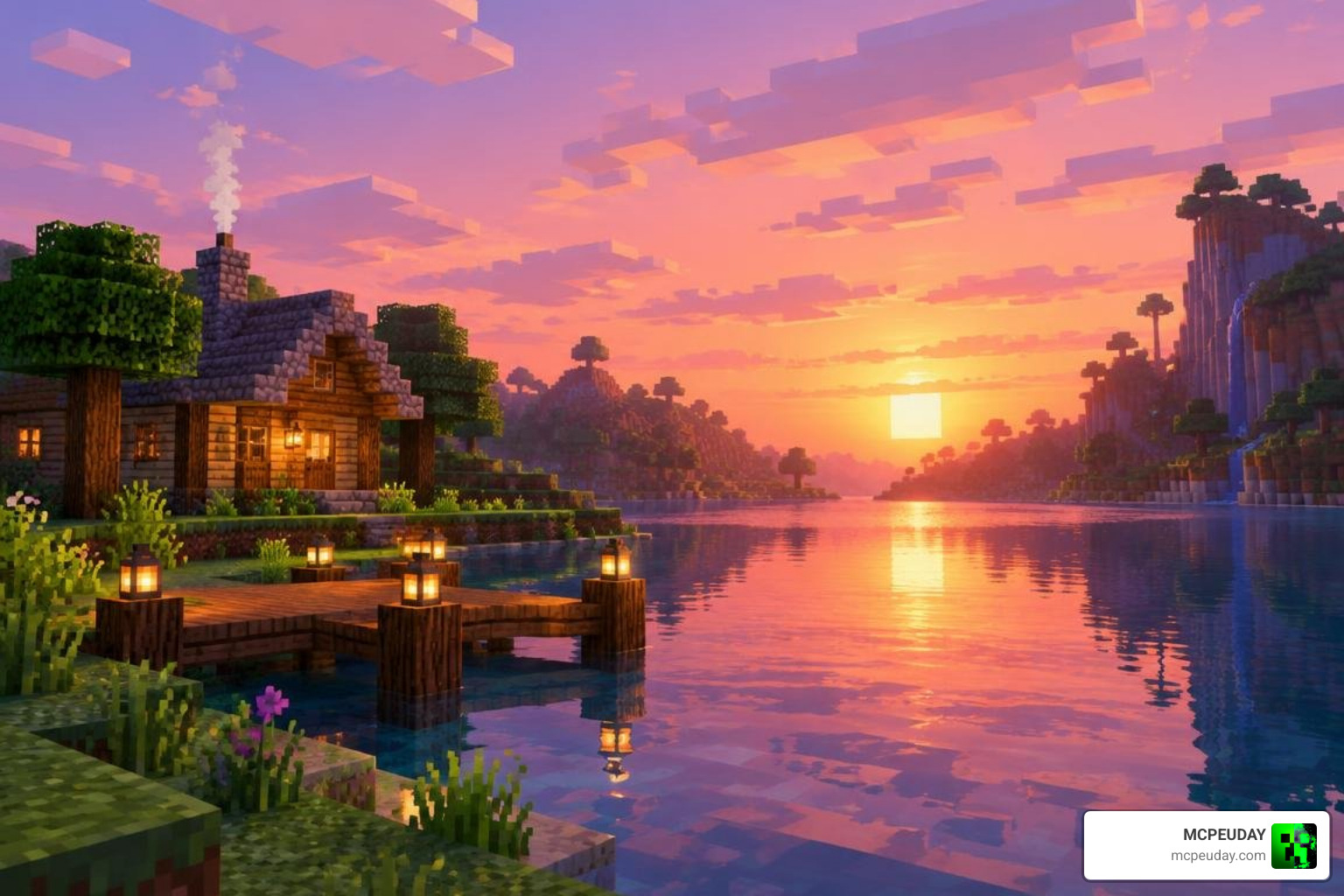
Unique Aesthetic vs Other Newb Variants
The Newb family includes several popular editions, but each targets a different mood. While other community builds lean into hyper-realism or stark high-contrast lighting, Flamingo specializes in a cozy, cotton-candy world. We have put together a quick breakdown of how Flamingo compares to the other options highlighted in our collection of the 10 best Newb shaders for Bedrock.
| Shader Variant | Primary Color Palette | Signature Feature | Performance Target |
|---|---|---|---|
| Newb x Flamingo | Pastel pink, lavender, warm amber | Glowing ores, pink aurora, custom cloud styles | Low to Mid-range devices |
| Newb x Dawn | Warm gold, vivid orange, bright daylight | Intense sunrise flare, rich foliage tones | Mid-range devices |
| Newb x Stars | Deep midnight navy, sparkling white | Enhanced star fields, hyper-detailed cosmic skies | Low to High-end devices |
| Newb x Unwind | Natural earth tones, soft whites | Realistic fog distribution, clean water clarity | High-end hardware |
Visual Features of Newb x Flamingo Shader for Minecraft PE/Bedrock
Flamingo stands out because it completely alters the atmospheric tone of your builds. If you want a break from standard graphics or our realistic shader alternatives for MCPE, Flamingo provides a stylized, dreamy escape.
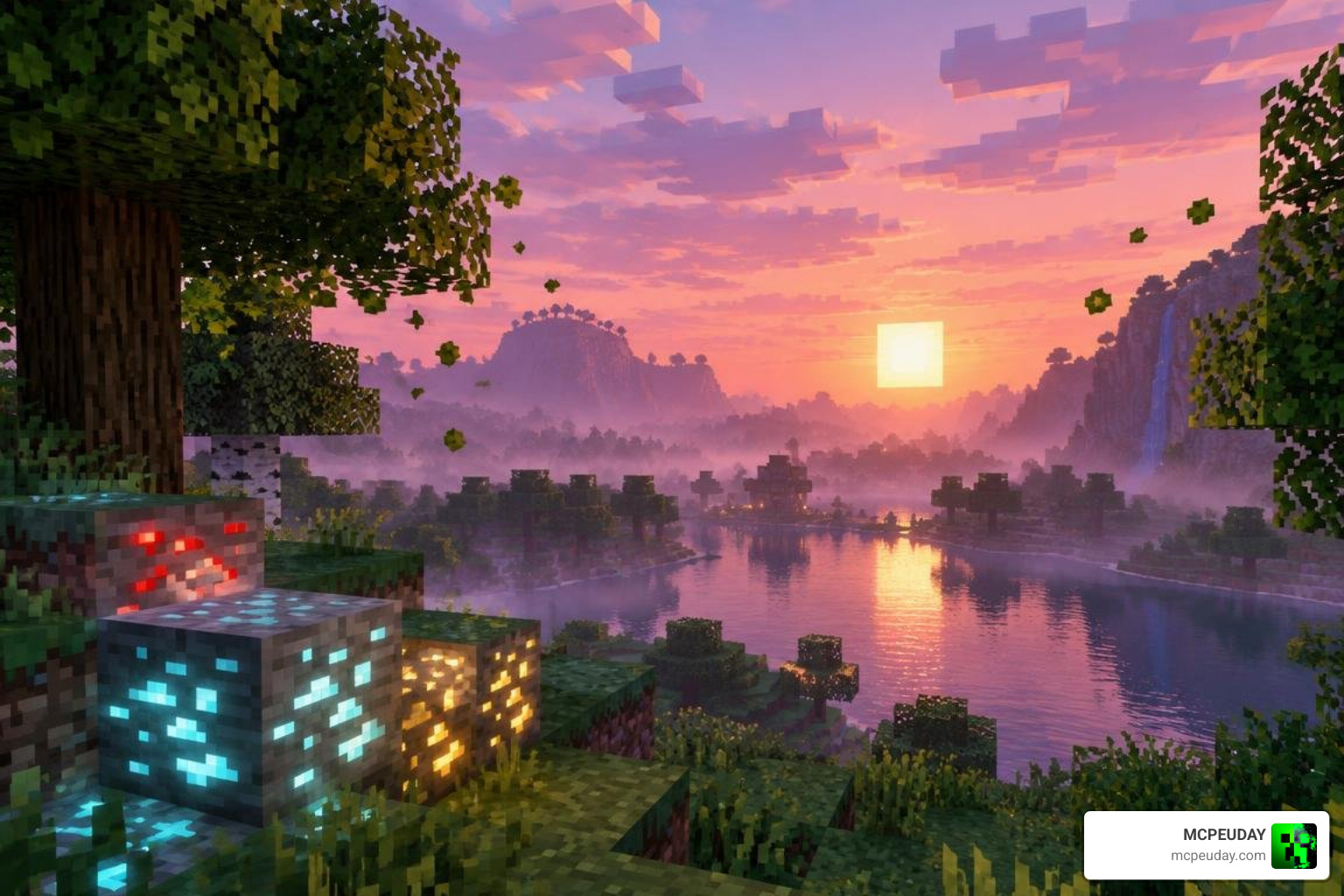
Atmospheric Skies and Nighttime Aurora Effects
The daytime cycle transitions gracefully from an amber-tinted morning to an unforgettable cotton-candy sunset. Once the sun dips below the horizon, the sky comes alive with:
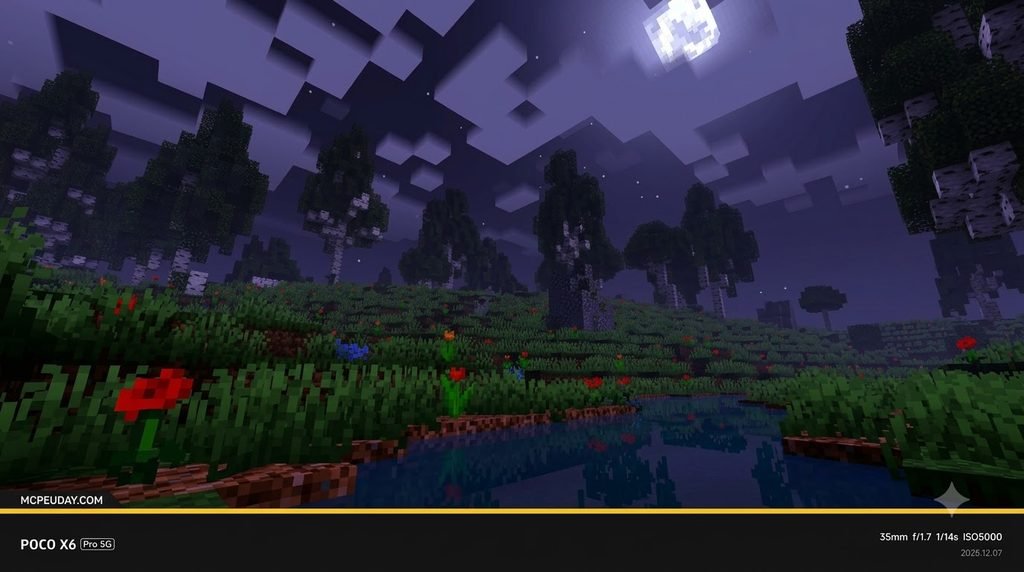
- Pink and Purple Aurora Borealis: A waving curtain of northern lights that illuminates the night sky.
- Shooting Stars: Periodic falling stars that flash across constellations, making nighttime exploration serene.
- Volumetric and Styled Clouds: Choose between six distinct cloud styles to fit your personal taste.
- Soft Horizon Fog: Seamless blending between terrain and distant render boundaries.
Glowing Blocks and Enhanced Water Reflections
Exploring dark caves or building cozy bases feels much more immersive thanks to custom emissive textures:
- Luminescent Ores: Diamond, Redstone, Lapis, and Emerald blocks emit a subtle, colorful glow in dark caverns.
- Glowing Mob Eyes: Spiders and Endermen pierce through the dark with intense eye highlights.
- Specular Sun Highlights: Sunlight bounces gently off water bodies with realistic shimmer effects.
- Subtle Foliage Animation: Tree leaves and tall grass sway gently in the breeze to bring your Overworld to life.
How to Install Newb x Flamingo Shader on Android and Windows
Because modern Minecraft PE/Bedrock utilizes the RenderDragon graphics engine, running custom materials requires specific tools depending on your operating system. For a foundational overview of the process, check our general guide on how to get shaders in Minecraft.
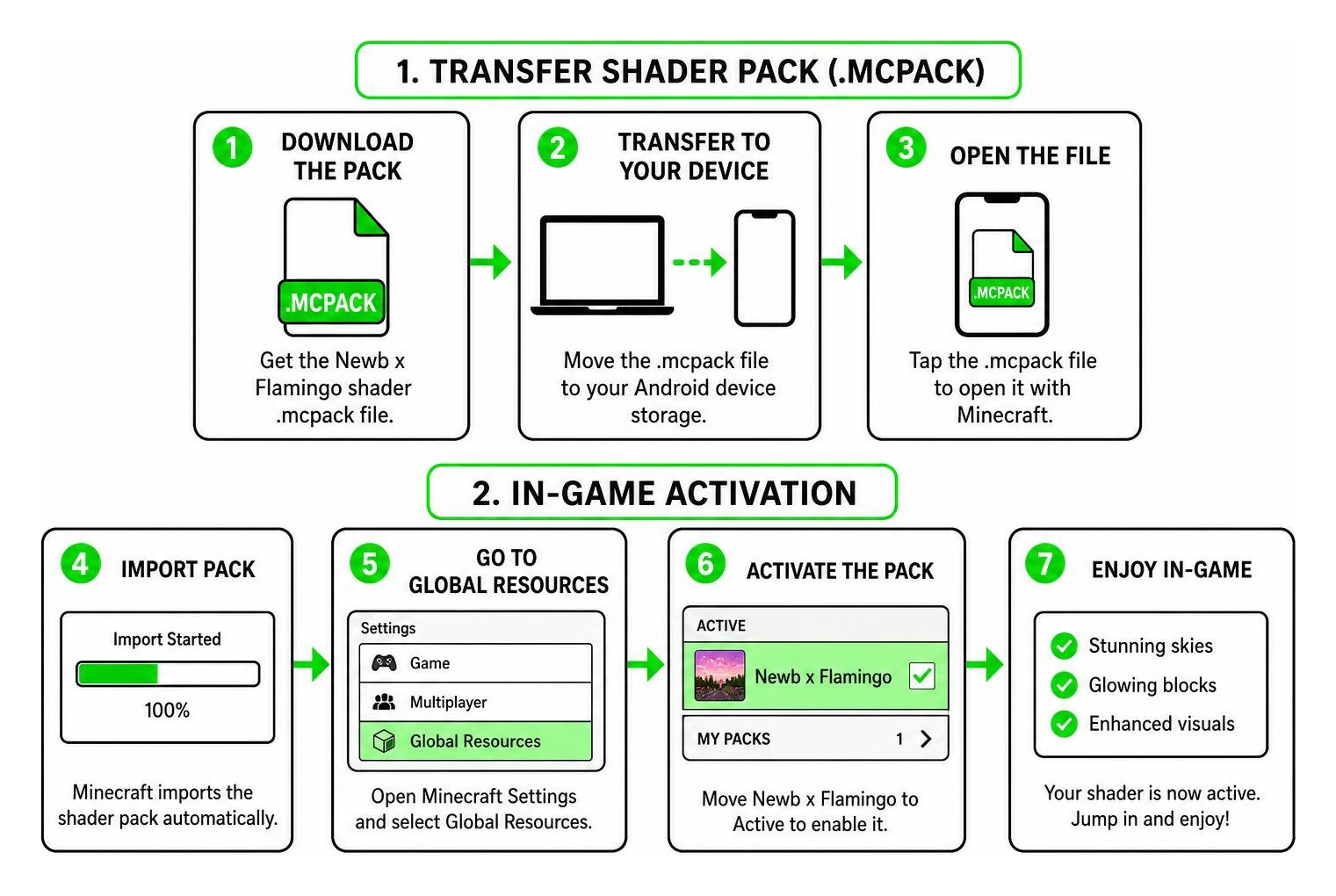
Installing Newb x Flamingo Shader for Minecraft PE/Bedrock on Android
Follow these steps to set up the pack on your Android phone or tablet using our direct shader downloads for Android:
- Download the Pack: Grab the official
.mcpackfile from the Newb x Flamingo Shader download page on MCPEUDAY. - Install a Compatible Loader: Because vanilla Android restricts material replacement, install a compatible tool like MB Loader.
- Import the Shader: Open the downloaded
.mcpackfile using your loader app or move the extracted folder manually intoAndroid/data/com.mojang.minecraftpe/files/games/com.mojang/resource_packs. - Launch and Activate: Open Minecraft through your loader, navigate to Settings > Global Resources, select Newb x Flamingo, and click Activate.
Installing on Windows PC
For Windows Bedrock players, the setup process is straightforward:
- Install BetterRenderDragon: Download and configure BetterRenderDragon to allow external shader material support on Windows.
- Copy MaterialBin Files: Place the required Flamingo compiled shader materials into your game runtime folder.
- Import the Resource Pack: Double-click the
.mcpackfile to launch Minecraft and import the pack automatically. - Enable in Settings: Go to Settings > Global Resources, activate the pack, and adjust your subpack settings using the gear icon.
Performance Optimization, Subpacks, and In-Game Settings
One of the best design choices in Flamingo is its inclusion of customizable subpacks. Whether you’re playing on a flagship device or a budget smartphone, you can dial in the right balance between visual quality and buttery-smooth frame rates. If you need step-by-step assistance with toggles, review our walkthrough on turning on shaders across devices.
Why Choose Newb x Flamingo Shader for Minecraft PE/Bedrock on Low-End Devices?
Unlike resource-heavy ray tracing packs, Flamingo relies on optimized material shaders that run well on modest hardware.
- No Wave Subpack: Disables leaf and water movement to save CPU cycles on entry-level phones.
- Vanilla Clouds Subpack: Disables volumetric multi-layer clouds in favor of default cloud meshes with custom color grading.
- Balanced Fog: Keeps distant terrain loaded without overwhelming your device’s memory.
Recommended In-Game Video Settings
To get the most out of your visuals while keeping 60 FPS stability, we recommend using these settings inside Minecraft:
- Fancy Graphics: Turned ON (required for transparent water and leaf processing).
- Beautiful Skies: Turned ON (essential to display the pink aurora and sunset palettes).
- Smooth Lighting: Turned ON (blends block light and ambient shadows cleanly).
- Brightness: Set between 40% and 60% (prevents night skies from appearing washed out).
- Render Distance: Set to 8–12 Chunks on mobile; 16–24 Chunks on PC.
Frequently Asked Questions about Newb x Flamingo Shader
Is Newb x Flamingo Shader fully compatible with Minecraft PE 1.21?
Yes, the pack is updated for Minecraft PE/Bedrock version 1.21. Always ensure that the shader build matches your exact minor version to avoid missing texture errors.
Does Newb x Flamingo Shader require third-party tools to run on Android?
On modern versions of Minecraft Bedrock using RenderDragon, you will need a loader such as MB Loader on Android or BetterRenderDragon on Windows to unlock full shader capabilities. Loading the pack as a standalone resource pack without a patch tool will only display skybox textures rather than dynamic lighting.
Will Newb x Flamingo Shader cause lag on low-end phones?
If you experience stuttering, click the Gear Icon next to the active pack in your Resource Packs menu and switch the subpack to No Wave or Vanilla Clouds. This reduces graphic overhead and restores smooth frame rates.
Can I use Newb x Flamingo Shader with other resource packs?
Yes, you can combine Flamingo with texture packs that do not replace the same shader materials. Place Flamingo above conflicting packs in the Global Resources list so its lighting and sky effects take priority. If you notice missing textures or broken water, try disabling other packs one by one to identify the conflict.
Does the shader work in multiplayer or on Realms?
The shader is client-side, so it works in single-player, multiplayer servers, and Realms as long as the pack is active in your local Global Resources. Other players will not see your shader effects unless they have the same pack installed on their device.
Conclusion
The Newb x Flamingo shader proves that you do not need a high-end gaming PC to enjoy breathtaking lighting, glowing ores, and colorful skies in Minecraft Bedrock. Its pastel sunset aesthetic, serene night auroras, and versatile subpacks make it an essential addition to any player’s resource collection.
Ready to explore even more visual overhauls? Explore our curated list of the top realistic Minecraft PE shaders and transform your worlds today.