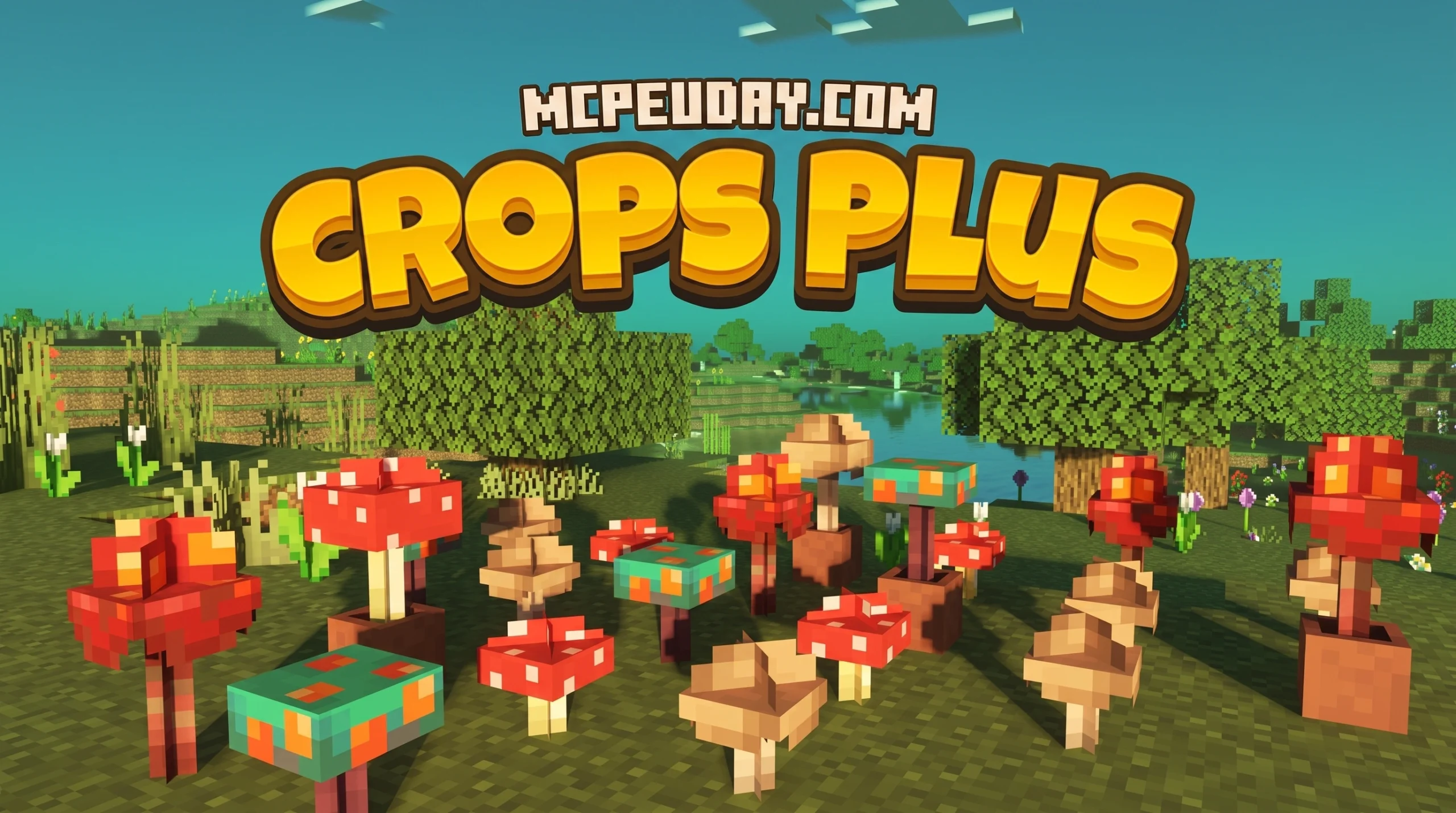
What the Crops Plus Texture Pack Does (And Why Farmers Love It)
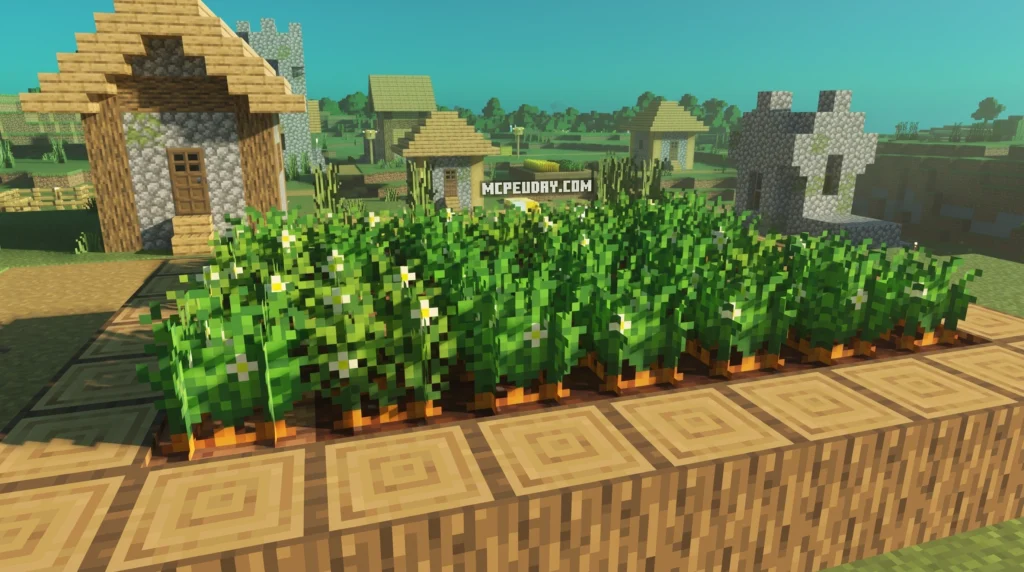
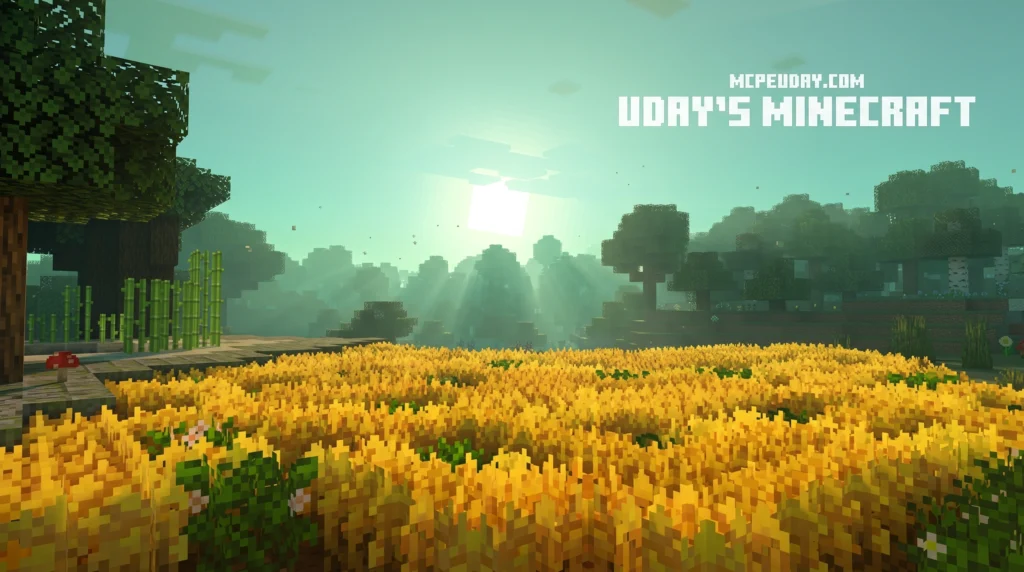
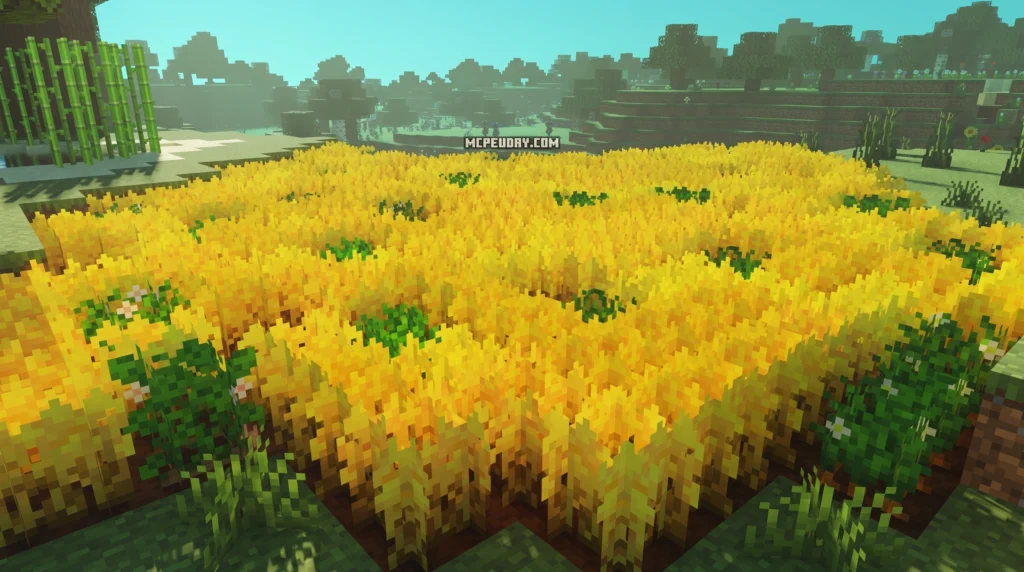
The Crops Plus Texture Pack is a free resource pack for Minecraft Bedrock Edition that replaces the game’s flat, 2D crop sprites with detailed 3D models and improved textures — making your farms look dramatically better without changing gameplay.
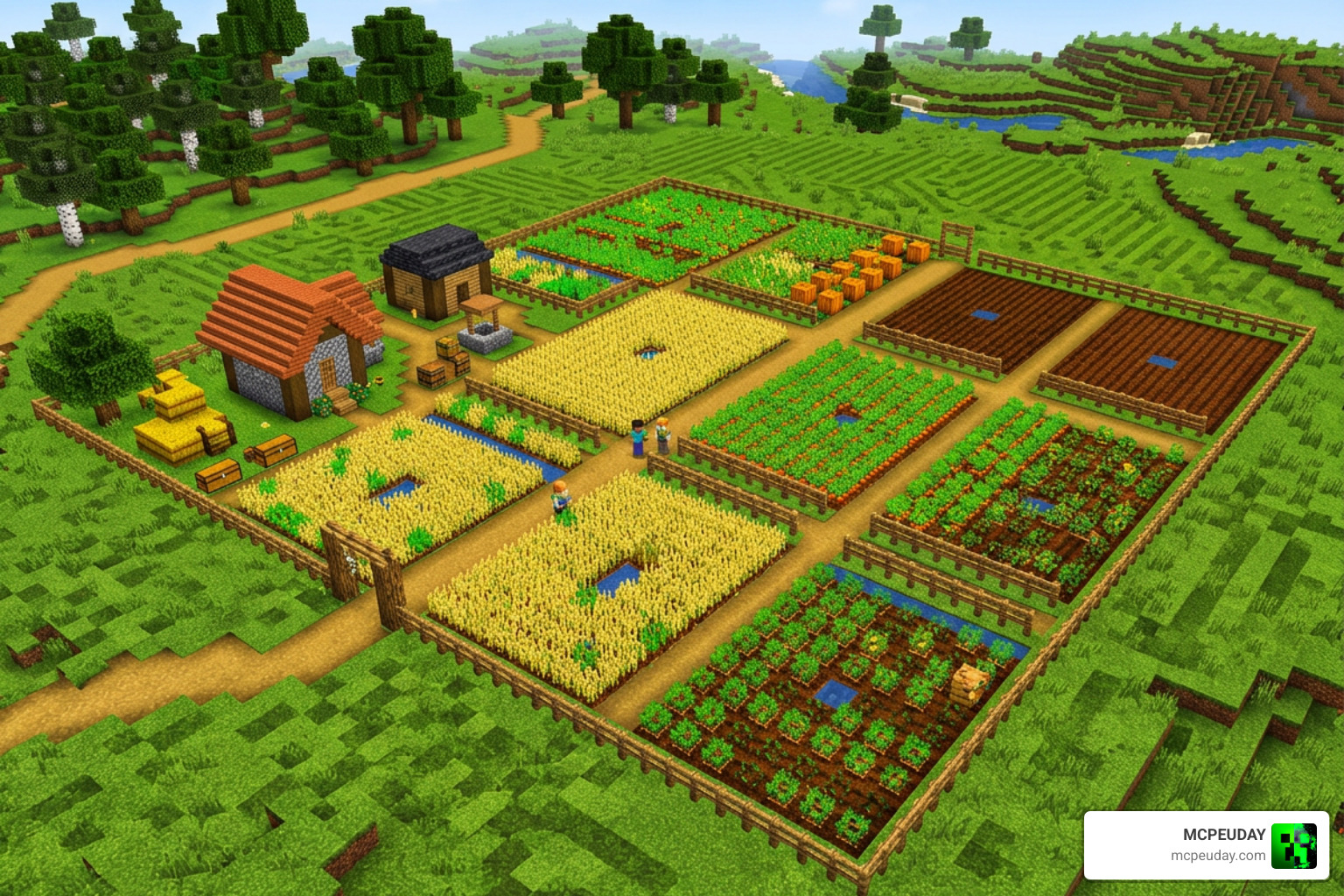
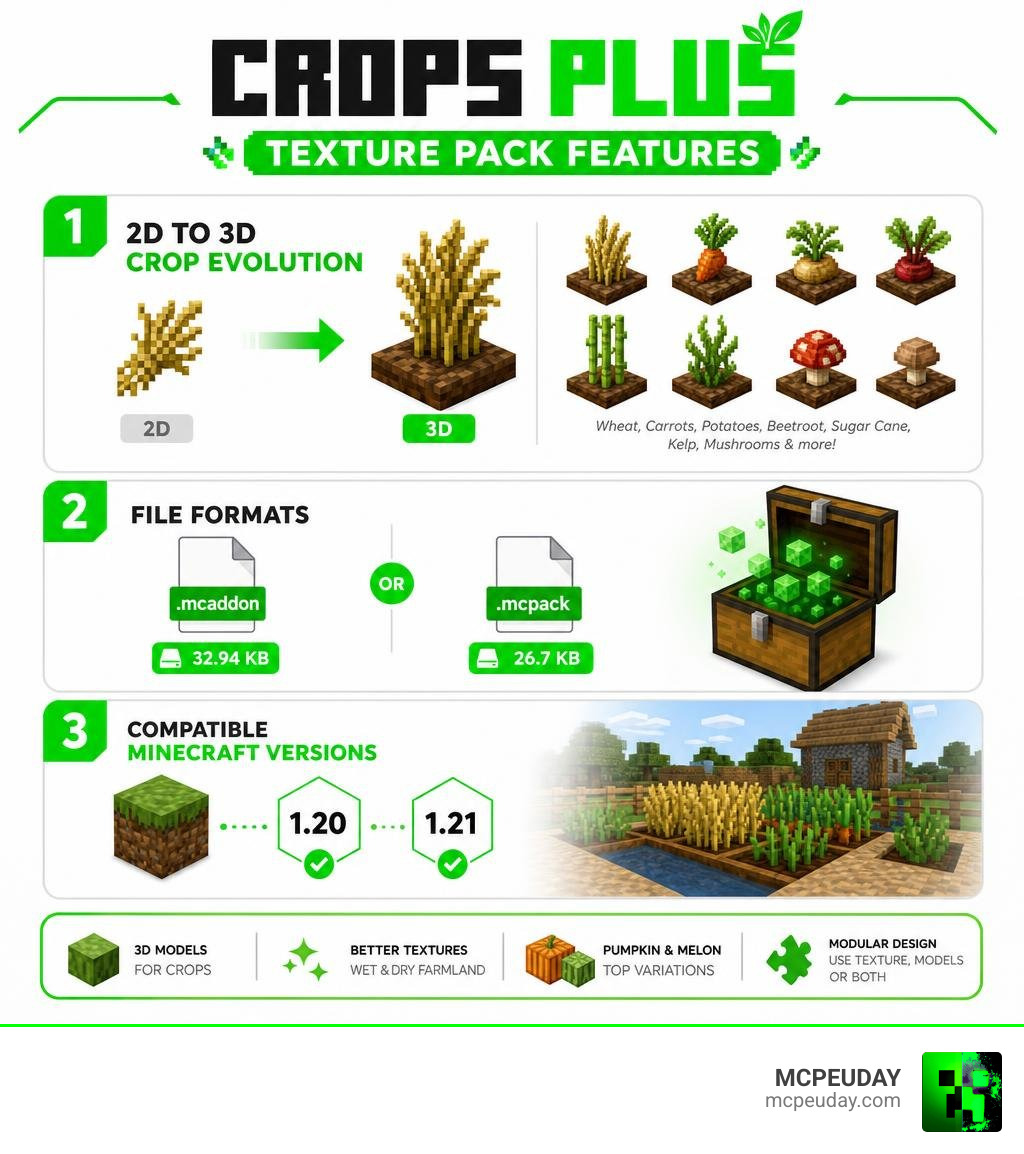
Quick answer for what it includes:
- 3D models for crops like wheat, carrots, potatoes, beetroot, sugar cane, kelp, and mushrooms
- A “Golden Wheat” variant for visual variety
- New wet and dry textures for farmland blocks (added in v1.6)
- Melon and pumpkin top variations
- A modular design — choose a Texture Pack (2D upgrades) or a Models Pack (full 3D), or use both together
- Compatible with Minecraft Bedrock versions 1.20 and 1.21
- No OptiFine or extra mods required
The pack comes in two file formats: a combined .mcaddon (32.94 KB) or a standalone .mcpack (26.7 KB). It has racked up over 334,000 views across download platforms, with a solid community rating of 3.8 out of 5.
If your farm still looks like a flat field of green pixels, this pack is the fastest fix available for Bedrock players.
What is the Crops Plus Texture Pack?
We have all spent hours leveling out land, placing water sources, and planting rows of seeds, only to stand back and feel like our agricultural masterpiece looks a little flat. In vanilla Minecraft, crops are rendered as flat, intersecting 2D planes that rotate awkwardly with your camera. The Crops Plus Texture Pack completely solves this visual problem.
Created by community developer FusedBolt, this pack is a vanilla-friendly visual upgrade designed at a lightweight 16x resolution. Instead of completely changing how the game works like the Crops Overhaul Addon, the Crops Plus Texture Pack preserves the core mechanics of vanilla farming while giving every single plant realistic physical depth.
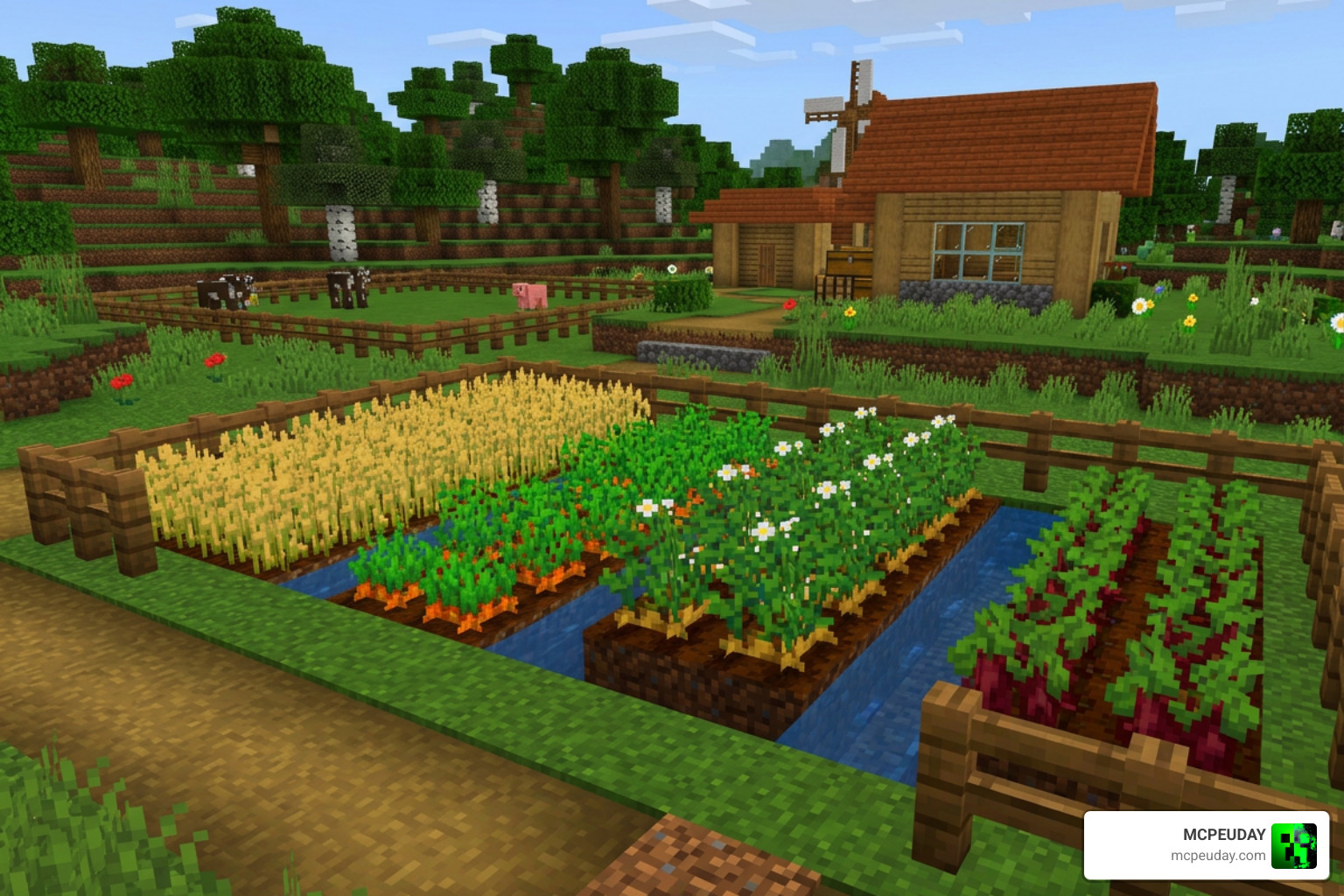
By adding actual 3D geometry to your crops, your fields will instantly look thicker, more lush, and incredibly vibrant. It is the perfect choice for survival players who want a cozy, detailed base, as well as creative builders looking to design realistic medieval gardens or sprawling modern greenhouses.
Key Features of the Crops Plus Texture Pack
The pack does not just make things 3D; it introduces thoughtful visual details that make farming a highly rewarding experience:
- 3D Sugar Cane: No more flat green reeds. Sugar canes now have physical, rounded layers that look like real bamboo stalks.
- Overhauled Kelp Forests: Underwater exploration gets a massive upgrade with bushier kelp models, featuring randomized flowering variants that make the ocean floor feel alive.
- Golden Wheat: We love this feature! It adds a stunning golden hue to fully matured wheat, making your fields look like a literal goldmine when they are ready for harvest.
- Farmland Enhancements: In version 1.6, the creator added brand-new wet and dry textures for both the top and sides of farmland blocks. This gives you clear visual feedback on whether your soil is properly hydrated.
- Melon and Pumpkin Variations: The top textures and stems of melons and pumpkins have been redesigned to make their growth stages easily recognizable from a distance.
- 3D Mushrooms: Red and brown mushrooms get full 3D caps, making forest floors and underground caves look highly detailed.
Texture Pack vs. Models Pack: Understanding the Differences
One of the best design choices of the Crops Plus Texture Pack is its modular structure. The creator split the project into two distinct components so players can customize the pack based on their device’s performance:
- The Texture Pack (.mcpack): This module strictly updates the 2D textures, color palettes, and visual variations of the crops (such as the Golden Wheat and the wet/dry farmland blocks). It is incredibly lightweight and has virtually zero impact on your game’s performance.
- The Models Pack (.mcpack): This module adds the actual 3D geometry and meshes to the blocks. It transforms flat planes into physical 3D models.
For the ultimate visual experience, we highly recommend installing the combined .mcaddon file, which seamlessly merges both packs. If you are already running other heavy resource packs, like the Better Foliage Addon Texture Pack, keeping the modules separate allows you to toggle the 3D models off if your device starts to drop frames.
| Feature / Aspect | Texture Pack Only | Models Pack Only | Combined .mcaddon |
|---|---|---|---|
| Crop Resolution | 16×16 Enhanced | 16×16 Vanilla | 16×16 Enhanced 3D |
| 3D Geometry | No (Flat 2D) | Yes (Full 3D) | Yes (Full 3D) |
| Farmland Textures | Yes (Wet/Dry) | No | Yes (Wet/Dry) |
| Performance Impact | Extremely Low | Low-to-Medium | Low-to-Medium |
| File Size | ~26.7 KB | ~20.2 KB | ~32.94 KB |
Step-by-Step Installation Guide for Bedrock and Java
Whether you play on a mobile device, a console, or a PC, getting your 3D crops up and running is a quick and painless process.
While the Crops Plus Texture Pack is built natively for Bedrock Edition, Java players often look for similar alternatives like the Crops 3D Texture Pack – Minecraft Texture Packs to achieve the same look. If you want to expand your natural world even further, you can pair this pack with the Nature Expansion Texture Pack for an incredibly lush, green environment.
How to Install the Crops Plus Texture Pack
Follow our simple step-by-step sequence to install the pack on your Bedrock device:
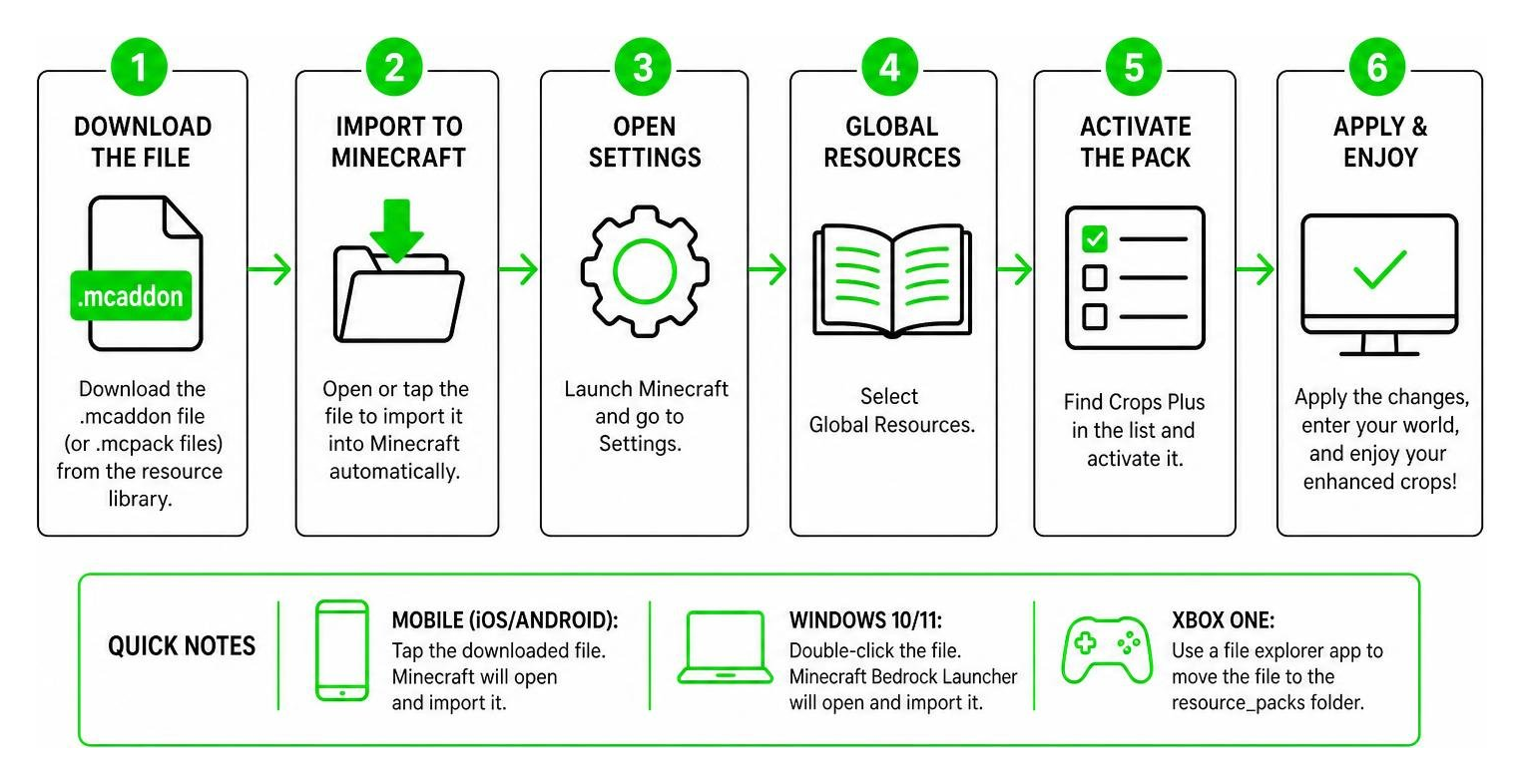
- Download the File: Grab the combined
.mcaddonfile (or the individual.mcpackfiles) directly from our resource library. - Import to Minecraft:
- On Mobile (iOS/Android): Simply tap the downloaded file. Your device should automatically open Minecraft and import the pack.
- On Windows 10/11: Double-click the downloaded file, and Minecraft Bedrock Launcher will open and import it automatically.
- On Xbox One: You will need to use a file explorer app to move the downloaded file into your Minecraft
resource_packsfolder.
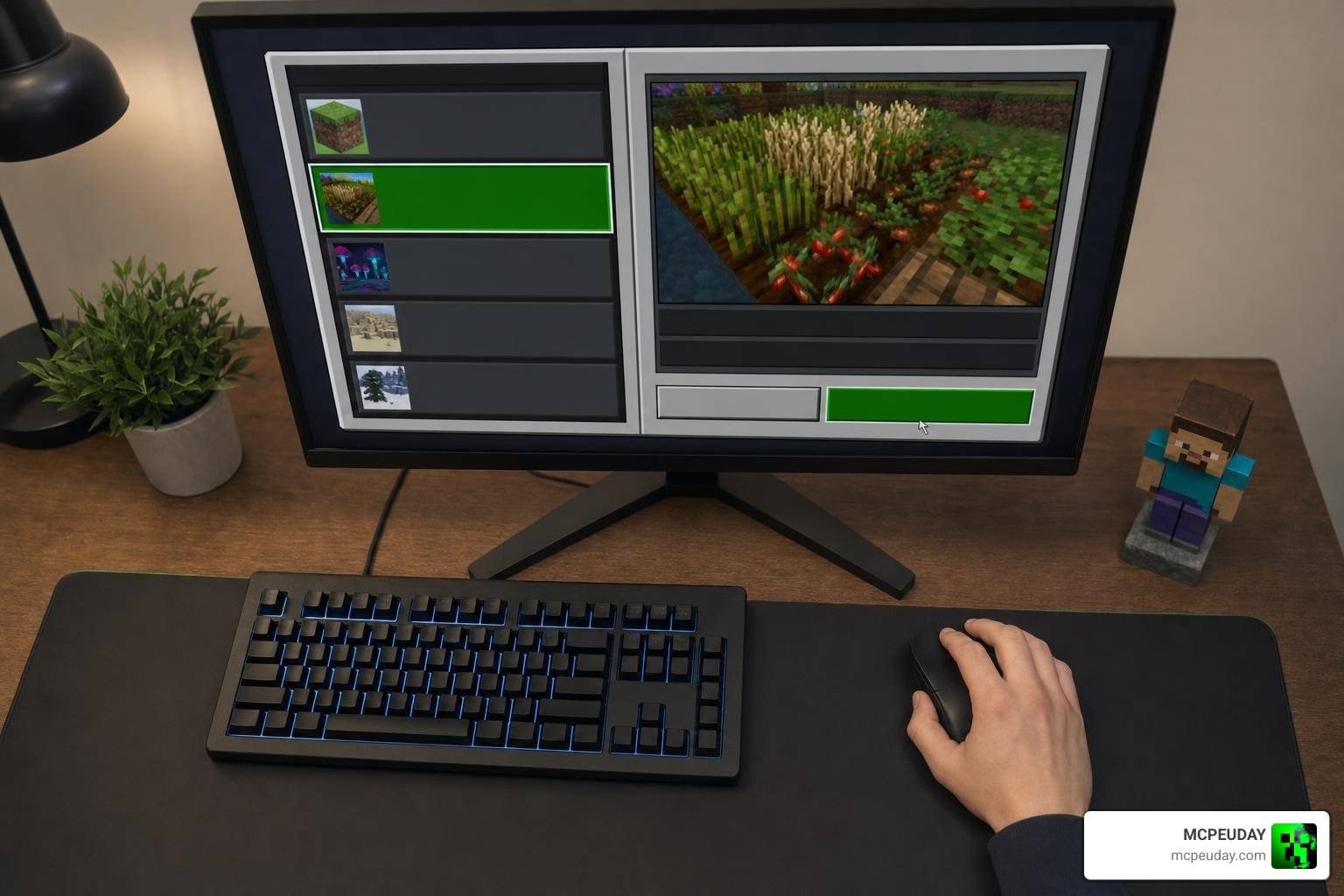
- Activate in World Settings: Open Minecraft, navigate to the settings of the world you want to upgrade, go to Resource Packs, find Crops Plus, and click Activate.
- Restart Your Client: To prevent any visual bugs or missing textures, restart your Minecraft app before loading into your world.
Frequently Asked Questions About Crops Plus
Is the Crops Plus Texture Pack compatible with Minecraft 1.21?
Yes! The pack is fully compatible with Minecraft Bedrock versions 1.20, 1.21, and 1.21.50. You can enjoy gorgeous 3D crops in your modern survival worlds without any issues.
Why are mushroom blocks bugged in version 1.21.60+?
If you are playing on Minecraft version 1.21.60 or above, you might notice that custom mushroom blocks look glitchy or display missing textures. This is a known issue. The 1.21.60 engine update changed how Bedrock renders custom block models. The creator, FusedBolt, is actively working on a patch. In the meantime, we recommend using the plants-only .mcpack if the mushroom bug bothers you!
Does this pack require OptiFine or other mods to work?
No! Unlike Java Edition 3D packs that rely on OptiFine’s Custom Item Textures (CIT) to render variations, the Bedrock version of Crops Plus runs entirely standalone. You do not need to install any external mods or behavior packs to enjoy the 3D models.
Conclusion
The Crops Plus Texture Pack is a must-have for anyone who wants to turn their boring, flat farms into a beautiful, three-dimensional agricultural paradise. It perfectly balances visual depth with performance, ensuring your game runs smoothly even with massive fields of crops.
If you want to make your entire world look just as stunning as your new farms, we highly recommend checking out other visual upgrades on our site, such as the Glowing Plus Texture Pack, the Better Foliage Addon, the Better Leaves Addon, or the Better Trees Addon.
Ready to upgrade your farming game? Grab your hoe, download the pack today, and Explore more Minecraft Texture Packs on MCPEUDAY!
