Scroll down to D0vvnl0ad
What Is the Dynamic Light Addon for Minecraft PE/Bedrock and How Does It Work?
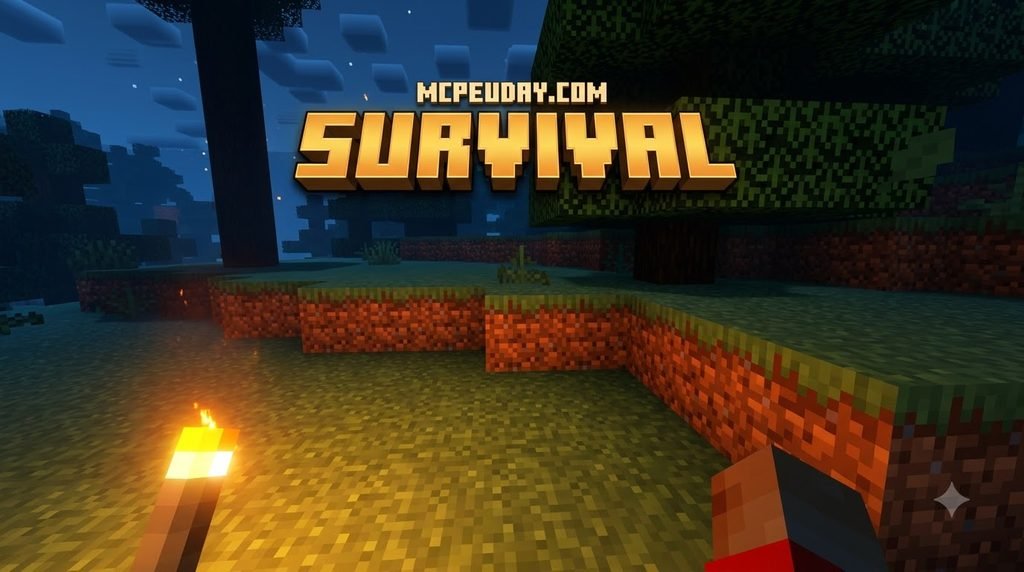
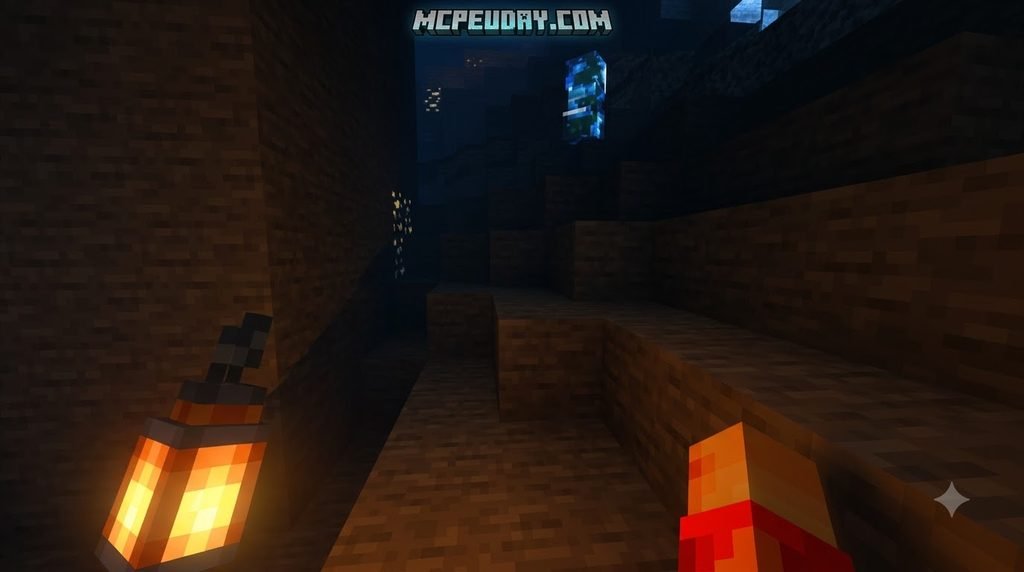
In vanilla Minecraft Bedrock, light values are static. When you place a torch, the game calculates light levels for surrounding blocks, and those values remain fixed until that block is altered. Holding a torch in your hand does nothing to illuminate dark corridors.
The Dynamic Light Addon bridges this gap by introducing real-time light source detection through lightweight behavior pack scripting and client-side rendering. The add-on continuously checks what item your player is holding (or what entities exist nearby). When an illuminating item is detected, the add-on dynamically assigns an invisible, temporary light emitter to your current coordinates.
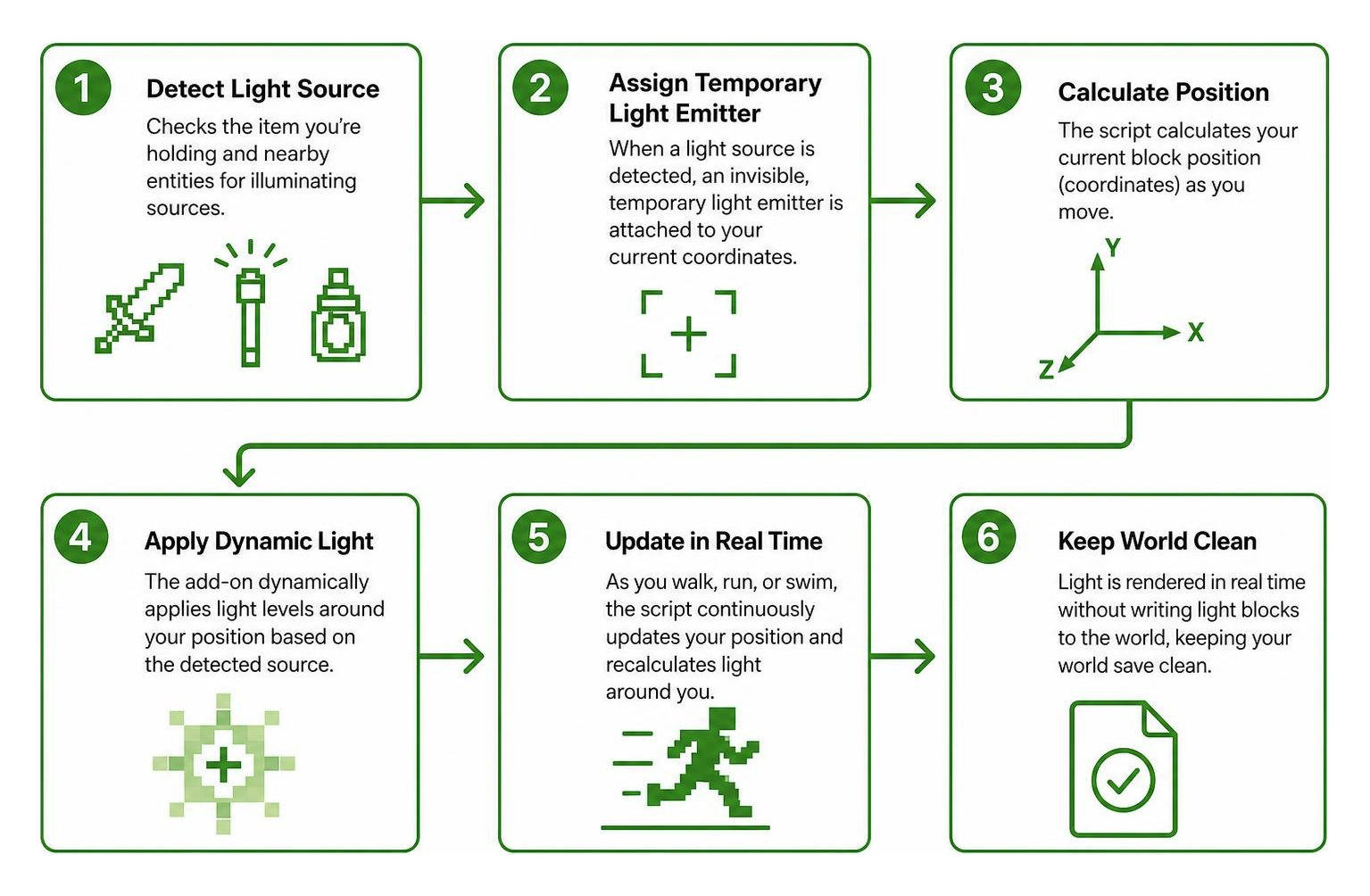
As you walk, run, or swim, the script calculates your block position and updates the light level dynamically around your character. This system avoids permanently writing light blocks into your world save, ensuring that your world files stay clean while delivering instant, portable lighting.
Technical Mechanics and Supported Light Sources
Modern dynamic lighting packs support a wide variety of vanilla illumination items. Rather than relying on a simple binary on/off switch, high-tier packs assign accurate light level intensities (from light level 7 up to 15) depending on what you are carrying:
- Torches & Lanterns: Standard torches project a bright light level of 14, while traditional lanterns provide maximum brightness at light level 15.
- Soul Variants: Soul torches, soul lanterns, and soul campfires emit a softer, atmospheric blue glow at light level 10.
- Glowstone & Sea Lanterns: Full blocks carried in your hand project light level 15 across deep caverns and ocean floors.
- Lava Buckets & Fire Charges: High-intensity hazardous items project maximum light, warning nearby players of extreme heat.
- Dropped Items: Tossing a torch down a dark ravine illuminates the descent as the entity falls, letting you scout drop depths before jumping.
- Off-Hand Items: Dual-wielding torches while keeping a pickaxe or weapon in your main hand keeps your path visible during combat or mining trips.
For players seeking even deeper visual realism, check out our realistic lighting mod updates and our review of the Lilium Dynamic Light Addon to see how various community builds implement custom luminous values.
Comparison with Alternative Lighting Mods
Not all lighting mods achieve illumination using the same backend methods. Choosing the right one depends on your device’s processing power and version compatibility.
| Feature / Metric | Standard Dynamic Light Packs | Script-Heavy Advanced Add-ons | Core Engine Shaders |
|---|---|---|---|
| Average Memory Footprint | Extremely low (~30 KB – 150 KB) | Moderate (~2 MB – 5 MB) | High (~10 MB – 50 MB) |
| Off-Hand Light Support | Yes (Torches / Lanterns) | Yes (All light sources) | Dependent on engine |
| Dropped Item Illumination | Yes | Yes (Tracks velocity) | No |
| Bedrock Version Support | Bedrock 1.21.x to 26.x | Bedrock 1.21.x to 26.x | Version & GPU specific |
| Tick-Rate Impact | Minimal (<0.1ms per tick) | Low (~0.5ms per tick) | None (Handled by GPU) |
| Setup Complexity | Simple .mcpack import | Requires Experimental APIs | Requires visual patchers |
For broader customization options, community alternatives provide specialized behavior tweaks, though pairing matching resource and behavior files remains essential across all options.
How to Download and Install Dynamic Lighting on Bedrock Edition
Installing a Dynamic Light Addon for Minecraft PE/Bedrock is straightforward across Android, iOS, and Windows. Most modern packs are packaged as convenient .mcpack or .mcaddon files that self-install into Minecraft with a single tap.
Step-by-Step Installation for Dynamic Light Addon for Minecraft PE/Bedrock
- Download the Add-on Files: Ensure you download both the Behavior Pack (
.bp) and Resource Pack (.rp) of the exact same version release. - Import into Minecraft:
- Android: Tap the downloaded file in your file manager and select “Open with Minecraft”.
- iOS / iPadOS: Tap the file in Safari or Files, use the Share menu, and tap the Minecraft icon.
- Windows 10/11: Double-click the
.mcaddonor.mcpackfile to launch Minecraft and trigger the automatic import banner.
- Apply Packs to Your World:
- Open your target world settings (or create a new world).
- Scroll down to the Resource Packs tab on the left sidebar, locate your dynamic light pack under “Available”, and click Activate.
- Navigate to the Behavior Packs tab and ensure the matching behavior pack is active under your world configuration.
- Enable Experimental Gameplay:
- Open the Experiments tab in world settings.
- Toggle Beta APIs and Holiday Creator Features (if prompted by your specific version).
- Test Your World: Load in, equip a torch in your main hand or off-hand, and step into a dark area to confirm the dynamic glow follows your player.
If you are pairing dynamic illumination with broader visual overhauls, you can read our guide on turning on shaders and visual mods or our tutorial covering how to get shaders in Minecraft.
Safe Download Practices and File Verification
Whenever you add custom content to your game, file integrity matters:
- Check File Extensions: Legitimate Bedrock add-ons use
.mcpack,.mcaddon, or standard.ziparchives. Never run an executable (.exeon mobile or.batscripts) disguised as a Minecraft PE mod. - Verify Version Matches: Always pair matching versions of the behavior and resource packs. Mismatched pack builds can cause missing texture cubes (“purple and black checkerboards”) or script execution loops.
- Create World Backups: Before activating experimental toggles on your primary survival world, make a quick copy using the “Copy World” button in your edit menu.
Optimizing Performance and Compatibility with Shaders
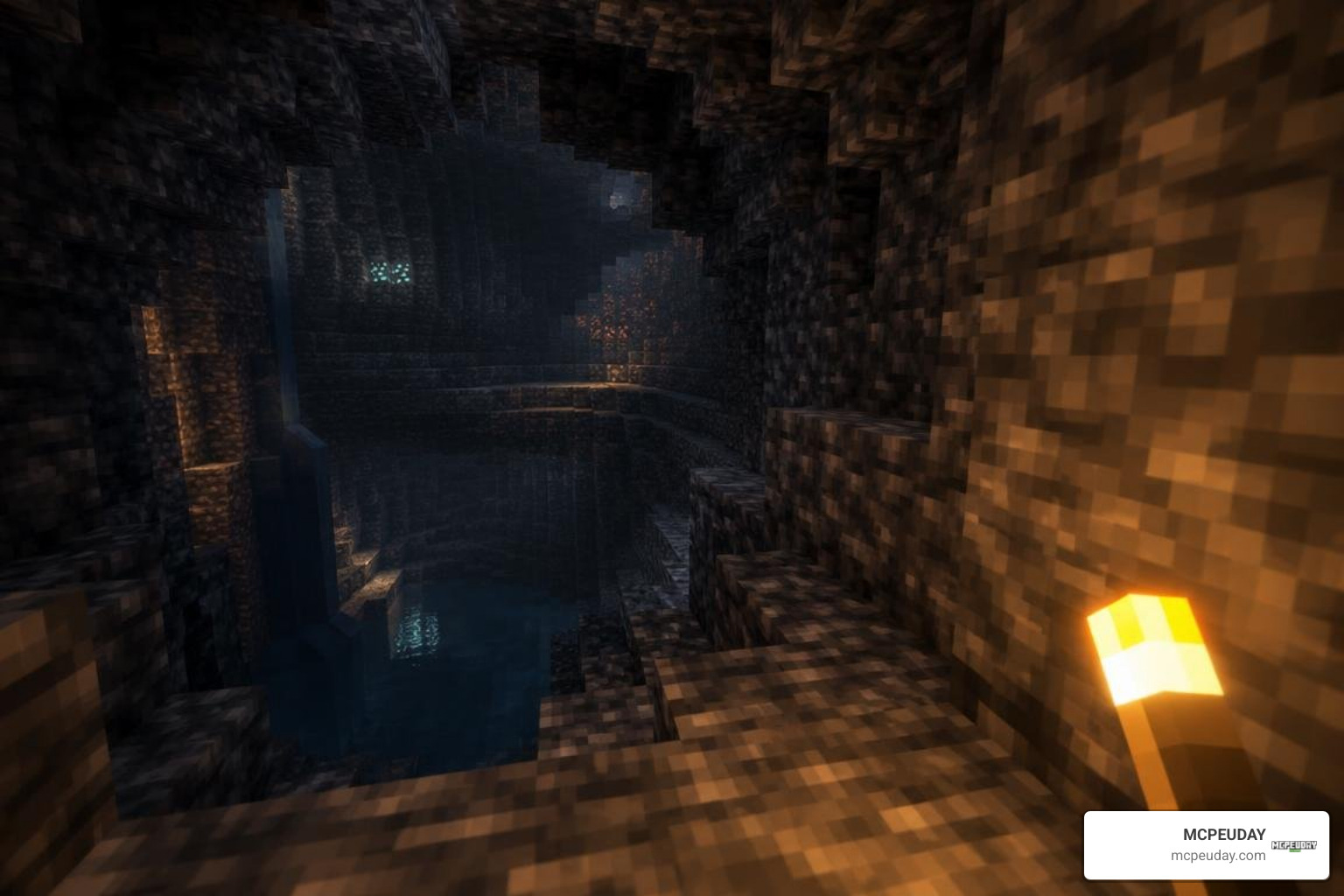
Because dynamic lighting updates block states around moving entities, it relies on your device’s CPU and memory to recalculate illumination values. Understanding how these systems interact helps keep your frame rates rock solid.
| Device Platform | Typical Hardware Specs | Recommended Render Distance | Target FPS with Dynamic Lights |
|---|---|---|---|
| Budget Android / iOS | 3GB–4GB RAM, Quad-Core | 6–8 Chunks | 55–60 FPS |
| Mid-Range Mobile | 6GB–8GB RAM, Octa-Core | 10–14 Chunks | 60 FPS |
| High-End Mobile / Tablet | 8GB+ RAM, Flagship SoC | 16–20 Chunks | 90–120 FPS |
| Windows PC | Dedicated GPU, 16GB RAM | 24–32+ Chunks | 144+ FPS |
For lower-end mobile devices, explore our recommendations for top no lag shader configurations to maintain high frame rates without sacrificing visual immersion.
Pairing Dynamic Lights with Render Dragon Graphics
Minecraft Bedrock’s graphics engine, Render Dragon, processes light differently than older rendering pipelines. When you combine dynamic lighting scripts with custom material packs or deferred graphics, the atmosphere of underground exploration changes dramatically.
- Atmospheric Caverns: Handheld lanterns create distinct point lights that cast rich shadows across deepslate and dripstone biomes.
- Enhanced Immersion: Carrying a torch through dense forests at night creates a focused viewing cone rather than flat, uniform darkness.
To learn more about pairing lighting packs with engine upgrades, explore our collection of Render Dragon shaders for MCPE and our breakdown of how shaders work in modern games. You can also check our roundups of the top 5 best realistic shaders for MCPE, the 15 best Minecraft PE shaders, and the 10 top Minecraft PE shaders for inspiration.
Troubleshooting Common Lighting Glitches and Bugs
If you notice odd behavior while using dynamic lighting, use these practical fixes:
- Lighting Drops Out Inside Doors or Portals: When standing inside non-solid block spaces (like open wooden doors or nether portal frames), the light calculation script may misread your coordinates. Step onto a standard solid block to reset the glow.
- Underwater Light Placement: Submerged items occasionally cast dry block light properties. Ensure your pack supports fluid-tagged dynamic illumination.
- Glow Disappears When Crouching: Some older versions bind light emitter positions strictly to standing eye height. Update to the latest release of your add-on to resolve entity offset bugs.
- Multiplayer Sync Issues: If a friend cannot see your handheld light, ensure the behavior pack is enabled at the world level rather than just as a personal client-side resource pack.
Frequently Asked Questions About Dynamic Lighting
How Does the Dynamic Light Addon for Minecraft PE/Bedrock Impact Mobile Performance?
Dynamic light add-ons are designed to be extremely lightweight. Modern script-based versions generally use under 200 KB of storage and create negligible CPU overhead. If you experience minor micro-stutters on older mobile phones, lowering your render distance by 2 to 4 chunks or disabling smooth lighting in your video settings will keep gameplay fluid.
Does Dynamic Lighting Work in Off-Hand Slots in MCPE?
Yes, most current versions fully support off-hand items. You can place standard torches, soul torches, lanterns, or glowstone in your shield slot to illuminate your surroundings while holding a pickaxe or sword in your primary hand.
Can Dynamic Light Addons Be Used in Multiplayer and Realms?
Yes. When installed on a multiplayer world, dedicated server, or Minecraft Realm, the world host must activate the behavior pack and resource pack in the Realm’s world settings. Once active, dynamic light coordinates are synced, allowing all joining players to see each other’s handheld light sources in real time.
Conclusion
Handheld dynamic lighting completely transforms mining, ocean exploring, and night-time survival in Minecraft Bedrock. By letting your items project real-time light directly from your main hand, off-hand, or as dropped entities, you can conserve resources, spot hidden hazards early, and enjoy a much more immersive adventure.
Ready to upgrade your survival worlds? Visit our centralized catalog to explore the latest Minecraft Bedrock addons and mods and find fully tested, version-compatible content for your next journey!