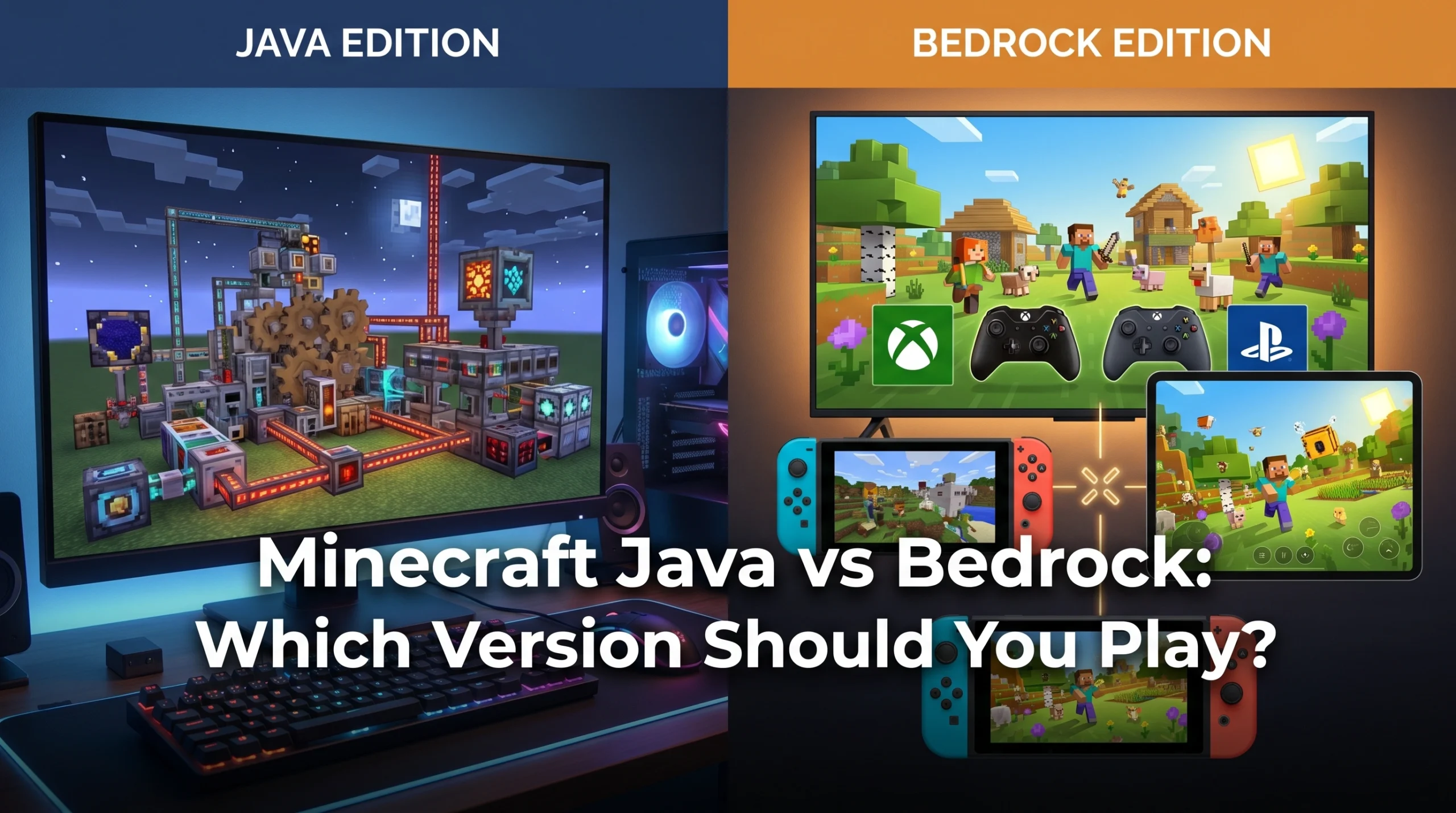
What Is the Difference Between Minecraft Java and Bedrock — and Which Should You Play?
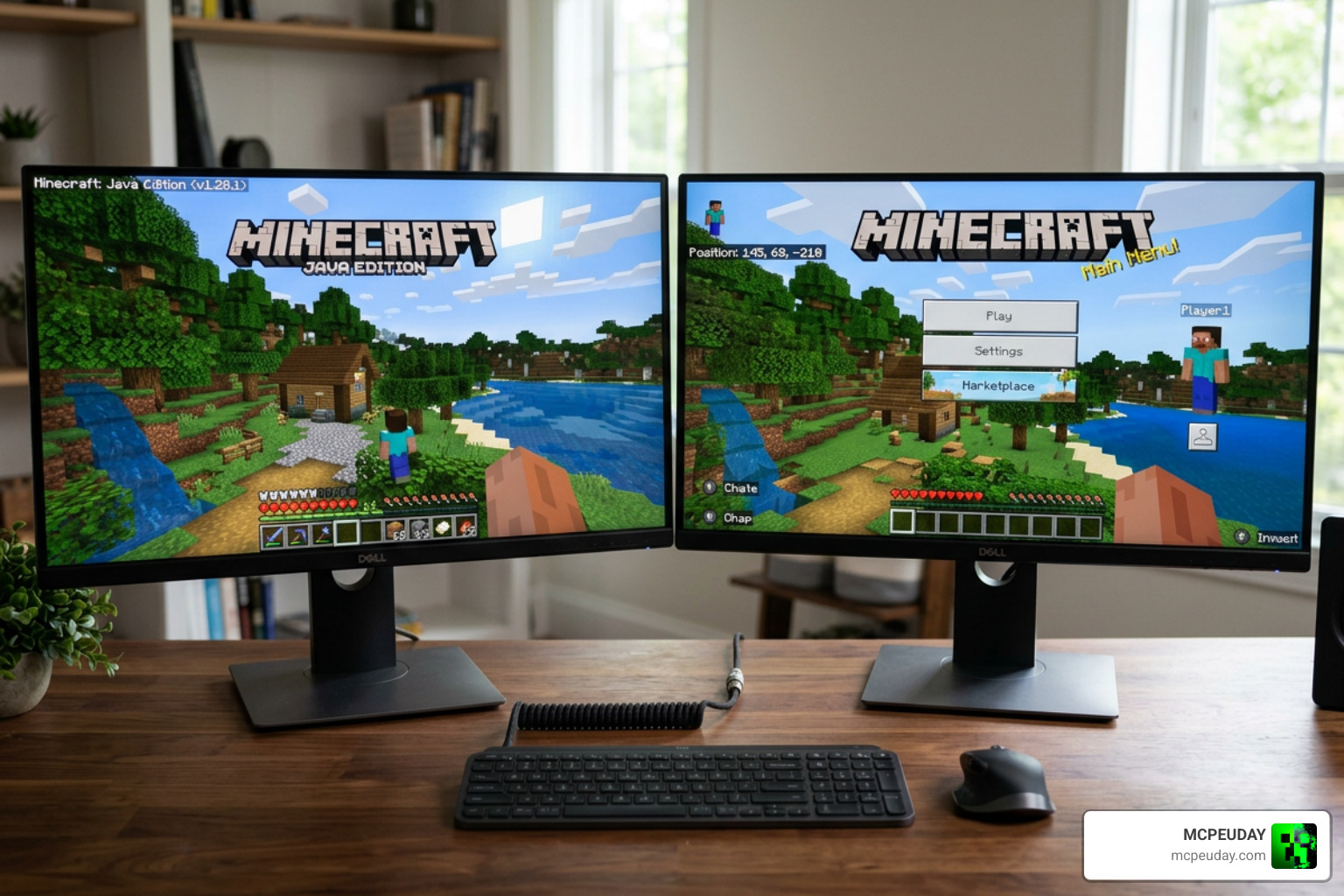
What is the difference between Minecraft Java and Bedrock comes down to five things: platforms, performance, mods, multiplayer, and mechanics. Here’s the short version:
| Feature | Java Edition | Bedrock Edition |
|---|---|---|
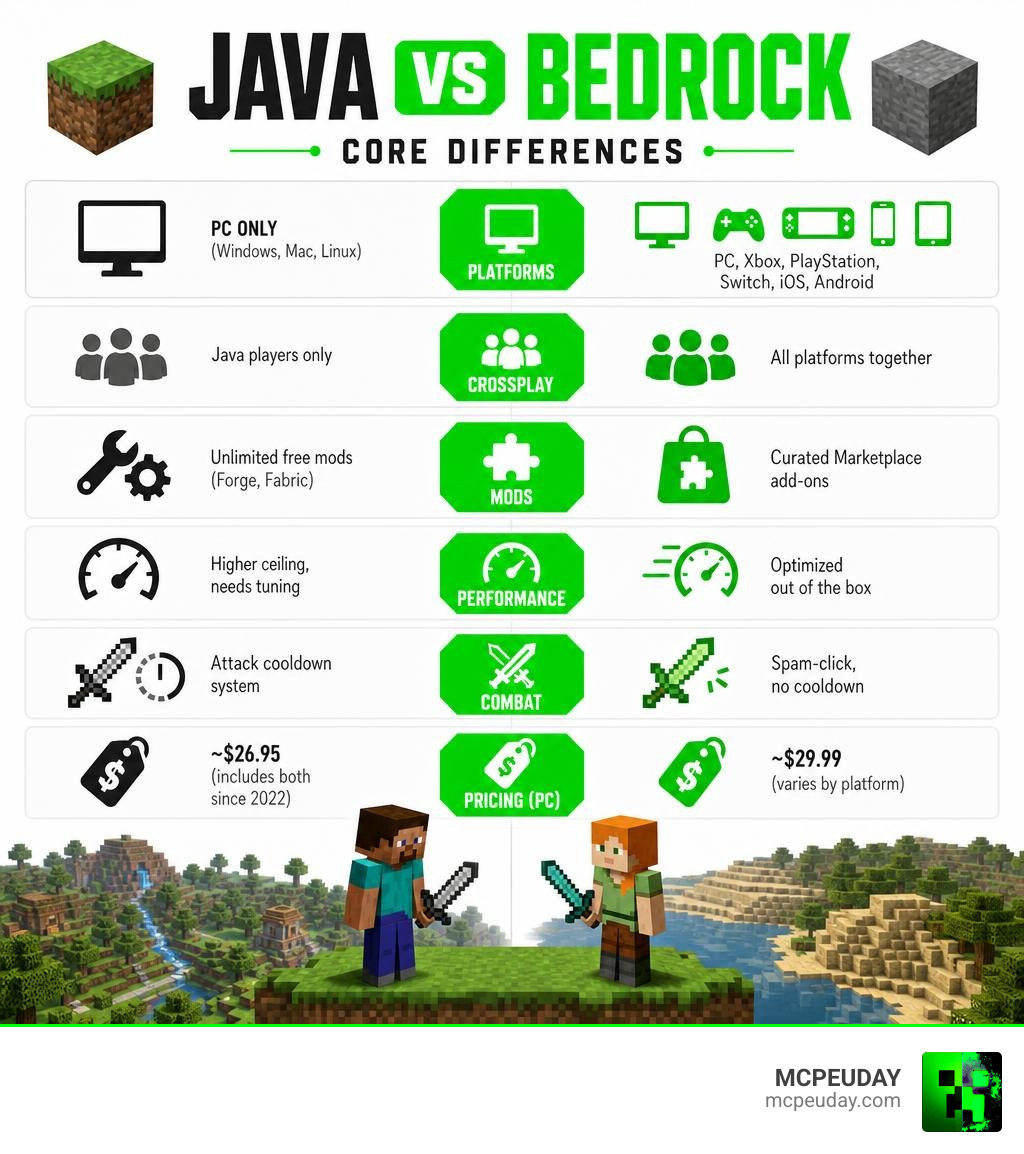
| Platforms | PC only (Windows, Mac, Linux) | PC, Xbox, PlayStation, Switch, iOS, Android |
| Crossplay | Java players only | All platforms together |
| Mods | Unlimited free mods (Forge, Fabric) | Curated Marketplace add-ons |
| Performance | Higher ceiling, needs tuning | Optimized out of the box |
| Combat | Attack cooldown system | Spam-click, no cooldown |
| Redstone | Quasi-connectivity supported | No quasi-connectivity |
| Price (PC) | ~$26.95 (includes both since 2022) | ~$29.99 (varies by platform) |
| Best for | Modders, technical players, PC gamers | Families, console/mobile players, crossplay |
So which one is actually better? That depends entirely on how you play.
Java is the original version — built for PC, loved by modders, and home to some of the most complex servers and technical builds ever made. Bedrock is the modern, multi-platform version built to run smoothly on everything from a Nintendo Switch to a budget Android phone.
About 95% of the core gameplay is identical. The differences live in the details — and those details matter a lot depending on what you want to do.
What Is the Difference Between Minecraft Java and Bedrock?
When we look at the sheer scale of the Minecraft ecosystem in June 2026, the numbers speak for themselves. Java Edition remains incredibly popular with an estimated 25 to 30 million active monthly players, serving as the beloved home of veteran creators, hardcore builders, and technical purists. Meanwhile, Bedrock Edition boasts a massive player base of 120 to 150 million active monthly players, thanks to its accessibility across almost every gaming device under the sun.
The main difference between the two editions is their foundational design. Java was built from the ground up for desktop computers, giving players absolute freedom over their game files, custom servers, and code. Bedrock was designed to unify the game under one umbrella, prioritizing seamless cross-platform connectivity and consistent performance. If you are struggling to decide which ecosystem fits your lifestyle, reading through Minecraft Java vs Bedrock: The Definitive 2026 Guide can help you weigh your options.
Platform Availability: What Is the Difference Between Minecraft Java and Bedrock Devices?
If you play games on anything other than a computer, your choice has already been made for you. Java Edition is strictly exclusive to PC platforms, meaning you can only run it on Windows, macOS, and Linux.
Bedrock Edition, on the other hand, is the ultimate shape-shifter. It runs on more than eight major platforms, including Windows 10/11, Xbox One, Xbox Series X/S, PlayStation 4/5, Nintendo Switch, iOS, Android, Chromebook, and even certain VR headsets. Bedrock actually originated from the early mobile version of the game, which many players still fondly refer to as Minecraft PE. Because of this universal design, a Bedrock player on a smartphone can jump into the exact same world as a friend playing on an Xbox or a high-end gaming desktop.
Coding Languages: What Is the Difference Between Minecraft Java and Bedrock Performance?
Under the hood, these two versions are written in completely different programming languages, which explains why they behave so differently on your hardware.
Java Edition is written in Java. While this makes it incredibly easy for developers to deconstruct and mod, it is notoriously heavy on system resources. Java is largely single-threaded, meaning it does not utilize modern multi-core processors efficiently. Without optimization mods, you might experience sudden frame drops or stuttering, especially when loading massive builds.
Bedrock Edition is written in C++ and utilizes the modern Render Dragon engine. This codebase is highly optimized, allowing the game to load chunks incredibly fast, render far-off landscapes smoothly, and run beautifully on low-end mobile devices without overheating them. To dive deeper into how these engines impact your graphics card and CPU, check out Minecraft Java vs Bedrock: What’s the difference? for a detailed hardware breakdown.
Gameplay Mechanics: Redstone, Combat, and Commands
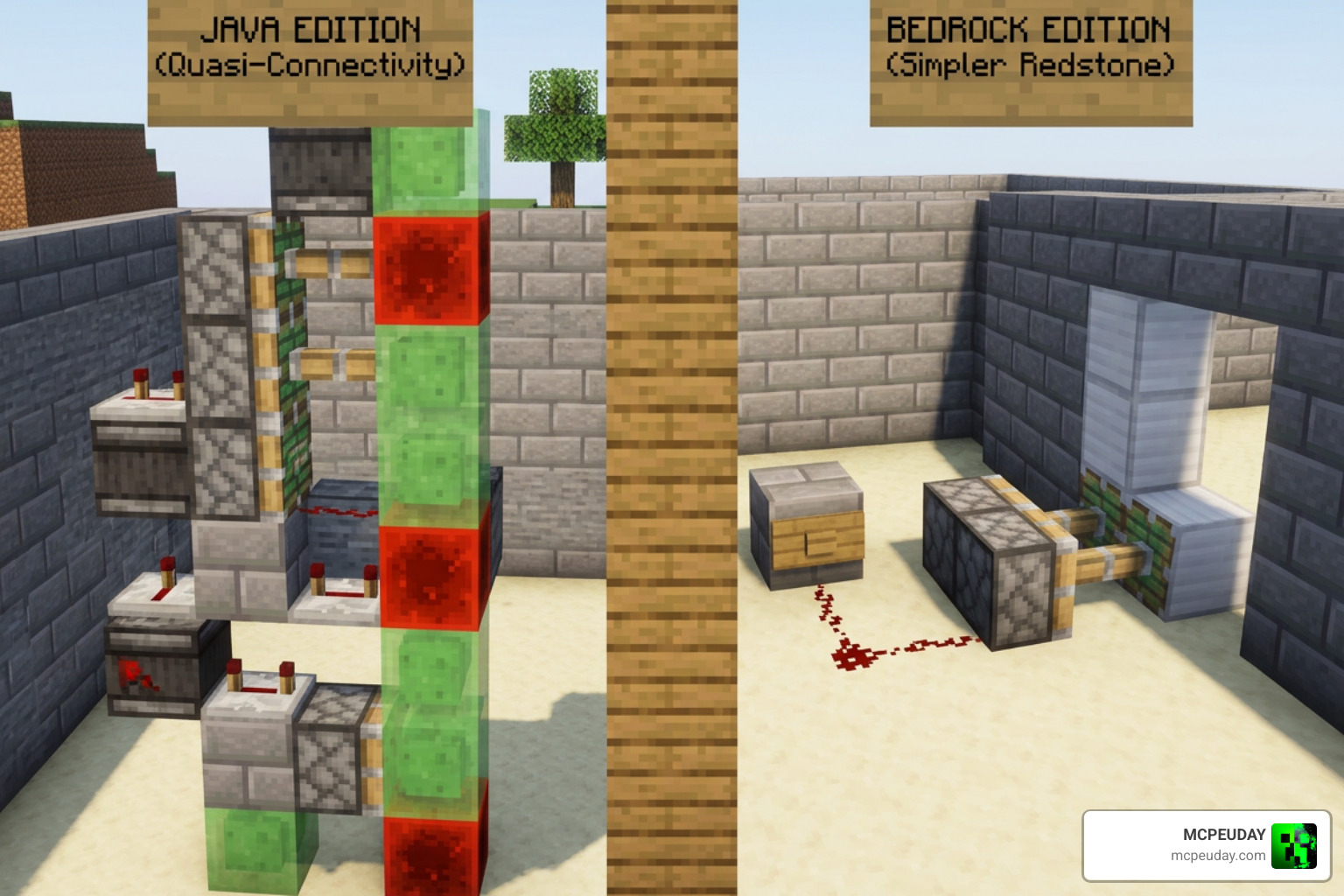
While walking around and punching trees feels identical in both versions, technical players will tell you that the physics and mechanics are worlds apart.
Let’s talk about Redstone. In Java Edition, players utilize a coding quirk known as “quasi-connectivity.” This allows block update detectors (BUDs) to power pistons from diagonal or adjacent blocks, forming the foundation of almost all advanced Java automation. Bedrock Edition does not feature quasi-connectivity, meaning Redstone behaves much more predictably but makes compact, complex machines much harder to design. Pistons also have different timing and push limits between the versions. If you are hunting for resources to power your builds, make sure you consult the Best Y Level For Diamonds In Minecraft Ultimate Guide To Finding Diamonds Fast to optimize your mining trips.
Combat is another major point of division. Ever since the 1.9 update, Java Edition has used a strategic combat system with weapon cooldowns, sweeping sword attacks, and shields that can be disabled by axes. Bedrock Edition retains the legacy combat style, allowing you to spam-click your attacks as fast as your fingers can move.
Even commands and block naming conventions differ slightly. For example, granite is recognized as its own distinct block in Java, while Bedrock technically categorizes it as a variant of stone. You can read the official developer notes on these subtle disparities in the Differences between Minecraft Bedrock Edition and Minecraft Java documentation.
Multiplayer, Crossplay, and Server Hosting
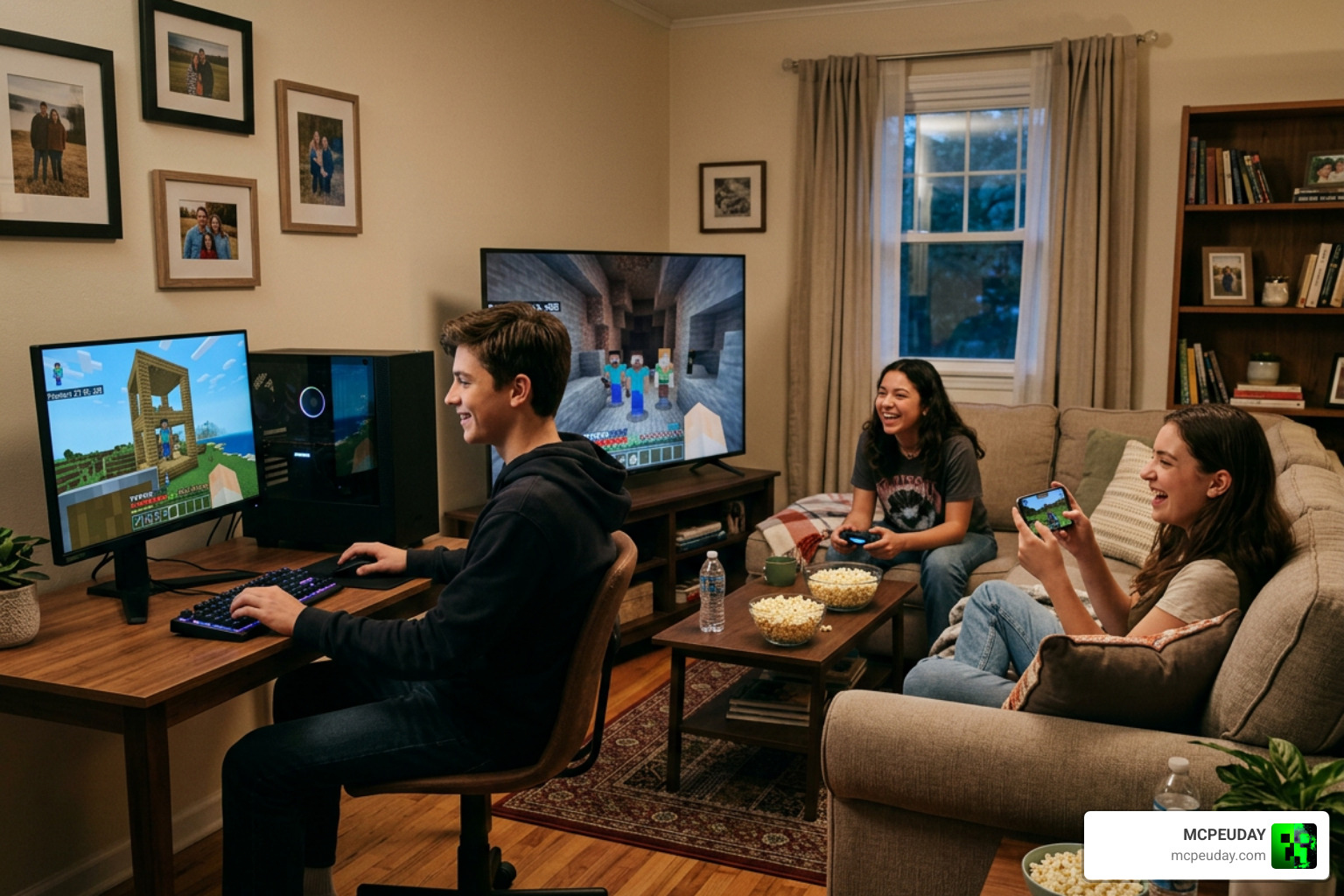
Multiplayer is where your choice of edition truly dictates your social experience.
Bedrock is the undisputed king of casual, cross-platform play. If your friends play on consoles or mobile, Bedrock allows you to join them instantly using your Xbox Gamertag. You can easily set up a local multiplayer world, join one of Bedrock’s featured servers, or subscribe to Realms Plus (which supports up to 10 players and includes access to over 150 free Marketplace maps and packs).
Java Edition multiplayer is more of a classic PC sandbox experience. It does not support native crossplay with consoles. However, Java is home to massive, highly customized community servers with thousands of players. While you cannot natively connect the two versions, modern server administrators often use third-party tools like GeyserMC to bridge the gap, allowing Bedrock players to join Java servers.
If you love exploring wild new community concepts, you might find it fascinating how developers are pushing multiplayer boundaries, as detailed in our look at how Minecraft and Hytale Crossplay Is Now Real Thanks To A Wild New Mod. These boundary-pushing projects are often driven by the passion of the Top 10 Best Minecraft Players Of All Time Legends Who Defined The Game, who have spent years mastering server-side mechanics.
Customization: Mods vs. Marketplace Add-ons
How you like to customize your game is often the ultimate deciding factor.
Java Edition is a modder’s paradise. Because the community has full access to the game’s code, you can install hundreds of thousands of free mods using platforms like Forge or Fabric. These mods can completely rewrite the game, adding new dimensions, complex machinery, or realistic physics. You can also load custom shaders and resource packs to make the game look photorealistic.
Bedrock Edition handles customization through the official Minecraft Marketplace using “Minecoins.” While Bedrock features excellent, stable, and curated “add-ons” (which act like mods but are fully supported by the game engine), many of them are paid. The upside is that they are incredibly safe, vetted by Mojang, and guaranteed not to crash your device. For a gentle introduction to setting up your first customized world, take a look at the Minecraft Java vs. Bedrock: Beginner’s Guide.
Pricing, Bundles, and Early Access Updates
Fortunately, if you play on PC, you no longer have to choose between buying one or the other. Since 2022, Mojang has sold Java and Bedrock as a permanent PC bundle. For around $26.95 to $29.99, you get both versions linked directly to your Microsoft account. If you play on consoles or mobile, Bedrock is sold separately, with mobile versions costing around $7 USD and console versions ranging from $19.99 to $29.99.
The way both versions handle early access is also unique:
- Java Edition utilizes “Snapshots,” which are easily accessible through the PC launcher and let you test upcoming features early.
- Bedrock Edition uses the “Minecraft Preview” app on consoles, iOS, and PC, alongside Android beta channels.
Additionally, keep in mind that safety and security updates are constantly rolling out globally to protect players. For instance, as safety measures tighten worldwide, you can stay informed by checking out how Minecraft Age Verification Goes Live In The Uk What It Means For Players In 2026.
Frequently Asked Questions about Minecraft Java and Bedrock
Can Java and Bedrock players play together?
Natively, no. They run on entirely different engines and use separate servers. However, if you are hosting a custom Java server, you can install a plugin called GeyserMC, which acts as a translator and allows Bedrock players to join your Java world.
Which version of Minecraft is better for kids?
Bedrock Edition is generally better for kids. It features built-in parental controls, is easier to set up on consoles and tablets, and the curated Minecraft Marketplace offers a safer, moderated environment free from the risks of downloading malicious files from third-party websites.
If I buy Minecraft on PC, do I get both versions?
Yes! The official PC purchase is a bundle that includes both the Java and Bedrock editions. You can access and launch both versions directly from the unified Minecraft Launcher on Windows.
Conclusion
The choice between Minecraft Java and Bedrock depends on your personal gaming style. If you are a PC purist who loves heavy modding, complex Redstone automation, and custom-built community servers, Java Edition is your perfect home. If you prefer playing on your couch, joining friends across different consoles, or enjoying smooth performance on your phone, Bedrock Edition is the clear winner.
At MCPEUDAY, we love both versions of this incredible sandbox. We specialize in providing the absolute best custom content to elevate your gameplay. If you are looking to enhance your Bedrock experience with amazing new worlds, skins, or tweaks, explore our curated selection of MCPE Bedrock Resources today!
10 thoughts on “Minecraft Java vs Bedrock: Which Version Should You Play?”