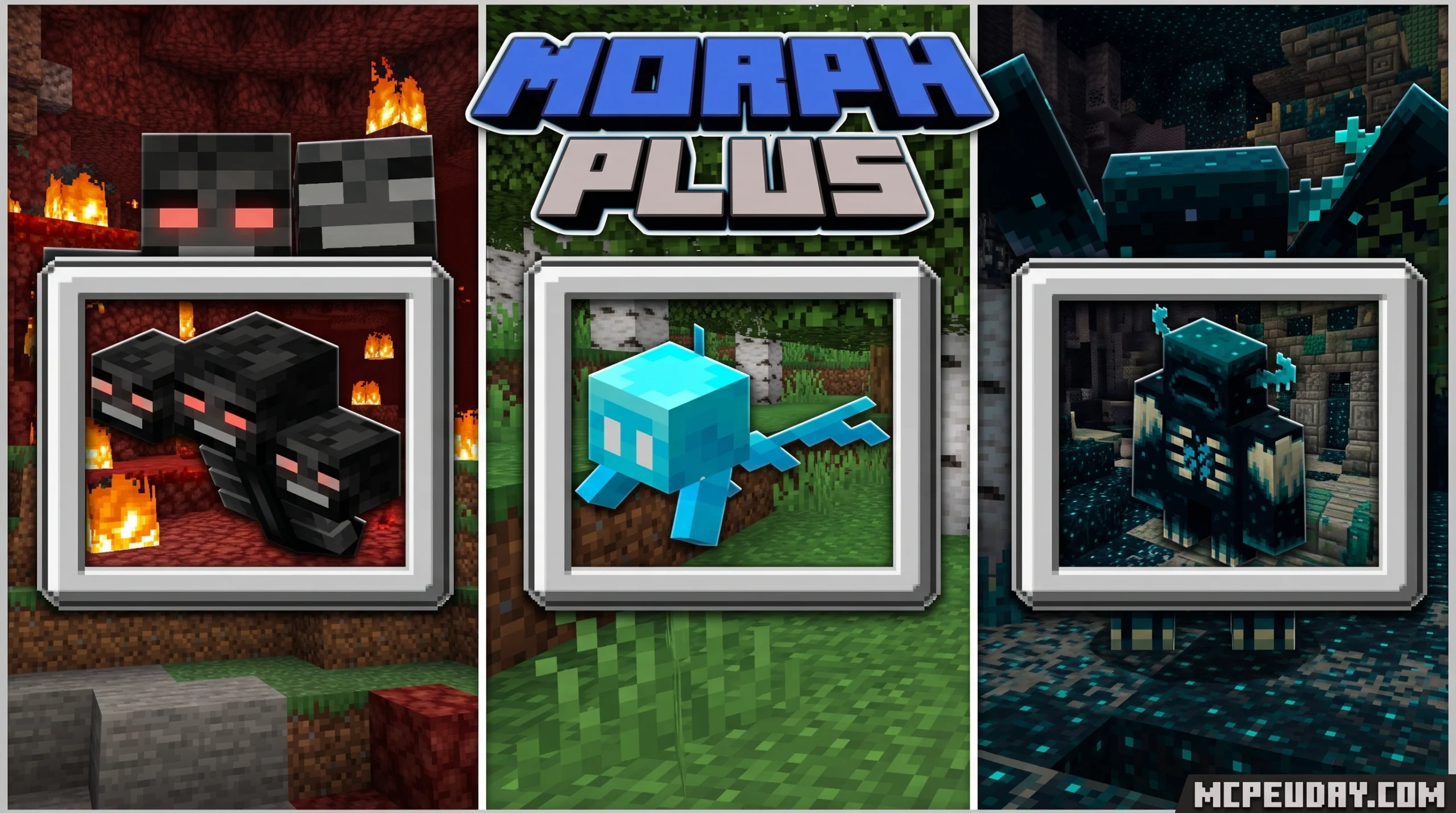
What the Morph Plus MOD Actually Is (And How to Get It Fast)
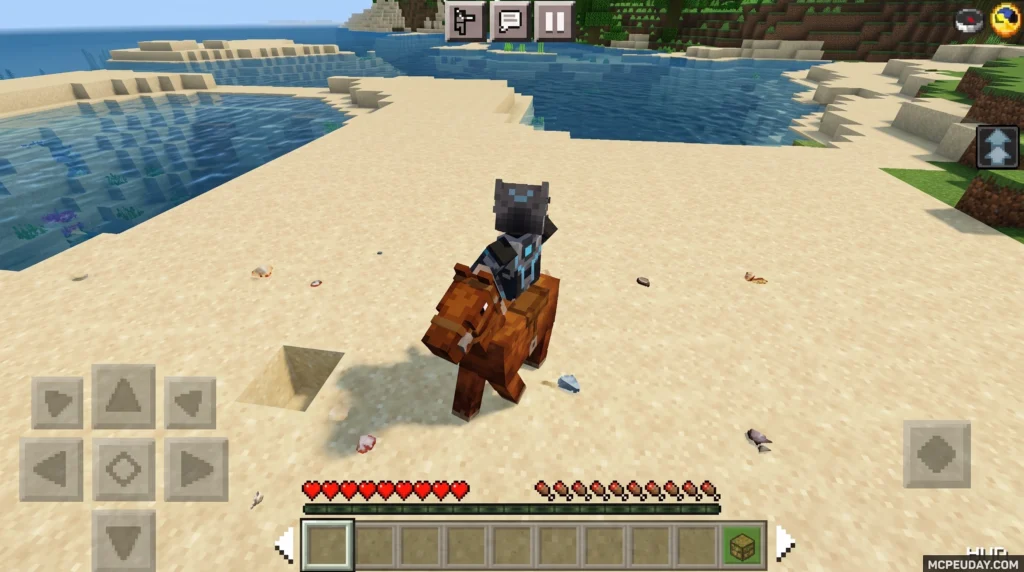
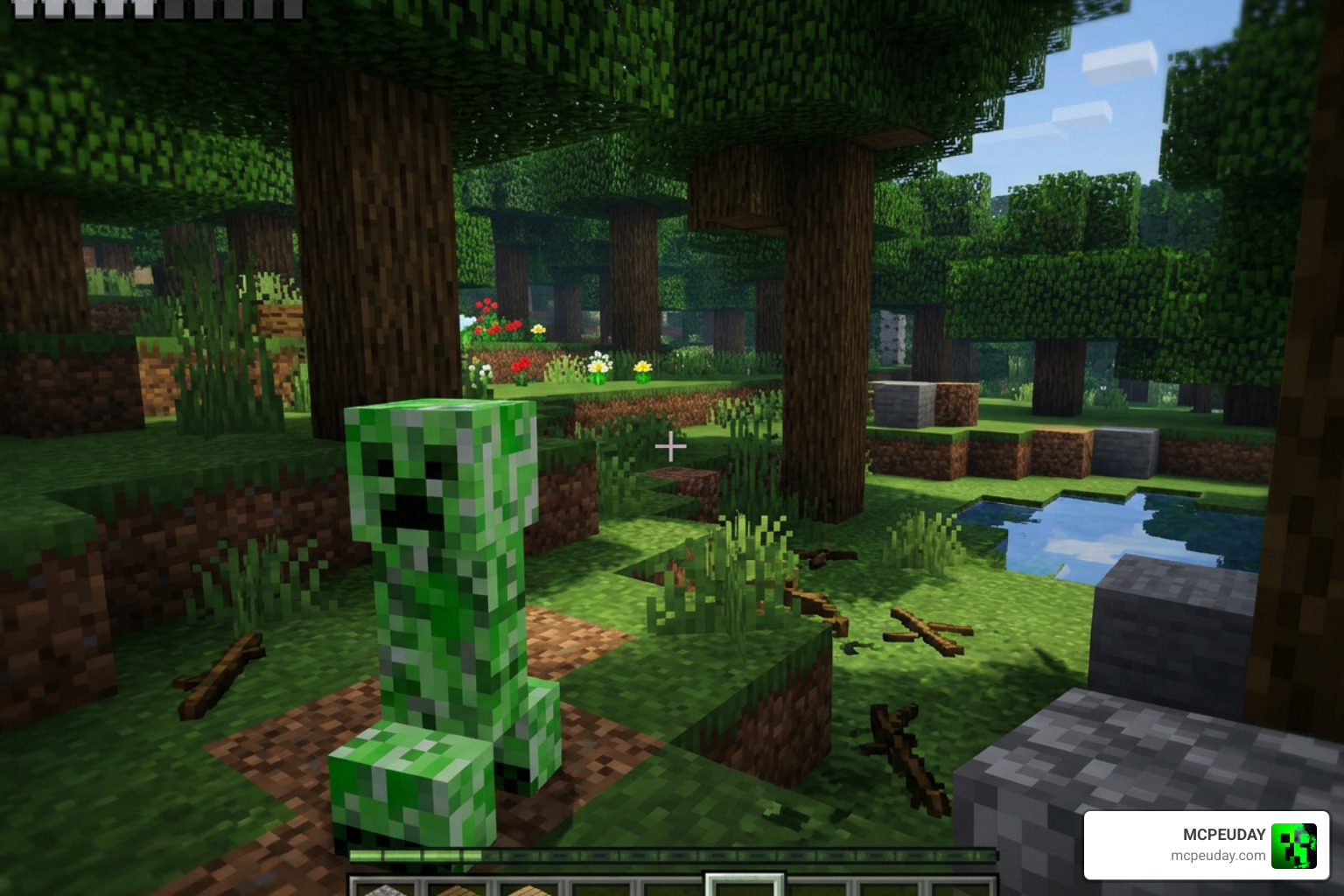
The Morph Plus MOD is one of the most popular transformation addons for Minecraft Bedrock Edition — it lets you kill a mob, unlock its form, and play the entire game as that creature with its real stats and abilities.
Here’s a quick answer if you just need the basics:
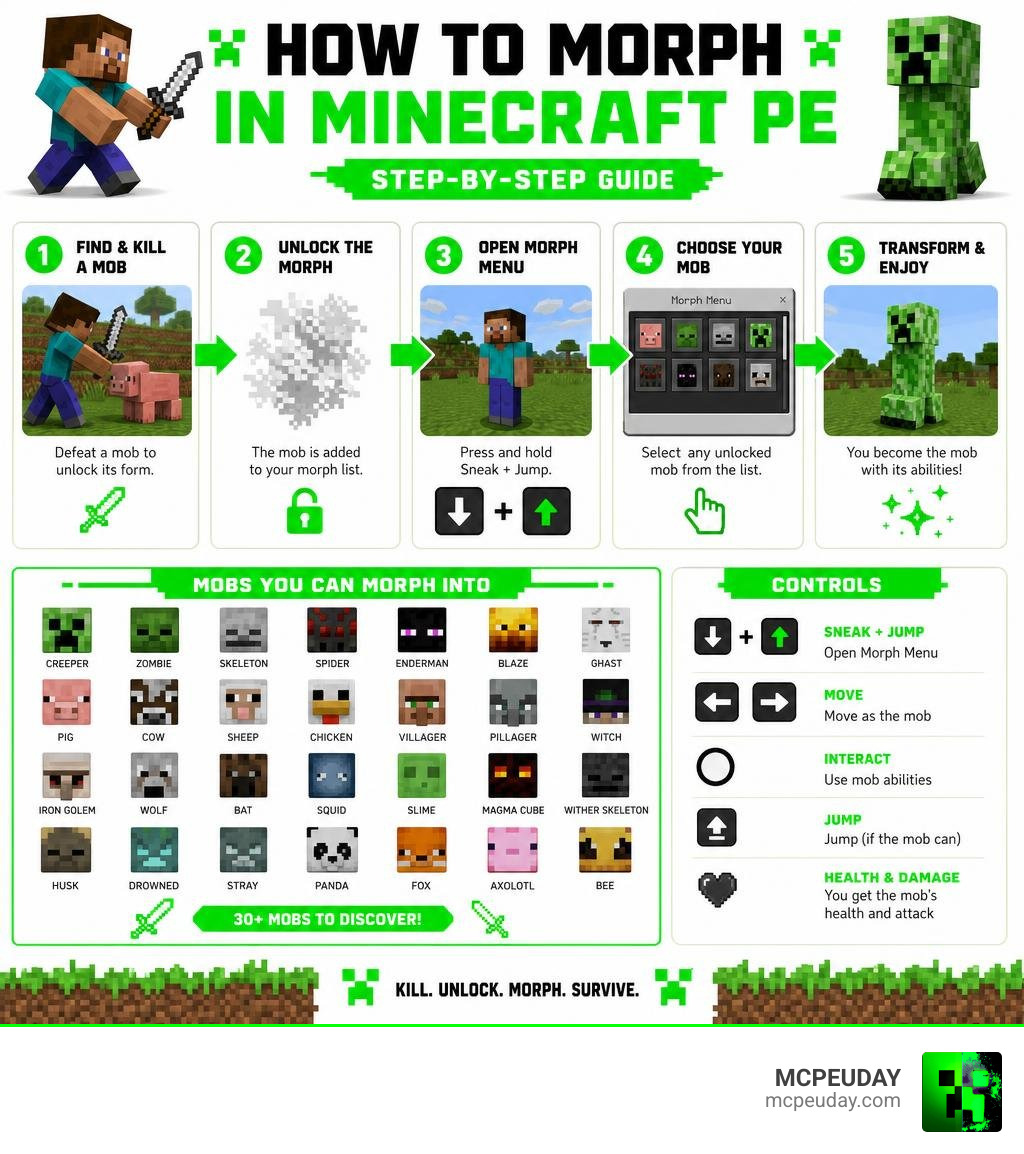
- What it is: A Minecraft PE addon that lets you transform into 30+ mobs after killing them
- How to get it: Download the
.mcpackfiles (behavior pack + resource pack) from a trusted source and open them in Minecraft - How to morph: Kill a mob to unlock it, then press Sneak + Jump to open the morph menu
- What you gain: Each mob’s health, attack damage, and special abilities (like Creeper explosions or Enderman teleportation)
- Is it official? No — it is a community-made addon, not affiliated with Mojang AB
This addon has racked up over 100,000 downloads on Google Play alone, and separate versions have pulled in millions more across iOS and Android app stores. That kind of reach tells you one thing: a lot of Minecraft PE players want this experience.
But here’s the catch — because this mod is so popular, it shows up everywhere online. Some of those sources are safe. Many are not. Knowing where to download it matters just as much as knowing how to install it.
What is the Morph Plus MOD for Minecraft PE?
If you have ever wanted to stalk your friends as a Creeper, fly over mountains as a Blaze, or squeeze into tiny gaps as a Bat, the Morph Plus MOD is your ticket to doing exactly that. Designed specifically for Minecraft PE, this addon changes the fundamental rules of survival.
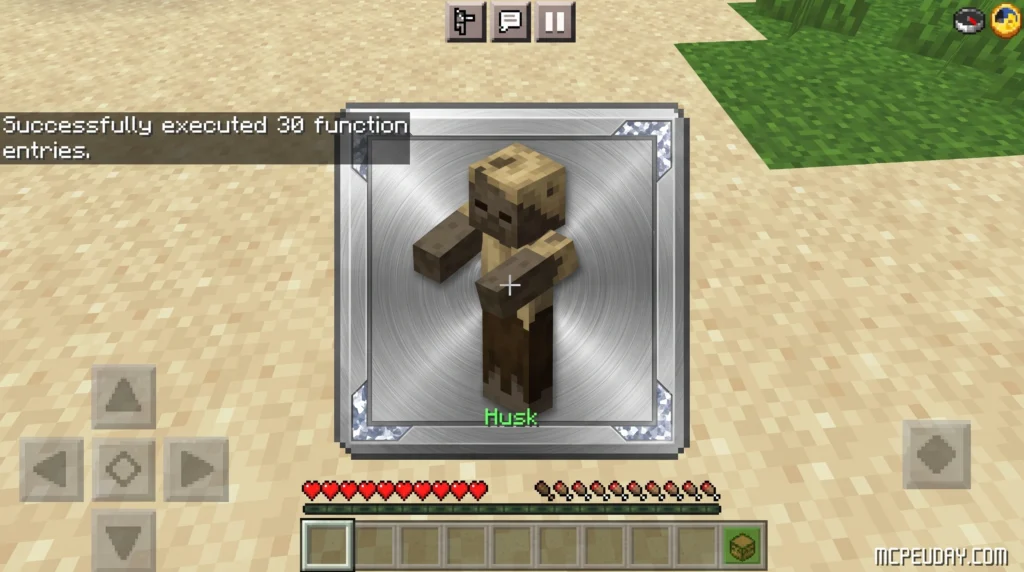
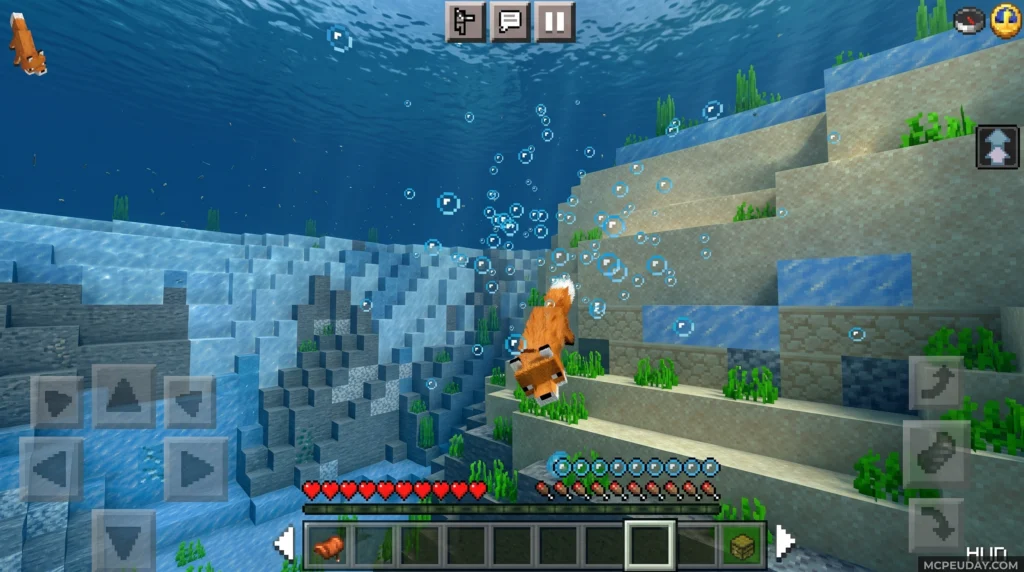
Instead of just wearing a mob skin, you actually become the entity. This means you inherit their physical size, health pool, movement physics, and unique behavioral traits. If you transform into a fish or an Axolotl, you can breathe underwater but will suffocate on land. If you become a Husk, you are immune to daylight burning, whereas a standard Zombie form will set you ablaze under the afternoon sun.
Morph Plus MOD vs. Java Edition Morph Mods
The concept of morphing is not entirely new. Java Edition players have enjoyed this mechanic for over a decade. However, there are significant structural differences when comparing Minecraft Java vs Bedrock versions of these mods:
- The Original Java Version: Developed originally by iChun, the classic Java mod has over 25 million downloads on Morph – Minecraft Mods – CurseForge . It uses deep code injection to alter player models, rendering, and NBT data on the fly.
- The Bedrock Morph Plus MOD: Because Bedrock Edition does not allow deep Java-style code injection, developers had to write the Morph Plus MOD from scratch using Bedrock’s Behavior and Resource Pack framework.
- Progression Systems: The classic Java mod historically featured a “Classic Mode” (kill and instantly transform) and a “Default Mode” that utilized an unfinished biomass progression system. The Bedrock Morph Plus MOD simplifies this by focusing on survival unlocks (killing a mob to acquire its form) combined with direct touch-screen or controller inputs to trigger active abilities.
Community Addons vs. Official Marketplace Content
When looking for morphing mechanics in July 2026, you will find two main avenues: free community-created addons and official Minecraft Marketplace content.
Official options, like those showcased in the Morph: Add-on Edition | Minecraft Marketplace | Showcase – YouTube , are fully vetted by Mojang AB. They offer high stability but are locked behind Minecoins (real-world currency).
On the other hand, community addons like the ones found on Morph Plus Mods 1.3.5 Free Download or Morph Mod for Minecraft PE – Apps on Google Play are completely free. However, because they are unofficial, they are not supported by Mojang AB. To avoid malicious app store listings that bundle unwanted adware, we always recommend getting your clean .mcpack files directly from dedicated community hubs like MCPEUDAY.
How to Safely Download and Install Morph Plus MOD
Downloading mods for mobile devices can sometimes feel like walking through a minefield of pop-up ads and misleading download buttons. Our goal is to make this process as safe and streamlined as possible.
Step-by-Step Installation for Minecraft Bedrock Edition
To get the Morph Plus MOD running smoothly on your device, follow these steps:
- Download the Files: Get both the Behavior Pack (BP) and Resource Pack (RP) from our verified links.
- Import to Minecraft: Tap on the downloaded
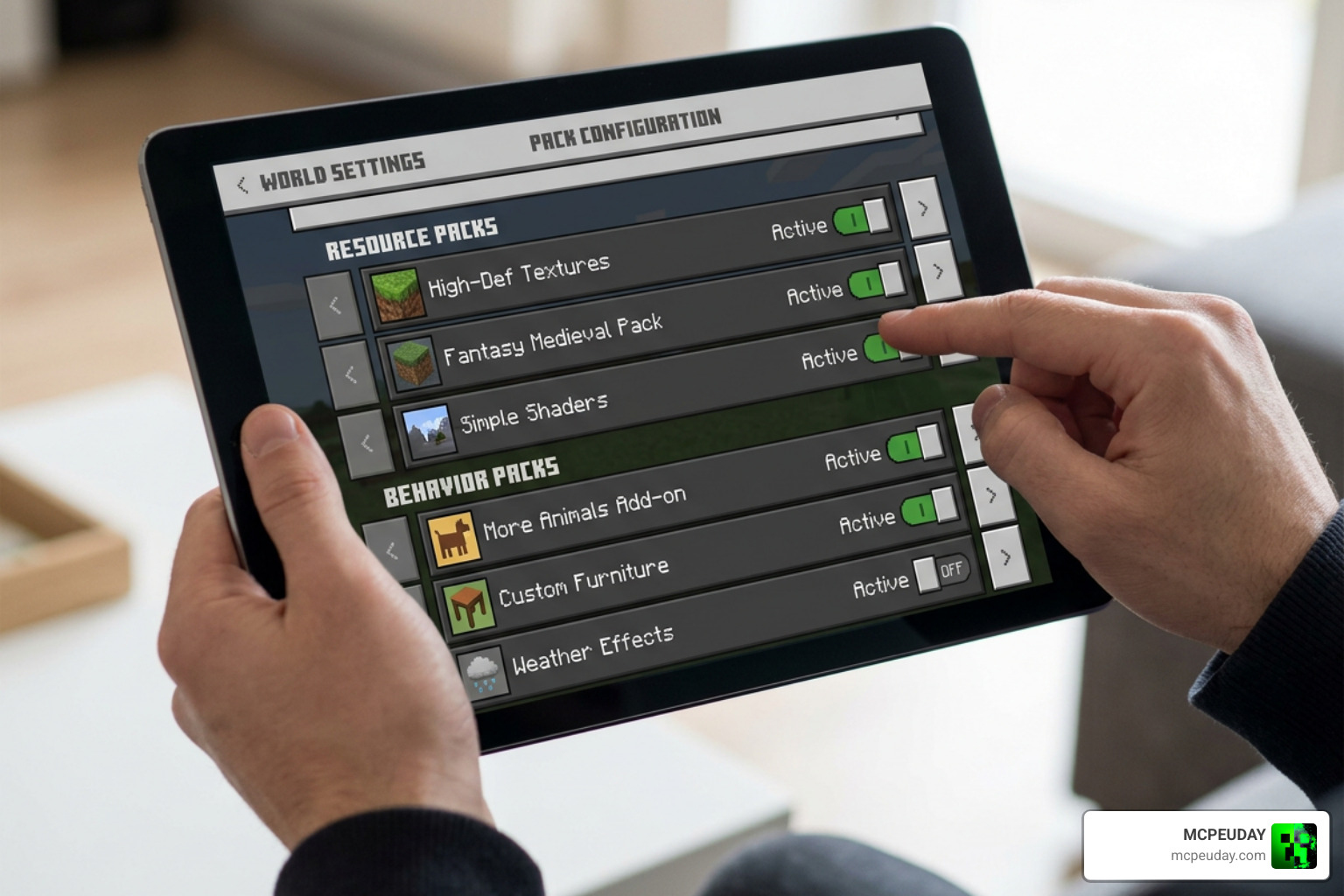
.mcpackfiles. Your device should automatically open Minecraft and import them. - Create a New World (or Edit an Existing One): Go to your world settings.
- Enable Experimental Gameplay: This step is crucial! You must toggle on Beta APIs, Upcoming Creator Features, and Molang Features in your world settings.
- Enable Education Edition: This is a secret trick required to enable flying mechanics for specific morphs like the Bat, Blaze, and Ghast.
- Activate the Packs: Under the “Resource Packs” and “Behavior Packs” tabs, find the Morph Plus MOD and click “Activate.”
- Launch your World: If you are running the latest version, such as Minecraft PE Patched 1.26.x Download Free MBL2 Support Shaders Skin 4D Night Vision, the mod will seamlessly integrate with your updated engine.
Troubleshooting Common Installation Issues
- Missing Packs Error: If you get an error saying the resource pack is missing, ensure you activated both the Behavior Pack and the Resource Pack. They must work in pairs.
- Can’t Fly as a Bat/Blaze: Double-check that “Education Edition” is toggled on in your world settings. Without it, Bedrock’s engine restricts custom flying mechanics.
- Game Crashes on Load: If your game crashes, you might have conflicting active addons. Try disabling other heavy gameplay mods.
- The “Invalid Pig” Bug: In some older versions, if the game fails to load a custom mob model, it defaults to a pig (the engine’s fail-catch entity). If this happens, delete the mod cache and re-import the packs.
Mob Transformations, Abilities, and Gameplay Mechanics
Once you are in your world, the fun begins. The Morph Plus MOD supports up to 30 unique mob transformations, each with its own advantages and drawbacks.
Complete List of Morphable Mobs and Stats
Here is a quick look at how some of the most popular morphs compare in terms of survival stats and unique traits:
| Mob Form | Health (Hearts) | Attack Damage | Special Abilities & Passive Traits |
|---|---|---|---|
| Iron Golem | 50 Hearts | 7 – 21 Damage | High knockback resistance, immune to fall damage, slow movement |
| Enderman | 30 Hearts | 3.5 Hearts | Teleportation, 3-block height, takes damage from water and rain |
| Creeper | 10 Hearts | Variable | Sneak with an empty hand to trigger a high-power explosion |
| Blaze | 10 Hearts | 2 Hearts | Fire immunity, slow falling, shoots fireballs, takes damage in water |
| Spider | 8 Hearts | 1 Heart | Wall climbing, fast movement through cobwebs |
| Wither Skeleton | 10 Hearts | 2.5 Hearts | Immune to fire, inflicts the Wither effect on targets |
| Chicken | 2 Hearts | 0.5 Hearts | Slow falling, drops eggs periodically, fits in 1-block spaces |
How to Unlock Abilities and Use the Morph Plus MOD Menu
To begin morphing, you must first play in Survival Mode and defeat the mob you wish to turn into. Once you defeat a mob, its soul is unlocked.
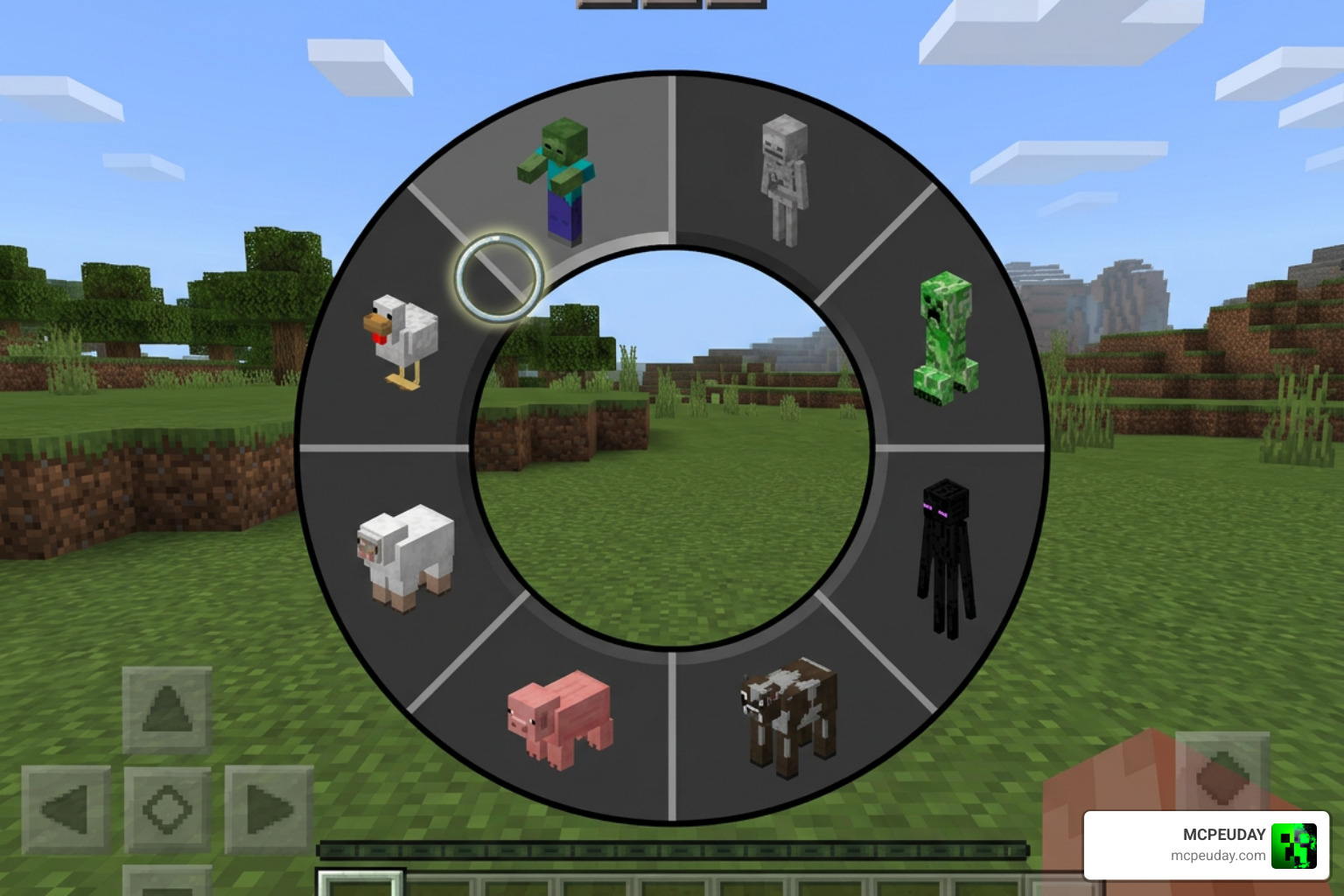
- Opening the Menu (Mobile/Console): Press Sneak (Crouch) + Jump at the same time. This action opens up the radial selection menu.
- Opening the Menu (PC/Emulator): Press Left Shift + Space simultaneously.
- Selecting a Form: Navigate through your unlocked forms, then tap the ground or press your interact button to confirm the transformation.
- Using Active Abilities: Some mobs require specific triggers. For example, to explode as a Creeper, select the form, sneak, and long-press the ground with an empty hand.
Frequently Asked Questions about Morph Plus MOD
Is the Morph Plus MOD safe to download from unverified websites?
No. Many third-party app stores bundle these free files with intrusive trackers or adware. To keep your device secure and maintain your data privacy, always download your .mcpack files directly from trusted, verified platforms like MCPEUDAY.
Does the Morph Plus MOD work on Minecraft PE 1.26.x?
Yes! The latest version of the addon is fully optimized to run on modern versions, including Minecraft PE Patched 1.26.x Download Free MBL2 Support Shaders Skin 4D Night Vision. Make sure your experimental toggles are turned on to prevent version conflicts.
Can I use the Morph Plus MOD in multiplayer servers?
Yes, you can use it in local multiplayer worlds and custom Bedrock dedicated servers. However, the host or server administrator must have the Behavior Pack and Resource Pack active on the server, and “Require players to accept resource packs to join” must be enabled.
Conclusion
The Morph Plus MOD completely redefines how you interact with Minecraft PE. Whether you want to use the Iron Golem’s massive health pool to survive tough boss fights or sneak up on your friends as a Creeper, this addon delivers endless entertainment.
To ensure a smooth, virus-free setup, always grab your files from our safe, high-speed download links. Explore more Minecraft mods and addons on our main directory to take your Bedrock experience to the next level!
1 thought on “Morph Plus Addon (26.x, 1.21) – MCPE/Bedrock Mod”